• Skip to primary navigation
  • Skip to main content
software stack logo

Software Stack

Get your Software Stack together

  • Knowledgebase
    • All Categories
    • Accounting Software
    • Automation & Workflow Software
    • Customer Relationship Management
    • E-Commerce Shopfronts & Payments
    • Marketing Automation
    • Online Courses & Membership
    • Project Management
    • Surveys & Forms
    • Web Hosting
  • Home
  • About Us
  • Contact Us
  • Show Search
Hide Search

Pipedrive

5 Top AI Sales Automation Tools

Software Stack Editor · April 1, 2025 ·

AI-powered sales automation software helps sales teams to be more successful.

The technology provides real-time insight and support, enabling sales reps to prioritize leads and have more efficient workflows. As a result, they can take advantage of every opportunity and close more deals faster.

It also allows sales leaders to make informed decisions and devise effective sales strategies.

In this article, you’ll learn how AI sales automation works and which tools to consider using. You’ll also learn about the benefits of the software and some best practices for using it.

What is AI sales automation?

AI sales automation is software that uses artificial intelligence to handle repetitive sales tasks and help sales teams work more efficiently.

Using machine learning algorithms, it can automatically update customer records, schedule follow-ups and suggest the best times to contact prospects based on past sales data.

AI sales automation also analyzes data to spot areas for improvement in sales performance, generate meaningful sales reports and forecast results.

With the software, sales teams can save hours each week by automating manual tasks like data entry and follow-up scheduling. This gives salespeople more time to focus on building relationships with prospects and closing deals to meet their sales quotas.

For example, while a sales rep is on a call with a potential customer, the AI can automatically log call notes. It also sets reminders for next steps and suggests relevant sales materials based on the conversation.

Download Your Guide to Sales Performance Measurement

The must-read guide for any sales manager trying to track, forecast and minimize risk. Learn how to scale sales with data-backed decisions.

5 top AI sales automation tools

When choosing sales automation, AI, functionality, ease of use and pricing are just some factors to consider.

Here’s a breakdown of the top five AI-powered sales tools.

1. Pipedrive

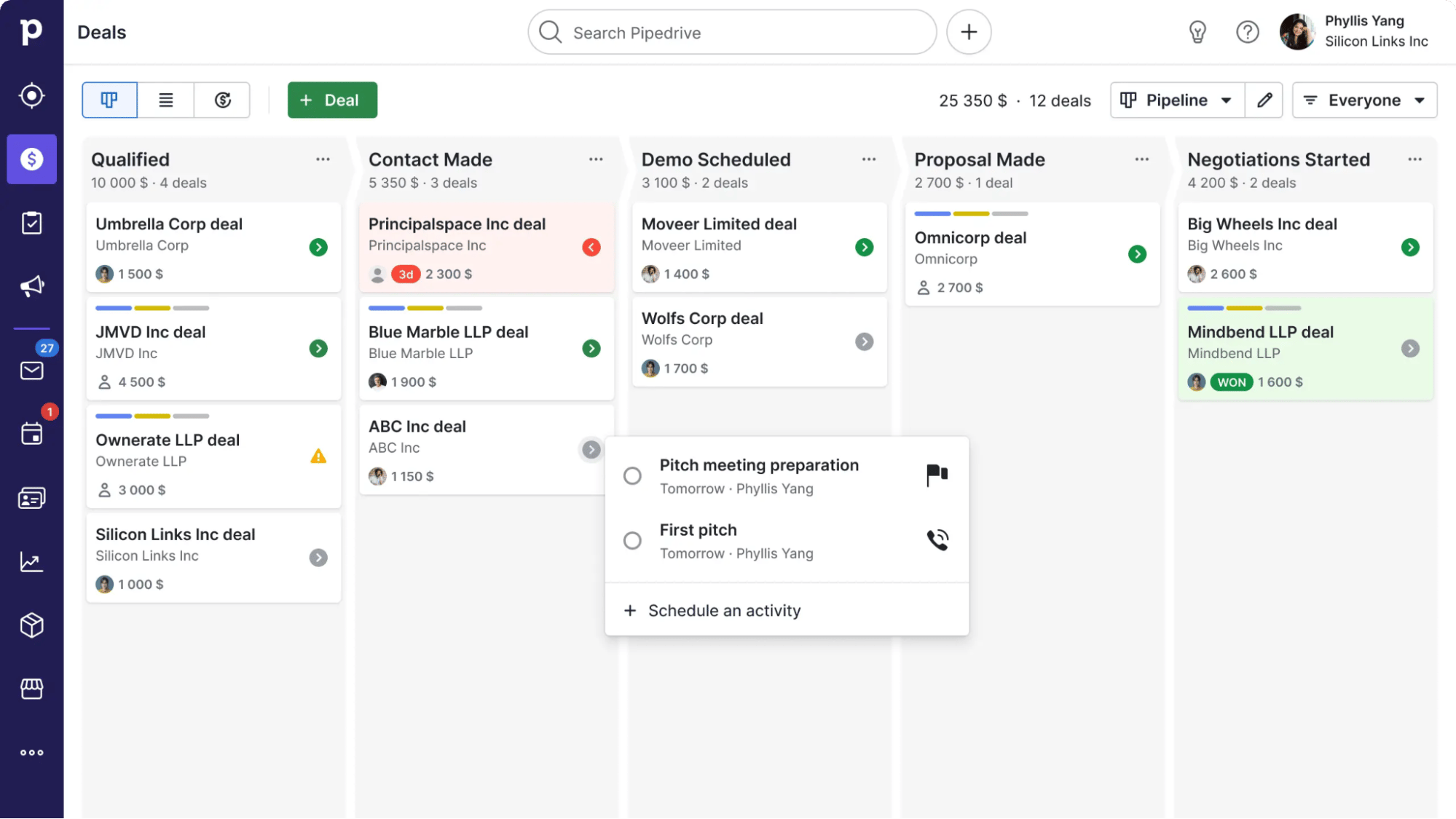
Pipedrive’s AI CRM boosts sales teams’ success with its AI-powered Sales Assistant functionality.

Pipedrive’s Sales Assistant analyzes CRM activity to automate key tasks at each sales cycle stage. The AI tool then alerts sales reps about missing deal values and identifies overlooked opportunities. It also suggests specific actions to move deals forward.

It even identifies deals with a fair or high deal probability, suggesting the next best action for sales representatives to take (shown below).

AI sales automation Pipedrive next best action

The AI Sales Assistant prevents deals from stalling by alerting teams to critical moments in the sales pipeline. When deals reach the final stages, the AI prompts immediate action to maintain momentum. It also flags deals with no scheduled activities, helping reps prevent promising opportunities from falling through the cracks.

Pipedrive’s AI sales automation features combine to help sales reps close deals and boost sales.

For sales leaders, Pipedrive’s AI Sales Assistant strengthens pipeline management by analyzing deal patterns and win probabilities while providing data-driven insights for more accurate sales forecasting.

Price: AI Sales Assistant is available with Pipedrive Professional, Power and Enterprise plans starting from $59 per user per month. Try the tools for free today with a 14-day trial.

Note: Beyond AI capabilities, Pipedrive includes two key features to support sales and marketing:

The Automations feature creates activities and sends emails based on deal updates. When a deal moves to negotiation, for instance, it automatically schedules a follow-up call and alerts the sales manager. This feature is available on Advanced, Professional and Enterprise plans.

Campaigns, Pipedrive’s email marketing software, lets sales teams set up automated email sequences with pre-designed templates to nurture leads through the sales process.

2. Potion

Potion is an AI-powered video creation platform for sales outreach. It enables reps to make cold-calling videos.

Potion helps salespeople create personalized video emails through AI-generated content and screen recordings, like the example below.

AI sales automation Pipedrive Potion AI

Potion’s AI technology replicates each user’s face and voice in these videos. It even includes natural lip movements and gestures. This makes it easy for sales reps to engage in video outreach and create content at scale.

The missed call feature automatically sends personalized AI videos after unsuccessful connection attempts, allowing sales reps to maintain momentum and progress conversations even when they can’t reach prospects directly.

Price: from $99 to $299 per month per workspace, plus custom enterprise plans.

3. Surfe

Surfe is an AI-driven LinkedIn integration platform that allows sales professionals to connect their LinkedIn accounts to other tools.

Reps can streamline their workflows and save time when conducting sales prospecting on Linkedin.

When sales reps connect Surfe to Pipedrive, they can directly add prospects to their sales CRM from the social media platform.

AI sales automation Pipedrive Surfe AI

Surfe automatically searches over 15 premium databases to find verified emails and phone numbers for LinkedIn profiles, saving time on manual data enrichment.

Surfe’s AI-powered message templates can also be used to start a conversation via LinkedIn direct message or InMail.

Price: from free to $79 per month.

4. Apollo.io

Apollo.io is an AI-powered B2B sales platform. The software’s AI assistant uses the world’s largest database to help sales teams conduct effective B2B prospecting.

With the help of AI, reps create prompts about their ideal customer profile (ICP).

Apollo.io then searches through millions of data points to generate insights about potential prospects, including their fit with the user’s ICP. Below, you can see how it evaluates a prospect’s behavioral fit based on their engagement with marketing websites and other software.

AI sales automation Pipdedrive Appolo.io AI

Reps can use these insights to refine their ICP list and then write effective introduction emails using Apollo’s generative AI to create personalized openers.

Apollo.io integrates with Pipedrive to create a seamless two-way sync between the software. When reps update one platform, the new information instantly appears in the other – and vice versa. This keeps contact information current and reliable across platforms.

The integration can automatically push records from Apollo.io into Pipedrive based on a specific deal stage. For example, the AI adds Apollo.io contacts to Pipedrive once reps categorize them as qualified leads.

Integrating the two platforms enhances efficiency, improves data accuracy and allows sales teams to maintain a trustworthy database.

Price: from free to $149 per month.

5. Zapier

Zapier is an automation tool that allows sales professionals to create customized workflows known as “Zaps”. The platform integrates with various applications, turning CRMs into sales workflow hubs.

Zapier performs Zaps for a vast range of use cases through its AI functionality and integrations with other tools.

For example, the software creates “to-do” action items from Slack reactions and generates blog posts from Google Form responses.

Users can also use Zapier to create AI-powered custom chatbots that answer questions and nurture leads.

AI sales automation Pipedrive Zapier AI

Zapier’s integration with Pipedrive allows sales representatives to create leads and update a deal’s status without manual work.

The tool’s connections with other tools allow reps to record new Calendly events as contact activities in Pipedrive.

The integration automatically converts Typeform entries into new deals. Facebook ad leads appear directly in the CRM as new contacts.

Price: starts at free and offers different rates, starting at $29.99 per month (depending on the number of tasks per month).

Recommended reading

https://www-cms.pipedriveassets.com/blog-assets/pipedrive-zapier-new-features.png

Automate annoying admin with Pipedrive and Zapier’s new integration features

The benefits of a great AI sales automation tool

Top AI sales automation tools enhance multiple areas of the sales process, from lead scoring to deal closure. Here are five ways these tools improve sales team performance.

1. Boosting sales

AI sales automation helps sales reps at every touchpoint through the sales process, from lead generation to closing deals.

Most tools include lead-scoring functionality. The AI technology uses behavior patterns and qualified leads data to rate a prospect’s likelihood to buy.

For example, the software analyzes the sentiment of a prospect’s email interactions with sales to assess how positive they are about a deal.

This allows sales reps to prioritize their time and focus on deals with the greatest potential.

In Pipedrive, the AI Sales Assistant’s “Better opportunity” feature alerts reps to deals they may have overlooked.

The software highlights deals that have a higher chance of success than the one a rep is currently working on. It does this by matching open sales opportunities to the attributes of past-won deals (shown below).

AI sales automation Pipedrive AI Sales Assistant

AI sales automation helps users progress sales conversations with features like follow-up email templates and email creation tools.

Pipedrive’s AI email writer generates suggested email wording based on sales reps’ prompts.

AI sales automation Pipedrive AI email creator

The tool uses AI-powered language matching to maintain each sales rep’s unique writing style and tone. This ensures consistent, personalized communication with prospects while saving time on email composition.

2. Improving customer engagement

The best AI-powered tools for sales teams strengthen customer relationships. They do this by helping reps deliver personalized, consistent sales engagement.

AI-powered chatbots automate certain types of customer interactions. They can respond to inbound queries and assist with onboarding, for example.

The most sophisticated tools allow users to build custom chatbots. Sales leaders can use these to respond to queries using the company’s tone of voice.

AI-powered chatbots can also direct inquiries to the most relevant sales representatives.

The technology minimizes distraction for sales reps by fielding early inquiries and common FAQs from leads and customers.

Providing speedy answers to questions and connecting customers with the right person at the right time also creates a positive customer experience.

3. Saving time and increasing productivity

The best AI sales automation tools save time and boost productivity across various sales activities.

In the past, sales reps would update their CRM manually after every interaction with a prospect. Today, AI sales automation updates these records automatically, allowing sales reps to move on to their next sales call immediately.

Reps previously spent hours reviewing win rates, deal values and other performance metrics to determine which prospects needed immediate follow-up. AI sales software solves this problem by delivering tailored prompts about which opportunities reps should pursue.

Pipedrive’s AI email summarizer condenses long email threads into key points. The tool assesses the sentiment of emails with prospects and evaluates their readiness to buy.

AI sales automation Pipedrive AI email summarizer

This saves sales reps time they’d otherwise spend reviewing lengthy or historical email discussions. They can also choose which discussions to prioritize.

Spend More Minutes Selling With These Time Saving Sales Hacks

Take control of your workday with these time saving sales tactics that will focus your meetings and calls, and help you tackle admin tasks.

4. Reducing errors

AI minimizes human error in sales tasks like email writing, calculations and data analysis by generating precise outputs.

Written text is free of spelling, typos or punctuation errors, and calculations are accurate. AI can also evaluate data with greater accuracy – and speed – than a human can.

Using these AI tools helps sales professionals make a good impression with outreach strategies. Outbound emails are free of errors that could damage credibility or create friction in the sales process.

After analyzing the data, sales reps can be confident in AI’s recommendations and insights.

5. Offering clarity and insight

AI sales automation analyzes sales data to provide actionable insights and predictive analytics, helping sales leaders make confident, data-driven decisions about their pipeline.

Pipedrive’s Sales Assistant predicts each deal’s probability of closing successfully. The AI analyzes deal duration patterns and alerts sales reps when deals exceed typical time frames.

It also identifies high-probability opportunities worth pursuing and tracks team performance metrics to highlight areas for improvement.

AI sales automation Pipedrive Sales Assistant

Sales leaders use win probability predictions to monitor sales performance and identify which deals need attention.

The Sales Assistant also helps leaders manage their sales teams more effectively by tracking team performance metrics, including lost rates. Sales managers can spot coaching opportunities and optimize their team’s revenue growth efforts.

Recommended reading

https://www-cms.pipedriveassets.com/Reporting-Data-into-actionable-insights.png

4 steps to turn sales reporting data into actionable insights

How to make the most of sales automation AI

AI sales automation has the potential to deliver a great deal of value to any sales function.

To experience all the software’s benefits, follow these best practices.

Invest the time to set the software up correctly

When you use a new AI sales automation tool, set it up to support your business or sales function by:

  • Identifying the most beneficial automations for your sales team

  • Following the instructions in the provider’s knowledge base to set them up correctly

  • Importing the required sales or customer data from other products where possible and entering any other data manually

Remember, getting your setup right from the start will save you from time-consuming work in the future.

Test the automations – then trust the software to do its job

If you’re new to AI automation, you might feel nervous about relying on technology to handle sales tasks and interact with customer data.

This is natural – Pipedrive’s report on the state of AI in business found that many companies are hesitant to adopt the technology.

Try the software out with a small group of colleagues to ease your mind. Then, set up the automation you plan to use and monitor the output over a short period.

When you’re confident the software works as it should, you can trust it to do its job.

Help team members understand how to use the software

When using AI sales automation with a sales team, ensure every rep understands how to use it.

Give your salespeople access to the product’s knowledge base and any other on-demand training material.

Some larger software providers will deliver live training to new users as part of their service. Alternatively, you could provide face-to-face or online training of your own.

Ask team members for their feedback on the software. Find out what value they’re getting from the tool and whether they’re experiencing any challenges.

Recommended reading

https://www-cms.pipedriveassets.com/Build-a-Knowledge-Base.png

7 steps to build a knowledge base that customers want to use

AI sales automation FAQs

  • Startups, scaling businesses and large enterprises can benefit from the insights and support that AI-powered sales automation offers.

  • Traditional sales automation saves time and boosts productivity by automating repetitive tasks.

    AI sales automation goes further. It uses artificial intelligence to analyze customer and sales data, forecast deal success and personalize interactions with prospects.

  • Credible AI sales automation providers take data security and privacy very seriously.

    When researching a tool, check its company website for published information about privacy and security. Pipedrive’s security page is a good example of the level of detail a provider should publish.

    If your company hosts personal data about EU residents, ensure the software complies with the terms of the General Data Protection Regulation (GDPR).

Now that you know how to use AI sales automation to improve daily operations and decision-making, let’s explore how it can enhance your overall sales strategy.

Accurate and up-to-date sales data is vital for strategic planning, for example. Many AI sales automation tools, like Pipedrive, provide an at-a-glance view of that data.

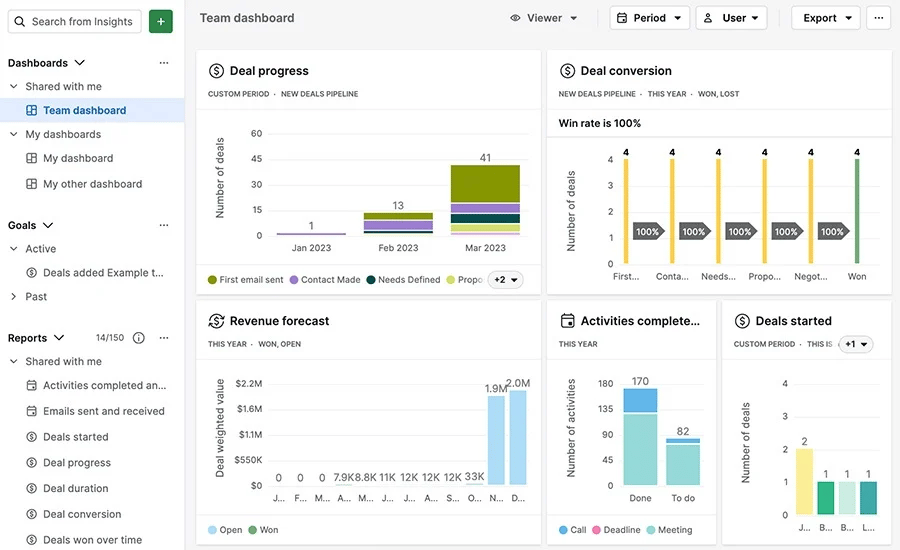
They include interactive dashboards, charts and graphs to help strategic planners visualize sales KPIs.

Download Your Sales and Marketing Strategy Guide

Grow your business with our step-by-step guide (and template) for a combined sales and marketing strategy.

Final thoughts

Sales teams face a common challenge: deciding which deals need immediate attention and which can wait. AI sales automation solves this by analyzing sales data and showing teams where to focus their efforts.

Pipedrive’s AI Sales Assistant looks at your deals and tells you which ones will likely close. It sends alerts when deals have been inactive too long and shows which sales activities are getting the best results. Sales leaders can see how their teams are performing, while sales reps know which deals need their attention each day.

This clear guidance helps teams better plan how to spend their time and which opportunities to pursue.

Try Pipedrive free for 14 days to see how AI can help your sales team succeed.

5 Top Email Marketing Trends in 2025

Software Stack Editor · March 31, 2025 ·

Email marketing is changing fast, opening up opportunities for savvy brands to turn emails into revenue drivers.

As inboxes become more competitive, staying ahead of emerging trends is the key to better engagement and stronger customer relationships.

In this article, you’ll learn the top five email marketing trends of 2025. You’ll also get practical strategies to improve deliverability and drive conversions.

5 email marketing trends for 2025

Email marketing is evolving in line with providers, customer expectations and new technologies. Keeping up with trends helps you create more effective marketing strategies to attract leads.

Here are the top five latest trends in email marketing to stay ahead.

1. People (and regulators) are more concerned about privacy

Privacy concerns are reshaping sales and marketing. Regulators and consumers demand more control over personal data, pushing companies to rethink how they collect and use information.

Regulations like GDPR in Europe and CCPA in California have strengthened data privacy, giving consumers more control over their information. Now, tech giants are changing how you send and track emails.

Here are a few recent privacy protection changes to keep your eye on.

Apple’s privacy updates limit email tracking

Apple’s Mail Privacy Protection (MPP) blocks email senders from seeing when a recipient opens an email.

Email marketing trends Mail Privacy Protection

This feature preloads email content before a user opens it. The email gets marked as “opened” even if the recipient hasn’t read it yet, making open rate data unreliable.

Here’s how to stay ahead of this trend:

What to do

Why it helps

Track clicks and conversions instead of open rates. Use email analytics to measure email marketing KPIs such as link clicks. Monitor user actions – like signing up or downloading a resource – which count as conversions.

Email click-through rates (CTRs) show user engagement, while conversions track valuable actions like purchases or sign-ups even when you can’t track opens.

Encourage users to move emails to their primary inbox. Add a short call-to-action asking them to drag the message into their primary tab and mark it as important.

With open tracking less reliable, inbox placement becomes more critical for maximizing user interactions. People are more likely to read emails in primary inboxes, improving visibility and customer engagement.

Use Urchin Tracking Module (UTM) parameters. Add UTM tags to links using Google’s Campaign URL Builder.

UTM parameters are tags that track website traffic from email marketing campaigns. UTM tracking lets you measure user behavior after the click, providing insight into email performance when opens can’t be trusted.

Focus on click-throughs and conversions to measure email performance more accurately as open rates become more unreliable.

How Pipedrive can help

Pipedrive’s email tracking tools let you see when a recipient clicks a link, giving you clear engagement insights. You can track which emails drive the most interaction and adjust your strategy accordingly.

Email marketing trends Pipedrive email metrics

Using Pipedrive’s marketing automation features, you can set up follow-up emails based on recipient actions. If a lead clicks a link but doesn’t respond, an automated follow-up can send additional information or a reminder email.

Google and Yahoo are cracking down on spam

As of February 2024, Google and Yahoo require mass email senders to authenticate emails using SPF, DKIM and DMARC. These authentication protocols verify your emails and help email service providers prevent spam, phishing and spoofing.

Google and Yahoo also require you to offer easy unsubscribe options and maintain spam complaint rates below 0.3%.

Here’s how to ensure email deliverability with these new rules:

What to do

Why it helps

Authenticate emails with SPF, DKIM and DMARC. Set up these protocols in your domain’s DNS settings and use Google Postmaster Tools to check compliance.

Using these protocols reduces the chance of Google or Yahoo flagging your emails as spam.

Provide clear and simple unsubscribe options. Include a one-click unsubscribe link in every email to comply with regulations and reduce spam complaints.

It makes it easy for users to opt out rather than marking emails as spam, protecting your sender reputation.

Monitor spam complaint rates. Use feedback loops from email providers and monitor metrics on your email platform to identify and address deliverability issues.

A high complaint rate can lead to lower deliverability and blocked emails. Regular monitoring helps minimize complaints.

Authenticate emails, simplify unsubscribes and keep spam complaints low to meet new sender rules.

How Pipedrive can help

Pipedrive’s email features support SPF, DKIM and DMARC authentication. Configure these protocols through your email provider (e.g., Gmail, Outlook) to ensure emails sent via Pipedrive meet security standards.

To enable this, set up SPF, DKIM and DMARC in your domain’s DNS settings. Once configured, Pipedrive will send authenticated emails, reducing the risk of spam filtering.

Note: Brand Indicators for Message Identification (BIMI) is another email standard to watch. It shows your verified logo next to emails in supported inboxes, boosting brand visibility.

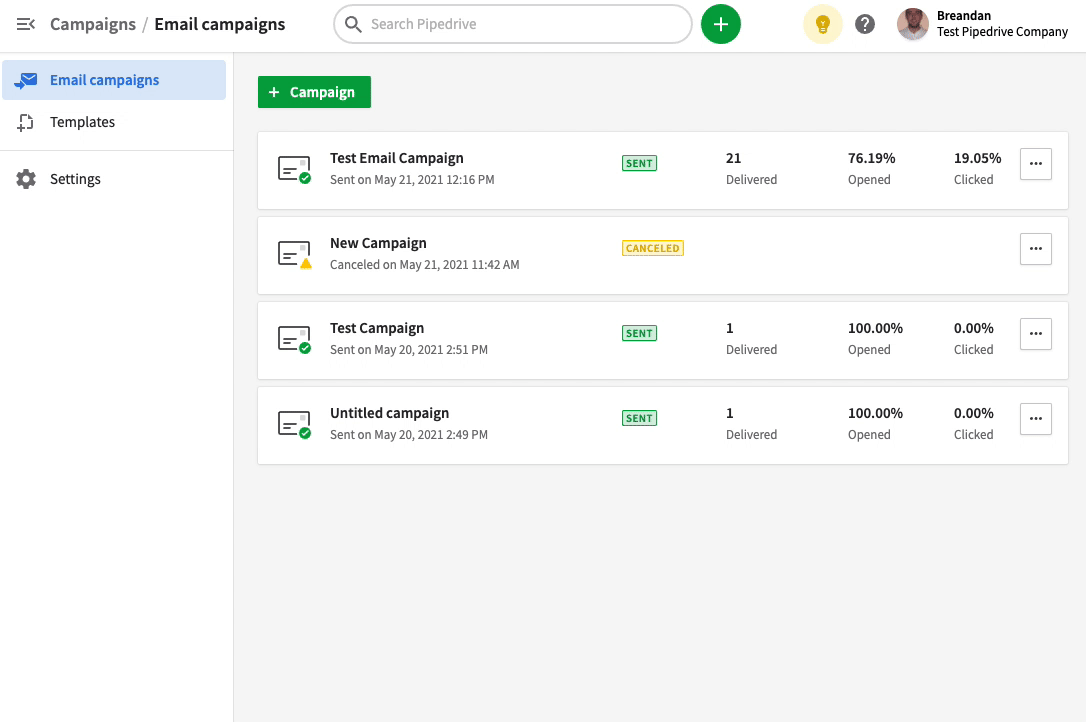
Pipedrive’s Campaigns add-on also provides built-in email analytics. Track deliverability, bounce rates and unsubscribes from the tool’s dashboard:

Email marketing trends Pipedrive email deliverability metrics

If engagement drops or unsubscribes rise, adjust your approach for better results.

Customers are demanding more transparency

Consumers are becoming more selective about the brands they engage with. With 86% of US buyers increasingly concerned with data privacy, communicating how you collect and use data builds customer trust.

Here are some actionable steps to stay ahead of this trend:

What to do

Why it helps

Clearly communicate how you use customer data. Include a brief privacy statement in emails and link to a detailed privacy policy.

Shows customers you value transparency, nurturing trust and leading to stronger customer relationships.

Offer easy opt-in and preference settings. Use a preference center where subscribers can choose email frequency and content types.

Gives customers control over the content they receive, reducing unsubscribes and improving engagement.

Highlight privacy commitments in messaging. Mention data protection measures where appropriate in welcome emails, footers or dedicated privacy posts.

Differentiates your brand from competitors and reassures customers about data security.

Prioritizing transparency and privacy strengthens long-term customer loyalty.

How Pipedrive can help

With Pipedrive’s Campaigns add-on, you can create double opt-ins so your recipients can confirm their subscription.

Double opt-ins make it less likely for your contacts to mark your campaigns as spam.

Email marketing trends Pipedrive double opt-in

Pipedrive also lets you collect customer data in a CCPA- and GDPR-compliant way. Alongside automated double opt-ins, it offers consent tracking to make it easier to follow privacy regulations.

Third-party cookies are disappearing

Google is phasing out third-party cookies in Chrome, following Apple and Mozilla’s lead.

This change limits your ability to track users across websites, making traditional retargeting – showing people ads based on their browsing behavior on other sites – less effective.

Here are some actionable steps to stay ahead of this trend:

What to do

Why it helps

Focus on first-party data (data your company collects itself). Collect data through sign-ups (like newsletter or account registrations), purchase history or engagement scoring (tracking actions like email opens).

Helps build a reliable, long-term email strategy that doesn’t rely on external tracking through third-party cookies.

Use interactive content like surveys and quizzes. Add engaging web forms to emails or on website landing pages to gather preferences.

Encourages users to share data willingly in exchange for personalized user experiences. (More on this later)

Explore contextual and interest-based advertising. Track user behavior and on-site activity to deliver relevant ads without relying on third-party tracking.

Targets users based on the content they engage with rather than their browsing history.

Shifting to first-party data and contextual targeting keeps your marketing effective in a cookieless future.

How Pipedrive can help

Pipedrive’s sales CRM helps you build a first-party customer database by tracking leads, logging interactions and organizing customer information.

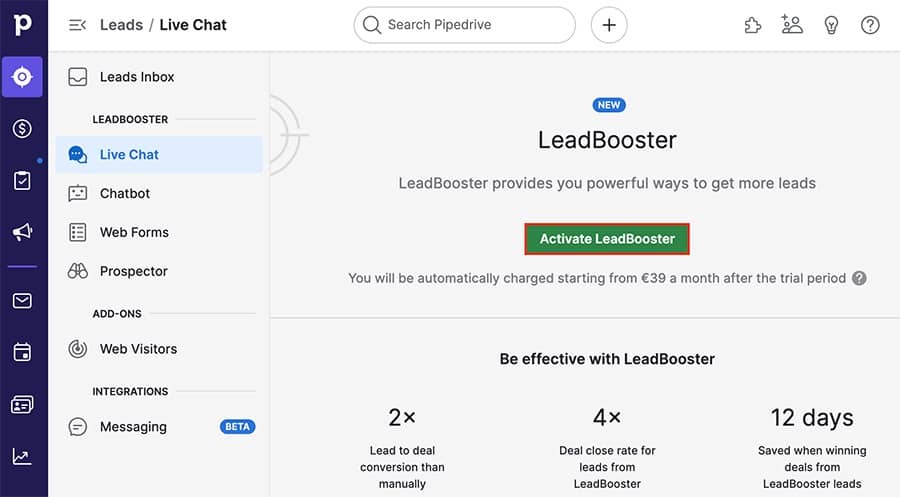
Pipedrive’s LeadBooster add-on offers customizable Web Forms that feed directly into your CRM to collect first-party data automatically.

Email marketing trends Pipedrive Web Forms

These forms capture email sign-ups and customer preferences, allowing for better audience segmentation.

Also, use Pipedrive’s Web Visitors add-on to track where your web traffic comes from and how often they visit.

With these features, Pipedrive helps businesses stay ahead of privacy changes while keeping their email marketing strategy effective.

Recommended reading

https://www-cms.pipedriveassets.com/blog-assets/Blog_warm_emails-1.jpg

Your GDPR email marketing responsibilities in 7 common sales scenarios

2. Artificial intelligence is making email marketing smarter

Artificial intelligence (AI) is transforming email marketing, improving content creation and data analysis. According to Pipedrive’s state of AI in business 2024 report, 35% of companies already use AI.

Marketers can now generate copy, personalize messages at scale and predict customer behavior more accurately.

Here are some recent AI email marketing industry trends worth noting.

Generative AI content goes mainstream

AI-powered tools are helping marketers create high-quality email content faster. These apps can generate subject lines, body copy and calls to action (CTAs) in seconds, allowing you to brainstorm marketing ideas and test variations.

Generative AI uses large language models (LLMs) to create human-like text based on patterns in vast datasets.

These models, like OpenAI’s ChatGPT, predict the next word in a sequence so they can craft coherent email content.

Here’s how to leverage AI in your email marketing campaigns:

What to do

Why it helps

Use AI to generate subject lines and email copy. Leverage AI tools like Pipedrive’s AI CRM email features to create engaging messaging.

AI produces compelling content fast, freeing up your time for strategy and testing.

A/B test AI-generated variations. Test different subject lines and email content to identify which versions drive the highest open and email marketing conversion rates.

Quickly create multiple versions of an email, helping you test and identify the most effective messaging.

Double-check AI outputs. Combine AI’s speed with human creativity to refine messaging and ensure high-quality content.

AI can still make mistakes. Human input ensures accuracy, brand alignment and natural-sounding messaging.

Use AI to speed up email creation, but combine it with human input to ensure quality and brand consistency.

How Pipedrive can help

Pipedrive’s AI email writer generates engaging subject lines and email copy directly within your CRM.

Open the email composer tool and tell the AI writer what content, tone and length you’d like for your email.

Email marketing trends Pipedrive AI email writer

Pipedrive quickly creates a content suggestion you can manually edit and finalize. Keep in mind that customers are wary of overly automated interactions.

To avoid skepticism, make sure your emails sound authentic and provide value – it’ll keep customers engaged.

AI makes hyper-personalization possible at scale

AI enables marketers to deliver highly personalized email content to large audiences. It analyzes customer data and customizes subject lines, product recommendations and email timing based on individual preferences.

This level of email personalization boosts engagement and conversion rates. Rather than sending generic messages, AI ensures each recipient gets content tailored to their interests, behaviors and past interactions with your brand.

Here are some actionable steps to stay ahead of this trend:

What to do

Why it helps

Use AI to personalize recommendations. Use AI-powered recommendation engines to suggest products or content customers are interested in.

AI analyzes past purchases, website activity and email interactions to craft more relevant messaging and offers.

Segment audiences based on AI-driven insights. Use AI marketing tools to group your subscribers automatically based on behavior and predicted interests.

AI segmentation software detects segments that manual analysis might miss.

Automate send times based on recipient behavior. Schedule emails when each recipient is most likely to open and engage.

Some email marketing software can predict when recipients are most likely to interact based on past activity, improving delivery effectiveness.

AI-powered personalization drives higher engagement by delivering the right content to the right people at the right time.

How Pipedrive can help

Pipedrive’s Campaigns add-on organizes and segments customer interaction data. Using its no-code filtering tool, you can target email subscribers based on deals, leads, activities and product type.

Email marketing trends Pipedrive filtering

You can also use Pipedrive’s email tracking capabilities to determine the best send times for your audience.

Before you send out a new campaign, split test different days and times. For example, you might send the same email to different segments every morning for a week.

Set Pipedrive to track clicks, then wait for the data. You’ll be able to identify patterns and find the optimal send times.

The more campaigns you track, the more precise these insights will be.

Predictive analytics uncovers ready-to-convert prospects

AI tools use predictive analytics to spot patterns in email interactions. They analyze customer demographics like job title or company size and identify common traits among past buyers. Using these insights, AI assigns lead scores based on the likelihood of conversion.

This approach marks a shift from sending everyone the same emails to using AI to target leads more intelligently.

Instead of relying on guesswork, use real-time data to identify and act on the most promising leads.

Here’s how to make the most out of predictive analytics:

What to do

Why it helps

Use AI to predict which leads are ready to convert. Leverage AI-powered scoring tools to assign lead scores and prioritize hot leads.

Ranks leads by buying intent, helping sales teams target high-value opportunities first.

Identify leads at risk of disengagement. Set up alerts in your CRM software to flag leads that show fewer email opens or reduced website visits.

Detects inactive leads, prompting timely re-engagement emails.

Trigger automated outreach based on predicted behavior. Automate personalized follow-ups when AI detects buying signals.

Can predict when a lead is most expected to engage, helping you send follow-ups and promotions at the best time.

In 2025, predictive AI helps you focus on the leads most likely to convert, boosting email efficiency and sales performance.

How Pipedrive can help

Pipedrive’s Pulse feature gives insight into lead activity trends and flags early signs of customer churn. With AI lead scoring, Pipedrive Pulse automatically ranks sales opportunities based on engagement levels.

Pipedrive Pulse Email Marketing Trends

Pulse highlights recommendations based on conversion potential so you can focus on converting the best leads.

3. Email marketing is becoming more interactive and visual

Customers prefer dynamic, engaging emails over static, text-heavy ones. With interactive emails driving a 520% higher user response rate, it’s no wonder marketers are increasingly embracing interactivity, visuals and gamification to grow their content success rates.

Here’s how to ensure interactive email marketing that drives results.

Interactive emails increase engagement

Interactive emails use built-in features that allow recipients to interact without leaving their inboxes.

Interactive content reduces friction and makes emails feel more like an experience than just a message.

Here’s how to make the most of interactive email elements:

What to do

Why it helps

Add widgets like surveys, quizzes or polls to emails. Use tools like Google Forms to embed elements that collect customer feedback and preferences within emails.

Interactive elements boost engagement and encourage data sharing.

Use product carousels or expandable sections. Use Google’s AMP for Email (a framework that brings app-like functionality to emails) to let users browse new products, content or features.

Clickable sections let users browse options within the email, keeping them engaged longer.

Include real-time content. Use apps like MailTimers or CountdownMail to create live countdown timers to add to your emails.

Drives urgency for limited-time sales promotions, speeding up and boosting conversions.

Interactive emails turn passive reading into active engagement, making your campaigns more memorable and effective.

How Pipedrive can help

Pipedrive offers customizable templates for interactive emails. It also supports survey building by integrating with Typeform and Google Forms to create them for you.

Email marketing trends Pipedrive email templates

If you use Mailmodo (which supports AMP for Email), you can create AMP-powered elements. Then, integrate Mailmodo with Pipedrive via Zapier to track responses.

Alternatively, you can create interactive emails with an AMP-powered app like Stripo. Export the AMP email content as an HTML file and upload it to Pipedrive’s built-in email editor.

People now prefer visuals over text-heavy messages

Consumers scroll past text-heavy emails, but eye-catching visuals make them stop and engage. As inboxes get more crowded, visually striking emails help your content stand out and get better results.

People process images and videos faster than text, meaning you can communicate messages quickly. Short-form video marketing, custom illustrations and GIFs add movement and personality, resulting in more engaging and memorable emails.

Here’s how to make the most of this trend:

What to do

Why it helps

Use high-quality images and branded graphics. Web apps like Canva (which integrates with Pipedrive via Zapier) help you design images with brand colors, fonts and logos.

Reinforces brand identity and makes your emails more recognizable, trustworthy and easy to scan.

Embed short-form video content. Use Vidyard or Loom to create short videos, then embed a link and display the video thumbnail within the email.

Short video emails boost engagement and conversion rates by delivering key messages more effectively.

Add GIFs for movement and personality. Use Giphy or Canva to create eye-catching GIFs like flashing discount codes.

Captures attention and makes emails feel more dynamic without slowing load times.

Visual-first emails grab attention faster, increasing engagement in crowded inboxes.

How Pipedrive can help

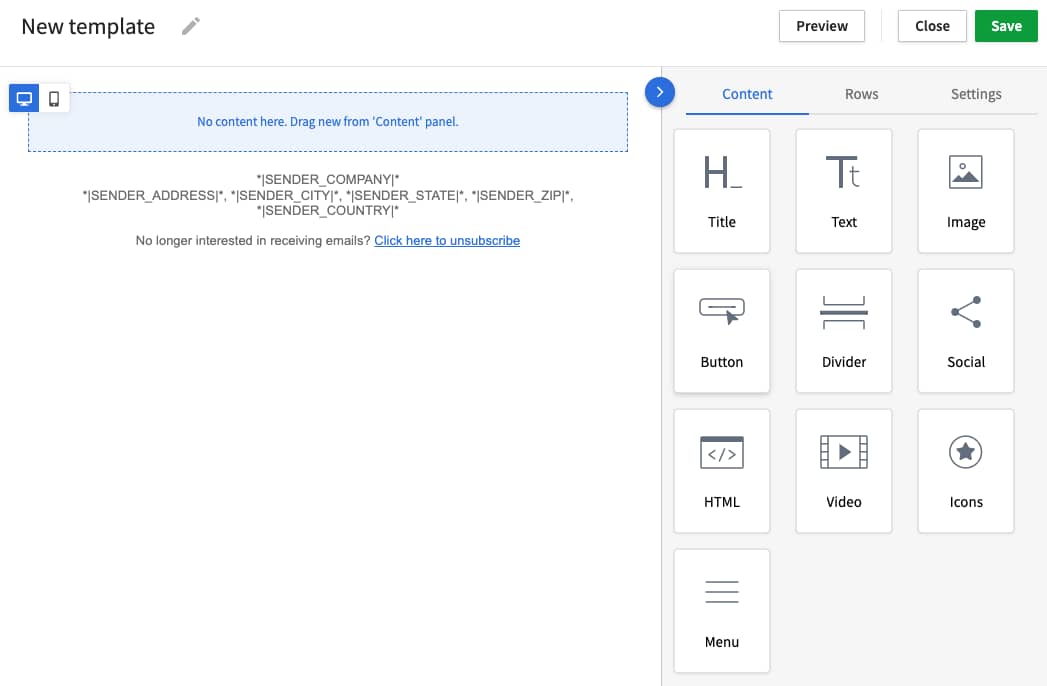
Pipedrive’s built-in email builder allows you to create visually compelling emails with an easy drag-and-drop interface. Create images, videos or GIFs using third-party tools, then simply embed the visuals into your emails.

Email marketing trends Pipedrive visual email content

Resize and align the visual content to ensure it displays correctly on different devices. You may need to upload GIFs and videos to hosting services (like Vimeo) before you can embed them in your emails.

Gamified content is changing how brands engage customers

Gamification, like scratch-off discounts, spin-to-win wheels and progress trackers, is growing in popularity. It makes marketing more engaging by tapping into customers’ curiosity and offering rewards.

Here’s how to leverage gamification in your email marketing strategy:

What to do

Why it helps

Use scratch-off discounts or spin-to-win games. Create interactive reward mechanics using tools like Wheelio or Gamify, then embed them in your emails.

Encourages immediate action by making promotions more engaging and fun.

Add progress bars for rewards programs. Use an email marketing platform like LoyaltyLion to display loyalty status or progress toward their next reward.

Progress bars create a sense of achievement and encourage repeat purchases and customer loyalty.

Send emails with rewards for key loyalty milestones. Automate emails in Pipedrive to celebrate customer achievements (like personalized discounts).

Strengthens customer relationships and increases loyalty.

Gamified emails generate curiosity and make interactions more loyalty-focused.

How Pipedrive can help

You can add gamified content using the CRM’s intuitive email builder. Pipedrive integrates with email marketing tools that offer gamification features, making it easy to add interactive elements to your campaigns.

For example, Pipedrive integrates with Referral Factory to create customer referral programs. You can use it to track referrals, automate rewards and engage customers with interactive elements.

Recommended reading

https://www-cms.pipedriveassets.com/Delight-the-Customer.jpg

10 reliable ways to delight the customer and amplify customer loyalty

4. Marketers are focused on mobile-friendly and accessible emails

Most people check emails on phones, so emails must be readable and interactive on smaller screens. At the same time, accessibility is becoming a bigger priority – 62% of consumers reportedly will switch to a competitor offering better accessibility features.

Optimizing for accessibility and mobile-friendliness improves readability, reach and engagement.

Here are two key shifts happening in mobile-friendly and accessible email design:

Mobile optimization is now essential

According to ZeroBounce, people open 64% of emails primarily on mobile devices. Focus on designing emails that look great and function smoothly on any screen to keep customers engaged.

Mobile-optimized emails with responsive layouts, clear fonts and tap-friendly buttons improve mobile engagement.

Here’s how to optimize your mobile email marketing:

What to do

Why it helps

Use responsive email design. Choose mobile-friendly email templates in your email software.

Responsive emails adjust automatically to different screen sizes, keeping content readable and well-formatted.

Keep subject lines and preview text short. Limit subject lines to around 40 characters and preview text to between 50 and 100 characters to prevent truncation on mobile screens.

Helps readers quickly understand the message, increasing engagement on mobile.

Optimize images for fast loading. Compress images using TinyPNG or Squoosh to reduce file sizes before embedding them in your emails.

Ensures emails load quickly, preventing delays that could cause users to abandon the message.

Mobile-friendly emails boost engagement by ensuring your content loads fast, looks great and reads easily on any device.

How Pipedrive can help

Pipedrive’s email builder ensures emails automatically adjust to any device. It helps you create emails that look professional on a desktop, tablet or phone.

Pipedrive also lets you preview emails on various screen sizes to catch formatting issues before sending.

Note: Since some users prefer dark mode, use colors, images and logos that work in both light and dark settings across all email clients.

Accessibility is a new priority for email marketers

More businesses prioritize accessibility to make emails readable for all, ensuring a wider reach and a consistent experience.

Here’s how to make your emails more accessible:

What to do

Why it helps

Add alt text to email images. Use the HTML “alt” attribute or your email builder’s settings to describe images, so all your readers know what you included.

Enables screen readers to describe your visuals, giving visually impaired readers a better customer experience.

Use high-contrast colors and readable fonts. Choose dark text on a light background and use sans-serif fonts like Arial or Roboto to improve readability.

Enhances visibility and readability across devices and lighting conditions.

Include key information in text, not just images. Place important details like offers and CTAs in the email body so they remain visible even if images aren’t.

Ensures your entire email list can access important content even if images don’t load.

Accessible emails create a better experience for all users, expanding your reach.

How Pipedrive can help

Pipedrive’s email builder supports accessible designs. You can adjust text size, font choices and colors to improve readability.

Its formatting tools ensure emails reach all recipients, including those with visual impairments or image-blocking email clients.

Email marketing trends Pipedrive formatting options

Pipedrive’s HTML email editor lets you add alt text to images by inserting the “alt” attribute directly into the image code.

5. Brands are shifting to niche, interest-based newsletters

As inboxes become more crowded, generic email blasts are losing effectiveness. Businesses are focusing on niche content and personalized email newsletters for better audience engagement.

Download Your Sales and Marketing Strategy Guide

Grow your business with our step-by-step guide (and template) for a combined sales and marketing strategy.

Readers expect content that matches their behavior and needs, making targeted email and social media messaging essential. SmarterHQ reports that 72% of consumers engage only with relevant marketing messages.

Here’s how to make the most of this digital marketing trend:

What to do

Why it helps

Send dynamic content blocks tailored to different segments. Use your email platform’s personalization features to display dynamic content blocks – different content depending on the recipient.

Makes emails feel more relevant to each subscriber, increasing open rates and conversions.

Create separate newsletters for different audience groups. Develop unique content streams for different customer types, industries or interests.

Provides specialized insights that build credibility and establish your brand as a thought leader.

Include exclusive content or early access for engaged newsletter subscribers. Reward loyal readers with first access to products, special reports or invite-only events.

Increases subscriber retention and builds a sense of exclusivity, encouraging long-term engagement.

Personalizing content by audience boosts relevance, increasing your email engagement potential.

How Pipedrive can help

Pipedrive’s email campaign automation and segmentation tools help you create highly personalized newsletters.

Categorize your contacts using custom fields and smart filters so that each recipient only receives relevant content.

Email marketing trends Pipedrive email filters

Pipedrive also integrates with email marketing platforms like Brevo, which can create dynamic content blocks. These blocks display different types of content to different readers, allowing you to personalize each campaign at scale.

Recommended reading

https://www-cms.pipedriveassets.com/blog-assets/email-lead-nurturing.png

How to Create an Automated Lead Nurturing Workflow that Converts Visitors

Final thoughts

The future of email marketing is shifting toward more personalized, dynamic and data-driven strategies. Businesses are moving away from generic campaigns and focusing on relevant, interactive content and AI-powered marketing automation.

With email marketing changing fast, Pipedrive’s email features ensure you don’t fall behind. Try Pipedrive free for 14 days and see how it helps you build smarter campaigns, reach the right audience and track what actually converts.

Top 9 AI Tools for Startups in 2025

Software Stack Editor · March 31, 2025 ·

Startups run on tight budgets and are under pressure to scale fast. Small teams juggle everything from marketing and sales to customer support while racing against time.

Artificial intelligence (AI) tools lighten the load by automating tasks to speed up productivity and providing data-driven insights that fuel growth.

In this article, you’ll explore the most effective AI tools for startups to help you accelerate decision-making and stay ahead of the competition.

9 best AI tools for startups

When starting a business, AI-powered tools help you optimize workflows, reduce costs and make insights-driven business decisions.

To choose the right solutions for your startup, consider your specific needs. Ask questions like:

AI tools exist for almost every task, and creating the perfect AI tech stack will help your business scale quickly.

Below, you’ll discover the nine top AI tools for startups, broken down by their primary use cases.

Recommended reading

https://www-cms.pipedriveassets.com/blog-assets/crm-for-startups.png

CRM for startups: Finding the best customer relationship management tool

1. Pipedrive’s AI CRM: best revenue AI tool for startups

Pipedrive’s powerful AI-driven customer relationship management (CRM) streamlines sales and generates lasting customer relationships for your business.

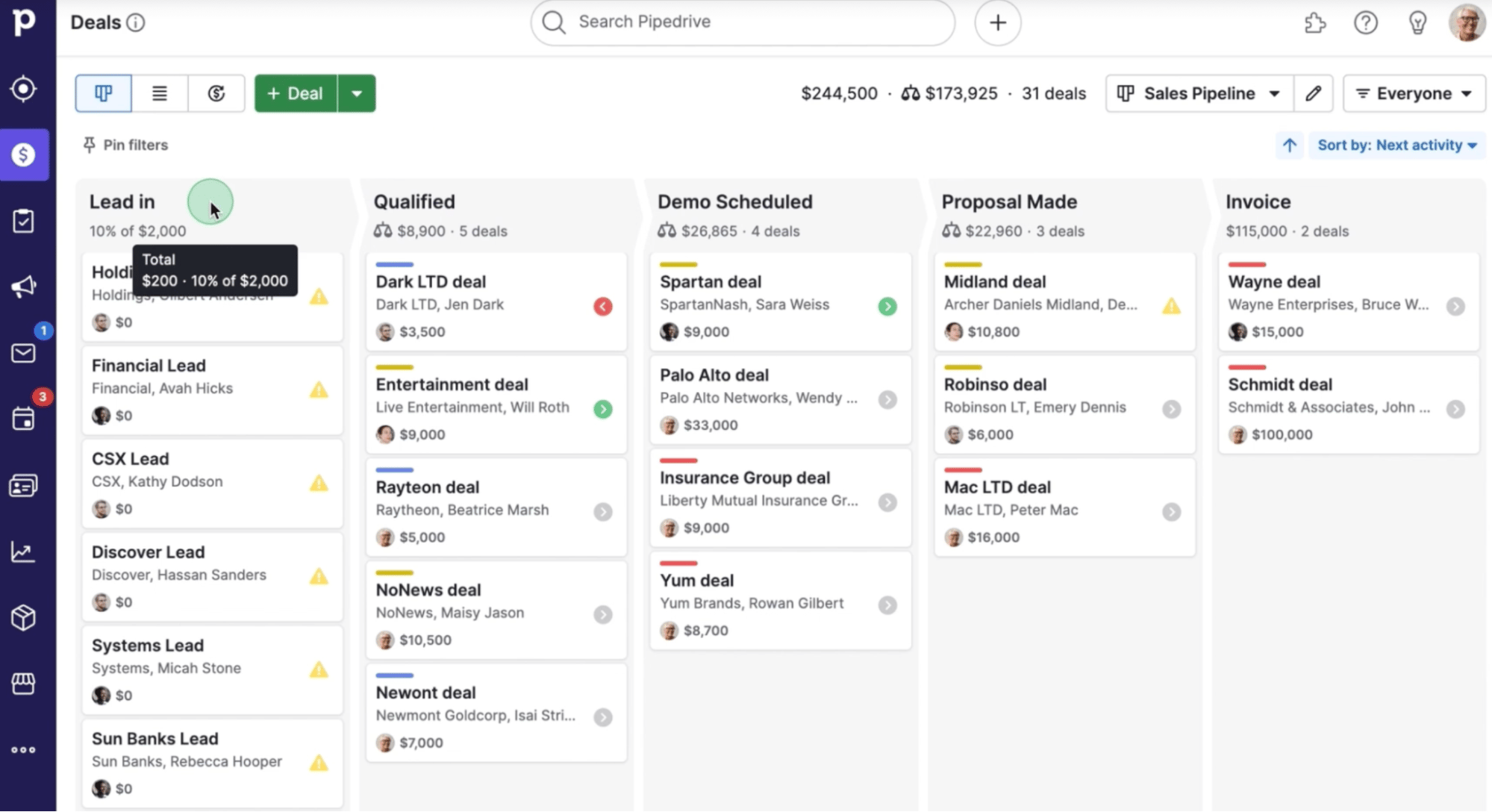
Its easy-to-use interface with a visual sales pipeline enables you to manage deals from start to finish. You can organize contacts, schedule follow-ups and plan communications in one place.

AI tools for startups Pipedrive visual pipeline

The CRM’s drag-and-drop functionality simplifies moving deals through different stages. Built-in reporting dashboards provide clear insights into your startup’s sales performance.

Beyond this intuitive core functionality, a suite of AI-powered tools helps you work smarter and close deals more efficiently.

Pipedrive’s AI features take the guesswork out of sales – from personalized sales insights to automated content generation. Here’s how the AI platform gives your startup a competitive edge.

Get actionable strategy insights with AI Sales Assistant

Pipedrive’s AI Sales Assistant optimizes your sales processes with real-time recommendations based on data-driven insights.

It analyzes user activity, sales trends and pipeline performance to suggest the best actions to push deals forward.

AI tools for startups Pipedrive AI Sales Assistant

For example, the AI business assistant might remind you to follow up with a high-priority lead or recommend adjusting deal pipeline stages to improve workflow.

AI tools for startups Pipedrive AI Sales Assistant

The feature also offers sales tips based on each team member’s sales habits, helping to refine their approach and improve efficiency. It identifies bottlenecks and highlights opportunities to help you make informed decisions that drive business growth.

Download Your Guide to Sales Performance Measurement

The must-read guide for any sales manager trying to track, forecast and minimize risk. Learn how to scale sales with data-backed decisions.

Generate compelling emails with Pipedrive’s AI email writer

Pipedrive’s AI email writer creates well-structured emails quickly based on the context of your deal or contact.

Simply open the email composer, select “Write my email” and tell Pipedrive what you want to communicate. It can draft suggested follow-ups, introductions or proposals, reducing the time spent on manual writing.

AI tools for startups Pipedrive AI email writer

Once content creation is complete, you can adjust the email’s tone and key details to ensure the message aligns with your communication style and sales goals.

With faster, more consistent communication, you’ll find it easier to engage with customers and leads.

Get tailored app recommendations with SmartApps

Pipedrive’s SmartApps feature and AI search engine help you find the right AI CRM integrations.

Instead of manually browsing through hundreds of Pipedrive Marketplace integrations, you’ll get user-friendly suggestions based on your workflow and existing systems.

AI tools for startups Pipedrive SmartApps

With SmartApps, you can quickly connect the tools your startup requires most. It’s an efficient way to customize your simple CRM to ensure Pipedrive fits your changing business needs.

Use simple text prompts to generate AI reports

Pipedrive’s AI report generation tool enables you to create reports in seconds, using its straightforward interface to write your report request in your own words – no prior technical training or data analysis skills required.

You can also select one of 14 pre-written prompts available to generate reports with your key metrics. Once your report has been generated, you can continue talking to the AI chatbot to customize and improve your reports.

AI report generator

The AI report creator offers a great introduction to data insights for CRM newcomers, but it can also streamline the work of users already using the Insights feature to measure performance.

The takeaway: Pipedrive’s AI CRM features help startups, entrepreneurs and solopreneurs work smarter. They streamline sales, optimize deals and personalize communications so you can close the best deals.

2. ChatGPT: best for generating content and ideas

ChatGPT acts as a copywriting assistant, helping your business develop ideas and craft relevant content.

ChatGPT is a generative AI technology that uses natural language processing (NLP) techniques to understand and create human-like text. It analyzes patterns in large datasets to break down language, recognize context and create coherent responses.

Many conversational AI writing tools, like Jasper and Grammarly, use OpenAI’s GPT to produce results.

Note: Conversational AI – a specific application of generative AI – understands and responds to your prompts using natural, human-like dialogue.

To use ChatGPT, enter a prompt like “Write a blog post about the benefits of remote work” or “Give me five social media captions for a new product launch”. The writing assistant will generate a response in seconds.

AI tools for startups ChatGPT

Once generated, tweak the tone to match your brand’s style. You can also use ChatGPT for sales or to support your search engine optimization (SEO) efforts by asking it to include specific keywords in your copy.

How startups can use ChatGPT:

  • Creating compelling content. Develop blog articles, marketing copy and social media posts to establish your brand presence.

  • Pitching to investors and partners. Refine investor decks, AI business plans and funding requests to showcase your startup’s potential.

  • Generating product and marketing strategies. Brainstorm product features, brand positioning strategies and marketing campaigns to stand out.

  • Improving communication. Create emails, customer support responses and internal documents with a consistent brand voice.

The takeaway: ChatGPT helps with content marketing and communication, freeing your team to focus on scaling your startup faster.

3. Perplexity AI: best for research and instant answers

Perplexity AI is an AI-powered search assistant that answers questions about market trends, competitors and business problems. It helps you get reliable information without manually sifting through multiple sites.

When you ask a question, Perplexity AI scans up-to-date web sources and summarizes valuable insights. It then provides citations so you can verify the information.

Here’s the output when asked, “What are the latest trends in SaaS pricing?”:

AI tools for startups Perplexity

How startups can use Perplexity AI:

  • Validating market opportunities. Get AI reports on industry trends, your target audience and competitor strategies to refine your startup’s positioning.

  • Finding statistics and data. Pull relevant numbers, reports and case studies without manual searches to strengthen pitches and support business decisions.

  • Exploring new business ideas. Ask complex questions about markets, customer behaviors or product categories to uncover gaps and opportunities.

  • Ensuring accuracy. Fact-check claims, verify sources and back up your pitches and presentations with reliable data.

The takeaway: Perplexity AI allows startups to make confident decisions based on reliable insights from verifiable sources.

4. Canva with Magic Design: best for designing marketing materials

With Canva’s AI Magic Design feature, your startup can create digital marketing materials like social media graphics and pitch decks without design skills.

Magic Design creates graphics based on your input (either text descriptions or uploaded images). Enter an image generation prompt like “Create an Instagram post to market my CRM tool”, and it’ll provide a handful of AI-driven template suggestions.

AI tools for startups Canva with Magic Design

You can continue to customize these templates until they meet your exact needs.

How startups can use Canva with Magic Design:

  • Creating social media graphics. Generate branded posts, ads and banners to build your online presence and attract sales prospects.

  • Designing sales decks and investor presentations. Craft slides that clearly show your startup’s value propositions and make a lasting impression.

  • Making flyers, posters and marketing materials. Easily generate print-ready designs for product launches, sales promotions or brand awareness campaigns.

  • Branding consistency across platforms. Apply your startup’s logo, colors and fonts to all designs so audiences can easily recognize your brand.

The takeaway: With Canva and Magic Design, startups can create marketing materials without advanced design skills.

5. Notion AI: best for knowledge management and documentation

Notion AI lets you create, manage and retrieve essential knowledge. The tool stores documents like meeting notes and startup business plans so you can keep track of key information.

AI tools for startups Notion AI

Notion AI can also generate summaries, rewrite content and extract takeaways from notes and documents. For instance, you can ask it to summarize sales meetings or compile project management updates for quick insights.

How startups can use Notion AI:

  • Summarizing meeting notes and documents. Get actionable insights from discussions, investor meetings or market research reports and speed up decision-making.

  • Generating internal documentation. Create standard operating procedures (SOPs), project plans and knowledge bases to reduce onboarding time.

  • Writing and refining content. Improve clarity, format drafts and adjust the tone of important documents.

  • Organizing and retrieving information. Search and summarize key details to access critical data easily.

The takeaway: Notion AI helps startups organize internal knowledge to make it more accessible and actionable.

6. Runway ML: best for AI-powered video editing

Runway ML uses machine learning algorithms to automate video editing and speed up the creation process. It lets startups create video marketing content without going over budget.

Note: Machine learning is a cutting-edge AI technology that enables systems to learn from data analysis and improve over time. It uses predictive algorithms to identify patterns, make decisions and automate time-consuming tasks.

To use Runway ML, upload your media and select an AI tool (like inpainting, text-to-video creation or motion tracking). Enter your prompt and let the AI do the work.

AI tools for startups Runway ML

Runway ML will edit or generate your footage according to your prompt. With additional prompts, you can alter the footage further as required.

How startups can use Runway ML:

  • Creating marketing videos and social media content. Quickly generate and edit digital assets to enhance brand awareness and audience engagement.

  • Automating tedious editing tasks. Use AI to remove backgrounds, replace objects and enhance visuals without hiring a video editor.

  • Generating AI-assisted animations and motion graphics. Experiment with unique animations to stand out in a crowded market.

The takeaway: Runway ML produces video content and handles editing so your team can focus on storytelling and selling.

7. Fireflies.ai: best for meeting transcription and summaries

Fireflies.ai keeps track of meetings and prevents crucial information from slipping through the cracks. It transcribes team meetings, summarizing your discussions and listing the main insights.

Fireflies.ai works with tools like Zoom, Google Meet and Microsoft Teams (which also integrate with Pipedrive). Once you invite the AI assistant to the call, it’ll record, transcribe and highlight action items in real time.

AI tools for startups Fireflies.Ai

After the meeting, you’ll have a searchable transcript that makes it easier to find the main points without replaying the call.

How startups can use Fireflies.ai:

  • Automating meeting notes and action items. Fireflies.ai captures your meetings and summarizes them without manual note-taking.

  • Searching and referencing past discussions. Find specific conversations or decisions instead of listening to lengthy recordings.

  • Improving team collaboration and accountability. Share meeting insights with your sales reps to align everyone on the next best action.

  • Streamlining customer calls and sales meetings. Review past sales conversations to track follow-ups and improve communication with clients.

The takeaway: Fireflies.ai helps startups spend less time note-taking and more time taking the next best actions.

8. Front: best for collaborative customer service

Front combines automation with team collaboration tools, enabling you to resolve customer inquiries fast. Unlike traditional ticketing systems, Front is like a shared inbox with AI features that prioritize messages and suggest replies.

AI tools for startups Front

As Front’s AI analyzes incoming messages and recommends responses based on past customer interactions, your team can work together to provide personalized support.

To streamline collaboration, Front integrates with CRM tools like Pipedrive and email and chat software like Slack.

How startups can use Front:

  • Automate responses to common customer inquiries. AI-powered suggestions let support teams answer faster with a small team.

  • Prioritize and route messages efficiently. Identify urgent requests and send them to the right team members.

  • Collaborate seamlessly on complex customer issues. Internal comments, shared inboxes and AI summaries align team members.

  • Analyze and improve customer interactions. AI-driven insights enable small businesses to track performance and enhance customer satisfaction.

The takeaway: Front helps customer support teams improve collaborative workflows and response times without hiring additional customer service agents.

9. JustCall: best for AI-powered sales and support calls

JustCall is a cloud-based phone system designed for sales and support agents. It uses AI to streamline customer interactions with workflow automation, conversation analytics and call routing.

AI tools for startups JustCall

AI features like speech analytics and automated transcriptions enable teams to respond faster and prioritize critical leads.

JustCall integrates with Pipedrive so you can manage sales calls and log all customer communications directly in your CRM.

How startups can use JustCall:

  • Route calls intelligently. AI reduces wait times by directing incoming calls to the right team member based on real-time factors like caller history and agent skills.

  • Analyze customer sentiment. AI-powered conversation intelligence detects sentiment to flag urgent calls, helping teams respond to unhappy customers before issues escalate.

  • Transcribe calls automatically. AI transcribes and summarizes calls automatically, so it’s easier to maintain accurate records for follow-ups.

  • Score calls and get coaching tips. JustCall’s AI tracks call success and suggests responses to enhance agent performance.

The takeaway: JustCall uses AI to cut wait times, provide call insights and enable more effective sales and support calls.

Final thoughts

AI tools offer a cost-effective way to scale your startup by automating repetitive tasks and providing data-driven insights to grow sustainably.

To unlock your business’s full potential, use an AI-powered CRM like Pipedrive. As the hub of your sales, customer support and marketing efforts, its all-in-one platform centralizes startup AI tools and streamlines workflows – giving you direct access to what you need, when you need it.

Try Pipedrive for free and discover how the power of AI can automate your startup’s growth strategy, keeping your team primed and ready to scale.

Best Time to Send an Email in 2025

Software Stack Editor · March 24, 2025 ·

The difference between an opened and an ignored email often comes down to timing. If you send your message when inboxes are overcrowded, it’ll disappear. However, if you send it during peak engagement hours, it’ll get the attention it deserves.

The question is: when should you hit send?

In this article, you’ll learn the best time to send an email for each day of the week, backed by email marketing studies. With these insights, you can optimize your email marketing strategy to maximize engagement.

When is the best time to send an email?

The best times to send an email, according to MailerLite, are:

  • Late afternoon in the midweek from 4–6 PM, when people are checking emails before leaving work

  • Early morning on weekends from 7–10 AM, when people are relaxing at home

Omnisend research suggests weekdays have the highest open rates, with Tuesday, Wednesday and Thursday topping the charts.

Weekday vs. Open rates (%)

Omnisend research shows that Tuesday has the best average open rates, although Wednesday and Thursday have similarly good open rates.

Each weekday has comparable email open rates that drop slightly during the weekend (when many people are at home, not checking digital marketing or sales emails).

Here are the best times to send an email for each day of the week:

Day of the week

Best time to send an email

Monday

4 PM

Tuesday

7 PM

Wednesday

4 PM

Thursday

7 PM

Friday

6 PM

Saturday

7 AM

Sunday

9 AM

Think of these times as a starting point. As you start sending out mass email campaigns, test and refine your timing based on your audience’s behavior. You can even fine-tune your email strategies for different customer segments with some tweaking.

The following sections provide a breakdown of MailerLite’s data and the best times of the day to send emails during the week.

Recommended reading

https://www-cms.pipedriveassets.com/blog-assets/email-marketing-tips-small-business.png

19 small business email marketing tips for successful campaigns

The best time to send an email on a Monday

The best time to send an email on a Monday is: 4 PM

People often spend Monday mornings catching up on weekend emails, attending meetings and planning the week. As a result, their inboxes become flooded, so they may be too busy to engage.

By the afternoon, especially after 2 PM, people have settled into their routines, cleared urgent tasks and are likely to check non-essential emails.

Here’s what MailerLite’s data reveals about open rates on a Monday:

Best time to send an email on Monday

Open rates increase around 9 AM, peaking from 2 to 7 PM. Setting a sample schedule during this window increases the chances of grabbing attention before the workday’s momentum fades.

Also, don’t forget Cyber Monday – use strong Cyber Monday email subject lines and templates to get higher click rates on this popular shopping holiday.

Note: The best time to send an email depends on who you want to reach. The afternoon (2–5 PM) might be ideal for office workers with more bandwidth to check emails. In contrast, the early evening (5–7 PM) is a good option for salespeople who might check their inboxes and social media before leaving work or during their commute.

The best time to send an email on a Tuesday

The best time to send an email on a Tuesday is: 7 PM

Tuesdays are generally more structured than Mondays, with people getting into their workweek routines. Mornings are still busy, but inbox customer engagement increases significantly by the afternoon.

Here’s what MailerLite’s study shows about Tuesday’s typical open rates:

Best time to send an email on Tuesday

Open rates peak from 4 to 7 PM, with the highest engagement recorded at 7 PM. To maximize visibility, schedule your emails for the evening when recipients are more likely to check their inboxes after wrapping up their day.

Keep an eye on the calendar for Giving Tuesday – an event encouraging charitable giving on the Tuesday after Thanksgiving. To maximize engagement during this event, use Giving Tuesday email templates with a heartfelt opening, clear CTA and engaging design.

Add a compelling Giving Tuesday email subject line, like “Make an impact – every gift counts!” A strong Giving Tuesday email header like “Together, we can make a difference!” reinforces your message and encourages the reader to take action.

Note: Send time isn’t the only factor impacting open rates – email cadence and the number of emails you send can also play a key role. Sending email blasts too often can overwhelm your subscribers, while infrequent emails can cause them to forget your brand. Test different sending frequencies to find the right balance to keep your audience engaged without email fatigue.

The best time to send an email on a Wednesday

The best time to send an email on a Wednesday is: 4 PM

People have found their rhythm on Wednesday, making it a great day for email engagement. Omnisend’s study shows it’s the second-best day of the week for high open rates.

Here are the open rates on a typical Wednesday, according to MailerLite:

Best time to send an email on Wednesday

While there is a small spike early at 7 AM, the highest engagement occurs in the afternoon. The best time for emails on a Wednesday is at 4 PM, when open rates peak before declining by 7 PM.

Note: If your audience includes early risers, consider segmenting customers in your email list. Some check their inbox first thing in the morning, while others engage more actively in the afternoon. Sending emails at 7 AM and 4 PM to different segments captures attention at multiple points in the day.

The best time to send an email on a Thursday

The best time to send an email on a Thursday is: 7 PM

Thursday is the final stretch in most people’s workweek, making it a prime time for business decision-making and planning.

Many finalize tasks and prepare for the end of the week on Thursdays – which can influence when they engage with emails.

According to MailerLite, here are the open rates throughout an average Thursday:

Best time to send an email on Thursday

Open rates start strong at 6 AM and dip between 7 and 10 AM. After this, open rates gradually rise throughout the day, hitting a smaller peak at 5 PM before the final high peak at 7 PM.

Note: Thursdays are an excellent time to send last-minute sales promotions or content that prepares people for the week ahead. It’s also an ideal day for B2B emails. Many professionals make purchasing decisions and set up meetings before the weekends – sending a follow-up or sales proposal can increase your chances of getting a response before Friday.

The best time to send an email on a Friday

The best time to send an email on a Friday is: 6 PM

Friday is unique in email marketing because it signals the end of the workweek. People wrap up tasks, finalize plans and shift focus towards the weekend.

Email engagement on Fridays can be unpredictable. Some recipients check their inboxes more frequently to tie up loose ends, while others disconnect earlier in the day.

Here’s what MailerLite’s report shared about the average open rates for a regular Friday:

Best time to send an email on Friday

Open rates rise steadily throughout the morning and early afternoon, peaking around 6 PM when people check their emails before logging off for the weekend.

If you want to reach busy professionals before the weekend, scheduling emails in the late afternoon can maximize engagement.

Keep in mind that Friday emails (other than Black Friday) aren’t ideal for time-sensitive topics, as your recipients may not act on them until Monday.

AI-driven insights can determine the best time to send Friday AI email campaigns, ensuring messages reach recipients when they’re most responsive.

The best time to send an email on a Saturday

The best time to send an email on a Saturday is: 7 AM

Saturdays bring a shift in email engagement as traditional weekday workers switch from work to personal activities. Saturday’s best window is in the morning, when people are more likely to check their inboxes while having coffee or catching up on unread messages.

According to MailerLite, here are the open rates through a typical Saturday:

Best time to send an email on Saturday

Open rates start high at 7 AM, then drop steadily until 9 AM, reaching a final peak at 10 AM.

Since fewer companies send email campaigns on weekends, there’s less data on Saturday and Sunday than on weekdays.

If you’re targeting consumers, Saturday mornings are great for promotional emails and weekend deals. Business-related emails will likely see higher engagement during the week since many people disconnect from work over the weekend.

Keep your eye on Small Business Saturday, an annual shopping event that supports local and independent businesses.

The best time to send an email on a Sunday

The best time to send an email on a Sunday is: 9 AM

For those working weekdays, Sundays are a time to relax and mentally prepare for the week ahead. Recipients might be more open to catching up on unread messages over breakfast or before heading out for the day.

MailerLite’s data shows the following average open rates on a Sunday:

Best time to send an email on Sunday

Open rates peak at around 9 AM on Sunday. After this, they decline as people likely focus on errands, social plans or relaxing before Monday.

Like Saturday, Sunday is a day for easy reading, and consumers might have more time to view an email newsletter or curated content – especially lifestyle or entertainment-focused messages.

Note: Sunday is a great day for reflection and planning. Many people use Sundays to set goals and plan for the coming week. Emails featuring self-improvement takeaways, productivity tools or upcoming events can perform well.

How to work out the best time to send an email for your business

While industry email benchmarks are a helpful starting point, they’re just guides. The best time to send emails for your business isn’t a one-size-fits-all answer – it depends on your unique audience, industry and engagement patterns.

The most effective approach is to rely on your own data.

Tracking email performance and customer behavior can reveal optimal send times. As you improve your campaign timing, you’ll​​ see increased open rates, email click-through rates (CTRs) and engagement scores.

Here’s how to work out the best time to send an email for your business.

1. Review past email performance data

Before determining the best send times, analyze the performance of your previous emails. This data will show when your subscribers will likely open, click and act on your emails.

Here are the key email performance metrics to track:

Email performance metric

What it tracks

Open rate

The percentage of recipients who open your email. It identifies when your audience is likely to engage with your content.

Click-through rate

The percentage of recipients who click a link in your email. This email engagement metric shows when your audience actively engages with your content.

Conversion rate

The percentage of recipients who take the desired action after clicking a link (e.g., purchasing a new product or signing up for a webinar).

Bounce rate

The percentage of emails that don’t deliver. High bounce rates could indicate email deliverability issues, like inactive email addresses and other email list issues.

Unsubscribe rate

The percentage of recipients who click the unsubscribe link after opening an email. If certain times lead to more unsubscribes, you’ll want to adjust your strategy.

Gather your email performance reports, keeping these email marketing KPIs in mind. Most email marketing platforms provide built-in analytics tools to track these metrics.

Choose a timeframe that provides enough historical data for reliable email insights (like the last six months). Look for patterns in:

  • Best-performing days and times. Identify which times and days of the week consistently generate higher engagement.

  • Underperforming send times. Spot the worst times when engagement drops so you can avoid them, especially on the worst days for conversions.

  • Consistency across campaigns. Determine whether engagement trends remain stable or vary by campaign type, audience segment or email content.

Use your email marketing software to generate graphs for each metric to visualize engagement trends. This will help you spot patterns easily and use the insights for future campaigns.

How to use Campaigns by Pipedrive to analyze email performance

If you’re using Pipedrive’s Campaigns add-on, leverage its reporting tools to analyze email performance.

First, draft your email marketing campaign using Pipedrive’s built-in email builder. You can automate this process using Pipedrive’s AI email writer – just provide a simple prompt and let Pipedrive do all the work for you.

Best time to send an email Pipedrive email builder

After creating your email content, toggle on “Track opening emails” and “Track clicking links in emails”.

Note the day and time you send the campaign. You could include this information in the title (e.g., “Thursday 2 PM test campaign”). After you click send, Pipedrive will track delivered emails, open rates and CTR.

The more data you have, the more accurate your analysis will be. After tracking engagement rates for several email campaigns, you’ll see which time works best for your audience.

2. Factor in your audience’s behavior and regional differences

Your customers’ demographics and habits can impact email performance. Consider how your subscribers’ daily routines and locations influence their email interactions to maximize engagement.

When analyzing your audience, think about:

  • Time zones. If your audience is spread across different regions, sending at one universal time may not work for everyone. Schedule campaigns for different segments to hit local peak engagement hours.

  • Industry-specific behaviors. Professionals in different industries have varying email habits. For example, they might work a typical Monday-to-Friday workweek or weekend night shifts. Knowing when they’re active on email will help you deliver at the right time.

  • Work versus leisure hours. If your target audience consists of working professionals, sending emails during business hours might be best. Evenings and weekends could perform better for general consumers.

  • Cultural and holiday differences. Different places have different regional holidays and typical work hours. For example, in the United Arab Emirates, the workweek runs from Sunday to Thursday – making Monday to Wednesday the optimal “midweek” timeframe for emailing.

The goal is to align email send times with when your audience will most likely check and engage with their inboxes. Keeping an updated marketing calendar can help you track holiday emails in different regions.

How Pipedrive schedules emails according to customer preferences

Pipedrive’s contact management and email scheduling features make it easy to send emails at the perfect time for each customer. You can use the Contacts section to add labels and segment your recipient list by location, industry and interaction history.

Best time to send an email Pipedrive contact segmentation

After segmenting your audience, use Pipedrive’s Campaigns to send emails to specific segments using filters. These filters let you set specific conditions for sending emails.

Example: Automatically send emails when your contacts perform a specific action, like clicking a link. You could also send the campaign just to customers in a particular region.

Then, schedule messages in advance with Pipedrive’s email builder.

Best time to send an email Pipedrive send emails later

When you press “Send later…”, you can set a time and date.

Best time to send an email Pipedrive schedule email

Click “Schedule email” and repeat this process to schedule emails for each of your key segments. Your scheduled emails will appear in the outbox folder, where you can edit their timing or cancel them.

3. Perform A/B testing to determine optimal timing

A/B testing is when you schedule different emails – or the same email at different times – to compare results. Using this method, you can further measure engagement patterns and refine your email marketing efforts.

Here are some email marketing best practices to ensure your email timing tests provide meaningful insights:

A/B testing best practices

What to do

Test one variable at a time to get clear results

Only change the send time while keeping other elements the same (including the subject line, content and audience). It’ll ensure any differences in engagement are due to timing, not the type of email.

Choose a large enough sample size

Testing with a group that is too small can lead to misleading results. Ensure each test group has enough recipients to produce reliable engagement data. If your list is small, run multiple tests over time to validate findings.

Run tests across multiple campaigns

Engagement can fluctuate with seasonal sales trends. Running tests across multiple campaigns, rather than relying on one-off results, gives a clearer picture of engagement patterns.

Apply what you learn, but keep testing

Once you identify a winning time, apply it to future emails – but continue testing to account for changes in audience behavior. Engagement patterns can shift over time, so regular testing helps with optimization.

How Pipedrive can help you A/B test your campaigns

While Pipedrive’s Campaigns doesn’t have a specific A/B test feature, you can divide your audience into two or more groups and test different send times.

In the Contacts section, you can add new customer labels by going to the List View or Detail View and pressing “Add label”.

Best time to send an email Pipedrive customer labels

Pipedrive will prompt you to provide a name and color for your new label. If you want to A/B test Thursday 2 PM and Friday 2 PM, create new labels with these names.

Best time to send an email Pipedrive label name

Once done, press “Save” and repeat for as many time slots as you’d like to test.

Using Pipedrive’s email builder, you can design an email and schedule it for each segment at different times. The dashboard in the Email Campaigns section shows the open and click rates for each variation.

Compare these metrics for each campaign to determine which send time is most effective.

To boost engagement rates further, use Pipedrive’s email automations to send follow-up emails at optimal times. For example, you can configure Pipedrive to send trigger emails when a customer replies or clicks a link in the original campaign.

Download Pipedrive’s general event checklist template

Use this comprehensive template as your go-to guide for planning and successfully executing any business event.

Final thoughts

Finding the best time to send emails depends on audience behavior, industry trends and continuous testing. While general trends suggest middle-of-the-week afternoons perform best, tracking email metrics and A/B testing will reveal what works for your unique audience.

Optimize your email timing with Pipedrive’s powerful tools. Use contact segmentation to tailor send times, track open and click-through rates for data-driven insights and automate campaigns for maximum engagement.

Sign up for Pipedrive’s 14-day free trial to see how it can help improve your campaign performance.

5 Easy Steps to Implement AI for Sales Forecasting

Software Stack Editor · March 18, 2025 ·

AI tools improve sales forecasting by analyzing data, spotting trends and using predictive analytics to increase accuracy. The tools help SMBs make more informed decisions about improving the sales process and increasing revenue.

By the end of this article, you’ll know how to use AI for sales forecasting. You’ll also learn how to integrate AI into your forecasting process and choose the right AI software for your SMB.

What is AI sales forecasting software?

Artificial intelligence (AI) sales forecasting software uses machine learning algorithms and data analysis to predict future sales performance. Sales leaders can use this information to identify high-quality leads, estimate deal closure and optimize sales strategies.

Here are some examples of different AI tools that support sales forecasting:

  • Dear Lucy uses predictive analytics to monitor KPIs, improve pipeline management and enhance sales performance. These insights reveal trends, predict outcomes and pinpoint opportunities or risks.

  • Decide AI measures your data quality. It checks customer data for completeness, accuracy and validity to improve sales forecasts.

Explore more AI tools in Pipedrive’s marketplace.

Recommended reading

https://www-cms.pipedriveassets.com/sales-forecast_2023-03-08-164101_vxze.png

Sales forecasting 101 (with free sales projection template)

How SMBs can use AI for sales forecasting

AI can fit seamlessly into your forecasting methods to help your team gather and maximize key data. AI predictive models analyze data and provide real-time predictions. Predictions adjust as new data comes in, allowing for quick strategy changes.

AI analysis can also integrate market changes and trends, freeing SMBs from the time-consuming task of manually tracking external factors.

Here are some ways businesses can use AI forecasting to support and improve sales operations.

Analyze large data sets to identify key sales trends

AI algorithms analyze large data sets that sales managers often don’t have the time or technical expertise to explore.

AI tools can scrutinize customer purchase history, seasonal trends and regional sales variations. These insights are crucial for accurate forecasts but can be challenging to research and evaluate manually.

Example: A small e-commerce business uses AI to analyze seasonal buying trends over multiple years. The AI model identifies spikes in demand throughout November and December, so the business stocks up on inventory ahead of time to meet demand and boost customer satisfaction.

Predict sales based on live data to make real-time decisions

AI analyzes live sales data (like website traffic and customer behavior) in real time. This means that sales forecasts are always up-to-date with the latest information so sales reps can quickly make informed, strategic decisions.

For instance, Pipedrive’s AI Sales Assistant analyzes your deals, contacts and emails. It finds the most valuable insights in your sales data. It then suggests ways to boost sales, such as identifying high-potential leads or the best times to follow up.

AI for sales forecasting Pipedrive AI sales assistant

Example: A software company uses AI to track website visitors. When AI detects more traffic to a product page and more free trial sign-ups, it predicts higher conversions. The sales team then focuses on these leads, boosting their chances of closing deals.

Examine market conditions to find new sales opportunities

AI performs customer sentiment analysis and considers external factors like economic conditions and competitor activity. This information helps SMBs adjust predictions and strategies based on market shifts and competition.

Example: A clothing store uses AI to track social media trends and online searches. When AI spots rising interest in sustainability, the store increases its stock of eco-friendly clothing to stay ahead of the competition.

Optimize sales strategies to close more deals

AI examines patterns in sales cycles, customer objections and successful tactics to recommend adjustments. These suggestions help you optimize your sales strategy to get better results

Example: AI analyzes past sales data and finds that customers are more likely to buy after a personalized demo. It suggests prioritizing demos for similar leads, increasing conversions by 20%.

Identify high-quality leads to prioritize sales efforts

AI reviews customer interactions and buying behavior to find leads most likely to convert. As a result, sales teams can focus their efforts on the most promising prospects.

Example: AI identifies leads who have interacted with product demo emails and visited the pricing page multiple times. The software determines these leads are 30% more likely to convert. Sales teams can then prioritize these leads, increasing their chances of closing deals.

Improve forecasting accuracy to make more informed decisions

AI reduces human error and bases sales predictions on data-driven insights. This precision helps SMBs create more accurate sales forecasts, improving budgeting, staffing and resource allocation.

Example: A small SaaS company frequently overestimates revenue with manual forecasting. They get more accurate projections after using an AI tool, helping set realistic goals and allocate resources better.

Recommended reading

https://www-cms.pipedriveassets.com/Sales-Forecast-Quotes.png

10 sales forecast quotes to inspire your new year plan

5 steps to integrate AI for sales forecasting into your business

Integrating AI tools for sales forecasting provides more accurate projections. Adding AI to your daily sales workflows gives it access to the right data to generate tailored predictions for your business.

Follow these steps to seamlessly incorporate sales forecasting AI tools into your organization’s tech stack.

1. Assess data readiness

Data readiness involves verifying that your data is high-quality, accurate and accessible for analysis. It ensures AI tools have reliable data, leading to more accurate predictions and data-driven decision-making.

Here are some tips for assessing your data readiness:

Evaluate data quality

Check for completeness and consistency across data sources, such as customer data in CRMs and website engagement metrics from Google Analytics.

Rectify errors to confirm data is accurate and up-to-date (use tools like Decide AI to help).

Ensure data accessibility

Make sure data is easy to access and properly formatted for AI tools.

For example, store data in a centralized database and make sure the database integrates with your AI tools.

Establish data governance

Ensure there are clear policies for data management, including security and privacy protocols.

Create policies defining data ownership, update access controls and make sure data storage complies with privacy regulations.

Completing these steps will guarantee your sales data is clean, organized and consistent. AI models can then use this data to create accurate and reliable forecasts.

2. Set clear business goals

Setting clear goals helps you ensure that new AI tech aligns with your business objectives. It helps you focus on specific outcomes to optimize resources and drive tangible results.

Identify the specific objectives you want to achieve with your forecasting process, such as improving accuracy, increasing sales revenue or optimizing inventory.

Use the SMART goals framework to define specific and measurable goals.

AI for sales forecasting Pipedrive SMART goals

Here’s an example of a SMART goal:

“Increase sales forecast accuracy by 10% within the next quarter by integrating AI tools to analyze historical data and current market trends.”

Recommended reading

https://www-cms.pipedriveassets.com/Sales-Goals.jpg

How to set sales goals that improve team performance (with examples)

3. Train your sales team

Train your sales team to use AI so they know how to implement the software effectively. Understanding the tools will encourage adoption and remove guesswork, helping sales reps make confident, data-driven decisions.

Consider inventory management tools as an example. An AI-powered sales platform lets teams track inventory and customer demand in real time. With the right training, reps can keep shelves stocked with the right products to:

An inability to use the tools effectively can lead to missed sales, frustrated customers and higher costs.

Here are some tips on how to deliver helpful training:

Offer hands-on experience

Conduct live demos and interactive sessions to help reps navigate the AI tool

Encourage real-world practice

Let reps test the tool with real data to build confidence

Provide ongoing resources

Share guides, tutorials and FAQs to reinforce learning and answer common questions

Use existing tools and resources from the AI platform to support your training efforts. Look for interactive tutorials, community hubs and live support options. For example, Pipedrive’s AI Knowledge Base provides guidance and tutorials on all included AI features.

4. Integrate with existing systems

Effective integration ensures smooth data flow across your sales platforms. This provides accurate, up-to-date information for forecasting.

For example, integrating AI forecasting tools with your CRM means that the AI software can analyze:

  • Customer demographics, interactions and engagement history

  • Deal stages and pipeline progression

  • Sales pipeline trends and historical performance

  • Lead scoring and conversion probabilities

  • Inventory levels and demand forecasts

With these insights, the AI can generate forecasts that account for customer trends and behavior. Sales reps can make better decisions about lead prioritization and sales strategies to close more deals.

Here are some tips for integrating AI forecasting tools into your existing tech stack:

Select compatible tools

Choose AI forecasting tools that integrate with your existing CRM, email marketing and other sales tools

Collaborate with your IT team

Work with your IT team to ensure AI tools can pull and analyze data from your current systems

Test the integration

Run pilot tests to ensure smooth data flow between systems

Once you’ve integrated your systems, train all users, monitor performance and adjust as needed for smooth adoption.

5. Monitor and refine your AI tools

Monitor the software to ensure it runs efficiently and provides accurate forecasts. If you identify discrepancies or inaccuracies, make adjustments.

For example:

  • If AI overestimates sales in a specific region, adjust the model to factor in local economic data or historical trends

  • If conversion rates are low, you might adjust the model to improve lead scoring and increase the chances of closing more deals.

Here are some ways to track AI performance:

Monitor forecast accuracy

Compare AI predictions to actual sales outcomes to ensure consistency and reliability

Track key performance metrics

Watch metrics like conversion rates, sales revenue and average deal size to gauge AI tool success

Gather feedback from employees

Speak to sales reps and other team members to assess usability and identify areas for improvement

How to choose the right AI sales forecasting tools for your SMB

The right AI tools will have the features and integrations you need to create accurate forecasts. It will support your business needs and be accessible to all sales reps.

Here are three key steps for selecting the right sales forecasting AI systems for your business.

1. Define your business needs

Clarify how you want AI to support your sales forecasting efforts. Knowing what you want helps you choose tools that align with your needs and sales processes.

For example, if customer churn rates play an important role in your forecasting, you need a system that tracks user engagement, subscription patterns and renewal data.

If you choose an AI system without these features, your forecasts will lack crucial business insights.

Here’s how to define your business needs before choosing AI forecasting software:

  • Identify goals. Pinpoint your key sales objectives, such as increasing revenue or improving conversion rates.

Evaluate AI features by researching which tools meet your needs. Request demos or trials to test their functionality and ensure they align with your business goals.

2. Consider user-friendliness and accessibility

Choose an easy-to-use system so your team can implement it without needing technical expertise. A simple platform interface helps you use the software to its potential to ensure accuracy and efficiency.

Consider a user-friendly dashboard that imports historical sales data and generates forecasts with one click. This simple functionality allows salespeople to interpret trends, reduce manual data entry errors and streamline decision-making without delays.

Get organized with your free sales pipeline excel template

Looking for a more streamlined way to manage your sales? Download this free sales pipeline template and test it out now.

Here are some tips on finding user-friendly systems:

  • Look for no-code or low-code solutions. No-code/low-code software allows users to customize platforms without programming skills. For example, you can use drag-and-drop functionality to create a custom forecasting dashboard.

Pipedrive offers a good example of a simple interface. The sales CRM is easy to navigate and has custom dashboards that allow you to display key information at a glance.

AI for sales forecasting Pipedrive custom dashboard

Pipedrive’s AI tools also align your forecasting efforts with key CRM data. For example, Pipedrive’s AI Sales Assistant identifies patterns, recommends high-potential deals and suggests next actions to prioritize.

AI for sales forecasting Pipedrive sales assistant

The software also uses OpenAI to generate deal status summaries. These summaries provide an overview of deal interactions, giving you and your team the insights to take prompt action.

AI for sales forecasting Pipedrive deal summary

3. Confirm your budget (but consider ROI)

Clarify your budget when choosing AI software to ensure you don’t overspend. Set a clear spending limit for the software, whether monthly or annually, and select tools within that range.

When creating your budget, consider the long-term return on investment (ROI) of using the software. Time savings, better sales accuracy and informed decision-making are a few examples.

This approach helps you evaluate the tool’s potential for better business outcomes over time.

For example, AI forecasting software predicts customer churn so you can spot at-risk accounts early. Early detection lets you improve customer retention by offering personalized discounts or proactive support.

As a result, you increase renewals and improve your ROI.

Recommended reading

https://www-cms.pipedriveassets.com/Customer-Retention-Definition.png

Customer Retention: Definition, benefits and strategies

Final thoughts

AI forecasting helps you make better decisions by analyzing data, spotting trends and improving accuracy. Finding user-friendly AI tools and implementing them effectively streamlines forecasting, supports data-driven decisions and drives long-term success.

To learn more about how Pipedrive’s simple CRM can support your AI forecasting efforts, sign up for a 14-day free trial. Use live customer data to inform your projections and make real-time decisions to improve your bottom line.

The Ultimate Guide to AI for Sales Calls for SMBs

Software Stack Editor · March 17, 2025 ·

You recorded 25 sales calls last week. Those conversations contain insights about your customers, sales opportunities and key information to turn leads into closed deals. However, who has the time to listen to all of them?

AI for sales calls can help you analyze customer conversations and create action items – without adding extra hours to your workday.

In this article, you’ll learn how to use AI tools and apps to be more efficient and transform your entire sales process – from preparing calls with data-driven insights to getting real-time coaching during conversations and automating your follow-ups.

What is AI for sales calls?

AI for sales calls refers to sales teams using artificial intelligence to improve customer conversations and outcomes. The AI helps sales reps prepare for calls, have better conversations in real time and handle repetitive tasks.

AI tools assist sales teams across three main call stages in the sales cycle:

Before calls

  • Analyzes successful past calls to identify the best approach for different types of customers

  • Recommends topics to cover and points to emphasize

  • Provides basic customer information from your CRM (e.g., demographics, purchase history, customer interactions, etc.)

During calls

  • Converts speech to text in real time

  • Provides live suggestions based on your sales playbook

  • Shows relevant product information when mentioning keywords

  • Tracks talk-listen ratios and speaking pace

After calls

  • Creates detailed call summaries

  • Does simple sentiment analysis (e.g., positive, negative or neutral)

  • Identifies common patterns across calls (like frequently asked questions)

  • Generates basic follow-up email drafts

Using AI for sales calls provides data that makes your sales operations more intelligent over time. By understanding conversation patterns and customer responses, you can identify areas for improvement across specific sales processes like:

Enhancing these processes with AI allows you to create a feedback loop. The AI analyzes your calls to identify what works best so you can apply what you’ve learned to future conversations. You refine your process with each interaction and help your team adapt their approach.

9 steps to creating the perfect sales strategy (with free template)

In this handbook, we’ll walk you through what your sales strategy needs, plus there’s a free strategy template to get you started!

Traditional sales calls vs. AI sales calls

In traditional sales calls, sales reps juggle multiple tasks (e.g., taking notes, listening actively, managing the conversation flow, thinking of responses, etc). After the call, they rely on memory and quick notes to piece together what happened.

Moreover, when you train new sales reps, they must shadow experienced sales professionals. New reps learn through trial and error skills like handling objections, recognizing buying signals or when to move forward with a sale.

AI for sales calls lightens the administrative load so reps can focus more on the conversation. The system automatically captures every detail while your sales reps talk to customers.

Some AI tools also provide guidance based on what’s worked before. New sales reps can get instant feedback and learn from successful calls across the whole team instead of waiting to observe new calls in action.

Here are some of the differences between AI sales calls and traditional sales calls:

AI sales calls

Traditional sales calls

Documentation: AI records every word and turns it into searchable text.

Documentation: a sales rep scribbles notes during calls, often missing important details.

Knowledge sharing: the whole team can learn from every call’s successes and failures, leading to better conversion rates.

Knowledge sharing: success depends on each sales rep’s experience.

Training: AI can identify the best calls to train specific skills.

Training: new sales reps learn by listening to random call recordings or shadowing experienced sales reps.

Customer understanding: AI catches insights and summarizes the conversation’s key points.

Customer understanding: relies on the sales rep’s memory and CRM notes.

Follow-up: AI provides a list of action items from the conversation.

Follow-up: sales reps create action items from memory after calls.

AI can help your team improve their sales tactics and turn every interaction with customers into lasting insights with machine learning algorithms.

Recommended reading

https://www-cms.pipedriveassets.com/Sales-Efficiency.png

What is sales efficiency? Definition, metrics and strategies

Benefits of using AI for sales calls

Besides offering technical capabilities like data collection, insights and better call preparation, AI for sales calls also improves your team’s well-being and helps you boost revenue.

Here are some of the benefits of AI sales calls:

Reduces team burnout

AI tools can reduce burnout by taking care of non-sales tasks for your team. According to Pipedrive’s State of Sales and Marketing 2024 report, 38% of sales professionals believe that among emerging technology options, AI tools have the biggest positive impact on their work.

Further, 24% specifically identify automated data aggregation tasks such as logging sales data and customer notes as the most valuable features.

Streamlining admin means fewer tools and roles for salespeople to juggle, so they feel less overwhelmed and can use their time effectively to close deals.

Note: Before adding AI tools to your sales toolkit, evaluate your current stack. The exact number of tools you need may vary according to your business model. Instead of juggling multiple tools, prioritize having a robust CRM system and get an AI tool that connects with it.

Deepens customer connections

Sales professionals using AI for call management can have more meaningful customer conversations. Instead of worrying about taking notes, sales reps can actively listen and ask better follow-up questions.

AI improves the customer experience as sales reps can:

When customers feel this level of engagement, they’re more likely to view you as a trusted advisor rather than just another vendor.

Note: While active listening is important, if your customer dominates the conversation, deals might stall. However, customers can feel ignored when sales reps talk too much.

A best practice is to have a talk ratio of 40-60%. AI sales tools can track this ratio, which helps your sales reps improve.

Improves ROI

Using AI for sales call automation can improve your ROI regarding the time your team spends on non-selling tasks.

AI note-taking can save the average sales rep four hours per week. For a small team of five sales reps, that’s 80 hours per month you can redirect to selling.

Let’s look at an example of the impact this change can have: Say you have the same five-person team that starts using AI for sales calls. Your company sells HR software packages at $12,000 per year, and your sales team:

  • Needs three calls to turn one lead into a customer

  • Requires one hour for each call and follow-up work after

  • Converts 15% of qualified leads

Thanks to the 80 hours AI saves each month, your team can make 80 more monthly sales calls. For this example, assume all saved time goes to qualified leads and treat each call independently to demonstrate the basic concept.

To calculate the additional revenue:

80 calls × 15% = 12 converted calls

You’d then take the number of converted calls and divide by the number of calls per deal:

12 converted calls ÷ 3 calls per deal = 4 new customers per month

Considering four new customers per month at $12,000 per customer per year, redirecting admin time to actual selling generates an extra $48,000 per year, or $4,000 per month, in revenue.

Download the Ultimate Sales Process Guide

Learn how to use an activity-based selling model to simplify sales and help your team scale.

7 best AI sales call tools for small businesses

Every sales conversation is a goldmine of insights. When you’re running a small business, you need tools that help you find those insights without adding complexity to your workflow.

We selected the following software based on some essential aspects of sales calls:

  • Real-time transcription and note-taking. Turns your conversations into searchable knowledge. You can focus on building customer relationships while capturing important details.

  • Conversation intelligence. Helps you understand what makes a successful sales call. You can analyze patterns across all conversations to know what works and what doesn’t.

  • Sales coaching. Provides real-time guidance during calls. The AI tool can help you handle objections better and spot sales opportunities.

  • Automated follow-up systems. Turn conversations into action. It handles the administrative tasks after the call ends (e.g., follow-up emails, reminders or CRM updates).

Here’s a mix of tools that excel in these categories to improve customer support and your entire sales process, from lead generation to deal closure.

1. Fireflies.ai: best for sales call transcription and insights

AI for sales calls Fireflies.ai

Fireflies.ai is an AI meeting assistant that helps you record and transcribe conversations. It connects to any major video conferencing platform (e.g., Google Meet, Zoom, Outlook, etc.) to take detailed notes.

The platform creates a library of your calls that you can visit to scan conversations in minutes. You can highlight the most important parts of a conversation, leave comments and share them with your team.

Some of Fireflies.ai’s key features include:

  • Smart search. Use AI filters to find action items, next steps, questions or times.

  • Custom topic trackers. Set up alerts for specific phrases or topics you want to track, from product features to customer pain points.

  • Real-time transcription. Get transcripts of your calls with speaker identification and timestamp markers. It supports over 100+ languages.

  • Conversation intelligence. Track talk ratio, sentiment and other performance metrics. Spot patterns across your calls to show what top performers do differently.

  • Team collaboration. Leave comments and reactions in key parts of the call so team members can see them. You can also share soundbites or key pieces of audio.

Best for: sales teams that want to turn conversation data into actionable insights without adding manual work to their day.

2. CallHippo AI: best for AI-guided sales and phone calls

AI for sales calls CallHippo

CallHippo is a virtual phone system that uses AI to guide and improve sales conversations during and after calls. The system measures performance metrics like talk-to-listen ratio, customer sentiment and call duration.

Sales reps can use the metrics to adjust their approach during calls. For example, speaking less when the ratio shows they’re dominating the conversation. When sentiment analysis flags customer frustration, they can answer more empathetically.

Some of CallHippo’s key features include:

  • Sentiment analysis. Analyze voice patterns to track customer emotions during calls. Based on their paint points, you can change your approach.

  • Talk-to-listen ratio. Monitor the balance between speaking and listening to optimize your conversation flow.

  • Topic extraction. Identify common themes and concerns across calls to spot trends in customer needs.

  • Performance scoring. Get an automatic rating for each call based on factors like duration and customer satisfaction.

  • Call summary and transcriptions. Transcribe the call with timestamps and get a summary of the key points discussed.

Best for: sales teams that want AI guidance during calls to improve conversation quality and close more deals.

Recommended reading

https://www-cms.pipedriveassets.com/Cold-calling-script-templates.png

25 cold calling script templates and cold calling tips

3. GReminders: best for auto-syncing call summaries to CRM

AI for sales calls GReminders

GReminders is a meeting manager platform with AI note-taking features. You get meeting transcripts, recordings and follow-up tasks.

The platform handles the admin work after each call. It creates summaries, identifies action items and syncs them to your CRM.

Some of GReminders’ key features include:

  • AI transcription. Get accurate meeting transcripts with speaker identification and timestamps.

  • Automated summaries. Receive email summaries with key points and action items after each call.

  • Task creation. Turn conversation action items into CRM tasks automatically.

  • Meeting sharing. Share summaries, recordings and transcripts with team members.

Best for: sales teams that want to automate their post-call documentation and CRM updates to save time on admin work.

4. PitchPatterns: best for identifying objections and call patterns

AI for sales calls PitchPatterns

PitchPatterns is an AI tool that spots patterns in customer interactions. It tracks emotions, topics and key moments to help you understand what works and what doesn’t.

The platform connects your conversation data with CRM KPI metrics to find successful patterns. You can see which metrics affect soft or hard skills, note which calls need attention and get insights into how top performers handle similar situations.

Some of PitchPatterns’ key features include:

  • Topic analysis. Set rules to track topics, moods or emotions and see how they affect deal outcomes.

  • Call markers. Flag important moments like pricing discussions or objections for easy review.

  • Visual performance metrics. Visualize the call timeline with a complete breakdown of who’s speaking, what topics they discuss and the emotional tone at each moment.

  • Team coaching. Help sales reps improve using a point system with leaderboards and a list of recent achievements. Experienced reps can leave comments to help new reps and gain more points.

Best for: sales teams that want to spot conversation patterns and objections. They want to improve their call performance and replicate successful approaches.

5. Avoma: best for meeting analytics and team coaching

AI for sales calls Avoma

Avoma is an AI platform with AI-powered insights and coaching features. The platform records your meetings, creates transcripts and generates detailed notes.

It also analyzes your sales methodology execution and deal health. The AI tracks key sales factors like pain points and critical events while also creating win-loss analysis from your conversations.

Some of Avoma’s key features include:

  • AI-generated smart chapters. Generate smart chapters that divide your sales call recordings into sections based on key topics. You can search for a specific topic and watch or listen to the call excerpt and identify the speakers involved.

  • AI copilot chatbot. The “Ask Avoma” AI copilot is a chatbot that allows you to ask questions about a meeting using natural language.

  • Live answer assistant. The AI displays quick reference cards on your screen with talking points during calls to handle objections. The feature tracks your team’s feedback on the helpfulness of the cards to optimize their content.

  • AI call scoring. Use pre-built sales methodology templates to evaluate calls or create your own scorecards.

  • AI win-loss analysis. Use AI to analyze all meetings and emails to identify key moments that determine deal outcomes.

Best for: sales teams that want AI-powered coaching and analytics. They want to improve their sales methodology execution and deal forecasting.

6. ZBrain AI Copilot: best for identifying communication gaps and opportunities

AI for sales calls ZBrain AI Copilot

ZBrain AI Copilot is a tool that uses generative AI technology specifically for CRM systems. The platform integrates with your CRM and analyzes deal history to understand the patterns that lead to success.

Note: You can integrate ZBrain AI Copilot with Pipedrive to get deal summaries, predictive insights and next action items. When the AI suggests your next action items (like sending an email), it prepares a draft of the content.

Some of ZBrain AI Copilot’s key features include:

  • Executive summary generation. Get executive summaries that update automatically. The AI Copilot for sales analyzes all your deal activities (e.g., notes, calls, emails, etc.) to ensure your team has the necessary context.

  • Gaps and issues identification. Catch potential roadblocks and communication issues early. The platform alerts of delays in responses and inconsistencies between customer expectations and deal progress. It also sends reminders to follow up.

  • Next best action suggestions. Provides specific recommendations for next steps based on deal patterns. It can suggest sending emails, creating documents or making calls.

Best for: sales teams that want AI-powered guidance to keep deals moving forward and prevent communication gaps.

7. Aircall: best for smart calling with built-in analytics

AI for sales calls Aircall

Aircall is a communication platform that helps you analyze sales conversations by scoring call quality and identifying customer sentiment. Sales managers can use those key metrics and conversation pattern analyses to find coaching opportunities for improving team performance.

Some of Aircall’s key features include:

  • AI-call summaries. Get snapshots of past conversations to understand context quickly. The system transcribes calls while recognizing key discussion points and measuring talk-to-listen ratios.

  • AI trending topics. Understand what topics are trending across sales calls to assess your customer’s priorities.

Best for: sales teams that need basic note-taking capabilities and insights to improve their sales calls.

Recommended reading

https://www-cms.pipedriveassets.com/blog-assets/phone-sales-tips.png

18 phone sales tips from the experts to help you make better sales calls

Best practices for AI sales calls

You can transform your sales process by implementing AI at every stage of your sales calls. Here’s how to get the most value from your AI tools before, during and after conversations with customers.

Before the call: set up your system

Use your AI tool to track the topics that drive your sales process forward during a conversation. The tracking helps with lead scoring and lets you understand which prospects are most likely to convert.

Begin by identifying the following:

  • Customer pain points (what problems do they mention?)

  • Common objections (what’s stopping them from buying?)

  • Next steps (what did you promise to do?)

  • Product interests (which features got their attention?)

Once you’ve configured the topics you want to track, set up your notification preferences.

Decide which alerts will be most helpful during your call without being distracting. For instance, you might want to know when a customer mentions specific products or competitors or when certain objections come up.

Note: Take 15 minutes before each call to review AI insights from previous conversations. Look for common questions from similar customers and prepare relevant examples. Pay special attention to calls with a lost deal outcome. They often reveal objections you need to address early.

During the call: focus on the conversation

Your main priority during the sales call is to connect with your customer, not to stare at AI insights. Remember, your AI tool is there to support you but not to replace your sales skills.

Let the technology work in the background while you focus on the conversation.

If you need to check AI insights, use bridging phrases like “That’s an interesting point about [topic]. Could you tell me more while I note this down?” It keeps the conversation flowing naturally while you quickly scan important alerts.

After the call: turn insights into action

Sales intelligence or valuable insights often get lost because sales teams don’t review AI data soon after the call.

Take ten minutes right after your call to review the AI-generated summary while the conversation is fresh in your mind. Focus on action items first.

Review these immediately and set up your follow-up tasks. Pay special attention to buying signals and objections that must be addressed in your next touchpoint.

Note: Use your AI tool’s sentiment analysis to guide your follow-up timing. If the call ends positively with clear next steps, move quickly.

For calls with unresolved concerns, take time to prepare more thorough responses

Also, share key moments from your calls with relevant team members. When your AI flags a technical question, forward it to your product team.

Sharing these insights boosts meeting productivity while ensuring everyone stays aligned and customer needs don’t fall through the cracks.

AI for sales calls FAQs

  • Yes, AI sales calls must comply with “one-party” or “two-party” consent laws. AI tools often include consent features to help with this compliance. For example, before customers can access the “meeting room” in video calls, they’ll often get a notification alerting them that calls are being recorded. They can choose whether to move forward and enter the room or not.

    Check the FCC’s Recording Telephone Conversations guide for more information.

  • Most AI tools are user-friendly. Start with a short training session on basics like recording and reviewing calls. Let your team practice for a week before adding advanced features. Focus on one capability at a time to avoid overwhelming them.

  • Reputable AI tools use enterprise-grade security and automatically redact sensitive data like credit card numbers. You can set custom rules to remove specific information from transcripts. Look for tools that comply with your industry’s privacy standards.

  • Most AI tools integrate with popular phone systems and CRMs. Check your tool’s integration page.

Final thoughts

When implementing AI for sales calls, consider your team’s comfort with technology. Pick tools that enhance rather than complicate your workflow to boost team productivity and the future of sales success.

Pipedrive’s CRM integrates with leading AI sales calls tools, letting you manage conversations, track insights and automate messaging. Perfect for small teams looking to scale their sales efforts.

Try Pipedrive free for 14 days and explore how it can help you leverage AI to transform your sales conversations from start to finish.

The Ultimate Guide to AI Email Management

Software Stack Editor · March 14, 2025 ·

AI-powered email management software helps email users save time and work more productively. With features for drafting emails, personalizing replies and sorting through conversations, AI for email management keeps your communications organized and efficient.

In this article, you’ll learn about AI email management software and its benefits in a business setting. You’ll also discover how the software helps sales teams.

What is AI email management?

AI email management software uses artificial intelligence to help users manage their day-to-day email activities, such as machine learning algorithms to automate email workflows. It also streamlines tasks such as writing new emails, sending follow-ups and managing a busy inbox.

AI email management software integrates with an email account. Most products work with major email clients like Gmail and Microsoft Outlook, and they’re usually compatible with their corresponding iOS and Android email apps.

Some companies market their AI email management products as AI email assistants. The software provides a similar service as a virtual assistant, saving time and allowing users to focus on their most important tasks.

Spend More Minutes Selling With These Time Saving Sales Hacks

Take control of your workday with these time saving sales tactics that will focus your meetings and calls, and help you tackle admin tasks.

How does AI email management differ from AI email marketing?

AI email management software is often considered synonymous with AI email marketing software. However, while they share some features, they’re used for two distinct purposes.

AI email management focuses on organizing and streamlining your inbox to boost efficiency. AI-based email marketing leverages AI to build, optimize and manage email campaigns more effectively.

The following table breaks down the differences:

AI email management software

AI email marketing software

Helps users manage individual email communications

Helps users create and manage email marketing campaigns

Uses technology to streamline workflows for individual email use

Uses technology to automate the activities involved in creating, running and analyzing email marketing campaigns

Includes AI-powered tools like email generators and functionality for prioritizing the most important emails

Include features for segmenting audiences and sending targeted emails based on campaign data

Helps users write emails to individual recipients

Helps users build emails for marketing campaigns

The most significant distinction between the two is purpose. AI tools for email management help you organize and prioritize individual communications, such as between sales reps and prospects. AI tools for email marketing focus on reaching a broader audience with specific campaigns.

Recommended reading

https://www-cms.pipedriveassets.com/Customer-Segmentation.jpg

Customer segmentation: How to divide your customers into targeted groups

What are the benefits of AI for email management?

AI email management helps make communication more efficient and effective. Here are some of the ways the technology benefits you and your team.

Increased time savings

AI for email management helps users spend less time on administrative tasks by:

  • Automating repetitive tasks, like email categorization

  • Generating the wording for new emails

  • Summarizing lengthy or historical email discussions

  • Categorizing emails and flagging high-priority messages

AI email management software enables users to manage their email communications while allowing them to focus on business-critical activities.

Better organization

An AI email assistant can quickly sort and prioritize incoming emails, reducing stress for individual users.

Some AI email automation solutions also manage shared customer service or sales inboxes to help reps meet strict response times. Efficient organization in these shared spaces can result in greater team collaboration.

More professional communications

AI email management software is full of features to help users create professional emails that leave a positive impression on prospects and customers.

These features include built-in spelling and grammar checks, templates for formatting emails and tools that generate email content from scratch.

This functionality can help you strike the right tone with long-time customers and draft cold emails to new prospects.

Heat up your cold emails with 25 customizable email templates

These cold email templates sourced from Pipedrive sales experts will help you scale your prospecting, drive more replies and stay out of those trash folders.

Ways to use AI for email management in sales

Email management software can be an advantageous AI sales tool. Here are some of the tasks it can complete to add value in a sales context.

Writing emails

Many AI tools for email management include features for composing messages.

While writing emails may sound like a fairly basic task, it can be time-consuming in sales. The stakes are often high in email communications because they have the potential to generate revenue and win new business.

Effective outreach includes a range of considerations AI can automate. These include:

  • Content. Does the email say what it needs to say?

  • Structure. Is the order of information logical?

  • Clarity. Is the email easy to read and understand?

  • Tone. Is the writing style appropriate?

  • Accuracy. Is the information about the company’s products, services and pricing correct?

  • Appeal. Does the email have an enticing subject line that will make the reader want to open it?

  • Persuasion. Does the email encourage the reader to take the next step with a clear call to action (CTA)?

  • Correctness. Is the email free of spelling, grammar and punctuation mistakes?

The email generator tools in AI email management software use natural language processing – a feature of generative AI – to write personalized emails to prospects in a user’s regular writing style.

Email generators help ensure accuracy by cross-referencing the contents of an email with information online. They can highlight errors in spelling, grammar and punctuation and analyze tone. These tools can even write subject lines to help ensure readers open cold emails.

We’ll look at Pipedrive’s AI email creation tool later in the article to explore more detailed uses.

Sending follow-up emails

Unlike a cold outreach message, a follow-up email comes after a sales rep has made initial contact or built a relationship with the recipient.

Sales follow-up emails are a standard courtesy after a sales call or a customer support inquiry. They also play an essential role in nurturing customer relationships and clarifying the next steps in the sales journey.

When writing a follow-up email, sales reps must encourage the recipient to stay in touch without being “pushy”.

Here’s an example of a follow-up email created using Pipedrive:

AI for email management Pipedrive sample follow-up

Effective follow-ups aren’t just well-written – they’re timely.

Sales reps should send emails to follow up with prospects as soon as possible after their most recent communication. Waiting until the next day (or later) could result in the prospect losing interest or forgetting about the conversation altogether.

AI email management tools can help sales reps craft a nuanced and persuasive message quickly.

Many solutions include features that automate both writing and sending follow-up emails. Seamless follow-ups allow sales leaders to build relationships with prospects and nurture them through the sales funnel.

These​​ features are available in the platform’s email marketing software, Campaigns. Campaigns automates, personalizes and tracks follow-up emails to save users time and help close the deal.

Turn Maybe Into Yes With These Killer Follow Up Email Templates

These customizable follow up email templates will help you boost your chances of breaking through to your busiest prospects.

Managing your inbox

Many AI email assistants include features to help sales representatives prioritize urgent emails and reach “inbox zero”, the state of having an empty email inbox.

Sales professionals receive many email notifications throughout the day as they focus on revenue-generating activities. Add pings from social media and internal messaging platforms to the mix, and reps can easily become distracted and overwhelmed with “email overload”.

Reviewing and addressing every unread email in a busy inbox is tedious and time-consuming. However, failing to do so carries the risk that users will miss important emails from prospects or customers.

Email management tools can use AI to:

  • Review incoming emails and categorize them based on content

  • Alert users to high-priority messages from specific senders

  • Flag important messages that contain certain keywords

Other tools include features that help users save time, reduce stress and avoid missing critical emails when managing a shared inbox.

For example, inbox management software Missive integrates with Pipedrive to provide shared inbox functionality within the CRM.

AI for email management Pipedrive Missive shared inbox

Working from a shared inbox lets your team communicate, share attachments, assign tasks and organize conversations by category (e.g., by project).

Summarizing email threads

AI email summarization tools analyze email threads and generate reports summarizing the content. Summaries quickly bring reps up to speed, sharing key points so they can draft effective email responses or restart the conversation.

Revisiting lengthy or historical email threads can be time-consuming and mentally draining. Email summaries are a smart solution, saving reps precious time so they don’t leave prospects waiting for critical responses.

Summaries include:

Some email summarization tools include more sophisticated technology, such as sentiment analysis. This feature assesses whether participants are feeling positive or negative emotions in the conversation, revealing how they feel about the content.

These features help sales reps quickly identify the appropriate next step to take.

We’ll take a look at Pipedrive’s AI email summarization tool shortly.

Prioritizing leads

AI email management software can help sales reps decide which leads to pursue by analyzing an email thread’s content and tone.

The technology can assess a recipient’s readiness to buy based on keywords, sentiment and engagement patterns. It then alerts sales reps to prospects with the highest chance of converting into customers.

Recommended reading

https://www-cms.pipedriveassets.com/87-Email-campaign_1200x675.jpg

8 easy steps to creating and managing a successful email campaign

Use your CRM’s AI email assistant to automate email management

You may already have access to some of the tools you need to optimize your approach to email management with AI. Many of these features are available in customer relationship management (CRM) software.

For example, Pipedrive’s user-friendly AI email writer helps sales reps manage their emails so they can spend more time delivering a personalized customer experience. It does this through two robust features: AI email creation and AI email summarization.

Note: Pipedrive’s AI email writer tools are included in the software’s Professional, Power and Enterprise pricing plans.

Pipedrive’s AI email creation feature

AI email writers turn simple prompts into professional, high-quality sales emails.

With Pipedrive’s AI email creation feature, users can eliminate writer’s block and save valuable time by crafting effective emails with just a few clicks.

The feature goes beyond the capabilities of general content creation solutions like ChatGPT to help users craft effective emails. It personalizesd the writing process by asking them for three key pieces of information about the email, as shown in the table below.

Email content

Write a brief description of what the email is about.

(Pro tip: Use complete phrases and keywords to give the tool as much context as possible)

Email tone

Choose from:

  • Professional

  • Formal

  • Friendly

Email length

Choose from:

  • Short

  • Standard

  • Long

Pipedrive adapts to each user’s language style, detecting it in the content description and suggesting matching email wording.

Once enabled, Pipedrive’s AI email creation tool is available in any email composer within the software.

Simply open the composer and select “Write my email”.

AI for email management Pipedrive write my email

The software will display a prompt with fields for content, tone and length.

AI for email management Pipedrive email creator fields

Select “Generate email”, and an email content suggestion will be ready to review after just a few moments.

Edit the results, send the email and move on to other vital sales tasks.

Learn more about this feature in Pipedrive’s AI email creator Knowledge Base article.

Pipedrive’s AI email summarization feature

With Pipedrive’s AI email summarization, users can get all the information they need from a long email thread with a single click.

This feature summarizes the points each participant makes in a conversation and the key themes of the discussion. It also analyzes the conversation’s sentiment and indicates the recipient’s readiness to buy.

These thorough summaries help sales reps assess their chances of closing a sale and determine their next steps.

When enabled, the email summarization feature is visible in any email thread in Pipedrive.

Open a thread, click the reply icon and select “Summarize”.

In a matter of seconds, you’ll have a summary of the email thread that includes the following information:

Summary

A summary of the conversation

Sentiment

How positive or negative the emotions in the conversation were

Readiness to Buy (1-10)

How ready the customer is to purchase on a scale of 1-10, with an explanation of the tool’s assessment

Action items

Steps you agreed to take during the conversation

Here’s an example of what a conversation summary looks like in Pipedrive:

AI for email management Pipedrive email summary

Learn more about this feature in Pipedrive’s AI email summarization Knowledge Base article.

Recommended reading

https://www-cms.pipedriveassets.com/automated-campaigns-campaigns-insights.png

Automate and improve your email workflows with Campaigns

Final thoughts

AI email management software helps business owners, company leaders and sales reps manage their email communications more efficiently. AI email assistants automate time-consuming email tasks and help team members stay on top of critical communications.

Pipedrive’s AI email and communication automations ensure no prospects fall through the cracks by freeing up your sales team to focus on revenue-generating activities.

Sign up for a free 14-day trial to try Pipedrive and start streamlining your sales team’s email management activities today.

Ultimate AI Customer Care Guide

Software Stack Editor · March 14, 2025 ·

Artificial intelligence (AI) makes customer care – usually an uphill battle for small businesses – simpler and more effective.

AI customer care solutions streamline the entire customer care pipeline. From predicting common client complaints to providing practical solutions, they lighten your workload and help grow and retain your customer base.

In this guide, you’ll learn what AI means for customer care, why you need it and how to implement effective AI solutions that drive customer engagement.

What is AI customer care?

AI customer care is a proactive approach to customer service that keeps your customers satisfied and loyal in the long term. It uses AI tools like chatbots and virtual assistants to handle inquiries, provide support and resolve issues efficiently.

However, AI goes beyond providing excellent customer service. The goal is to interact with and support your audience throughout the customer journey.

Traditionally, customer care takes significant time and effort. Manually sifting through customer data, uncovering potential problems and engaging customers is challenging.

AI tools automate much of this work, acting as smart assistants and helping your service, sales and marketing teams engage customers promptly and effectively. Trained on staggering amounts of data, AI performs tasks quicker, identifies hidden patterns and provides useful and actionable advice.

Here’s what you can achieve with AI customer service automation, according to Zapier:

AI customer care automation achievements

AI customer care can be like an extra staff member for small business owners. For example, AI bots work 24/7, using natural language to answer questions, solve problems and recommend products.

AI customer care vs. AI customer service

While AI customer service and customer care are similar, they focus on different parts of the customer journey. Here’s how they compare:

AI customer service

AI customer care

Focus: Resolving specific customer issues and questions, providing support and ensuring satisfaction with transactions.

Focus: Building long-term customer relationships by providing a great support experience throughout the customer journey.

Scope: Smaller and shorter term, dealing with specific customer interactions and problems.

Scope: Broader and longer term, guiding customers from before purchase to after-sales service.

Purpose: To prevent customer churn and make customers satisfied with their purchase.

Purpose: To enhance customer loyalty and satisfaction on top of immediate problem-solving.

AI tools: Chatbots and customer support contact centers that effectively handle inquiries and route tickets.

AI tools: Customer relationship management (CRM) systems, knowledge bases and outreach tools that uncover customer insights and provide solutions.

AI customer care is more comprehensive, mainly focusing on the post-sale AI customer experience. In some organizations, customer care teams also upsell products to existing customers.

Recommended reading

https://www-cms.pipedriveassets.com/blog-assets/how-to-break-into-AI-sales.png

How to break into AI sales and find your first job

7 benefits of AI in customer care

The AI advantage is evident when considering that customer care without AI relies on manual, time-consuming processes. Businesses often struggle with long response times, labor costs and the challenge of providing around-the-clock service.

AI customer care tools address the above issues by providing:

  1. 24/7 availability. AI tools like chatbots offer support at all hours, addressing customer issues without depending on human agents.

  2. Faster response times. AI instantly processes and responds to inquiries, reducing wait times and improving customer satisfaction. It handles more straightforward queries to let your team focus on more complex issues – improving agent productivity.

  3. Personalized interactions. AI analyzes customer data and generates customized responses and recommendations, making communication more relevant and meaningful.

  4. Scalability. As customer demand grows, AI handles increased interactions without needing more staff. You can add new tools and functionalities as your business scales.

  5. Cost efficiency. AI reduces your reliance on large customer service management teams, cutting costs while maintaining high-quality service.

  6. Data insights. AI analyzes interaction data to reveal sales trends and preferences, offering actionable insights. Often, these insights go far beyond what’s possible using manual methods.

  7. Improved customer satisfaction. With quick responses and personalized service, AI ensures customers feel valued and have a better overall service experience.

The benefits of AI customer care are simple: AI makes processes more effective for both businesses and their customers.

Download our Customer Journey Map Template

Start mapping your customer journey with our free customer journey template.

How does AI in customer care work?

AI-powered customer care tools dig through data, spot patterns and help you personalize each interaction. While it sounds high-tech – and it is – small business owners and larger enterprises alike can easily use it to build stronger ties with their customers.

Here’s how it all works.

How AI gathers and uses data

AI systems learn by sifting through large sets of customer interactions and labeling them with the proper tags (like underlying customer sentiment, topic or outcome).

A set of rules (the algorithm) helps the AI system learn during training. It uses pre-labeled data and tries to guess what it’s looking at correctly.

Example: You could feed the algorithm social media comments with different sentiments, and it will try to label them as positive, neutral or negative.

The system compares its guesses to the actual tags and adjusts the algorithm each time it’s wrong. This repetitive process of machine learning helps it improve at spotting patterns.

The final output is an AI model – a program that analyzes new data and makes accurate predictions. An AI model trained on labeled customer comments can examine unlabeled comments and accurately tag the sentiment.

Here’s a simple diagram highlighting one type of machine learning:

AI customer care machine learning

After learning from so many examples, the AI can detect common requests and emotions and predict what each customer needs next. Over time, this leads to faster, more reliable support tailored to each customer.

Note: Natural language processing (NLP) is one of the main workhorses in the AI customer care toolset. It helps bots read, interpret and respond to human language. If a customer types, “Is there a sale right now?”, the AI picks out the keywords “sale” and “now” and responds with details about your current promotions.

Why this matters for small businesses

You might think AI is just for industry giants, but many CRM and helpdesk tools now offer built-in AI features. Setting them up is easier than you’d expect, and they save you time, reduce costs and keep customers happy.

With AI, you can respond faster and more accurately, learning from individual customers’ information. You also free up time to handle big-picture tasks, like planning your next product launch or running a new ad campaign.

Recommended reading

https://www-cms.pipedriveassets.com/AI-vs.-IA.png

AI vs. IA: How to tell the difference

How to adopt AI customer care tools in 5 steps

AI seems daunting, but most tools are easy to set up. Start by looking for customer care processes that eat up the most time. Do you keep answering the same questions over and over? That’s a prime place to invest in AI assistance.

Research AI tools that work with your current customer service software and CRM system. Once you decide on a new tool, test it for a few days to ensure it fits your workflow.

Here are a few types of AI customer service tools to check out.

1. Chatbots: save time and improve customer satisfaction

AI chatbots (a type of AI agent) ease the burden on your support team by handling questions around the clock.

Picture a friendly online greeter that pops up when a customer needs a quick answer. The chatbot never sleeps, never takes a break and tracks every request.

To understand what customers need, self-service chatbots use conversational AI – technology that responds to human language naturally. You can train them using historical customer service interactions to respond exactly as your human agents would.

Check your CRM or marketing platform first to see if they have a built-in chatbot you can launch quickly. For example, Pipedrive has a conversational chatbot that engages with leads and passes them on to your team.

AI customer care Pipedrive conversational chatbot

While AI chatbots rely on machine learning to interpret and generate responses, Pipedrive’s rule-based Chatbot follows customizable customer conversation flows that you create to align directly with your business strategy. The Chatbot feature is available as part of the LeadBooster add-on.

If you prefer a standalone chatbot with AI, look into third-party solutions. For instance, Crisp has a generative AI-powered chatbot that integrates directly with Pipedrive’s CRM.

Once you’ve found the right solution, here’s how to proceed:

AI chatbot setup steps

What to do

Step 1: Define what you want your chatbot to do

Summarize the most common customer questions to determine how a chatbot can best help. Do you need it to handle FAQs, gather leads or schedule appointments?

Step 2: Decide how you’ll measure success

Set clear business goals and KPIs to track success. For instance, you might want fewer calls, shorter wait times or smoother sales conversations with customers.

Step 3: Plan how the chatbot will talk

Sketch out possible scenarios, like what it should say if a customer asks for product details or return policies.

Aim for a voice that suits your brand positioning – friendly, direct and helpful usually works best.

Step 4: Test your chatbot

Start small by letting a few customers try it out, then check how well the bot handled their questions. Note how fast it provides answers and whether the language feels natural.

Step 5: Monitor and optimize

Monitor performance objectives regularly. For example, check if your call volume drops or if more people are completing sales online.

Keep an eye out for mistakes. Don’t assume your chatbot can handle everything – simple, routine tasks are the sweet spot.

Over time, you’ll find the right balance between AI automation and a human touch, so your chatbot will feel like an extension of your team.

Note: Include an easy option for connecting with a real person. Customers don’t trust bots to solve every problem, so having an “escalate” button keeps them happy if things get tricky.

2. AI copilots: streamline business processes

AI copilots are virtual assistants that handle time-consuming tasks, learn from interactions and free up time for your service team. The best copilots can analyze your data and offer advice about key actions, helping you make informed decisions faster.

Pipedrive’s AI Sales Assistant, for instance, is a smart copilot that provides insights and advice about customers in your sales pipeline:

AI customer care Pipedrive AI Sales Assistant

Although not specifically for customer service teams, AI Sales Assistant streamlines interactions by recommending the next best action for each sales prospect, lead and customer.

To find the right copilot, list the repetitive tasks that tie you down – whether it’s creating personalized emails, sorting customer data or scheduling appointments.

Check AI platforms or marketplaces (like Pipedrive’s integration Marketplace or Zapier’s app directory) for a copilot that:

  • Is user-friendly

  • Integrates with the tools you already use

  • Offers helpful tutorials and onboarding support

Once you’ve picked one, set up a trial run on a handful of tasks to see how well it performs. Gather feedback from your team, track how much time it’s saving and refine its settings as you get more comfortable.

3. AI ticketing and routing: simplify your support queue

AI ticketing systems interpret and organize support tickets using NLP and machine learning. NLP sifts through the text in each request to spot keywords and customer sentiment, while machine learning studies past to prioritize tickets better.

Over time, these algorithms improve their routing of customer inquiries, helping teams respond faster and more accurately. There’s no more sorting through a messy inbox and passing tickets around.

Look for an AI ticketing system that has:

  • Smart prioritization. Your AI-powered CRM ticketing system should analyze incoming tickets and assign them to the right team member. It uses NLP to understand and categorize inquiries like a human would, based on keywords, urgency and past interactions.

  • Response automation. This feature allows the system to craft and send responses based on specific triggers or common inquiries. It provides initial guidance while the customer waits for a support agent.

  • Analytics and reporting. The system should provide AI reports on ticket volume, response times and customer satisfaction levels. This insight guides your behind-the-scenes playbook, helping you find trends and areas for improvement.

Here’s how to implement an AI ticketing system:

AI ticketing system setup

What to do

Step 1: Decide what you want to achieve

Outline your goals, such as cutting response times, prioritizing urgent issues or reducing misrouted tickets.

Aim for clear, measurable goals to know when you’ve hit them.

Step 2: Plan how your tickets should flow

Think about how you’ll categorize issues and who should see them first. Service agents may vary in expertise, so be sure the tool can learn who handles which topic best.

Step 3: Run a small test

Test the routing with a handful of tickets. If you spot missed tickets or strange decisions, fine-tune the system’s rules.

Step 4: Monitor for errors

AI systems can make mistakes, especially with new or unusual customer queries. Track resolution times and the number of escalated tickets to see if you meet goals.

With regular improvements and a little patience, your AI ticketing solution will ensure the right person tackles each issue and your customers always feel heard.

Pipedrive’s AI CRM also integrates with Zendesk, an AI-powered helpdesk solution that handles complicated troubleshooting and support problems. Here’s what this looks like in practice:

AI customer care Pipedrive Zendesk integration

With the Zendesk-Pipedrive integration, you can easily access customer information in either app and use both Zendesk and Pipedrive’s AI features to improve client interactions.

4. Personalized recommendations: truly connect with customers

AI-powered recommendations help you treat every customer like a VIP. Instead of guessing what might interest web visitors, you harness AI to find patterns from their browsing history, past purchases and support interactions.

You can then act like a personal shopper, always ready with the right suggestion at the right time.

Here’s how to weave personalized recommendations into your AI customer care strategy:

  1. Gather data with an AI-ready CRM. Choose a CRM (like Pipedrive) that uses or integrates AI to track customer behavior. It should log every interaction, email and purchase, then help you crunch those numbers to find hidden trends and provide actionable insights.

  2. Analyze behavior in real time. Some AI tools (like Aimdoc) watch how people move around your site. These tools learn what catches a customer’s eye. Over time, they can suggest targeted actions or send personalized coupon codes and featured products.

  3. Add an AI recommendation engine. An AI engine (like Amazon Personalize or Clerk for e-commerce) finds patterns, such as “those who buy Product A like Product B”. It spots things you might miss, then recommends offerings to similar customers to boost sales.

  4. Use marketing automation. Once your AI systems identify the solutions each customer wants, marketing automation tools (like Shopify or Privy) deliver the offer on cue. For instance, if a customer abandons their cart, it sends a quick note or a discount to nudge them back.

  5. Track performance and refine. After you’ve set up a personalized sales or marketing campaign, measure the impact. Are customers clicking through emails? Are they making more purchases? Gather feedback from your sales team and customers to see what’s working, then fine-tune your AI models.

Here’s the algorithm Amazon Personalize uses for its recommendation engine:

AI customer care Pipedrive Amazon Personalize

These AI-powered recommendations help you connect on a personal level without lifting a finger. Your customers feel seen and heard, and you gain valuable insights that sharpen your overall customer care approach.

5. AI sentiment analysis: improve customer sentiment

AI-powered sentiment analysis helps you understand how customers feel about your brand in real time. Using social listening tools, you can monitor communications and social media to see whether your customers are happy, frustrated or somewhere in between.

The primary purposes of social listening include analyzing your audience’s sentiments, critical concerns and brand awareness, as well as spotting industry and competitor trends:

Purposes of social listening

When you spot these emotional cues early, you can respond better and nurture relationships.

If your audience’s feelings are heading in the wrong direction, you can turn them around with a well-timed marketing campaign.

Example: Your customers are frustrated about product complexity. Launch a campaign with simple how-to videos and subject lines like “We’re making things easier” to address their sales objection with an immediate solution.

Tools like Clarabridge and Brandwatch use AI to read customer comments and reviews and assign a positive, neutral or negative score. They can identify emotions like joy or anger and uncover the root cause of bad experiences.

Here’s how Clarabridge draws insights from various customer feedback sources:

AI customer care sentiment analysis

Whatever AI software you choose, ensure it integrates with your CRM tool to pull all data into one place.

Look at overall customer sentiment and find trends. Are customers feeling more negative after a product launch email? Is a customer demographic showing higher satisfaction?

Once the AI tool flags a growing issue – like customer complaints about slow shipping – dig into root causes and solutions. In contrast, if you find a spike in positive feedback, share it with your marketing team to highlight what’s working.

Over time, you’ll sharpen your strategy, address customer pain points quickly and spot upcoming trends early.

AI customer care FAQs

  • The best AI for customer support depends on your use cases. For example, if you need accurate problem-solving, choose a tool with natural language processing to understand and route issues to the right agents.

  • AI can’t replace the human element of customer support. You’ll still need people to handle more challenging problems and use AI tools effectively. However, AI automation and personalized experiences make customer support more efficient and effective.

  • Artificial intelligence chatbots use AI technology like machine learning and NLP to understand human text and provide quick, relevant and helpful answers.

  • Conversational intelligence makes your customers feel like they’re having genuine human interactions. Chatbots and AI assistants become more effective at understanding customer needs and communicating solutions.

  • Predictive AI algorithms analyze data to uncover trends and make predictions. For example, if it notices a pattern of shipping delay complaints, you can prepare your team for a spike in inquiries.

  • Generative AI like OpenAI’s ChatGPT creates relevant replies and suggestions as and when needed. It uses large language models (LLMs) – huge amounts of text data – and NLP to understand and create human text.

Final thoughts

Implementing AI customer care solutions can greatly impact the productivity of your customer interactions. Once you see how these AI tools cut response times, increase client satisfaction and help you anticipate customer needs, you’ll never return to time-consuming manual methods.

To create an effective AI customer care strategy, you need a CRM solution that ties your tools together and centralizes customer data. Sign up for Pipedrive’s 14-day free trial to see how its AI-enabled CRM streamlines all customer-focused processes – from lead outreach to after-sales service.

5 Transformational AI Sales Funnel Tools for SMBs

Software Stack Editor · March 13, 2025 ·

AI sales funnel tools help small and medium-sized businesses attract and convert more potential leads by automating qualification and follow-ups.

These tools analyze customer data to optimize every stage of your sales process, from initial contact to final conversion.

This guide outlines the best AI tools for reducing manual tasks in your sales funnel and provides practical guidance on implementing them in your business.

5 AI sales funnel tools for SMBs

Selecting the right sales funnel AI tools requires careful evaluation to match your business processes, use cases and goals. This guide helps you choose the most effective tools for increasing conversion rates and reducing manual work.

Here are five of the best AI sales tools to refine your search.

1. Pipedrive: best for identifying, qualifying and nurturing leads

Pipedrive CRM visual pipeline

Pipedrive is a CRM that tracks your sales pipeline, optimizes lead management and automates your sales process. Its visual pipeline makes it easy to track deal progress, while automation features streamline follow-ups, ensuring no lead falls through the cracks.

Due to limited time and resources, many SMBs struggle to attract the right leads. They target unqualified consumers, which results in lower conversion rates, wasted marketing spend and a longer sales cycle.

Pipedrive’s AI lead generation software can help. The software’s Prospector tool analyzes data (like demographics and purchase history) from over 400 million profiles. It then identifies consumers who fit your ideal customer profile and are likelier to purchase.

Note: Prospector is one of four tools in Pipedrive’s LeadBooster add-on. The cost of Leadbooster varies based on the payment frequency you choose. LeadBooster costs $39 per month per company on the monthly plan or $32.50 per month per company on the annual plan.

Using Prospector is easy:

  • Build user personas by filtering potential customers by job title, location and industry. This helps you calculate your total addressable market – the maximum revenue potential for your product or service in your chosen market.

  • Receive ten free Prospector credits per month while trialing or paying for it. Use credits to reveal verified emails, direct-dial phone numbers, job position history and social profiles of your most desired leads.

  • Pinpoint your ideal leads. Contact these leads directly from the CRM, either via email marketing or a phone call.

Pipedrive also uses AI technology to prioritize leads.

Pipedrive Pulse (currently in closed beta) prioritizes and scores leads based on engagement levels to identify your next best action. This feature helps sales teams focus on the most promising leads, saving time and increasing conversion rates.

Say a lead frequently opens follow-up emails and engages with chat support. Pipedrive Pulse scores them higher, signaling they’re ready for a follow-up. Then, sales reps can effectively nurture and move them through the sales funnel.

To try Pipedrive’s AI sales prospecting software, sign up for the Pipedrive Pulse waitlist today.

Pipedrive’s AI email writer streamlines email creation for leads throughout the sales funnel. Use these emails to entice leads into the funnel, move them along the buying journey and encourage them to purchase.

AI sales funnel Pipedrive email writer

For example, a sales rep can generate a follow-up email after a demo call using a simple prompt:

“Generate a follow-up email for a prospect who attended a product demo. The prospect is interested but needs internal approval before moving forward. Keep it warm and helpful, and encourage the next steps.”

The sales rep can also choose:

The email generator then creates an email that aligns with these requirements:

Hi [lead’s name],

It was great speaking with you and discussing how [product name] can help [company name] streamline [specific pain point]. I understand that you need internal approval before proceeding, and I’d be happy to provide any additional details that could support your case.

In the meantime, I’ve attached a quick summary of our discussion, including key benefits and pricing details. Let me know if there’s anything else you need! Would it be helpful to set up a follow-up call next week?

Looking forward to staying in touch.

Best,

[Your name]

With this AI-powered feature, sales reps spend less time creating emails from scratch and more time nurturing leads through the sales funnel.

Note: Pipedrive’s AI marketplace search helps you find the right integrations for your business needs, while smart recommendations suggest the most relevant apps based on your sales activities. Learn more about these AI features in this blog – Pipedrive AI: The AI CRM for smarter, faster sales.

2. ChatGPT: best for creating AI-powered proposals

AI sales funnel Pipedrive ChatGPT

ChatGPT is an AI language model developed by OpenAI. The software generates human-like text and assists with various tasks, from answering questions to providing creative content.

Sales reps can spend much of their workweek generating proposals and quotes and gaining approvals. With a tool like ChatGPT, they can streamline this process and reduce time spent writing proposals.

Sales reps can create sales proposals with ChatGPT in three simple steps:

  1. Create a prompt. Define key details such as client needs, product benefits, pricing and the proposal’s tone.

  2. Input prompt into ChatGPT. Enter the prompt into the system and submit the information by clicking the enter button in the text box.

  3. Generate and refine copy. Review the AI-generated draft, make any necessary adjustments and finalize the proposal.

Here’s an example of a prompt for a proposal introduction:

  • Company – Bright Marketing (a digital marketing agency)

  • Client – David (owns a boutique hotel and needs help with online marketing)

  • Project details – David wants to increase bookings through SEO, social media and paid ads

  • Objective – develop a targeted marketing strategy to boost visibility and attract more guests

  • Tone – professional and welcoming

  • Requirements – include a greeting, the client’s name and a thank you for considering Bright Marketing

With this information, ChatGPT might produce the following text:

Dear David,

Thank you for considering Bright Marketing to help grow your boutique hotel’s online presence. We understand the importance of attracting the right guests and are excited to develop a targeted marketing strategy tailored to your needs. By leveraging SEO, social media and paid advertising, we’ll enhance your visibility, drive more bookings and ensure your hotel stands out in a competitive market.

We look forward to collaborating with you to create a powerful digital presence that delivers real results.

Add this to a proposal template and edit as necessary (or ask ChatGPT to regenerate the text for a different outcome).

Note: When you’re ready to send proposals, SmartDocs streamlines the process. Send trackable proposals directly in Pipedrive, get notified when customers open them and request eSignatures to close deals faster.

3. Reclaim.ai: best for scheduling meetings with leads in the funnel

AI sales funnel Pipedrive Reclaim.ai

Reclaim.ai is an AI-driven time management tool that auto-schedules meetings and prioritizes tasks.

A study from Calendly found that 25% of people spend between three and four hours a week scheduling meetings. The same survey found that 21% of sales and marketing professionals use at least three tools to schedule meetings.

Reclaim.ai tackles these challenges by:

  • Centralizing your meeting management and automating schedules, freeing up time for you to focus on other sales activities – like nurturing leads

  • Using AI to identify the optimal time for team meetings

It also auto-reschedules around conflicts if new top-priority items take precedence. For example, if an urgent client call conflicts with a planned team meeting, the software automatically finds a new time that works for everyone, ensuring minimal disruptions.

4. Heap: best for analyzing funnel-wide customer interactions

AI sales funnel Pipedrive Heap Analytics

Heap is a digital analytics platform. The software automatically captures user interactions across your digital channels (like your website or user apps).

Tracking these insights can be difficult for sales teams. It often requires analyzing large volumes of data from different sources, identifying meaningful patterns and translating them into actionable strategies. Without technical expertise, sales teams struggle to perform these activities.

Heap Analytics centralizes all of this data, making it easy for salespeople to access valuable insights without technical expertise.

For example, salespeople can identify:

  • Where users leave the customer journey

  • How they engage with your channels

  • How many move through the entire sales funnel

With this data, you can optimize the customer experience and boost conversion rates.

Its AI-powered CoPilot feature also allows users to ask questions about the data. The AI then analyzes your data and presents you with relevant insights.

If you want to know more about why certain web pages have high drop-off rates, CoPilot can highlight key user behaviors (e.g., where visitors lose interest on landing pages) to address the issue.

You can also ask follow-up questions to dip deeper into the data, see how the AI reached its conclusion and receive suggestions on what to explore next.

5. Robin AI: best for reviewing legal contracts

AI sales funnel Pipedrive AI

Robin AI helps businesses draft and negotiate contracts more efficiently. The software uses AI to review contract details, highlight risks and suggest edits to create accurate documentation.

For example, Robin AI can identify ambiguous contract clauses, suggesting clearer language to ensure contracts comply with the law and any industry regulations.

In the final stages of the sales funnel, you might negotiate contract details with customers, such as adjusting service-level agreements (SLAs) to meet specific business needs or clarifying payment terms to align with their internal processes.

Note: Robin AI helps small businesses understand complex legal language more easily. However, it doesn’t replace the need for legal teams or professional legal advice.

The software also has AI-powered query functionality. Sales reps and legal teams can easily search for specific contract details, such as clauses.

If you search for “termination clause”, the AI locates all references to this clause across your contracts. As a result, you access deep insights into your contract data in seconds, speeding up the approval process.

Recommended reading

https://www-cms.pipedriveassets.com/Business-Law.png

A beginner’s guide to small business law

How can AI optimize your sales funnel?

Artificial intelligence (AI) optimizes your sales funnel by automating lead scoring, prioritizing high-intent prospects and personalizing outreach based on behavior and engagement data. As a result, you reduce drop-off rates and close deals faster.

Look at this real estate sales funnel as an example:

AI sales funnel Pipedrive real estate

Here are some of the ways AI optimizes these activities:

  • Attracting leads. AI analyzes customer data, predicts ideal prospects and automates outreach with personalized messaging.

  • Qualifying leads. AI scores leads based on customer demographics, behavior and engagement, helping sales teams focus on high-intent prospects.

  • Signing up for newsletters. AI-powered chatbots and smart forms personalize sign-ups and optimize timing for better conversion rates.

  • Scheduling meetings and demos. AI automates scheduling, syncs calendars and suggests optimal meeting times based on prospect availability.

  • Negotiating deals. AI analyzes past negotiations, suggests optimal pricing and provides real-time insights to strengthen deal strategies.

  • Closing deals. AI automates follow-ups, predicts deal success rates and offers personalized closing tactics to boost conversions.

  • Signing contracts. AI streamlines contract creation, auto-fills details, tracks approvals and sends reminders for faster signings.

  • Deals lost. AI reviews customer objections and decision-making factors, learning from losses to improve future campaigns.

The exact features of an AI-powered tool depend on the software you use. Review the functionality of each AI sales platform to ensure it meets your business’s needs.

Recommended reading

https://www-cms.pipedriveassets.com/State-of-AI-in-business-report.png

Unlocking the future: the role of AI in modern business

How to implement AI tools effectively

Implementing AI involves integrating the technology into your operations and training sales reps to use it efficiently. A successful integration can boost adoption rates, reduce bottlenecks and ensure a smooth transition.

Follow these four steps to implement AI tools for your business’s sales effectively.

1. Choose the right system

Choosing the right system for your business ensures you have the features and functionality to create an effective sales funnel.

If you primarily work with inbound leads, choose an AI-powered sales CRM that uses lead scoring to identify your best prospects and automatically streamline follow-ups.

Here’s an example of lead scoring with Pipedrive. The software adds labels to deals based on your qualification criteria, such as lead source, engagement level or deal size:

AI sales funnel Pipedrive lead scoring

Using the right system also ensures a smoother integration with less friction.

Pipedrive users can speed up their workflow by adding an AI assistant like Engage AI or AI Note-taker by Quil, which integrates directly with your CRM.

To identify the right system, start by identifying the features and functionality you need to create an effective sales funnel for your business.

Imagine your goals are to optimize your sales process and find a system supporting your operations as they expand. In this situation, you might ask yourself the following questions to narrow your search:

  • Does it fill the gaps you need?

  • Does it integrate with your existing tech stack?

  • Will it scale alongside your business growth?

Answering these questions helps you find a platform that suits your needs and business goals.

2. Create an implementation timeline

An implementation timeline outlines key steps, deadlines and milestones for integrating the tool into business operations. It ensures a structured rollout and minimizes disruptions.

Create an implementation plan by plotting all the key steps of the rollout. Here’s an example of the steps and milestones you might include:

Weeks 1–2

Key steps:

  • Identify pain points and business needs

  • Research AI tools that align with your goals

  • Compare features, pricing, scalability and user reviews

Milestones:

Weeks 3–4

Key steps:

  • Connect the tool with your tech stack

  • Map out workflows to ensure seamless data transfer

  • Test integrations to confirm the accuracy

Milestones:

  • Integrate with sales and marketing tools

  • Configure and test marketing automations

  • Complete an initial test run with sample data

Weeks 5–6

Key steps:

  • Develop training materials

  • Host live training sessions to introduce AI features

  • Provide hands-on workshops

Milestones:

  • Train all team members on AI functionalities

  • Complete hands-on workshops

  • Create a support system for ongoing assistance

Weeks 7–8

Key steps:

Milestones:

  • Achieve an 80% AI tool adoption rate

  • Complete performance review

  • Make adjustments to improve efficiency

Share this plan with your team to ensure everyone’s on the same page and knows what to expect. Use a system like Google Drive to store and share the plan efficiently.

3. Train your team

Provide training sessions to show sales teams how to use AI features effectively. When everyone knows how to use the system, they’re more likely to adopt it successfully.

Here are tips for delivering practical training:

  • Use built-in training resources. Most AI platforms include tutorials, workshops and knowledge bases. Start with these official resources to ensure your sales team learns the correct features and workflows.

  • Provide hands-on practice. Allow your sales team to use the tool in real-world scenarios. To build confidence, let them explore its features by working on sample leads or sales data.

  • Showcase the benefits. Increase buy-in by explaining how the technology supports their work. Explain that AI supports their work but won’t replace their role. It’ll support sales teams in their efforts to close more deals.

When training is over, offer continuous support to ensure everyone is confident using the software. For example, provide access to help resources, such as FAQs, video tutorials or a dedicated support channel for troubleshooting.

4. Monitor performance and usage

Track the usage and performance of new technology to ensure the tool delivers the expected results. Doing so allows leaders to identify areas where the AI excels or falls short.

For example, low user adoption rates could show that the sales team struggles to integrate the AI tool into their workflow. Sales leaders can seek a solution from here, such as providing further support or adjusting the tool’s interface.

Download Your Guide to Sales Performance Measurement

The must-read guide for any sales manager trying to track, forecast and minimize risk. Learn how to scale sales with data-backed decisions.

Here are a couple of practical ways to monitor the performance and usage of AI tools:

  • Set key metrics. Establish clear performance goals, such as user adoption rates, lead conversions or customer engagement levels. These benchmarks evaluate whether the AI tool meets expectations.

  • Use an analytics dashboard. Many AI tools come with customizable dashboards that track usage and real-time performance. Use these to monitor usage rates, practical features and areas of improvement.

Another helpful approach is to talk to team members and gather qualitative feedback regularly. Their direct feedback provides valuable insights into their experiences, helping you refine the tool’s use and ensure it aligns with their needs.

Imagine that sales reps say the AI-generated lead recommendations don’t reflect their target audience. Use this feedback to adjust the AI’s parameters to ensure better-quality leads.

AI sales funnel FAQs

  • A typical sales funnel includes the following stages:

    • Top of the sales funnel (awareness and discovery). Potential customers recognize a problem and discover your brand through marketing efforts like ads, content and social media.

    • Middle of the sales funnel (researching solutions). Prospects evaluate different options, engage with your content, attend demos and compare competitors.

    • Bottom of the sales funnel (making an educated purchase decision). Qualified leads assess pricing, request proposals, negotiate terms and finalize their purchase.

    You can split these stages into different activities based on how prospects engage with your business and move through the buying journey.

  • Yes, AI can create a sales funnel. The exact process varies depending on the software you use, but it typically involves analyzing customer data, identifying target segments and automatically segmenting leads based on behavior or engagement.

    AI tools can also optimize each funnel stage by automating follow-ups, personalizing outreach and scoring leads to prioritize the most promising prospects.

  • The best AI for sales funnels depends on your industry, the size of your business, your goals and your existing tech stack.

    For example, if you’re an SMB looking to optimize your entire sales process, Pipedrive offers AI-powered tools for lead scoring, pipeline management and automating follow-ups. If you want to analyze customer interactions throughout the funnel, Heap automatically captures data on user behavior and provides actionable insights.

  • The software you choose determines how you use AI in sales. For example, an AI-powered chatbot automates lead qualification by engaging visitors in real time, while an AI scheduling tool optimizes meeting arrangements.

    However, sales teams typically use AI to automate lead generation, score and prioritize prospects, personalize outreach and analyze customer interactions. AI’s predictive analytics also forecast sales trends, identify high-value opportunities and refine sales strategies based on data-driven insights.

Final thoughts

Small businesses often struggle with lead qualification and deciding which opportunities deserve immediate attention. AI sales funnel tools solve this challenge by analyzing customer behavior and sales data to optimize where you focus your efforts.

Pipedrive’s AI tools enhance your entire marketing funnel by automating lead nurturing and highlighting the most promising opportunities. The software tracks customer interactions, identifies successful deal patterns and shows you how to optimize your sales funnel for better results. As a result, your sales team knows which leads need attention and which actions will likely close deals.

With these data-driven insights, you can optimize your sales strategy and focus resources on the opportunities most likely to convert. Start your 14-day free trial of Pipedrive to see how AI can enhance your sales success.

5 User-Friendly AI Sales Enablement Tools for SMBs

Software Stack Editor · March 13, 2025 ·

Sales enablement equips sales teams with the right resources, training and tools to sell your products confidently. However, creating resources, delivering training and ensuring all documentation is current can be time-consuming.

Artificial intelligence (AI) can help. AI-powered tools can automatically create sales resources (like role-play scripts or product summaries) to empower sales teams.

By the end of this article, you’ll know how to use AI to support your sales enablement strategy and some user-friendly and cost-effective tools to consider using.

5 tools for AI-powered sales enablement

Sales enablement software streamlines your entire sales process through AI-powered automation. The AI technology analyzes customer interactions, creates personalized email templates and delivers real-time coaching recommendations to help your team close more deals.

Here are some of the most effective sales enablement AI tools.

1. Pipedrive: best for sales process optimization

Many SMBs struggle to manage their sales processes, which leads to inefficiencies – like lost follow-up emails or inconsistent lead prioritization. Research from Sales Xceleration found that 74% don’t have a documented sales process and 86% don’t understand what needs to happen during each sales cycle stage.

Pipedrive’s AI-powered CRM can help.

Automated pipeline management software tracks every lead interaction in real time, from first contact to closed deal. It includes visual dashboards that show where leads get stuck, which deals need attention and which sales activities drive the most revenue.

Use these data-driven insights to improve strategic decision-making. For example, if your leads stall at contract negotiation, create deal-closing email templates and automated follow-ups to reduce this stage from 14 to seven days, ultimately increasing your monthly conversion rate.

AI sales enablement Pipedrive CRM

Pipedrive also uses AI to optimize key elements of your sales process.

For example, the AI Sales Assistant recognizes your distinct sales patterns and preferences. Over time, it adapts to your specific needs, industry and sales patterns. The software then offers relevant suggestions for improvement, helping you optimize your sales process and close more deals.

Say you manage a sales team for a SaaS business. As the software learns more about your SaaS sales cycle, it tailors its suggestions accordingly. For example, it might suggest the following next step: amend follow-up times to align with when trial users will most likely convert.

Note: Pipedrive includes powerful AI features – the AI email writer creates personalized messages instantly, while smart summarization and deal insights help you track progress efficiently. The platform also connects with third-party AI tools through the Pipedrive Marketplace, such as Engage AI for automated lead nurturing and Overloop AI for streamlined outbound campaigns.

Free trial: yes

Ideal users: SMBs looking to optimize sales processes with personalized advice

2. StoryDoc: best for generating case studies and testimonials

Smaller businesses often struggle to find the time to create case studies – especially when managing higher priority tasks, like qualifying leads and closing deals.

However, case studies are a powerful sales enablement tool. They showcase real-world examples of how your sales organization solves specific problems.

Storydoc is an interactive presentation tool. Its AI software helps businesses create visually engaging, data-driven case studies and testimonials to better connect with prospects.

Its AI software generates case studies based on your prompts. You choose a template, explain what you want the case study to include and make any final edits before publishing or sharing it with prospects.

AI sales enablement Pipedrive Storydoc

Here’s an example of a case study prompt:

Create a case study about a mid-sized SaaS company that improved user retention by 30% after implementing our platform. Highlight the challenges they faced before using our product, the features they found most valuable and the measurable outcomes they achieved after using our solution.

Storydoc also provides real-time analytics on your case studies. Reading time, scroll depth and shares are a few examples. Use these figures to identify the highest (and lowest) engagement sections and optimize your content accordingly.

Free trial: yes

Ideal users: salespeople who want to streamline case study creation

3. Document360: best for storing and creating sales documentation

Sales reps need quick and easy access to documentation (like product sheets or technical information) to do their jobs effectively.

Document360 solves this problem. The knowledge base software helps businesses create, manage and share documentation. Sales leaders can store and organize key sales information, such as product catalogs, pricing sheets and sales playbooks.

The platform categorizes documents into folders, tags and searchable topics. As a result, sales teams can easily access the information they need to nurture leads and close deals. For example, if a sales rep wants a breakdown of pricing plans, they can ask the system. It’ll then review all the company’s documentation and provide them with an answer.

AI sales enablement Pipedrive Document360

Document360 also uses AI to create sales enablement content, like product catalogs or competitor comparisons. You tell the system what you want it to write, and it generates text accordingly. You can edit and update the document as needed.

Free trial: yes

Ideal users: sales managers who want to generate and centralize sales documentation

4. Quantified.ai: best for delivering AI-powered sales training

Most sales leaders want to deliver training to their teams. However, the average frontline sales manager devotes 9% of their time to developing sales reps. Another 42% of managers also lack the confidence to develop the skills that employees need.

A platform like Quantified.ai automates sales training by handling skill assessments, practice sessions and performance feedback – tasks that typically consume hours of a manager’s time.

AI sales enablement Pipedrive Quantified.ai

The AI software analyzes your company’s message, market and ideal customer to create a conversational avatar. Sales professionals interact with this avatar and receive feedback on areas for improvement.

Say your ideal audience is apprehensive about product pricing. The avatar mentions this to help reps learn how to address concerns by providing feedback after the simulation. As a result, sales reps build confidence and knowledge in liaising with your ideal customer.

Free trial: no, although you can access a free demo

Ideal users: sales managers struggling to allocate time to sales training and development

5. Chorus: best for identifying areas of improvement in sales calls

Sales reps often struggle to identify what works and what doesn’t in their sales calls. They need data on three key areas to improve performance: communication effectiveness, objection handling success and customer needs alignment.

Chorus by ZoomInfo creates a transcription of your sales call. The software analyzes the call using sales conversation intelligence (a form of AI that uses machine learning and natural language processing) and identifies patterns in communication, sentiment and objection handling.

The platform then shares what you did well and what you could improve.

AI sales enablement Pipedrive Chorus

For example, Chorus might highlight that you effectively built rapport at the start of the call but missed opportunities to address key objections raised by the prospect. Its algorithm can also identify specific phrases or questions that resonated with the customer, helping you refine your approach for future calls.

Free trial: yes

Ideal users: sales leaders who want to gain insight into sales call performance

Recommended reading

https://www-cms.pipedriveassets.com/blog-assets/workflow-automation-feature.png

Workflow automation: The complete guide

How can AI help sales enablement?

AI tools can streamline and automate sales enablement activities. For example, AI can analyze customer data to create detailed buyer personas, helping sales reps understand their target audience and effectively tailor outreach.

Here are some other ways to use AI in sales enablement.

Streamline content management and creation

Problem: Content creation is a drain on resources and takes significant time away from sales reps.

AI assists sales teams by generating high-quality, targeted content that aligns with buyer needs and sales strategies.

For example, it can create case studies that show how your product or service overcomes common pain points. Sales reps can then share this information with leads at the consideration and decision stages of the buying process.

As a result, sales reps can focus on more important activities – like nurturing leads.

Here are some other examples of how AI can streamline content creation:

Sales pitches and scripts

AI analyzes buyer data to create personalized, persuasive sales scripts and pitches.

Example: If a prospect shows interest in a specific product feature, AI can generate a sales pitch emphasizing the benefits of this feature. As a result, the pitch is more relevant to the prospect’s specific needs.

Blog content

AI generates well-researched blog posts that speak directly to the interests and challenges of your target audience.

Example: A prospect wants to improve operational efficiency. AI identifies this intent and creates articles outlining the best practices to streamline processes.

Case studies and customer success stories

AI analyzes metrics (like customer interactions and preferences) to generate compelling case studies and use cases.

Example: If data shows that a particular feature significantly improves customer retention, AI can generate a case study highlighting its benefits. You can share this case study with existing customers to increase retention.

Technical documentation for product implementation

AI creates clear, concise and user-friendly technical documentation to help sales reps and customers understand your product.

Example: Generate step-by-step user guides and feature overviews so sales teams can easily explain product functionality to potential customers.

Email content

AI optimizes customer engagement by ensuring relevant email outreach messages are sent at the right time.

Example: A lead downloads a whitepaper. AI sends a personalized follow-up email that references the whitepaper’s key insights.

Not all AI tools have these features. Some specialize in email marketing, while others focus solely on creating long-form content. Identify the functionalities you want in an AI system and find sales enablement platforms that offer them.

Support sales coaching and training

Problem: Sales managers have little time to deliver training, which leads to inconsistent sales techniques and missed growth opportunities.

AI-driven tools can automate the coaching and training processes, making it easier to deliver consistent, personalized feedback without requiring extensive time.

  • Analyze sales communication. AI can analyze sales calls, emails and sales data to identify skill gaps and provide real-time coaching suggestions. For instance, if a sales rep frequently talks over prospects during calls, AI can highlight this imbalance and recommend strategies to improve it.

  • Create tailored training materials. AI systems can create tailored training materials based on individual rep performance. For example, if a rep struggles to close deals, AI can generate training modules on closing techniques, negotiation strategies and objection handling.

These features ensure that sales reps receive the training and development they need to perform their jobs successfully without constant management training. Sales reps can effectively nurture leads and close more deals when they excel.

Enhance sales efficiency

Problem: Certain sales tasks – like email follow-ups and lead scoring – take up considerable time for SMBs.

AI-powered automation reduces manual tasks, allowing sales reps to focus on more important activities – like building relationships and closing deals.

Consider follow-up emails, for example. Sales reps spend up to 60% of their workweek emailing. AI automates email creation, crafting personalized emails based on data, such as customer behavior, past interactions and demographics.

For example, suppose a lead from the healthcare industry shows interest in your product’s security features. In that case, AI will create a follow-up email focusing on how those features meet healthcare compliance standards and protect patient data.

Spend More Minutes Selling With These Time Saving Sales Hacks

Take control of your workday with these time saving sales tactics that will focus your meetings and calls, and help you tackle admin tasks.

AI streamlines the sales process by handling email creation (and ensuring the content is relevant to the recipient). Sales reps spend less time crafting and sending emails and more time nurturing leads.

Most AI platforms can also automate repetitive tasks, such as scheduling meetings or sending reminders to follow up with leads. Although AI doesn’t power these activities, it still enhances sales efficiency by reducing admin.

AI sales enablement FAQs

  • Sales enablement technology helps sales teams sell more effectively. From managing content to tracking performance, sales enablement tools ensure reps have the right resources to do their jobs effectively.

  • AI sales enablement uses artificial intelligence to help sales teams close more deals. It creates resources, delivers training and ensures sales enablement teams feel confident in their selling ability.

    It also automates mundane tasks (e.g., scheduling meetings) and processes (e.g., lead scoring) to create a more efficient sales workflow.

  • Generative AI is artificial intelligence that creates new content by learning patterns from existing data. In sales enablement, generative AI can create training documentation, sales proposals, case studies and more.

  • The three pillars are content, training and tools. Content provides resources for effective selling. Training develops skills and product knowledge. Tools streamline processes and improve efficiency. Together, they drive sales success.

  • Predictive analytics boost sales forecasting and decision-making. It analyzes past data and predicts future sales trends. With this information, sales and revenue teams can make data-driven decisions to improve conversion rates and close more deals.

  • Marketing teams support sales enablement by creating the right content for customers. For example, writing playbooks for potential customers about how to use the company’s product.

    They might also create content and resources to equip sales teams with the information and tools to nurture leads and improve the customer experience. For instance, they might develop onboarding guides, case studies or email templates that sales reps can use to personalize their outreach.

Final thoughts

Sales enablement empowers sales teams to close more deals. It provides them with the tools and knowledge to be successful sellers, streamlines sales processes and creates a more efficient workflow.

Consider using an AI-powered CRM like Pipedrive to optimize your sales process and help sales teams succeed. Pipedrive’s AI Sales Assistant analyzes your deals, contacts and emails to uncover actionable insights and recommend strategies to boost sales performance. Sign up for a free 14-day trial to explore its AI features and how it drives success.

Top AI Sales Coaching Implementation Tips

Software Stack Editor · March 13, 2025 ·

Sales coaching turns good reps into great ones.

If you’re running out of bandwidth and want to aggressively scale your sales coaching capabilities without hiring several sales managers, artificial intelligence (AI) is the answer.

AI sales coaching helps small businesses streamline and deliver consistent training without the time constraints or costs of additional sales managers.

In this article, you’ll learn what AI sales coaching is, how it works and why it’s so powerful. We’ll even review five AI sales coaching tools you can implement today.

What is AI sales coaching?

AI sales coaching analyzes your sales data to deliver personalized training, real-time guidance and performance insights that help reps close more deals.

AI sales coaching tools analyze data to identify each rep’s weak points and create a tailored training playbook. The bespoke nature of these plans can make them more effective and engaging than traditional human-led alternatives.

Human sales coaches struggle to listen to every call reps make, but AI coaching tools can analyze them all instantly. For example, they can pinpoint that a rep struggles to agree on the next steps during most calls and design a bespoke role-playing scenario to fix this.

However, AI tools aren’t a replacement for in-house coaches. Instead, small business owners use them to help sales managers deliver high-quality training to more reps without increasing costs.

Other use cases for AI coaching tools include:

  • Personalized coaching plans. Based on their specific performance data, each rep receives targeted training. For example, if a rep struggles with discovery calls, the AI creates exercises focused on questioning techniques and active listening skills.

  • Role-playing. AI tools simulate sales conversations that align with your sales methodology, letting reps practice proven techniques in risk-free scenarios. Through role-playing exercises, reps master sales methodologies by rehearsing everything from discovery questions to objection handling before engaging with real prospects.

  • Real-time coaching. AI analyzes sales conversations in real time, suggesting proven responses and next steps during crucial moments. For example, when a prospect mentions budget concerns, the tool immediately recommends relevant case studies or ROI data that have worked in similar situations.

AI tools provide real-time feedback by continuously analyzing multiple data points, from call recordings and email responses to deal progression and customer interactions. When a rep masters one skill, such as discovery calls, the AI automatically shifts focus to other areas that require attention, such as proposal follow-up or closing techniques.

When reps master one part of the sales process – capturing relevant information during a discovery call – the AI tool can adjust its recommendations to focus on another part, such as overcoming sales objections.

AI sales coaching vs. sales training

Sales training differs from AI sales coaching in its purpose and timing. AI coaching analyzes live sales conversations and performance data to provide ongoing personalized feedback. Sales training teaches every new rep the same fundamental information during onboarding. You don’t need AI for this initial training because all reps must learn the same basic knowledge.

Training covers topics like:

Small businesses can use workflow automation and bots to walk reps through sales training topics.

Recommended reading

https://www-cms.pipedriveassets.com/brand-spot-icons/Machine-Learning-vs.-Deep-Learning.png

Machine learning vs. deep learning for sales teams

How AI sales coaching works

AI sales coaching platforms use machine learning, natural language processing (NLP) and large language models (LLMs) to analyze team performance and personalize training programs.

Here are the roles of each technology:

Machine learning models

MLMs analyze your sales data to identify successful patterns in winning deals. For example, they can detect which email sequences have the highest response rates or which call techniques lead to the most conversions, helping reps replicate proven strategies.

Natural language processing

NLP technology analyzes sales conversations to identify successful questioning techniques, measure customer engagement and spot common objection patterns.

Large language models

LLMs combine machine learning models and natural language processing technology to give sales reps advice through a conversational AI solution. For example, reps can ask LLMs to summarize a recent sales call and suggest next steps.

AI sales tools combine all three technologies to identify areas for improvement, build personalized training programs and coach sales reps through them.

A generative AI sales coach, like Pipedrive’s Sales Assistant, uses a combination of a large language model and several machine learning models to access and analyze your deals, contacts and emails.

AI sales coaching Pipedrive LLM

Natural language processing technology understands what reps and prospects say in these emails, allowing the tool’s specific machine learning models to predict things like:

  • How likely a prospect is to close

  • How many deals reps will close in total

  • Which sales strategies work best

  • What sales actions will contribute to a won deal

It’s then back to the overarching LLM to communicate this information to the sales rep through notifications and the tool’s chat interface.

Recommended reading

https://www-cms.pipedriveassets.com/AI-vs.-IA.png

AI vs. IA: How to tell the difference

Five must-try AI sales coaching tools

Various AI sales coaching tools exist, each with unique features and use cases. Here are five must-try software and why they’re great.

1. Pipedrive: best AI sales assistant

Pipedrive’s AI-powered sales assistant helps reps win more deals by highlighting high-intent prospects and suggesting actions, like sending a follow-up email or arranging a demo.

AI sales coaching Pipedrive sales assistant

Pipedrive’s AI Sales Assistant analyzes your sales data to automate routine tasks and highlight opportunities. It finds deals with the highest close probability based on your historical data and suggests specific actions to move them forward. The Sales Assistant improves over time, recognizing the distinct sales patterns and preferences and adapting to each rep’s needs.

Key features include:

  • Smart reminders. The Sales Assistant monitors your pipeline and alerts you when deals need attention, such as scheduling the next meeting or following up on a proposal sent.

  • AI email tools. Save hours on email communication with AI that writes customized emails based on your sales context and summarizes long email threads into actionable points.

  • Deal insights. Currently in beta, this OpenAI-powered feature analyzes all interactions in a deal to create quick summaries of key decisions, next steps and potential risks. For example, it can highlight when a prospect mentions budget concerns or shows interest in specific features.

  • Lead qualification. Pipedrive Pulse (currently in beta with waitlist-only access) analyzes email interactions and other sales data to rank leads based on buyer intent so you know which prospects will most likely convert.

Pipedrive integrates with dozens of leading sales tools, including Apollo.io, Snov.io and Intercom. AI-powered app recommendations help you find the best integrations so your business gets the most out of the platform.

Pipedrive’s AI sales assistant is available on its Professional plan, which costs $49 per user per month. There’s also a 14-day free trial.

2. Enthu.AI: best for conversational intelligence

Enthu.AI is an AI coaching platform that analyzes sales calls to provide automated performance scoring, conversation insights and real-time guidance on how to upskill.

AI sales coaching Enthu.AI

The software automatically records and analyzes every sales call, measuring specific metrics like call duration, conversion rates and common customer objections. It then rates each call out of 100 and grades it based on factors like communication skills, product knowledge and objection handling. This data identifies which sales techniques are most effective and where reps need additional training.

Other features include:

  • Automated call reviews and agent evaluations that save coaches time

  • Sales performance analytics that identify winning sales strategies for you to replicate

  • AI summaries that deliver actionable takeaways from call recordings

Enthu.AI connects with many sales tools, including RingCentral, Dialpad and Aircall.

Pricing is available on request. There’s also a 14-day free trial of the tool’s AI features.

3. MeetRecord: best for personalized feedback

MeetRecord is an AI revenue intelligence platform with a powerful and automated coaching feature. It analyzes every customer interaction and calculates key performance indicators like call duration, question rate, empathy and emotion to uncover each rep’s strengths and weaknesses.

The website claims to save salespeople 15 hours per week.

AI sales coaching MeetRecord

Reps receive personalized feedback immediately after each call. The feedback includes scores based on pre-defined criteria (e.g., script adherence, keyword usage and call quality) and a list of strengths and suggestions for improvement.

Other features include:

  • Automated call monitoring that analyzes and scores every conversation based on predefined KPIs, like script adherence and customer sentiment

  • Performance analytics that generates detailed reports on individual and team behaviors, highlighting successful sales techniques to replicate

  • AI-powered coaching that provides personalized training recommendations based on call analysis

  • Pipeline intelligence that predicts deal outcomes by analyzing conversation patterns and historical data

The platform’s integrations include communication platforms like Microsoft Teams, CRMs like Pipedrive and sales enablement tools like Salesloft.

Pricing is available on request.

4. Avoma: best for real-time assistance

Avoma is a conversational intelligence tool that provides automated call scoring, detailed analysis and assistance on live calls.

AI sales coaching Avoma

The tool’s standout feature is the live answer assistant. It displays answer cards during the call to teach reps how to handle objections.

For example, if a prospect asks about product integration, Avoma will pop up with information on the integration, including how it works and what you can do. It also includes a link the sales rep can send to the prospect to give them more information.

Other features include:

  • Call analytics that identify the habits and tactics of top performers

  • AI call scoring that generates customizable AI scorecards

  • Smart trackers that proactively find deal risks, churn signals and product feedback

Avoma integrates with CRMs, conferencing software and dialers. It has over 1,000 integrations, including one for Pipedrive.

Avoma’s conversation intelligence tool costs $69 per user per month. There’s also a free trial.

5. Aircall AI: best for call scoring

Aircall is an AI-powered customer communications platform. AI call scoring lets managers quickly evaluate calls using custom scorecards that combine human-evaluated and AI-evaluated questions.

AI sales coaching Aircall

AI automates call evaluations by checking key elements like next-step follow-ups and call summaries. It then condenses hour-long conversations into quick-read reports highlighting key discussion points and outcomes, saving managers significant review time.

Other features include:

  • Customer sentiment analysis that helps coaches focus on calls with a negative outcome

  • Conversation topic tracking that summarizes calls for sales coaches so they know whether they’re worth evaluating

  • Aggregated performance analysis so coaches can see an average score for every rep

Aircall integrates with leading CRMs like Pipedrive and hundreds of other sales tools.

Aircall’s professional plan, which includes AI features, costs $70 per user per month.

Note: Aircall integrates with Pipedrive, letting you access CRM data without leaving the Aircall platform. Calls and SMS conversations log automatically in Pipedrive, too.

What are the benefits of AI sales coaching?

AI overcomes some of the biggest challenges of traditional sales coaching, such as limited one-on-one time and the inability to scale as your team grows.

Here are the advantages small business owners can expect when adopting an AI sales coach.

Cost-effective coaching at scale

AI tools deliver cost-effective sales coaching that scales with your business regardless of how many reps you hire. One AI tool can serve 100 reps just as well as 10.

For example, in a traditional coaching scenario, a sales leader would have to hire a new coach whenever they wanted to increase their team significantly. With AI sales coaching, however, the sales leader can continue to deliver personalized coaching with the same tool. They’ll only need to pay the cost of a new subscription.

Small businesses can compete with larger companies as a result, explains Senior Vice President of the Chamber’s Technology Engagement Center, Jordan Crenshaw:

Small businesses that are all in on adopting AI and other emerging technologies are growing, competing and achieving success on a larger scale. AI allows small businesses – which many times do not have the staff or resources of their competitors – to punch above their weight. It’s encouraging to see small businesses embrace technology and express optimism for the future as these platforms serve as a catalyst for innovation and resilience.

Improved performance

AI sales coaching targets a rep’s weakest points, providing tailored training that overcomes issues and helps them increase win rates. AI tools can help reps:

  • Practice sales methodology through role-playing

  • Overcome objections by providing real-time advice

  • Focus on the highest value deals by analyzing buyer intent

  • Close more deals by highlighting the next best steps

For example, an AI analyzes all deals in a rep’s pipeline and compares characteristics like industry, deal value and stakeholders to rank open deals by their probability of closing. Reps can then focus on deals with the highest scores, increasing close rates.

Research shows sales teams that combine AI with sales training more than tripled (3.3x) their quota attainment compared to those using AI alone.

Personalized coaching for every rep

AI sales coaching analyzes individual performance data to create custom training programs that target each rep’s specific challenges. The AI coach continuously monitors:

  • Call recordings to identify conversation patterns and sales skills gaps

  • Email metrics to assess communication effectiveness

  • Deal progression rates to spot where reps struggle most

  • Customer feedback to highlight areas for skill development

For example, when the AI notices a rep’s deals frequently stall after sending proposals, it creates focused training on proposal follow-up strategies and timing. Meanwhile, another rep showing strong closing skills but low discovery call success receives targeted coaching on qualification questions and active listening techniques. This automated personalization ensures every rep gets relevant coaching exactly when needed.

Real-time coaching during live calls

AI sales coaching helps reps succeed in the moment by providing real-time guidance during live calls rather than waiting for post-call feedback. The AI assistant actively monitors conversations to:

  • Suggest proven responses to common objections

  • Recommend relevant case studies and social proof

  • Highlight key product features based on customer needs

  • Prompt next steps to move deals forward

For example, when a prospect mentions budget concerns, the AI immediately suggests specific value propositions and ROI data that have worked in similar situations. This real-time support helps reps close more deals by applying winning tactics in the moment instead of learning from mistakes after losing an opportunity.

Consistent coaching on a daily basis

AI sales coaching replaces weekly review sessions with daily, actionable feedback. The AI continuously monitors and provides:

  • Specific performance metrics after each interaction

  • Clear action items based on recent activities

  • Customized practice exercises for improvement

  • Data-driven progress measurements

For example, reps get instant feedback after each conversation instead of waiting for a weekly coaching session to review multiple calls. This immediate guidance helps them adjust their approach for their next call, leading to faster skill improvement.

Recommended reading

https://www-cms.pipedriveassets.com/Small-Business-AI-revolution.png

How smaller companies are leading the AI revolution

How to successfully implement AI sales coaching

According to Pipedrive’s The State of Sales and Marketing Report 2023/24, small companies (with up to 10 employees) adopt AI faster than large companies (with over 100 employees).

Join them by implementing AI sales coaching using the following steps.

1. Implement a single AI tool first

Start with one comprehensive coaching tool that aligns with your most important sales goals. This focused approach helps reps master the tool quickly and see measurable improvements in their performance.

Here’s how to select an AI coaching tool to address specific sales challenges:

Challenge

Solution

Leaders don’t have enough time

A personalized coaching tool, like MeetRecord, finds and fix each rep’s unique weaknesses

Reps struggle to overcome objections

An AI tool that delivers real-time advice and information, like Avoma, helps reps during customer conversations

Teams are unclear on the most effective sales strategy

A conversational intelligence platform, like Enthu.AI, aggregates team performance and uncovers the most effective strategies

There’s no coaching process in place

A general all-around coaching aide, like Pipedrive’s Sales Assistant, serves many functions

These are only recommendations. Find more tools using Google and analyze comparison matrices from review websites like G2.

2. Evaluate AI coaching solutions

Start your evaluation by assessing your current sales coaching challenges and goals. For example, prioritize tools with strong email coaching features if your team struggles with consistent follow-up. If call quality varies widely, focus on platforms with robust conversation analysis.

When reviewing potential solutions, examine these key areas:

Feature to evaluate

What to look for

CRM integration

Automatic syncing of sales data, activities and contact information

Email platform connection

Analysis of response rates, content effectiveness and follow-up timing

Call system compatibility

Recording capabilities, conversation transcription and analysis tools

Real-time coaching features

Live call assistance, objection-handling suggestions and next-step prompts

Conversation analysis

Speech pattern recognition, sentiment analysis and best practice identification

Performance tracking

Customizable dashboards, progress metrics and improvement trends

Coaching parameters

Ability to align AI coaching with your sales methodology and process

User onboarding

Self-service training materials, guided setup and implementation support

Technical support

Response time guarantees, multiple support channels and a knowledge base

Pricing structure

Team-based pricing, feature tiers and scaling options

Feature updates

Regular improvements, new capabilities and market-driven enhancements

User management

Easy team member addition, role customization and permission settings

Test your shortlisted tools through free trials or demos to evaluate their effectiveness in your sales environment. Pay special attention to user adoption rates and early performance improvements during these trial periods.

3. Prepare your data

AI sales coaching tools need access to high-quality data to deliver tailored coaching, including:

Integrating your AI coaching solution with other tools in your tech stack, such as your CRM, autodialer and sales enablement platform, can increase the amount of data it can access.

Many AI tools will have native integrations with well-known sales solutions. For example, Enthu.AI connects natively with Pipedrive’s CRM, automatically transferring call scores and other information from Enthu.AI to your CRM.

For tools without native integrations, use an automation platform like Zapier to connect two tools. Creating automations this way is as simple as making a trigger event and an action:

AI Sales Coaching Pipedrive Zapier

For instance, use Zapier to connect MeetRecord and Pipedrive. Just choose a trigger event (e.g., a new MeetRecord Call) and a corresponding action (e.g., creating an activity event in Pipedrive).

Note: This is for demonstration purposes only. You can find a native integration with MeetRecord on Pipedrive Marketplace.

4. Measure your success

Track sales performance through measurable metrics (e.g., conversion rates and deal values) and gather feedback from your team about their AI coaching experience.

Relevant sales metrics make an excellent quantitative data source. Consider tracking the following sales rep performance metrics:

Your CRM is the best place to find and record this data. In Pipedrive, for example, you can create a customized sales dashboard for all the metrics you want to track.

Here’s how to do it:

  • Head to Insights and click on “Dashboards”

  • Click on the green “+” sign and then “Dashboard”

  • Give your dashboard a name

  • Add reports by dragging and dropping them from the left-hand sidebar (you can have a maximum of 25 reports per dashboard)

  • Use the pencil icon next to each report to move and resize charts

AI Sales Coaching Pipedrive Tracking

Ask sales reps for feedback. They must enjoy using the platform – otherwise, any performance improvement may be short-lived.

Download Pipedrive’s state of AI in business report 2024

Find out everything about business AI adoption

Final thoughts

AI sales coaching helps sales reps reach their full potential through consistent, personalized training – without adding more managers. The software analyzes each interaction, delivers immediate feedback and helps improve specific skills that increase close rates.

AI coaching capabilities continue to advance, offering increasingly precise guidance for sales conversations. Start improving your team’s performance now by trying Pipedrive’s AI features free for 14 days.

Top 5 Bug Tracking Software Solutions

Software Stack Editor · March 11, 2025 ·

Bug tracking software helps development teams identify and resolve software bugs before they impact users. Using the software within a centralized system like a project management tool enables you to ensure all teams are in sync, streamlining processes and productivity.

In this guide, we’ll compare five of the best bug tracking tools available and show you how to set up a bug tracking system using Pipedrive and other tools.

Why do you need bug tracking software?

Using bug tracker software is essential for staying on top of product issues.

Whether you’re switching from an outdated system or looking into bug trackers for the first time, a modern tracker can be the difference between delighting customers or making the headlines for the wrong reasons.

Take the massive global IT outage caused by a Microsoft update in 2024. The disruption affected airports, banks, hospitals and businesses worldwide, bringing critical systems to a halt.

Bug tacking software Pipedrive microsoft update outage

It was caused by a faulty software update, which, once deployed, triggered widespread crashes across systems running Windows PCs.

Incidents like this underscore the importance of robust defect-tracking systems for catching and addressing potential flaws before they reach customers.

Here’s how investing in modern bug tracking software can improve product quality and customer experience:

  • Prevents costly fixes. The later a bug is found, the more expensive it is to fix. According to IBM’s Systems Science Institute, fixing a defect after release can cost 4 to 5 times more than during design and up to 100 times more if caught in maintenance. Tracking and resolving bugs early helps teams avoid these expenses.

  • Protects brand reputation. Software glitches can lead to public backlash and damage company reputations. The video game “Cyberpunk 2077” launched with so many bugs that Sony pulled it from the PlayStation Store amid a flood of customer complaints. Proactively managing bugs reduces the risk of making headlines for the wrong reasons.

  • Delivers a better customer experience. Nest, the smart thermostat, had a hidden bug that didn’t show up for two weeks, leaving users without heat in the middle of winter. Nest’s team had to apologize publicly. Catching bugs before deployment with an adequate tracking system enables businesses to maintain customer satisfaction.

  • Reduces risk and improves compliance. Undetected bugs can lead to security breaches or compliance failures for businesses handling sensitive data. Equifax experienced this in 2017 when the personal data of 147 million people was compromised in a preventable bug fix. A robust bug tracking system flags these types of issues before they escalate.

Product teams using spreadsheets or outdated tools may struggle to keep up with fast-paced development sprints. Bug tracking software streamlines issue management, leading to a more efficient and agile workflow.

Download your guide to managing teams and scaling sales

The blueprint you need to find a team of superstars and build a strong foundation for lasting sales success

5 things to look for in bug tracking software

When it comes to monitoring software, a bug tracking system should simplify issue tracking, not make it more complicated. It should be easy to use, make it easy to collaborate, have built-in workflow automation features and integrate with your tech stack.

Here are the key features to look out for in more detail:

  1. Ease of use and intuitive UI. A user-friendly interface ensures that development teams, testers and stakeholders can log and track bug reports without confusion. A cluttered or complex issue tracker slows down adoption and efficiency.

  2. Collaboration features. Effective team collaboration tools like comments, real-time updates and integrations with Slack or email notifications keep team members aligned. Better teamwork prevents duplicate efforts and improves response times.

  3. Automation rules. Automating bug tracking tools reduces manual work. Features like email notifications, task management and auto-assigning bugs help teams focus on fixing rather than tracking issues.

  4. Customizable workflows. Every software development process is different. A customizable issue tracking tool allows teams to tailor custom workflows, set priorities and define custom fields for better organization.

  5. Tech stack integration. Seamless integration with tools like Jira, GitHub, Trello and version control systems ensures that bugs move efficiently through the software development lifecycle without disrupting productivity.

Note: Most bug tracking tools offer a free trial to help you determine whether they work with your existing tech stack.

Top 5 bug tracking software tools

There are many bug tracking tools out there, so picking the right one isn’t easy. Below are five of the best bug tracking software solutions, each offering unique strengths for software development teams.

Note: We reviewed these tools based on real user feedback from Reddit, G2 and Capterra, considering usability, project management automation and integration with tools like CRMs.

We also evaluated how these tools fit into a broader issue-tracking system to help teams streamline bug reports alongside their core workflows.

1. Jira: best for large teams using Atlassian tools

Bug tracking software Jira

Jira by Atlassian is one of the most widely used bug tracking tools, designed specifically for software development teams. It works for teams using agile project management systems or scrum methodologies, offering advanced issue tracking and project management features.

Jira is beneficial for teams already using other Atlassian tools like Confluence or Trello. The tools integrate easily, allowing for more cohesive workflows and seamless communication between teams.

Users have reported that while complex to use, it offers extensive customization options that allow teams to create custom fields and workflows.

Key features:

  • Comprehensive issue tracking system with custom fields and statuses

  • Agile project management tools, including Kanban and Scrum boards

  • Automation rules for bug assignments and progress tracking

  • Third-party integration support for tools like Pipedrive, Slack and GitHub

  • Robust reporting tool for tracking bug resolution times and backlog

What users are saying:

[Jira’s] entire UI is very easy to use and visually appealing. They support both Kanban and Scrum boards, which is a big win as some software development projects require one while others require the other. It’s very easy to set up and implement into your workflow!

– G2 review

Who it’s best for: Jira is best suited for agile software development teams managing complex projects and already using other Atlassian tools. Its scalability and advanced features make it ideal for mid-sized to large teams needing structured workflows and bug tracking automation.

Pricing: Jira offers a free plan for up to 10 users, making it accessible for small teams. Paid plans start at $7.53/user per month, with advanced automation, security and analytics features.

Rating: 4.4/5 (average across G2, Capterra and Software Advice)

Note: Jira integrates with Pipedrive for teams looking to bridge the gap between sales and other teams, ensuring seamless collaboration and issue tracking across workflows.

2. GitHub: best for lightweight issue tracking

Bug tracking software GitHub

GitHub is a leading version control platform with built-in issue tracking software, making it a good option for development teams already using Git. With GitHub Copilot, developers can now use AI-powered code suggestions to fix bugs faster and improve overall coding efficiency.

One of GitHub’s main benefits is its ability to connect directly to your code. Developers can link issues to specific code changes or pull requests, making tracking and fixing bugs easy. It’s also user-friendly and easy to set up.

GitHub offers a more basic feature set than advanced tools like Jira or Bugzilla, making it a better fit for smaller teams or projects.

Key features:

  • Integrated issue tracker for managing bug reports alongside code

  • Milestones and project boards for task management and prioritization

  • Team collaboration with discussions, labels and email notifications

  • API access for customizing workflows and automating tasks

  • AI-powered code assistance to help you build faster

What users are saying:

What I like is that it makes version control and collaborating with team members a lot more convenient. Also, it has pros like pull requests, code reviews and branches that make it easy to work on projects with a team and debug issues faster.

– G2 review

Who it’s best for: GitHub’s issue tracker is best for solo or small development teams looking for a straightforward tool that’s easy to use and set up. It’s not suitable for larger teams with more complex projects requiring lots of customization.

Pricing: GitHub offers a free plan with unlimited repositories and basic issue tracking. Paid plans start at $4/user per month, with additional security, automation and access control features.

Rating: 4.8/5 (average across G2, Capterra and Software Advice)

3. Mantis Bug Tracker: best for small teams with customization needs

Bug tracking software Mantis Bug Tracker

Mantis Bug Tracker (MantisBT) is an open-source bug tracking software designed for small to mid-sized software development teams. It offers a lightweight approach to issue tracking, with strong customization options for teams needing a flexible solution.

Mantis Bug Tracker is a great mid-way solution for those who need something more advanced than GitHub, but don’t need the advanced customization features of Jira.

Key features:

  • Customizable issue tracking system with custom fields and permissions

  • Email notifications for bug updates and team collaboration

  • Plugin support to extend functionality (e.g., Git, Slack and Jira integrations)

  • Access control for managing user roles and bug visibility

  • Reporting tools for tracking bug status and resolution trends

What users are saying:

Mantis is a very easy bug tracking tool. Users can easily submit and track daily tasks and bugs on Mantis. Most companies use this software for testing purposes. Testers assign bugs/issues found during testing over different projects, attach screenshots and documents of bugs.

– Software Advice review

Who it’s best for: MantisBT is ideal for teams looking for an open-source and customizable bug tracking solution that is also easy to use.

Pricing: As an open-source bug tracking tool, MantisBT is free to use. Self-hosted deployments require a web server, but a cloud-based version is available with paid plans starting at $4.95/user per month.

Rating: 4.1/5 (average across G2, Capterra and Software Advice)

4. Bugzilla: best advanced bug tracker for enterprise teams

Bug tracking software Bugzilla

Bugzilla is another open-source bug tracking system developed by Mozilla. It’s known for its reliability and powerful bug management features.

Bugzilla’s open-source nature makes it suitable for teams that want to tailor the software to their specific requirements. Its advanced feature set makes it a good choice for large teams managing complex projects.

While it lacks some of Jira’s integration and project management features, Bugzilla excels at bug tracking. It provides metrics like regressions and bug change rates, helping teams assess the quality of releases.

Key features:

  • Advanced search and filtering options for efficient bug tracking

  • Customizable workflows, statuses and fields

  • Email notifications and access control for team collaboration

  • Integration with version control systems like Git and SVN

  • Scalability for large teams handling thousands of issues

What users are saying:

I’ve used this bug tracking software for almost a year and had a great experience. The bug management features make it easy to create and track issues, and the charts and graphs provide valuable insights into bug progress.

– Capterra review

Who it’s best for: Bugzilla is best for enterprise-level teams or open-source projects needing a scalable, open-source bug tracking tool with advanced customization options.

Pricing: Bugzilla is free as an open-source tool. Organizations may need to invest in hosting and maintenance.

Rating: 4.1/5 (average across G2, Capterra and Software Advice)

5. QA Wolf: best for automating bug testing

Bug tracking software QA Wolf

QA Wolf is a platform that uses AI to automate bug testing and take QA completely off software teams’ plates. It claims to deliver 80% automated end-to-end test coverage within four months.

The central selling point is its automation capabilities, which can be implemented without extensive coding knowledge. Easy implementation can be beneficial to teams with different levels of technical expertise.

QA Wolf is suitable for both smaller and larger teams and offers pricing structures catered to each.

Key features:

  • AI-powered automated testing with 80% end-to-end test coverage in weeks

  • Unlimited parallel test runs to speed up bug detection and resolution

  • Zero-flake guarantee, ensuring reliable and consistent test results

  • Seamless integration with CI/CD pipelines for continuous testing

  • Fully managed testing service, eliminating the need for in-house QA maintenance

What users are saying:

The best part is that QA Wolf’s hands-off approach for test creation and regression bug triage allows my team to focus on creating new and exciting features without having to spend large portions of their time ensuring existing functionality is still working.

– G2 review

Who it’s best for: QA Wolf is ideal for engineering teams looking to automate software testing without in-house QA resources. It’s beneficial for fast-moving teams that want comprehensive test coverage without maintenance overhead.

Pricing: QA Wolf offers custom pricing based on team needs.

Rating: 4.9/5 (average across G2, Capterra and Software Advice)

Recommended reading

https://www-cms.pipedriveassets.com/blog-assets/What_is_CRM.png

What is a CRM ticket system (and the best solution for your team)?

How to create a comprehensive bug tracking system

Integrating your bug tracker with project management software is an excellent way to build a comprehensive and holistic bug tracking system. It keeps stakeholders in the loop on release cycles and any bottlenecks that might hold up new product launches.

Let’s look at building a bug tracking workflow with a customer relationship management (CRM) system like Pipedrive.

1. Build a bug tracking workflow in Pipedrive

Before bugs are assigned to developers, they need to be logged, tracked and prioritized. In Pipedrive, you can set up a dedicated pipeline for bug tracking through the pipeline management tool.

Go to “Pipedrive > Settings > Pipelines” and create a new pipeline (e.g., “Bug Tracking”).

Next, customize the pipeline stages to match your process. An example workflow might look like this: Reported → In Review → Assigned → In Progress → Resolved.

Bug tracking software Pipedrive bug tracking pipeline

2. Automate issue creation

Once you’ve built your bug tracking pipeline, connect Pipedrive with your bug tracking tool to streamline ticket creation. For this example, let’s use Jira.

Pipedrive directly integrates with Jira, so you could set up an automation that triggers a new issue in Jira when a deal is added to the “Reported” stage.

Bug tracking software Pipedrive Jira integration

Map Pipedrive fields like deal name, description and priority to corresponding Jira issue fields.

Mapping correctly ensures Jira is automatically updated when new bugs are logged in Pipedrive.

3. Set up Slack notifications

If you’re using Slack, you can set up notifications to alert a team channel whenever a new bug is reported or a status changes.

Go to the Pipedrive Marketplace and install the Dealbot for Slack integration.

Bug tracking software Pipedrive Slack integration

Once installed, authorize Pipedrive to access your Slack workspace to allow Pipedrive to send updates to specific channels.

Bug tracking software Pipedrive Slack app authorization

Navigate to “Tools and apps > Workflow Automation” and create a new workflow. Then, set a trigger. For example, the trigger may be when a new deal is created or a status changes.

Bug tracking software Pipedrive Slack automation

You can personalize the message as you see fit.

Note: When selecting “Send channel a message”, you’ll be required to choose a channel in the automation editor. If you opt for “Send direct message”, the message will be delivered to the Dealbot by Pipedrive channel.

4. Use Insights for bug reporting

Pipedrive’s Insights feature is a reporting dashboard that lets you track and visualize bug trends and monitor resolution times.

To create a bug report dashboard, go to Insights from the main menu.

Click “Create Report” and select “Deals Report”.

Choose key metrics to track, such as “Total Bugs Reported” or “Average Resolution Time”.

Bug tracking software Pipedrive Insights

You can customize the report using filters for time period and bug severity.

Click “Save Report” and add it to a dashboard for easy access.

Recommended reading

https://www-cms.pipedriveassets.com/AI-Project-Management.png

11 best AI project management tools to optimize processes in 2025

Bug tracking software FAQs

  • Bug tracking software helps teams identify, log and manage software bugs throughout the development lifecycle. It streamlines issue tracking, assigns tasks to developers, automates status updates and ensures timely bug resolution.

  • The best bug tracking software depends on team size, workflow and integrations. For example, Jira is best for Agile teams, GitHub Issues suits developers and MantisBT is great for those needing an open-source bug tracking tool.

  • Look for ease of use, automation, collaboration tools, customizable workflows and integrations with project management tools like Jira, GitHub, Slack and CRMs. A strong bug tracking system should also support quality assurance by providing testing integrations, detailed bug histories and reporting tools to analyze defect trends.

  • Yes, Jira is a powerful issue-tracking software widely used for bug tracking. It allows teams to log, prioritize and resolve bugs efficiently while integrating with version control systems and task management tools.

Final thoughts

Bug tracking software helps development teams fix problems faster and more efficiently. Integrate the software with your existing tools for a comprehensive bug tracking system.

Pipedrive connects your bug tracking with project management in one place. Try it free for 14 days to make bug management simpler.

11 Best AI Recruiting Software Solutions

Software Stack Editor · March 11, 2025 ·

Whether you’re looking to speed up candidate sourcing, boost outreach productivity or automate screening, the right artificial intelligence (AI) recruiting software can transform how you approach recruitment.

In this article, you’ll learn what to look for in AI recruitment software and discover 11 options for improving your company’s hiring process.

How to choose the right AI recruiting software for your business

The best AI recruiting software helps your team carry out repetitive tasks in the hiring process. You can use them to source candidates, streamline outreach and schedule interviews.

Before choosing an AI recruitment tool, assess your needs and performance objectives. Collect feedback from talent acquisition (TA) teams to identify the challenges an AI recruiting platform should help overcome.

Regardless of which recruiting solution you opt for, there are some must-have features and functionality to look for.

AI recruiting software must-haves:

Workflow automation

Handle repetitive tasks with time-saving generative AI, machine learning and customizable templates.

Intuitive, user-friendly interface

Monitor hiring pipelines and communication with clean dashboards and simple navigation.

Integration options

Connect software to your existing tech stack to streamline workflows and monitor progress efficiently.

Scalability

Adapt plans and features to your business needs and market demands.

Privacy and security compliance

Protect candidate information from unauthorized access or misuse. Software should be GDPR and ISO 27001 compliant.

Comprehensive support

Get the most out of the tool with the help of a help center, human support and training resources.

Once you know the features you want, consider the following 11 AI recruiting software options to make finding and hiring talent more efficient.

1. Best for simple applicant tracking and communication: Pipedrive

Pipedrive is ideal for hiring managers looking for simple applicant-tracking software with AI features to streamline candidate and team communication.

Pipedrive’s customer relationship management (CRM) software gives you a bird’s-eye view of the hiring process to manage candidates easily.

Pipedrive lets you create pipelines for every role and add prospect details (e.g., notes, resume and contact history) to stay organized.

Pipedrive’s AI improves time management further, speeding up outreach to make the talent acquisition process more efficient.

An AI email creation tool helps you create personalized emails from custom prompts in a few clicks.

AI recruiting software Pipedrive AI email writer

The feature also detects the language of your prompt and offers suggestions to match. For example, if you’re sending a rejection email, AI email creation might suggest a professional tone to strike the right balance between formality and friendliness.

As candidate interactions grow, Pipedrive’s AI email summarization tool condenses long email threads into concise, actionable summaries.

Summaries give recruitment leaders the information to make smart hiring decisions so they don’t have to dig through lengthy recruiter-candidate conversations.

These features fit seamlessly into your CRM to save time and boost performance.

One G2 reviewer also praises Pipedrive for its feature updates:

Pipedrive has excellent tracking tools, excellent email synchronization, AI to summarize important emails, and on top of all that, Pipedrive always brings new features and updates focused on the user experience. We are in our third year of use and each year we receive several upgrades in terms of updates. The implementation and integration were very smooth and allowed for a quick transition of data from the previous CRM.

One such new feature is AI Agents. Pipedrive’s agentic system gives you a team of digital assistants to help with tasks, answer questions and improve workflows. Freeing you up to focus on nurturing your best candidates through the recruitment process.

Note: AI Agents is currently in beta and is due for full release soon. Stay updated with the latest news in the Pipedrive community.

Price: Pipedrive has several pricing plans to suit different needs. Three AI features are available to users on the Professional Plan and above, starting from $49 per seat per month. Try Pipedrive with a free 14-day trial.

Download our sales pipeline course e-book

In the Sales Pipeline Course, Timo Rein, co-founder of Pipedrive, teaches you how to make more sales with exclusive advice and insights in 11 valuable lessons.

2. Best all-in-one AI recruiting software: Workable

Workable is a human resource (HR) management and hiring platform with robust AI features for recruitment automation and candidate matching.

Workable’s all-in-one setup suits businesses that want to handle the recruitment process in-house.

AI recruiting software Workable

The platform’s AI tools include:

  • Workable Assistant. Access an AI sidekick for recommendations on best practices and help with admin tasks.

  • Job description creation. Use AI to create tailored job posts for any role in an employer’s brand tone of voice.

  • AI recruiter. Get recommendations on ideal passive candidates based on job descriptions and past applicants.

  • AI email creation. Generate personalized outreach emails to source candidates that align with job descriptions.

  • AI resume parsing. Use AI to run resume assessments, pick out key information and complete details on forms and candidate profiles.

  • Screening assistant. Generate succinct summaries of candidates’ skills and experience to identify relevant applicants.

  • Interview question generator. Instantly create role-specific interview questions based on job title and industry.

  • Salary estimator. Find accurate salary information from millions of job listings based on experience level.

Leveraging AI for job descriptions and resume screening in one place saves time and helps hiring managers stay organized.

Some users might find Workable’s range of features overwhelming. However, users praise the platform’s responsive support. A vast resource library is also available for training and troubleshooting.

Price: Workable has three plans for different hiring needs (occasional, consistent or strategic) from $169 per month.

Recommended reading

https://www-cms.pipedriveassets.com/Hiring-salespeople.png

Hiring salespeople: How to create the perfect sales recruitment strategy

3. Best for SMBs and growing startups: Manatal

Manatal’s AI-powered applicant tracking system (ATS) aims to help businesses optimize talent acquisition on a budget.

Where Workable’s large feature set and pricing plans position it as a tool for mid-size and enterprise companies, Manatal works for small businesses or recruitment agencies.

Manatal’s AI engine assists in common tasks to help hiring teams attract and shortlist candidates.

For example, users can quickly generate compelling job descriptions from a title. When applications start rolling in, AI streamlines the next stages, offering recommendations based on candidates’ skills, location, position and education.

Each candidate receives a score based on job requirements, making it easy for users to identify top talent and prioritize outreach.

AI recruiting software Manatal

Hiring managers can then track and move candidates through the hiring pipeline from a clean drag-and-drop interface.

While Manatal lacks automations for candidate outreach, collaboration features promote a smooth process.

For example, HR teams can invite hiring managers to participate in hiring via a Guest Portal. Users can also create to-do lists with event deadlines (e.g., scheduling lunch or an interview) and share a universal pipeline with team members to monitor progress.

Price: Manatal has four plans for small and growing businesses, from $15 per user per month.

Recommended reading

https://www-cms.pipedriveassets.com/case-studies/Recruitment-Sales.jpg

Mastering recruitment: How sales techniques can help you excel

4. Best for technical and professional industries: HireEZ

HireEZ is an outbound AI recruiting tool for candidate sourcing, engagement and tracking.

Like Workable, it aims to simplify the recruiting process for mid-sized and large businesses. However, its AI features will appeal more to companies that require niche expertise as it searches candidates by expertise and experience.

One standout feature is HireEZ’s AI Sourcing Hub. Using a job description or qualifications list, AI scans a 100+ million database for the right candidates.

Criteria such as past and current job titles, companies, diversity, industry and expertise help users surface targeted prospects.

Hiring teams can then give candidates a thumbs up or thumbs down to improve results. HireEZ’s AI machine learning uses ratings to get smarter, uncovering precise profile matches.

AI recruiting software HireEZ

With a targeted shortlist, hiring teams can use AI to automate client outreach across various channels (e.g., email, SMS and LinkedIn InMail).

Talent acquisition leaders can also track performance in real-time from a single dashboard to spot inefficiencies, optimize workflows and align recruitment.

G2 reviewers praise HireEZ for its ease of use and helpful features. However, some report inconsistencies with AI-driven candidate data and contact information.

As with any software, human input is important to ensure purposeful outreach.

Price: on request.

5. Best for finding talent in niche industries: SeekOut

Businesses use SeekOut’s AI-powered candidate acquisition platform to source and engage qualified candidates in specialized roles.

With AI’s help, TA teams can tap into SeekOut’s millions of public profiles and unique talent pools to find the right person for a role.

Users can leverage the software’s ChatGPT-powered SeekOut Assist to:

AI recruiting software SeekOut

The feature can help businesses find and nurture talent in minutes rather than hours, freeing up time to spend building relationships. However, users retain full control over results.

For example, recruiters can approve or reject candidates and instruct AI to edit outreach emails.

Human input ensures results match what the company is looking for and helps SeekOut Assist learn to offer more relevant results.

SeekOut integrates with leading ATS systems to help businesses track candidates. Additionally, a talent rediscovery feature lets users pull warm candidates from their ATS and re-engage them with the help of SeekOut Assist.

Staying connected with quality candidates who fit your company best can reduce hiring time and acquisition costs.

G2 reviewers praise SeekOut for its ease of use and sourcing efficiency. However, providing good information is important for accurate data. As one review highlights:

The information on SeekOut is only as good as the information provided by the jobseeker, so it can sometimes be a miss. More often than not, my searches have been successful.

Price: SeekOut has four plans for different business needs. AI features are available on Enterprise plans and above. Pricing information is on request.

6. Best AI hiring assistant: Paradox

Paradox is a conversational AI assistant that automates repetitive tasks to help businesses boost productivity and reduce hiring costs.

The software uses an AI chatbot called Olivia that leverages natural language processing to make recruiting a conversational experience.

AI recruiting software Paradox

Hiring managers and recruiters can ask Olivia to:

  • Screen candidates for requirements

  • Schedule and sync interviews in Microsoft Outlook and Gmail

  • Post and promote new job openings

  • Send job offers

Users can also customize name, photo, voice and tone to turn Olivia into an employer brand ambassador that can chat with potential hires.

For example, candidates can ask Olivia about available jobs or specific duties and get personalized answers. Because the chatbot is always on, it ensures candidates get an instant response even when a human isn’t around, keeping candidates happy and engaged.

As John Higgins, VP of talent management at Essentia Health, notes:

The light bulb moment for me with Paradox really has to do with the fact that we are able to meet the needs of our candidates 24/7 and ensure that they’ve got a delightful, consistent experience.

Paradox integrates with popular platforms such as Indeed, Workday and SAP SuccessFactors for seamless workflow automation and candidate interactions.

Initial setup can be time-consuming, but Paradox reduces mundane activities for businesses with high-volume hiring needs so that TA teams can spend more time with people.

Price: on request.

Recommended reading

https://www-cms.pipedriveassets.com/Best-AI-business-assistants-for-SMBs.png

The 5 top AI business assistants to boost productivity

7. Best for creating job descriptions at scale: Textio

Textio recruiting software uses generative AI to empower businesses to create compelling job posts and sourcing messages that attract top talent.

Textio’s AI algorithm uses millions of real-world hiring outcomes and performance reviews to predict how content performs with candidates. The tool uses this data to help hiring teams generate personalized content at scale.

Users can ask Textio to draft job posts and outreach emails and get real-time recommendations to improve them.

All content gets a Textio Score, age graph and gender meter to help writers adjust it to the right audience.

AI is also on hand to help fix content. The screenshot below shows how Textio flags unconscious bias and indirect language.

AI recruiting software Textio

While it lacks the sourcing features to find new candidates, integrating Textio with an ATS platform can help businesses improve the quality of their talent pipeline.

As Textio client Zillow notes:

Look at what happens when you just make a subtle shift in your language. Textio really opened my eyes to how much inclusive language can impact your hiring performance.

Price: on request.

8. Best for automating sourcing and outreach: Fetcher

Fetcher is an AI talent-sourcing automation platform that streamlines top-of-the-funnel hiring tasks.

Staffing agencies and in-house recruiting teams can use Fetcher’s AI technology to:

  • Source candidates that match the hiring requirements

  • Generate emails and texts for candidate outreach

  • Identify the most qualified potential candidates

AI recruiting software Fetcher

Fetcher also offers insights and reports so users can understand what’s working and where to make data-driven decisions for better results.

The combination of outreach automation capabilities and robust reporting makes Fetcher a comprehensive solution for businesses of all sizes. However, new users might find it overwhelming.

As one G2 reviewer notes:

While Fetcher is a powerful tool, there are a few areas where it could improve. The initial setup and learning curve can be a bit challenging, making it hard to integrate seamlessly into existing workflows.

Fetcher’s live and on-demand events, help center and resources can help speed up onboarding.

Price: AI features are available in Fetcher’s Amplify plan, from $649 per month.

9. Best for hiring on LinkedIn: LinkedIn Recruiter

LinkedIn Recruiter is LinkedIn’s talent solution for finding candidates and building meaningful connections on its platform.

The tool’s AI-Assisted Search and Project feature combines generative AI with insights from LinkedIn’s network of 1+ billion professionals to make sourcing more effective.

AI recruiting software LinkedIn Recruiter

Here are some of the ways recruiters can leverage AI-Assisted Search and Project to speed up and refine a job search:

  • Use open-text prompts or Boolean searches to find specific talent

  • Build projects from chatbot prompts

  • Get real-time recommendations on skills or locations to refine a talent pool

  • Ask for ideas to find the most qualified talent (e.g., additional skills or locations)

  • Find candidates similar to your top employees or connections

Once a recruiter has created a talent pool, they can use LinkedIn Recruiter’s AI-Assisted Messages to reach out with tailored content via InMail.

TA leaders can also track performance in a Recruiter InMail Report to understand which messages perform well and refine content to get more responses.

AI features and the ability to integrate with popular ATS platforms make LinkedIn Recruiter a go-to choice for recruitment. However, cost might be a barrier for some users.

Expense is the most commonly mentioned disadvantage among G2 reviewers, especially for individual recruiters and small-scale businesses.

Businesses should weigh up the cost of LinkedIn Recruiter against other talent acquisition platforms or methods before committing.

Note: AI-Assisted Messages is being rolled out gradually and may not currently be available to all users.

Price: on request.

10. Best for hiring blue-collar workers: XOR

XOR’s AI Recruiter promises to deliver blue-collar workers to a company’s door for $500 per hire within less than five days.

The tool’s effectiveness is due to a fully automated process. The software’s AI system helps users attract, pre-screen and schedule candidates into a calendar.

XOR’s AI chatbot can integrate with career sites and job boards to automate candidate engagement. Additionally, candidates can interact over email, text, video, live chat or social media.

As candidates interact, the chatbot screens them based on job requirements.

For example, it might ask a candidate how many years of experience they have. Depending on the answer, the chatbot may ask further qualifying questions or let the candidate know they’re not a fit for the role.

AI recruiting software XOR

The chatbot also acts as an AI recruiting coordinator, booking suitable candidates for interviews at times that work for hiring managers.

The feature eliminates back-and-forth interview scheduling, allowing leaders to focus more on the in-person candidate experience.

XOR lacks some of the advanced reporting metrics and outreach features of other AI reporting software. However, construction or manufacturing businesses with seasonal or project-based hiring needs will find its chatbot effective for hands-off hiring.

Price: on request.

11. Best for video interviews: Willo

Willo is a candidate screening software that empowers recruiters to assess prospects without live interactions.

The platform’s AI is powered by Willo Intelligence – a digital assistant that streamlines repetitive tasks.

AI recruiting software Willo

Users can ask Willo Intelligence to:

  • Come up with interview questions (including relevant follow-up questions)

  • Filter candidates by location, timezone, language or visa requirements

  • Write and send personalized rejection emails

  • Shortlist candidates who meet requirements

  • Generate candidate summaries for fast, informed decision-making

  • Schedule final-stage interviews

Willo says these features help hiring managers, recruiters and business leaders cut time-to-hire by 30% and save 12 hours of hiring admin a month.

According to one G2 reviewer, Willo’s features make it an effective tool for large recruitment workflows:

We have multiple locations and have a consistent need for recruitment efforts. Utilizing Willo has allowed for an equitable experience for all candidates across our footprint, improved oversight into initial interviews and provided our Store Managers with additional time to focus elsewhere.

Willo’s one-sided interviews can risk losing some of the human connection. However, businesses can use top-of-the-funnel time savings to deliver personalized candidate follow-ups.

Price: Willo has three plans for different hiring needs, from $187 per month.

Final thoughts

The right AI recruiting software will help your talent acquisition team speed up hiring and find the best candidates for your organization.

Take advantage of demos and free trial periods for tools that fit your needs. Seeing how software works first-hand provides the best insight into how it supports your processes.

Try Pipedrive to see how AI tools can improve communication across your hiring pipeline. Get started for free today.

17 Best Marketing Management Tools for SMBs

Software Stack Editor · March 7, 2025 ·

Marketing managers and small business owners often manage various tasks, from content creation to campaign analysis. Marketing management tools are helpful to streamline your workflow and replace guesswork with data-driven decisions.

With countless options available, the right tools for your business are those that help you simplify complex tasks, save time and deliver tangible results.

This comprehensive guide explores 17 tools marketing managers will love that cover everything from social media scheduling to email automation.

17 best marketing management tools

While the list of marketing management tools below covers a wide range of categories, you don’t need to invest in every type of tool immediately.

Start by identifying your core needs and selecting a few essential tools that address your primary challenges – like efficient workflow management and increasing productivity. As your team grows and processes evolve, expand your toolkit gradually.

Best email marketing campaign management tools

Email marketing tools are essential for creating effective campaigns. Important features include easy-to-use design, efficient automation, in-depth analytics and smooth platform integration.

1. Campaigns by Pipedrive

Campaigns by Pipedrive is a marketing automation tool that works seamlessly with Pipedrive’s CRM platform, enabling you to manage customer data easily and streamline your email marketing efforts from one place.

Improve your email strategy through personalized automation, targeted customer segmentation and performance insights that strengthen customer relations.

Marketing management tools Pipedrive Campaigns dashboard

Key features

Who should use Campaigns by Pipedrive?

Campaigns by Pipedrive is ideal for small to medium-sized businesses, sales teams and marketers. It helps you align email campaigns with sales processes by automating follow-up emails, segmenting leads and tracking engagement directly within Pipedrive’s CRM.

Pricing

Campaigns is a paid add-on to Pipedrive starting from $13.33 per company/month (billed annually).

Note: Check out Pipedrive’s tiered plans and in the CRM section further down.

2. Mailchimp

Mailchimp is an email marketing platform that helps businesses create and send professional-looking email campaigns with its easy-to-use templates, drag-and-drop editor and design customization options.

You can manage email lists and implement sales promotion strategies through workflow automation, personalized content and performance analytics that help optimize campaign results.

Marketing management tools Mailchimp dashboard

Key features

  • Customizable email templates

  • Audience segmentation and targeting options

  • A/B testing for optimizing email performance

  • Marketing automation tools for creating customer journeys

  • Landing page builder

  • Detailed analytics and reporting on campaign performance

Who should use Mailchimp?

Mailchimp is suitable for small to medium-sized businesses looking for an email marketing tool with additional marketing features like automated campaigns. It’s helpful for businesses looking to improve the customer experience through personalized emails.

Pricing

  • Free: $0/month (up to 500 contacts, limited features)

  • Essentials: starting at $13/month

  • Standard: starting at $20/month

  • Premium: starting at $350/month

Note: Mailchimp integrates with Pipedrive’s CRM, allowing you to sync key contact data like email addresses, deal stages and activity history. You can also automate email campaigns based on deal stages to ensure your outreach always aligns.

3. Kit

Kit (previously ConvertKit) is an email marketing platform for creators, bloggers and online businesses. It offers automation and subscriber management tools and dashboards that simplify customer segmentation and nurture leads through customized email sequences.

Marketing management tools ConvertKit dashboard

Key features

  • Intuitive email and landing page designer with customizable templates

  • Advanced subscriber segmentation and tagging

  • Automations that follow the actions of subscribers

  • E-commerce integrations for selling digital products and boosting sales

  • Detailed analytics on subscriber growth and email performance

  • Creator Network for cross-promotions and collaborations

Who should use Kit?

Kit helps content creators, bloggers, podcasters, course creators and small online businesses looking to build and nurture an engaged audience through personalized email marketing and automation.

Pricing

  • Newsletter: $0/month (up to 10,000 subscribers, limited features)

  • Creator: starting at $25/month (billed annually)

  • Creator Pro: starting at $50/month (billed annually)

Kit offers a 14-day free trial for paid plans. You also get two months free if you subscribe to the annual plan.

Free ebook: How to build a great email list

Click the button to receive 18 tips on ramping up your email list building

Best analytics and SEO tools

Analytics tools are crucial for understanding your website’s performance and improving your online presence. Let’s explore some top options that will help you boost your search engine rankings.

4. Google Analytics

Google Analytics is a web analytics service that collects data through tracking codes embedded in a website to offer insights into traffic, user behavior and digital marketing performance.

It’s an essential tool for understanding customer behavior and optimizing the customer journey. For example, you can use Google Analytics to track conversion rates and identify high-exit pages.

Marketing management tools Google Analytics conversion paths

Key features

  • Real-time tracking and reports for website traffic

  • Detailed audience segmentation and behavior analysis

  • Integrates with other Google services for enhanced marketing reporting

  • Custom event tracking and e-commerce analytics

  • Mobile app analytics for tracking app usage and performance

Who should use Google Analytics?

Google Analytics is useful for web analysts who need to dive deep into user segmentation, business owners who want to monitor site performance and digital marketers tracking campaign ROI and conversion funnels.

Pricing

  • Google Analytics 4 (GA4): free

  • Google Analytics 360: for larger organizations with more complex needs, custom pricing

5. Semrush

Semrush is a comprehensive digital marketing toolkit that empowers users to optimize SEO, refine content strategies, analyze competitors, manage PPC campaigns and improve social media performance.

Marketing management tools Semrush dashboard

Key features

  • In-depth keyword research and analysis tools like Keyword Magic

  • Competitor analysis for SEO, PPC and content strategies

  • Backlink analysis and link-building tools

  • Content optimization suggestions and topic research

  • Position tracking for monitoring search engine rankings

Who should use Semrush?

Semrush works well for content marketers looking to optimize their editorial strategies, SEO professionals seeking comprehensive keyword research and digital agencies needing an all-in-one tool to increase online sales through improved online visibility.

Pricing

  • Pro: $117.33/month (billed annually)

  • Guru: $208.33/month (billed annually)

  • Business: $416.66/month (billed annually)

There’s a free trial available for all plans.

6. Ahrefs

Ahrefs is an SEO toolset that provides valuable data and insights for optimizing website performance. Its features include tools for researching competitors and improving search rankings through an extensive backlink database, keyword research tools and comprehensive site audits.

Marketing management tools Ahrefs dashboard

The tool helps you understand your marketing funnel by identifying high-traffic keywords, analyzing user behavior on-site and revealing which content drives the most conversions.

Key features

  • Extensive backlink analysis and link-building tools

  • In-depth keyword research with global volume data

  • Site audit functionality to identify and fix technical SEO issues

  • Content explorer for discovering top-performing content in any niche

  • Rank tracking for monitoring search engine positions

  • Web traffic estimation for millions of websites

Who should use Ahrefs?

Ahrefs is useful for link-building specialists searching for authoritative backlinks and technical SEO experts focused on comprehensive site audits and strategy development.

It also improves customer retention by helping you identify high-potential keywords and create SEO-optimized content that addresses customer pain points.

Pricing

If you pay for the annual plan, you get two months free.

Best social media management tools

Social media management tools simplify marketing efforts across platforms like Facebook, X, Instagram and LinkedIn. They help you plan, create and schedule social media posts and turn these marketing channels into powerful assets for your brand.

7. Hootsuite

Hootsuite is a social media marketing platform that lets you schedule posts, monitor engagement and manage multiple social networks and marketing campaigns from a single, streamlined dashboard.

Marketing management tools Hootsuite calendar

Key features

  • Unified inbox for managing all social media interactions

  • Content scheduling and calendar view for planning posts

  • Social media monitoring and listening capabilities

  • Analytics and reporting on social media performance

  • Ad management tools for social media advertising

Who should use Hootsuite?

Hootsuite serves marketing teams collaborating on campaigns and agencies managing multiple clients’ social media accounts.

Pricing

  • Professional: $99/month (1 user, billed annually)

  • Team: $249/month (billed annually)

  • Enterprise: custom pricing (billed annually)

Hootsuite offers a 30-day free trial for its Professional and Team plans. If you skip the trial, you get 20% off.

8. Sprout Social

Sprout Social is a social media management and analytics platform that combines tools for engagement, publishing, analytics, employee advocacy and customer care into a single interface.

Marketing management tools Sprout Social interface

Key features

  • Unified Smart Inbox for managing social interactions

  • AI-assisted response suggestions for quicker engagement

  • Team collaboration and workflow management features for coordinated content marketing automation

  • Analytics and custom report builder

  • Sentiment analysis for understanding audience reactions

  • Chatbot builder for automated customer service

Who should use Sprout Social?

Sprout Social is effective for medium to large businesses, agencies and enterprises seeking a comprehensive social media management tool with advanced AI features. Customer service teams and campaign managers overseeing cross-platform activities can significantly benefit from it.

Pricing

  • Standard: $199 per user/month (billed annually)

  • Professional: $299 per user/month (billed annually)

  • Advanced: $399 per user/month (billed annually)

  • Enterprise: custom pricing

Sprout Social offers a 30-day free trial.

9. Buffer

Buffer’s user-friendly social media management platform simplifies the process of scheduling posts, analyzing performance and engaging with target audiences across multiple social networks.

Marketing management tools Buffer dashboard

Key features

  • Intuitive content calendar for visual planning and scheduling

  • Browser extension for easy content sharing

  • Customizable posting schedules for each social account

  • Basic analytics to track post performance, including metrics like engagement, reach and impressions

  • Hashtag planner for Instagram

Who should use Buffer?

Buffer supports small to medium-sized businesses, solopreneurs and social media managers seeking a simple platform for scheduling and managing content. It offers time-saving tools like automatic posting and a clear, visual workflow.

Pricing

  • Free: $0/month for up to three social channels

  • Essentials: $5/month per social channel (billed annually)

  • Team: $10/month per social channel (billed annually)

  • Agency: $100/month (billed annually)

Buffer offers a 14-day free trial for its paid plans.

Recommended reading

https://www-cms.pipedriveassets.com/Social-Media-Marketing-2024.png

Social media marketing: Everything small businesses need to know in 2025

Best marketing project management tools

Project management tools coordinate marketing activities and keep your marketing projects on track. When choosing a tool, look for features like task scheduling, team collaboration boards, file sharing and progress tracking to simplify your workflow and boost productivity.

10. Trello

Trello is a Kanban-style project management software that uses boards, lists and cards to organize projects.

Marketing management tools Trello dashboard

Key features

  • Customizable Kanban boards with templates to represent projects or workflows

  • Checklists, due dates and file attachments on cards

  • Team collaboration features with commenting and @mentions

  • Power-ups add extra features to your Trello boards, such as voting, timers and calendar views

  • Automation features with Butler

Who should use Trello?

Trello benefits individuals, teams and organizations of all sizes seeking a no-fuss, visual way to manage their marketing campaigns.

Pricing

  • Free: $0/month (unlimited personal boards, 10 team boards)

  • Standard: $5 per user/month (billed annually)

  • Premium: $10 per user/month (billed annually)

  • Enterprise: $17.50 per user/month (for 50+ users, billed annually)

Trello offers a 14-day free trial for its Premium plan.

Note: Use the Trello Pipedrive integration to create Trello cards automatically based on new deals, contacts or activities. Maintain a clear overview of your sales process while keeping project management tasks organized.

11. Asana

Asana is a project management platform you can customize to fit Scrum, Kanban and Agile methods. It offers flexible workflows, task boards and timeline views to help you structure projects according to your preferred methodology.

Marketing management tools guide Asana Dashboard

Key features

  • Multiple project views (list, board, timeline, calendar and Gantt chart)

  • Task management with subtasks, due dates and assignments

  • Goal tracking and OKR (Objectives and Key Results) features

  • Rules and automations to automate repetitive tasks and save time

  • Customizable reports and dashboards to track project progress and performance

  • Integrations with tools like Google Drive, Dropbox and Slack

Who should use Asana?

Asana is ideal for marketing teams seeking a versatile tool to streamline campaigns, content creation and cross-channel initiatives. It’s best for departments managing multiple projects and adapting workflows as strategies evolve.

Pricing

  • Personal: $0/month

  • Starter: $10.99 per user/month (billed annually)

  • Advanced: $24.99 per user/month (billed annually)

  • Enterprise and Enterprise+ plans: custom pricing

Note: Automatically create tasks in Asana when deals hit specific stages with the Asana Pipedrive integration. Streamline the transition from sales to project delivery, ensure smooth handoffs to implementation teams and automatically launch project workflows as deals progress.

12. ClickUp

ClickUp is an all-in-one productivity platform that combines project management, task tracking, document collaboration and goal setting in a customizable environment. Customization lets you tailor workflows, automate tasks and adapt the platform to suit your unique project needs.

Marketing management tools ClickUp dashboard

Key features

  • Customizable spaces, folders and lists for organizing work

  • Task management with subtasks, dependencies and custom fields

  • Smart task prioritization and workload-balancing suggestions

  • Document creation and real-time editing capabilities with ClickUp docs

  • AI-powered writing assistant for generating and editing content

  • Goals to set high-level marketing objectives and track progress

Who should use ClickUp?

ClickUp is a fit for marketing teams looking to streamline campaign management and content creation. Customizable templates and AI tools help team members generate ideas, track progress and collaborate, making it suitable for agencies or in-house teams that manage multiple projects.

Pricing

  • Free Forever: $0/month (100MB storage, unlimited tasks for personal use)

  • Unlimited: $7 per member/month (billed monthly)

  • Business: $12 per member/month (billed monthly)

  • Enterprise: custom pricing

Best customer relationship management (CRM) tool

CRMs track interactions with leads and clients. They help you personalize your marketing efforts, monitor campaign effectiveness and nurture leads through the sales funnel.

13. Pipedrive

Pipedrive is a sales CRM platform that manages your sales pipeline through automated lead tracking, customizable deal stages and activity reminders. It lets you prioritize high-potential leads, streamline follow-ups and ultimately close deals faster.

Marketing management tools Pipedrive leads inbox

Key features

Who should use Pipedrive?

Pipedrive works well with businesses of all sizes looking to improve their marketing-to-sales transition. It benefits business owners who want to improve collaboration between marketing and sales teams, track lead sources across multiple channels and optimize their lead management process.

Pricing

  • Essential: $14/month (billed annually)

  • Advanced: $34/month (billed annually)

  • Professional: $49/month (billed annually)

  • Power: $64/month (billed annually)

  • Enterprise: $99 per month (billed annually)

There’s a 14-day free trial available, offering full access.

Recommended reading

https://www-cms.pipedriveassets.com/blog-assets/marketing-and-sales.png

Marketing and sales: Key differences and everything you need to know

Best marketing asset management tools

Marketing asset management tools organize and distribute your digital content. They centralize your marketing materials and make it easy for team members to find, use and share brand-compliant assets across various campaigns and channels.

14. Dropbox

Dropbox is a cloud-based storage platform that helps you streamline content creation, collaboration and asset management.

Marketing management tools Dropbox interface

Key features

  • Dropbox Paper for collaborative document creation and brainstorming

  • Version history and file recovery options

  • Shared folders and team spaces for organized collaboration

  • Commenting and annotation features for feedback on marketing materials

  • File request feature for collecting assets from clients or team members

  • Dropbox Transfer for sending large files securely

Who should use Dropbox?

Dropbox can support marketing teams of all sizes, from freelancers to large corporate departments. Teams that handle large files, collaborate with external partners or require centralized asset management will benefit most.

Pricing

  • Basic: $0/month (2GB storage, limited features)

  • Plus: $9.99/month (for individuals)

  • Essentials: $16.58/month (for professionals)

  • Business: $15/month (for teams)

  • Business Plus: $24/month (for teams)

  • Enterprise: custom pricing

Dropbox has a 30-day free trial for its paid plans and discounted annual subscriptions.

15. Google Drive

Google Drive is a cloud-based platform for storing and collaborating on marketing assets, documents and team projects within Google Workspace.

marketing management tools Google Drive

Key features

  • Google Docs, Sheets and Slides integration

  • Real-time collaboration on documents, spreadsheets and presentations

  • Comment and suggestion features for team feedback

  • Version history and file recovery options

  • Advanced file organization with folders and color coding

  • Offline access to important files

Who should use Google Drive?

Google Drive meets the needs of marketing teams of any size, especially those using Google Workspace. It’s valuable for teams prioritizing collaboration, easy file sharing and smooth integration with Google tools.

Pricing

Google Drive individual plans are free for up to 15 GB of storage. For additional storage space, higher security and more robust features, you can subscribe to a Google Workspace business account.

  • Business Starter: $6 per user/month (billed annually)

  • Business Standard: $12 per user/month (billed annually)

  • Business Plus: $18 per user/month (billed annually)

  • Enterprise: custom pricing

Best communication and collaboration tools

Communication and collaboration tools facilitate seamless information sharing, real-time discussions and project coordination. They keep everyone on the same page regardless of their location.

When selecting a tool, look for features like instant messaging, video conferencing, file sharing and task management to improve team efficiency.

16. Slack

Slack is a messaging app that offers features like channels, direct messages, file sharing and integration with other tools.

Marketing management tools Slack channel

Key features

  • Organized conversations through channels for different topics or projects

  • Direct messaging and group chats for quick communication

  • File sharing and integration with cloud storage services

  • Voice and video calling capabilities

  • Customizable notifications to stay updated on important conversations

  • Slack AI add-on to find answers, summarize conversations and schedule daily recaps

Who should use Slack?

Slack is suitable for teams requiring frequent communication, collaborating on multiple projects or working with remote members and external partners.

Pricing

  • Free: $0/month

  • Pro: $7.25 per user/month (billed annually)

  • Business+: $12.50 per user/month (billed annually)

  • Enterprise Grid: custom pricing

Slack AI is a $10 add-on for users on the paid plans.

17. Microsoft Teams

Microsoft Teams is a collaboration platform that combines chat, video meetings, file storage and app integration. It’s particularly handy for marketing teams that use Microsoft 365.

Marketing management tools Teams interface

Key features

  • Chat-based communication with channels and direct messaging

  • File sharing and real-time collaboration on Office documents

  • Shared workspace for apps like Word, Excel and PowerPoint

  • Integration with numerous third-party apps and Microsoft services

  • Task management features with Microsoft Planner integration

  • Wiki functionality for knowledge sharing

Who should use Microsoft Teams?

Microsoft Teams can work for different-sized marketing teams, especially those using Microsoft 365. It’s valuable for organizations needing a secure collaboration platform that integrates with Microsoft’s productivity tools.

Pricing

  • Microsoft Teams Essentials: $4 per user/month (billed annually)

  • Microsoft 365 Business Basic: $6 per user/month (billed annually)

  • Microsoft 365 Business Standard: $12.50 per user/month (billed annually)

  • Microsoft 365 Business Premium: $22 per user/month (billed annually)

  • Enterprise plans: custom pricing

  • Marketing management tools are software solutions that streamline and optimize marketing processes. These platforms assist marketing teams in planning, executing and analyzing their campaigns.

  • While some tools specialize in specific areas (like email marketing or social media management), many modern platforms offer integrated solutions that cover multiple marketing functions.

  • Free tools can be very effective, especially for small businesses or startups. Paid tools often offer more advanced features, better support and greater scalability.

Final thoughts

Creating a marketing strategy requires an integrated tech stack where data flows seamlessly between platforms. You must track performance across channels and create a holistic view of your marketing efforts.

When your tools communicate with each other, you gain deeper insights into customer behavior and campaign performance, eliminating data silos and manual data entry.

Pipedrive’s CRM solution connects with numerous marketing tools. It extends its functionality beyond sales management by enabling automated, real-time updates across tools for email marketing and campaign tracking – all in one platform.

11 Best B2B SaaS Lead Generation Strategies

Software Stack Editor · March 6, 2025 ·

Software-as-a-service (SaaS) firms rely heavily on scalable, repeatable strategies to generate leads and drive subscriptions.

It means targeting the right companies and the key decision-makers within them, using methods tailored to business-to-business (B2B) audiences like high-intent search engine optimization (SEO) and community engagement.

In this guide, you’ll learn 11 B2B SaaS lead generation tactics for building a captivated audience, filling your sales funnel and securing user sign-ups.

11 B2B SaaS lead generation strategies and tips

Your most effective B2B SaaS lead generation strategies will depend on your stage in the business lifecycle.

Startups and growth-stage companies will focus on tactics that help them build awareness and gain market share. More mature companies will concentrate on staying competitive and maintaining authority.

Below, you’ll find 11 tried and trusted lead generation strategies to fill your funnel no matter where you are in the life cycle.

1. Use dedicated lead generation software

Lead generation software is the most effective way to find and engage B2B decision-makers to sell to consistently.

These tools eliminate the guesswork of lead sourcing, ensuring that your outreach focuses on prospects who best fit your product.

By automating time-consuming tasks, lead-gen software lets your sales and marketing teams concentrate on what matters most: closing deals and driving growth.

For example, SaaS company HoorayHR closes deals twice as fast with lead generation software, saving 60% of the time compared with its previous processes.

Thanks to automations, real-time reporting and pipeline overviews, co-founder Theo Schroen said:

The team is at a much higher sales level, connecting even better with our leads and customers, which increases customer satisfaction and conversions.

You may think, “Who needs another tool?”. However, some lead generation software is already built into your existing tools.

For example, if you’re keeping track of your leads, deals and contacts, you probably use a customer relationship management (CRM) platform. Pipedrive’s add-on, LeadBooster, helps you build and engage a targeted list of key decision-makers in not one but four ways.

The lead generation tool includes:

  • Prospector. Set up your personalized criteria and get lead matches from a database of 400 million profiles and 10 million companies.

  • Web Chat. Connect inbound prospects directly to your team to offer impressive, real-time engagement at just the right time.

  • Chatbot. Instantly engage website visitors anytime, and route potential leads to sales reps. (We’ll talk more about Chatbot later.)

  • Web Forms. Design custom, embeddable website forms to capture visitor information and automatically send leads to your CRM.

Let’s take a closer look at Prospector, for example. Prospector’s AI engine helps you pinpoint and target leads for B2B prospecting based on criteria such as industry, company size and location.

Once you add your filters, the tool reveals those contacts that best match your search criteria.

B2B SaaS Lead Generation Pipedrive Prospector

Plus, you’re never stuck with outdated information like disconnected email addresses. Prospector updates and verifies up to 800,000 of these profiles daily so you can be sure the contact information is current.

With all this time saved, reps can focus on crafting personalized messages that build connections and drive revenue.

Note: You can also automate the next steps in Pipedrive, like cold email outreach and store contact history against contacts and deals. Using reporting tools, you can monitor the impact of your approach, such as sales pitches, and improve your overall sales strategy.

2. Offer a free trial or freemium model

Offering a free trial or freemium model isn’t just a nice-to-have – it’s essential.

Getting potential customers to use and explore your software helps them envision it as part of their workflow. As they become familiar with the tool, they feel a sense of ownership.

Plus, trial success is linked to psychology. The feeling of loss a trial user experiences when it ends can make them more likely to subscribe – this is called “loss aversion”.

B2B SaaS Lead Generation Pipedrive free trial sign up

Trials are also very common today, especially in the tech industry. Your competitors are likely offering temporary free access or a freemium model (a limited free plan), so matching or improving on this is crucial.

Cacheflow offers interactive experiences that let potential customers try its product without any initial investment. Director of Marketing Riley Timmins says:

Most people don’t really want to book a demo to experience a tool. They’d rather get their hands on it first. With this interactive demo, a higher number of people can experience how Cacheflow works and will then want to actually book a demo.

Here are four ways to increase the effectiveness of your free product version:

  1. Create a user-friendly process to sign up for trials or freemium access

  2. Clearly outline the features available during the trial to highlight the product’s value

  3. Follow up with personalized communications to guide users through their trial

  4. Gather feedback to improve user experience and address any concerns

By providing these hands-on experiences with your product, leads are more likely to appreciate its value and become customers faster.

3. Develop a comprehensive B2B content marketing strategy

Build trust and demonstrate your brand’s credibility with educational resources (e.g., blog posts, webinars and videos).

Relevant and useful resources attract customers because people often seek solutions through self-service methods before contacting sales teams.

Wave founder George El-Hage explained that many potential customers are already convinced about the product before they request a sales demo. During demos, people often mention seeing Wave ranked highly on various platforms, following the brand on LinkedIn or hearing positive experiences at events.

Others have watched videos on YouTube or read reviews highlighting the product’s ease of use. Here’s an example of Wave’s helpful YouTube content:

The key takeaway is that content can act as a powerful salesperson, building trust and credibility before any formal sales conversation begins.

If you can produce content that gets in front of your potential customers, you’ll build awareness of your brand name. If that content offers help and support for a problem they’re trying to solve, you’ll also develop authority and trust.

This trust is important. Edelman’s 2023 Trust Barometer report found that when customers trust a brand, they’re more likely to purchase, remain loyal and advocate for it.

Encourage inbound leads by sharing your content on your website, social media platforms, email newsletters and anywhere else you have a presence.

Creative content marketing, sometimes called inbound marketing, can mix original insights and user-generated content. For example, you could create:

Of course, your competitors will also use many of these content formats. To stand out, consider pushing creative boundaries.

LinkedIn research suggests that 90% of B2B CMOs advocate for bolder creative campaigns to encourage word-of-mouth marketing and lead people along the buyer journey.

4. Create targeted Google and social media ads

Precise targeting is crucial when promoting SaaS products, as you must consistently reach in-market buyers in specific roles and industries.

Online advertising is one of the best ways to attract these high-quality leads. According to a joint Databox and Secret Sushi survey, Google and LinkedIn are the most effective B2B SaaS lead-generation ad platforms.

B2B SaaS Lead Generation Ad Platform Pie Chart

Google Ads allows you to target potential customers based on specific keywords and search intent (e.g., “free accounting software for manufacturing companies”).

Companies that pay for Google Ads appear under a “Sponsored” label in search results.

B2B SaaS Lead Generation Google SERPs

LinkedIn has over 67 million company profiles, allowing for precise targeting to ensure your ads get in front of specific industries and companies.

Both platforms ensure your software appears when relevant prospects actively seek solutions – for a cost.

Ad budgets will vary by business and industry. However, you can use benchmarks to ensure you don’t overspend on ads.

Wordstream has compiled some ad benchmarks, including the average click-through rate and average cost per click:

Search advertising metric

Benchmark (average across all industries)

Click-through rate

6.11%

Cost-per-click

$4.22

Conversion rate

7.04%

Cost-per lead

$53.52

You can also start small (say with 2 to 5% of sales reinvested in ads for the following month) and increase as you learn what works. Test, monitor and adjust creatives and ad copy to ensure you get the most clicks for your buck.

Here are six steps to create effective SaaS lead-generation ads:

  1. Set SaaS-specific goals. Focus on actions like increasing trial signups or demo requests – typical conversion goals in SaaS lead generation.

  2. Use SaaS-tailored keywords. Research high-intent keywords related to software features or specific use cases (e.g., “best project management tool”).

  3. Craft targeted, benefit-driven copy. Highlight your product’s core benefits, such as integration capabilities, ease of use and ROI, to address SaaS buyer pain points.

  4. Ensure ad and landing page consistency. Align your ad messaging with landing pages that showcase product features, testimonials and a clear CTA (e.g., “Start a free trial”).

  5. Track SaaS-specific metrics. Review metrics like cost-per-lead (CPL), trial-to-paid conversion rates and engagement regularly to continuously optimize your campaigns.

  6. Automate lead collection. Send your ad-generated leads to your CRM with tools like Pipedrive’s Google Ads integration.

Despite requiring more upfront investment than content marketing or SEO, targeted Google and social media ads can attract high-quality leads and drive conversions, making them worthwhile long-term.

5. Build a partner or referral program to expand your reach

B2B buyer-seller relationships often rely on trust. Referrals from existing customers or other credible businesses can be highly effective in generating qualified leads.

You can offer customers and businesses the task of generating leads and driving B2B sales for you using two types of programs:

  • Referral programs typically involve customers recommending your product to others in exchange for a reward (e.g., discounts or commissions)

  • Partner programs tend to be more formal partnerships with other businesses that actively promote, sell or integrate your product as part of their service offering

For example, accounting software Xero offers both types of programs. Customers who refer a paying client can claim a $500 reward.

B2B SaaS Lead Generation Xero referrals

Referrers are usually less involved and don’t actively sell the product. They simply share a link or recommendation.

Companies can also join the partner program for a free subscription and other bonuses (e.g., discounts).

B2B SaaS Lead Generation Xero partners

These people are more actively involved in selling Xero, creating how-to videos and offering consulting services.

For example, PMA Accountants helps followers get the most out of Xero using blog content:

B2B SaaS Lead Generation Xero partners PMA Accountants

As partners like PMA Accountants have closer, more strategic relationships with Xero, they receive free training and marketing resources.

Here are six steps to start your own referral or partner program:

  • Define program goals. Set clear objectives (e.g., increase leads or boost conversions) to guide your program’s structure.

  • Identify ideal partners. Choose partners or referrers who align with your target market and can add value.

  • Create enticing incentives. Offer competitive rewards (e.g., money, gifts or discounts) that motivate people to refer new leads or customers.

  • Develop marketing materials. Provide partners with easy-to-use promotional content, such as email templates and landing pages.

  • Track and manage referrals. Monitor referral progress, track conversions and ensure you compensate partners fairly.

  • Promote your program. Regularly market your offer to attract new referrers or partners and keep engagement high.

Building successful referral or partner programs doesn’t only generate leads. It can also help you build valuable relationships within your industry and customer base that encourage retention and loyalty.

Catch more hot leads before they bounce

Want piping hot leads delivered 24/7? You need this Guide to Automating Lead Generation.

6. Implement account-based marketing (ABM)

Account-based marketing (ABM) focuses your B2B SaaS marketing efforts on targeting specific high-value companies (i.e., accounts).

Instead of casting a wide net, this personalized approach aims to engage key decision-makers within those companies by addressing their unique pain points and business goals. For example, Procurify created 50 account-specific landing pages, which increased demos by 38%.

B2B SaaS lead generation Procurify focus industries

It’s all about making an impact with these key accounts – and here’s where you can get creative.

Salesloft sent a Lego Star Wars kit to a prospect with a Star Wars poster in the background of a video call and closed the sale. IBM partnered with the US Open to showcase interesting uses for their technology (and tracked landing page clicks to see which accounts engaged).

Here are five tips for implementing ABM:

  • Work with sales to create a list of high-value accounts with a strong fit for your solution

  • Develop tailored marketing campaigns (e.g., personalized emails, case studies or landing pages) that speak directly to the specific challenges and goals of each account

  • Ensure marketing and sales collaborate closely to target accounts with consistent, coordinated messaging and outreach efforts

  • Use a combination of email, social media and direct mail to reach decision-makers within the account across multiple touchpoints

  • Track campaign performance using dedicated ABM software to understand engagement and adjust your strategy based on these insights

Continually refine your ABM strategy based on feedback and results to ensure it stays effective and aligned with your target accounts’ evolving needs.

7. Create industry benchmark reports and data-driven insights

B2B buyers rely heavily on data to make informed investments and optimize their ROI. Crafting industry-specific reports can help establish your SaaS company as an authority and capture leads looking for insights.

While more time-intensive than a blog post, whitepapers and e-book reports are great ways to grab the attention of key decision-makers.

Providing in-depth, research-backed insights into industry trends and pain points can position your brand as a trusted resource. Referencing your findings in outreach can also inspire more meaningful conversations to generate qualified leads.

For example, Pipedrive’s sales and marketing reports provide helpful information on today’s most effective tactics and technology.

B2B SaaS Lead Generation Pipedrive report

As Pipedrive offers different types of sales software, readers may explore our offerings after learning about their effectiveness.

Here are five tips for creating your own original insights and benchmark reports:

  • Determine the most relevant data for your target audience and industry to focus your research on

  • Use surveys, interviews, original data and industry findings to gather reliable information

  • Provide actionable insights by analyzing the data to identify trends, challenges and opportunities surrounding the topic

  • Use visuals, graphs and concise language to make your reports engaging and easy to understand

  • Keep reports current by revisiting your data and insights regularly to maintain their relevance and accuracy

You’ll also need to decide whether to gate your content upon publication.

Gated content helps build your contact list by capturing details like name and email, but current best practices are shifting. Many companies are moving away from using gated content as lead magnets in favor of open content to maximize reach and engagement.

Gating can be more effective when building your list during the growth stage. It’s all about balancing visibility with lead generation, depending on your company’s goals.

8. Encourage lead nurturing with automated email workflows

Automated email workflows are a series of pre-scheduled emails automatically sent based on specific triggers or actions (e.g., someone subscribing to your newsletter).

SaaS buyers have long decision-making cycles. Automated email workflows help you keep your company top of mind, nurture relationships and gradually guide leads through the sales funnel.

For example, Miro engages potential customers with helpful product information showing what’s possible if someone signs up.

B2B SaaS lead generation Pipedrive Miro email

88stacks founder Jason Toy uses a similar tactic and has used email to increase lead acquisition significantly:

Our standout approach to lead generation from our website revolves around leveraging email marketing. Through the integration of generative AI, we craft personalized email content to help with increasing engagement. This, combined with strategic incentives, has led to a notable 20% rise in lead acquisition.

“Nurturing” and “AI” don’t appear to have much in common, but AI can speed up delivering a personalized response to each lead and automate repetitive tasks, like follow-ups.

For example, you can use Pipedrive’s Campaigns to create tailored email campaigns that engage prospects based on their behavior and interactions.

Use the email marketing software to send out automated lead generation campaigns based on triggers like:

You can choose from our range of templates or set up your own marketing automations from scratch.

Here’s how to set up automated emails in Pipedrive:

You can also use the reporting capabilities to track your automated email engagement, delivery and performance rates.

B2B SaaS Lead Generation Pipedrive email reporting

It is crucial not to confuse “automated” with “generic.” According to LinkedIn and Ipsos research, 78% of B2B buyers strongly feel companies should personalize outreach.

Here are six tips for personalizing automated emails for B2B lead generation:

  • Segment your audience by industry, company size or behavior (e.g., those who frequently engage with your content)

  • Tailor messaging to each segment’s specific preferences and needs

  • Reference past interactions to build rapport and show attentiveness

  • Provide relevant content and resources that align with the lead’s interests or challenges

  • Add clear, compelling call-to-actions (CTAs) that guide leads toward the next step in the funnel

  • Experiment with timing to optimize engagement and increase conversion rates

Adding a personal touch is vital for sending automated campaigns that foster genuine connections and drive leads.

9. Attend (or sponsor) B2B events

Industry-specific conferences and trade shows offer a unique opportunity to connect with potential clients face-to-face, build relationships and showcase your product.

National events for the SaaS industry include SaaStock and SaaStr Annual, which attract thousands of company founders, CEOs and execs (i.e., B2B decision-makers who value great SaaS products) every year.

B2B SaaS lead generation SaaStr Annual testimonials

If national conferences seem too far away, you could host or attend smaller, local events, such as catered dinners or meetups in a local city.

For example, you could host a panel discussion on industry trends or provide a sneak peek of your software’s upcoming features.

Tech companies in Kansas City, MO, for instance, can attend 1 Million Cups, an event for local entrepreneurs to meet and promote their startups.

Events like these, whatever the scale, allow B2B SaaS companies to establish credibility, gain valuable exposure and kick off genuine conversations with key decision-makers.

According to a joint LinkedIn and Ipsos study, in-person events are the top channel B2B marketing leaders are leveraging this year.

Here are six ideas for standing out at events and trade shows as a B2B SaaS company:

  • Host a live demo. Give potential customers an in-depth look at how your software solves their pain points by providing hands-on demonstrations.

  • Offer exclusive deals. Create event-only offers or discounts to encourage leads to sign up or schedule a product demo during the event.

  • Create an eye-catching booth. Use interactive displays or branded giveaways to attract attention and engage attendees.

  • Leverage social media. Promote your presence at the event on your social channels to encourage attendees to visit your booth or attend your presentations.

  • Sponsor key sessions or workshops. Align your company with educational sessions that target your audience’s pain points to increase brand awareness.

  • Collect leads with a creative contest. Organize a contest or giveaway that requires participants to provide their contact information.

Make the most of these events by following up quickly with leads and turning face-to-face connections into long-term relationships.

10. Use search engine optimization (SEO) for niche long-tail keywords

Search engine optimization (SEO) is the process of optimizing your website to rank higher in search engine results. The more visible you are, the more accessible your SaaS product is to new customers searching for solutions.

According to Databox and Secret Sushi research (mentioned above), organic search is a leading source of new leads for 43.4% of B2B SaaS companies.

B2B buyers tend to search for very specific solutions using “long-tail keywords”.

More detailed long-tail keywords often have lower search volumes than shorter search terms. However, they’re the type that searchers use most often.

For example, when we look at search data for “SEO software” and “best free SEO software”, the simpler term is more popular.

B2B SaaS lead generation Pipedrive keyword research

However, ranking for the longer, more specific term “Best free SEO software” is a better play because, as well as being easier, it’s more likely to attract high-intent buyers who know more about the type of product they’re looking for: they don’t just want “SEO software”, they want the “best free SEO software”.

In this example, they might choose a free trial or be ready to sign up for a free plan with a plan to upgrade in the future.

The long-tail keywords you target will depend on your product, target audience and specific use cases. However, here are some general examples to get the ideas flowing:

  • Best software solutions for small businesses

  • Affordable tools for streamlining business operations

  • How to choose the right software for remote teams

  • Top project management tools for startups

  • Software solutions to improve team collaboration

  • Best CRM tools for customer relationship management

  • Benefits of using cloud-based software for businesses

  • How business software can increase productivity

  • Software tools to automate repetitive tasks

  • Affordable cloud-based solutions for growing companies

These examples can help you brainstorm more targeted keywords based on your unique offering and audience needs.

Here are five tips for using SEO to rank for these types of keywords:

  • Use SEO tools like Ahrefs or Semrush to find niche keywords your audience searches for

  • Create valuable content (e.g., blog posts, guides and case studies) that target specific long-tail keywords

  • Include your keywords in the titles, headers and meta descriptions of every piece of content

  • Link to relevant pages within your site and earn backlinks from authoritative sources

  • Keep your content fresh by updating posts to maintain relevance and improve rankings

Founder Mehul Fanawala praises SEO for driving growth and stresses the importance of investing in all types of lead-generation strategies for short- and long-term gains:

For fast outcomes, approaches like cold calling, emails or referral programs offer immediate wins. But if you’re thinking big picture, methods like SEO, community building and webinars drive more results for sustained growth. As a founder, I’ve found success lies in blending both approaches – investing resources in strategies that deliver fast wins while building toward long-term goals.

By targeting long-tail keywords, you can capture more qualified leads and position your B2B SaaS product in front of the right audience when they’re more likely to convert.

11. Engage website visitors 24/7

Leads may come to your website at any time of day, especially if you operate internationally. Replying while they’re ready and interested can make a huge difference.

Luckily, you don’t have to wait in your inbox to jump on leads that come in overnight.

Including a chatbot in your lead generation process ensures you can engage and qualify potential customers at any time of day. Chatbots also improve your customer experience by replying to every inquiry immediately, even when your team is unavailable.

Tidio research suggests consumers are growing more used to the technology. Around eight out of 10 people would now talk to a chatbot instead of waiting for a human agent (up 20% from 2022).

You can use Pipedrive’s Chatbot (part of the LeadBooster add-on we mentioned earlier) to engage site visitors, qualify prospects faster and help your team prioritize warm leads.

B2B SaaS Lead Generation Pipedrive Chatbot

Chatbot also sends notifications to your sales team when leads are ready to speak to a real person through Live Chat or phone calls.

While your reps can take over the conversation to move leads down the funnel, they can focus on other high-priority sales activities the rest of the time.

Chatbot’s technology enables it to understand and interact using natural human language. You can also customize your chatbot’s playbooks so it behaves, responds and acts in ways you prefer.

Recommended reading

https://www-cms.pipedriveassets.com/Conversational-AI.png

Conversational AI in sales: A beginner’s guide

4 best practices for creating SaaS B2B lead generation strategies

Before effectively converting marketing and sales-qualified leads, you must lay a solid foundation through thorough research.

Here are four best practices to consider when planning lead generation for B2B SaaS.

1. Identify your true ideal customer

Focus on finding the true ideal customer using market research rather than creating personas on a hunch.

Define them using buyer personas and ideal customer profiles (ICPs). These fictional representations capture key characteristics (e.g., demographics, goals and pain points) your target customers face.

For B2B SaaS companies, including customers’ industry, company size and specific needs are even more crucial. B2B buying decisions are often complex and depend on factors like budget, tech stack compatibility and scalability.

Let’s say one of your customers is in the cybersecurity sector. Here’s what your ICP could look like.

B2B SaaS Lead Generation ICP example

Tailoring to these specifics ensures that your solution and marketing efforts align with the company’s needs, improving the likelihood of purchasing.

You can use survey tools (e.g., SurveySparrow or SurveyMonkey) to gather feedback from potential or existing customers. You can also repurpose data from your CRM to refine your personas and profiles and make them more accurate.

For example, Pipedrive lets you filter your customer database by company size, deal value and industry.

B2B SaaS Lead Generation Pipedrive filters

Use surveys and your CRM database to identify patterns among your best customers and target similar prospects.

2. Research market trends

Analyze current industry trends and research common challenges your target audience faces. Staying up to date helps you adapt your strategies promptly and positions your software as the most relevant solution for potential customers.

For example, you may find that companies in your target market are increasingly adopting flexible work schedules.

You could use that market research to plan how to adjust your software to enhance team collaboration and productivity.

Here are five ways you can stay updated with your and your customers’ industries:

  • Regularly review trusted news sources to identify market shifts and emerging technologies

  • Sign up for relevant newsletters from industry leaders and organizations to get unique insights

  • Monitor your competition’s offerings and marketing strategies to understand why they evolve or pivot

  • Engage with your customers to gain insights into their daily lives to help you stay in tune with their evolving priorities

  • Participate in industry webinars and in-person events to network and learn from experts and peers

Proactively researching market trends ensures your SaaS solution remains aligned with your audience’s needs and market demands.

3. Develop a compelling value proposition

A clear value proposition explains why you’re unique and how your company’s SaaS product will benefit B2B customers.

A strong statement can attract potential customers by addressing their pain points head-on and demonstrating why your solution is the best choice.

Let’s say you’re a B2B SaaS company that offers project management software. Here are two examples of “strong” and “weak” value propositions:

Weak value proposition

Strong value proposition

ProjectMaster is a project management tool that helps you manage tasks and projects more easily. It has many features and can be used by anyone in any industry.

Boost your remote team’s efficiency by 30% in one month with ProjectMaster’s real-time project tracking, seamless collaboration and unique roadblock detection – guaranteed or your money back!

The weak proposition is vague and doesn’t tell the reader what features will help them or what results they can expect. The strong proposition includes more information in a far more compelling way without overloading the reader.

Here are four tips for crafting your own compelling value proposition:

  • Highlight your product or company’s unique selling points, workflows or features

  • Stick to clear, concise language without any jargon

  • Get inspired with words or phrases from your reviews and testimonials

  • Emphasize the positive outcomes customers can expect from using your product (e.g., increased efficiency, cost savings or improved performance)

You can also test and tweak value propositions through audience surveys or feedback sessions to ensure they resonate and effectively communicate your offerings.

4. Track KPIs and adjust accordingly

Identify key performance indicators (KPIs) that measure the success of your lead generation efforts. Track them over time to understand what’s working and what isn’t to make data-driven adjustments.

For example, you may find that your email campaigns generate more leads than social ads. Using this information, you decide to shift more resources toward email marketing.

You could track lead generation metrics like:

  • Cost per lead (CPL). How much do you spend to acquire each lead.

  • Lead conversion rate. The percentage of leads that become customers.

  • Lead quality. How closely leads match your ideal customer profiles.

  • Time to conversion. The time it takes for a lead to become a customer.

  • Click-through rate (CTR). The percentage of people who click on your ads or emails.

Use analytics tools like Google Analytics or a CRM like Pipedrive to monitor your chosen metrics.

For example, you can set up custom fields in Pipedrive to record critical data about each lead (e.g., their sales pipeline stage, source and potential deal value).

B2B SaaS Lead Generation Pipedrive custom fields

The reporting feature also helps you quickly spot which lead generation channels perform best, which deals are closing fastest and how efficient your overall SaaS sales process is.

With these insights, you can adjust your strategies based on real-time data to continuously improve your lead generation for SaaS efforts.

Final thoughts

Finding the most effective lead generation strategies for your small B2B SaaS business requires experimentation. Test different approaches but implement one at a time to measure its impact accurately.

To generate, nurture and convert leads using one comprehensive platform, try Pipedrive’s suite of sales tools free for 14 days.

Ultimate Customer Resource Management Guide

Software Stack Editor · March 6, 2025 ·

Keeping track of every customer interaction across your team can be difficult without a centralized system. Your customer information is scattered across platforms or formats (e.g., email, text or spreadsheets).

A customer resource management (CRM) system creates one source of truth for all your customer data to improve how you nurture customer relationships.

In this article, you’ll learn how to choose the right CRM and create a strategy that works for your business.

What is customer resource management (CRM)?

CRM, also known as customer relationship management, refers to both a software system and an approach that helps you nurture customer relationships. CRM tracks all your customer interactions and stores this information for future decision-making.

CRM software is a platform that provides robust contact management capabilities, such as:

  • Customer contact information (names, emails, phone numbers)

  • Records of all interactions (emails, phone calls, meetings)

  • Purchase history

  • Sales opportunities and their status

  • Customer service issues and their resolutions

A CRM approach uses customer relationship information to understand customers’ pain points and needs. With this information, you can improve your sales processes and provide better customer service.

Imagine different salespeople from your team answering calls or emails from the same customer.

  • Without a CRM, conversations or information can be scattered across different tools and databases. Your customer must repeatedly explain their issue when interacting with a new salesperson, which can create frustration and hurt the relationship.

  • With a CRM, all interactions feel more personal. Salespeople can check each customer interaction timeline and continue the conversation where they left off last.

A CRM tool evaluates and manages your customer relationships through the lens of data, not intuition, giving you solid information to close more deals and build customer loyalty.

CRM can help a business grow its customer base and shift its mindset from reacting to customer needs to anticipating them.

Note: CRM originally stood for “customer resource management”. However, in the 1990s, companies started to see customers as partners rather than just resources. The change from “resource” to “relationship” shows the shift to customer-centric business practices.

Types of customer resource management systems

Your needs for managing growing customer relationships vary depending on your business goals and growth stage. There are three types of CRM systems, each addressing different needs as follows:

  • Operational CRM – automates day-to-day operational tasks

  • Analytical CRM – offers data analysis for strategic decision-making

  • Collaborative CRM – facilitates collaboration across teams or departments

customer resource management system types

Most small businesses start with CRM technology that includes basic operational features. As you collect more customer data and expand your team, you might want to add analytical and collaborative features.

Modern CRM systems have evolved into sophisticated customer data platforms with standard features for all three categories. Let’s explore each category (with examples) in more detail below.

1. Operational CRM

Small businesses typically start with this CRM. An operational system handles immediate business processes like tracking leads and customer management tasks (e.g., sales, making appointments, marketing campaigns, customer service, etc).

For example, service-based businesses use operational CRMs to manage appointments and follow up with clients. Product-based companies like retail stores use operational CRMs to track sales, manage inventory and handle customer complaints.

2. Analytical CRM

Once you collect enough customer data, analytical features can help you spot valuable patterns.

For example, if you run an online store, analytical CRM can tell you which products customers often buy together to point out cross-selling opportunities. If you own a service business, a CRM can indicate upselling opportunities by showing you which customers will likely need additional services.

An analytical CRM shows you:

If your business interacts with customers regularly (like retail), 3 to 4 months of data may be enough to start seeing significant patterns. If your business has longer sales cycles (like in B2B selling), you might need 6 to 12 months of data.

3. Collaborative CRM

A collaborative CRM ensures your teams (or departments) work together smoothly, ensuring team members are in sync, whether they manage customer interactions or internal projects.

For example, a sales rep closes a deal with a new software client. The CRM notifies the implementation team of the contract details and features, and the project manager responds immediately to create an onboarding workflow and assign tasks to technical teams.

A collaborative CRM provides:

  • A centralized knowledge base

  • Communication tools (team chats)

  • Project management features (tasks, workflows, approval processes)

A collaborative system keeps each team or department up-to-date, ensuring a seamless customer journey.

Recommended reading

https://www-cms.pipedriveassets.com/buyer-persona-header-12.png

Buyers personas: A complete guide to how to create and use them

Who needs a customer resource management system?

Any business that regularly interacts with customers needs a CRM system. Building stronger relationships with potential customers becomes more complex as your business grows.

According to Pipedrive’s state of sales and marketing report, 87% of small businesses use CRM software to track sales.

customer resource management company sizes

As shown above, businesses of all sizes rely heavily on CRM software, with adoption rates staying consistently high whether a company has ten employees or more than 100.

When you start your business, you might remember your customer interactions easily. You know who bought what and when you last spoke to them. A simple spreadsheet might seem like enough.

However, think about managing 50 customers who each contact you twice a month. That’s 100 interactions to track. Each interaction needs several details recorded: what you discussed, what you promised and when to follow up.

Here’s a breakdown of how different business segments use a CRM:

Small businesses (up to 100 employees)

Start simple: As a startup or small business owner, focus on organizing your customer data and automating core processes. A CRM can free up time for you to focus on growth.

Case study: UK-based home décor company Pole Design struggled with managing sales through email.

The company implemented Pipedrive’s automation and integration features, resulting in a streamlined customer management process that saved two full work days each week.

Mid-size businesses (100–250 employees)

Connect your growing teams: Streamline communication between departments and standardize your customer processes. A CRM eliminates silos and helps your larger team work as one.

Case study: The media monitoring company Truescope struggled with onboarding global teams. Moreover, it needed to merge data from its acquired businesses.

Pipedrive’s pipeline systems and automation tools streamlined onboarding and helped the company triple its team size across four countries. Merging data helped shorten the sales cycle and improve customer retention.

Enterprise businesses
(250+ employees)

Unify your global operations: Connect teams and centralize customer data across regions. Large organizations also gain insights from advanced analytics to manage complex relationships at scale.

Case study: Fintech company 360 Payments needed an all-in-one enterprise CRM to keep teams aligned and ensure strong, ongoing customer relationships.

Features like Pipedrive’s activity calendar and automations have helped the company prioritize workloads and manage time efficiently. With Pipedrive’s help, 360 Payments was able to increase new accounts by 26% and grow gross revenue by 40%.

How does customer resource management work? (with Pipedrive)

A CRM does more than store scattered customer interactions. The tool is an end-to-end system that guides your customer from first contact to a long-term relationship.

Let’s explore how a CRM manages each stage with Pipedrive as an example.

First contact capture

In this first stage, new leads enter your system through different channels (e.g., web forms, emails, messages or phone calls).

With Pipedrive’s lead capture software, you can create customized lead capture forms and embed them on landing pages, emails and even social media.

customer resource management Pipedrive web form

Every time a lead fills out one of your forms, Pipedrive automatically feeds their information into the CRM so your sales team can start the lead management process.

Lead management

Say your sales team gets a notification that a new lead is in your system. In Pipedrive, your salespeople can go into the Leads Inbox and analyze the source of this lead.

If the lead came from a specific marketing campaign, a sales rep could add whether this lead is “hot”, “cold” or “warm”. They could also add notes, schedule sales activities or send an email reply.

customer resource management pipedrive leads inbox

In this stage, you’re trying to determine whether this is a qualified lead. If the new entry is a qualified lead, you can convert it to a deal and manage this customer in your sales pipeline.

Find more of the best leads fast with your lead qualification ebook

Learn how to find more of the right leads faster. This 22 page ebook will help you build a scalable lead qualification process for your team.

Sales process

When a qualified lead enters your sales pipeline, your CRM tracks every interaction. A good CRM reminds you when to follow up, shows which deals need attention and helps predict which opportunities are most likely to close.

In Pipedrive, your pipeline view represents your deal stages (or customer journey). The pipeline view gives you a visual snapshot of:

  • The expected revenue per stage

  • Rotting or idle days of a deal

  • Scheduled activities and their status (due, overdue or not assigned yet)

You can drag and drop your deals from one stage to another as they move through the pipeline.

customer resource management pipedrive sales pipeline

Since you may have different processes for different types of customers, Pipedrive allows you to set up multiple custom pipelines.

For example, you can create one pipeline for new customers who need more education about your products and another for existing customers looking to upgrade.

In this stage, your goal is to convert a qualified lead into a customer using your sales strategy.

Customer conversion and onboarding

When one of your leads becomes a customer, you need a structured process to onboard them. Your onboarding process sets the tone for the relationship.

A frictionless and professional process shows customers they made the right choice.

Pipedrive’s workflow automation features can help you streamline onboarding. For example, moving a won deal to the onboarding stage in your pipeline can automatically trigger an onboarding email. You can add delays (in days) to perform more actions after that (e.g., send a proposal, contract or invoice in an email).

customer resource management pipedrive automations

Pipedrive’s Smart Docs feature allows you to craft these proposals, quotes and contracts. When you share your documents with a link, you can track views and get email notifications when your customer opens the document.

Note: Pipedrive’s document tracking feature is GDPR compliant. While it tracks views, the software asks for the recipient’s permission.

Ongoing support

Turning a lead into a customer shouldn’t be the end of your customer lifecycle. Customer retention is often more important than acquiring new customers.

Existing customers will likely spend more money over time and buy new products. They also already understand your product, so serving them costs less.

Pipedrive’s activities and goals feature can help you nurture existing customer relationships. Sales reps can use it to set up recurring check-ins, track customer requests and ensure consistent communication.

customer resource management pipedrive deal information

Pipedrive also offers a sales calendar feature, which allows your sales reps to see their weekly activities and ensure nothing is overlooked.

Recommended reading

https://www-cms.pipedriveassets.com/blog-assets/sales-funnel-image.png

Sales funnels: definition, process, stages, template and examples

Benefits of customer resource management

A CRM has several benefits besides storing information. A good solution helps your overall bottom line by improving customer retention and profitability – and by helping your teams work more effectively.

According to Pipedrive’s research, 81% of professionals use CRM with automation capabilities, making it the most widely adopted business technology.

customer resource management usage

The high adoption rate of CRMs proves that it delivers tangible results. Here are some of the benefits of CRM systems:

  • Centralized customer data. CRMs end the problem of scattered information. You get complete customer details instantly without searching through emails and notes.

  • Better customer experience. Your team remembers what customers want. Customers feel valued when you recall their needs without asking them to repeat information.

  • Less busy work. CRMs handle routine tasks automatically. Your team focuses on building relationships rather than entering data or remembering follow-ups.

  • Smarter business decisions. CRMs show you clear patterns in customer behavior and sales data – often with the help of artificial intelligence. You spot new sales chances based on real data rather than guesses.

  • Teamwork that works. Everyone sees the same customer information. Your sales and support teams stay on the same page with every customer interaction.

While CRMs offer many benefits, picking the right system for your business needs remains key to getting the most value from your investment.

Recommended reading

https://www-cms.pipedriveassets.com/blog-assets/relationship-selling.png

How to use relationship selling to connect and convert

How to choose the right customer resource management software

Selecting a CRM isn’t just about features or price. You need a systematic approach to find a system that solves your specific problems.

Use this framework to evaluate CRM options and make the right choice.

Determine your business needs

Businesses often make the mistake of comparing feature lists without first understanding their needs. To avoid this, start by identifying your pain points.

Schedule a meeting with your team to discuss any challenges they’re experiencing. Instead of simply asking, “What problems do we have?” ask diagnostic questions to find specific pain points, such as:

  • How much time does your team waste on manual data entry weekly?

  • How fast can you pull up a customer’s complete history when they call?

  • How many potential sales do you lose from missed follow-ups?

  • Can you quickly identify which deals are most likely to close soon?

Once you’ve identified your pain points, map them directly to CRM features using a simple table like this:

Next, categorize each feature into “must-have” for features that solve your top pain points and “nice-to-have” for those that enhance your CRM experience.

The categorization will help you understand your priorities rather than trying to find software that solves every pain point.

Tip: Most CRMs offer a free trial – test drive software with your “must-have” features for one or two weeks. Choose a CRM that lets you start with your must-have features and add capabilities as you grow. Avoid paying for advanced features you won’t use for at least six months.

Do a budget analysis

After testing multiple CRMs, it’s time to evaluate which solutions align with your financial resources.

You’ll encounter two main pricing structures when evaluating cloud-based CRM options: per-user and flat-fee models. Here’s a breakdown of each:

Per-user pricing

Flat-fee pricing

Best for: teams with clearly defined CRM users and a set team size

Best for: growing businesses with fluctuating user needs or many occasional users

Advantage: you pay only for active users, making costs predictable for stable teams

Advantage: unlimited users allow your entire organization access without worrying about adding licenses

Disadvantage: costs increase with each new team member, which can become expensive during growth phases

Disadvantage: higher initial costs might not be justified if only a few team members need regular access

Hidden costs: often include tier-based feature limitations, pushing you to higher per-user rates for advanced capabilities

Hidden costs: may include contact limits or database size restrictions that trigger additional fees as your customer base grows

Analyze integration capabilities and implementation timeline

Audit your existing technology ecosystem. List every tool and business app your team uses for customer interactions, from email platforms to billing systems. The audit has two purposes:

  1. Identifying redundant tools (which you can eliminate)

  2. Determining integration needs

Look for CRMs offering native integrations with your essential tools. Native integrations are more reliable than third-party connections. Plus, they get better customer support if issues arise.

Also, make sure you request an implementation guideline from your vendor. For example, small and mid-sized businesses can generally expect a 3 to 6 month timeline for CRM implementation.

Choose a CRM platform with a reasonable setup time. The faster you implement it, the sooner you can start seeing benefits and ROI.

5 steps to create your CRM system strategy

Choosing your CRM is only half the work. Once you purchase it, you need a clear strategy to maximize its value. Without proper planning, even the best CRM solution becomes just an expensive contact list.

Here are five steps to create an effective CRM strategy.

1. Define clear objectives tied to CRM functionalities

Start by linking your CRM strategy to business goals. Do you want to increase customer satisfaction and retention by X%? Reduce your sales cycle by Y days? Boost your lead conversion by Z%?

Your objectives will dictate how you use your CRM.

Map each objective to specific CRM features. For example, focus on setting automated check-in sequences and tracking customer health scores to improve customer retention.

Focus on pipeline automation and lead qualification workflows to reduce your sales cycle.

Tip: Create a one-page document outlining these objectives and how to achieve them (i.e., specific CRM features to focus on). Share this document with your team and do quarterly reviews to ensure you’re meeting your objectives.

2. Plan your data migration and organization structure

Before transferring data to your new CRM, clean your existing records (e.g., remove duplicates, update information and standardize formats).

When you transfer “dirty” CRM data to a new system, you can find issues such as:

Avoid wasting time fixing these issues after migration by creating a reference guide with consistent conventions for all CRM fields. Decide how to organize customers (e.g., by industry, size or location) and deals (by product type, value or source).

Tip: Before the full migration, start with a small data sample. Migrate 50–100 records and check for errors before moving everything. Also, schedule the migration during off-hours to minimize disruptions.

3. Develop a team training approach that sticks

Avoid one-size-fits-all training sessions if possible. Sales and marketing teams will likely use different CRM features and will be better served by role-specific training.

Create modules of 30 minutes or less to avoid overwhelming learners with too much info in one lesson. You can also adopt a “train the trainer” approach by identifying CRM champions in each department. Give these champions advanced training so they can coach and support their team in the adoption phase.

Download our sales pipeline course e-book

In the Sales Pipeline Course, Timo Rein, co-founder of Pipedrive, teaches you how to make more sales with exclusive advice and insights in 11 valuable lessons.

4. Map your sales pipeline and establish workflow automation

Document your sales process before setting up your pipeline in the CRM. Think about how a prospect moves from the initial contact to becoming a customer. Make sure you include every touchpoint and decision along the way.

Next, identify the stages of your business to create your first pipeline. Most companies have these stages:

  • Lead qualification

  • Initial contact

  • Needs assessment

  • Proposal/quote

  • Negotiation

  • Closed deal

For each stage, define clear entry and exit criteria. What must happen before a deal moves forward? For example, a deal shouldn’t advance to “Proposal” until you confirm the budget, needs and timeline.

After mapping your pipeline, create automation workflows that support each stage. For example, trigger follow-up emails for deals that are inactive for more than five days or welcome sequences when deals are won.

Note: You can document each pipeline stage and automation with a flowchart showing triggers, conditions and resulting actions.

5. Set performance metrics and review cycles

Define two or three metrics to track your CRM performance. However, instead of focusing on outcomes like closing deals, track leading indicators (e.g., activity completion rates, sales cycle and response times).

Use reporting features to create dashboards that update metrics in real time. Share these reports with your team by setting up an automated weekly email to keep everyone informed.

You might also want to schedule regular check-ins with your team to discuss what’s working, identify bottlenecks or make adjustments.

A CRM strategy isn’t a set-it-and-forget-it. Successful companies review their approach periodically.

Customer resource management FAQs

  • A CRM focuses on managing customer interactions, marketing efforts and sales processes.

    An ERP (Enterprise Resource Planning) platform handles entire business operations – including finance, HR, manufacturing and supply chain processes.

    CRMs optimize customer touchpoints, while ERPs are broader, integrating all business functions into one system.

  • The cost of a CRM can vary according to its capabilities and the size of your business.

    Some providers offer flat-fee pricing. However, you should keep implementation and customization expenses in mind.

  • Set key business metrics like lead conversion rate, sales cycle length and customer retention rates. If these metrics improve, your CRM is working effectively.

Final thoughts

Investing in customer engagement and relationships drives business growth. A good CRM can be the difference between losing opportunities and converting leads into customers. The right solution frees your team from manual tasks and helps you serve your customers better.

Choose a CRM based on business needs, not flashy features. A CRM strategy can put you ahead of the game if you develop it with clear objectives and consistent execution.

Pipedrive’s flexible CRM offers small businesses the tools to manage customer relationships effectively. Try Pipedrive 14 days for free and transform how you connect with customers at every stage of their journey.

7 Powerful AI Business Plan Generators

Software Stack Editor · March 5, 2025 ·

Writing a business plan from scratch is time-consuming and complex – requiring in-depth market analysis, strategic planning and financial projections.

AI business plan generators offer a smart solution for quickly assembling professional business plans with less hands-on work.

In this article, you’ll discover how to create an AI business plan, the seven best tools available and what to look for when choosing the right one for your startup.

How can an AI business plan help?

Instead of manually researching and crafting your business plan, you can leverage generative AI to do most of the work. Generative artificial intelligence tools – like ChatGPT – create purposeful content based on your prompts.

Get AI tools to draft your startup’s business plan faster by having them gather insights, format the document and write key sections.

AI business plan generators facilitate your planning efforts by:

  • Structuring your business plan. While these tools don’t conduct original market research, they structure your plan according to a proven framework. AI helps you refine your ideas, clarify goals and organize critical sections.

  • Acting as a smart assistant. AI enhances your strategic thinking. It turns your input into a coherent, professional draft, meaning you don’t have to stress over formatting or phrasing.

  • Fast-tracking your first draft. AI-generated business plans serve as a strong first draft. Think of AI as a fast-track tool – it eliminates writer’s block and organizes your thoughts so you can focus on critical tasks like securing funding.

AI business plan generators use natural language processing (NLP) and conversational AI models to understand, process and respond to human language). The models can analyze stacks of business documents to find structure, tone and content patterns.

Feeding the generator key business details – like your industry, target market, revenue model and ideas – creates a well-rounded draft you can easily polish.

The bottom line: While AI won’t replace your strategic thinking, it helps you structure, refine and speed up the business planning process.

7 best AI business plan generators

With so many AI business plan generators available, you’ll need to determine which ones offer the best features, usability and value for your startup needs. To guide you, here’s a list of seven top tools explaining how they work, their key features and what makes them stand out.

1. Bizplanr: best for first-time founders

Bizplanr streamlines the creation of professional business plans, focusing on accessibility, speed and industry-specific content.

While many business plan generators offer AI-assisted writing, Bizplanr offers a free core offering that focuses on helping you secure funding.

How Bizplanr works:

First, provide Bizplanr with key details about your business idea through a guided questionnaire.

AI business plan generator Bizplanr

The AI processes your inputs and crafts a comprehensive business plan, including financial reporting, market insights and strategic sales goals. You can then refine the business plan and download it as a PDF.

Bizplanr’s key features:

  • Pro plan for advanced financial modeling and pitch deck creation​

  • Industry-specific business plans, including for tech startups and non-profits​

  • Quick creation of business plans in less than 15 minutes​

  • Plans tailored to crowdfunding initiatives, bank loan applications or investor pitches

  • Web browser and mobile app functionality for business planning on the go

Bizplanr is easy to use and accessible for startups and small-scale business owners.

2. Venturekit: best for visual market insights

The Venturekit tool offers a comprehensive business planning experience with visualization capabilities.

AI business plan Venturekit dashboard

In addition to business plans, it uses AI technology to create detailed executive summaries, competitive analyses and marketing strategies.

How Venturekit works:

Venturekit provides a questionnaire to help you start:

AI business plan generator Venturekit

Answer key questions about your business idea, and the AI tool will draw up a detailed plan from scratch.

Venturekit’s key features:

  • Over 50 templates to generate the different parts of your business plan

  • Visualization elements, including dynamic charts and financial projections

  • Interactive chat feature that answers business-related questions and offers content suggestions

  • Supports multiple users to work simultaneously on your plans

Venturekit suits new entrepreneurs looking to present a visually rich business plan with AI-driven insights. Its AI business assistant offers both personalized guidance and content suggestions.

3. ChatGPT: best for brainstorming business ideas

ChatGPT is an AI tool that’s able to generate business plans through conversational guidance.

AI business plan ChatGPT prompt

Unlike dedicated business plan writers, ChatGPT’s tool provides flexibility in structuring business plans. You can request specific sections, adjust content in real time and refine the plan with feedback.

How ChatGPT works:

To draft a business plan, start by prompting ChatGPT with your small business idea, key details and goals.

AI business plan ChatGPT generator interface

ChatGPT will respond with business plan sections based on your input. Then, create additional prompts to ask follow-up questions and request modifications.

ChatGPT’s key features:

  • Fully customizable business plans based on prompts

  • Enables real-time edits and adjustments through conversation

  • Business plan sections generated individually or as a complete document

  • Provides industry-specific insights and business strategy recommendations

ChatGPT is a general-purpose AI providing broader support beyond business planning. You can write specific prompts for each business plan section, giving you more control over the output.

4. Copy.ai: best for affordable market-ready business plans

Copy.ai is an AI-powered writing tool that can generate creative content. While not exclusively a business plan generator, Copy.ai gives you templates and tools to design each section.

How Copy.ai works:

Choose a business plan template, then give Copy.ai the necessary information it asks for.

AI business plan Copy.ai generator interface

Copy.ai will formulate content for each section of your business plan. You can refine and edit the generated copy according to your needs.

Copy.ai’s key features:

  • Range of business plan templates for apps, restaurants and more

  • Free plan that lets you test the tool before investing

  • Go-to-market workflows to kickstart your business beyond plan creation

Copy.ai is suitable for solopreneurs and small startup teams that need guidance but don’t have the budget for consultants. It taps into different large language models (LLMs) to create your business plan alongside task automation, data analysis and providing insights.

5. Venture Planner: best for unique brand strategies

Venture Planner uses a simplified business plan creation process, guiding you through multiple-choice questions.

In contrast with other AI business plan generators, the tool eliminates the need for extensive typing and data entry.

How Venture Planner works:

First, respond to questions that will help Venture Planner understand your vision, business goals and mission statement.

AI business plan generator Venture Planner

Venture Planner then analyzes your inputs and offers suggestions and strategies. As you progress through the creation wizard, Venture Planner will populate the business plan sections with detailed text, charts and graphics.

Venture Planner’s key features:

  • No typing required – provide your information by clicking multiple-choice questions

  • Suggests strategies to enhance business growth and planning

  • Supports multi-user collaboration for teams

  • Develops unique brand positioning, promotional and pricing strategies for specific target audiences

While it lacks an AI rewrite option, Venture Planner’s user-friendly platform organizes your ideas into a professional business plan format.

6. Upmetrics: best for financial modeling

Upmetrics is an AI business plan generator that combines AI content creation with advanced financial forecasting. The tool integrates with accounting software like QuickBooks and Xero to provide in-depth financial modeling.

How Upmetrics works:

Start the strategic planning process by selecting a business plan template. You can also generate a content roadmap from scratch using built-in AI assistance.

AI business plan generator Upmetrics

The Upmetrics platform will guide you through each section, providing step-by-step instructions and real-time financial forecasting tools.

Upmetrics’ key features:

  • Cash flow forecasts, balance sheets and profit and loss projections

  • You can extract key insights from the plan to generate an investor-ready pitch deck

  • Allows multiple users to edit and comment on your business plan draft

  • Over 500 sample plans for different business types

Upmetrics goes beyond basic AI-generated outlines with financial insights and stakeholder-focused tools. It supports entrepreneurs who need a quick, professional-grade business plan to acquire funding.

7. Grammarly: best for polishing business plan language

Known for its AI writing assistance, Grammarly also offers a free business plan generator. The feature creates polished executive summaries with AI-driven grammar correction, tone analysis and writing style improvements.

How Grammarly works:

Craft a business plan in four steps: provide a company summary, marketing details, competitor information and a financial overview.

AI business plan generator Grammarly

Grammarly will generate a cohesive business plan ready for you to fine-tune based on the information you enter. The platform offers writing suggestions to improve grammar, tone and clarity as you edit the results.

Grammarly’s key features:

  • Creates clear and professional summaries from the information you submit

  • High-level grammar and clarity suggestions to enhance content quality

  • Aligns summaries with the desired tone and offers tips for improvement

  • Refines marketing content for social media, email campaigns and more

Grammarly creates persuasive, error-free content. While it won’t give you the most detailed business plan, it gives you a starting point plus ongoing suggestions to tailor your language to your target audience.

Download Your Sales and Marketing Strategy Guide

Grow your business with our step-by-step guide (and template) for a combined sales and marketing strategy.

What to look for in an AI business plan generator

Choosing the right AI business planning software can streamline planning and improve your startup’s organizational strategy. Each AI-powered tool will have different benefits and features, so choose what works for your company.

Consider these key elements when selecting an AI business plan generator.

Customizable outputs to tailor the plan to your business

A good AI business plan generator lets you edit and refine the content to fit unique business needs. The AI should output structured plans that allow you to change sections, add details and modify the tone.

Here’s how to evaluate each business plan generator’s customizability:

What to look for

What to avoid

The ability to add, remove or modify sections of the business plan

Generators that lock the content, making it difficult to rewrite or refine it

Custom branding options to include your logo, color scheme and fonts

One-size-fits-all templates that don’t adapt to your industry or business type

Financial projections to highlight profitability

A business plan should include financial data to show investors how your idea can make money. The best tools generate AI reports like cash flow projections and balance sheets.

Some tools, like Upmetrics, integrate with accounting software to reduce manual data entry.

What to look for

What to avoid

Financial modeling that allows for adjustments based on actual business performance

AI-generated projections that use unrealistic business expansion rates or fail to consider business expenses

AI that bases projections on industry data rather than generic estimates

Tools that don’t let you modify projections to reflect actual sales revenue and costs

The ability to input historical financial data to make projections more accurate

Business plan generators that lack financial plans, as investors and lenders won’t take the results seriously

Multiple output formats so you can share the plan easily

Different audiences require unique types of business plans. A strong AI generator should be able to create traditional long-form plans, lean startup plans, one-page overviews or investor-focused reports.

What to look for

What to avoid

The ability to download or export in multiple formats, like PDF, Word or PowerPoint

AI tools that only generate one format

Formatting options for investor sales presentations, internal planning or grant applications

Business plans that look unstructured or unprofessional for presenting to investors

Professional layout and design for a polished final product

Platforms that charge extra fees to unlock different formats after generating the plan

Detailed questions so your plan is industry-specific

High-quality AI tools ask specific questions about your business model, target market, revenue streams and competitive positioning.

Detailed questioning ensures that the plan generated is relevant to the industry, making it more useful for investors, lenders or internal planning.

What to look for

What to avoid

AI tools that ask for detailed information about your own business

Generators that produce the same generic business plan regardless of the industry you choose

Industry-specific questions and templates that adapt to your business type

AI that fills in unrealistic details, making the business plan seem artificial or unreliable

AI that suggests relevant competitive insights based on the industry you select

Lack of customization in market research, leading to irrelevant data or missing sections

Strong data privacy so your business information is secure

Because business plans contain sensitive financial and strategic information, security is essential. The best AI platforms use encryption, secure cloud storage and strict privacy policies to ensure third parties don’t access your data.

What to look for

What to avoid

Platforms that clearly state their data privacy policies and data protection measures

AI tools that store or resell your business data without consent

AI software that doesn’t store your business information after generating the plan

Platforms that lack transparency about where and how they store your information

Ready-made templates to speed up the process

Pre-built templates give you a head start on structuring your business plan. A strong AI tool should offer industry-specific templates for businesses like e-commerce startups or service-based companies – saving you time and effort during the planning process.

What to look for

What to avoid

Industry-specific templates with pre-filled relevant sections

Generic templates that aren’t particularly useful

The ability to modify templates based on your needs

AI tools that charge extra for basic templates

Look for features like customizable outputs, financial projections, various export formats, detailed questionnaires, strong data privacy and ready-made templates to streamline planning.

Choosing the right AI business planning tools will lay the groundwork. Integrating them with CRM software enables you to make even more effective plans – here’s how.

Recommended reading

https://www-cms.pipedriveassets.com/Best-AI-tools-for-business.png

18 top AI tools for business productivity

5 ways CRM software can support an AI business plan

Customer relationship management (CRM) software is a valuable tool during the business planning phase. While typically associated with managing existing customers, a CRM system can help you create a data-backed plan to win new business.

Here’s how a CRM like Pipedrive supports the pre-launch business planning process.

1. Estimating market interest and conversion potential

Even before making a sale, CRM data provides insights into early customer interest and engagement. Using this data, you can estimate potential demand for your business plan.

An AI CRM like Pipedrive tracks:

Here’s a sneak peek at Pipedrive’s reporting dashboard, where you can easily track sales metrics:

AI business plan Pipedrive dashboard

Use this data to estimate conversion potential and define milestones in your business plan. This information ensures realistic expectations for when revenue will start flowing post-launch.

2. Mapping out a scalable sales process

Investors and lenders want a repeatable, scalable sales funnel in the business plan. An AI CRM like Pipedrive helps you:

Here’s what creating an early-interaction pipeline looks like in Pipedrive:

AI business plan Pipedrive sales pipeline

Instead of making vague claims in the business plan, Pipedrive lets you outline a step-by-step approach to customer conversion.

3. Improving your sales plan with actionable AI advice

A CRM with integrated AI generates insights that help you map out a scalable sales strategy before you start making revenue.

Pipedrive’s AI Sales Assistant is a dedicated AI-powered sales tool that:

  • Analyzes early-stage interactions with potential customers to recommend follow-up actions and flag opportunities to improve sales effectiveness

  • Predicts deal win probability by identifying which types of sales leads are most likely to convert

  • Provides personalized AI-driven tool recommendations to enhance your planning

Here’s how deal suggestions appear in Pipedrive’s AI Sales Assistant:

AI business plan Pipedrive AI Sales Assitant

Use the tool’s AI insights to create a rounded business plan with an accurate sales budget and optimized workflows.

4. Building an ideal customer profile (ICP) before launch

When starting a new business, your plan needs a clear target audience. Pipedrive helps you create an ideal customer profile by:

Pipedrive’s contact management features allow you to build detailed customer profiles and find key information at a glance.

AI business plan Pipedrive contact information

With the right knowledge, you can plan a well-defined customer acquisition strategy based on early-stage interactions, not just market research.

5. Managing investor and partner relationships

Before securing customers, startups must build relationships with potential investors, suppliers and business partners. Pipedrive keeps track of:

  • Investor meetings and follow-ups

  • Potential partnerships and collaboration opportunities

  • Networking contacts and business development leads

For instance, Pipedrive’s Scheduler tool books your upcoming meetings with a few clicks:

AI business plan Pipedrive scheduler

During business planning, Pipedrive’s AI-driven sales advice helps you define your target market and manage investor relationships – so you can focus on growth.

Your startup can then create a solid partnership and fundraising strategy, using Pipedrive to organize all your efforts for easier execution.

AI business plan FAQs

  • Several AI business plan generators like Bizplanr, Copy.ai and Grammarly offer free versions. Paid offerings offer more advanced features.

  • You’ll need a business description, industry and target market details, revenue model, pricing strategy and financial estimates to generate a business plan. Some tools may ask additional questions to create a more specific plan.

  • To use AI for market analysis, start by entering basic business details. The AI then generates your business plan. You can manually review and refine the plan or use the tool’s editing features to finalize your draft.

Final thoughts

AI business plan tools make it easier to create a well-structured, investor-ready plan. To find the best software fit for your startup, prioritize customization, financial forecasting, efficient templates and affordable pricing.

Alongside AI-powered planning, Pipedrive’s CRM organizes your data, automates tasks and gives you insights to win customers fast. Start a 14-day free trial to set your business up for success.

8 Top Database Management Systems (DBMS)

Software Stack Editor · March 5, 2025 ·

A well-built database management system (DBMS) keeps your information organized, secure and ready to use. It helps you work faster, spot key trends like sales fluctuations or customer preferences and even predict what your customers want next.

In this guide, you’ll learn what a database management system is and why it’s a must-have for handling all kinds of business data. You’ll also discover the key features to look for when picking a DBMS that’ll work best for your company’s needs.

What is a database management system?

“Database management system” definition: a Database Management System (DBMS) is software that provides an interface for users to interact with data inside a database.

Think of it as a highly efficient librarian for your digital information. It catalogs your data, ensures it’s stored safely and helps you find exactly what you need when you need it.

A DBMS allows you to store, retrieve and manage large amounts of structured information and acts as an intermediary between your data and the applications that use it. The database engine also improves data consistency and gives you fast access to your data store.

Why do you need a database management system?

Database management systems have a domino effect on your organization’s bottom line by centralizing its data. The benefits listed below boost the organization’s financial performance by reducing costs, increasing revenues or both. Here’s how they help business owners:

Benefit

What it means for you

Improved efficiency and productivity

Automates data retrieval and analysis tasks to reduce manual work, allowing your team to focus on high-impact strategies like innovation and market expansion

Better decision-making

Provides accurate, consistent data across your organization in real time, enabling your team to make strategic choices aligned with business goals

Increased data security

Employs encryption, user authentication and role-based access controls to protect sensitive data from breaches and boost customer trust

Cost savings

Minimizes duplicate data and optimizes storage to save on hardware expenses and reduce maintenance workloads

5 types of database management system

Each type of DBMS can handle different kinds of data and tasks. Some manage large volumes of data, others specialize in quick changes and some handle complex relationships between data.

Below is a breakdown of five common types of DBMS.

1. Relational database management systems (RDBMS)

An RDBMS organizes data into tables with rows and columns that create relationships between data sets. It uses structured query language (SQL) to query and manage data.

The table structure and standardized query language enable complex queries for better data retrieval and manipulation. The structured format makes RDBMS ideal for complex data interactions and maintaining data integrity, especially when dealing with interrelated data sets.

For example, a sales data RDBMS might link customer information to order history and product details.

database management systems relationship based DBMS

The two tables are related through the shared Customer ID, so you can query the data in both to generate one report.

The setup lets you quickly retrieve comprehensive data, like a customer’s purchase patterns across product categories. The relational model is helpful for customer database software.

2. NoSQL database management systems

NoSQL systems are more flexible as they manage different types of data without needing strict formats. They store data in various non-relational formats like key-value pairs, documents, graphs or columns.

For example, here’s what a typical document in a database like MongoDB looks like:

database management systems NoSQL DBMS

NoSQL DBMS can handle vast amounts of data and keep things running smoothly even as the data grows. The NoSQL database model is also best for managing data warehouses and big data applications.

NoSQL databases store related data in flexible, organized documents, which makes it easy to quickly retrieve all user activity without complicated searches across different tables.

For example, a social media platform could use a NoSQL database to store and retrieve user profiles, posts and interactions.

3. Hierarchical database management systems

These databases organize data in a tree-like structure with parent-child relationships. They handle data that naturally fits into a hierarchy, like organizational charts or file systems.

While less flexible than newer systems, hierarchical DBMS still serve some specialized fields.

Take a company’s employee directory, for instance. The CEO would be at the top, followed by department heads and team leaders.

database management systems hierarchical DBMS

A hierarchical format makes it easy to see who reports to whom and to find everyone in a specific department.

Similarly, a company might use a hierarchical database to store data with clear parent-child relationships – such as file systems, geographical information, bill of materials and website navigation menus.

4. Network database management systems

Network databases are similar to hierarchical databases, except they allow each record to have multiple parent and child records. They’re more flexible in modeling complex relationships.

database management systems network DBMS

While less common, network DBMS can be useful for specific setups.

Imagine a school database where students can have multiple teachers and teachers can have multiple students. A network database would handle this web of connections smoothly, making it easy to see all of a student’s classes or a teacher’s students at once. The network model helps manage complex contact management scenarios.

5. Object-oriented database management systems (OODBMS)

These databases store data relationships and data in a single entity known as an object in the Object Oriented Model. They mainly handle complex data types and relationships.

OODBMS can be handy when working with multimedia or engineering data. Imagine a luxury car dealership where each vehicle is an object with properties like specs, pricing and available customizations.

database management systems object-oriented DBMS

The system offers vehicle specifications and customization options. It even integrates with target mailing lists for marketing campaigns.

Note: OODBMS are powerful but may be complex for simple data storage needs. A simpler database type might be better if you’re just keeping track of basic customer info.

Key features to look for in a database management system

When you’re looking for a database management system, your wish list will vary depending on your needs. That said, the following features are non-negotiable:

Data modeling

Data modeling is how you organize and structure your database – like creating a blueprint for your information.

A DBMS lets you easily map out your data relationships. You can define tables, set up connections between them and specify rules for how data interacts.

Look for features that help you visualize these relationships, like:

  • Entity-relationship (ER) diagrams

  • Schema designers with drag-and-drop interfaces

  • Interactive data flow charts

  • Visual query builders

The goal is to create a logical structure that reflects your business needs. The logical foundation makes it easier to store, retrieve and analyze your data later. Plus, solid data modeling helps prevent issues like data duplication or inconsistencies.

Data storage and retrieval

When it comes to data storage and retrieval, you want a DBMS that’s both fast and flexible.

Your system should be able to handle large volumes of data without lagging. Whether you’re pulling up a single customer record or running a complex query, you need quick results.

You also want options for how you store your data. Some systems are best for dealing with structured data (think neat rows and columns), while others excel at handling unstructured data like documents or images.

Look for features like indexing to speed up searches. Check out the query language – is it easy to use? Can it handle the kinds of questions you’ll be asking your data?

The easier it is to input and output data, the more value you can get from your system.

Concurrency control

Concurrency control lets multiple end users work with the same data at once. It’s like traffic control for your database.

Without concurrency control, data inconsistencies could lead to errors, duplicate work and lost updates – compromising data accuracy and efficiency.

For example, if one sales rep updates a customer’s address while another edits the same customer’s order details, their changes could overlap and cause confusion or data loss.

A reliable DBMS keeps track of who’s doing what during concurrent access and ensures changes don’t clash. Your team members can work together without interfering with each other’s processes.

Look for features like locking (which temporarily restricts access to data being changed) and versioning (which keeps track of different versions of data).

Note: Concurrency control isn’t a substitute for good communication. Encourage your team to give each other a heads-up when working on shared data.

Data integrity and security

Data integrity and security keep your information reliable and safe. They prevent your data from falling into the wrong hands and causing significant risks for your business.

Integrity means your data stays accurate and consistent. A quality DBMS enforces rules to prevent bad data from sneaking in.

It acts like a gatekeeper and blocks any input that doesn’t match the predefined format. For example, it might block a user from entering a phone number in an email field.

Security keeps the wrong eyes off your data. Look for the following features:

  • User authentication prevents unauthorized access by verifying identities

  • Access control ensures only the right people have permission to view or modify sensitive data

  • Encryption protects data even if it’s stolen, as only authorized users can decode it

You also want audit trails to track who’s doing what in your database. Audit trails give you visibility into actions within your databases and help you identify potential misuse or unauthorized access quickly.

Backup and recovery

Data loss can happen at any time, often without warning. Automatic backups ensure that your data is safe even in the event of human error – like forgetting to back up manually.

Look for systems that let you schedule automatic backups so team members are always covered, even if they forget.

You also need to be able to restore that data quickly when things go wrong. Check the recovery tools to determine how fast you can get back up and running.

Fast recovery tools minimize disruption during downtime, where every minute can mean lost productivity.

Some systems offer point-in-time recovery features that let you roll back to any moment, not just your last backup.

For example, if you accidentally delete important records at 2 PM, you can restore your system to 1:59 PM, right before the deletion. They’re quite useful if you need to undo a mistake.

Note: While automatic backups are highly efficient, test your recovery process regularly. You want to know it works before you really need it.

How to use Pipedrive as a DBMS

While Pipedrive is primarily a CRM tool, you can use it as a database management system for your sales data. Its features give you the flexibility to structure, analyze and secure your data in ways that drive your sales process forward.

Pipedrive’s comprehensive data management approach also maintains clean data and improves your CRM experience. Here’s how to make the most of Pipedrive’s DBMS capabilities:

Customize your data structure with pipeline stages

Pipedrive lets you tailor your sales pipeline to match your unique process, offering a flexible alternative to a one-size-fits-all approach.

A customizable CRM ensures that your pipeline stages mirror your team’s workflow, improving efficiency and keeping everyone on the same page.

database management systems Pipedrive pipeline stages

Rename, create, delete and reorder pipeline stages to reflect your sales flow. Flexibility means you can organize your pipeline data in a way that makes sense for your business. Sales teams can also see where each deal stands and what actions are needed next.

For example, a real estate agency might use stages like “Property Viewing”, “Offer Made”, “Inspection Scheduled” and “Closing”. A marketing agency might have “Discovery Call”, “Proposal Drafted” and “Client Onboarded”.

Adaptability allows you to evolve your pipeline as your sales strategy grows, making it easier to scale fast and adjust to new challenges.

Download our sales pipeline course e-book

In the Sales Pipeline Course, Timo Rein, co-founder of Pipedrive, teaches you how to make more sales with exclusive advice and insights in 11 valuable lessons.

Optimize data with custom fields

Every business has unique data needs. Pipedrive’s custom fields feature lets you capture and store the exact information you require.

Custom fields ensure you collect the right data for better decision-making, leading to more targeted strategies and improved deal outcomes.

database management systems Pipedrive data fields

Add fields specific to your sales process, such as budget range, decision-maker role or product interest. Choose from field types like single option, multiple options or numerical to best suit your customer data.

database management systems Pipedrive lead/deal field

For instance, a service-based company might add fields like “Service Level Agreement” or “Preferred Contact Time”. At the same time, a product-focused business could track “Preferred Delivery Method” or “Product Customization Options”.

Customization allows you to build a database structure that aligns perfectly with your sales strategy and reporting data needs.

Tailor your reports to reflect the metrics that matter most to your team, giving them more precise insights and more accurate sales forecasting.

Generate insights with custom reports and dashboards

Turn your sales report data into actionable insights with Pipedrive’s reporting features.

Build custom reports and dashboards to visualize your data in meaningful ways. Track key metrics, forecast sales and identify trends to drive your sales strategy.

database management systems Pipedrive Insights

Customizable dashboards and reports turn raw data into insights that drive smarter decisions and help your team stay aligned and proactive.

For example, you might create dashboards for pipeline health, win rates by salesperson or revenue forecasts by quarter, which would enable you to tackle various aspects of your sales process precisely.

Flexibility lets each team member view the data that matters most to them, whether it’s sales trends, customer behavior or individual performance metrics. These metrics help you refine your sales strategy to focus on high-growth areas.

Secure your data with robust security features

Pipedrive’s Trust Center ensures compliance with local and global security standards like GDPR. You know your data is safe and can focus on your sales efforts without worrying about vulnerabilities.

Use visibility groups and permission sets to control who can access and modify different data types.

database management systems Pipedrive visibility groups

A granular level of control minimizes risks by ensuring only authorized team members can access specific data and reduces the chances of accidental or malicious exposure.

Enable two-factor authentication and monitor user access logs to secure your sales database. Two-factor authentication adds an extra layer of security by requiring a second verification form, so it’s significantly more challenging for unauthorized users to gain access.

Recommended reading

https://www-cms.pipedriveassets.com/blog-assets/Blog_warm_emails-1.jpg

Your GDPR email marketing responsibilities in 7 common sales scenarios

7 more database management system software solutions

Depending on your operation’s needs, industry or size, you could explore other DBMSs that offer more than sales-focused functionalities. Consider these options:

1. Oracle Database

Oracle Database is an RDBMS that handles massive amounts of data while providing robust security, scalability and performance.

database management systems Oracle Database code

Key features:

  • Manages multiple databases as a single unit

  • Supports advanced analytics for efficient data processing

  • Offers granular access controls to keep your data secure

  • Provides real-time data protection and disaster recovery

  • Supports distributed databases across multiple locations

Who should use Oracle Database?

Oracle Database is ideal for large enterprises, financial institutions and organizations dealing with massive datasets. It suits businesses that need advanced security, high availability and powerful analytics capabilities.

2. MySQL

MySQL is an open-source relational database management system that’s become a go-to choice for web applications and online services. It’s known for its speed, reliability and ease of use.

database management systems MySQL interface

Key features:

  • Supports a wide range of SQL statements for complex queries

  • Uses a binary protocol for faster data transmission

  • Provides SSL support for secure data transmission

  • Supports ACID-compliant transactions to ensure data integrity

  • Includes stored procedures and triggers for task automation

Who should use MySQL?

MySQL best serves small to medium-sized businesses, web developers and startups. It’s an effective choice if you’re building a content management system, e-commerce platform or any data-driven website.

3. Microsoft SQL Server

Microsoft SQL Server’s RDBMS is a cornerstone of many enterprise-level data solutions. It handles everything from small departmental databases to massive, mission-critical applications.

database management systems Microsoft SQL Server interface

Key features:

  • Advanced data protection with Always Encrypted and dynamic data masking

  • Built-in auditing and monitoring tools for compliance and security

  • Multi-platform support including Windows, Linux and containerization

  • Robust Analysis Services for complex data analytics and business intelligence

  • PolyBase integration for querying data across various sources

Who should use Microsoft SQL Server?

SQL Server is a good choice for medium to large businesses, especially if you already use Microsoft tools. It’s popular in finance, healthcare and retail industries, where accurate data and analytics are critical.

4. MongoDB

MongoDB is a NoSQL database with a flexible, document-based structure to manage diverse and rapidly changing data. It can scale horizontally, making it a go-to choice for applications handling massive data or traffic.

database management systems MongoDB interface

Key features:

  • Stores data in flexible BSON (Binary JSON) format

  • Self-describing documents simplify data handling

  • Allows dynamic schema changes without downtime

  • Supports indexing on any field for faster queries

  • Enables ad-hoc queries and real-time analytics

Who should use MongoDB?

MongoDB supports startups, web developers and companies dealing with large volumes of unstructured or semi-structured data. It works well for applications such as content management, mobile apps, gaming and Internet of Things (IoT) projects.

5. IBM Db2

IBM Db2 is an enterprise-level relational database management system that handles massive workloads while providing robust performance, scalability and security.

database management systems IBM Db2 interface

Key features:

  • Data partitioning for improved scalability and parallel processing

  • pureScale technology for continuous data access with minimal downtime

  • Built-in compliance tools for maintaining data integrity and security

  • In-database machine learning capabilities

  • Seamless integration with IBM Watson and other analytics tools

Who should use IBM Db2?

Db2 helps large companies, especially in finance, healthcare and telecommunications, where data is a big focus. It’s particularly useful if you require around-the-clock information access, need to handle large amounts of data instantly or want to use AI and machine learning to improve your data operations.

6. Apache Cassandra

Apache Cassandra is an open-source NoSQL database that can handle vast amounts of data across many standard servers. It’s built to stay available and reliable, even if some parts of the system fail.

database management systems Apache Cassandra data relationships

Key features:

  • Horizontal scalability by adding nodes for easy growth without downtime

  • Decentralized architecture with no single point of failure

  • Cassandra Query Language (CQL) for SQL-like interactions

  • Support for atomic snapshots and incremental backups

  • Built-in support for data compression

Who should use Apache Cassandra?

Cassandra is intended for organizations dealing with large-scale, always-on applications that require high availability and scalability. It’s best for companies with global user bases needing low-latency data access across regions.

7. Amazon Aurora

Amazon Aurora is a cloud database service by AWS that handles all management aspects. This fast system works with MySQL and PostgreSQL.

database management systems Amazon Aurora data relationships

Key features:

  • Serverless mode that automatically adjusts to how much you need

  • Encryption at rest and in transit for enhanced security

  • Detailed access controls using AWS Identity and Access Management (IAM)

  • Global database option for multi-region deployments

  • Integration with other AWS services for easier management and monitoring

Who should use Amazon Aurora?

Amazon Aurora is convenient for businesses already on AWS or planning to move there. It’s particularly well-suited for companies looking to move their on-premises databases to the cloud.

Final thoughts

Choosing the right DBMS is crucial for your business. It can mean the difference between seamless operations and costly data chaos.

See how Pipedrive’s database features, like customizable pipelines and powerful reporting tools, can keep your sales data organized, fully secure and ready to fuel data-driven decisions.

Start your free 14-day trial to discover how the CRM can double up as a powerful sales database.

7 Must-Have Content Management System Features

Software Stack Editor · March 4, 2025 ·

A proper content management system (CMS) ensures a highly organized digital presence, consistent branding and smooth technical processes for managing content, all of which can attract and retain potential customers across the marketing funnel.

An effective CMS saves you time, creates new opportunities for content personalization and strengthens your online reputation – improving your bottom line.

In this guide, you’ll discover what a content management system is and why it’s crucial for managing different types of content for your small business. You’ll also learn the key features to look for when choosing the right CMS software for your needs.

What is a content management system (CMS)?

A content management system is software that allows you to create, manage and modify digital content such as websites, internal portals and knowledge bases without specialized technical knowledge.

A CMS platform provides intuitive interfaces for adding, authoring, editing and organizing digital content without writing code.

A CMS separates content from the frontend design. It lets you focus on creating and managing your digital content while the system handles technical aspects like version control. The separation makes updating your content’s look easier without affecting the content itself – and vice versa.

With a CMS, you can maintain a professional online presence without extensive web development knowledge or resources.​​​​​​​​​​​​​​​​

Modern CMS solutions often support omnichannel (multi-channel) strategies, allowing you to manage content across websites and mobile apps and build knowledge bases.

Why do you need a CMS?

A CMS streamlines your content creation, collaboration and platform management. Here’s why you should consider using one for your small business idea:

CMS benefit

What it means for you

Digital autonomy

A CMS frees your team from technical hurdles and allows you to respond quickly to market changes and customer needs.

Streamlined operations

A CMS centralizes management, eliminating silos and reducing redundancy. It automates processes to boost efficiency. Less need for manual oversight means you can allocate team resources for more strategic tasks.

Enhanced customer experience

A CMS lets you create personalized, consistent customer experiences by tailoring content with user data or running A/B tests. Better experiences help build customer trust and loyalty.

Future-proofing your business

A CMS grows with your company. It lets you adapt to new technologies by integrating with emerging platforms and supporting regular updates, all without downtime or major overhauls.

Brand consistency and credibility

A CMS keeps your brand voice and looks consistent with standardized templates. Consistency reinforces your brand identity and builds credibility with your audience.

Examples of content management systems

Each industry and organization has unique digital content needs. Here, we’ll look at different web content management system examples and how they meet business needs like e-commerce integration, multi-site management and tight security.

Traditional web CMS platforms

Traditional web CMS platforms form the backbone of many websites and offer a user-friendly interface for creating and managing digital content. These systems enable you to build and maintain your online presence without extensive coding knowledge.

Popular examples include WordPress, Joomla and Drupal. For example, here’s a look at Joomla’s user-friendly dashboard:

Content management system Joomla dashboard

Each platform offers unique features, but share common elements: a backend interface for content creation, built-in templates for web design and plugin systems or modules for extended functionality.

E-commerce-focused CMS platforms

E-commerce-focused CMS platforms are built for online retail and provide tools to manage product catalogs, process transactions and securely handle customer data. These systems offer features crucial for digital storefronts, like inventory management, shopping carts and payment gateway integrations.

Some examples include Shopify, WooCommerce and Magento (now part of Adobe Commerce).

Here’s what WooCommerce’s dashboard looks like:

Content management system WooCommerce dashboard

Enterprise content management systems

Enterprise content management systems (ECMS) handle the content needs of large organizations. They go beyond website management with tools for document management, collaboration and automating workflows across departments.

Many organizations use their CMS to create a knowledge base – a central place for information about products, services or internal processes.

ECMS platforms excel at organizing large volumes of data to ensure smooth regulatory compliance management and information sharing across the organization.

Key players in this space include Microsoft SharePoint, IBM Enterprise Content Management and OpenText. Microsoft SharePoint integrates smoothly with Office 365, IBM ECM excels at AI-powered analytics and OpenText is known for its robust security features.

Microsoft SharePoint, for example, has interfaces for desktop and mobile apps.

Content management system SharePoint interface

ECMS handles the demands of regulated industries where security and compliance are non-negotiable, providing features like automated audit trails and granular access controls to protect sensitive data.

These systems typically require significant investment and specialized IT support but provide scalable, secure environments for managing complex organizational content requirements.

Digital asset management systems

Digital asset management (DAM) systems store, organize and distribute digital assets like images, videos and brand materials.

DAM systems are essential for media companies, e-commerce retailers and global marketing teams that need to manage vast digital content libraries and ensure brand consistency across various channels.

They’re also great for creative content marketing since they make it easy for teams to access and reuse assets.

4 essential features to look for in your DAM

    1. Centralized storage with robust search capabilities to make it easy to find and retrieve assets quickly

    2. Version control and rights management help teams use the most up-to-date, approved content, reducing the risk of outdated or unauthorized materials being published

    3. Integration with other tools like Adobe Creative Suite to streamline workflows for creative teams

    4. Analytics on asset usage to help you understand which content performs best

The Adobe Experience Manager Assets DAM works best for Adobe-centric organizations and includes customizable dashboards. Here’s an example of its audience-focused dashboard:

Content management system Adobe Experience dashboard

Bynder is another DAM ideal for brand-focused companies, while Canto delivers scalable, cost-effective asset management for smaller teams.

DAM systems help maintain brand consistency, improve productivity and maximize the value of digital assets across your organization.

Headless CMS

A headless CMS is a backend-only content management system that acts primarily as a content repository. It makes content accessible via an API for display on any device without a built-in front end or presentation layer.

Contentful is a popular headless CMS example.

Content management system Contentful interface

The CMS has seen an increase in usage from 2023. Its flexibility allows developers to use any programming language and framework for the front end, making it ideal for projects that require content distribution across multiple platforms.

Content distribution platforms

Content distribution platforms like Amazon CloudFront allow creators and businesses to manage, publish and monetize their digital content. These systems go beyond traditional content management to offer audience engagement and monetization tools.

Key features to look for in content distribution platforms

    • Content hosting to store and organize different types of content (text, images, audio, video)

    • Easy-to-use interfaces for creating and scheduling content releases

    • Audience management tools to understand and segment your audience

    • Monetization options, including features like paywalls, subscriptions or ad integration

    • Detailed insights into content performance and audience behavior

    • Ability to publish content across various channels (website, mobile app, social media)

These platforms give you huge media libraries and provide content creators with new ways to distribute and monetize their work.

7 features to look for in a CMS

When choosing the best CMS for your needs, factors like pricing and available upgrades seem like no-brainers. Apart from that, here are seven non-negotiable features that should be a part of your CMS.

1. User-friendly interface and ease of use

A CMS interface can mean the difference between productive content management and a frustrating experience for your team. With the right CMS, even beginners can update content to improve the user experience.

Look for platforms that offer an intuitive user interface and straightforward content creation tools like:

  • WYSIWYG (What You See Is What You Get) content editors. Lets users create and edit content visually without HTML or coding knowledge.

  • Drag-and-drop functionality. Allows easy page layout and design changes without technical expertise.

  • Clear menu structures. Makes sure all tools and features are easy to find and logically organized.

  • Customizable dashboards. Lets users tailor their workspace to their specific needs and preferences.

  • In-line editing. Allows quick content updates directly on the live page view.

A user-friendly CMS lets your team contribute effectively, no matter their technical skills.

2. Customization and flexibility

Customizing a CMS with themes, plugins or custom development is key to building a unique and functional website. A flexible CMS adapts to your business requirements rather than forcing you to adapt to its limitations.

Consider a sales team using a customizable CMS to create a comprehensive sales enablement portal. They can use custom fields to organize product information, competitive analysis and sales scripts to make it easier for sales reps to access what they need.

Key aspects of customization and flexibility include:

  • Extensive theme libraries. Provides a range of templates to quickly change your site’s look and feel.

  • Plugin ecosystems. Adds functionality without needing custom coding.

  • API access. Enables integration with other systems and custom development.

  • Custom field creation. Lets you add specific content types and data structures tailored to your needs.

  • Modular architecture. Enables you to modify components without impacting the whole system.

  • Multi-site capabilities. Helps you manage multiple websites from one setup – perfect for businesses with different brands or locations.

A flexible, customizable CMS ensures your digital assets scale with your business.

It supports growing sales enablement portals for internal use as you add products or expand teams.

For external applications, it allows your website to evolve, whether you’re launching new products, expanding to international markets or integrating advanced e-commerce capabilities as demand grows.

3. SEO optimization capabilities

A CMS with solid search engine optimization (SEO) features can boost your site’s visibility, helping you make the right tweaks to attract qualified visitors and increase conversions from organic traffic.

For instance, a company focusing on inbound marketing can use its CMS’s SEO tools to optimize blog posts and landing pages for specific keywords.

SEO features include:

  • Customizable meta tags. Allows easy editing of title tags and meta descriptions for each page. These are crucial for improving click-through rates from search results.

  • URL structure control. Enables you to create SEO-friendly URLs that include relevant keywords and are easy for users and search engines to understand.

  • XML sitemap generation. Lets you automatically create and update sitemaps to help search engines index your site better.

  • Schema markup support. Facilitates adding structured data to your content to enhance how your web pages appear in search results with rich snippets.

  • Mobile optimization. Ensures your site is responsive and mobile-friendly – a critical factor in search engine rankings.

  • Page speed optimization. Offers tools or integrate with services that help improve your site’s loading speed, also a key ranking factor.

  • Content analysis tools. Provides suggestions for improving content quality and relevance based on SEO best practices.

Using a CMS with strong SEO features like keyword optimization, meta tags and mobile-friendly design allows you to fine-tune your site to attract qualified visitors, boost engagement and drive more conversions from organic traffic.

4. Multi-language support

A CMS with robust multi-language support enables you to create and manage content for diverse linguistic audiences.

A global company could use multi-language support to create a centralized content hub where marketing materials, product information and customer support resources are available in multiple languages.

Look for these features:

  • Content translation management. Allows easy creation and management of content in multiple languages.

  • Language-specific URL structures. Enables you to create SEO-friendly URLs for each language version of your content.

  • Automatic language detection. Detects a user’s preferred language based on browser settings or location and directs them to the appropriate language version of your site.

  • Right-to-left (RTL) language support. Ensures proper display of content in languages that read from right to left, like Arabic or Hebrew.

A CMS with multi-language capabilities ensures that translated content aligns with your brand voice by offering centralized control over translations and cultural nuances, strengthening brand consistency across markets.

5. Security features and regular updates

As digitalization grows, the risk of a cyberattack with wide-reaching effects has increased. A secure platform protects your data, maintains your site’s integrity and safeguards your users’ information.

For example, a company using its CMS to host a comprehensive knowledge management system containing sensitive product information and customer data would benefit significantly from robust security features.

Consider features like:

  • Regular security patches. Provides timely updates to address vulnerabilities.

  • Two-factor authentication (2FA). Adds an extra layer of security and reduces the risk of unauthorized access.

  • SSL/TLS support. Ensures encrypted connections between users and your website (crucial for protecting sensitive data and improving search engine rankings).

  • User role management. Controls who can access, edit, publish and delete content on your site, preventing unauthorized changes.

  • Backup and restore features. Enables quick recovery in case of data loss or security breaches.

  • GDPR compliance tools. Helps ensure your website meets data protection regulations, crucial for businesses operating in or targeting European markets.

  • Permission and access control. Allows granular control over user permissions to limit potential security risks.

A CMS with robust security features and regular updates protects your assets and maintains user trust.

6. Scalability and performance

A CMS that can grow with your business and maintain high performance under increasing demands is crucial for long-term success.

Scalability ensures your platform can handle increased traffic, content and functionality as your online presence expands. Choosing a scalable CMS today means you’re prepared for tomorrow’s growth without the risk of significant disruptions.

Key scalability and performance features to consider include:

  • Cloud-based infrastructure. Offers flexible resource allocation and allows your site to handle traffic spikes without downtime.

  • Caching mechanisms. Improves page load times by storing frequently accessed data.

  • Content delivery network (CDN) integration. Distributes your content across multiple servers worldwide, reducing latency for global audiences.

  • Database optimization. Ensures efficient data retrieval as your content grows.

  • Modular architecture. Allows you to add or remove features without affecting overall system performance.

  • Content marketing automation. Delivers content through trigger emails to help scale marketing without needing more staff.

  • Load balancing capabilities. Distribute traffic across multiple servers to prevent overload.

Start planning your email marketing campaign now

Click the button to receive a free email marketing campaign planner ebook

Prioritizing scalability and performance ensures your CMS can support business growth, keeping speed and reliability as demands grow.

7. Integration capabilities

A CMS with rich integration features lets you connect it to other key business tools to build a seamless digital ecosystem. Interconnectedness improves workflow efficiency and data consistency across your organization.

Choose API support to allow your CMS to communicate with other software systems. API support enables custom integrations and gives you the flexibility to connect any tool that suits your unique business needs.

Pre-built connectors also offer ready-to-use integrations with popular tools. You connect quickly, saving time and reducing the need for custom development. For example, many CMS platforms offer e-commerce plugins that integrate online shopping features into your site.

Pipedrive’s app marketplace offers a range of pre-built integrations with different business tools and services.

Content management system Pipedrive Marketplace

You can quickly link Pipedrive to tools like marketing platforms or accounting software to smooth out your workflows. That’s especially handy since the most common pain point users experience with CMSs is when adding new technology.

A CMS with comprehensive integration features brings your business tools together, enhancing productivity and creating a more unified digital experience.

How to use Pipedrive as a CMS

Though Pipedrive is a CRM tool, you can use its features to build a basic CMS for sales and marketing materials for your small business. Here’s how you can use Pipedrive’s features to manage your content:

Create and manage content with Smart Docs

Smart Docs is a tool that centralizes your documents and lets you create, send and manage trackable quotes, proposals and contracts directly from Pipedrive.

Content management system Pipedrive SmartDocs

Build a library of templates with SmartDocs to ensure brand-aligned messaging in all communications.

For instance, a software company could create a standard product spec sheet to help sales reps present features uniformly, strengthening brand perception and accelerating the sales cycle.

SmartDocs also auto-populates with CRM data from your database. This automation saves time and reduces errors in personalized content generation.

Lastly, SmartDocs provides real-time tracking so you can monitor when a client opens a proposal and how long they spend on each section. These insights enable your team to time follow-ups precisely and gauge interest levels, enhancing your ability to close deals.

Distribute content with email templates

Pipedrive’s Email Builder is a powerful tool for managing your content distribution, ensuring consistent messaging while saving time on repetitive email drafting.

Content management system Pipedrive Email Builder

Save templates for various content types like newsletters and follow-up emails so your team can quickly deploy tailored messages.

For a tech startup, this means effortlessly sending out product updates or onboarding sequences and maintaining a consistent brand voice across all customer interactions.

Personalization becomes effortless with the merge fields function. Automatically insert recipient information – like cart abandonment – into your e-commerce email marketing and tailor your mass communications to each individual.

Content management system Pipedrive email builder merge fields

To create a tailored experience, you can address each client by name or mention their specific product usage in updates.

Organize customer data with contact management

Pipedrive’s Contact Management features allow you to organize and categorize your customer data more efficiently.

Content management system Pipedrive contact management

Quickly access and update relevant contact info across different projects.

Use “Organizations” to create contact categories, ensuring a structured approach where each content type is easily accessible.

Content management system Pipedrive contact categories

Then, use “People” to represent individuals within those categories, so you can easily find specific contacts.

Use the visual history feature to track each contact’s lifecycle. The timeline view allows you to monitor content creation, updates and deployment and give your team a clear overview of how content moves through each stage.

Attach files to deals or contacts so your team can quickly access background materials or earlier versions to maintain a seamless workflow.

Content management system Pipedrive contacts timeline

For example, by attaching all versions of a product manual to a relevant deal, a product team ensures that sales have instant access to the latest information.

Recommended reading

https://www-cms.pipedriveassets.com/CRM-vs.-CMS.png

CRM vs. CMS: Key differences and benefits

3 other content management software options

Depending on your operation’s specific requirements, industry or scale, you might benefit from exploring additional CMS options that complement or extend beyond sales-focused functionalities.

Here are three top alternative content management systems available. These types of CMS can potentially work alongside or integrate with your existing Pipedrive setup.

1. WordPress

WordPress is among the most popular CMS platforms, powering millions of websites worldwide. Its user-friendly interface allows for content management without requiring technical knowledge.

Content management system WordPress interface

Key features:

  • Intuitive dashboard for easy content creation and management

  • Vast library of customizable themes to control site appearance

  • Extensive plugin ecosystem to add functionality

  • SEO-friendly structure to improve search engine visibility

  • Regular updates to maintain security and performance

  • Multi-user capabilities for team collaboration

Who should use WordPress?

WordPress is suitable for a wide range of users, from bloggers and small business owners to large corporations and e-commerce sites looking for a cost-effective, flexible platform that can scale with their needs.

2. Drupal

Drupal is a powerful, open-source CMS known for flexibility and scalability. It offers a strong framework for building complex, content-rich websites and apps.

Content management system Drupal layouts

Key features:

  • Highly customizable architecture for creating unique web experiences

  • Advanced user management and access control

  • Robust taxonomy system for organizing and categorizing content

  • Built-in caching for improved performance

  • Multilingual capabilities out of the box

  • Strong security features and regular updates

Who should use Drupal?

Drupal is for organizations requiring complex, large-scale websites with advanced features. It’s particularly well-suited to government agencies, educational institutions and enterprises that need to manage large volumes of content and users.

3. Shopify

Shopify is a leading e-commerce platform that enables businesses to create and manage online stores. It offers small boutiques to large retailers everything they need to sell their products and services online.

Content management system Shopify site builder

Key features:

  • User-friendly store builder with customizable templates

  • Secure payment processing with multiple gateway options

  • Inventory management system for tracking products

  • Built-in marketing tools for SEO, email campaigns and social media

  • Analytics dashboard for monitoring sales and customer behavior

  • Mobile-responsive designs for seamless shopping on any device

  • App store with hundreds of integrations to extend functionality

Who should use Shopify?

Shopify serves e-commerce websites of any size looking to build or grow an online store. It’s useful for entrepreneurs, small to medium businesses and established brands that want to streamline e-commerce operations.

Final thoughts

Mastering content management helps businesses keep a strong online presence, streamline content workflows and engage customers. The right CMS providers can make or break a smooth digital strategy versus a scattered online presence.

See how Pipedrive’s CMS features, such as Smart Docs and robust contact management, can help streamline your content workflows and improve customer engagement.

Start a free 14-day Pipedrive trial to explore centralized control over your content and customer data, boost your digital marketing and prepare for scalable growth.

5 Key Application Development Phases

Software Stack Editor · March 4, 2025 ·

Custom applications (or apps) can help your business stand out from competitors. They allow you to reach a wider pool of potential customers and develop your brand identity.

Without technical expertise, application development can feel overwhelming. Coding, designing and ensuring compatibility across devices are time-consuming and complex.

However, solutions like following an app development process or using no-code and low-code platforms can simplify app development.

By the end of this article, you’ll understand how to create business apps. Discover the benefits, process and best practices of app development.

What is application development?

App development involves creating software applications for mobile devices, desktops or both. The process includes planning, designing, coding, testing and launching an app to address a specific need.

Think about a web-based CRM as an example. Users need access to customer data while traveling between sales meetings. Navigating the full web-based site can be difficult on a mobile device, making it hard to access this data, update records and follow up with leads.

By creating a mobile app, the CRM provider enables sales reps to review key customer data, log interactions, receive real-time notifications and send follow-up emails from anywhere.
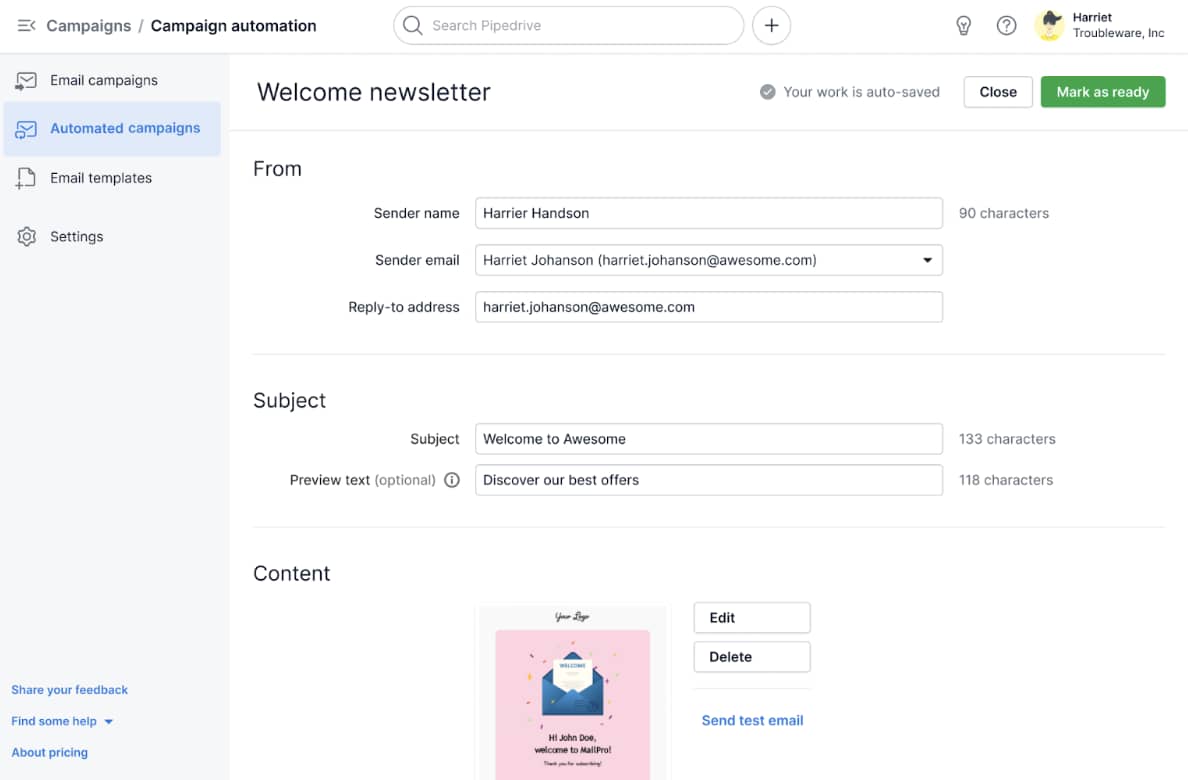
For instance, reps can use Pipedrive’s mobile CRM to track deal progress from the palm of their hands.

Application development Pipedrive mobile CRM

What are the benefits of app development?

App development boosts brand visibility, personalizes the customer experience and provides access to valuable customer data. As a result, businesses can better understand consumer needs and preferences.

Let’s take a look at these benefits in more detail.

Share personalized communications with users

Apps provide a direct and personalized way to interact with customers, helping businesses build stronger relationships by making customers feel valued, understood and connected to the brand.

For example, a B2B marketing agency could develop an app that:

These features deliver timely insights, demonstrating the agency’s understanding of user needs. Personalized communication leads to better client relationships and increases trust. It also encourages long-term loyalty.

Make data-driven decisions to improve the customer experience

Apps collect valuable user data, like browsing behavior, buying history and feature usage. These insights help businesses identify trends, optimize offerings and address pain points.

For example, a B2B e-commerce CRM could track:

  • How clients navigate its app

  • Which products do they view

  • Where they drop off in the checkout process

The company can use these insights to improve product recommendations, streamline the customer journey and adjust pricing strategies.

Improve brand perception

A well-designed app enhances brand perception by demonstrating your commitment to the user experience. When customers know you’re invested in their success, you build trust and credibility.

Increased trust, in turn, influences purchasing decisions. Data from the Edelman Trust Barometer shows that consumers are 59% more likely to purchase from a brand they trust.

Recommended reading

https://www-cms.pipedriveassets.com/Brand-Positioning.png

What is brand positioning: The ultimate guide with 4 examples

What does the application development process look like?

The application development process is a structured approach to designing, building, testing and maintaining an app. The process follows the five key phases of the software development lifecycle as outlined below.

Note: These phases don’t have to follow this order. You can adapt each to fit your business processes, needs and goals. For example, if you’re building a sales-focused app, you might prioritize prototyping and user testing early to ensure a frictionless purchasing experience.

1. Research and planning

The research and planning phase defines the app’s purpose, identifies target users and ensures there’s an actual demand for the idea. A strong plan helps you avoid costly mistakes and ensures your app delivers real value to users.

Here’s how to research and plan an app:

  • Define the app’s purpose. Outline what the app will do and the problem it solves for users. If you’re creating a sales tracking app, the purpose might be to help sales teams manage leads.

  • Identify the target audience. Conduct surveys, interviews and competitive analysis to pinpoint your ideal customer profile.

  • Analyze the competition. Study similar apps to find gaps in the market and identify where they can offer a unique advantage.

  • Outline key features. List must-have features that align with user needs and business goals.

  • Set a timeline and budget. Estimate the time and costs for each development phase (like design, prototyping and testing) and allocate resources accordingly.

At this stage, you also decide whether to build a native, web or hybrid app.

Native application

Built specifically for mobile use (iOS or Android). It’s ideal for apps requiring high speed, a seamless user experience (UX) and integration with device features, like sales and CRM apps.

Web application

Accessed through a browser without needing installation. It’s easy to maintain and works on any web-enabled device but may lack advanced mobile features. Suitable for content-based platforms like blogs, online stores or dashboards.

Hybrid application

Works across different platforms using a single codebase. It’s cost-effective and quicker to develop but may have performance limitations. Best for businesses that want a balance between reach and functionality, like e-commerce or service booking apps.

Choosing the right approach depends on your budget, timeline and how users will interact with your app.

For example, if you’re developing an app for salespeople who need offline access and real-time updates, a native app is the best choice. It ensures smooth performance, integrates with device features (like GPS for location tracking) and works without an internet connection.

A hybrid app is a better alternative if you’re launching an e-commerce app and want to reach iOS and Android users with a lower budget. It allows you to build once and deploy across multiple platforms, saving development time while offering a good user experience.

2. Design and prototyping

The design and prototyping phase allows for early feedback and adjustments ahead of development. Refining the app early saves time, minimizes development changes and ensures a smoother launch.

The process involves creating wireframes or interactive prototypes to visualize the app’s look and functionality. Here are more detailed definitions of each format:

An app wireframe

A basic visual layout of the app. It shows the app’s structure, key elements and navigation flow without detailed design elements (like colors or images).

A wireframe uses a low-fidelity (lo-fi) framework, meaning it’s a rough version focusing on layout rather than design.

An interactive prototype

A clickable version of the wireframe that simulates how users navigate the app. It allows stakeholders and testers to experience the app’s flow, providing valuable feedback on usability before development.

An interactive prototype is high-fidelity (hi-fi), meaning it has a detailed and realistic representation that closely resembles the final product.

Most app development teams create wireframes first and gather feedback before creating an interactive prototype.

Here’s how to create a wireframe:

  • List the key pages your app needs

  • Sketch a rough layout

  • Add the necessary buttons, images and text on each screen

A wireframing tool like Moqups makes this process easier. Here’s an example of its interface, which uses a drag-and-drop functionality to plot key app elements:

Application development Pipedrive Moqups

Once you’ve developed a wireframe, share it with stakeholders, potential users and team members to identify any issues with the layout. Use the feedback to make necessary layout changes to improve the user experience.

You can use your wireframe as a foundation to create an interactive prototype.

Use a platform like Figma to create interactive prototypes without technical expertise. Here’s a glimpse of what the Figma interface looks like:

Application development Pipedrive Figma

Add your app layout to the software, including buttons and dropdown menus for navigation between screens.

Conduct user testing to ensure the new layout is intuitive and easy to use. Make any final revisions to prepare it for development.

3. Code development (if applicable)

App developers use the prototype as a blueprint for creating the app – using programming languages (like Java or SQL), frameworks and APIs to bring your design to life.

The coding phase includes:

  • Creating front-end code to create the app’s interface

  • Crafting back-end code to handle data, authentication and functionality

Extensive coding isn’t always necessary in app development. No-code and low-code platforms allow you to create apps without technical knowledge.

Look at Pipedrive’s API (application programming interface) as an example of a low-code solution.

Developers can use it to create apps that extend Pipedrive’s CRM functionality. They can generate boilerplate apps in a single click, then customize the coding to fit their needs. For example, building messaging app integrations to centralize customer communications in one place.

Here are some best practices for creating apps in no-code and low-code platforms:

  • Pick a suitable template. Many platforms offer pre-built templates for common app types. Choose the best option for your app design to make the process as easy as possible.

  • Use the drag-and-drop elements. Add buttons, text fields, images and navigation menus using an intuitive visual editor.

  • Set up functionality. Configure actions, such as opening a new screen when clicking a button or storing user information in a database, to define how the app works.

The exact steps and processes you employ will vary depending on your platform.

4. Testing and optimization

Once you’ve built the app, run tests to identify and fix bugs, optimize performance and ensure a seamless user experience. This process ensures the app runs smoothly, reducing crashes and glitches that could frustrate users and damage your brand reputation.

Here are some best practices to consider when testing and optimizing apps:

  • Test functionality. Ensure all app features (like buttons, forms and menus) perform as expected without errors. Run the app on various devices and screen sizes to confirm it works across different operating systems.

  • Monitor usability. Get feedback from real users to spot navigation or interface issues that affect usability. Use app analytics to track user behavior, identify potential pain points and measure app performance.

Use these insights to make final app improvements before releasing it.

Download Your Guide to Preventing 5 Common Sales Mistakes

Always say the right thing with this guide to avoiding the frequently-made sales conversation mistakes.

5. Release and maintenance

Once testing is complete, launch the app on app stores or internal platforms, allowing people to download and use the app. Tracking data usage and performance metrics helps refine features and enhance the user experience.

To launch the app, create developer accounts on the Apple App Store, Google Play Store or anywhere else you want to publish. Prepare app assets like icons and screenshots, fill out necessary details and upload the app package to each store.
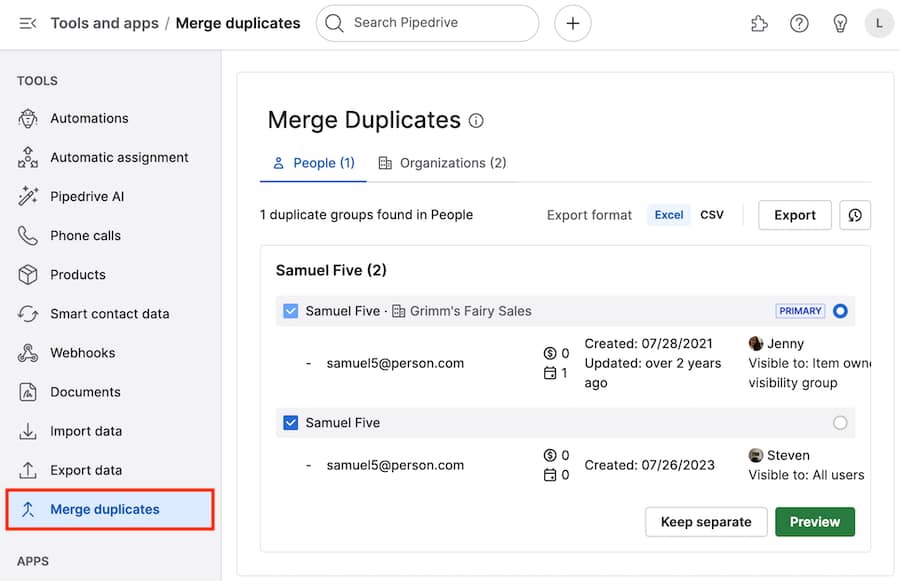
Submit the app for review and address any feedback. Once approved, launch the app.

Ensure ongoing maintenance and monitor app performance to improve performance and add features based on user feedback.

You can monitor app performance differently depending on the goals you want to track. For example, if fast load times are one of your goals, measure app load times using tools like Firebase Performance Monitoring.

Here are additional performance metrics you may want to track:

  • Crash rates – how often the app crashes, indicating stability issues

  • App responsiveness – how quickly the app responds to user actions, such as button presses or screen transitions

  • App retention – how often users return to your app over time and monitor the churn rate

  • User engagement – how often and how long users interact with the app

How to choose the right application development platform

The right development software ensures you create apps with all the features and functionalities you need to deliver a top-quality user experience. The software should match your technical expertise, whether you’re seeking a no-code solution or prefer to code from scratch.
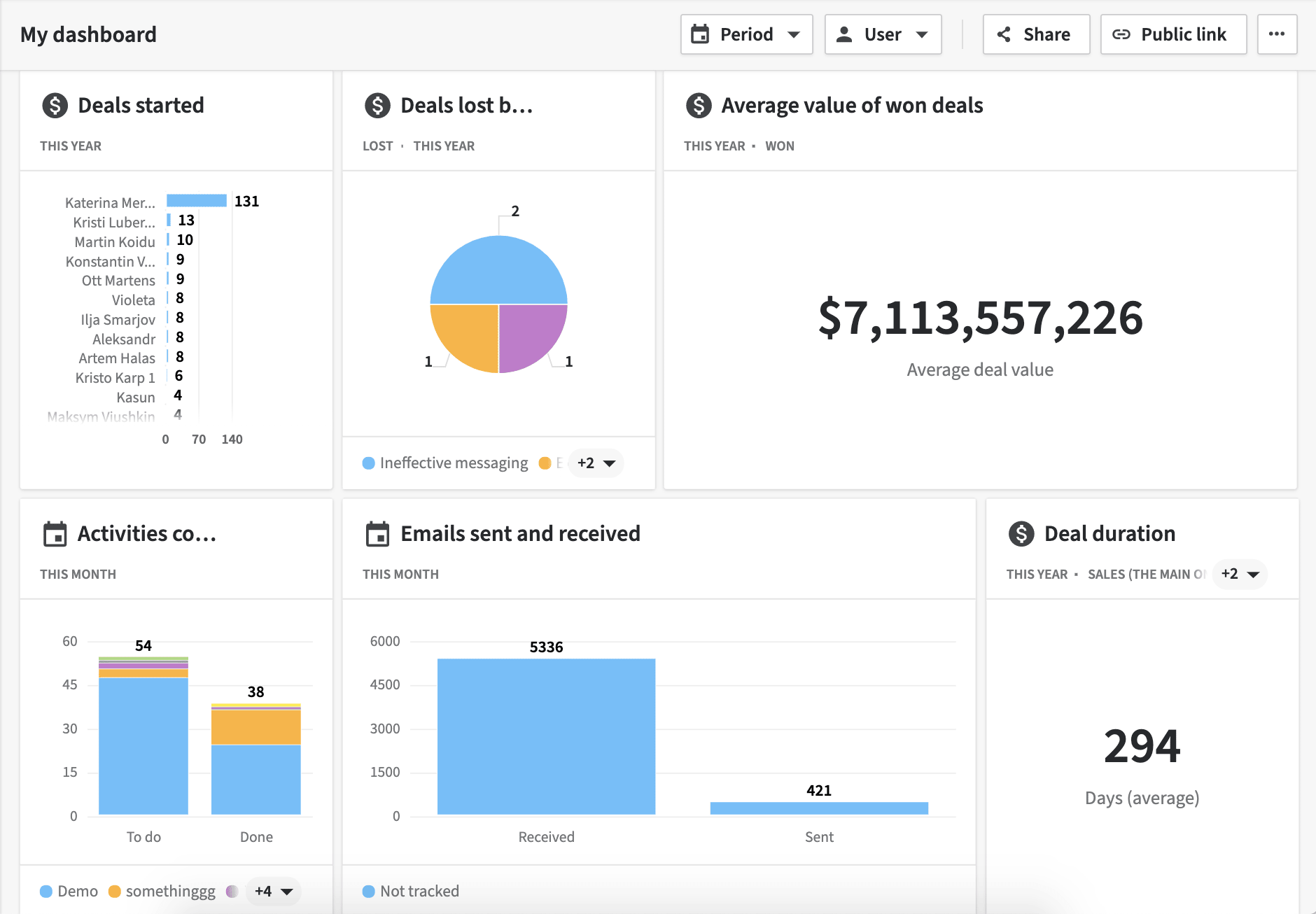
Here are some essential factors to keep in mind when choosing app development tools:

  • Check platform compatibility. Decide whether you need mobile application development (iOS, Android or both), a web-based app or a hybrid solution. Some development platforms specialize in one type, while others allow you to build apps that work across multiple devices.

  • Evaluate costs and budgets. Some platforms charge a monthly fee, while others take a percentage of revenue or require upfront licensing costs. Assess your budget and compare pricing models to find a cost-effective solution for your SMB.

  • Look for built-in integrations. Ensure the platform can integrate with your existing tools (such as CRM software, marketing tools or accounting systems) to streamline operations.

  • Assess support and training resources. If you lack technical expertise, choose a platform with strong customer support, training documentation, use cases and a community forum for troubleshooting and learning.

  • Determine your coding ability. If you have no coding experience (and don’t have the time to learn coding), you need a no-code platform. If you’re comfortable with some level of coding, you could use a low-code platform (which gives you more control over your app design and functionality).

If you want complete control over your app development but lack technical expertise, consider hiring an in-house developer or outsourcing to a freelancer.

5 free project plan templates

Download your project plan templates, which are compatible with Microsoft Excel and Google Sheets.

Best practices for creating a new app

Implementing the following best practices will help ensure your app meets user needs while avoiding delays from unnecessary features.

Start with an MVP

Rather than building a fully featured app right away, launch with essential features and gather user feedback. This approach saves time, reduces costs and validates your idea before scaling to a fully-developed app.

For example, a B2B software company might launch an app with basic features like user authentication and data syncing. After testing these features and gathering feedback, it adds more advanced tools (like reporting dashboards and integrations with other platforms) to meet user needs.

Prioritize the user experience

A smooth UX helps users navigate the app, complete tasks and access information without frustration. A better experience leads to higher customer retention, positive reviews and more sales.

Here’s how to prioritize the user experience in app development:

  • Understand your ideal audience. Knowing who will use your app helps you design features that meet their needs and expectations. Conduct user research, surveys or interviews to gather insights about their preferences and pain points.

  • Keep it simple. A clean, intuitive interface makes it easy for end users to navigate the app, improving their overall experience. For instance, a scheduling app should have a straightforward booking flow with minimal steps to confirm an appointment.

  • Optimize for speed. A fast-loading app keeps users engaged and reduces abandonment rates. Compress images and optimize code (if coding the app yourself) to ensure the app operates as quickly as possible.

Choose the right application development methodology

Application development methodologies define how teams organize tasks, track progress and manage changes throughout the development process. Choosing the right methodology is crucial because it impacts how you plan and manage the development process.

Most application development methodologies can be grouped into one of three categories:

Waterfall methodology

A linear, sequential approach where each phase must be completed before the next begins. It’s highly structured with defined requirements and stages.

Rapid application development (RAD)

A flexible approach focused on quick development through iterative cycles and user feedback. It emphasizes building prototypes that users can interact with early on, refining the app based on feedback and delivering a functional app faster than traditional methods.

Agile methodology

A structured, iterative project management approach that divides development into small, manageable sprints. It allows teams to adjust project scope or features based on changing user needs or market conditions.

Here’s how to determine when to use each methodology:

  • Waterfall is ideal when business requirements are defined and unlikely to change, such as regulatory or compliance-based apps that need a structured, step-by-step approach.

  • RAD is best when you need to develop an app quickly and want the flexibility to adapt the app based on user feedback. A B2B SaaS startup could use RAD to prototype a sales automation tool, gather early feedback and refine features before launching.

  • Agile is the most suitable choice when the app has changing requirements. For example, a large-scale enterprise application might use Agile to roll out new workflow management features based on user feedback and changing business needs.

Note: Although RAD and Agile adopt a similar approach (both using iterations), they’re not the same. RAD relies on building prototypes that evolve based on user input, while Agile delivers working software in incremental releases, improving functionality in each sprint.

Final thoughts

Apps allow businesses to engage with leads and customers in a more personalized and efficient way. They also provide valuable customer data that helps companies understand user behavior, preferences and pain points.

Application development can be complex, but it doesn’t have to be overwhelming. Use no-code and low-code platforms to design custom apps that suit your business needs and meet customer expectations.

Try Pipedrive’s API to build custom apps that support key areas of your sales cycle, like lead generation and contract management. Sign up for a free 14-day trial to see it in action.

  • « Go to Previous Page
  • Page 1
  • Interim pages omitted …
  • Page 10
  • Page 11
  • Page 12
  • Page 13
  • Page 14
  • Interim pages omitted …
  • Page 28
  • Go to Next Page »

Get your Software Stack together. softwarestack.tech

Software Stack

© 2024–2026 - Software Stack is a trading name of SouthwestCIO Limited ac ompany registered in England & Wales 11319049

  • Knowledgebase
  • Home
  • About Us
  • Contact Us