

Offering customer education helps customers discover and master your product’s features. Not only that – a customer education program gives your sales team one more argument to close a sale and improves the post-purchase customer experience big time!
But how do you roll out a successful program that will effectively support your business goals and contribute to achieving the much-desired customer loyalty and customer retention? Well, for this, you’ll need a reliable customer training LMS.
9000+ brands trust LearnWorlds to train their people, partners & customers.
Start a FREE Trial
The market is filled with worthwhile options. To make your search a bit easier, have picked and reviewed the most notable platforms for you based on user feedback and the following criteria:
 Ease of use
Customer support
Branding & customization capabilities
Integrations & APIs
Multi-tenancy & user segmentation/access controls
AI tools
Website builder
Content authoring capabilities
Who Made the Cut? The 12 Best Customer Training Software
Before deep-diving and seeing in detail every customer training software on the list, here’s a quick feature overview:
1. LearnWorlds – Our Choice
CUSTOMER REVIEWS:
4.7 out of 5
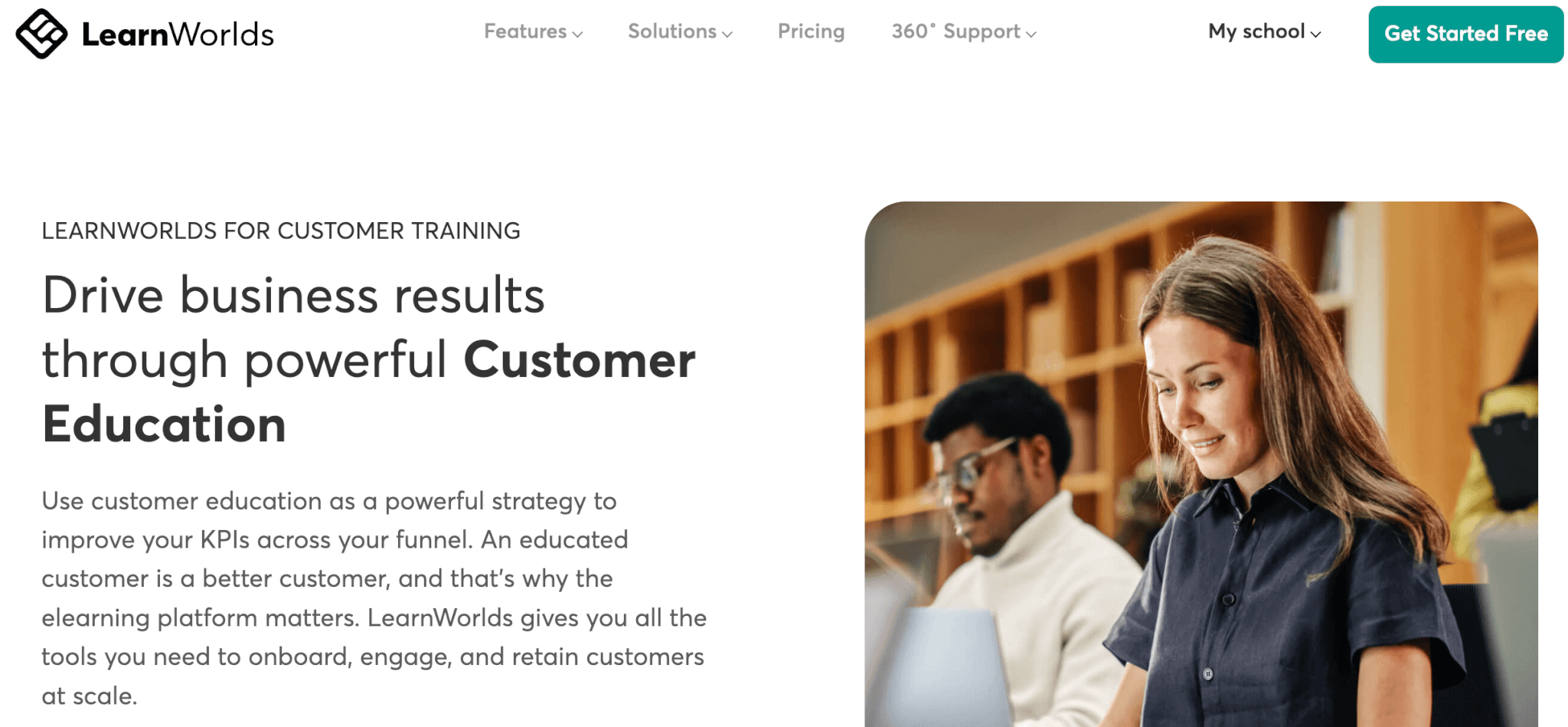
LearnWorlds stands out as the leading customer education platform for SMEs, packed with all the essential features to support on-demand and live training. The platform is SCORM-compliant and supports multimedia and interactive training content, ensuring an engaging learning experience.
Our advanced AI assistant with pre-built prompts supports content creation and optimization, assessments and feedback, course outlines, and marketing material. With our drag-and-drop website builder, you can easily create a custom-branded site for your eLearning program (not just an after-login page as is the case with most LMSs!) and use our rich eCommerce toolkit to monetize your courses.
If you need to train multiple audiences, whether employees, customers, or partners, our Multiple Schools functionality that allows for customizable branding will come in super handy. Plus, with the Clone & Sync capabilities you will build your schools in no time!
LearnWorlds additionally supports API, multiple languages, in-depth reporting & metrics, B2B licensing, automation and bulk actions, custom user roles, and various popular integrations, including CRM tools, allowing you to tailor and scale your training program as needed and offer the best training experience.
Advantages
Disadvantages
Pricing plans
9000+ brands trust LearnWorlds to train their people, partners & customers.
Start a FREE Trial
2. Gainsight Customer Education
CUSTOMER REVIEWS:
4.6 out of 5
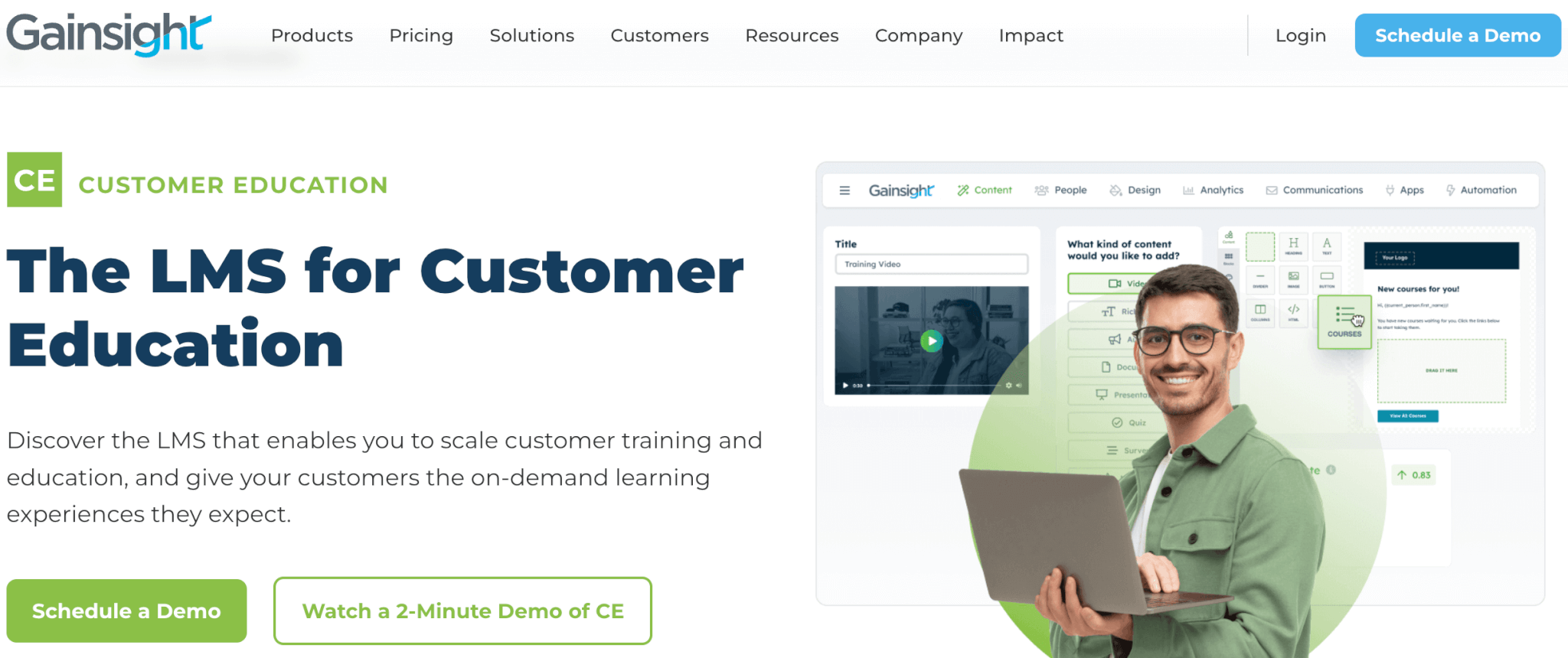
Gainsight Customer Education (formerly Northpass) is a dedicated customer education platform. The initial setup requires some help from the Gainsight team but, overall, the platform is known for its intuitive navigation and pleasant UI that offers a seamless user experience and its advanced customization and branding capabilities.
Gainsight seamlessly integrates learning analytics with data from your CRM, HRIS, and product to provide in-depth insights. Other standout features include a centralized media library to store your assets for quick access, the ability to add videos directly into slide presentations, and downloadable videos.
Advantages
Disadvantages
Pricing plans
Gainsight has a fixed price for unlimited learners, admins, and content. The pricing is not disclosed on the website.
3. TalentLMS
CUSTOMER REVIEWS:
4.6 out of 5
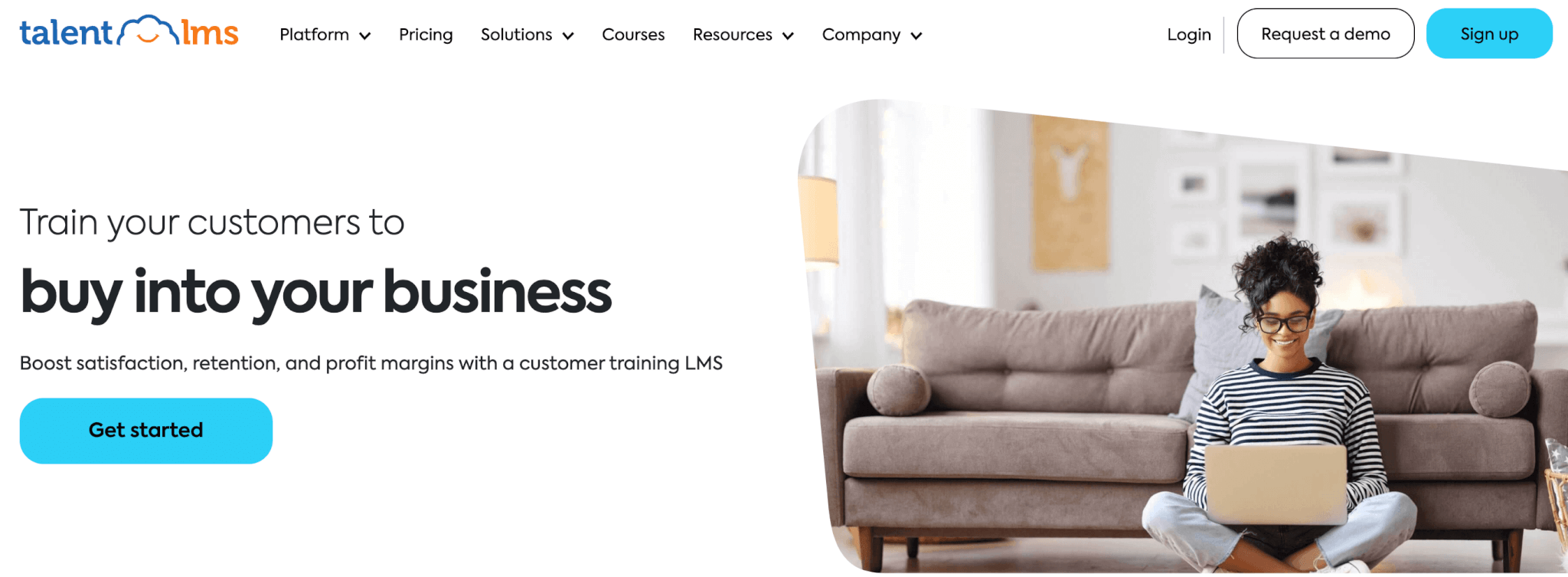
TalentLMS is an intuitive, feature-rich Learning Management System that supports customer learning programs and is reasonably priced. The platform has recently been enriched with AI tools and is also known for its rich gamification. It offers branding capabilities, custom user types, and branches (different learning environments), although design customization is limited.
Talent LMS supports several integrations and APIs and offers basic eCommerce capabilities. It also offers in-depth reporting, assessment, and certificate builders. It’s available in 40 languages and adheres to WCAG-2 accessibility requirements for inclusive customer training programs, helping you create brand advocates and expand your customer base.
Advantages
Disadvantages
Pricing plans
4. WorkRamp
CUSTOMER REVIEWS:
4.4 out of 5
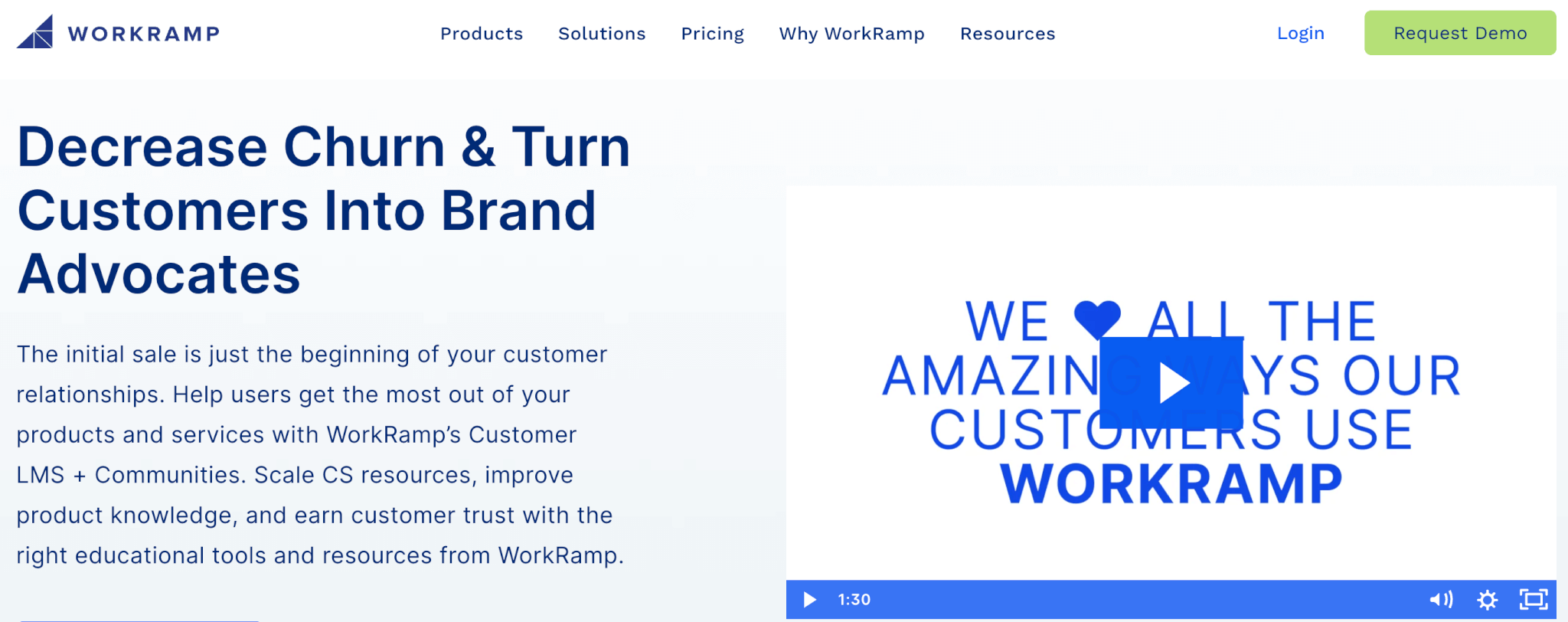
WorkRamp is another SaaS platform that empowers you to create a frictionless new customer onboarding experience and beyond. Its user-friendly interface allows you to craft engaging learning content and courses with various media formats – no coding required! You can build structured learning paths and manage all content in one location. The platform also offers a quiz builder and analytics on learner progress and course completion rates.
WorkRamp integrates with your existing tech stack for a unified learning experience. WorkRamp Communities enable you to connect customers through forums and discussions to receive feedback and product feature requests and share product announcements.
Advantages
Disadvantages
Pricing plans
Not disclosed.
5. Docebo
CUSTOMER REVIEWS:
4.3 out of 5
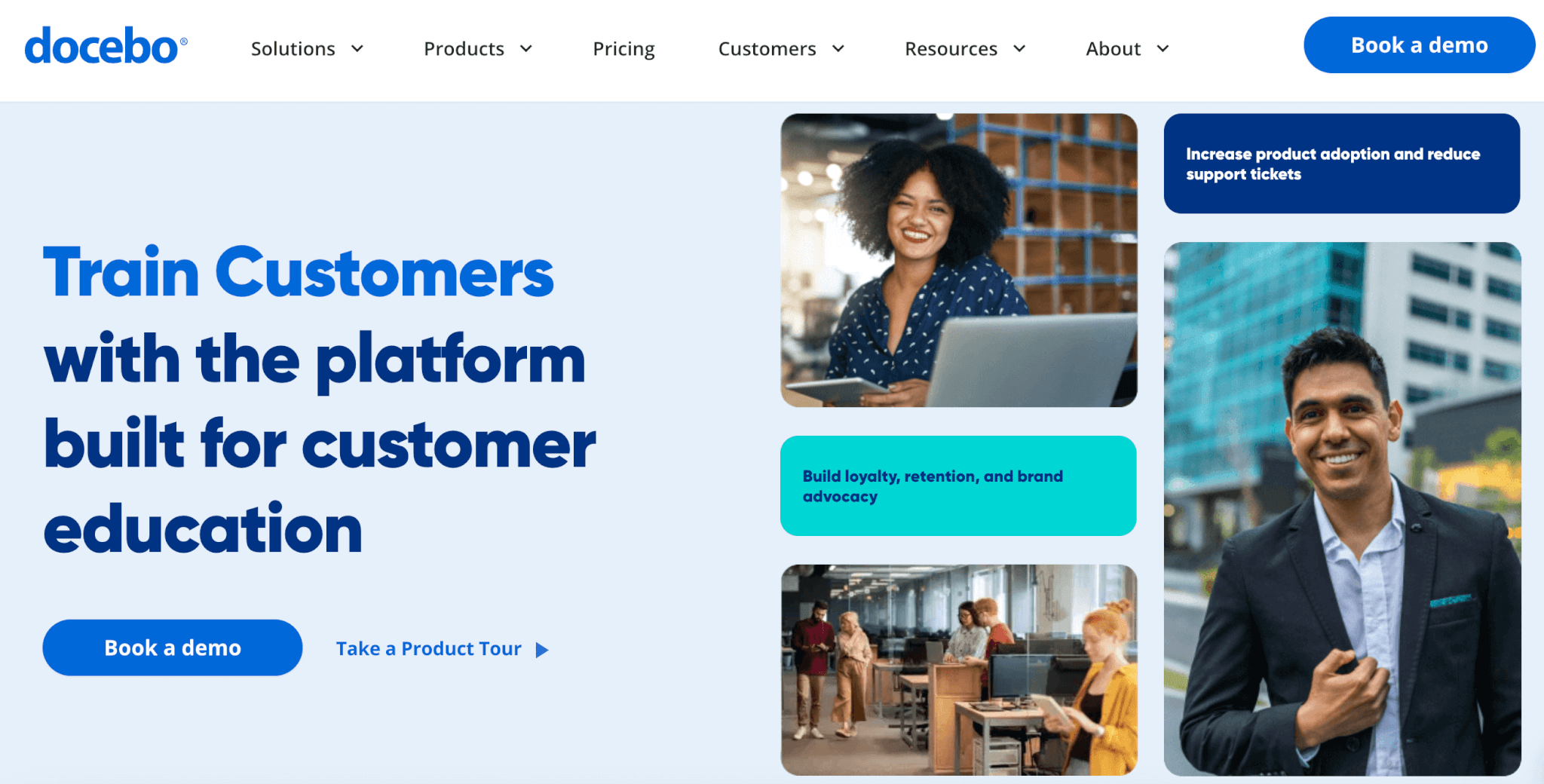
Docebo is a longstanding LMS platform that can effectively address your customer education and product training needs through a variety of features, like AI-powered content recommendations and adaptive learning paths, eCommerce, automated communication campaigns, certifications, multiple integrations with CRMs and other business and customer success systems.
Docebo enables you to build and brand different schools, facilitating administration & scalability with automations and AI content creation and localization. The platform also has social learning capabilities that enable product experts and customers to interact directly via the platform.
Advantages
Disadvantages
Pricing plans
6. Absorb LMS
CUSTOMER REVIEWS:
4.6 out of 5
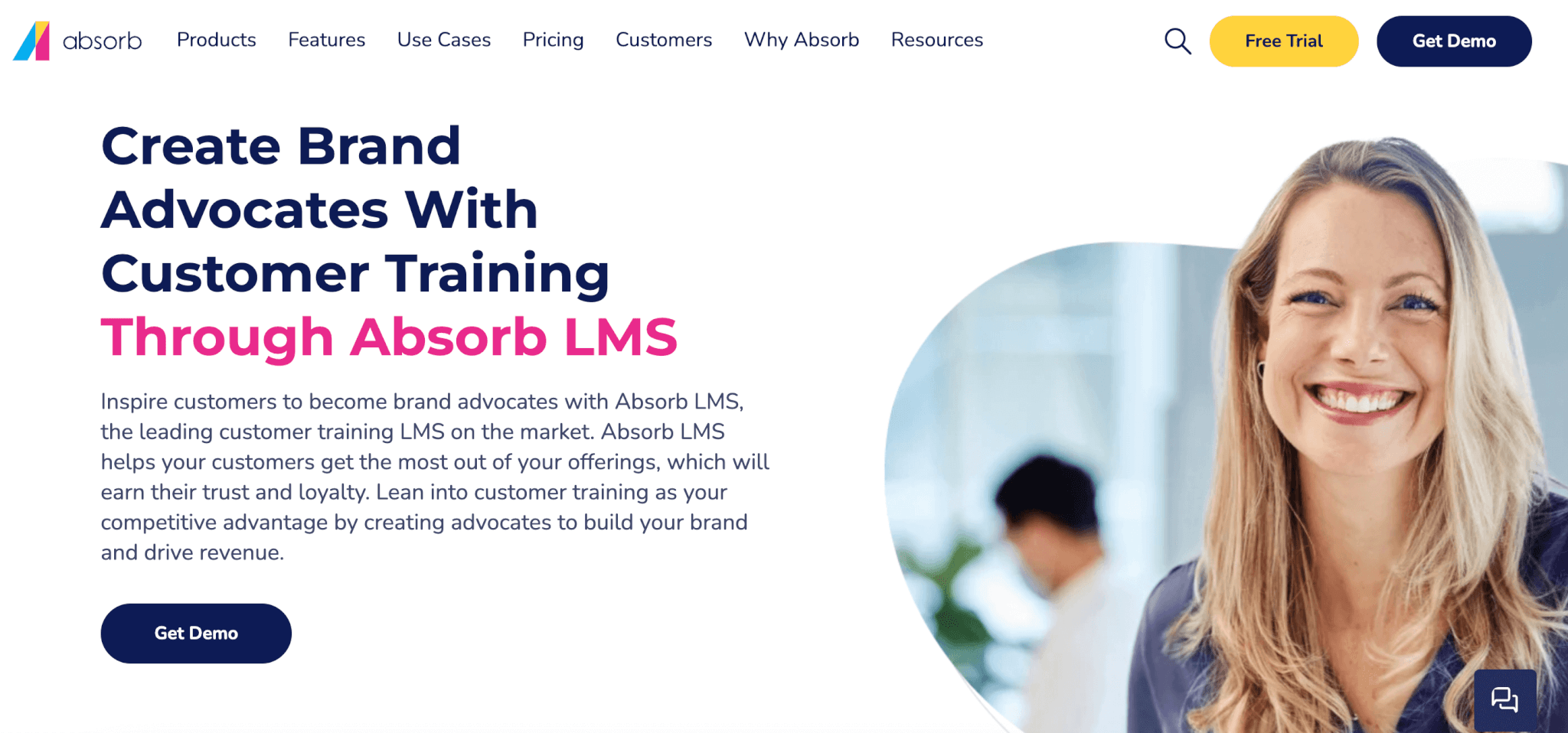
Absorb LMS is a platform for crafting impactful customer education experiences. Its user-friendly interface allows you to develop engaging courses with various media formats – videos, quizzes, and documents. It’s SCORM compliant for seamless integration of existing eLearning modules. Absorb also offers a robust mobile app for offline learning and on-the-go accessibility.
Absorb has advanced AI functionalities, including adaptive learning and personalized course recommendations based on individual performance. Absorb’s Intelligent Assist can also process natural language and assist with admin tasks. Finally, Absorb’s comprehensive analytics provide valuable insights into learner progress, knowledge retention, and overall program effectiveness in real time, although there are some complaints regarding its ease of use.
Advantages
Disadvantages
Pricing plans
Not disclosed.
7. Thought Industries
CUSTOMER REVIEWS:
4.1 out of 5
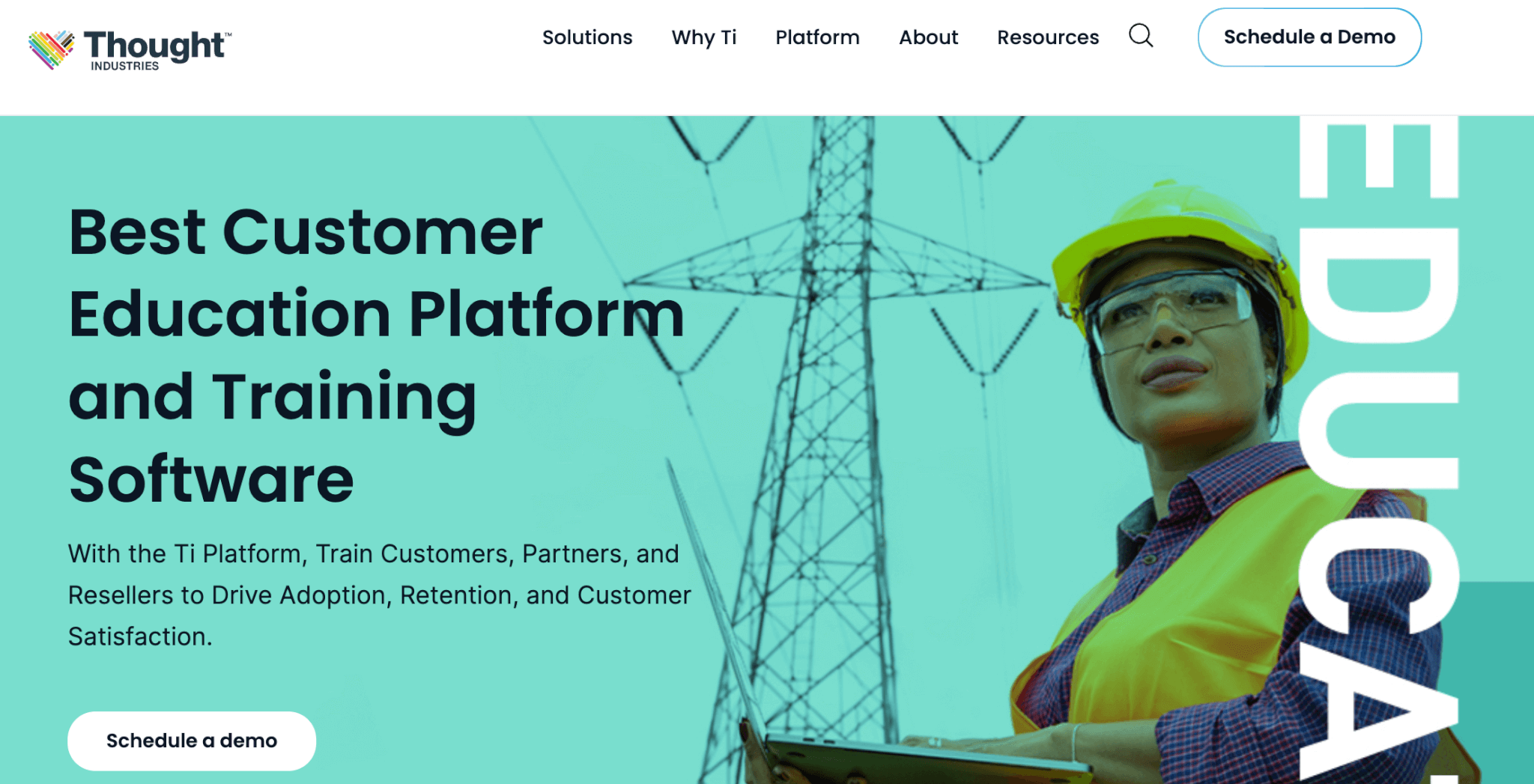
Thought Industries is a flexible learning platform with a beautiful UI and a drag-and-drop website builder that allows you to create branded portals. The platform supports a variety of interactive training content, such as videos and flashcards, and offers rich assessment options. It also enables the creation of flexible learning paths. The Central Asset Manager feature helps streamline content management.
For monetization, Thought Industries offers storefront and landing pages, a built-in shopping cart, the ability to create coupons, and the option to sell subscriptions. It also offers several automations and a tagging system to facilitate admin tasks.
Advantages
Disadvantages
Pricing plans
Not disclosed.
8. LearnUpon LMS
CUSTOMER REVIEWS:
4.6 out of 5
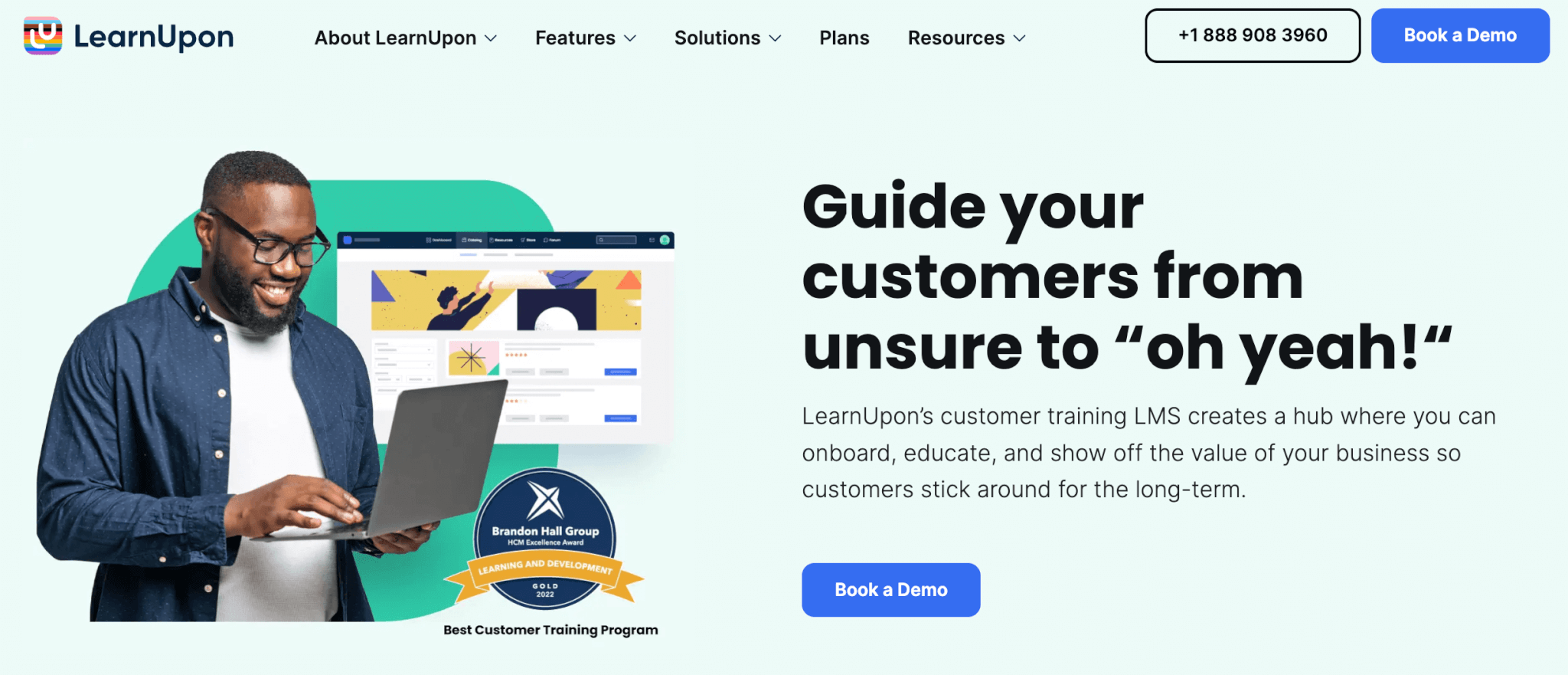
LearnUpon is an intuitive cloud-based LMS with versatile applications, including customer onboarding. It integrates with webinar tools to support ILT training, complete with scheduling, attendance tracking, and reminder notifications. Its advanced AI assists with content creation and offers interactive bots as coaches. LearnUpon also allows you to create branded learning portals and storefronts to sell your courses.
The platform offers various question types, assignments, and a survey feature to gauge learner feedback. It includes a Resource Center for storing training materials in a centralized knowledge base and supports user segmentation for better access control and task automation. It integrates with your CRM, so users are added to the LMS automatically. Its advanced certificate feature alerts learners when it’s time to re-certify, which is ideal for expiring certificates.
Advantages
Disadvantages
Pricing plans
LearnUpon offers 3 plans (Essential, Premium, and Enterprise), but the pricing is not disclosed.
9. Skilljar
CUSTOMER REVIEWS:
4.6 out of 5
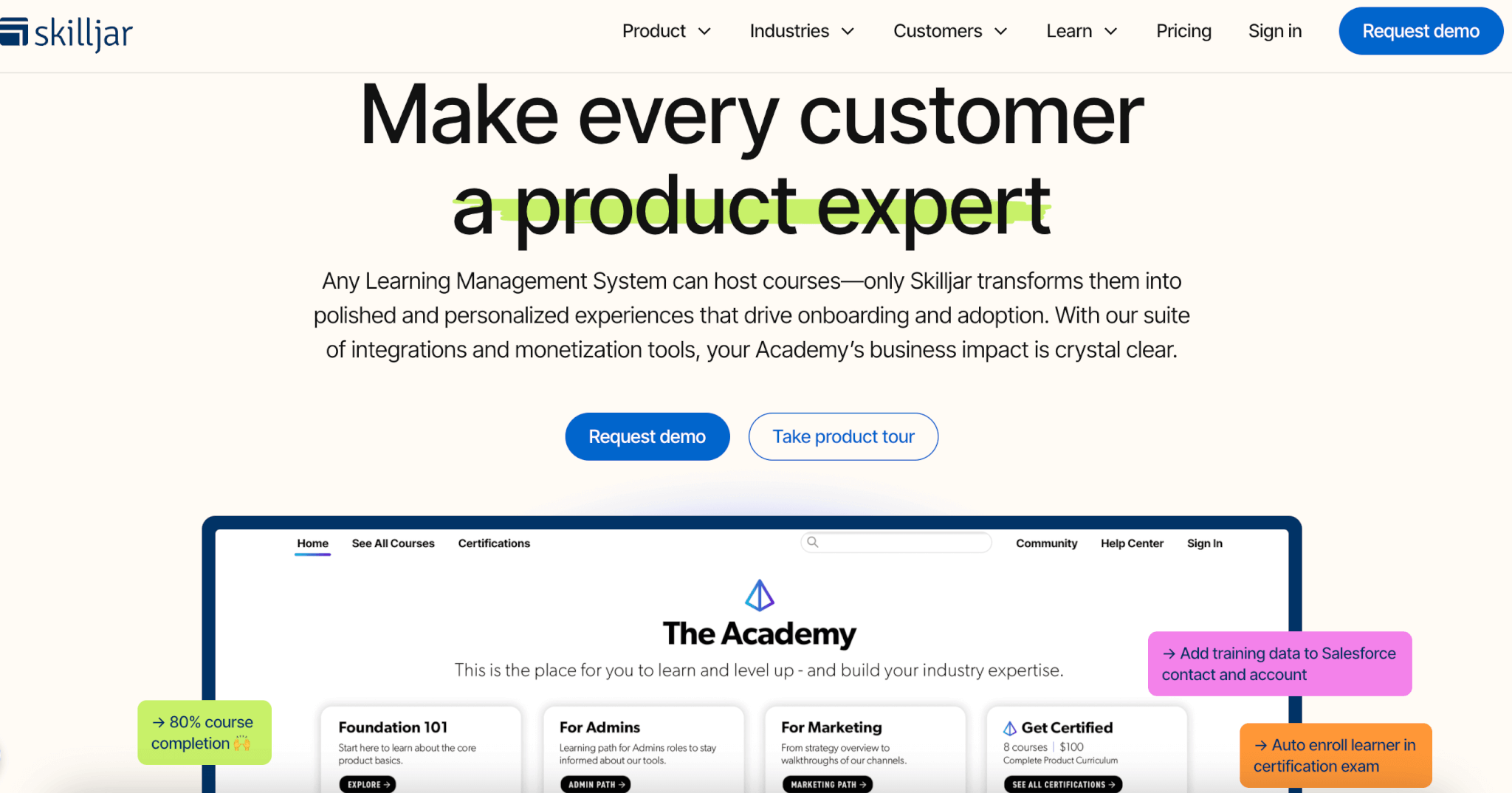
Skilljar is a scalable platform that focuses on boosting product adoption and comes equipped with valuable features like multi-tenancy, white labeling, advanced user roles, eCommerce, and advanced analytics features to keep your customer education efforts on track. You can sell subscriptions, integrate payment gateways, and utilize flexible pricing and packaging options.
The platform boasts a solid assessment engine with robust quizzing options and supports live sessions. Unique verification URLs and LinkedIn certification sharing are standout features that add significant value to your program. It also offers the ability to add training seats to Salesforce contracts, granting access and tracking progress for clear revenue recognition.
Advantages
Disadvantages
Pricing plans
Not disclosed.
10. Trainn
CUSTOMER REVIEWS:
4.7 out of 5
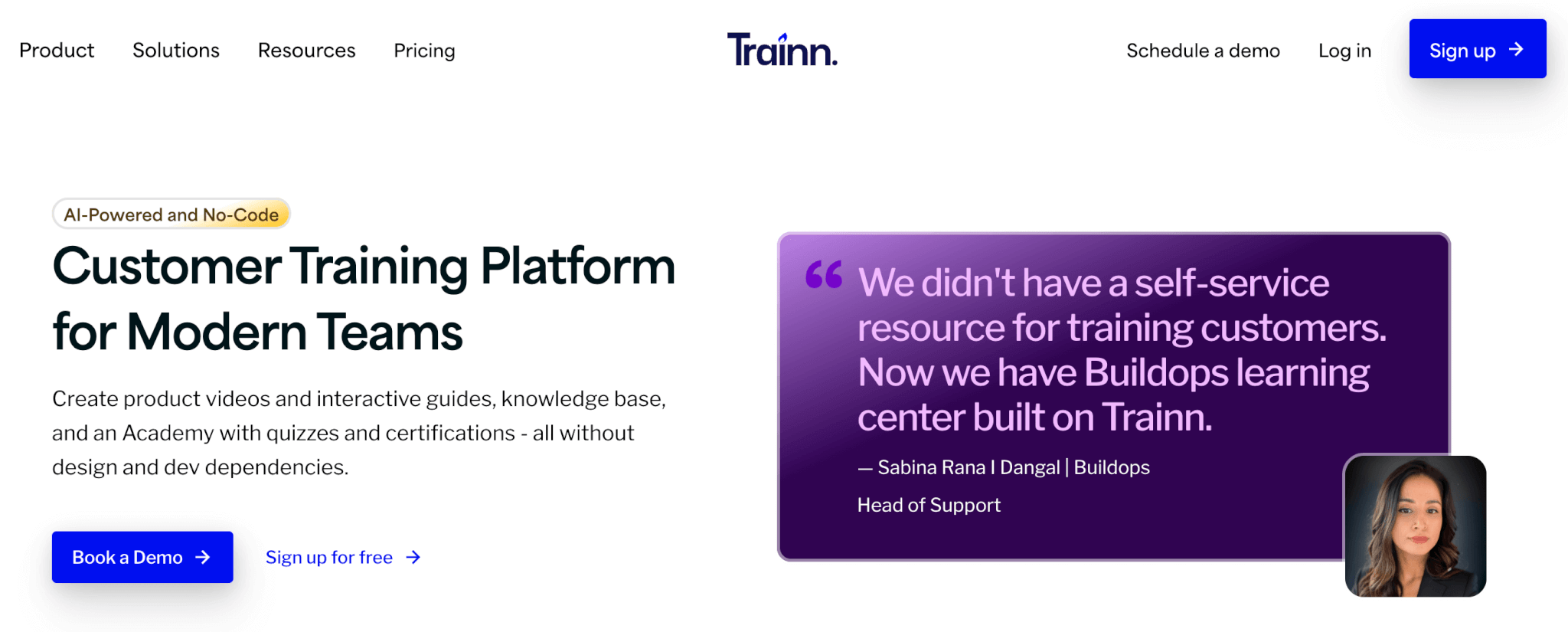
Trainn is a customer training platform that specializes in video-based training. It offers a complete video tool kit that allows you to create and edit videos (some of the capabilities: voice-overs and subtitles, automatic voice overs, branding), share videos with one click, and access video analytics.
You can also record any workflow, and Trainn will automatically generate screenshots, write descriptions, and deliver a shareable link for your brand-new guide. Its zero code academy builder allows you to design your own academy complete with a knowledge base, quizzes, and certifications.
Advantages
Disadvantages
Pricing plans
Trainn offers a 14-day free trial and the following plans:
11. CloudShare
CUSTOMER REVIEWS:
4.6 out of 5
CloudShare is a cloud-based customer education software that enables you to create virtual learning environments (labs) and engaging experiences with built-in chat functionality and file-sharing capabilities. It is easy to set up – you can even clone environments with just a click. CloudShare is ideal for onboarding as it allows you to build training environments that replicate your product, so customers can play around with it and reset everything with just one click.
CloudShare offers multiple integrations. It also offers real-time updates on user activity and allows you to set up an automation to automatically suspend or delete your customer environments when they’re not in use.
Advantages
Disadvantages
Pricing plans
Not disclosed.
12. Intellum
CUSTOMER REVIEWS:
4.4 out of 5
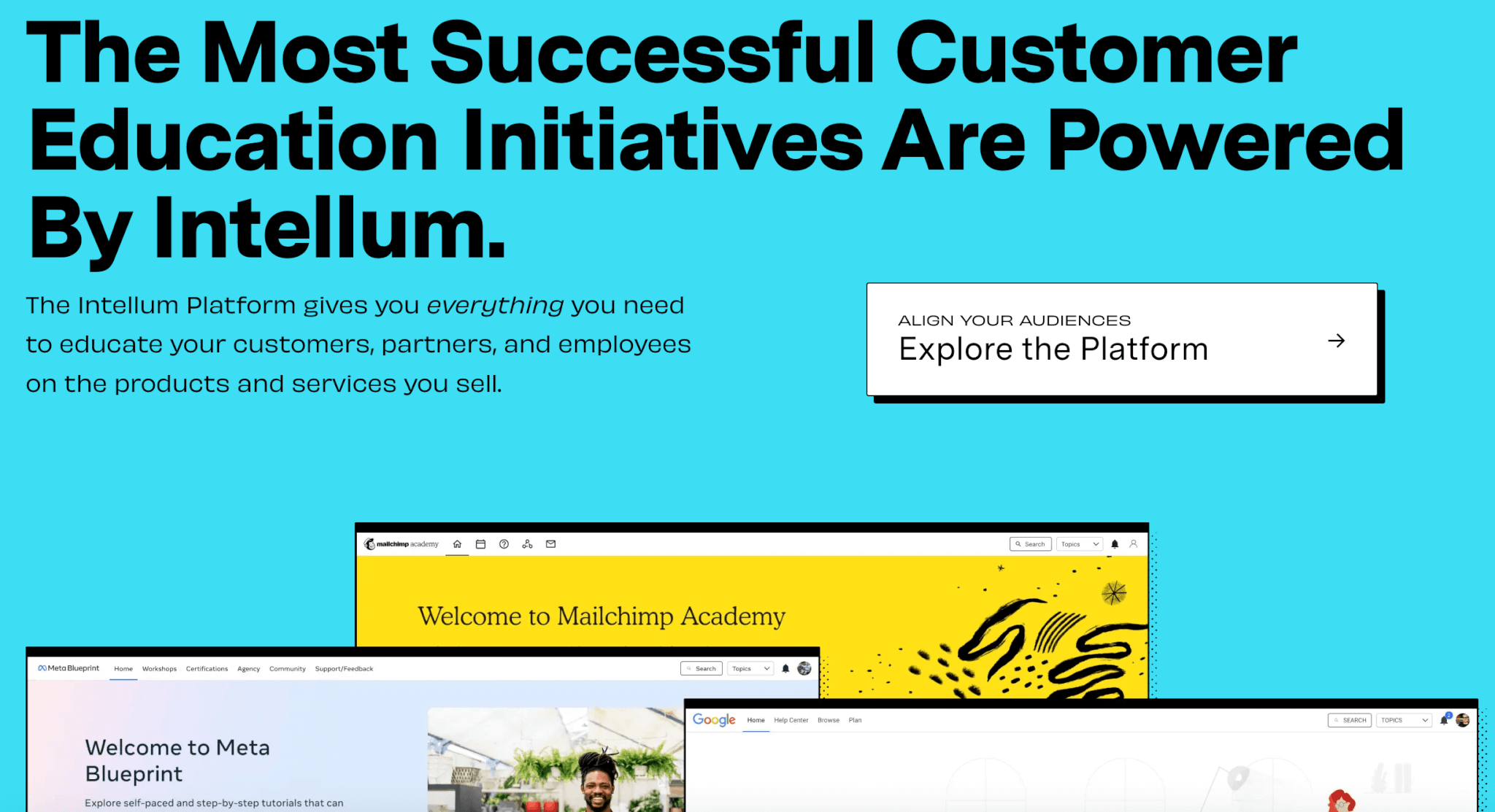
Intellum is a powerful customer education platform with a beautiful, user-friendly UI. The platform lets you segment your customers, create branded learning environments, and design personalized learning experiences based on user activity and profiles. It offers a centralized asset library from where you can mix and match content to create learning paths and collections.
The recommendation engine automatically suggests content, topics, and events based on the individual user’s activity, history, and preferences. The platform also offers advanced gamification like reputation, credentials, leaderboards, and challenges, and a built-in community. Intellum supports permissions and versioning to help streamline content creation.
Advantages
Disadvantages
Pricing plans
Not disclosed.
Moving Forward With Customer Training
Customer education is critical for improving customer satisfaction and preventing churn. But in order to build a successful customer training academy that will satisfy your customers and meet your evolving needs, you’ll need a feature-rich and flexible platform.
LearnWorlds is the customer training software you’ve been looking for – easy to use, customizable, and scalable. Join thousands of happy customers and try LearnWorlds now with a 30-day free trial!
9000+ brands trust LearnWorlds to train their people, partners & customers.
Start a FREE Trial
Further reading you might find interesting:
The post Top 12 Customer Training Software in 2024 appeared first on LearnWorlds.