
.circular {
position: relative;
top: 150px;
left: 50%;
height: auto;
width: 42px;
fill: currentColor;
margin-top: -21px;
margin-left: -21px;
animation: loading-rotate 1.6s linear infinite;
}
@keyframes loading-rotate {
100% {
transform: rotate(360deg);
}
}
Smartsuite
Onspring Pricing: Is It Worth It? [September 2025]
Although Onspring does not disclose its pricing on its website, I was still able to find some reported pricing numbers for Onspring to help you determine if the platform is the right GRC choice for your organization.
In this guide, I’ll cover everything that is known about Onspring’s pricing structure, including how they calculate their pricing and reported numbers.
➡️ I’ll also introduce you to an Onspring alternative that has a more affordable pricing structure, is quick to set up, and comes with premium customer support without paying 6 figures a year.
How Does Onspring Calculate Its Pricing?
Onspring offers 3 different pricing models that you can choose from based on which one better fits your needs:
- Pricing per users, where all defined users get access to all products on the Onspring’s platform.
- Pricing by product, where your team (with unlimited users) selects only a portion of the features to access with implementation included, dependent on the licensing model.
- A hybrid model, where some users have unlimited access to the platform, while other users have limited access to other features with implementation included, dependent on the licensing model

Source of information and screenshot: Onspring.
After choosing your pricing model, Onspring offers four paid tiers – Bronze, Silver, Gold, and Platinum – each adding more capacity and features:
- Bronze plan includes access to the No-code Admin, SaaS System Upgrades, Platform Releases & Upgrades, and more.
- Silver plan includes more data storage and adds non-production department environment, and 1K/month SMS messages with additional levels available.
- Gold plan includes greater data storage and support, and adds a database refresh (4x a year), IP firewall restriction changes, <60-min day support response time, and more.
- Platinum plan includes maximum data storage, API calls, 24/7 support, and adds non-production development, test, and sandbox environments, 8x/year database refreshes, dedicated Slack support channel, and more.
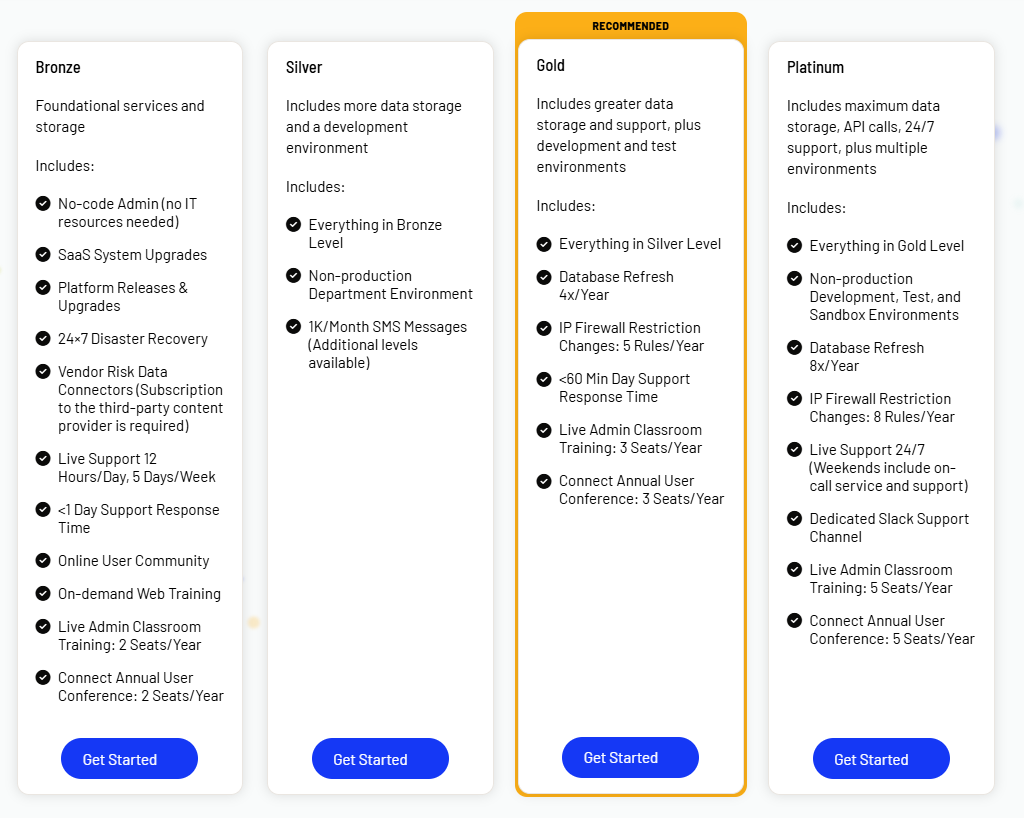
Source of information and screenshot: Onspring.
Does Onspring Have A Free Plan Or A Free Trial?
As of September 2025, Onspring does not offer a free trial or a free plan of its enterprise-grade GRC software.
All Onspring plans require contacting sales for a quote.
How Much Does Onspring Really Cost?
Independent sources from insiders report entry-level deployments starting around $20,000/year, while full enterprise installations reach $78,000/year.
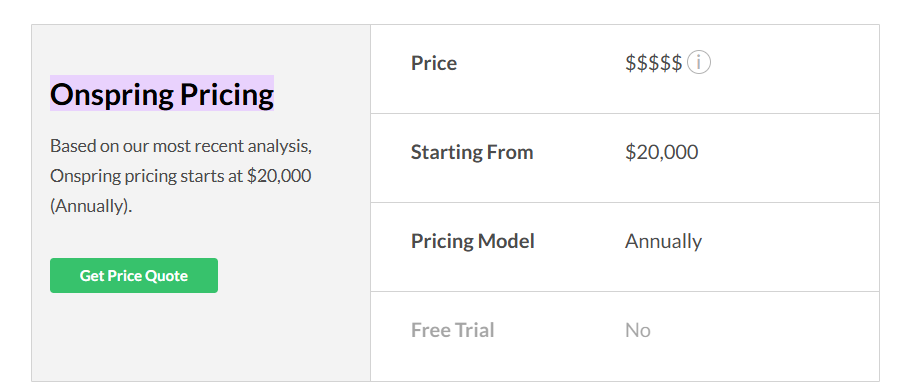
Source of information: Vendr and SelectHub.
Any Surprises at Contract Renewal?
According to an insider on Vendr, Onspring has recently had a price increase in 2024, and the best way for people to secure lower prices has been by signing multi-year agreements.
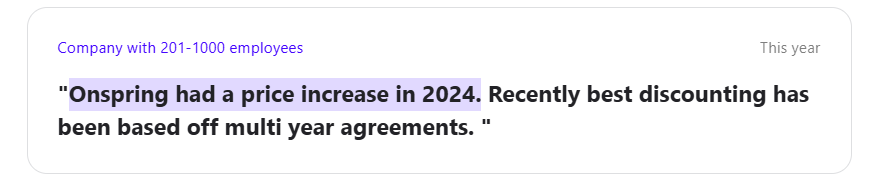
Source of information: Vendr.
Does Onspring Provide Good Value for Money?
Despite the higher initial cost of the software, users of the platform do argue that it offers good value for money, as its ‘’value for money’’ rating in Capterra is 4.8/5 out of 92 reviews.
Reviewers repeatedly praise the no‑code customizability and intuitive design of the platform.
For instance, one Capterra user mentions that the platform is easy to learn and that the no-code build style makes it easy for users to become an Admin and start creating custom applications.
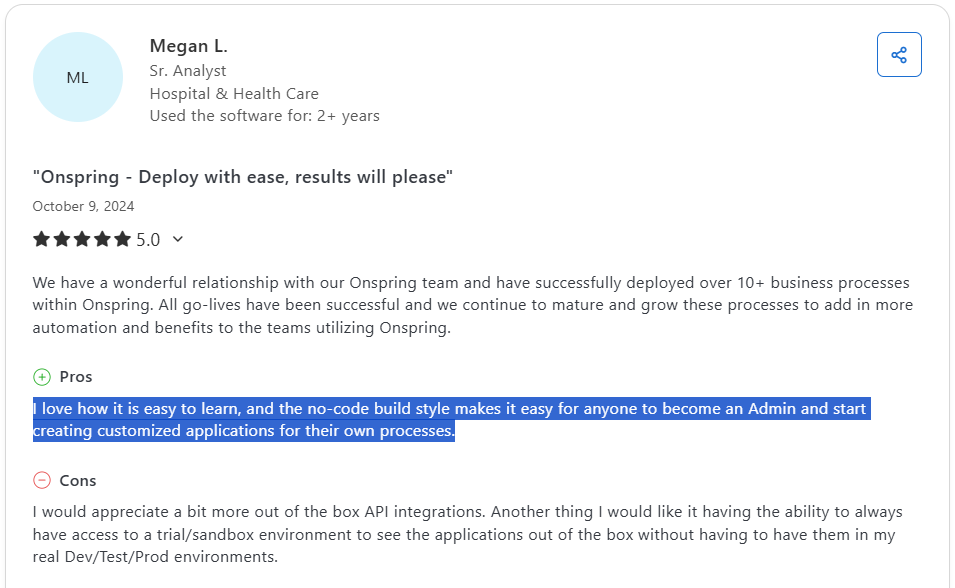
‘’I love how it is easy to learn, and the no-code build style makes it easy for anyone to become an Admin and start creating customized applications for their own processes.’’ – Capterra Review.
Despite this, there have been some users of the platform who are not satisfied with how outdated the user interface of the platform is.

‘’Some of the UI for dashboard/reports seems outdated.’’ – G2 Review.
Even though its UI has received a recent refresh, some users think that the interface is still not as modern as some of the alternatives on the market.
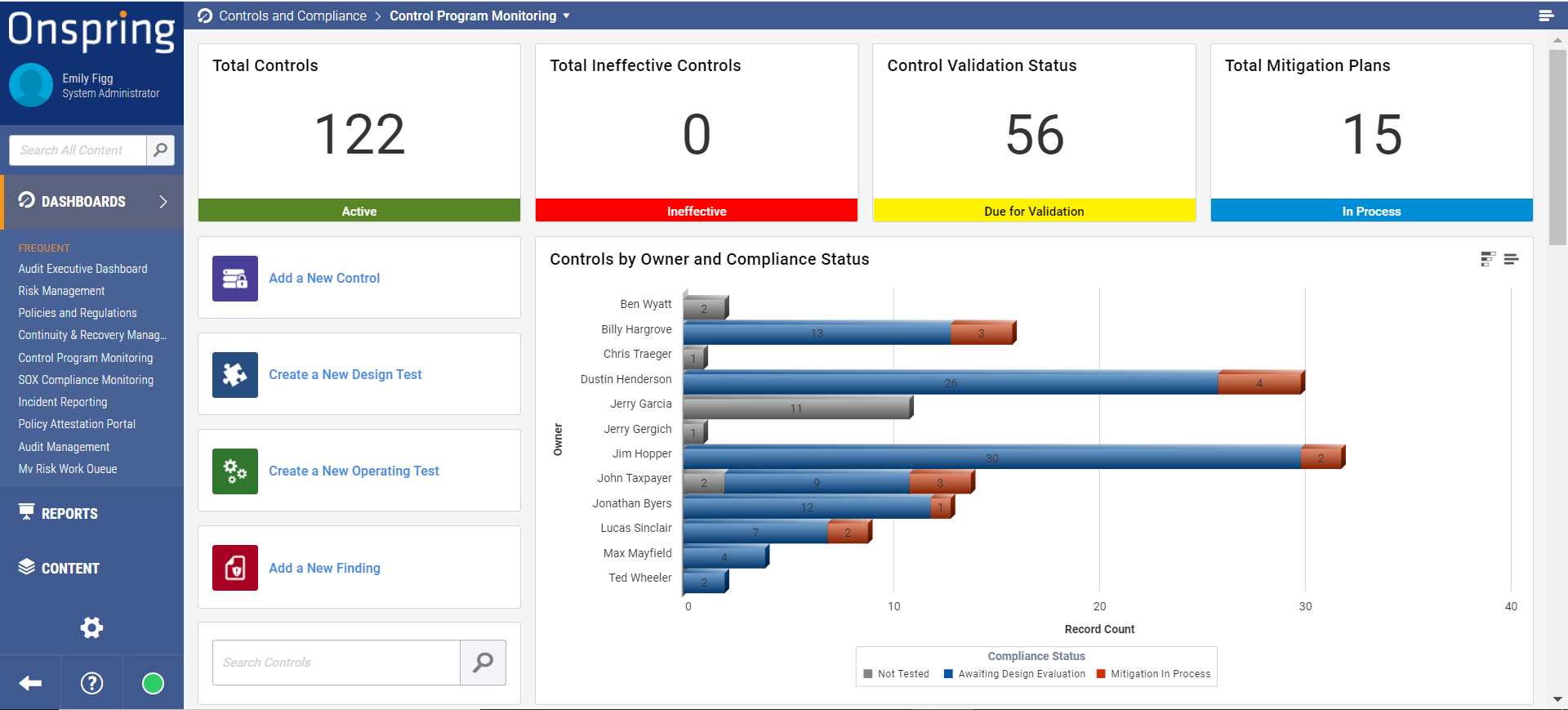
Source of image: Capterra.
Apart from this, some users find the platform’s pricing to be expensive, particularly its user license pricing that gives your admins access to the platform’s full functionality.

‘’User licence is a bit expensive.’’ – G2 Review.
Looking For an Onspring Alternative?
SmartSuite offers the best Onspring alternative for GRC in 2025 with our modern, no-code work management solution that simplifies complex regulatory requirements.
Built for Banks and Credit Unions in mind, our GRC software helps you streamline policy creation, approval, and control assessments.
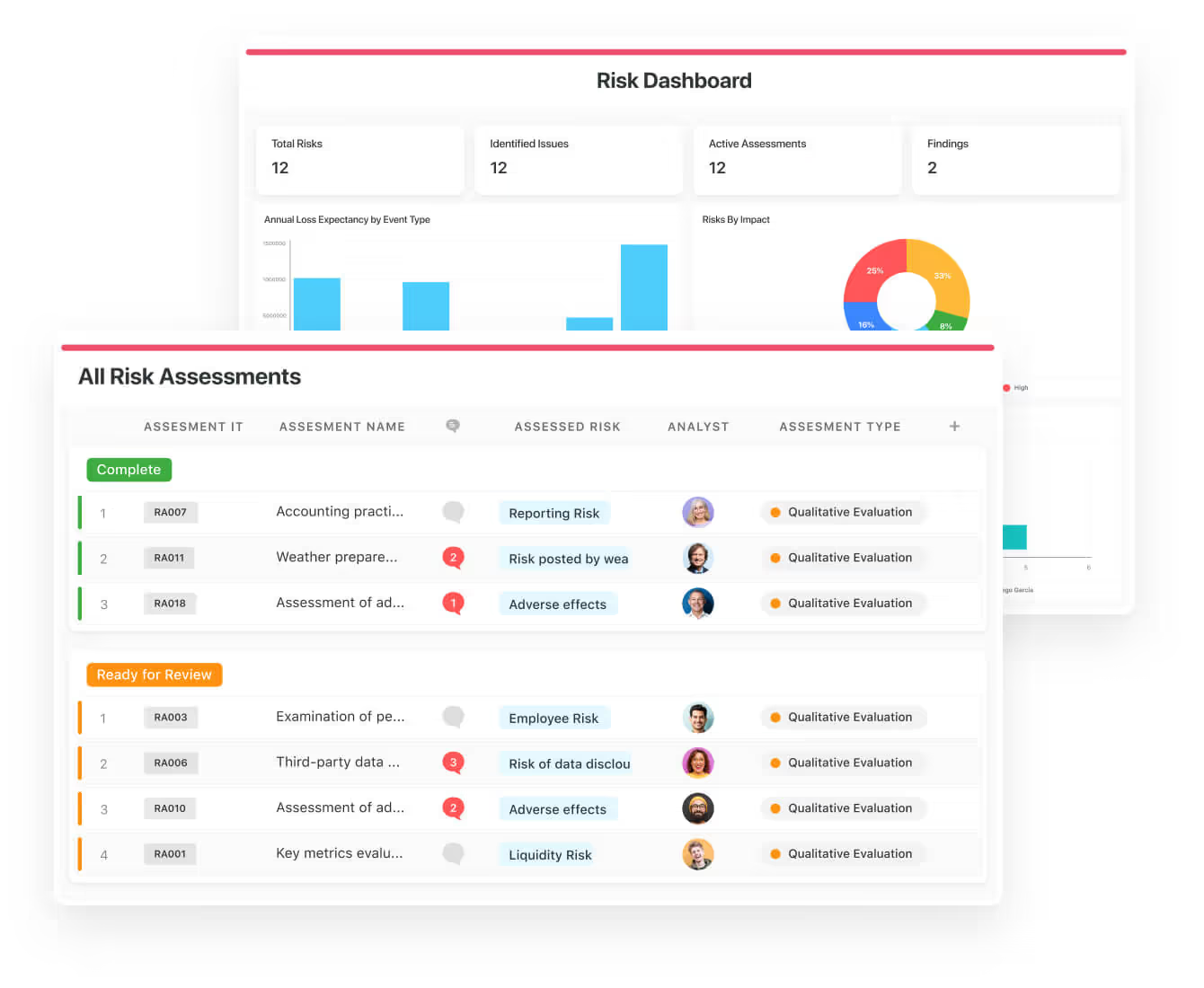
SmartSuite helps compliance teams move faster, manage smarter, and adapt easily, without having to hire expensive consultants or spend hours learning how the platform works.
Let’s go over the features that make SmartSuite the best choice for banks and credit unions looking for an Onspring alternative: 👇
Comprehensive Risk Management Platform
We believe compliance should be simple, automated, and accessible to all financial institutions, regardless of their size.
Our no-code, easy-to-use software empowers compliance managers and CISOs to automate all GRC processes with ease.
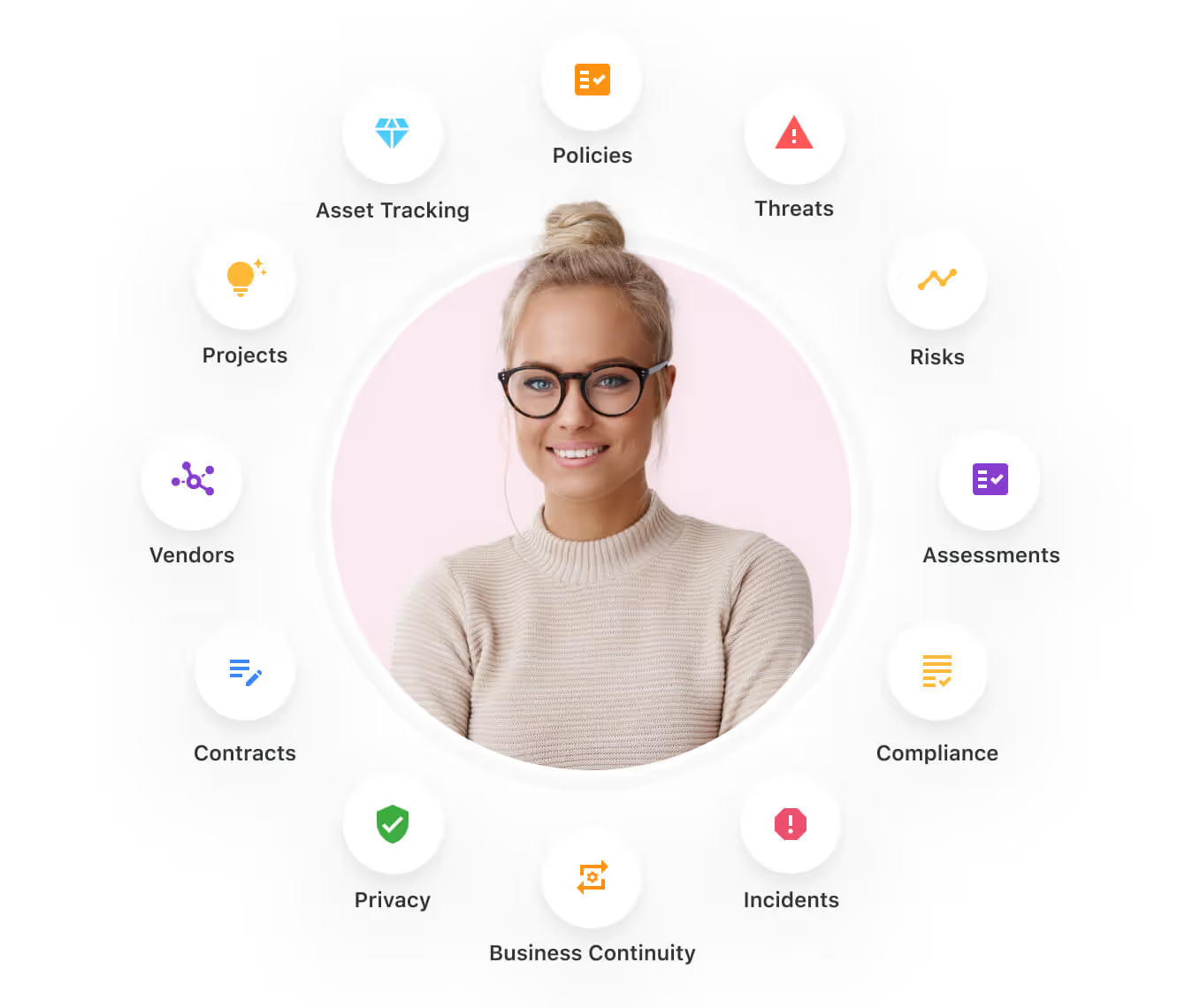
Teams can use SmartSuite for:
- Risk Management: Identify, assess, score, and monitor enterprise risks.
- Compliance Management: Track regulatory requirements, controls, and evidence.
- Audit Management: Manage audits, findings, and remediation workflows.
- Policy Management: Publish, distribute, and track acknowledgement of policies.
- Third-Party Risk: Evaluate and monitor vendors’ risk and compliance posture.
- Incident Management: Log, triage, and resolve compliance and risk events.
SmartSuite helps enterprises to achieve and maintain compliance without the expense and complexity of adapting legacy GRC solutions like Onspring to accommodate new compliance requirements.
Here are the features and use cases that you’ll get with SmartSuite:
- Create reports and dynamic dashboards: Your team can monitor executive views into your company’s overall risk profile with powerful charting and metrics widgets.
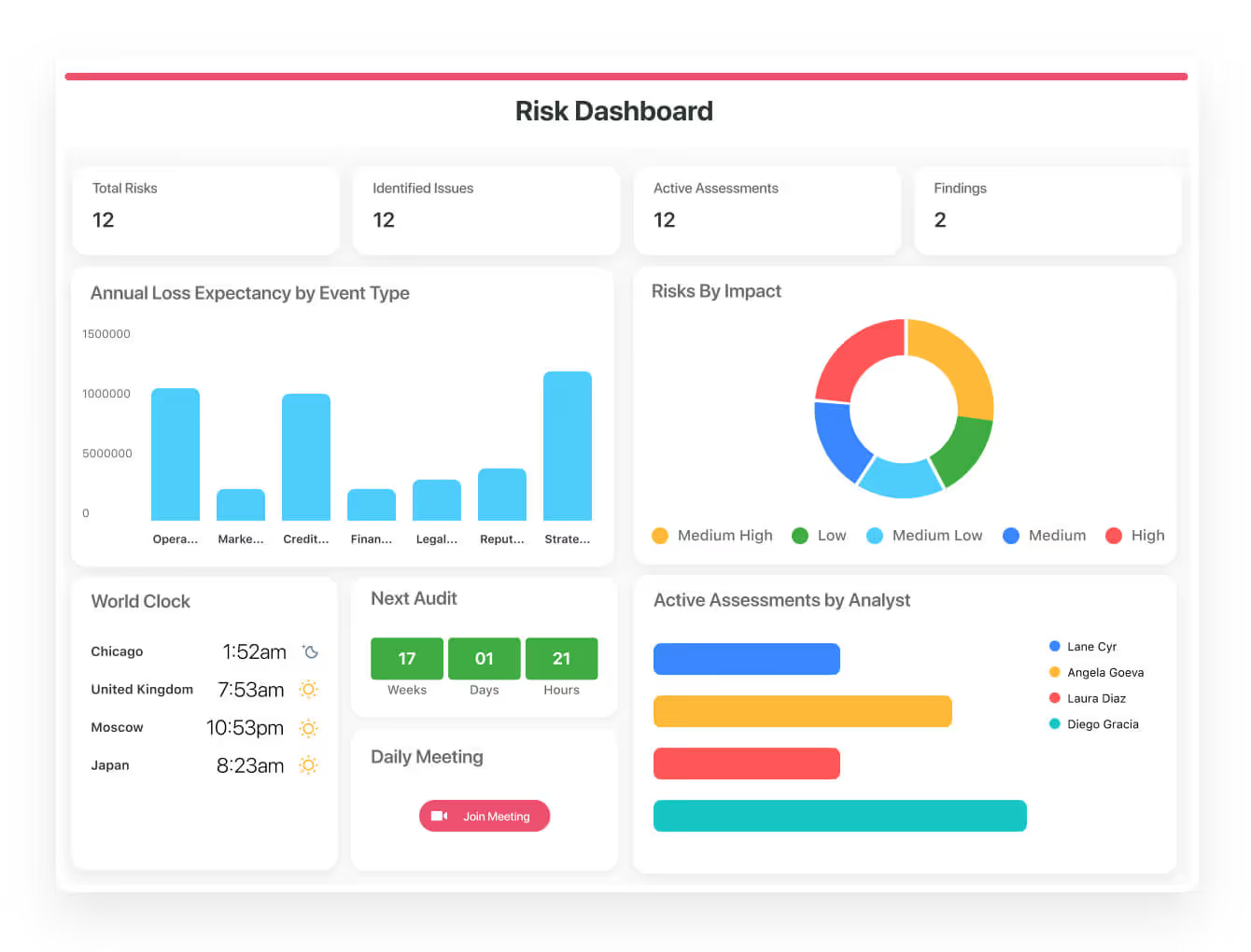
- Collaborate and respond to risks in real-time: Instantly engage key stakeholders in real-time discussion of potential threats or vulnerabilities.
Our solution will also let you get immediate updates when critical information is available.

- Streamline policy creation, in real-time approval, and control assessments: You can optimize risk management by building an integrated program on a single platform.
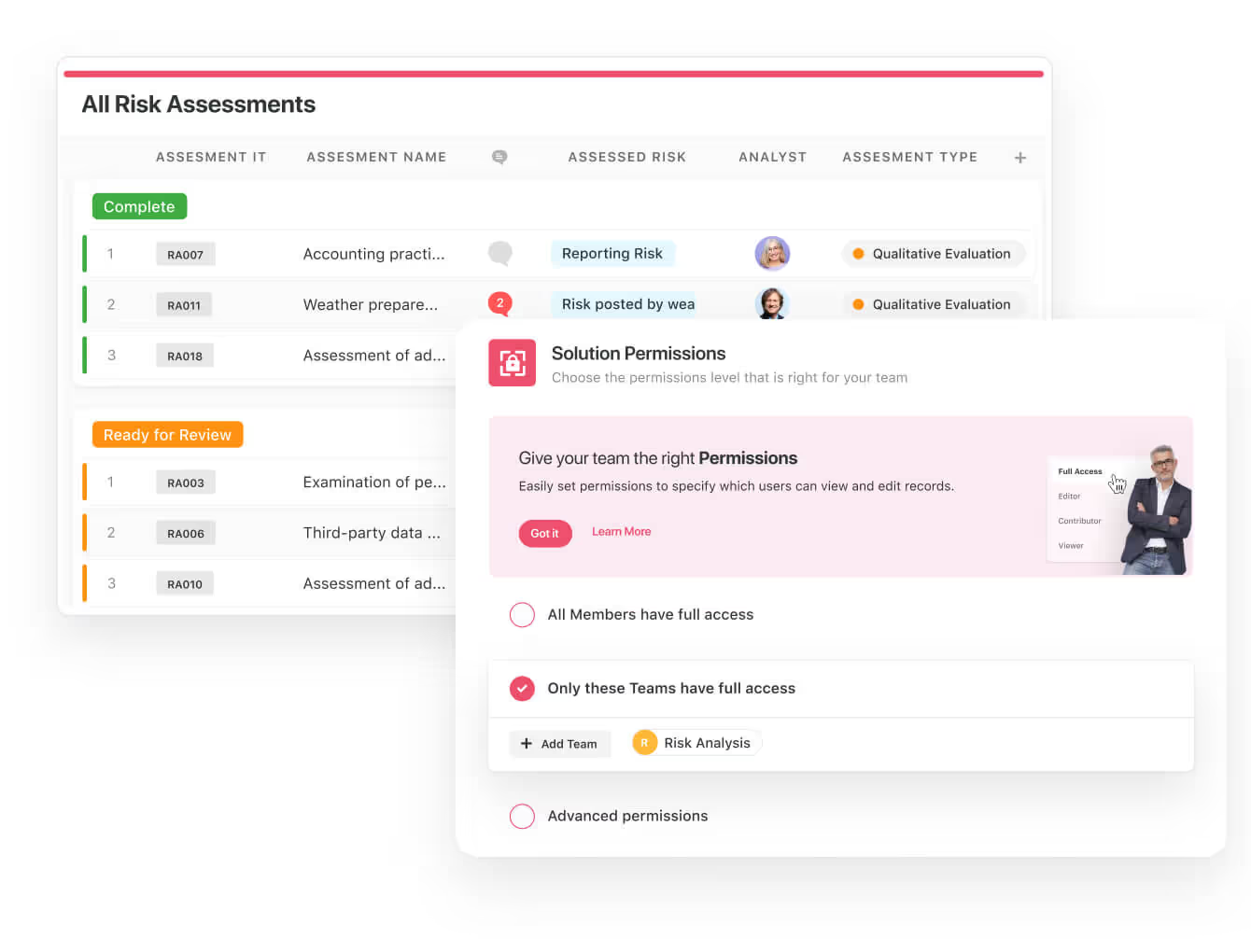
- Keep risk and compliance data secure: You’ll be able to define your teams and manage access to information across all GRC practice areas.
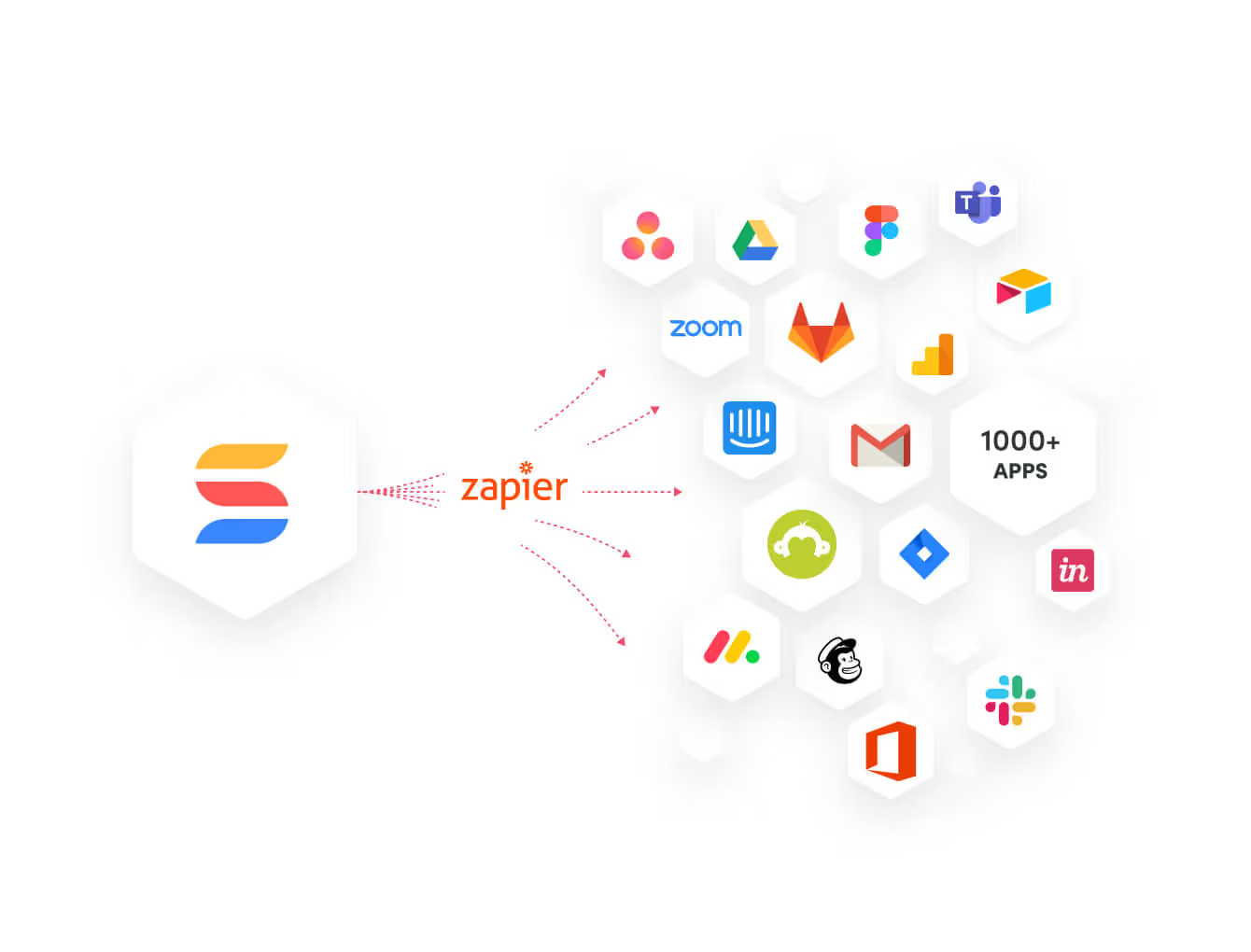
- Integrate with your existing systems: Our GRC software lets you integrate with existing systems and data to consolidate and centralize your data.
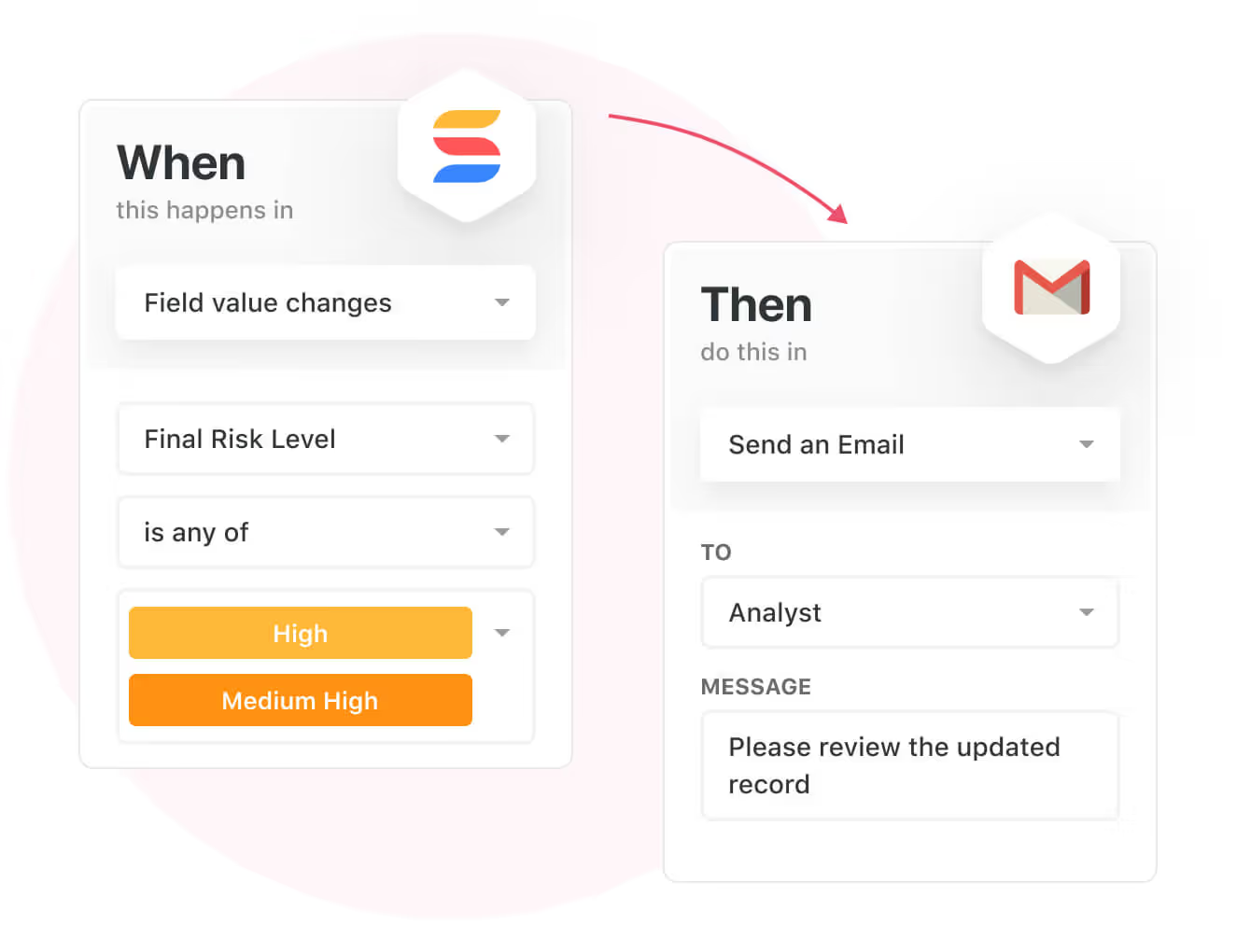
- Automate for accuracy and efficiency: You can remove inefficiency and the chance for human error by automating repeatable workflows.
SmartSuite’s no-code automation builder provides organizations with a visual interface that makes it easy to respond to events and take action. That means you can customize your GRC workflows without technical resources.
- Monitor, measure and score: You’ll be able to create your own risk calculations and metrics to evaluate every aspect of organizational risk.
It’s possible to generate risk scores and evaluate key indicators with SmartSuite’s powerful calculation capabilities.

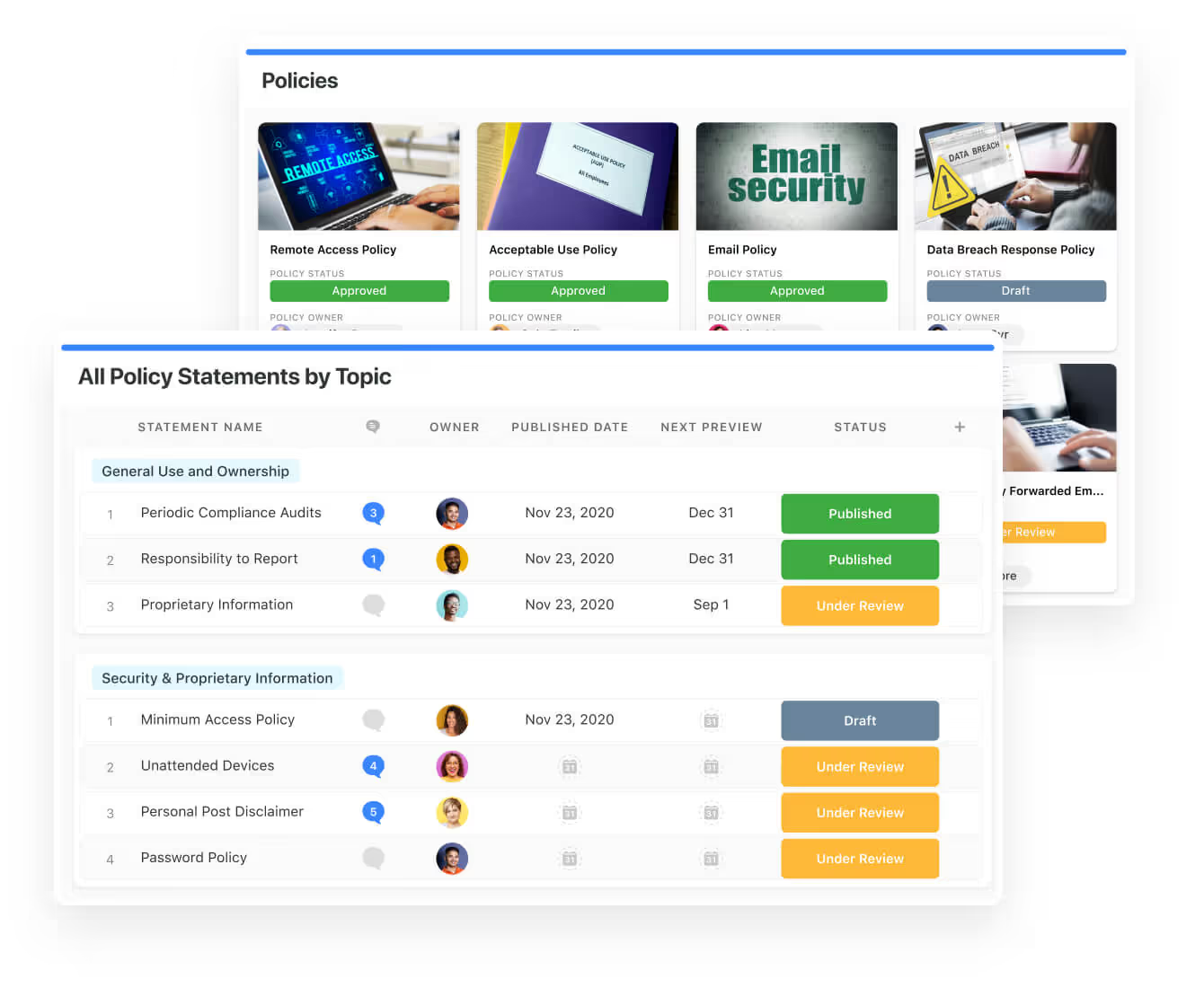
- Policy management: Your organization will be able to establish a strong foundation with streamlined and flexible policy management. Simplify the entire process, from authoring to review and release.
You can assign ownership, manage revisions, and ensure your policies consistently align with key business initiatives and regulatory requirements.
- PSTOS Compliance Tracker: Our custom product is designed for regulatory compliance and built on SmartSuite.
This solution focuses on data security as the core of compliance frameworks with services such as compliance readiness, virtual CISO, and IT security implementation.
Learn more about it from our CEO, Jon Darbyshire, who held a webinar on the topic:
[embedded content]
Prioritize & Mitigate Risks With a Centralized Risk Register
SmartSuite lets you create a centralized Risk Register to help you identify potential risks to your organization.
Your team will be able to efficiently assess threats and establish risk mitigation strategies inside SmartSuite.
What’s more, you can ensure that the appropriate controls are in place and measure their effectiveness by evaluating risk indicators and displaying results in SmartSuite’s rollup reports and dashboards.
💡 Pro Tip: You can also use automation to move tasks through defined workflow stages that comply with your policies and procedures.
I know from experience how important threat management is and the need to respond quickly to incidents.
SmartSuite lets you centralize incident response and threat mitigation by linking incidents to assets and organizational data to offer context during your investigations.
Your team can also set up automations with our no-code automation builder to escalate critical events to make sure that your team is aware of active risks to your organization.

Out-of-the-Box GRC Templates
We have prepared GRC templates for different use cases for teams looking to get started right away, instead of spending hours learning how the tool works.
Our general risk management template includes a:
- Risk register, where you can break down the risks, the risk owner, the annual loss expectancy, risk event category, risk type, volatility, and status.

- Issue assessments, where you’ll be able to see a comprehensive breakdown of each risk.
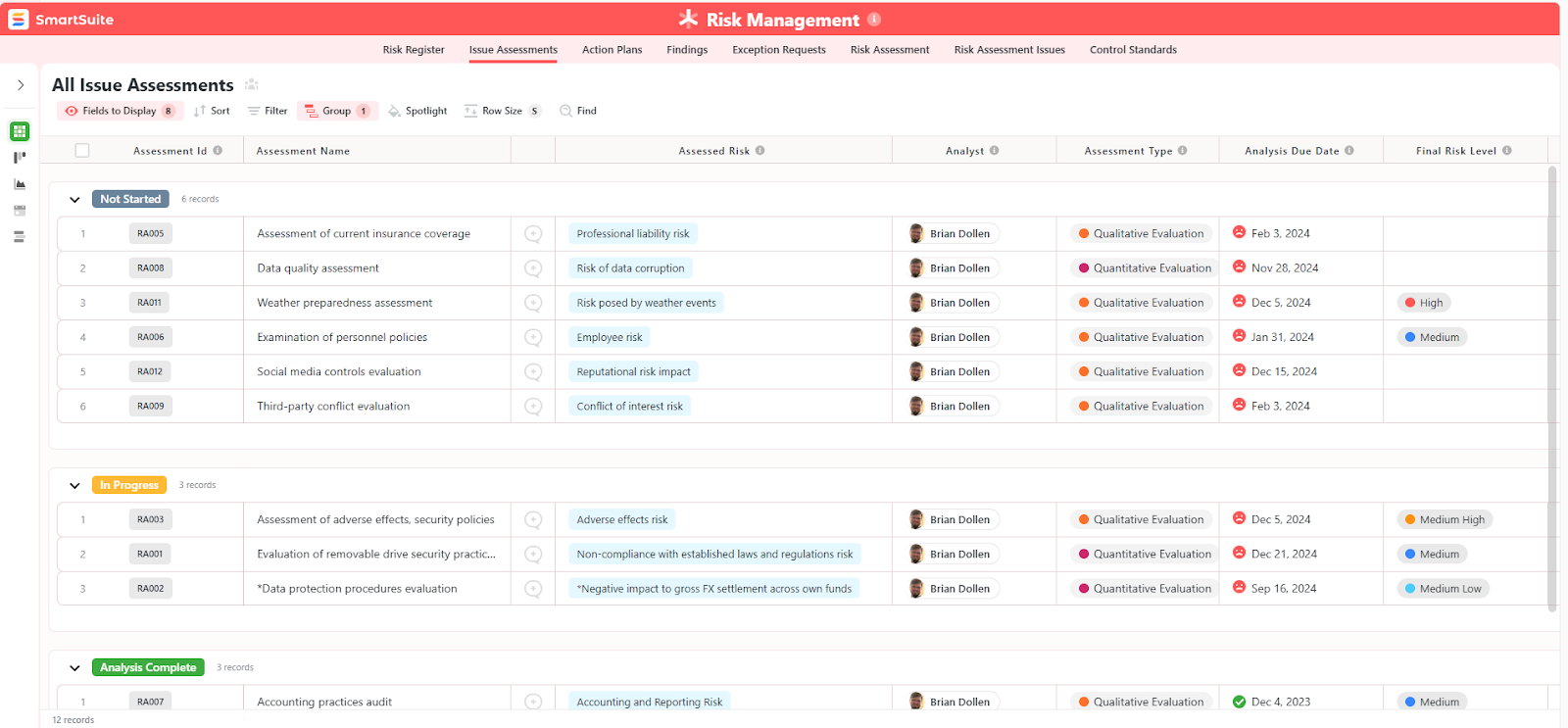
- Action plans, where you can describe the actions (best practices) to mitigate the risks.

- A separate tab for control standards, your findings, exception requests, risk assessment by type, and risk assessment issues.
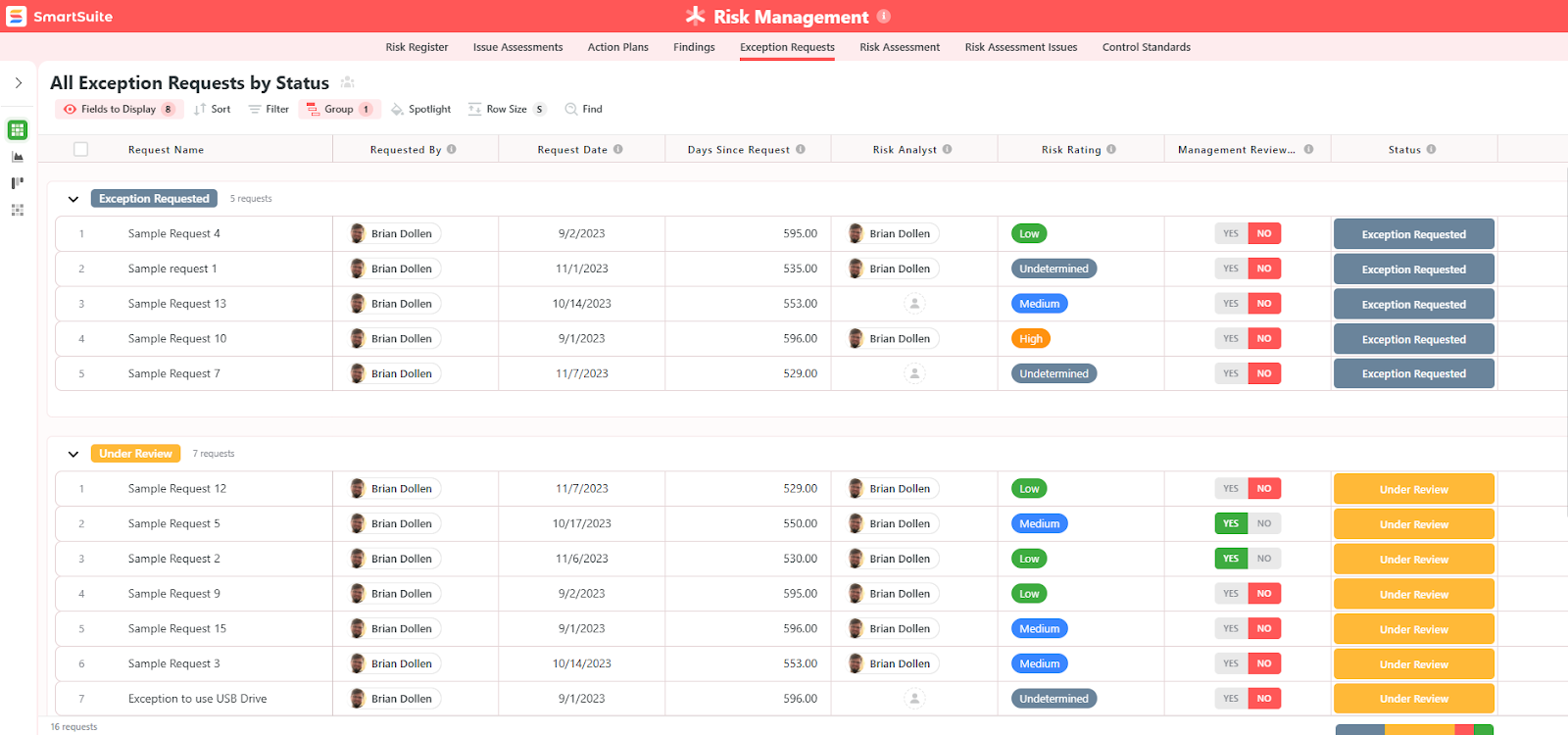
You can customize our risk management template here.
Alternatively, check out and customize our 14 other risk management templates for various use cases, such as contract management, policy management, and incident management.

How is SmartSuite’s Pricing Different From Onspring’s?
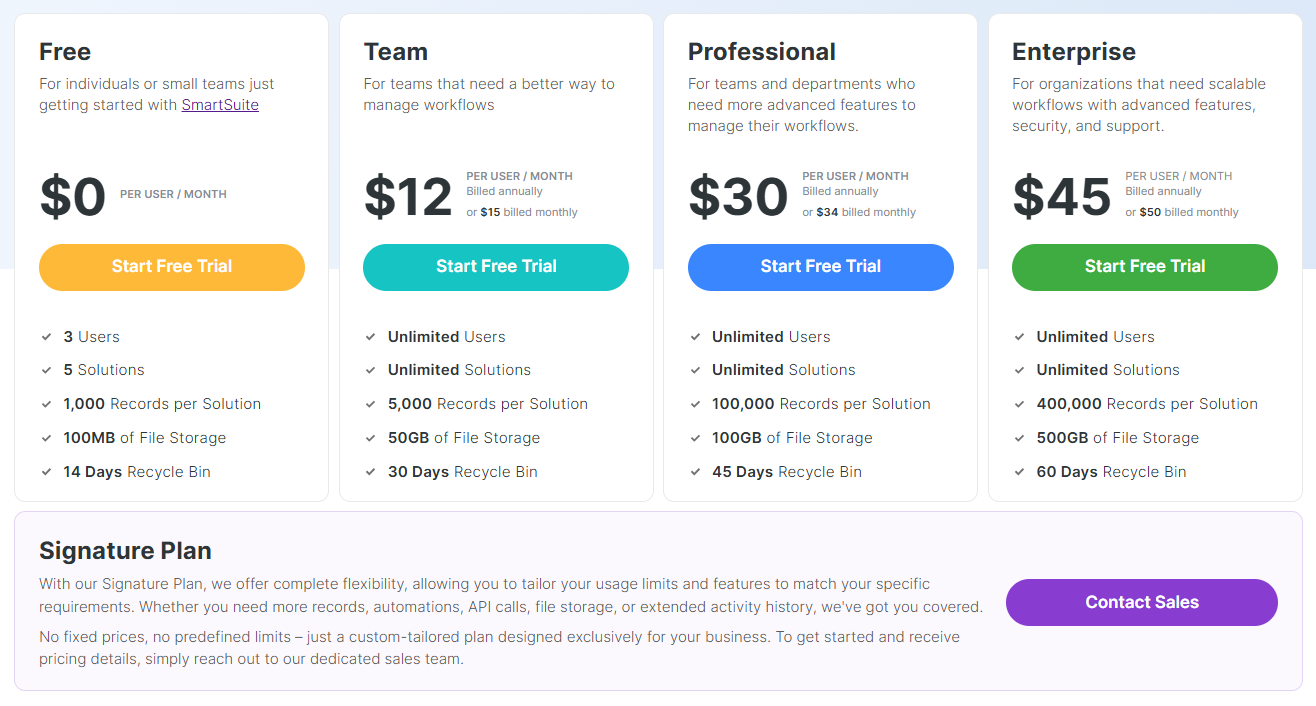
Unlike Onspring, SmartSuite offers a free plan with access to 250+ automation actions, team collaboration, multi-dashboard views, and more.
There are four paid plans with a 14-day free trial (no CC required):
- Team: Starts at $12/user per month, including Gantt charts, timeline views, 5000 automation runs, and native time tracking.
- Professional: Starts at $30/user per month and adds two-factor authentication, Gmail & Outlook integrations, and unlimited editors.
- Enterprise: Starts at $45/user/month and includes access to audit logs, data loss prevention, and 50,000 monthly API calls.
- Signature: A customized plan tailored to your organization’s needs and team size with no predefined limits.
Next Steps For Compliance Teams: Get Started With SmartSuite & Our Templates For Free
If you’re looking to build governance, risk, and compliance workstreams and effectively prioritize and mitigate risks, you can give SmartSuite a chance with our free plan and ready-to-use GRC templates.
SmartSuite’s platform offers just the right customization, native collaboration capabilities and a library of 200+ project management templates to help compliance teams create and maintain a project management workflow.
Here’s what’s in it for your team when you try SmartSuite:
- Access to a generous free plan with features including multi-board views (Kanban, Chart, Map, Timeline, Card, and Calendar), 100 automations/month, and 40+ field types, including formula and linked record fields.
- No-code automation builder to set up to 500,000 trigger/action workflows.
- Built-in productivity tools, including time tracking, status tracking, and checklists.
- Team collaboration and planning tools such as whiteboards and SmartSuite docs.
- Resource management across projects and teams.
- 40+ field types, including the option to add your custom fields.
Sign up for a free plan to test the water or get a 14-day free trial to explore all its amazing features.
Or, if you’d like to talk to our experts, schedule a demo.
⚠️ Disclaimer: This article was last updated on 09/09/2025 and if there’s any misinterpretation of the information, please contact us and we will fact check it.
Read More
10 Best IT Help Desk Software & Tools [September 2025]
A proper IT help desk solution can help you improve ticket resolution times, reduce downtime, boost end-user satisfaction, and ensure your IT operations run smoothly.
In this guide, I’ll cover the 10 best IT help desk tools that can help you focus on solving problems and delivering great support, rather than juggling endless emails and manual tracking.
TL;DR
- SmartSuite offers the best IT help desk software with its no-code configurability, visual automation, and ready-to-use templates that help you start in days and not weeks.
- Multichannel platforms like Zendesk and Freshdesk are ideal for scalable omnichannel ticketing, AI-assisted triage, and fast time-to-value for customer-facing and internal support teams.
- On the other hand, enterprise tools like ServiceNow and Jira Service Management can help you enforce CMDB-backed processes, rigorous change control, and DevOps + ITSM integration for complex environments.
What are the key factors to consider when evaluating IT help desk software?
The primary factors to consider when selecting IT help desk software are the support channels and SLA model it enables, the level of automation and self-service it offers, the quality of reporting and KPIs provided, and whether it will integrate, scale, and maintain security in your IT environment.
Let’s go over each one of them in more detail: ⬇️
#1: What channels, SLA commitments, and ticket model do you need?
If I were you, I’d start by deciding which user-facing channels matter: email, phone, live chat, in-app tickets, SMS, and social or collaboration platform support.
Each one of them requires different handling and tooling.
I’d also think about SLA tiers (response vs resolution time), priority and urgency rules, and how the system handles escalations and on-call rotations.
💡 Pro Tip: Evaluate ticket lifecycle features like automated routing, parent and child tickets, and history logs so audits and handovers are clean.
#2: How much automation and self-service should it provide?
Next up, you should decide how much of the workload you want the tool to remove, such as automated ticket triage, canned responses, assignment rules, and workflow-driven approvals, which can dramatically cut manual effort.
Self-service options (e.g., searchable knowledge base, guided troubleshooting flows, and chatbots) reduce ticket volume and let users resolve issues faster.
➡️ Useful automations to look for:
- Auto-tagging.
- Priority scoring.
- SLA-based escalations.
- Recurring task scheduling.
#3: What reporting, metrics, and visibility do you require?
Good help desk software should surface operational KPIs (e.g., MTTR, first response time, backlog, reopen rate) and user satisfaction metrics (e.g., CSAT, NPS) so you can spot process bottlenecks and measure improvements.
If I were looking for an IT help desk tool, I’d be looking for customizable dashboards, drilldowns by queue/agent/team, and trend charts.
➡️ Typical dashboards to look for include executive overview, team performance, SLA compliance, and customer feedback trends.
#4: How well does it integrate, scale, and meet security needs?
Last but not least, you want to confirm whether the product offers the connectors or APIs you need to tie into ITSM tools, asset CMDBs, SSO providers, alerting systems, and your HR systems, so context flows into tickets.
If you plan on serving different business units, you can also assess multi-brand support, role-based access control, audit logging, encryption, and compliance that matches your risk profile.
What are the best IT help desk tools on the market in 2025?
The best IT help desk solutions on the market include SmartSuite with its no-code configurability, automations, and pre-built IT help desk template, Zendesk and Freshdesk.
Here’s a comprehensive breakdown:
#1: SmartSuite: Best for small-to-mid-sized IT teams that need a full-featured help desk quickly without developer support.
#2: Zendesk: Best for organizations that need a user-friendly, highly scalable omnichannel support platform for both customer and internal IT help desk use.
#3: Freshdesk: Best for small to mid-market teams that want value, rapid deployment, and built-in automation without heavy upfront cost.
#4: Help Scout: Best for customer support teams looking to use AI to help support reps handle more tickets.
#5: Jira Service Management: Best for engineering-led organizations that need tight DevOps and ITSM integration and advanced change control.
#6: Zoho Desk: Best for budget-conscious businesses already using the Zoho ecosystem who want an integrated, customizable help desk.
#7: SysAid: Best for mid-market IT teams that want a combined help desk and endpoint solution with flexible deployment.
#8: ServiceNow: Best for large enterprises that need a highly configurable, cross-enterprise ITSM and workflow automation platform.
#9: SolarWinds: Best for IT operations teams that already use SolarWinds monitoring and want alert and ticket workflows.
#10: Atera: Best for small IT teams that need unified RMM, help desk, and billing in one platform.
#1: SmartSuite
SmartSuite offers the best IT help desk software with its no-code configurability, visual automation, interconnected records, prebuilt templates, and role-based access.
Here’s how you can create a DIY IT help desk with SmartSuite, a tutorial of one of our partners:
[embedded content]
Let’s go over the capabilities and use cases that make SmartSuite the best choice for small and large IT teams looking to build an IT help desk: 👇
Comprehensive DIY Help Desk Solution
Our no-code, easy-to-use platform empowers IT teams, service managers, and sysadmins to automate the full help-desk lifecycle without writing a single line of code.
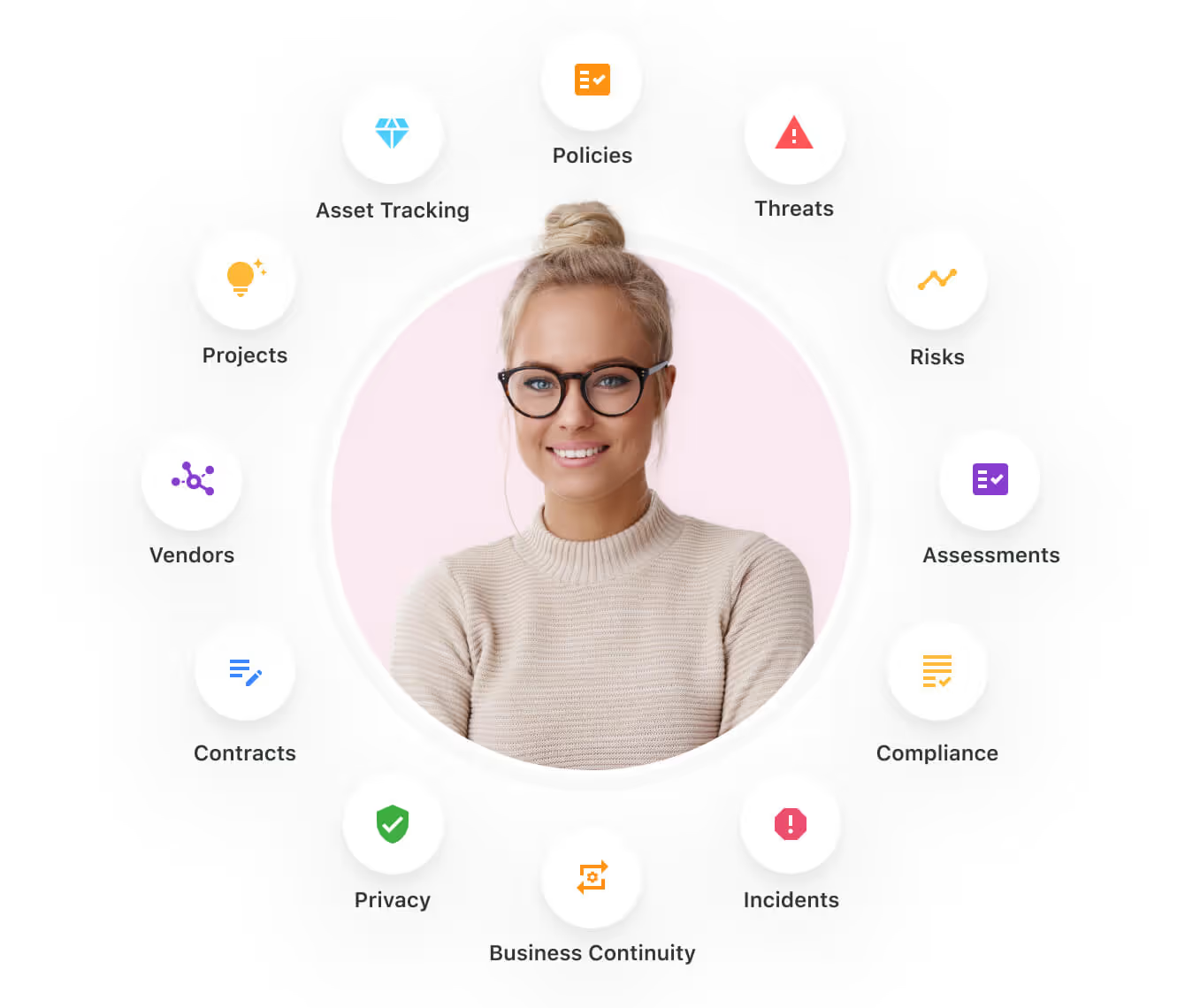
Here are the use cases that you’ll get with SmartSuite:
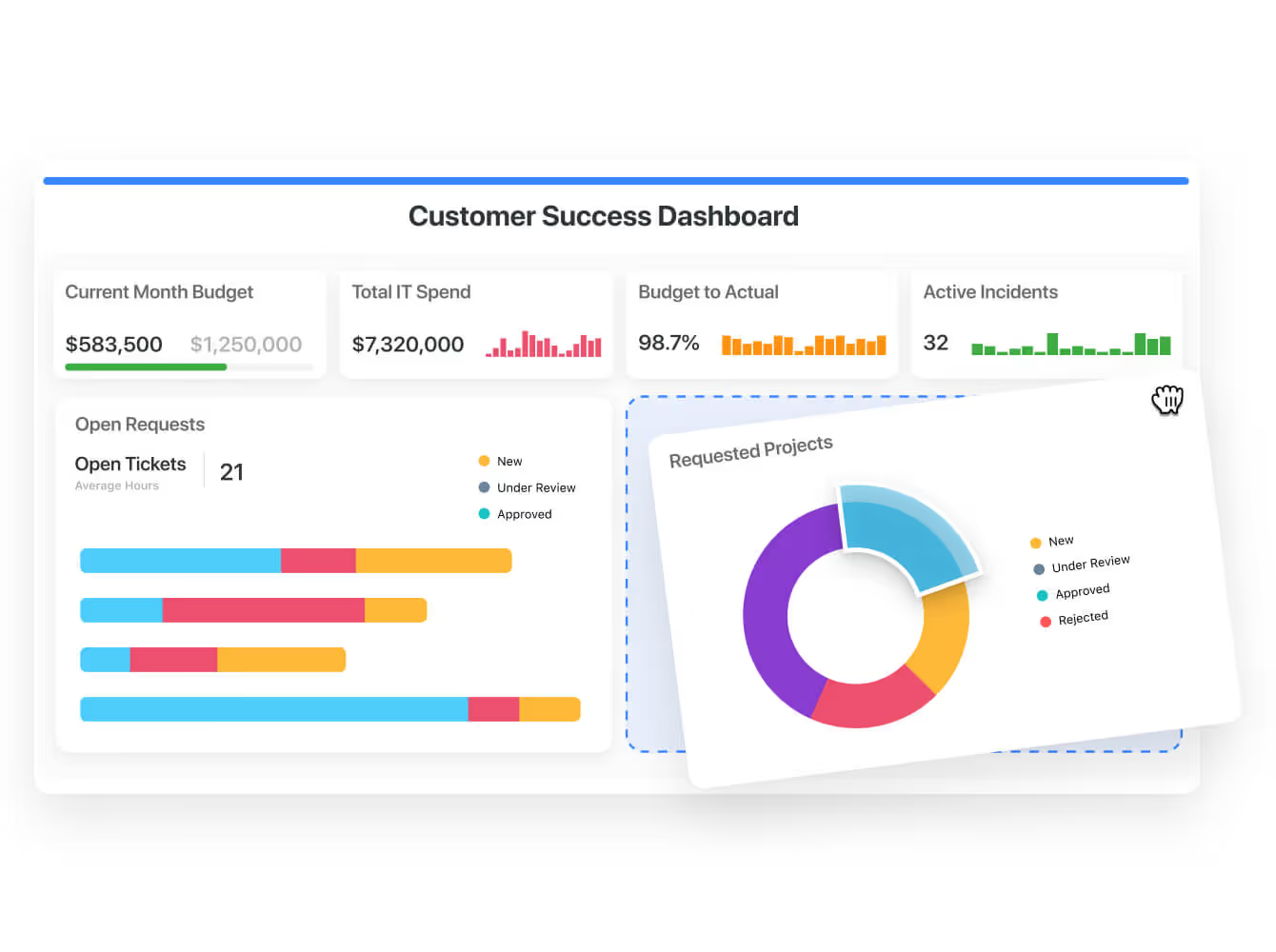
- Create reports and dynamic dashboards: Monitor executive and operational views into your support organization with built-in charting and metric widgets for ticket volume, SLA compliance, MTTR, backlog by queue, and on-call load.
You’ll also be able to build role-specific dashboards for managers, engineers, and executives that update in real-time.
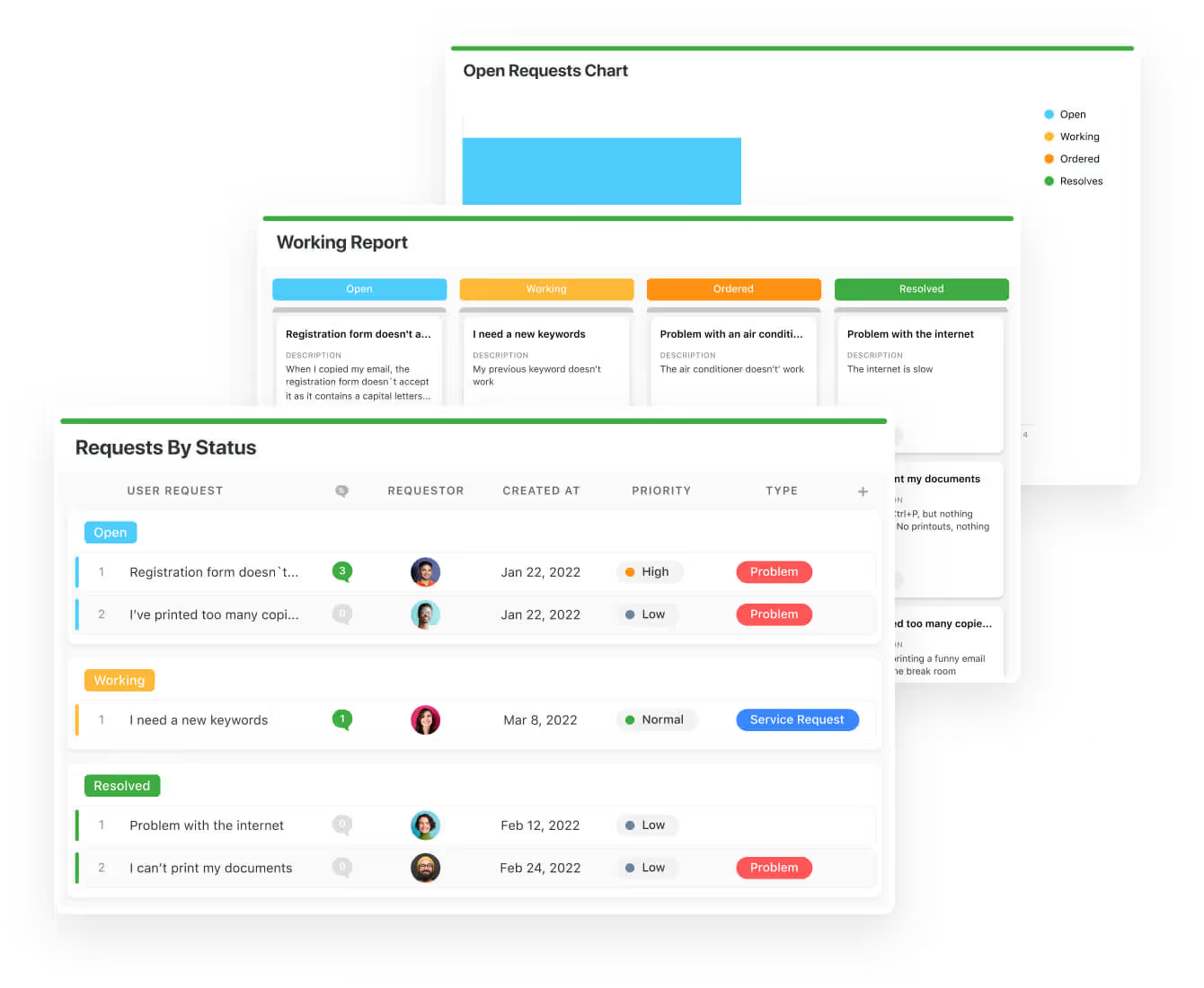
- Collaborate and respond to incidents in real-time: Engage engineers, security, and third-party vendors in a threaded conversation directly on tickets and incident records.
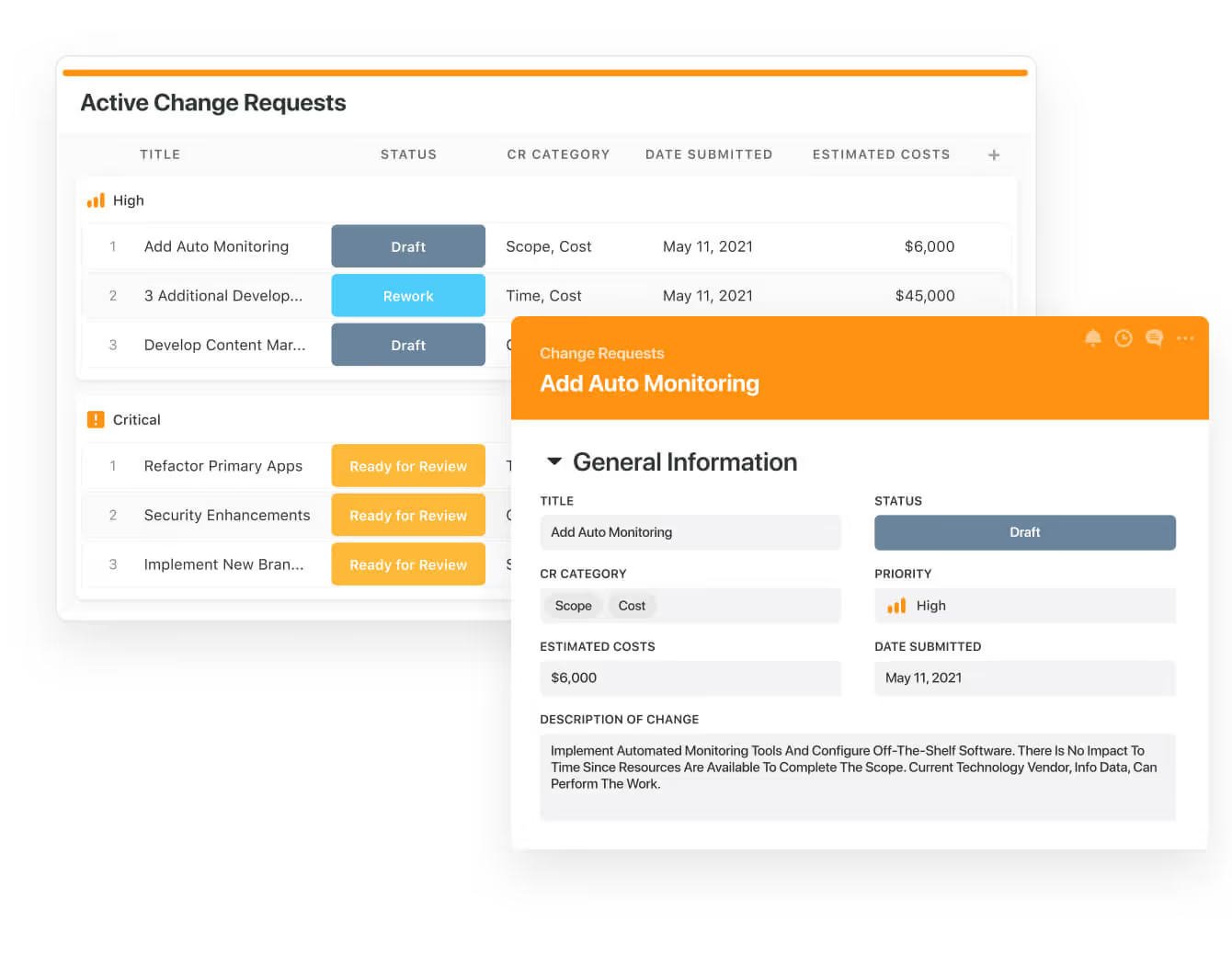
- Automate ticket creation, intelligent routing, and approvals: Capture requests via forms, email, monitoring alerts or APIs and automatically triage them with rules that route to the proper queue, assign priority, and trigger escalation paths.
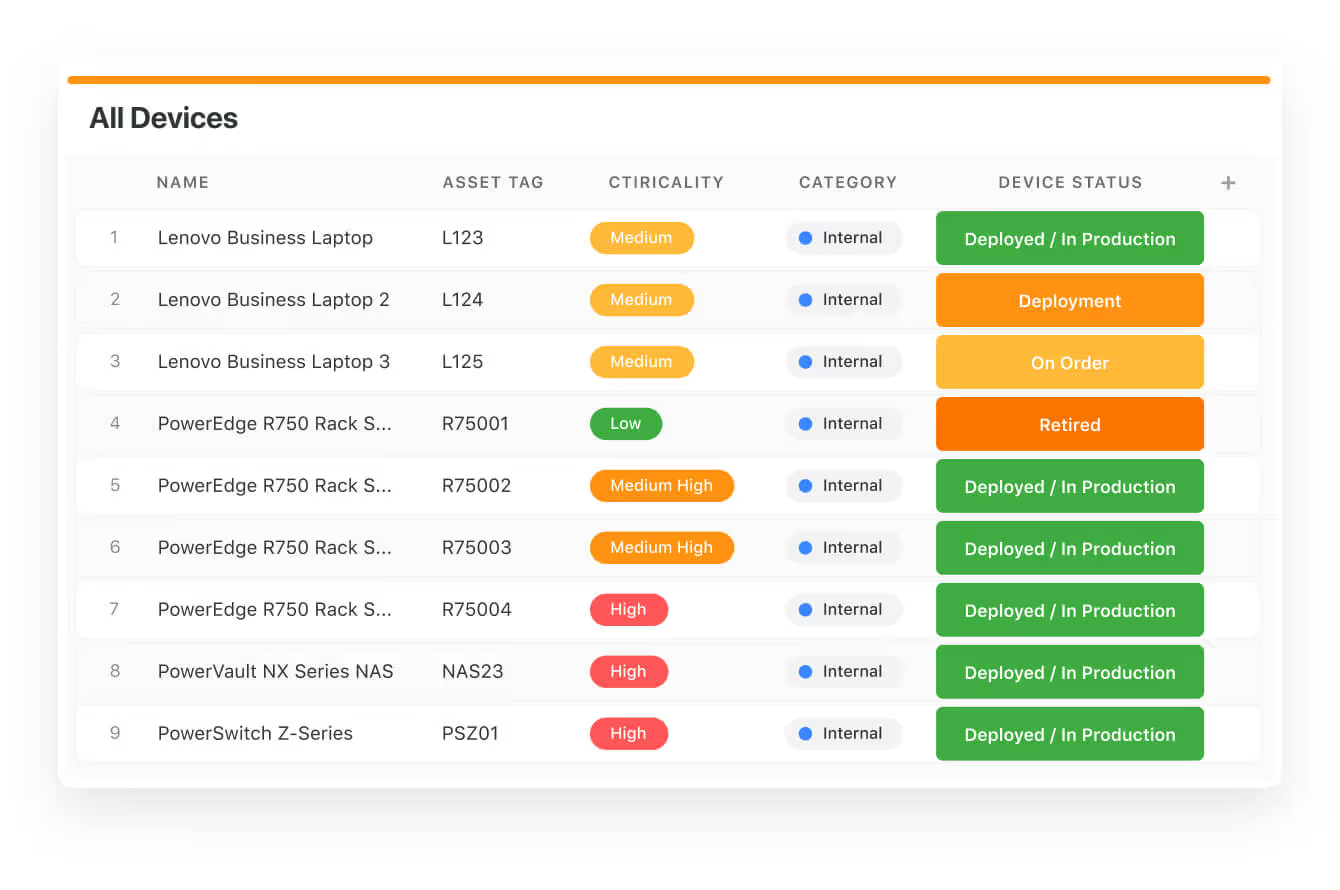
- Keep help desk and infrastructure data secure: Define teams, roles, and field-level access to ensure only authorized staff see PII, sensitive configuration details, or vendor contracts.
- Integrate with your existing systems: SmartSuite integrates with ticketing platforms, identity providers, procurement systems, monitoring tools, and CMDBs so you can consolidate and centralize operational data.
💡 For example, you’ll be able to push change approvals or deployment tasks into downstream ticketing or deployment pipelines.
- Monitor, measure and score: Create SLA calculations, priority scoring, and health indicators to evaluate every aspect of service delivery.
- Policy and knowledge management: Assign ownership, manage revisions, and publish standard operating procedures and runbooks so frontline staff have up-to-date guidance directly where they work.
Standardize Your Team’s IT Workflows
Your team can standardize your IT request workflow with a centralized work request process.
Our platform lets you prioritize tasks, assign IT staff and ensure that you achieve SLAs.
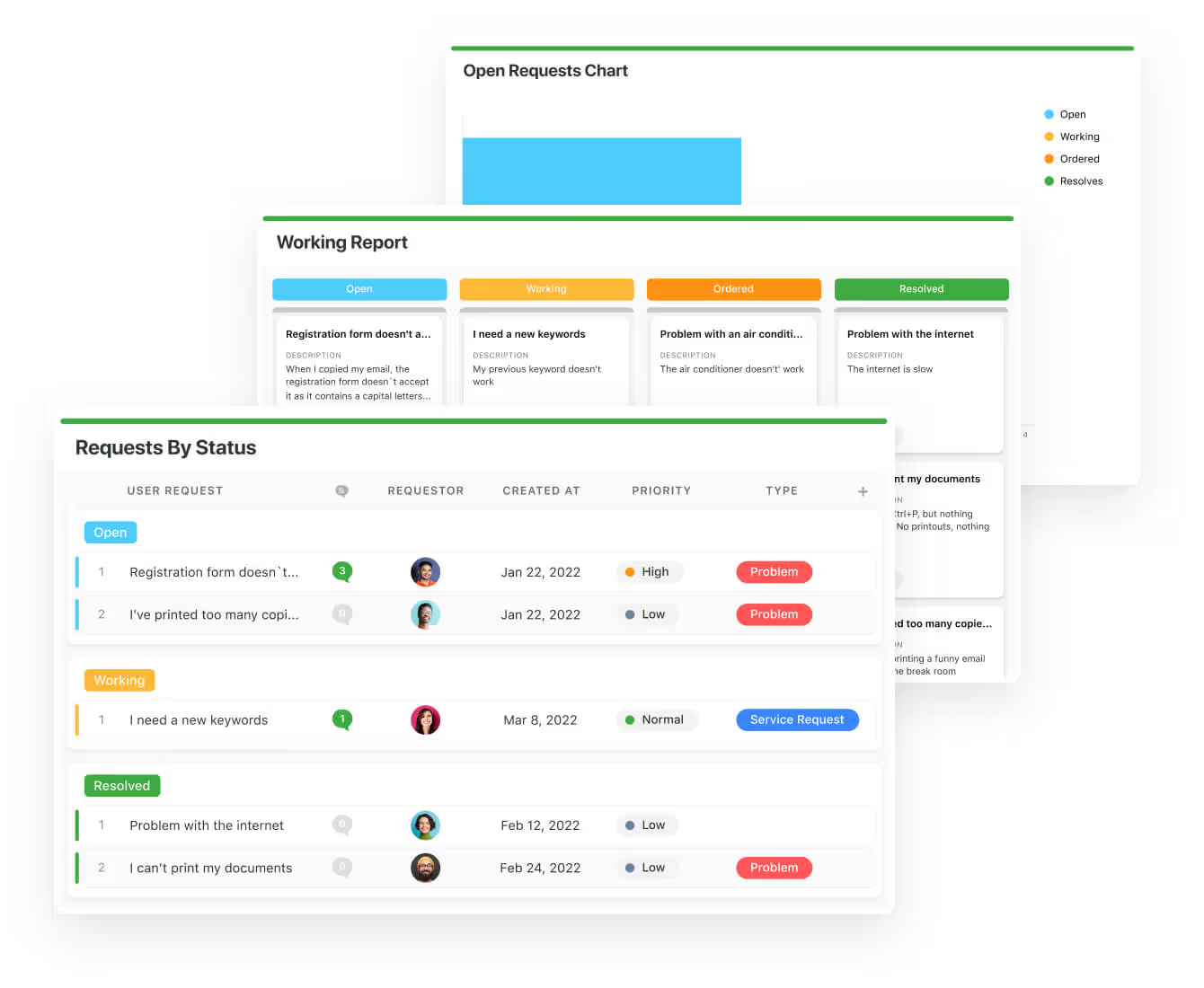
You can monitor your team with flexible reports and dashboards that keep you updated in real-time.
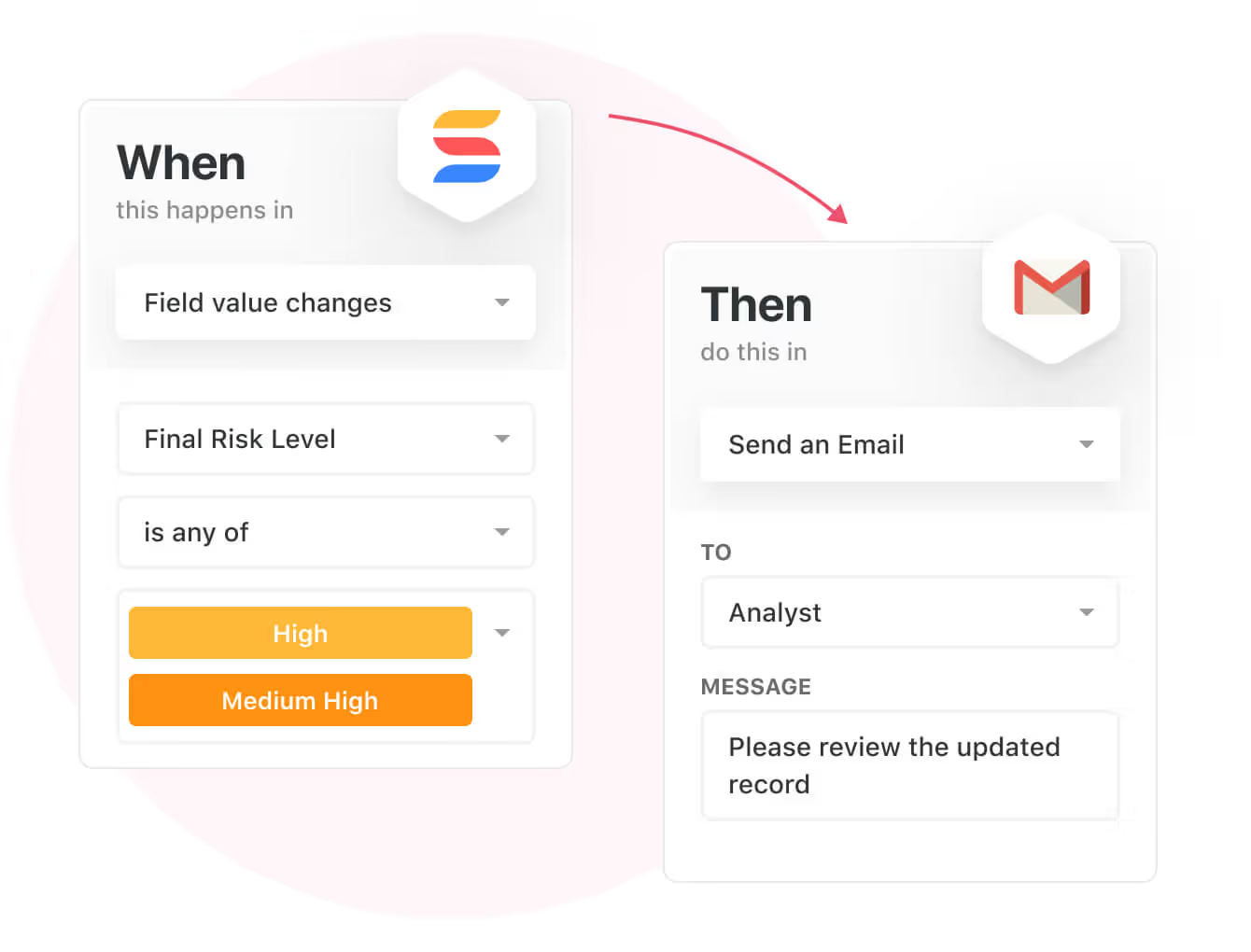
Apart from that, SmartSuite’s no-code automation builder provides IT teams with a visual interface that makes it easy to respond to events and take action.
That means you can customize your ITSM workflows without technical resources.
💡 Are you working from mobile? Stay connected to critical IT information, tickets and device information with our native iOS and Android apps.
Your team can use our mobile apps to share files, images, updates and other feedback to resolve problems and close tickets.

Ready-To-Use IT Help Desk Template
We have prepared an IT help desk template for teams looking to get started right away, instead of building everything from scratch.
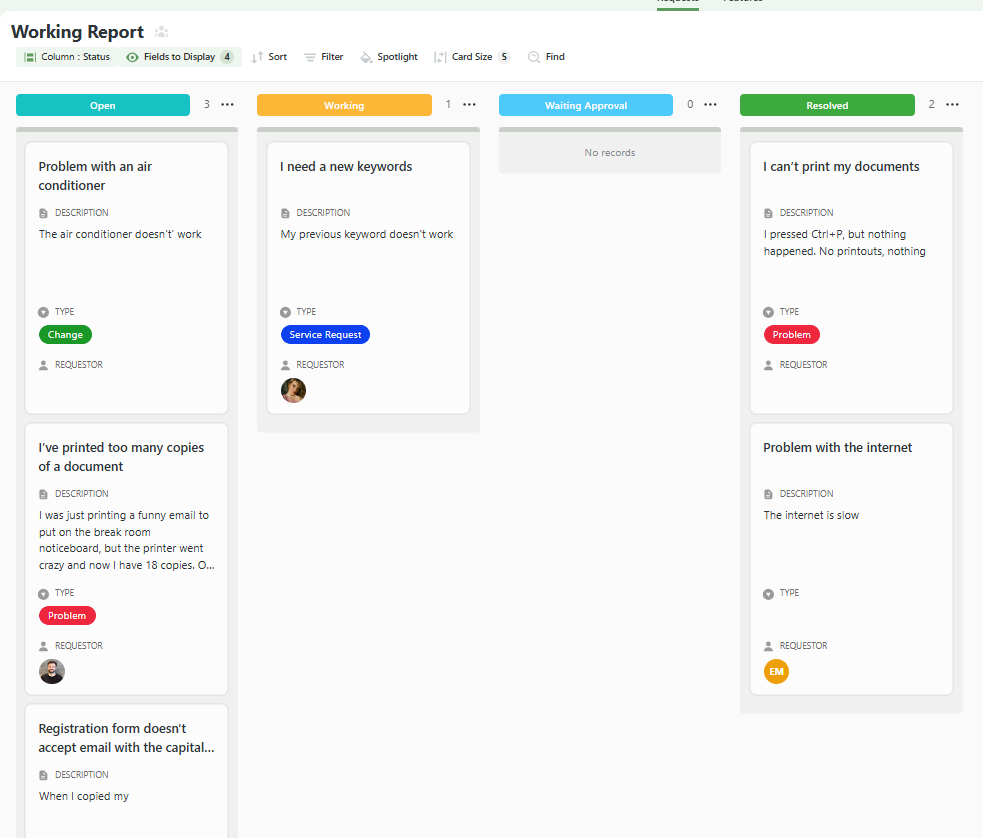
You’ll be able to find our template with a field for:
- User requests.
- Requestor.
- The creation date.
- Type of request, department, and its priority.

Your team can then map the requests by ‘’open’’, ‘’working’’, ‘’waiting approval’’, and ‘’resolved.’’
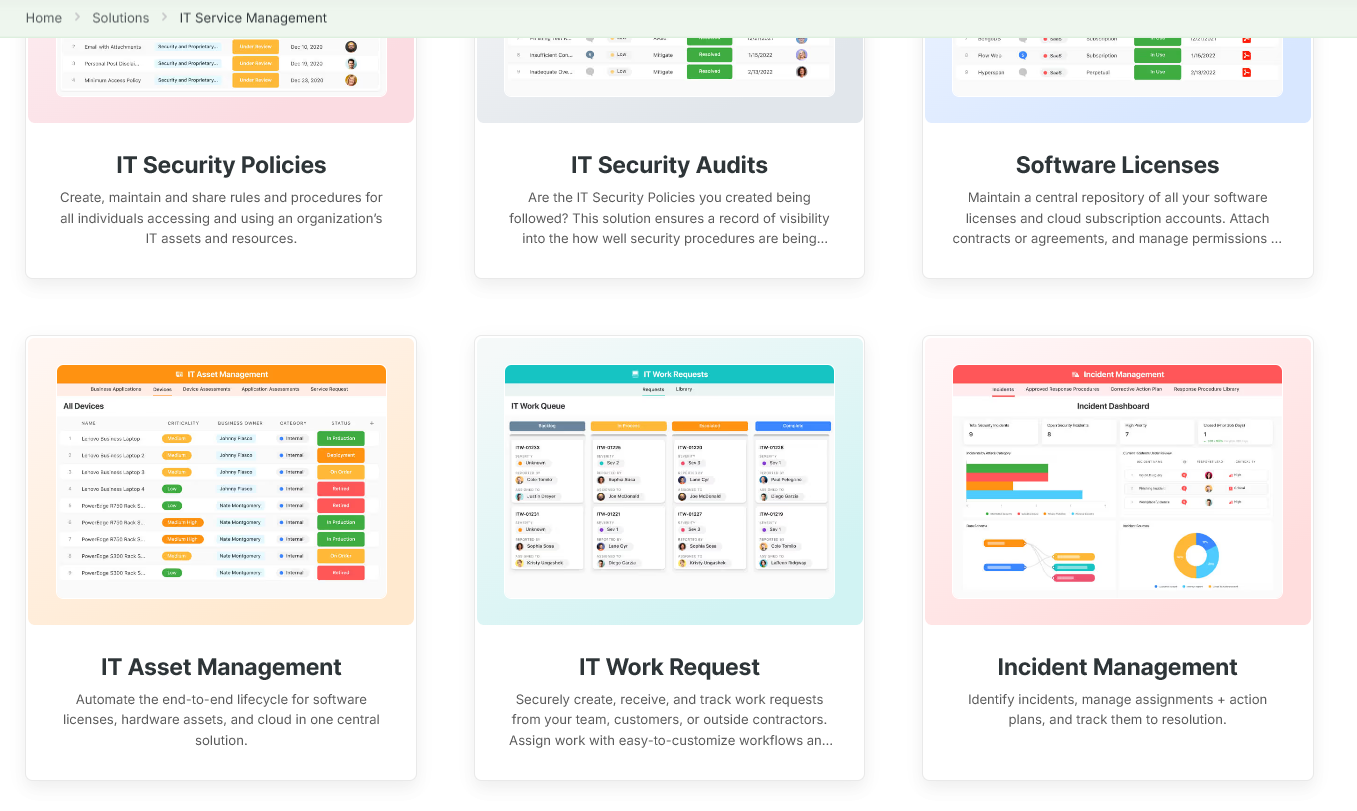
You can customize our ITSM management templates here for various use cases, such as IT Security Policies, IT Security Audits, and IT Work Requests.
Pricing
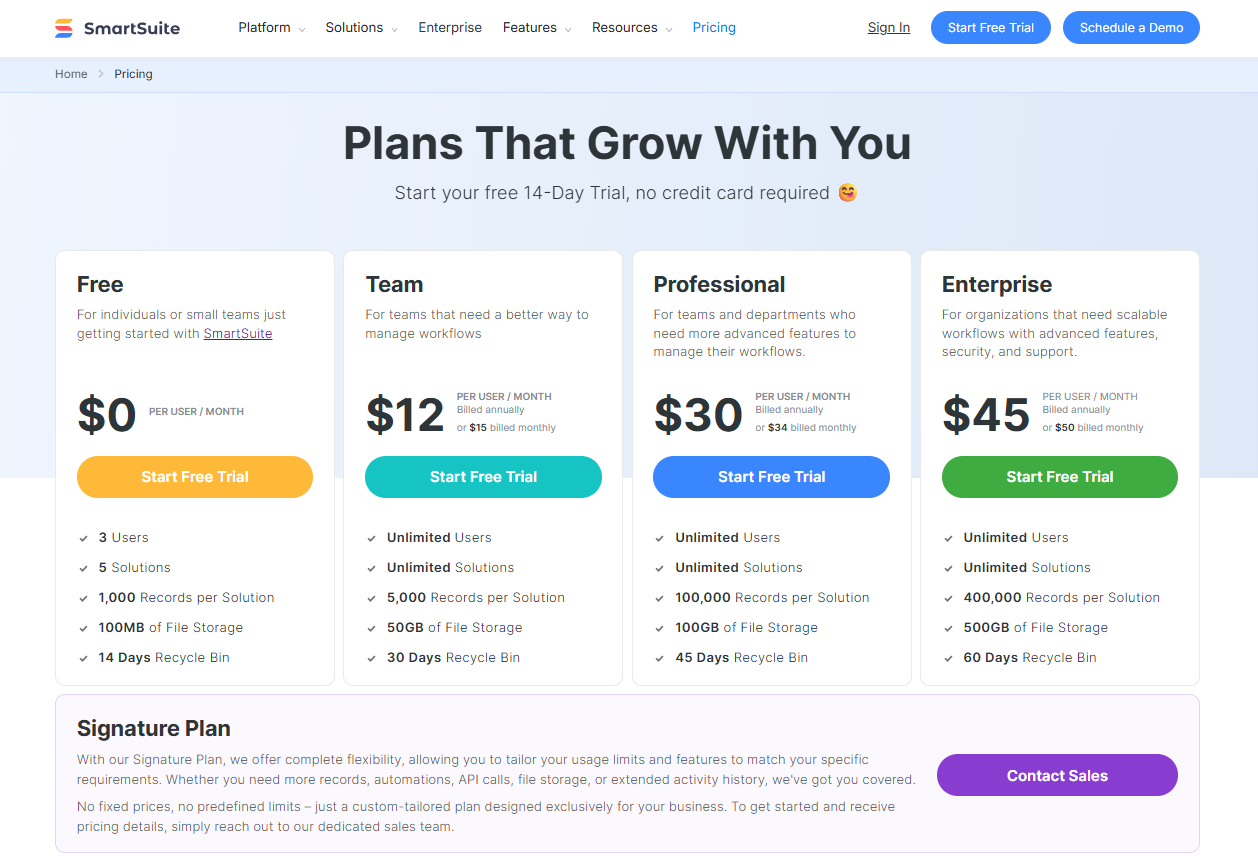
SmartSuite has a free plan with access to 250+ automation actions, team collaboration, multi-dashboard views, and more.
There are four paid plans with a 14-day free trial (no CC required):
- Team: Starts at $12/user per month, including Gantt charts, timeline views, 5000 automation runs, and native time tracking.
- Professional: Starts at $30/user per month and adds two-factor authentication, Gmail & Outlook integrations, and unlimited editors.
- Enterprise: Starts at $45/user/month and includes access to audit logs, data loss prevention, and 50,000 monthly API calls.
- Signature: A customized plan tailored to your organization’s needs and team size with no predefined limits.
Pros & Cons
✅ A generous free plan that includes access to advanced features of the platform for up to 5 solutions.
✅ Free IT help desk template that you can get started with right away.
✅ Reporting, SLA tracking and executive dashboards.
✅ Integrated document and file management.
✅ Real-time collaboration & vendor coordination.
✅ Modern and intuitive UI.
❌ Fewer native integrations when compared to other competitors on the market.
#2: Zendesk
Best for: Organizations that need a user-friendly, highly scalable omnichannel support platform for both customer and internal IT help desk use.
Similar to: Freshdesk, SolarWinds.

Zendesk is a scalable, omnichannel ticketing platform with an intuitive agent interface, powerful workflow automation, and strong self-service capabilities.
The platform’s ecosystem of apps and reporting helps support teams standardize SLAs and measure agent performance across channels.
Features

- Omnichannel ticketing that unifies email, chat, voice, and social conversations into a single agent workspace for faster resolution.
- Get access to an AI-powered live chat for effective customer support and engagement.
- Automations to help you streamline workflows, route tickets, and provide quick resolutions.
Standout Feature: Incident Management Automation
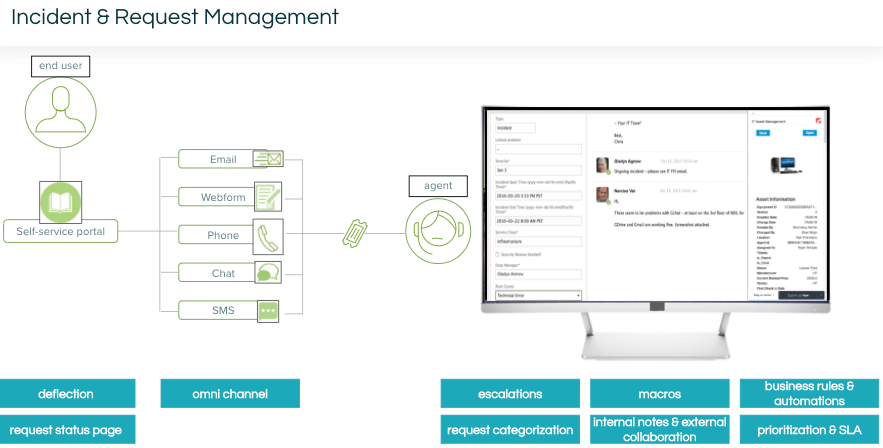
Zendesk’s standout feature for me has to be its Incident Management workflow that automatically assigns incidents to the right agents who can resolve the issue.
Pricing
Zendesk offers four main basic pricing plans:
- Suite Team: $55 per agent/month, which includes basic support features.
- Suite Growth: $89 per agent/month, which adds advanced tools like multiple ticket forms and SLAs.
- Suite Professional: $115 per agent/month, which includes custom analytics and skills-based routing.
- Suite Enterprise: $169 per agent/month, which offers advanced customization and compliance features.
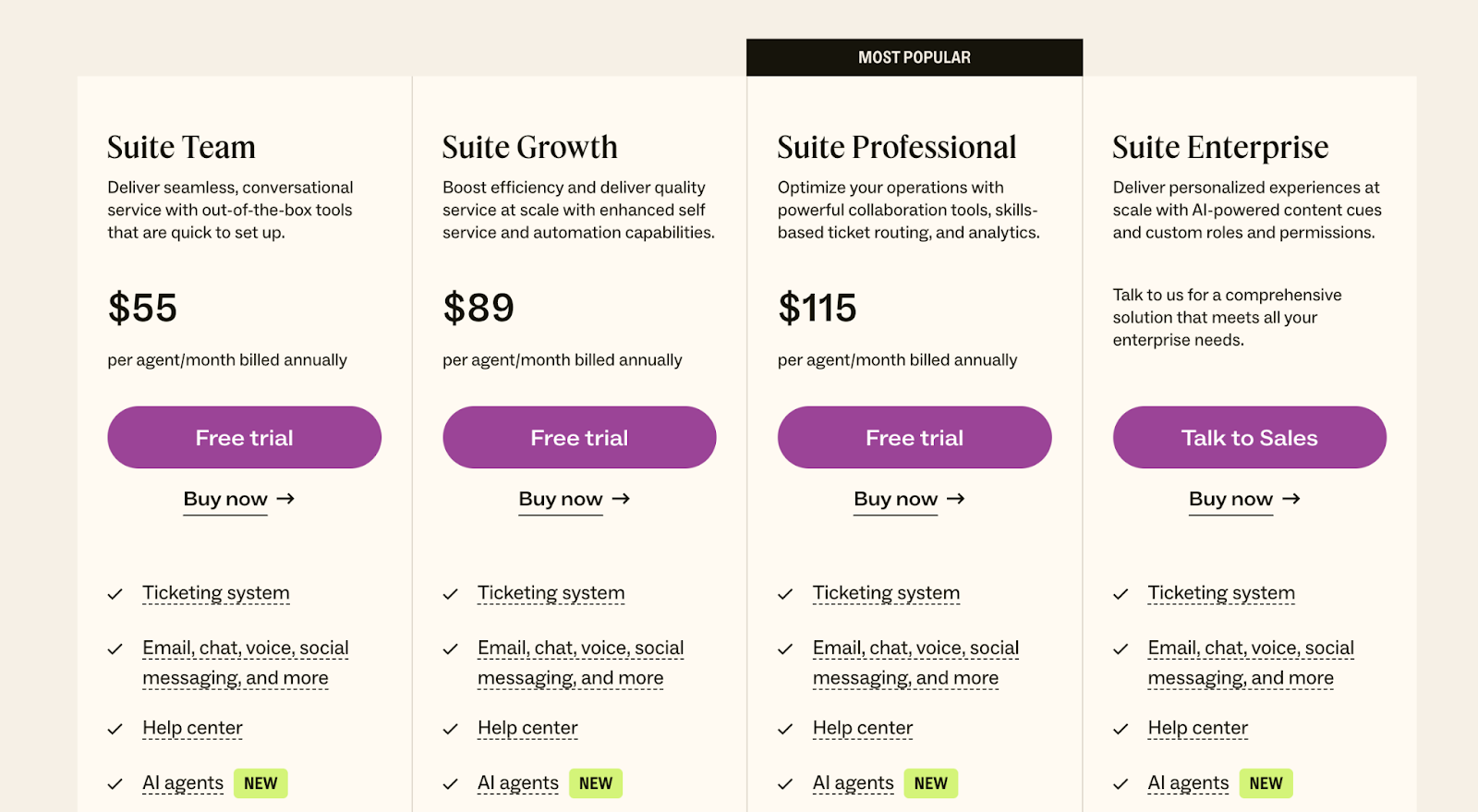
💡 Note that some of the IT support capabilities will need to be purchased as add-ons, and they will be billed separately.
Pros and Cons
✅ A smart live chat, ticketing system, knowledge base, automation and analytics.
✅ The platform is highly customizable to meet specific business needs.
✅ Skill-based routing for incident management.
❌ Ticket management could be improved, with users of the platform requesting more filters and the ability to create folders.
❌ Some IT support features need to be purchased as add-ons, which can scale your costs quickly.
#3: Freshdesk
Best for: Small to mid-market teams that want value, rapid deployment, and built-in automation without heavy upfront cost.
Similar to: Jira Service Management, Zendesk.

Freshdesk combines affordable pricing with modern automation and AI-assisted routing, giving fast setup and good multichannel support for SMBs and growing teams.
The platform’s modular plans let teams add self-service, automation, and analytics as needs grow.
Features

- AI-assisted ticket triage and automation that reduces manual routing and speeds first response.
- Freddy AI agent that can engage customers 24/7 with intelligent email bots that deflect up to 77% of customer requests.
- Self-service portal that helps you independently find solutions and submit requests.
Standout Feature: Best-In-Class Automations
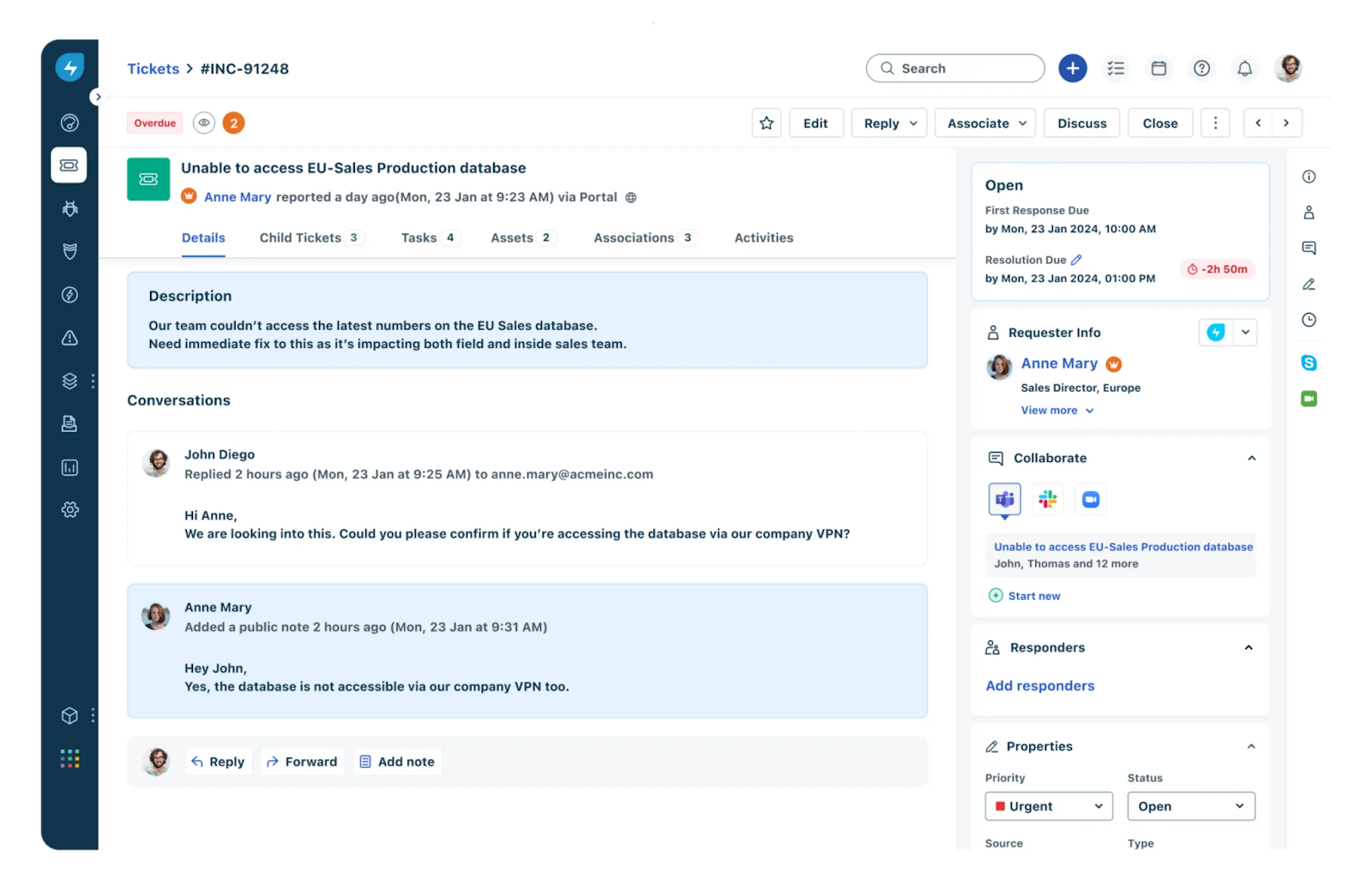
Freshdesk stood out to me with its automation capabilities that help you automate tasks like:
- Ticket assignments.
- Repetitive responses.
- Workflow management.
Pricing
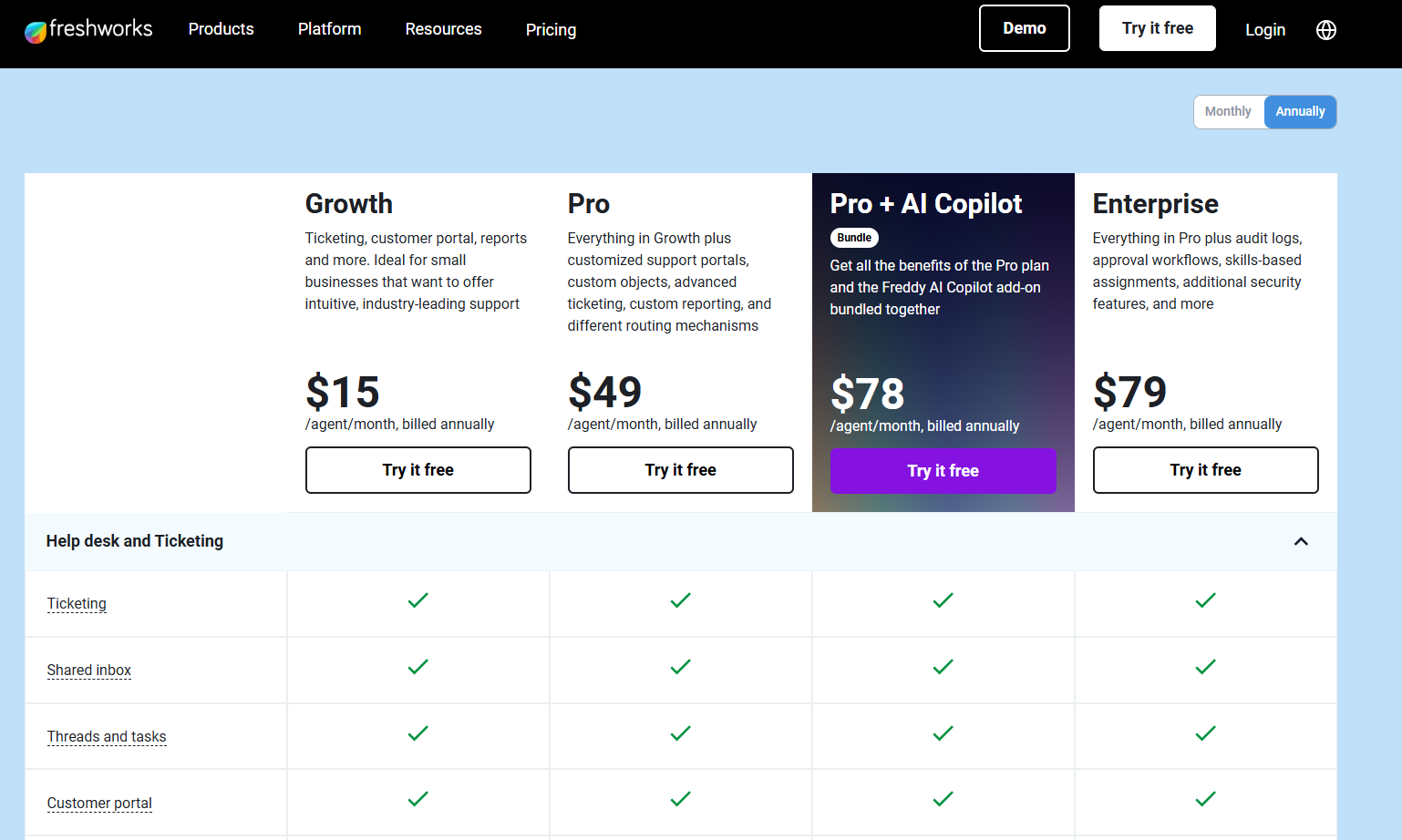
Freshdesk offers 4 paid plans with a free version that lets you try the tool for up to 2 agents with basic features:
- Growth: $15/agent/month billed annually, which includes ticketing, a shared inbox, threads, tasks, and a customer portal.
- Pro: $49/agent/month billed annually, which adds multilingual conversations and collaborators.
- Pro + AI Copilot: $78/agent/month billed annually, which adds access to its Freddy AI Copilot and insights.
- Enterprise: $79/agent/month billed annually, which adds audit logs, approval workflows, skills-based assignments, additional security features, and more.
Pros and Cons
✅ The tool’s interface is easy to set up and use daily.
✅ AI agent (Freddy) that can resolve up to 77% of queries.
✅ Native integrations with other Freshworks products and third-party tools.
❌ Fewer native integrations when compared to Freshservice alternatives.
❌ The customer support has been reported to be slow by verified users on G2.
#4: Help Scout
Best for: Customer support teams looking to use AI to help support reps handle more tickets.
Similar to: Zendesk, Freshdesk.

Help Scout is an email-centric help desk that feels like a shared inbox but adds workflow features, collision detection, and an integrated knowledge base for human, personal support.
The platform is deliberately simple so small support teams can deliver consistent, conversational IT help without complex configuration.
Features

- Shared inbox with collision detection and internal notes so multiple agents can collaborate on a single ticket without stepping on each other.
- It’s capable of automating routine tasks like ticket assignments and repetitive responses so your agents can focus on higher-value tasks.
- Provides a knowledge base and community forums to enable customers to find answers independently.
Standout Feature: Analytics & Reporting Capabilities

Help Scout offers best-in-class analytics and reporting capabilities that dive deeper into each conversation of your human reps and AI chatbot and evaluate responses from your end users.
Pricing
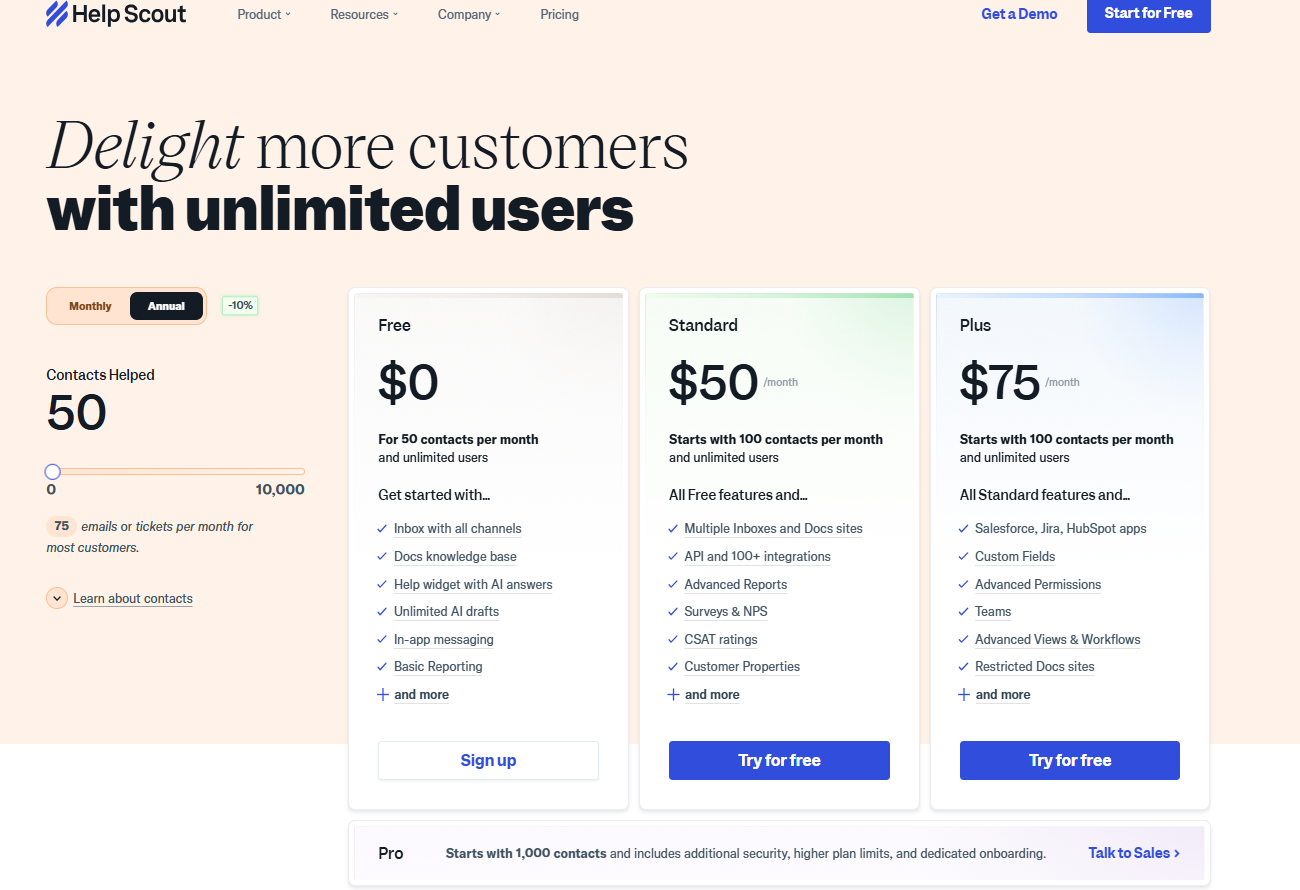
HelpScout offers four paid plans that teams can choose from:
- Free: $0/month, which includes an Inbox with all channels, a Docs knowledge base, and a help widget with AI answers.
- Standard: $50/month, which includes 2 shared inboxes, 1 knowledge base, automated workflows, and reporting.
- Plus: $75/month, which adds 5 shared inboxes, 2 knowledge bases, 25 light users, advanced permissions, and custom reporting.
- Pro: Custom pricing, which adds 25 shared inboxes, 10 knowledge bases, 50 light users, enterprise security, HIPAA compliance, and dedicated support.
Pros and Cons
✅ The platform is easy to learn and use, with a simple and intuitive interface.
✅ Useful workflows to automate actions like sending notifications for bad customer ratings.
✅ Good reporting capabilities.
❌ The software can get quite expensive if your platform is handling thousands of customer requests.
❌ The tool does not support live technical support features like screen control and risk identification, unlike some other competitors on the market.
#5: Jira Service Management
Best for: Engineering-led organizations that need tight DevOps and ITSM integration and advanced change control.
Similar to: Zendesk.

Jira Service Management brings ITIL-aligned service management together with Jira’s developer issue tracking, making it ideal for IT ops that must coordinate incidents, changes, and development work.
The tool’s strong automation, SLAs, and change management features help keep incidents and deployments tightly linked to engineering.
Features
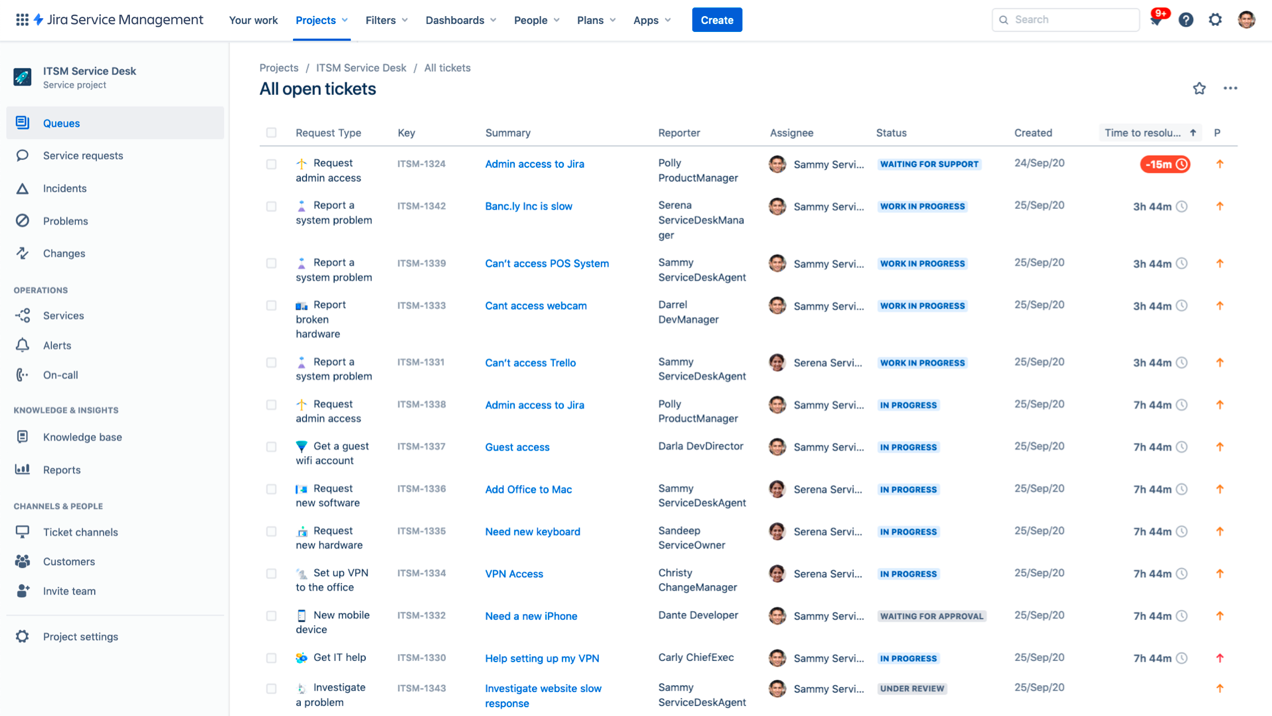
- Built-in ITIL workflows and change management that connect service requests and incidents directly to development tickets.
- The tool empowers development and IT operations teams to respond rapidly to incidents, resolve them, and continuously learn from them.
- A good range of plugins for additional integrations, workflow enhancements, reporting, and automation.
Standout Feature: Ready-To-Use ITSM Templates
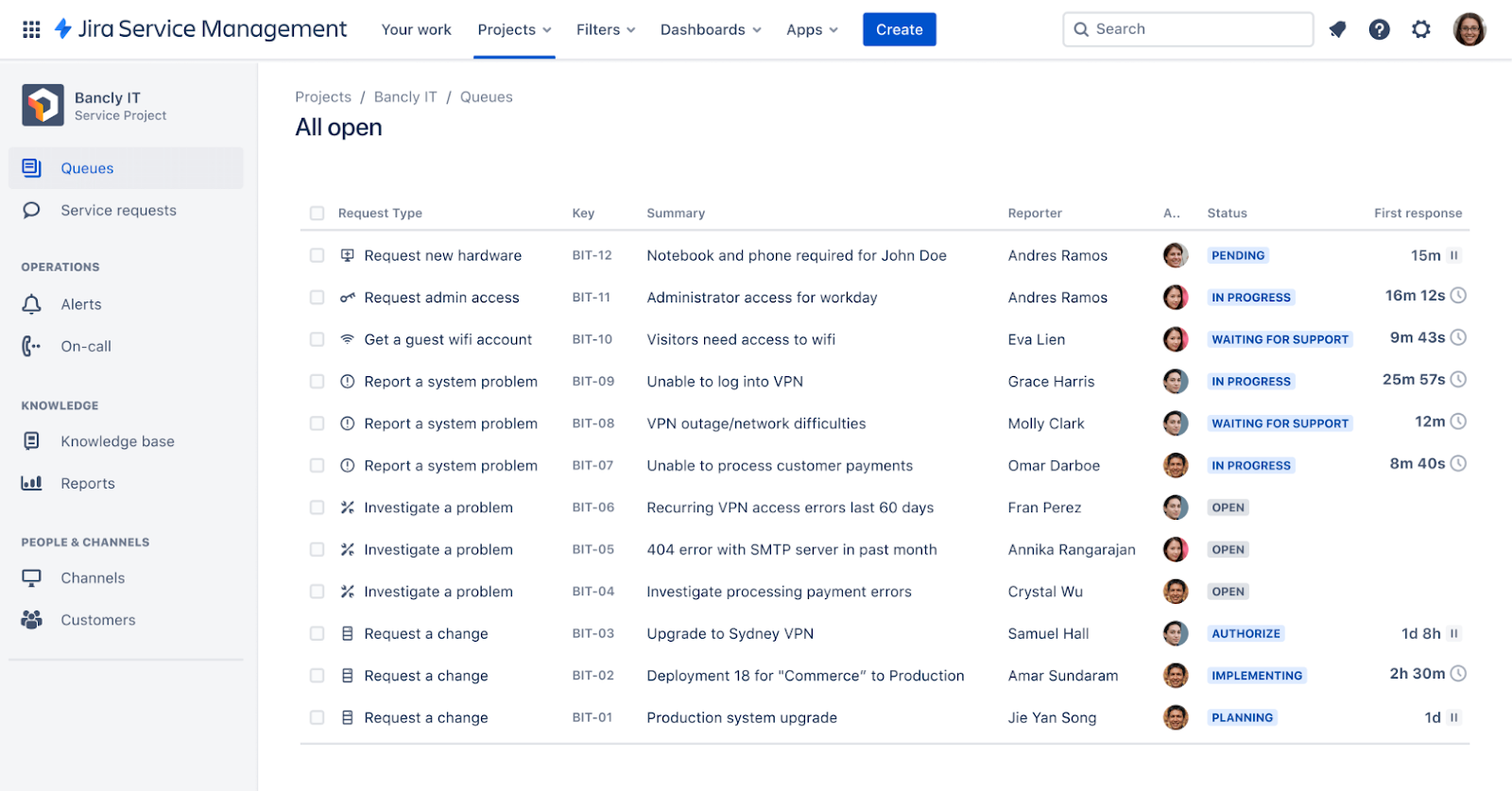
Jira Service Management helps you get started with an IT help desk solution quickly, with out-of-the-box ITSM templates that can be customized.
Pricing
Jira Service Management offers four pricing plans for IT teams:
- Free: $0, for up to 3 agents, with access to basic features.
- Standard: $17.65 per agent/month, includes custom-branded help centre, alerts, on-call schedules, unlimited email notifications, and 9/5 support.
- Premium: $44.27 per agent/month, adds AI-powered services, virtual agent, asset and configuration management, advanced alert integrations, and 24/7 support.
- Enterprise: Custom pricing, adds advanced analytics, security, and unlimited automations, with up to 150 instances and 24/7 dedicated support.

Pros and Cons
✅ Centralized incident ticketing system that provides full visibility into ongoing issues.
✅ Advanced automation features to establish predefined workflows and triggers.
✅ Pre-built IT help desk and other ITSM templates that you can get started with.
❌ A certain amount of dependence on plugins for some features, which some users find inconvenient.
❌ Non-technical users might find Jira’s interface confusing at first, which is why some people have been looking for Jira SM alternatives.
#6: Zoho Desk
Best for: Budget-conscious businesses already using the Zoho ecosystem who want an integrated, customizable help desk.
Similar to: Zendesk.

Zoho Desk offers a highly configurable, cost-effective help desk with contextual ticketing, decent automation, and integration into the broader Zoho suite for CRM, projects, and finance.
I think of the platform as a practical choice where budget and ecosystem integration matter.
Features
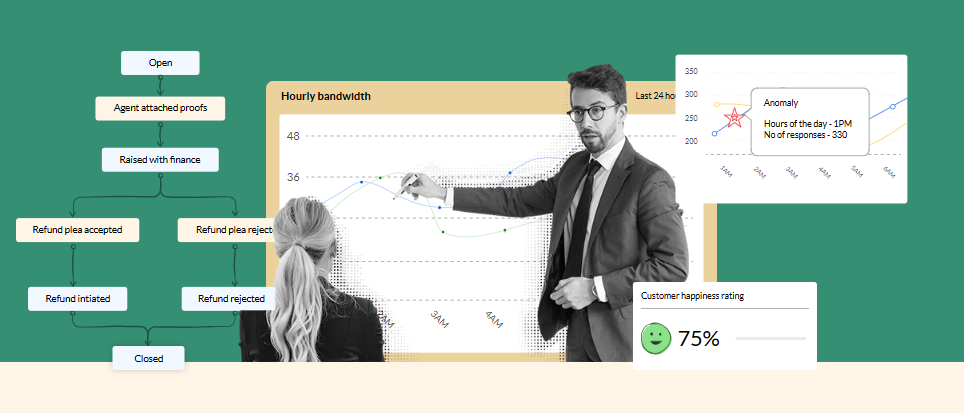
- Omnichannel ticketing across email, web forms, social, messaging, phone, and chat that brings all user requests into a contextual ticket view.
- Built-in self-service and an Answer Bot, so your end users can resolve common IT issues without opening tickets.
- Blueprint & workflow automation that let you build guided, repeatable IT processes with the tool’s low-code drag-and-drop automation builder.
Standout Feature: Zia’s AI Suggestions & Automations
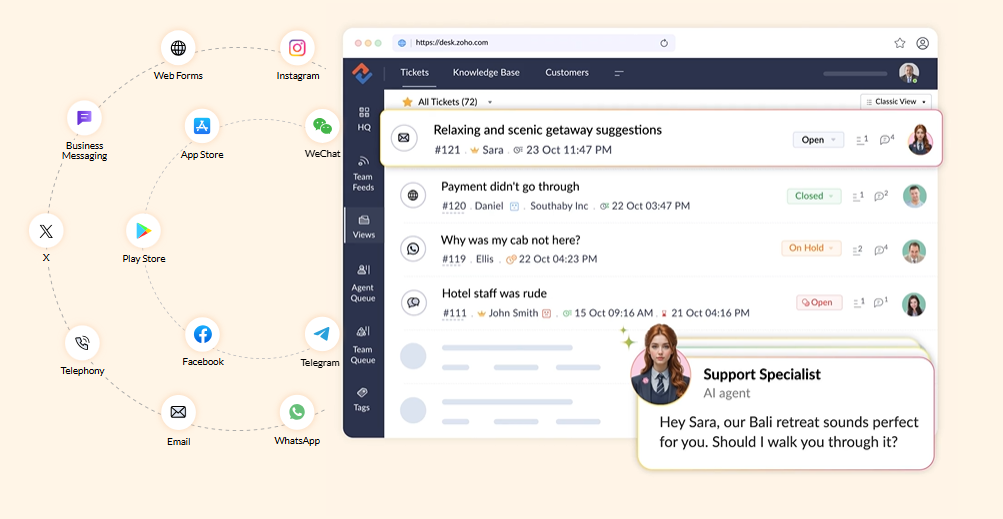
You can use Zia (Zoho’s AI) for sentiment detection, ticket summarization, auto-tagging and suggested replies so agents spend less time on routine text work.
But that’s not where it ends.
Zoho Desk combines Zia’s AI suggestions and automated answer-bot capabilities with Blueprint visual flows so your IT team can automate routine remediation steps and enforce process compliance.
Pricing
Zoho Desk has a free plan that lets you get access to 3 user licenses to try out its email ticketing.
Apart from this, there are 4 paid plans that you can choose from:
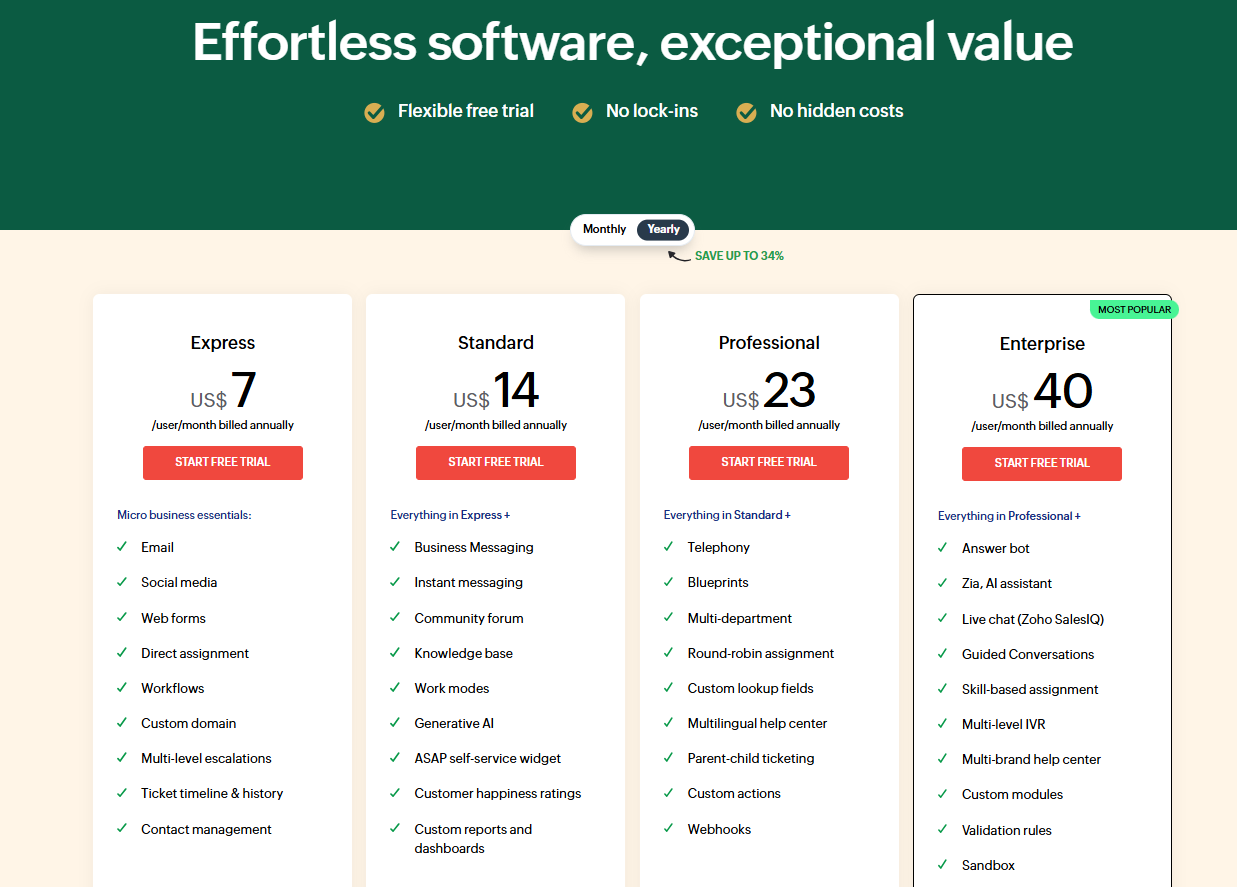
- Express: $7/month/seat when billed annually, which gives you access to ticketing on email, social media, web forms, direct assignment, workflows, a custom domain, and multi-level escalations.
- Standard: $14/month/seat when billed annually, which adds business messaging, instant messaging, a community forum, a knowledge base, work modes, and generative AI.
- Professional: $23/month/seat when billed annually, which adds telephony, blueprints, multi-department arrangements, round-robin assignment, and custom lookup fields.
- Enterprise: $40/month/seat when billed annually, which adds an answer bot, Zia, live chat, guided conversations, skill-based assignment, custom modules and multi-level IVR.
Pros & Cons
✅ Feature-rich tiers at lower entry prices than other competitors.
✅ Easy integrations with Zoho CRM, Analytics, Assist, SalesIQ and many marketplace extensions for your IT workflows.
✅ Good automation capabilities, such as blueprints and workflow rules that fit ITSM-style processes.
❌ Powerful features sometimes come with a learning curve.
❌ Advanced AI and bot features are limited to higher tiers.
#7: SysAid
Best for: Mid-market IT teams that want a combined help desk and endpoint solution with flexible deployment.
Similar to: Atera, SolarWinds Service Desk.

SysAid packages ITSM features, including ticketing, asset discovery, patching, and automation into a single platform aimed at IT teams that want on-prem or hybrid deployment options.
What stood out to me about the platform is that it emphasizes endpoint and asset management alongside traditional help desk workflows.
Features
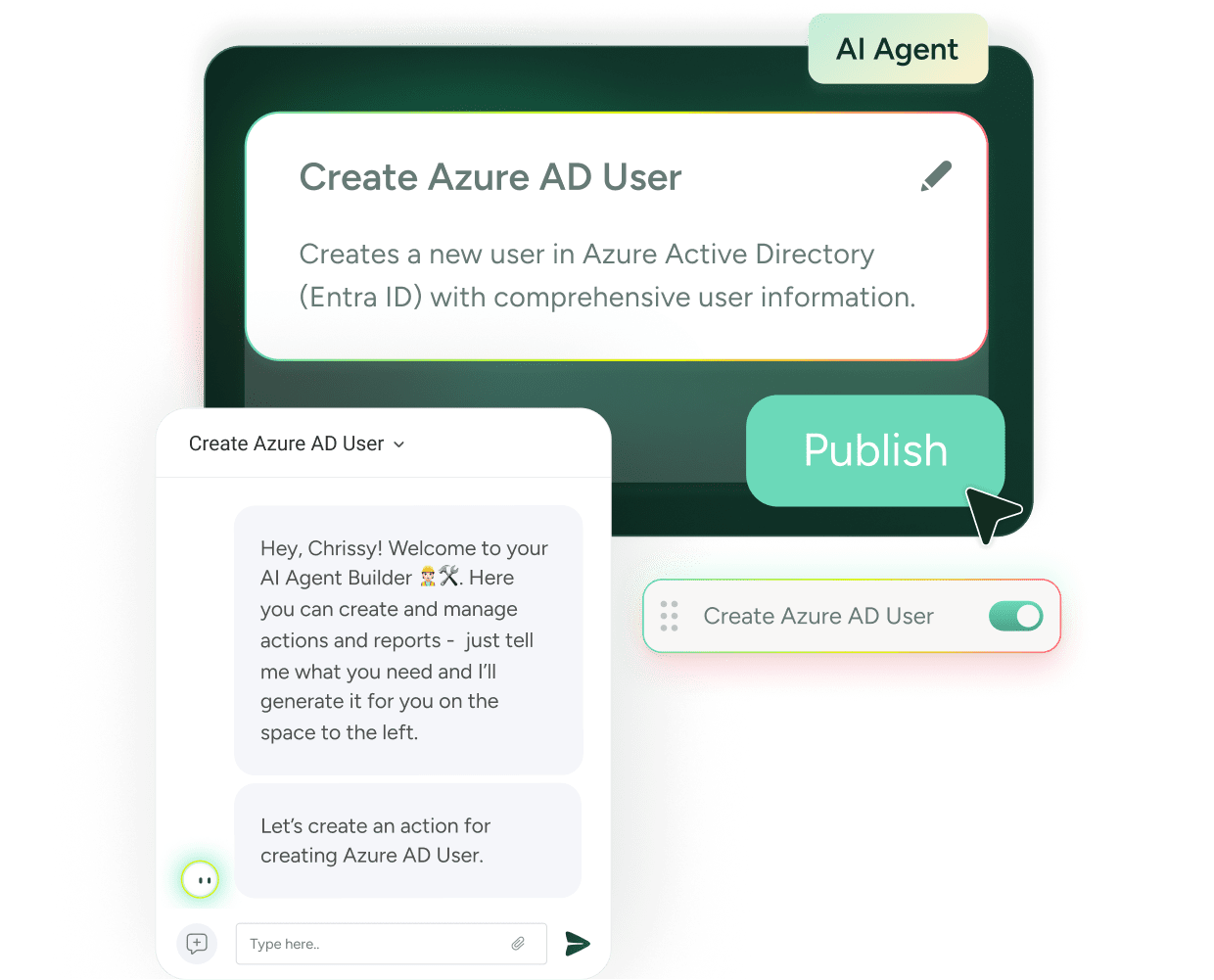
- Automated help desk and ticketing system that lets you create and monitor support tickets, with features like automatic ticket creation from emails.
- Integrated asset discovery and patch management so ticketing can be directly tied to device status and remediation.
- Built-in AI agents and workflow automation that streamline routing, escalation and common remediation tasks.
Standout Feature: Agentic Service Management
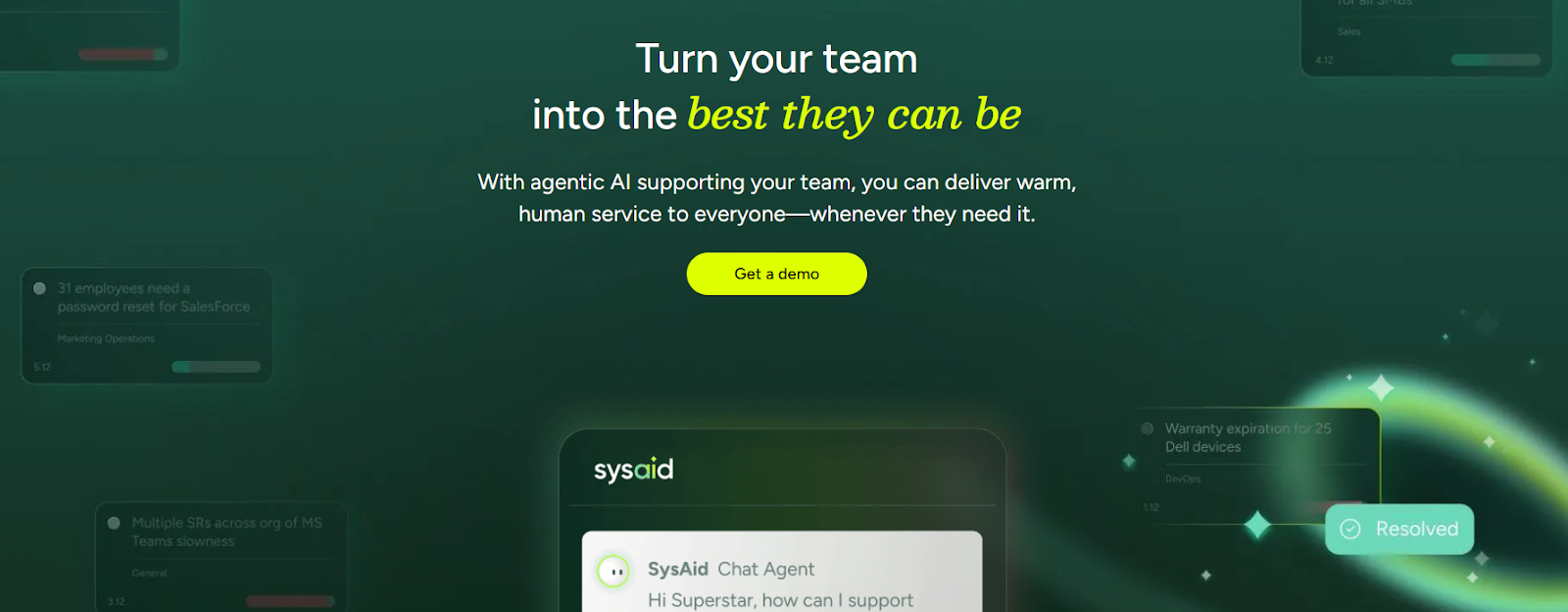
SysAid offers an agentic AI solution that lets you automatically detect and resolve issues.
The tool is also capable of routing, fulfilling, and tracking requests with service-level agreement awareness.
Pricing
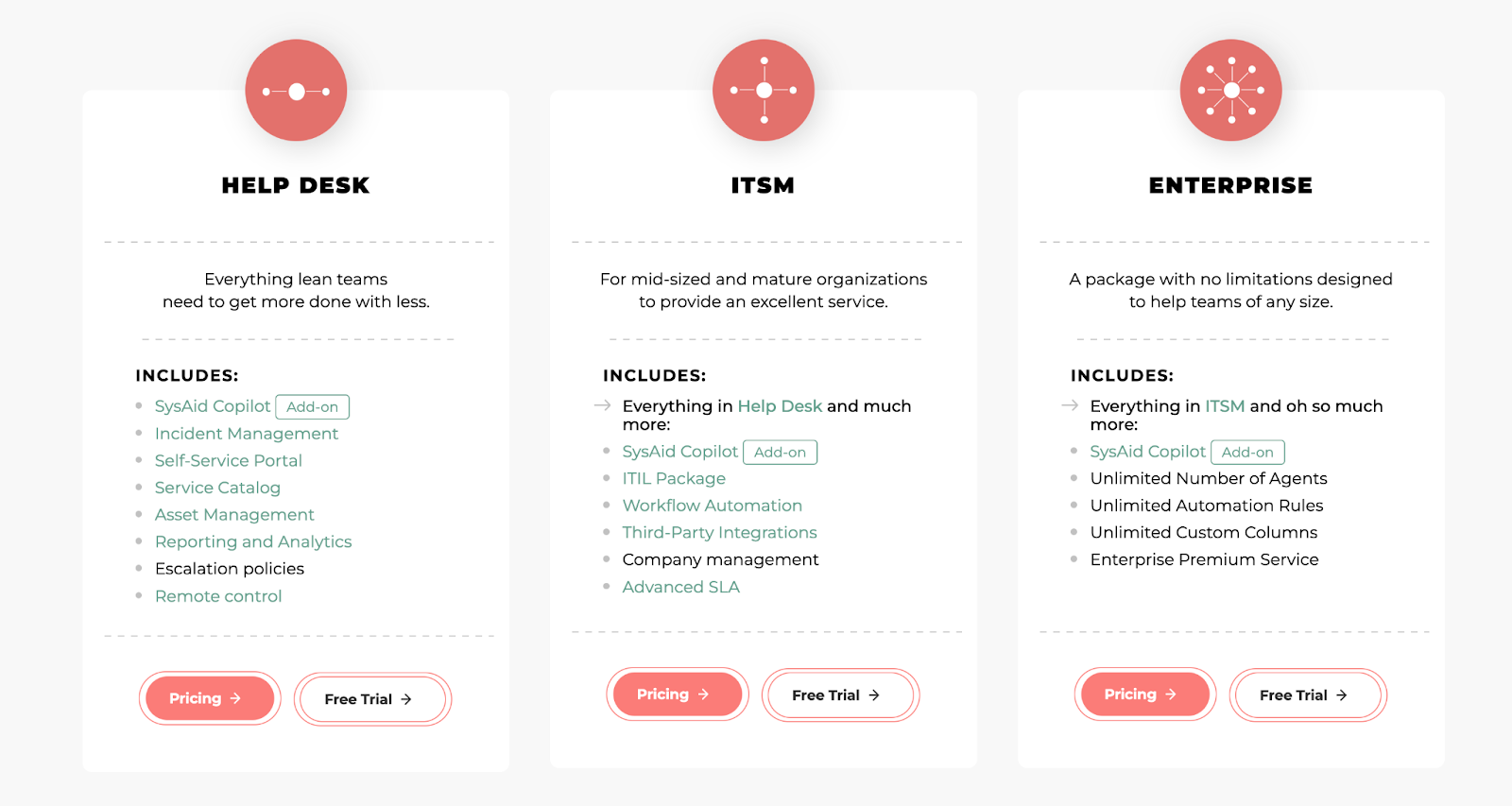
SysAid offers three main pricing plans, but has not disclosed its pricing for them:
- Help Desk: Designed for lean teams, includes incident management, self-service portal, service catalog, asset management, and basic reporting.
- ITSM: For mid-sized organizations, it adds workflow automations, third-party integrations, and advanced SLA management.
- Enterprise: For large teams, includes all IT service management features with unlimited agents, automation rules, and custom columns.
Pros and Cons
✅ Advanced help desk functionality for managing incidents, requests, and problems.
✅ The tool lets you customize workflows and reports to meet your needs.
✅ Enterprise-grade ITSM solution that is similar to tools like BMC Helix.
❌ Outdated UI, according to users of the software.
❌ A long implementation process, according to customers of the tool.
#8: ServiceNow
Best for: Large enterprises that need a highly configurable, cross-enterprise ITSM and workflow automation platform.
Similar to: Jira Service Management.
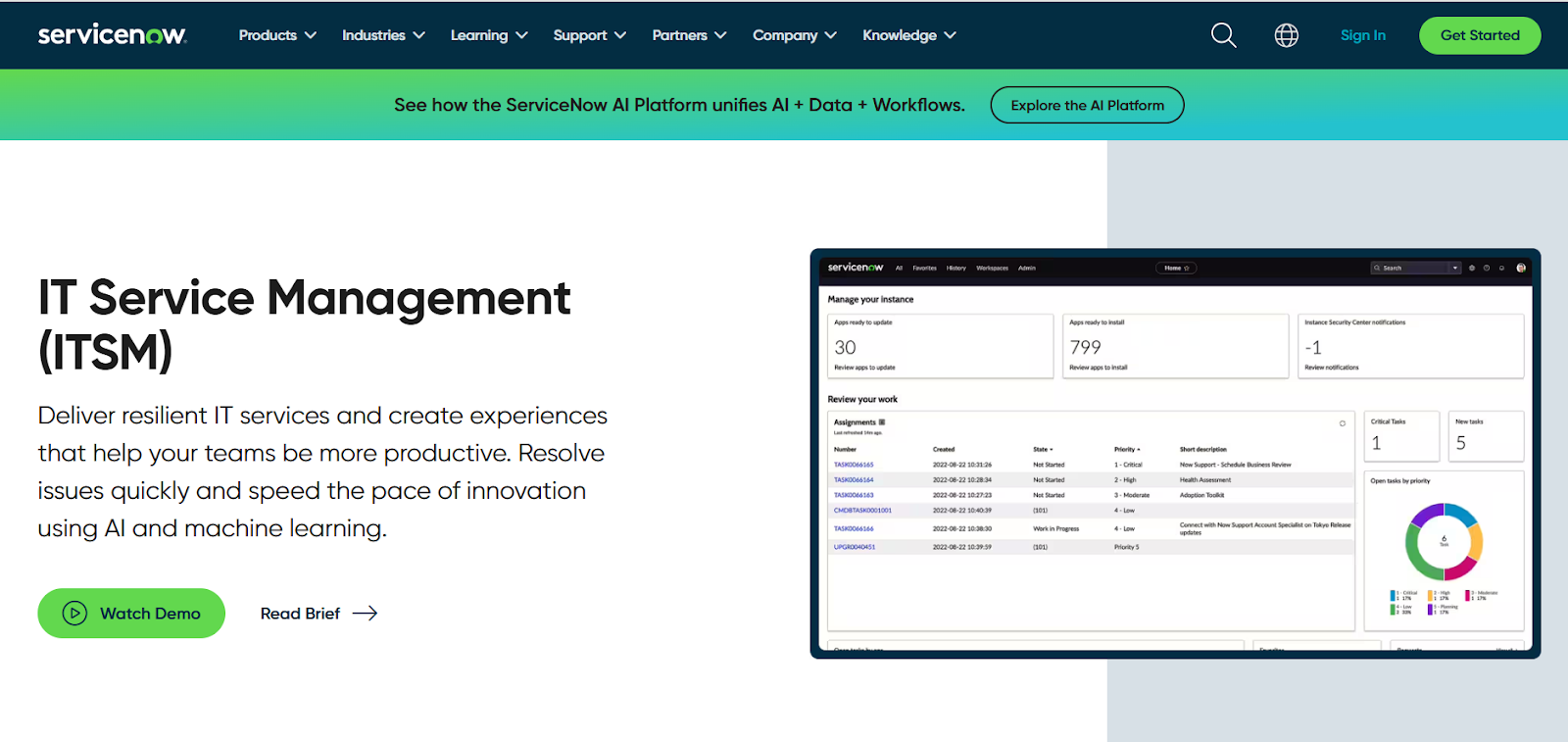
ServiceNow offers an enterprise-grade ITSM platform with a comprehensive CMDB, powerful automation and orchestration, and a service catalogue that scales across your organization.
The tool aims to replace fragmented processes with its end-to-end digital workflows for IT, HR, security, and more.
Features

- Enterprise CMDB plus workflow orchestration that automates complex service requests, incidents, and change approvals across teams.
- Now Assist for ITSM to help your team accelerate productivity with generative AI on the Now Platform.
- A management database that helps you track the dependencies and relationships of supported IT services to maintain continuity.
Standout Feature: Virtual Agent
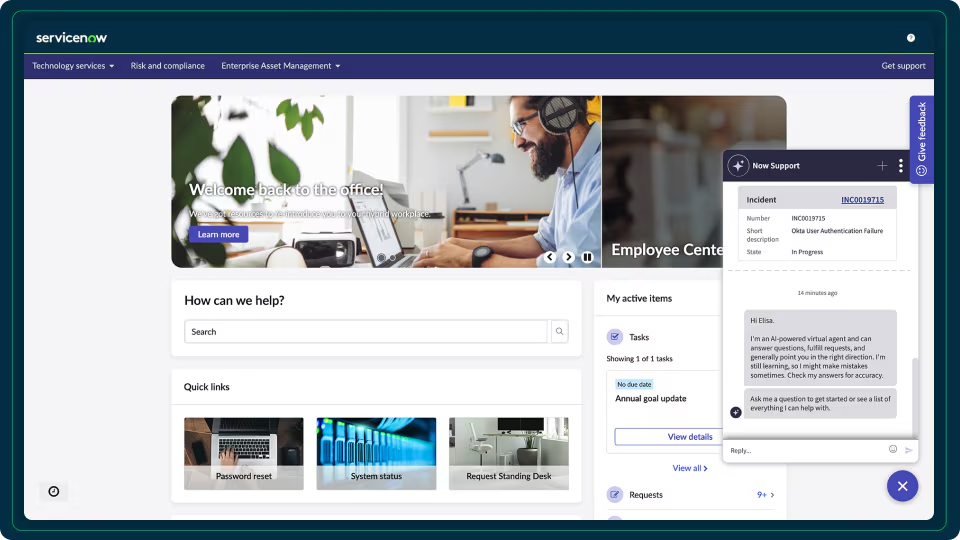
ServiceNow’s ITSM offering comes with a Virtual Agent, which makes it easy for end users to resolve issues quickly from a conversational chatbot that has been trained with commonly asked questions and answers.
Pricing
ServiceNow’s pricing is not publicly disclosed, so you’d have to book a demo with their team.
I found some ServiceNow customer and public reviews, which show that the average cost of ServiceNow contracts can range between $50,000 and $500,000 annually.
Apparently, its cost structure depends on the number of licenses, features, and other configuration requirements.
Pros & Cons
✅ Best-in-class IT service management capabilities that can scale.
✅ Delight end users with relevant, contextual, and conversational exchanges with a chatbot.
✅ Integrations with other platforms and centralized management of alerts and IT service management tickets.
❌ The tool comes with a steep learning curve and complexity, which is why some teams have been looking for ServiceNow alternatives.
❌ Training, skills development, and ongoing support can be costly.
#9: SolarWinds Service Desk
Best for: IT operations teams that already use SolarWinds monitoring and want alert and ticket workflows.
Similar to: Zendesk.
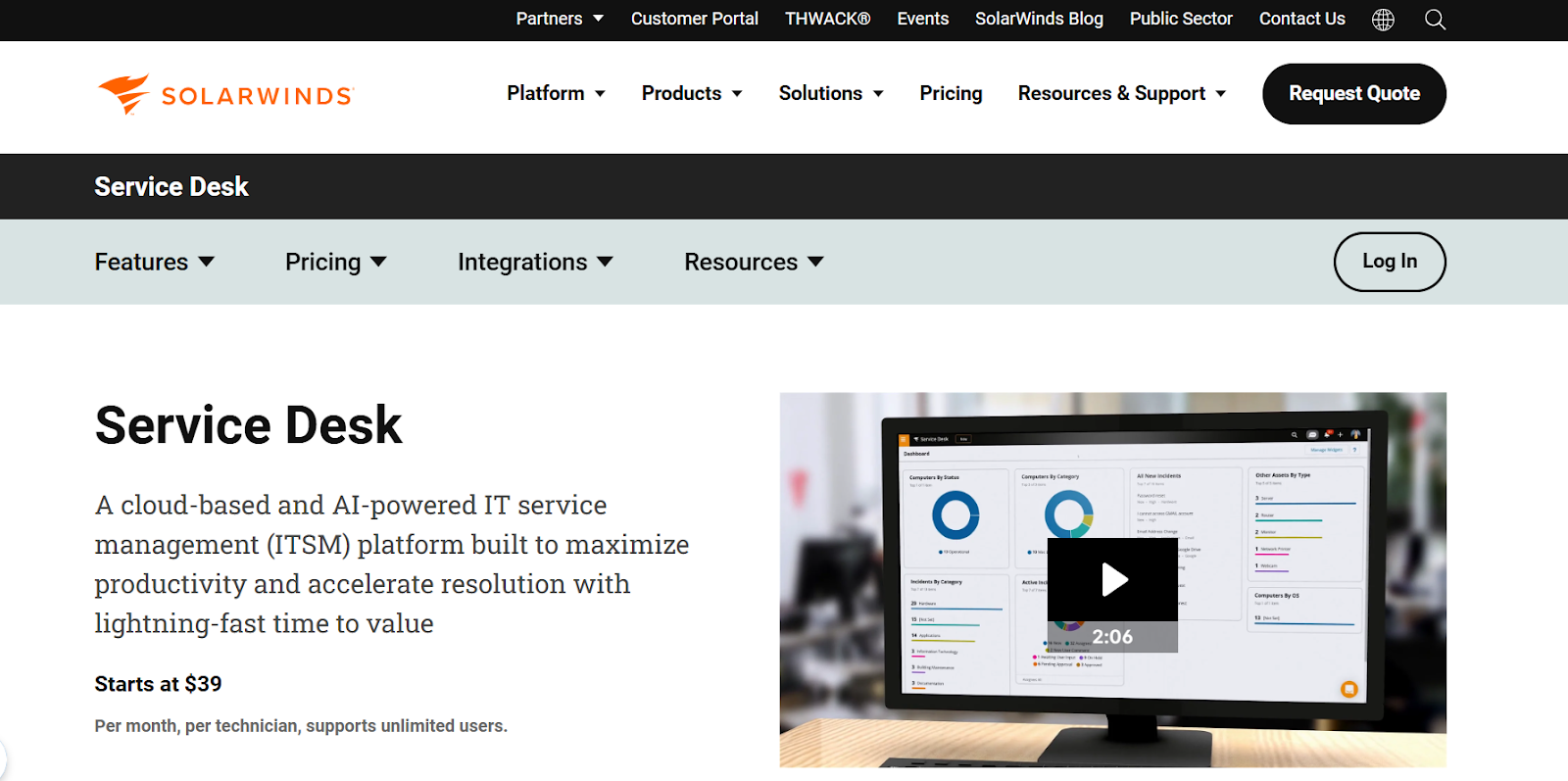
SolarWinds Service Desk ties classic ITSM ticketing and asset management to SolarWinds’ monitoring for faster incident detection and remediation when paired with network and systems monitoring.
I think of the platform as practical for operations teams that want monitoring alerts to drive prioritized tickets.
Features
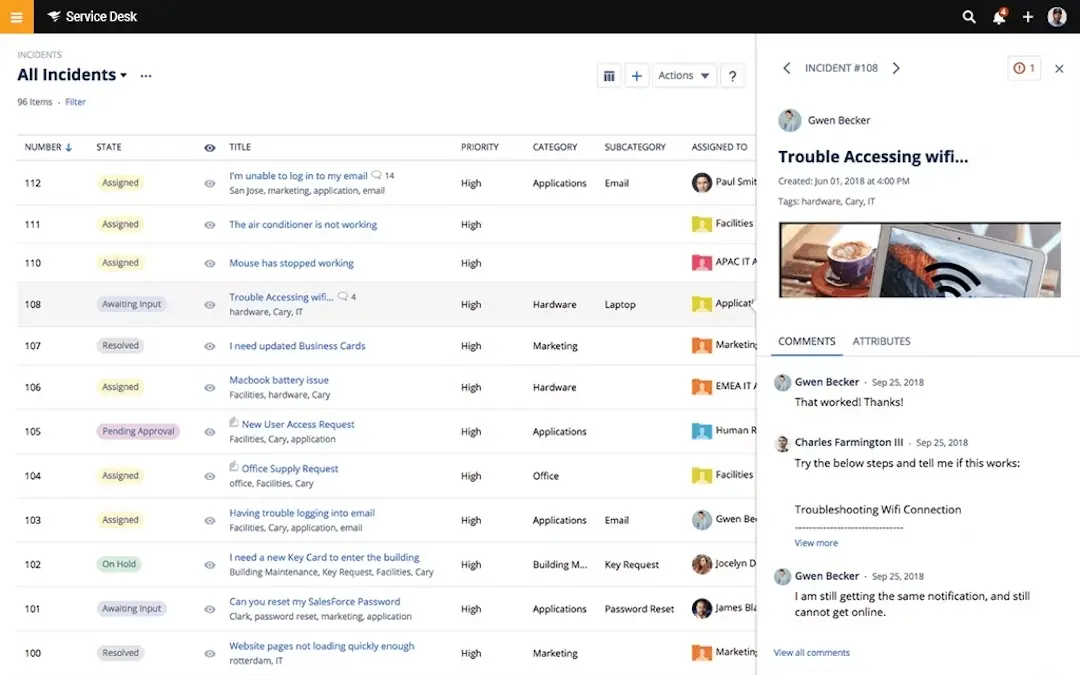
- Direct integration between monitoring, alerting and ticket creation so incidents detected by network tools automatically generate and prioritize tickets.
- Automated incident management is tightly connected to IT asset records, so tickets immediately reflect hardware/software context.
- Complete visibility into your IT assets, including hardware, software, and licenses, enabling effective lifecycle management and cost optimization.
Standout Feature: SolarWinds AI
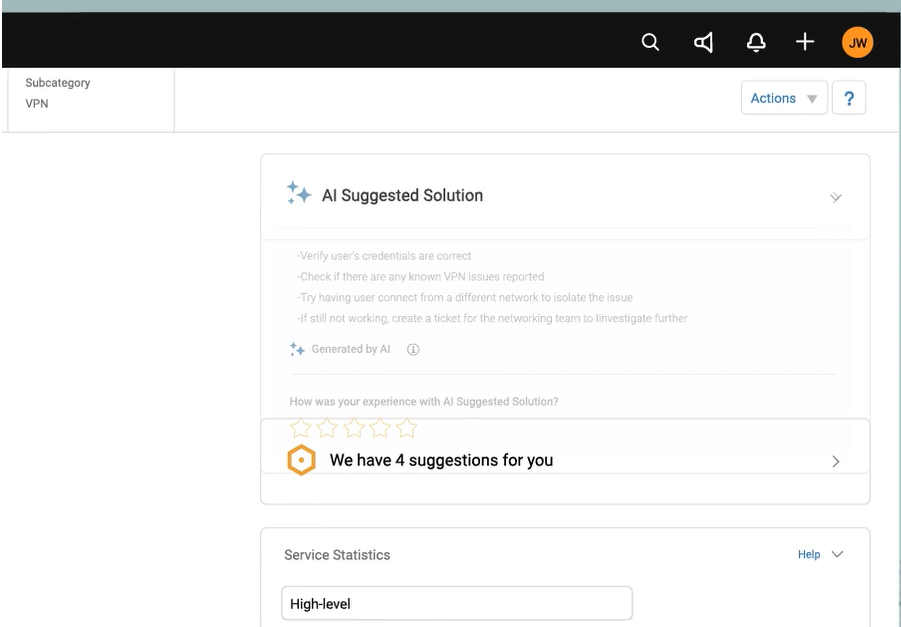
SolarWinds’ AI capabilities help you build support agents that can resolve or troubleshoot problems based on the initial request and comments within the ticket.
Pricing
SolarWinds Service Desk offers three pricing plans:
- Essentials: $39 per technician/month, includes incident management, knowledge base, service portal, asset management, and SLA management.
- Advanced: $79 per technician/month, adds custom fields, advanced automations, virtual agent, network discovery, and API access.
- Premier: $99 per technician/month, includes visual CMDB, advanced support, and up to 1,500 API calls per user per minute.

Pros and Cons
✅ Easy and quick implementation of the tool, when compared to other solutions on the market.
✅ Advanced automation capabilities.
✅ Build an AI-powered agent to answer common questions.
❌ The platform’s navigation can sometimes be confusing.
❌ The tool’s entry pricing is more expensive than the majority of the other IT help desk tools on the market.
#10: Atera
Best for: Small IT teams that need unified RMM, help desk, and billing in one platform.
Similar to: SolarWinds.

Atera is an all-in-one RMM, PSA, and help desk built for MSPs and small IT shops, providing remote access, patching, ticketing, and billing in a single interface.
I think that combination makes it easy to run day-to-day managed services without having to stitch tools together.
Features

- Integrated RMM and PSA-backed ticketing that links remote diagnostics, patching, and billing to each support ticket.
- Atera automates software patching and updates for Windows, Mac, and various applications to keep systems secure and up-to-date.
- The tool’s integrated helpdesk and ticketing system can help you better manage support requests and incidents.
Standout Feature: AI Copilot For Ticketing
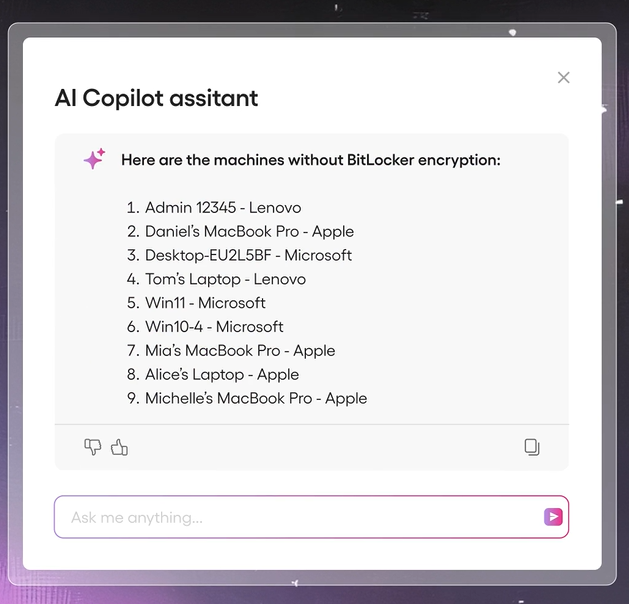
What stood out to me about Atera is its AI copilot that helps you accelerate troubleshooting and optimize daily IT tasks with contextual recommendations.
Your team will be able to automate replies and use its real-time diagnostics to resolve issues proactively.
Pricing
Atera offers four main pricing plans for IT departments:
- Professional: $149 per technician/month (billed annually), which includes remote monitoring, patch management, automations, helpdesk, and ticketing.
- Expert: $189 per technician/month (billed annually), which adds advanced security features, network discovery, and more customization options.
- Master: $219 per technician/month (billed annually), which adds audit logs with 1 year retention, custom support addresses, and reporting.
- Enterprise: Custom pricing, which adds onboarding, premium customer support, and enterprise-grade security with custom analytics.

Pros and cons
✅ Integrated RMM and PSA-backed ticketing.
✅ Intuitive user interface and easy deployment.
✅ AI copilot that helps you accelerate troubleshooting
❌ Limited mobile app functionality, according to customers of the platform.
❌ More expensive than other tools on the market.
Set Up Your IT Help Desk In Days & Not Weeks With SmartSuite’s Template
That was it from our analysis of the 10 best IT help desk platforms on the market in 2025 for ITSM.
If you’re an IT lead looking to build an IT help desk, SmartSuite is an ideal starting point with our free plan and pre-built ITSM templates.
Your team can stand up a complete ticketing and incident management system in minutes with no coding required.
With SmartSuite, your IT help desk becomes a central hub for managing incidents, assets, and service requests: a secure, auditable, and easy way to adapt as your needs evolve.
Here’s what’s in it for your team when you try SmartSuite:
- Access to a free plan with features including multi-board views (Kanban, Chart, Map, Timeline, Card, and Calendar), 100 automations/month, and 40+ field types, including formula and linked record fields.
- No-code automation builder to set up to 500,000 trigger/action workflows.
- Built-in productivity tools, including time tracking, status tracking, and checklists.
- Team collaboration and planning tools such as whiteboards and SmartSuite docs.
- Resource management across projects and teams.
- 40+ field types, including the option to add your custom fields.
Sign up for a free plan to test the water or get a 14-day free trial to explore all its amazing features.
Or, if you’d like to talk to our team of experts, schedule a demo.
Read More
SmartSuite Blog | Business Runs Smarter on SmartSuite
Governance Risk & Compliance
Experience the friendliest, most flexible enterprise governance, risk and compliance solution. From novice to experienced practitioners, get elegant features and unprecedented cross-team collaboration over a network of interconnected GRC practice areas.
ServiceNow vs. BMC Helix vs. SmartSuite: Which One Is Better?
Are you trying to figure out if ServiceNow or BMC Helix is the better ITSM solution for your organization?
Both ServiceNow and BMC Helix are well-established in the IT service management space: ServiceNow with its enterprise-grade depth and BMC Helix with its stronger focus on ITIL-aligned workflows, CMDB-first visibility, and automation.
Choosing the right fit isn’t easy, as it depends on your team’s size, budget, and the maturity of your ITIL/process discipline.
➡️ In this comparison, I’ll break down the key features, pricing posture, and customer feedback for both platforms to help you decide with confidence.
💡 I’ll also introduce you to a third alternative that blends flexibility, affordability, and ease of use in one platform: SmartSuite.
TL;DR
✅ ServiceNow is ideal for enterprises that need a highly customizable, ITIL-aligned platform with a huge ecosystem of modules (incident, change, asset, service management), deep automation, and extensive native integrations.
It’s powerful, but expensive and often complex to implement and maintain.
✅ BMC Helix is a strong choice for organizations that want enterprise-grade ITSM with a CMDB-centric approach, change management, and built-in automation/virtual-agent capabilities.
Despite this, getting the full value typically requires meaningful implementation effort and admin resources, and some users note a learning curve and outdated UX.
✅ SmartSuite delivers strong value with an all-in-one work management platform that goes beyond ITSM. It combines customization, templates, and built-in communication features at a lower entry price.
While its integration depth is more limited, it’s an excellent fit for teams of all sizes looking for flexibility and affordability.
ServiceNow vs. BMC Helix vs. SmartSuite: ITSM Features
TL;DR:
- ServiceNow offers advanced modules for incident, change, problem, and asset management and excels at deep ITIL alignment, extensibility, and a huge marketplace.
- BMC Helix delivers a CMDB-first, ITIL-aligned ITSM platform with strong change management, AI-assisted automation (virtual agents, predictive analytics), and enterprise-scale capabilities.
- SmartSuite delivers a no-code, all-in-one ITSM and work management platform that streamlines service requests, ticketing, asset tracking, and internal IT projects. It stands out for IT teams that want flexible, fast-to-deploy ITSM.
Let’s go over the 3 tools’ features, starting with SmartSuite: 👇
SmartSuite’s ITSM Features
SmartSuite offers a no-code, easy-to-use ITSM software that helps you streamline critical IT processes, organise projects, and eliminate traditional obstacles in the tech landscape.
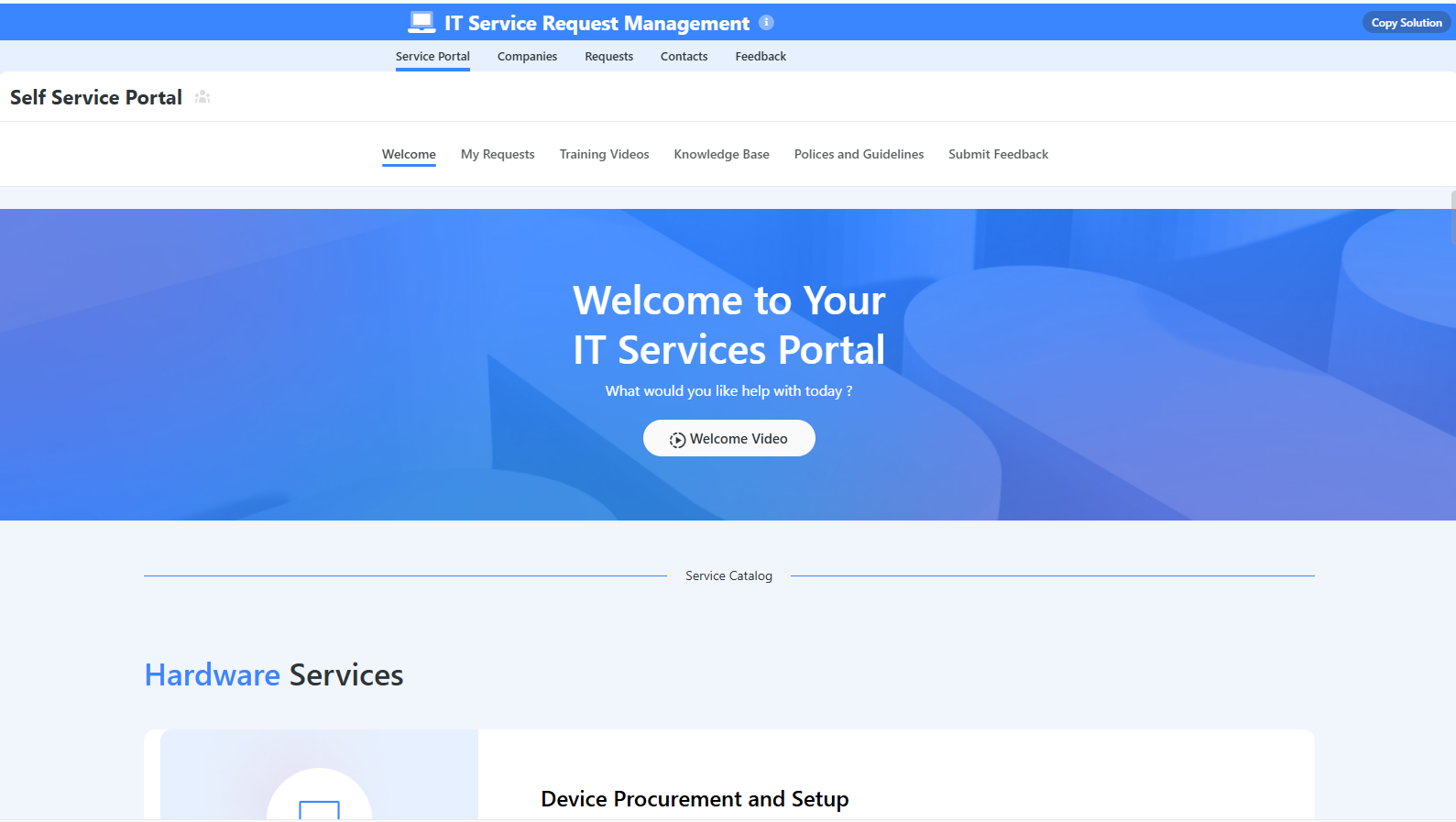
Here’s a walkthrough of the tool and our solution for IT leaders:
[embedded content]
Let’s go over the capabilities that make SmartSuite the best choice for small and large IT teams looking for an ITSM platform: 👇
All-In-One IT Service Management
SmartSuite helps enterprises manage their IT processes, projects, and assets in a single, unified solution.
Our no-code, easy-to-use platform lets you automate all technical processes with ease.
Here are the use cases that your IT team will get with SmartSuite:
- Manage critical IT processes: Your team can manage IT data and workflows in one place, from deploying help desk and issue management solutions to ensuring core business operations stay uninterrupted.
- Track tickets & issues: It’s possible to deploy a help desk and issue management solutions to ensure your business operations are not interrupted.
- Manage your IT assets and licenses: Track all of your IT assets, to whom they are deployed to and what software versions are deployed.
- Manage internal IT projects: Plan deployments, schedule your teams, and monitor progress to ensure you deliver on time and under budget.
- Integrate with your existing systems: Integrate with existing systems and data to consolidate and centralize your data.
- Automate for accuracy and efficiency: Your team can remove inefficiencies and the chance for human error by automating repeatable workflows.
- Monitor and report on your work with customizable IT dashboards: You’ll be able to slice and dice data, track help tickets, work requests, and more in dynamic interactive dashboards.
Standardize Your Team’s IT Workflows
Your IT team can standardize IT request workflows with a centralized work request process.
Our platform lets you prioritize tasks, assign IT staff and ensure that you achieve SLAs.
You’ll also be able to monitor your team with flexible reports and dashboards that keep you updated in real time.
Apart from that, SmartSuite’s no-code automation builder provides IT teams with a visual interface that makes it easy to respond to events and take action.
That means you can customize your ITSM workflows without technical resources.
💡 Are you working from mobile? Stay connected to critical IT information, tickets and device information with our native iOS and Android apps.
Your team can use our mobile apps to share files, images, updates and other feedback to resolve problems and close tickets.
Out-of-the-box ITSM Templates
Our team has prepared a few ITSM templates for IT teams looking to get started right away, instead of building everything from scratch, such as an IT Help Desk.

Our ITSM template includes a:
- IT Service Request Management, where you can streamline work requests, automate repetitive tasks, and manage IT assets.
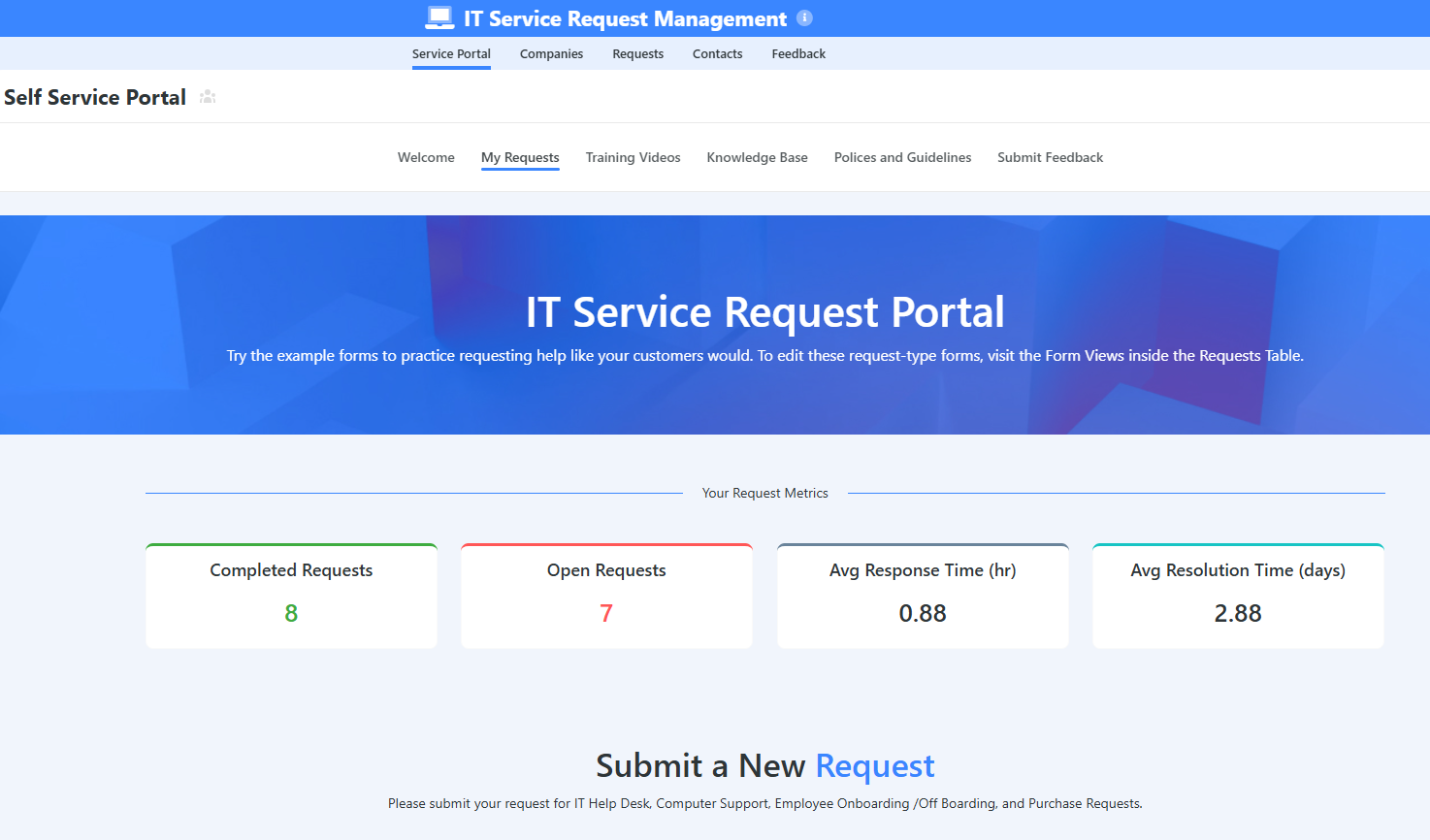
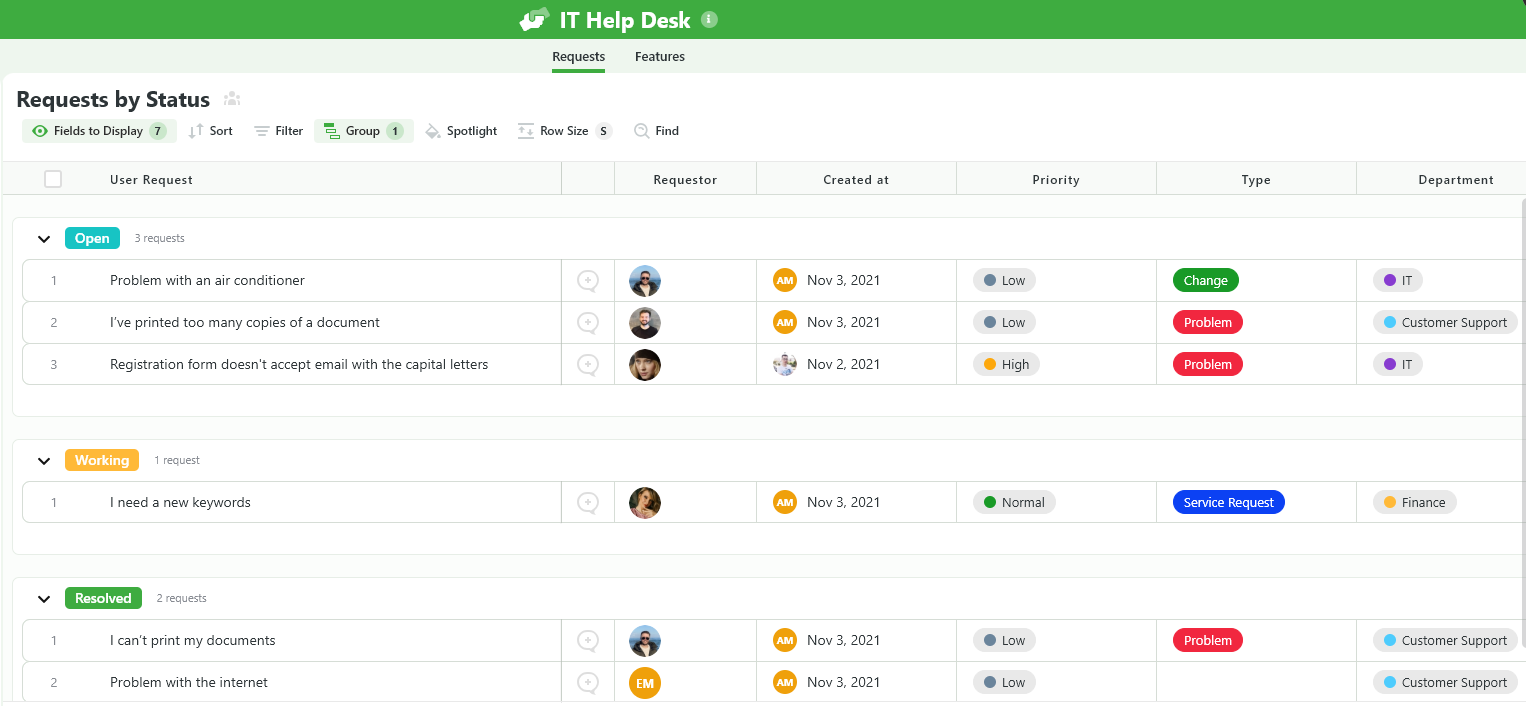
- IT Help Desk, which we built for internal IT departments looking to capture and resolve internal technology issues.
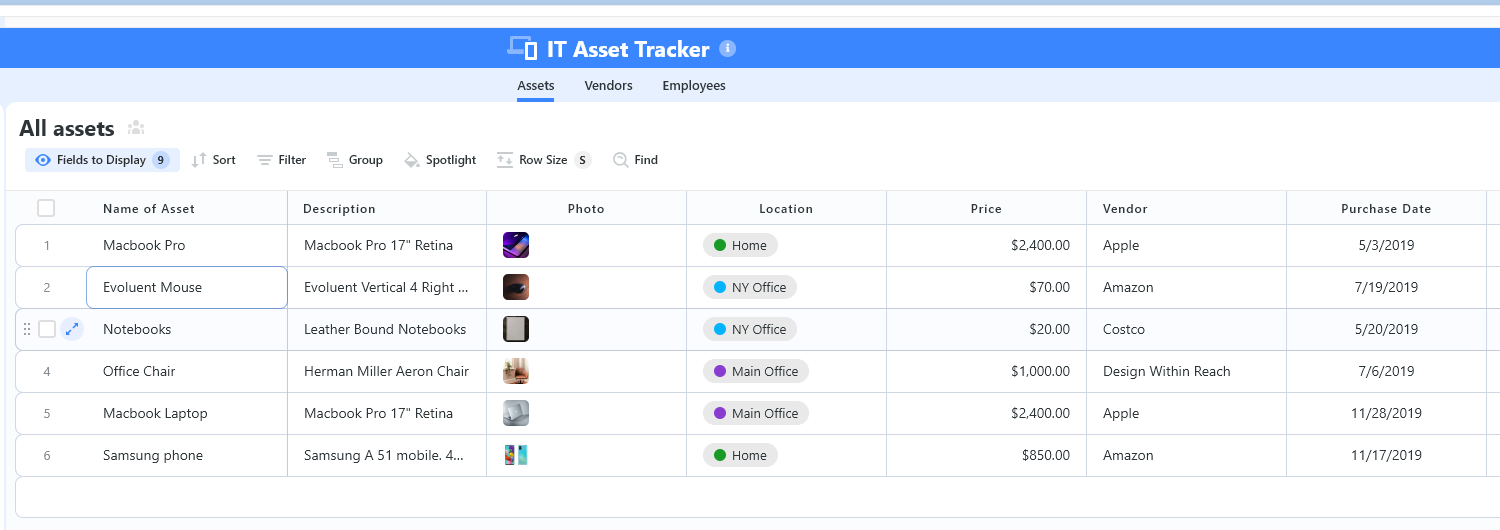
- IT Asset Tracker, where you can keep track of IT assets issued to employees or implemented in networks, facilities and workspaces.
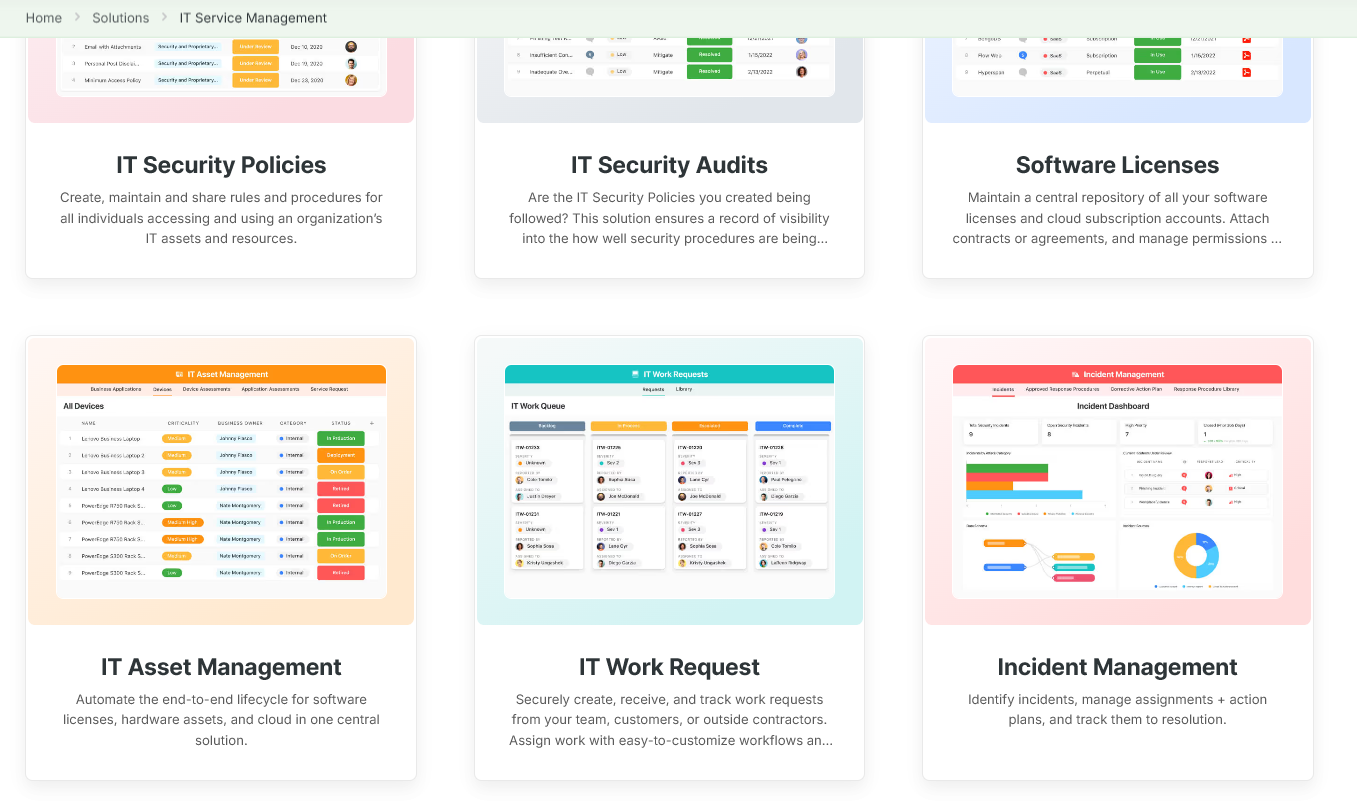
You can customize our ITSM management templates here for various use cases, such as IT Security Policies, IT Security Audits, and IT Work Requests.
ServiceNow’s ITSM Features
Incident & Problem Management
ServiceNow offers an incident management system that lets your IT team capture, prioritize, and resolve issues through a centralized interface.
The software supports automated workflows for escalations and SLA tracking, ensuring critical tickets are addressed promptly.

Its problem management module helps you identify root causes of recurring incidents and maintains a known-error database, so fixes can be applied faster next time a similar issue arises.
➡️ Together, these tools streamline issue resolution and reduce downtime by enforcing ITIL best practices and providing agents with all the context needed to better close incidents.
Change & Asset Management
ServiceNow’s change management capabilities let you plan and authorize IT system changes with minimal risk.
The platform provides structured change request workflows, integration with a Change Advisory Board (CAB), and a visual change calendar to avoid conflicts and schedule updates safely.
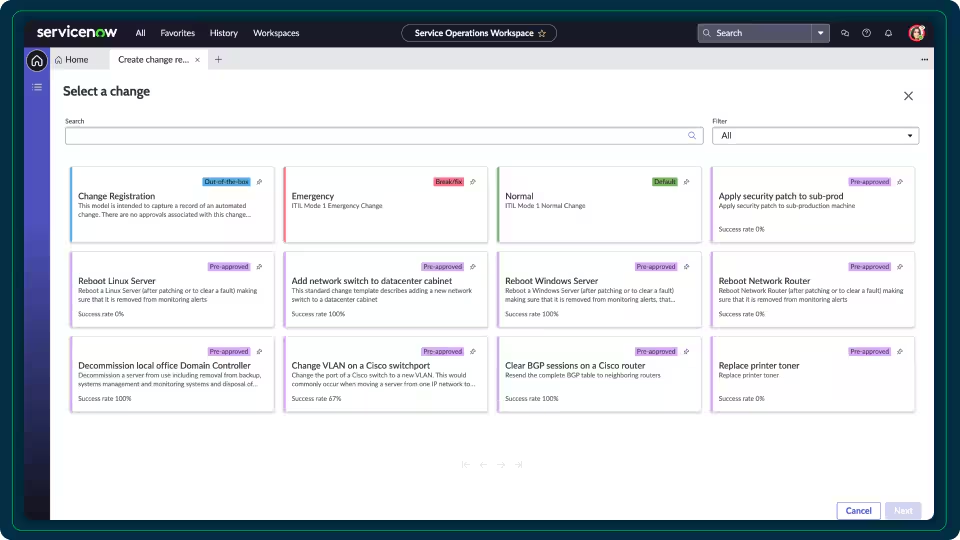
Alongside change management, the tool also includes a full asset management module that automatically discovers hardware/software and tracks inventory throughout its lifecycle.
➡️ You can monitor warranties, licenses, and contracts to ensure compliance and optimize usage.
CMDB & Service Mapping
At the core of ServiceNow’s platform is the Configuration Management Database (CMDB), which is a single source of truth for all IT components.
The CMDB enables relationship mapping so your IT team can see dependencies between devices, applications, and services.

➡️ Before making any changes, your engineers can use the CMDB to predict how an update to one component might affect others (i.e., change impact analysis).
ServiceNow also offers service mapping that visually ties CIs (configuration items) to the services they support, providing you with a holistic view of the IT infrastructure.
💡 What this means for your team is that you can quickly drill from a service outage down to the underlying components and respond with minimal guesswork.
BMC Helix’s ITSM Features
Incident & Problem Management
Helix provides a mature incident and problem management engine that maps directly to ITIL workflows so your team can triage, escalate and resolve incidents with structured SLAs and routing rules.
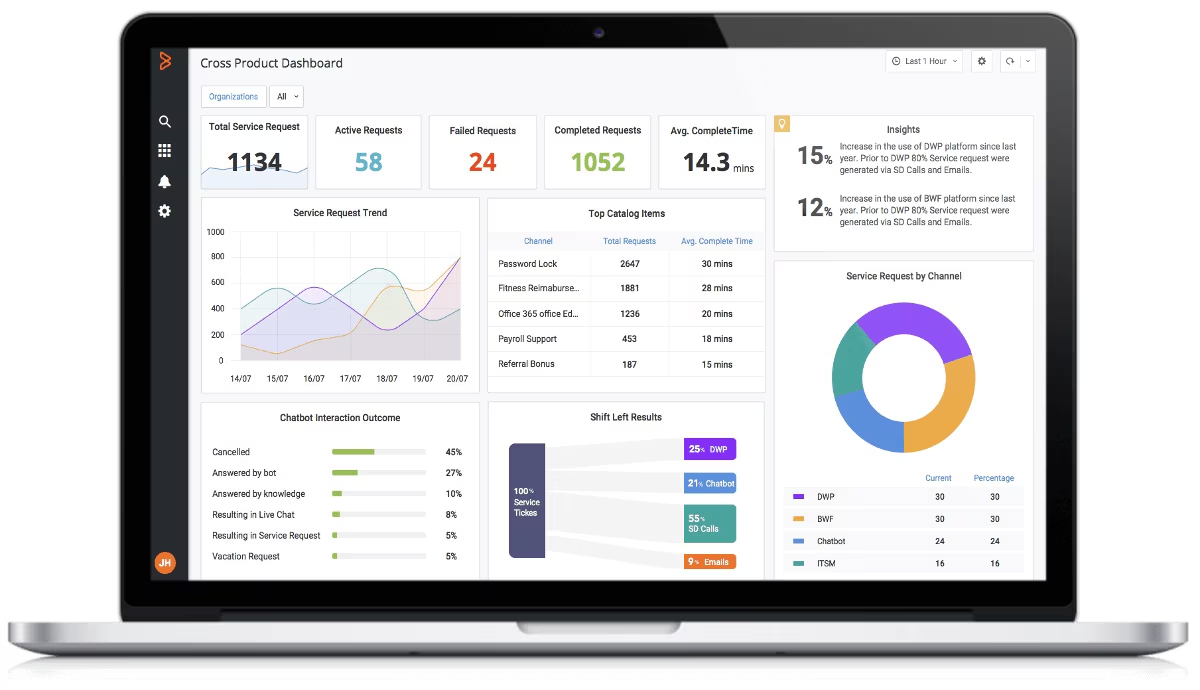
The tool supports automated incident matching and clustering so recurring incidents can be surfaced to problem teams for root-cause work to help you reduce repeat tickets.
Your IT team will also get access to built-in dashboards and time-tracking to measure MTTR and SLA health.
💡 Already following ITIL? Helix’s incident/problem flows are comprehensive and built for enterprise scale.
Change & Release Management
I think of Helix’s change management module as one of its core strengths, as it offers controlled change workflows, approval chains, risk assessment and impact analysis tied to a central CMDB.
The platform’s change policies, automated approvals and scheduled windows will help you reduce human error and help minimize disruption from releases.
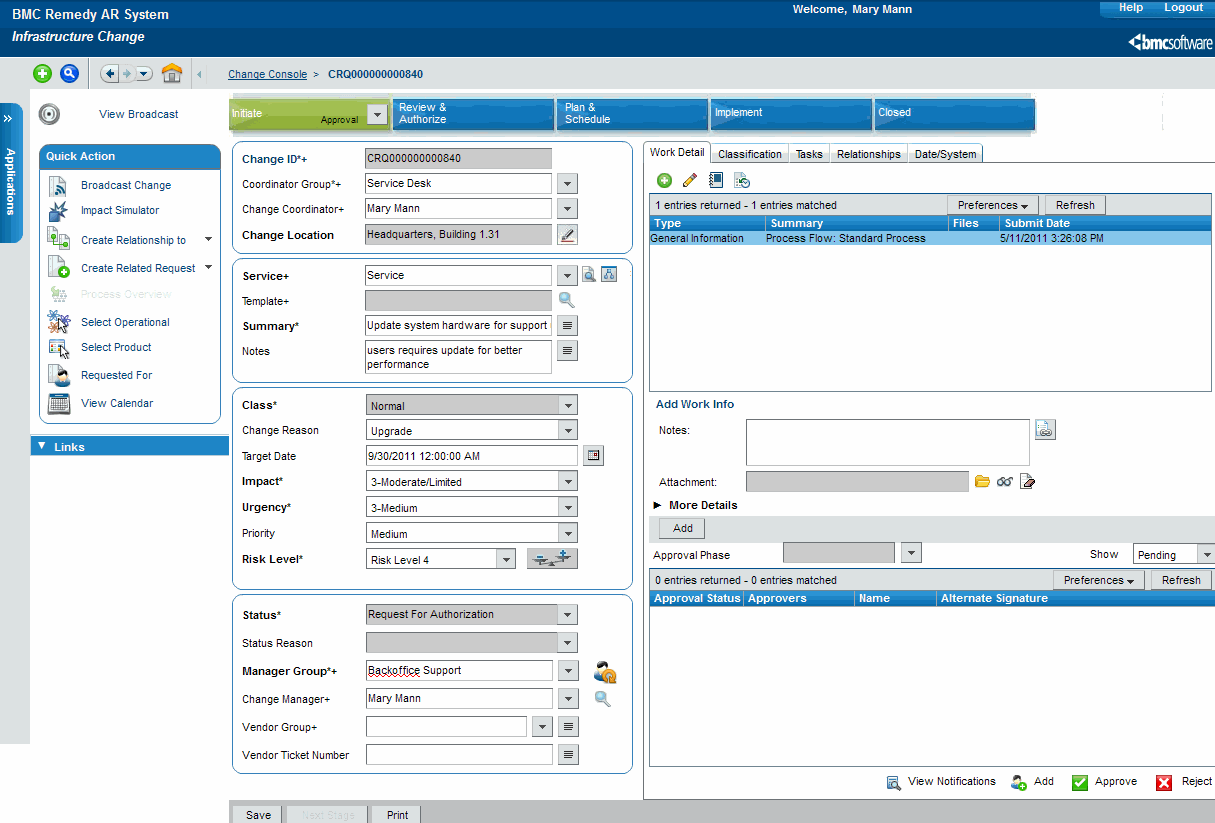
➡️ What I’ve noticed is that that Helix includes features to enforce operational guardrails, such as RFC templates, CAB scheduling, and backout plans, while also supporting automation for low-risk changes.
AI, Automation & Virtual Agents
Helix has been investing in AI-driven capabilities:
- Virtual agents for self-service.
- Predictive analytics to surface problem hotspots.
- Automation capabilities to route and resolve common incidents.

These AI use cases can help you reduce manual ticket handling by automating triage, suggesting knowledge base articles, and identifying clusters of related incidents for proactive remediation.
➡️ The platform also exposes APIs and automation hooks, so you can plug workflow platforms and RPA tools into ticket lifecycles.
Integrations: ServiceNow vs. BMC Helix vs. SmartSuite
SmartSuite’s Integrations
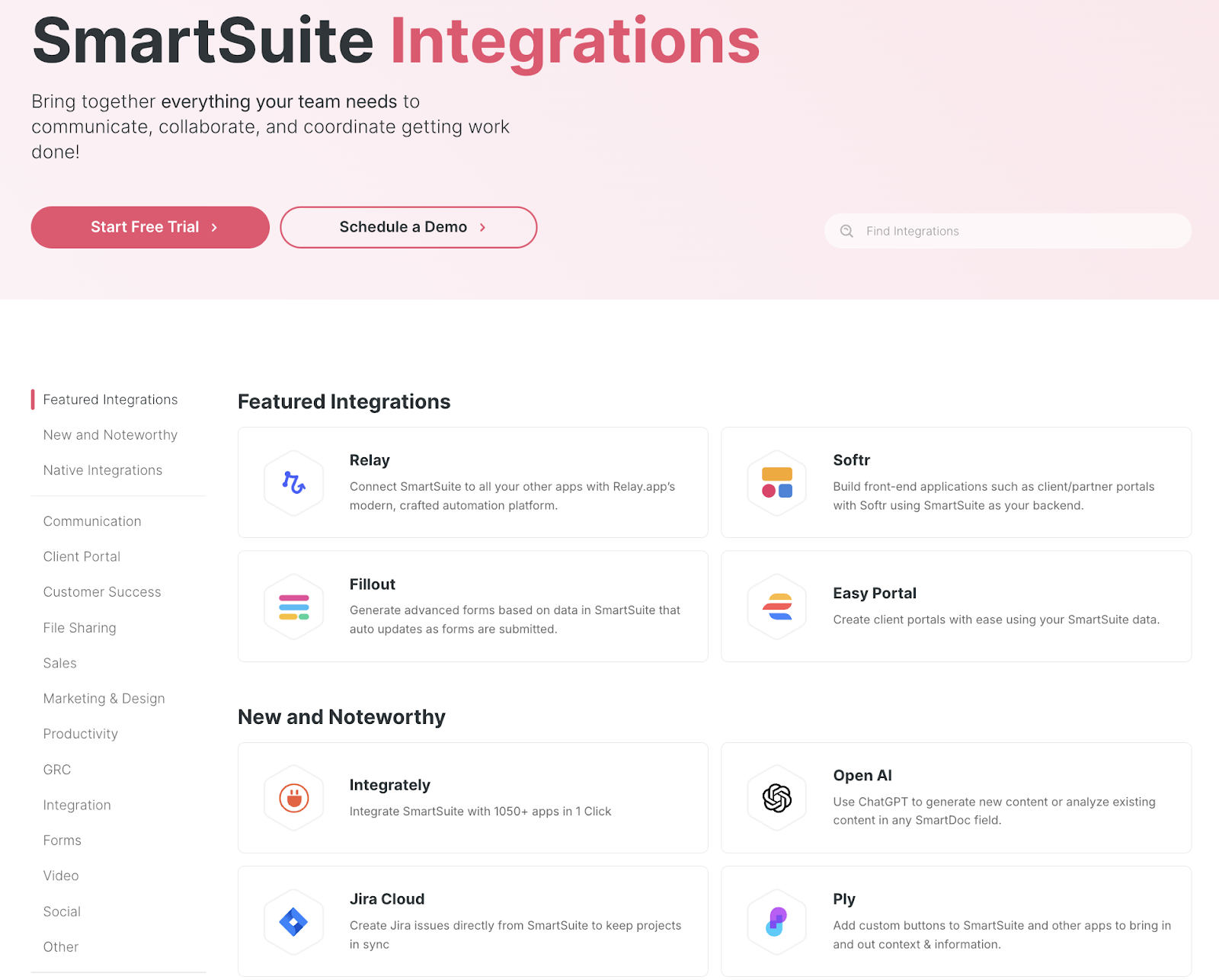
SmartSuite integrates directly with ITSM-related platforms and offers additional connectivity through Zapier, Make, and native API support.
The software covers the essentials for IT leaders looking to centralize service workflows, compliance, and incident management without heavy setup, including:
- Microsoft Teams and Slack for communication.
- Google Workspace and Microsoft 365 for productivity.
- Okta for identity and access management.
- Jira for development and issue tracking.
- Zapier & Make for extended workflow automation.
ServiceNow’s Integrations
ServiceNow offers one of the best integration ecosystems on the market, with native connectors and APIs for virtually every enterprise system.
From HR and finance to security and DevOps tools, its ServiceNow IntegrationHub allows IT teams to unify workflows across business functions:
- Microsoft Teams and Slack.
- Jira and Confluence.
- AWS, Azure, and GCP.
- Splunk and Datadog.
- Okta and Active Directory.

➡️ Note: ServiceNow’s integrations can require technical expertise and additional licensing costs.
BMC Helix’s Integrations
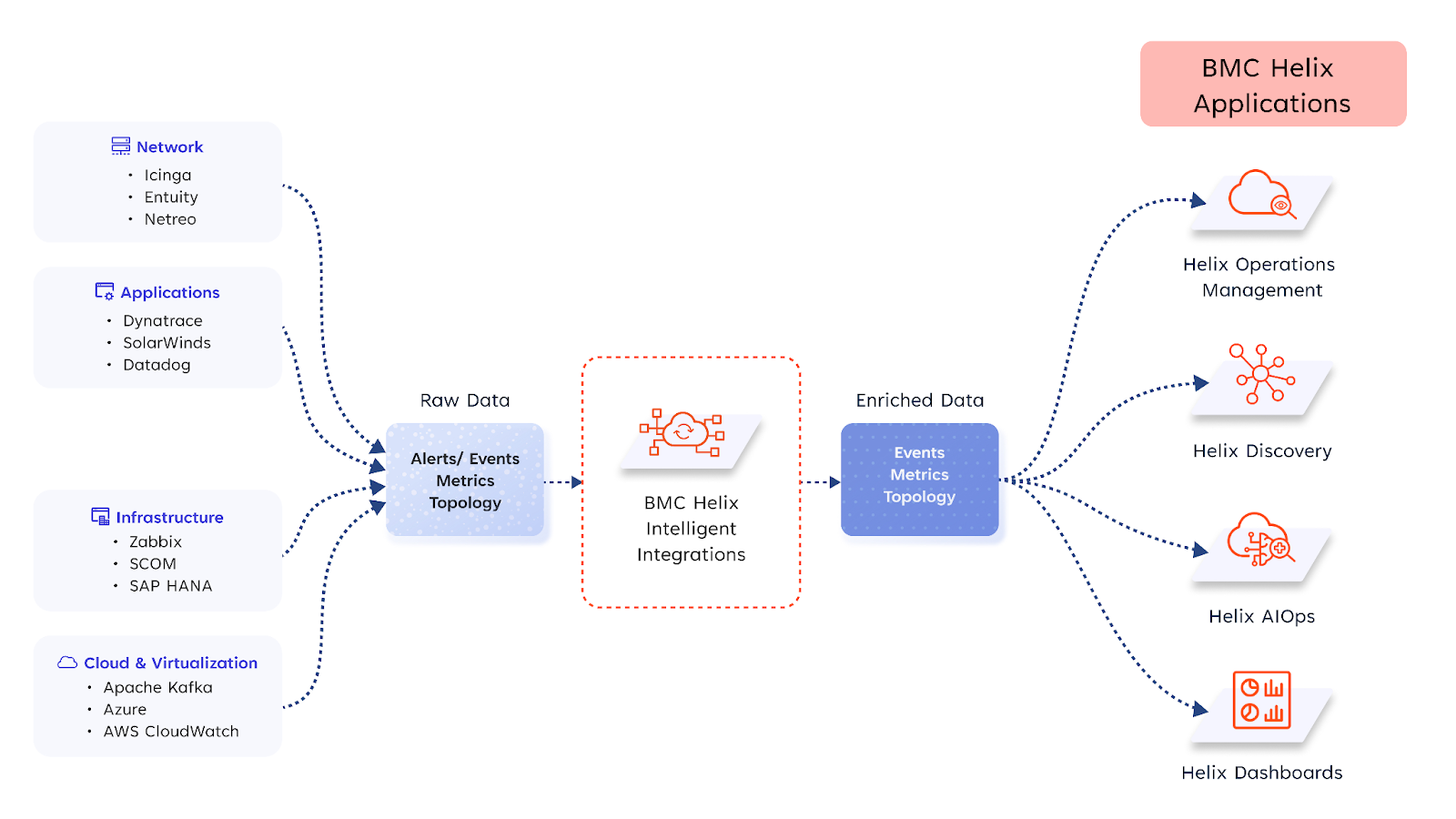
BMC Helix provides a flexible integration model, combining robust APIs, prebuilt connectors, and iPaaS support, so you can tie ITSM into your wider tool stack.
From monitoring and identity to DevOps and collaboration tools, Helix enables teams to unify workflows across IT and business functions:
- Microsoft Teams and Slack: Real-time ticket updates and chatops.
- Jira and Confluence: Bi-directional issue linking and documentation sync.
- AWS, Azure, and GCP: Cloud asset discovery and event ingestion.
- Splunk and Datadog: Ingest metrics and correlated alerts.
- Okta and Active Directory: User provisioning and SSO access control.
- BMC Discovery and other discovery/asset feeds: Automated CI mapping for accurate CMDB.
- Ansible, Puppet, and Chef (orchestration/runbook automation): Trigger remediations and runbooks automatically.
- iPaaS/connectors (Workato, MuleSoft, Zapier): Orchestrate multi-system workflows without code.
Pricing: ServiceNow vs. BMC Helix vs. SmartSuite
SmartSuite’s Pricing
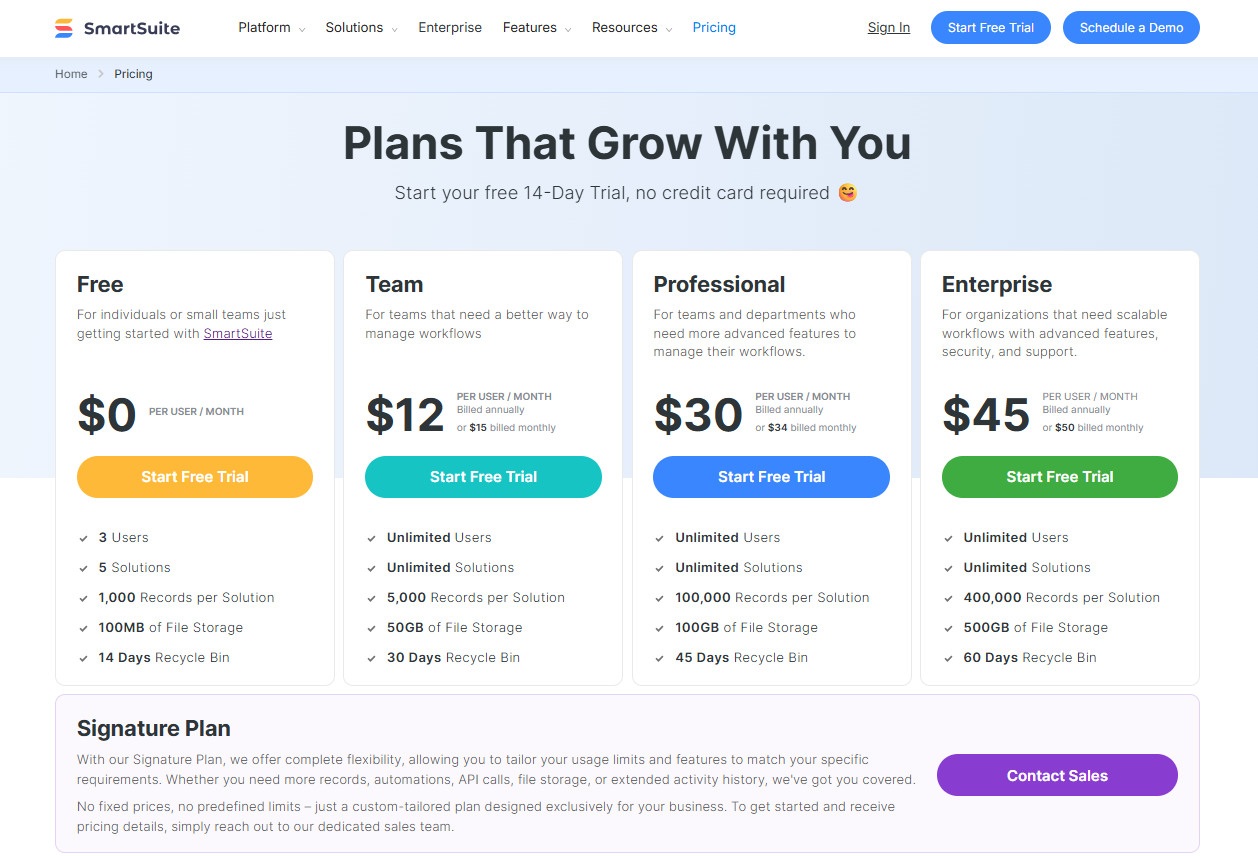
Unlike ServiceNow & BMC Helix, SmartSuite offers a free-forever plan with access to 250+ automation actions, team collaboration, multi-dashboard views, and more.
There are four paid plans with a 14-day free trial (no CC required):
- Team: Starts at $12/user per month, including Gantt charts, timeline views, 5000 automation runs, and native time tracking.
- Professional: Starts at $30/user per month and adds two-factor authentication, Gmail & Outlook integrations, and unlimited editors.
- Enterprise: Starts at $45/user/month and includes access to audit logs, data loss prevention, and 50,000 monthly API calls.
- Signature: A custom plan tailored to your needs and team size with no predefined limits.
ServiceNow’s Pricing
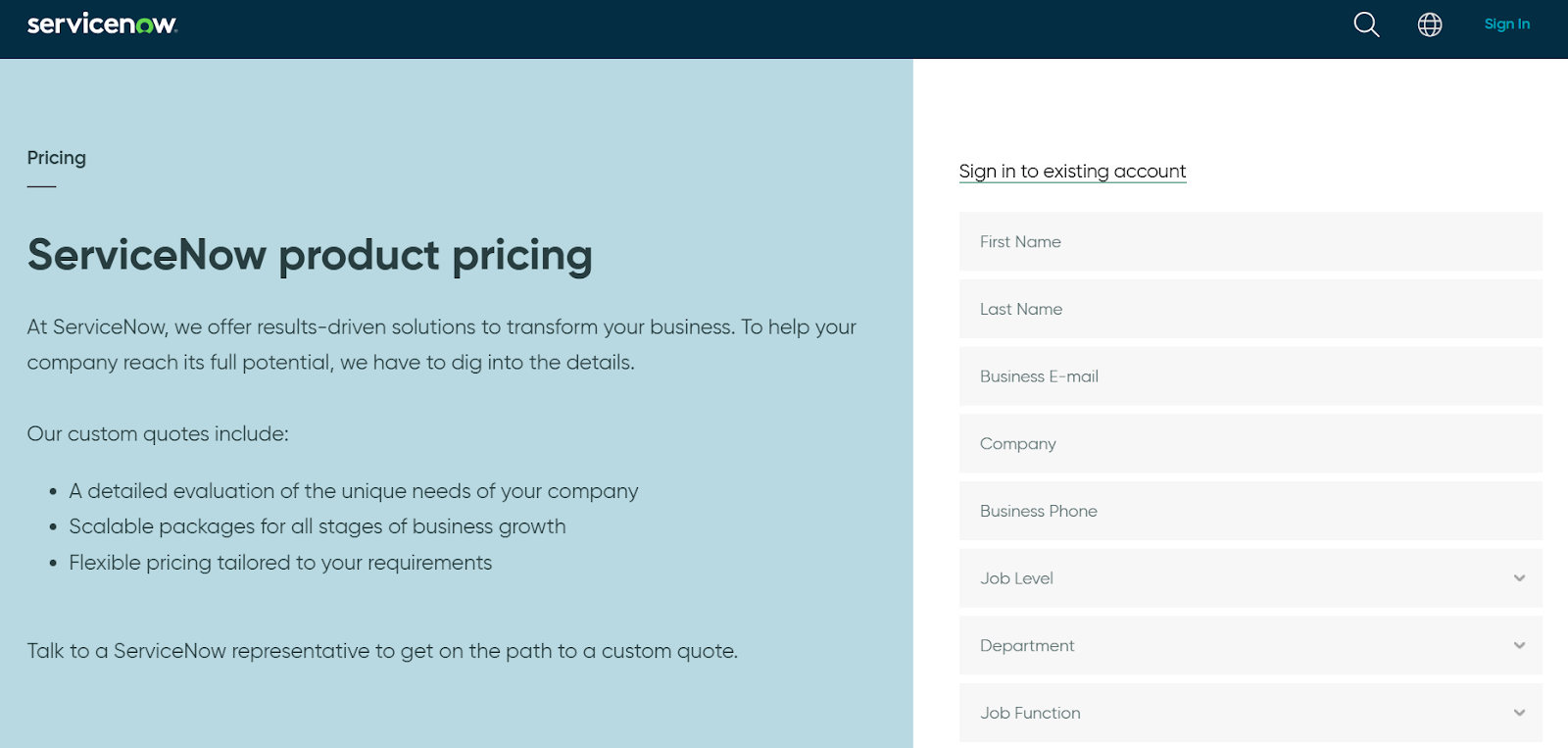
ServiceNow’s pricing is not publicly disclosed, so you’d have to book a demo with their team to get a quote.
How Much Does ServiceNow Really Cost?
I did find ServiceNow customer and public reviews, which show that the average cost of ServiceNow contracts can range between $50,000 and $500,000 annually.

Source
According to insiders, the pricing structure depends on:
- The number of users/licenses you require.
- The types of product required (IT Service Management, HR Service Delivery, or Now platform).
- The level of support that you’ll need.
- The additional features or configurations.
BMC Helix’s Pricing
As reviewed in our comprehensive BMC Helix pricing guide, the platform uses a modular, user-based pricing model that varies by product suite (e.g., ITSM), license type (named vs concurrent), and deployment model (on-prem vs SaaS).
The cost depends on:
- Which modules do you require, such as IT Service Management, Operations Management, AIOps, Virtual Agent, and Knowledge Management, as separate or bundled services?
- The type and number of users: Licenses can be assigned as named (per individual) or concurrent (shared among users), with analyst licenses priced higher than self-service or requestor roles.
- Deployment preference: Prices are different between SaaS (Helix delivered via BMC cloud or AWS) and on-premise or hybrid deployments.
- Contract terms and volume: Discounts may apply for long-term contracts or enterprise-scale purchases. SaaS offerings also allow purchasing in credits (e.g., $10,000 worth of credits for a year, as you’ll see later).
- Use of AI add-ons like HelixGPT: AI features are bundled into some editions but require separate backend token usage charges (e.g., Azure OpenAI or GCP Vertex costs).
How Much Does BMC Helix Really Cost?
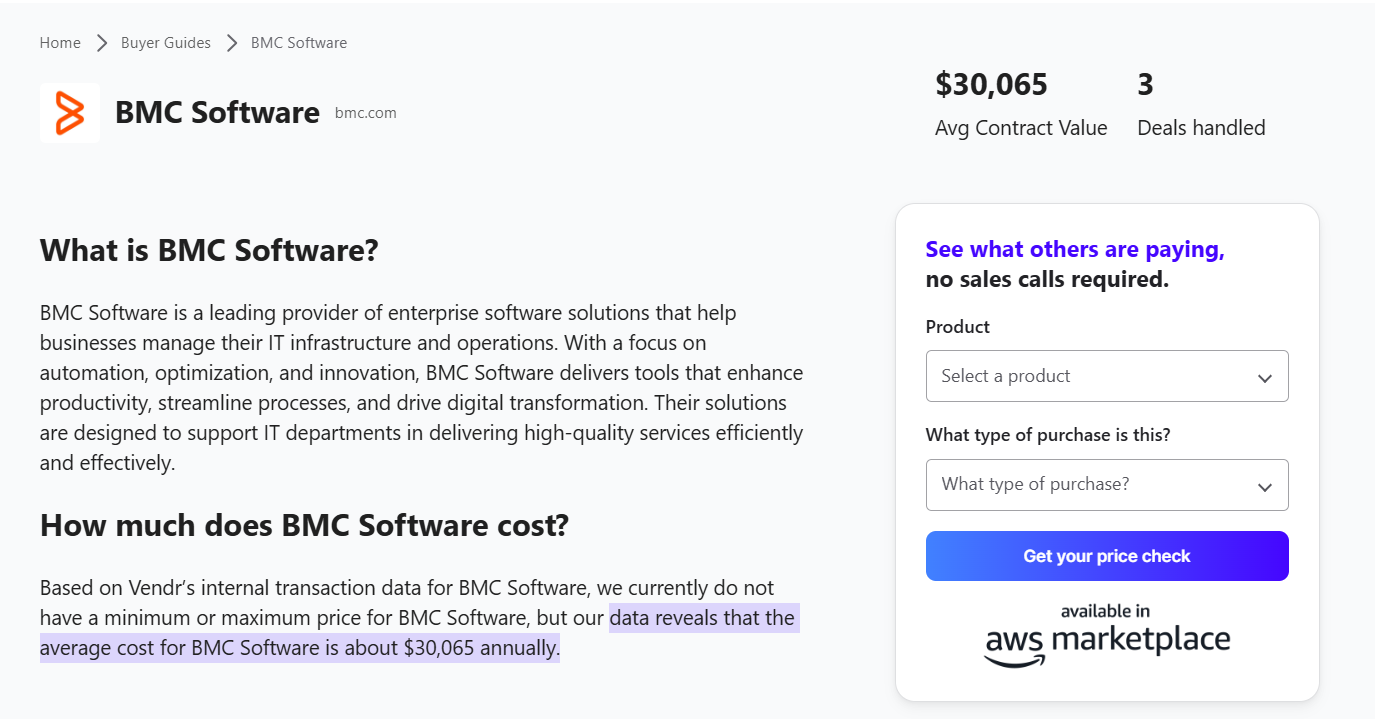
According to insiders from Vendr, BMC Helix pricing costs approximately $30,000 per year, based on data from three recent deals.
For companies looking at per-user pricing, the going rate for a named user (e.g., help desk analysts, asset owners, or admins) is $114.75/month, according to BMC Helix’s Salesforce AppExchange listing.
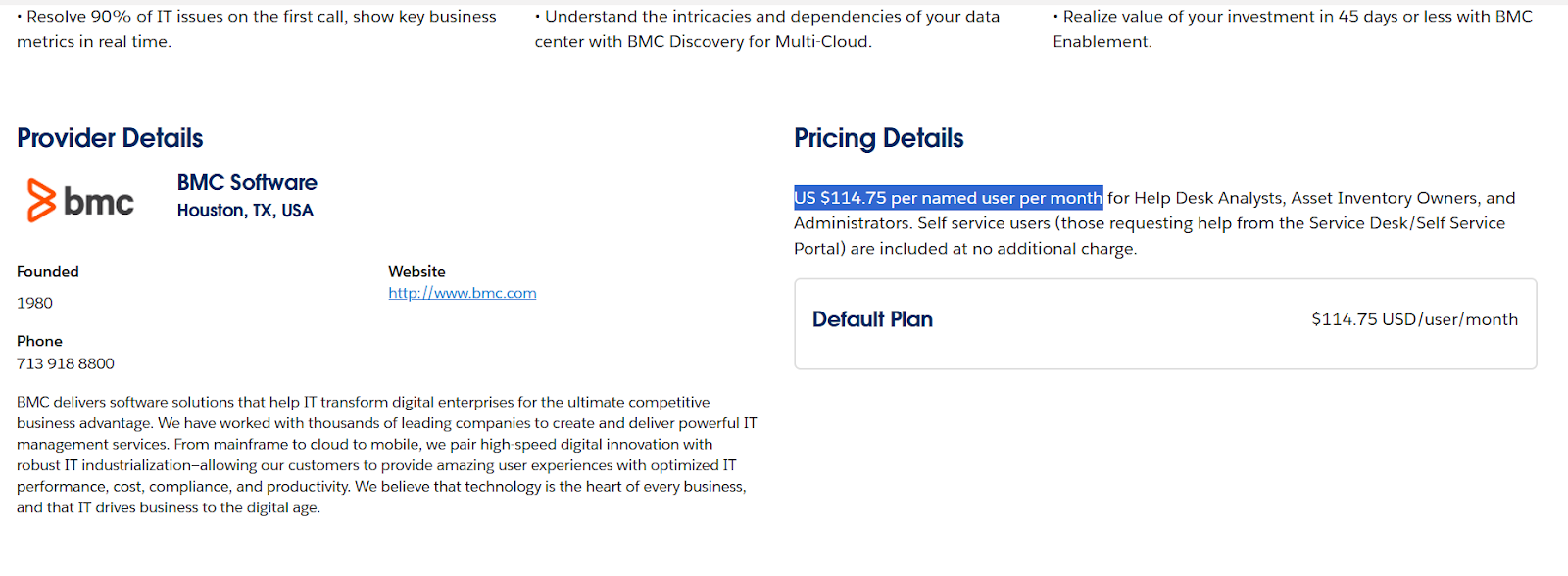
➡️ Self-service users (those simply submitting IT tickets or requests) are included at no extra cost in that offering.
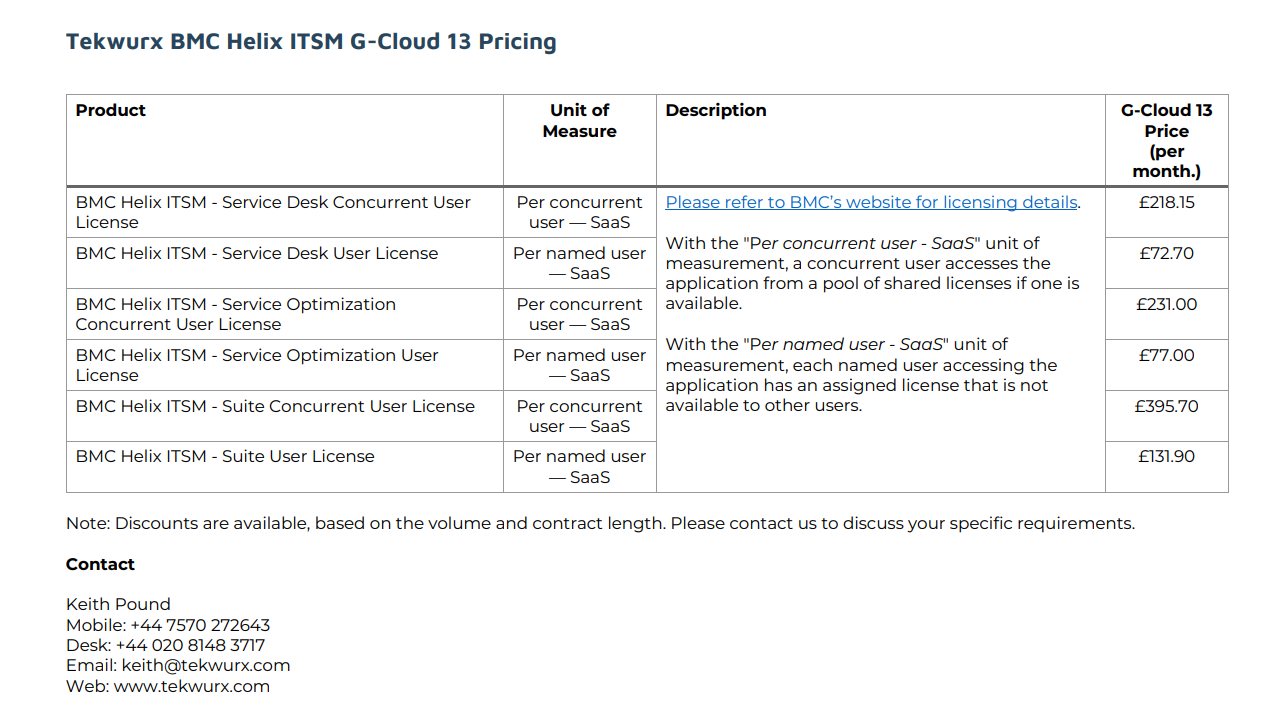
Another source, the UK Government’s Digital Marketplace, provides detailed SaaS pricing, including:
- £218.15/month per concurrent Service Desk user.
- £72.70/month per named Service Desk user.
- £395.70/month per concurrent user for the full Helix Suite.
- £131.90/month per named user for the full Helix Suite.
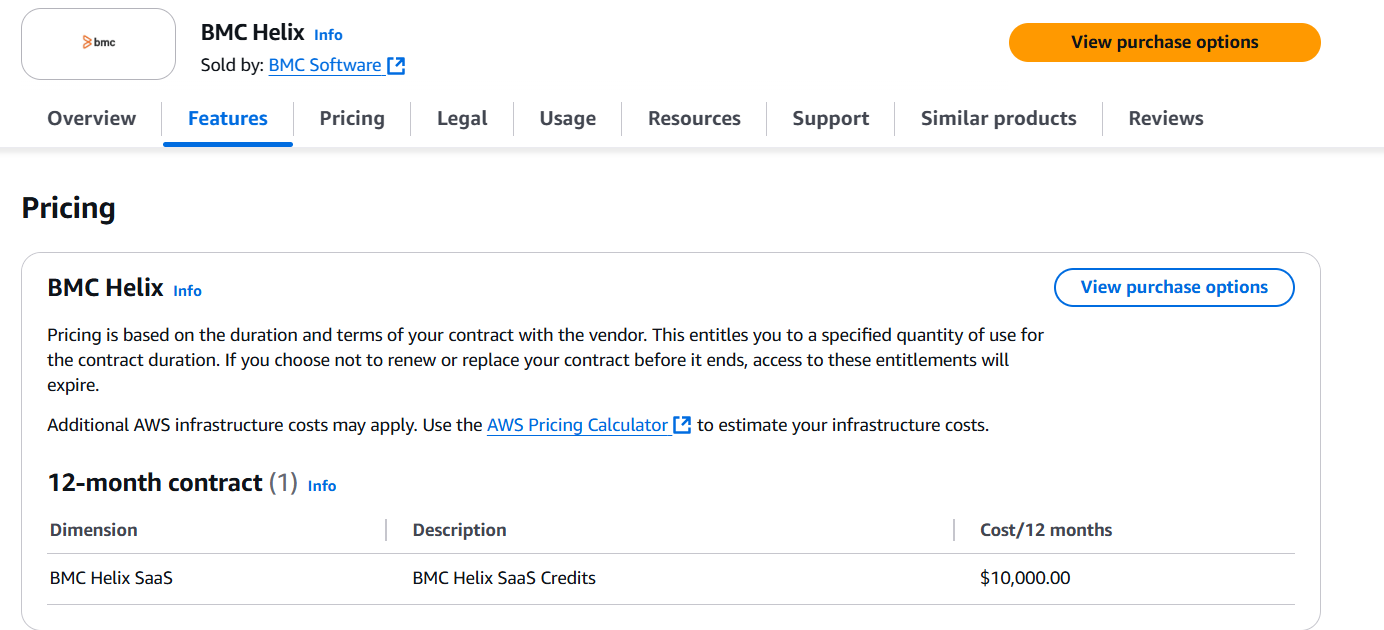
If you purchase BMC Helix via the AWS Marketplace, the platform also offers a $10,000/year SaaS credit bundle for 12 months.
These credits are prepaid and applied against licenses or usage, with any overage billed separately.
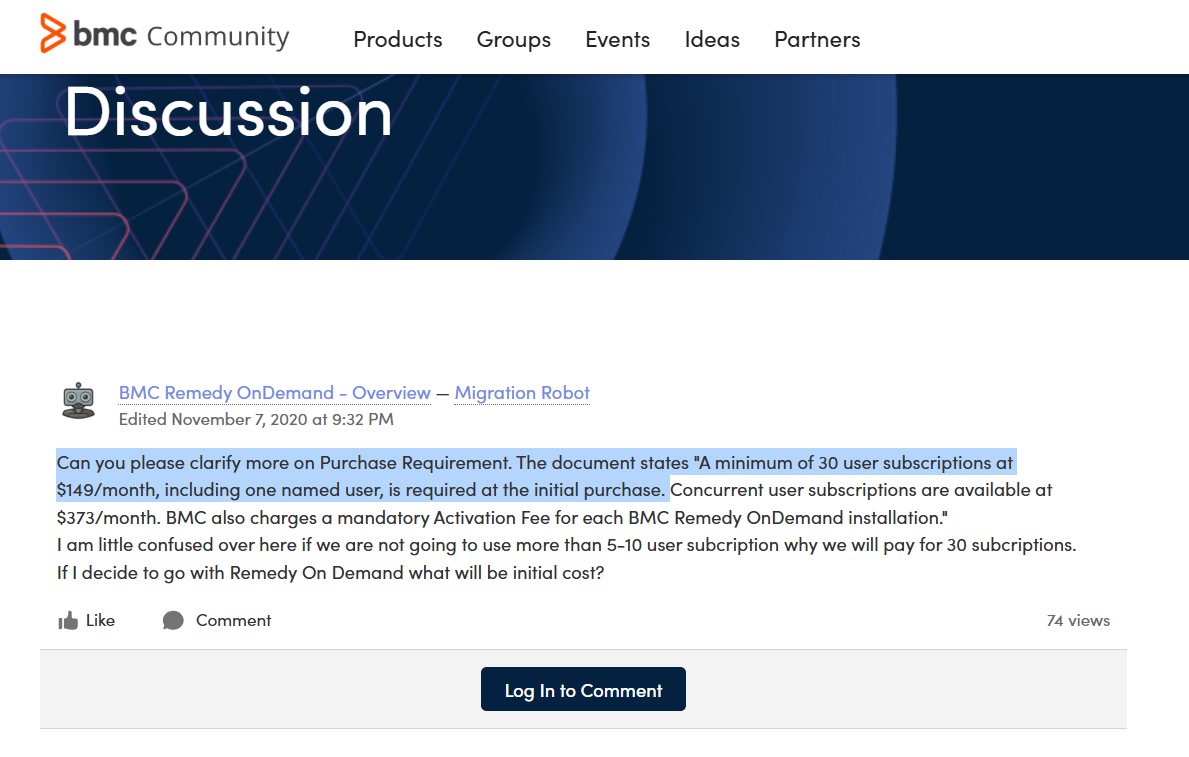
💡 According to a BMC forum post, BMC Helix Knowledge Management requires “a minimum of 30 user subscriptions at $149/month, including one named user” at initial purchase.
What are customers saying about ServiceNow, BMC Helix, & SmartSuite?
TL;DR:
- ServiceNow users appreciate its enterprise-grade ITSM capabilities, powerful automation, and deep ITIL alignment. Despite this, the tool can be complex, expensive, and requires significant time and expertise to implement.
- BMC Helix users praise its automation, change management and CMDB strength for enterprise environments, but many cite complexity, a steep implementation curve, UI/UX and occasional performance or integration challenges.
- SmartSuite users are fond of its user-friendly design, no-code customization, built-in collaboration tools, and strong value for money. That said, some reviewers note fewer native integrations for enterprise tools.
ServiceNow Reviews
G2 Rating: 4.4/5.
What users love:
- Powerful incident/workflow automation.
- Above-average tracking and reporting.
- Wide array of built-in ITIL processes and integrations.

‘’ServiceNow ITSM is very user-friendly and customizable. It helps automate repetitive tasks, manage incidents and requests smoothly, and improves overall productivity.’’ – G2 Review.
Common complaints:
- A learning curve and need for training (which can mean additional costs).
- High licensing and implementation costs have pushed some organizations to remove roles to keep costs down.
- Complexity of customization.
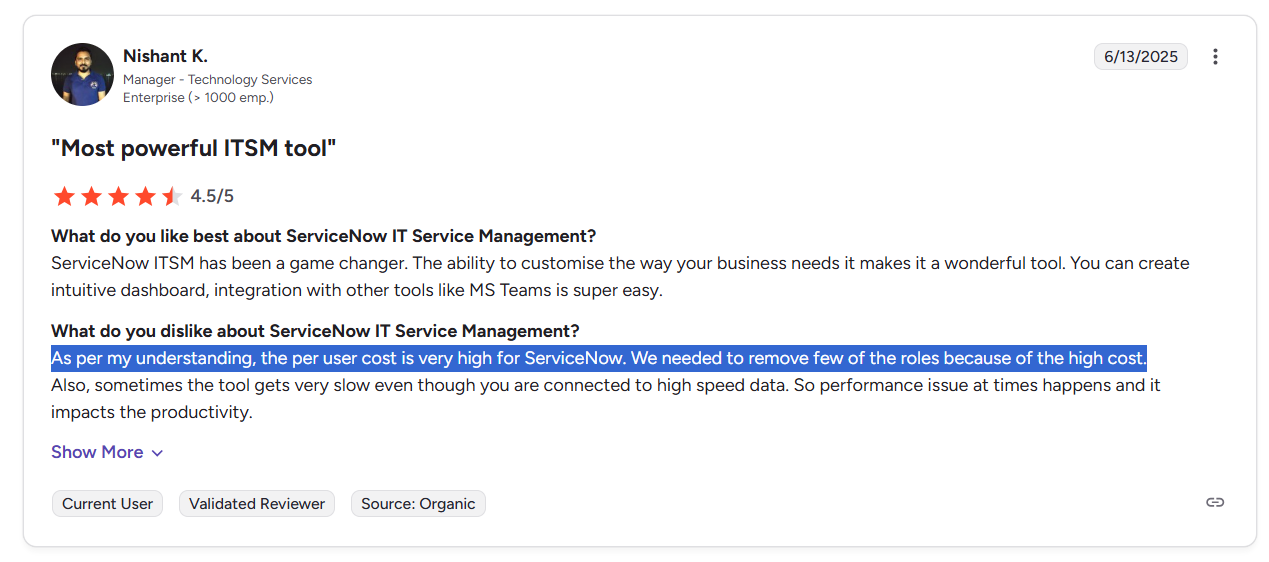
‘’As per my understanding, the per-user cost is very high for ServiceNow. We needed to remove a few of the roles because of the high cost.’’ – G2 Review.
BMC Helix Reviews
G2 Rating: 3.7/5.
What users love:
- Powerful automation and workflow customization that cuts manual work and speeds up incident/change processing.
- Change management and CMDB integration for impact analysis and auditability.
- Good range of integrations with other DevOps tools, New Relic, and OIC.

‘’An enterprise-level tool that is used globally for service management and routing of incidents. Integrations with DevOps tools, New Relic, and OIC. Built-in knowledge management for effective use and up-to-date information.’’ – G2 Review.
Common complaints:
- Outdated or clunky UI and an uneven user experience compared to newer competitors.
- The platform requires significant configuration or partner support to unlock full value.
- Performance or integration pain points reported by some customers (esp. when integrating many third-party systems).
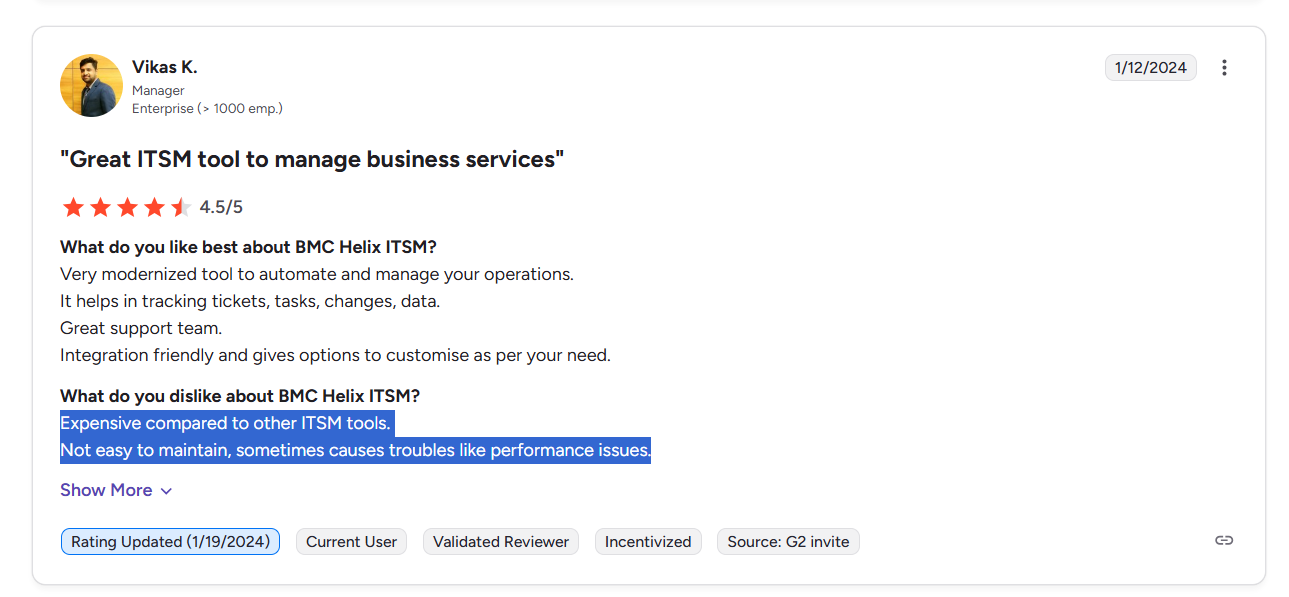
‘’Expensive compared to other ITSM tools. Not easy to maintain, sometimes causes troubles like performance issues.’’ – G2 Review.
SmartSuite Reviews
G2 Rating: 4.9/5.
What users love:
- Intuitive, spreadsheet-like interface.
- Extensive customization and pre-built ITSM templates have helped teams get started in days and not months.
- Built-in collaboration and strong value for money.
‘’I love how intuitive SmartSuite is from the moment you log in. It’s easy to navigate, and the templates really made it simple to quickly realize all the potential ways to utilize the software. I love how easy it is to see progress on a project at any point, and how all files, communication and calendar are tied in within the task. So insanely simple, but there is so much you can do.’’ – Capterra Review.
Common complaints:
- Learning curve for advanced features.
- Per-user pricing can add up.
- Limited out-of-the-box integrations compared to ITSM leaders.
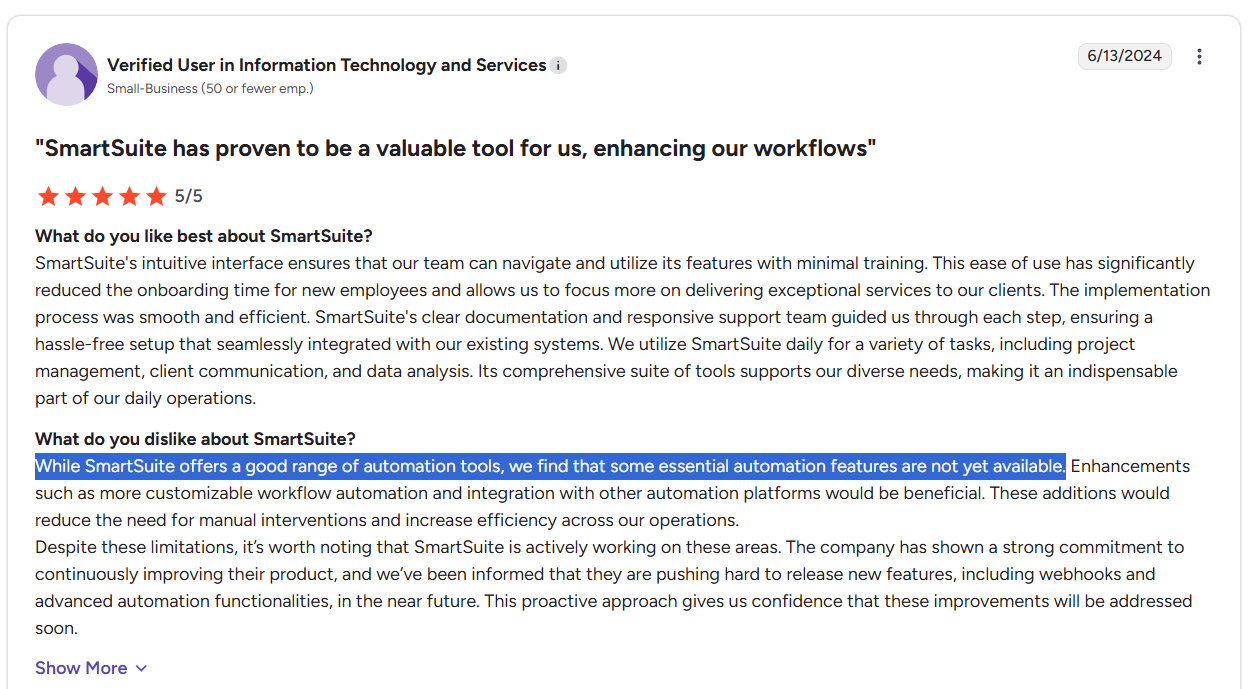
‘’While SmartSuite offers a good range of automation tools, we find that some essential automation features are not yet available. Enhancements such as more customizable workflow automation and integration with other automation platforms would be beneficial. These additions would reduce the need for manual interventions and increase efficiency across our operations.’’ – G2 Review.
Which platform should you choose for IT service management?
If you’ve read through the article so far and still haven’t figured it out, here’s a quick use case summary to help you see the 3 tools from a bird’s eye view: ⬇️
SmartSuite is the right choice if you:
✅ Are looking for an all-in-one ITSM platform with a user-friendly, no-code interface and drag-and-drop customization.
✅ Need to centralize IT ticketing, issue tracking, asset management, and internal IT projects.
✅ Are looking for an affordable ITSM solution that scales from small IT teams to enterprise IT departments.
✅ Want ready-to-use ITSM templates (help desk, service requests, asset tracker) to get started quickly.
✅ Prefer built-in automation and customizable dashboards to monitor SLAs, tickets, and IT projects in real time.
✅ Need mobile access for IT staff to resolve tickets, manage assets, and stay connected on the go.
SmartSuite isn’t the best option if you:
❌ Require a legacy ITSM vendor with a decades-long enterprise track record like ServiceNow.
❌ Are looking for deep, pre-built ITIL workflows.
❌ Expect hundreds of native enterprise integrations (ServiceNow and BMC Helix currently offer broader ecosystems).
ServiceNow is the ideal choice if you:
✅ Manage IT operations at a large enterprise or across many departments and need a single, unified platform.
✅ Require a highly customizable, ITIL-aligned solution with enterprise-grade workflows.
✅ Have the budget and resources for a full-featured platform that can scale globally.
✅ Need advanced automation, AI-driven capabilities, and extensive integration options.
ServiceNow isn’t the best choice if you:
❌ Are a part of a small or lean IT team and prefer a simpler, quicker setup with lower cost.
❌ Don’t look for extensive customization or formal ITIL processes.
❌ Have budget constraints, as licensing and implementation costs are high, which is why some IT leads have been looking for ServiceNow alternatives.
BMC Helix is the ideal choice if you:
✅ Operate in a mid-to-large enterprise that needs full ITIL discipline (incidents, changes, CMDB, SLAs).
✅ Need strong, auditable change management and a single CMDB for impact analysis.
✅ Want built-in automation and AI capabilities (virtual agents, predictive analytics).
✅ Require options for both cloud and on-prem deployments and enterprise-grade scalability.
BMC Helix isn’t the best choice if you:
❌ Need a lightweight, low-cost helpdesk for small teams or startups.
❌ Require a modern, consumer-grade UI out of the box.
❌ Want to avoid substantial implementation and configuration effort, which is why some companies have been looking for BMC Helix alternatives.
Set Up Your Workspace In Days & Not Months With SmartSuite’s ITSM Templates
If you’re an IT lead looking to build IT service management workflows, give SmartSuite a chance with our free plan and pre-built ITSM templates.
SmartSuite’s solution for IT leaders offers just the right customization, native collaboration capabilities and a library of 200+ project management templates to help teams create and maintain a project management workflow.
Here’s what’s in it for your team when you try SmartSuite:
- Access to a free plan with features including multi-board views (Kanban, Chart, Map, Timeline, Card, and Calendar), 100 automations/month, and 40+ field types, including formula and linked record fields.
- No-code automation builder to set up to 500,000 trigger/action workflows.
- Built-in productivity tools, including time tracking, status tracking, and checklists.
- Team collaboration and planning tools such as whiteboards and SmartSuite docs.
- Resource management across projects and teams.
- 40+ field types, including the option to add your custom fields.
Sign up for a free plan to test the water or get a 14-day free trial to explore all its amazing features.
Or, if you’d like to talk to our team of experts, schedule a demo.
Read More
Welcome! You are invited to join a webinar: DocsAutomator + SmartSuite: Dynamic Document Generation Made Easy. After registering, you will receive a confirmation email about joining the webinar.
.circular {
position: relative;
top: 150px;
left: 50%;
height: auto;
width: 42px;
fill: currentColor;
margin-top: -21px;
margin-left: -21px;
animation: loading-rotate 1.6s linear infinite;
}
@keyframes loading-rotate {
100% {
transform: rotate(360deg);
}
}
10 Best Compliance Management Software & Tools In 2025
Are you looking for compliance management software to streamline processes, reduce risk, and keep your organization audit-ready with confidence?
A good compliance management software can help you centralize policies, automate compliance tasks, monitor risks in real-time, and simplify reporting.
I’ll cover the 10 best compliance management tools that can help you reduce regulatory risk, save time on manual processes, and ensure consistent adherence to industry standards and policies.
TL;DR
- SmartSuite offers the best compliance management software with its all-in-one compliance hub, no-code automation builder, and ready-to-use GRC templates.
- Enterprise-grade tools like Diligent and IBM OpenPages are ideal for large organizations that need advanced risk modeling, board-level governance, and AI-powered compliance insights.
- On the other hand, platforms like AuditBoard and SAI360 can help finance, audit, and training-focused teams streamline audits, manage policies, and link compliance with workforce behavior.
Before we begin, I wanted to go over some of the factors to consider when you’re buying compliance management solutions:
What are the factors to consider when evaluating compliance management tools?
The main factors to consider when buying compliance management software include how comprehensive do you need your compliance coverage to be, the level of automations, reporting & analytical capabilities, and its range of integrations.
Let’s dive deeper into each one of them: ⬇️
#1: How comprehensive do you need your compliance coverage to be?
The first question you need to ask yourself is if the compliance software should cover just a few key regulations or a broad spectrum of compliance requirements.
If I were you, I’d consider both industry-specific regulations and global standards, as well as your organization’s internal policies.
➡️ A broader coverage typically reduces the need for multiple tools and ensures a more unified compliance approach.
#2: What level of automation is essential for your compliance processes?
The 2nd question you need to ask yourself is how much you want the software to handle automatically versus manually.
Automation can include policy distribution, audit reminders, and real-time monitoring.
💡 Pro Tip: High levels of automation save time and reduce human error even though it might require more set-up and training upfront (not with every tool, as we’ll explore).
#3: How important is reporting and analytics for your team?
The 3rd question you need to ask yourself is whether you need basic compliance logs or advanced dashboards and insights.
Here are a few features to look for:
- Customizable reporting for different audiences.
- Risk scoring and trend analysis.
➡️ Strong reporting capabilities help your organization with proactive risk management and simplify communication with regulators or executives.
#4: What level of integration do you require with your existing systems?
Last but not least, you need to ask yourself is whether the software needs to work alongside tools you already use, such as HR platforms or security monitoring systems.
💡 Seamless integration reduces duplicate work, ensures consistent data, and gives a clearer view of compliance across the organization.
What are the best compliance management tools on the market?
The best compliance management solutions on the market include SmartSuite with its all-in-one compliance management capabilities, intuitive interface and affordable pricing structure, as well as Diligent and IBM OpenPages.
Here’s a comprehensive breakdown:
#1: SmartSuite: Best for banks and credit unions looking to centralize and automate the entire policy lifecycle with no-code workflows and pre-built compliance templates.
#2: Diligent: Best for enterprises needing a governance, risk, and compliance platform with board-level oversight, real-time dashboards, and AI-driven insights.
#3: IBM OpenPages: Best for global enterprises seeking AI-enhanced policy and risk management tightly integrated with IBM’s analytics and cloud ecosystem.
#4: MetricStream: Best for large organizations requiring a scalable GRC solution that links policies, risk, and compliance into a single framework.
#5: AuditBoard: Best for audit and compliance teams that need to streamline SOX, internal audits, and policy management in one connected platform.
#6: SAI360: Best for highly regulated industries that need compliance training, policy management, ethics oversight, and regulatory reporting in one system.
#7: Onspring: Best for organizations wanting a no-code, user-friendly compliance solution with strong reporting, workflow automation, and customizable dashboards.
#8: LogicGate Risk Cloud: Best for companies needing a flexible, modular GRC platform to build custom risk and compliance workflows.
#9: Pathlock: Best for enterprises focused on access controls, segregation of duties (SoD), and automating user compliance across ERP systems.
#10: SAP GRC: Best for large enterprises already on SAP that need integrated governance, risk, and compliance directly within their ERP ecosystem.
#1: SmartSuite
SmartSuite offers the best compliance management solution on the market for banks and credit unions with our modern, no-code project management platform.
Our GRC software shines at compliance because it reduces fragmentation: policies, control definitions, assessment results, incident records and related evidence live together, not scattered across drives, email threads and ad-hoc spreadsheets.
💡 We have recently partnered with the Cyber Risk Institute to deliver a CRI profile for U.S. Banks’ compliance needs.
Let’s go over the functionality that makes SmartSuite the best choice for compliance teams looking for a compliance management solution: 👇
Comprehensive Compliance Management
Compliance should be simple, automated, and accessible to all financial institutions, regardless of their size.
With our no-code, easy-to-use solution, you can automate all compliance processes with a start date next week and not next year.
SmartSuite helps you achieve and maintain compliance without the expense and complexity of adapting legacy GRC solutions to accommodate new compliance requirements.
Here are the use cases that you’ll get with SmartSuite:
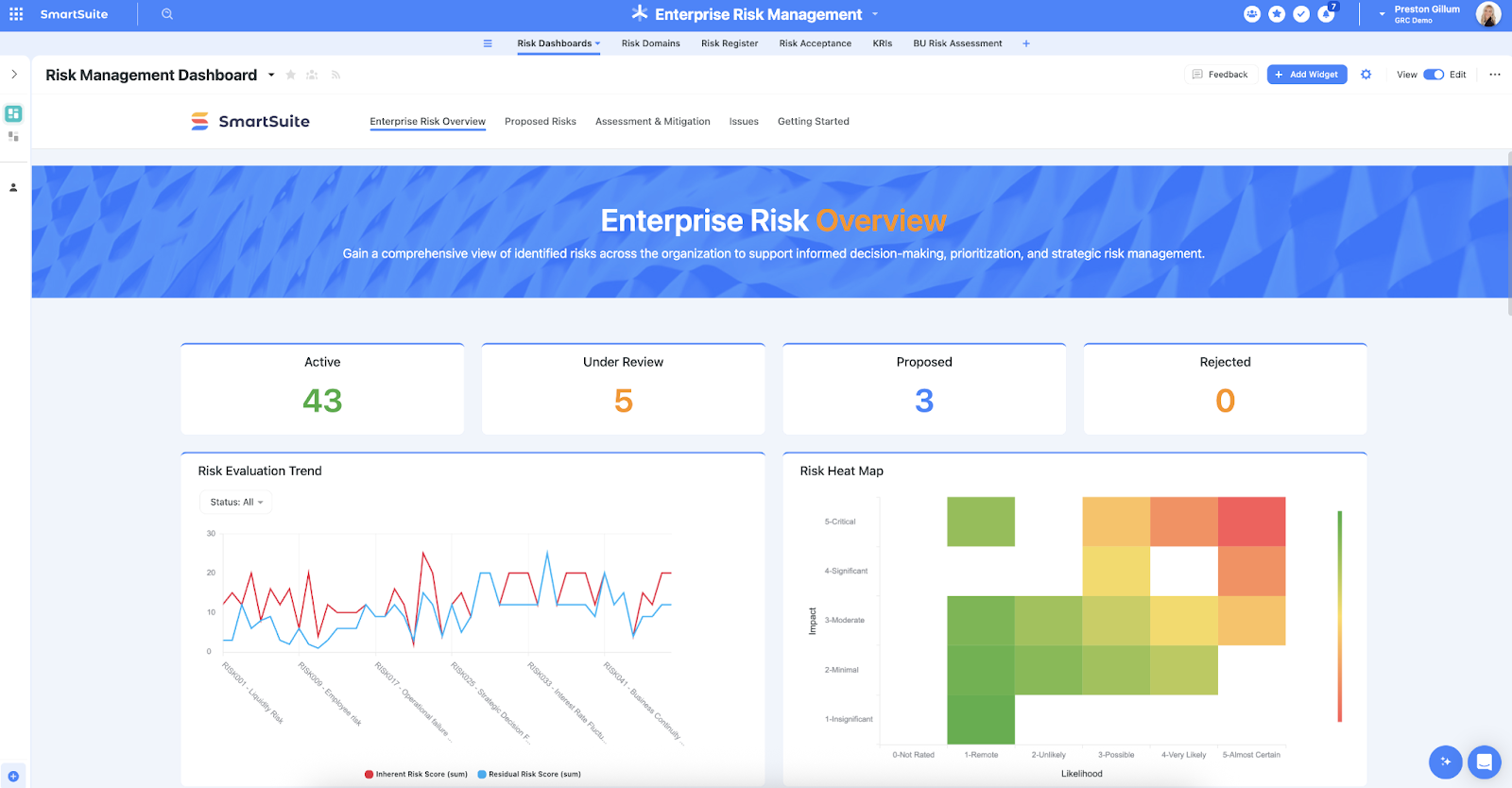
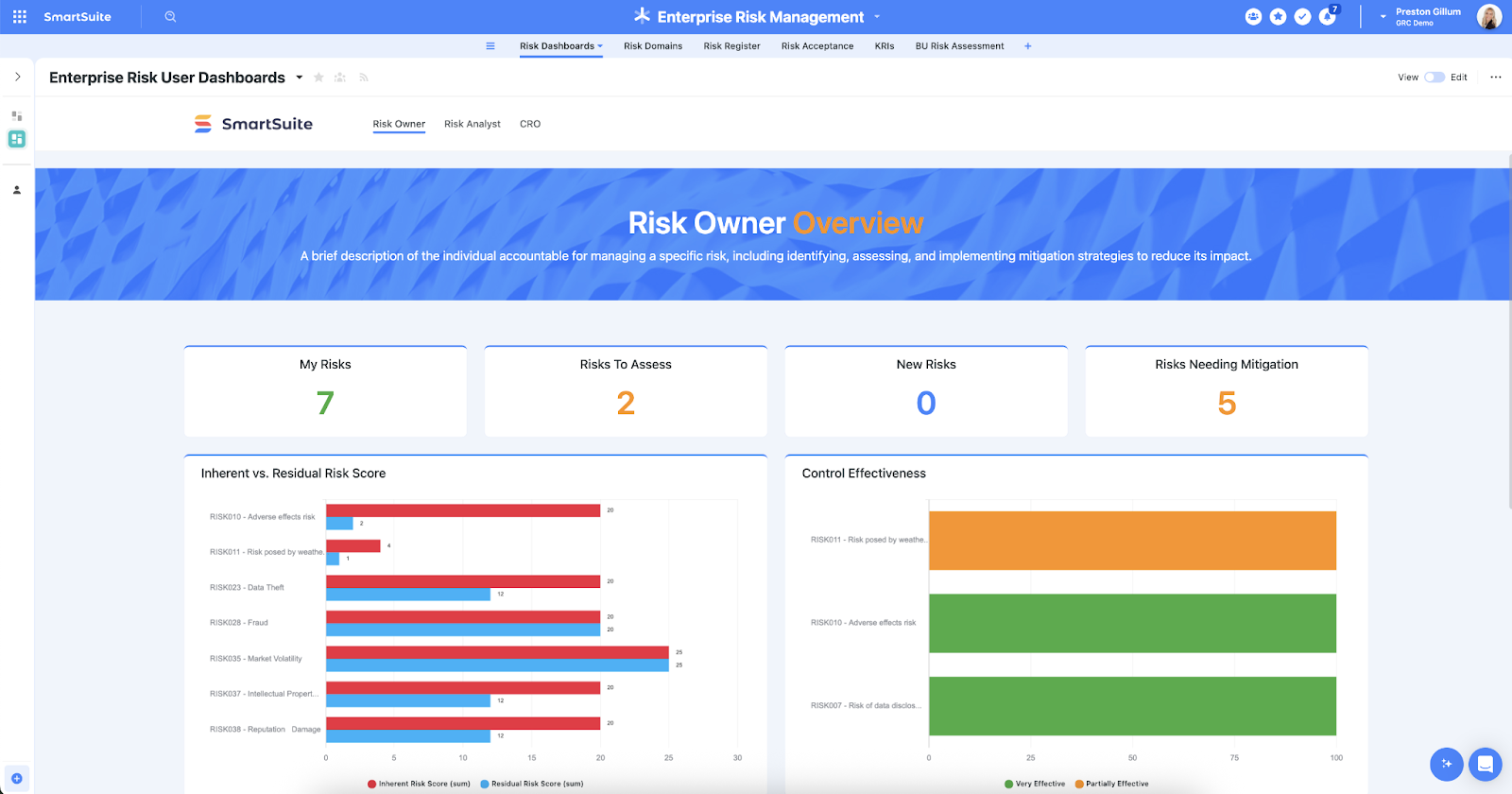
- Create reports and dynamic dashboards: Your team can monitor executive views into your organization’s overall risk profile with powerful charting and metrics widgets.

- Collaborate and respond to risks in real-time: Engage key stakeholders in a real-time discussion of potential threats or vulnerabilities.
Our tool will also provide you with instant updates when critical information becomes available.

- Automate policy creation, real-time approval, and control assessments: Streamline risk management by building an integrated program on a single platform.
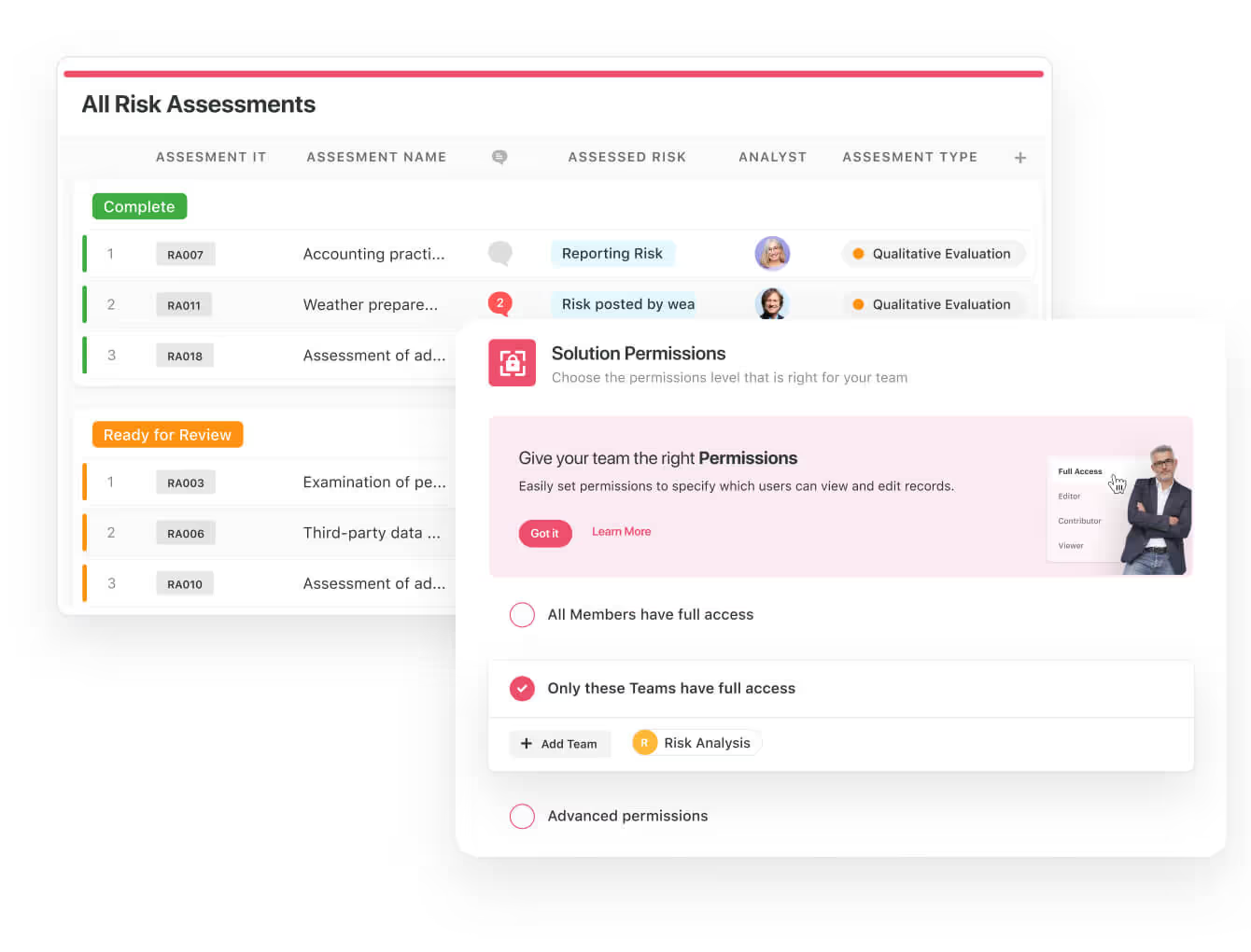
- Keep risk and compliance data secure: Define your teams and manage access to information across all GRC practice areas.
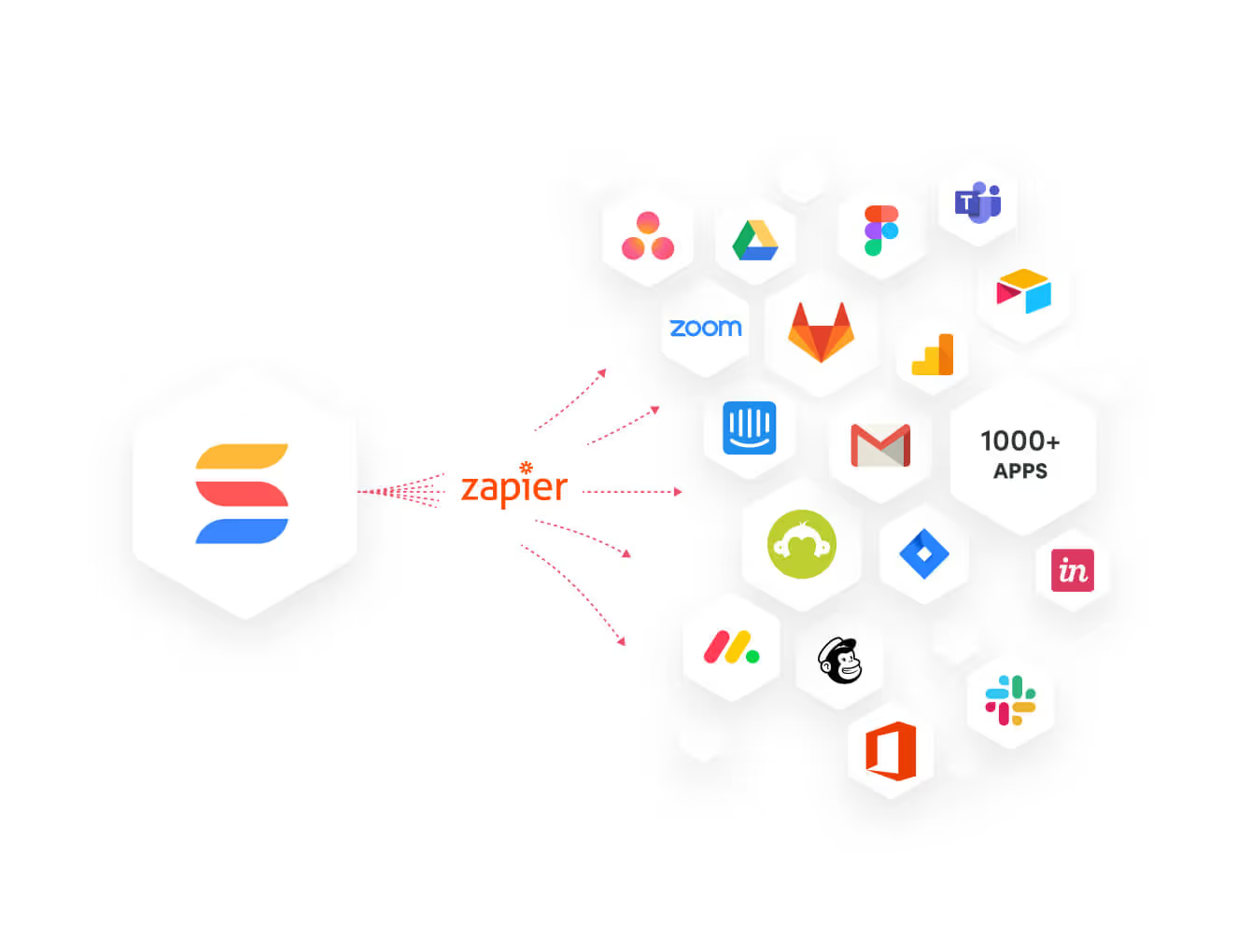
- Integrate with your existing systems and data to consolidate and centralize your data.
- Automate for accuracy and efficiency to remove inefficiencies and the chance for human error by automating repeatable workflows.
SmartSuite’s no-code automation builder provides you with a visual interface that makes it easy to respond to events and take action.
That means your compliance team can customize your GRC workflows without technical resources.

- Monitor, measure and score: Create risk calculations and metrics to evaluate every aspect of risk.

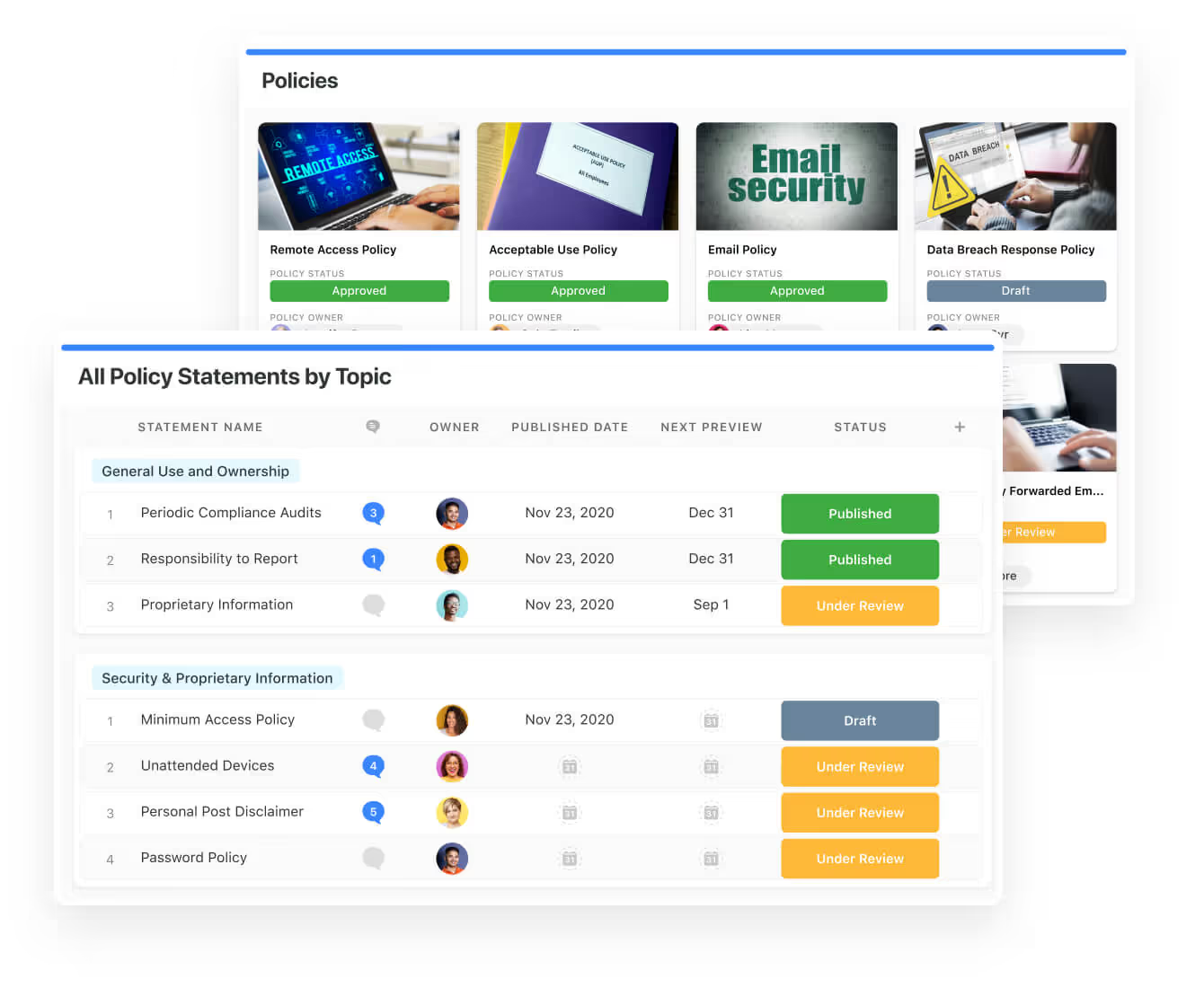
- Policy management: It’s possible to establish a strong foundation from the get-go with streamlined and flexible policy management.
Your team will be able to assign ownership, manage revisions, and ensure your policies consistently align with key business initiatives and regulatory requirements.
- PSTOS Compliance Tracker: Designed for regulatory compliance and built on SmartSuite.
This solution focuses on data security as the core of compliance frameworks with services such as compliance readiness, virtual CISO, and IT security implementation.
Learn more about it from this webinar that we did on the topic:
[embedded content]
Prioritize & Mitigate Risks
With SmartSuite, you and your team can create a centralized risk register to effectively identify potential risks to your organization.
You will be able to properly assess threats and establish risk mitigation strategies inside SmartSuite.
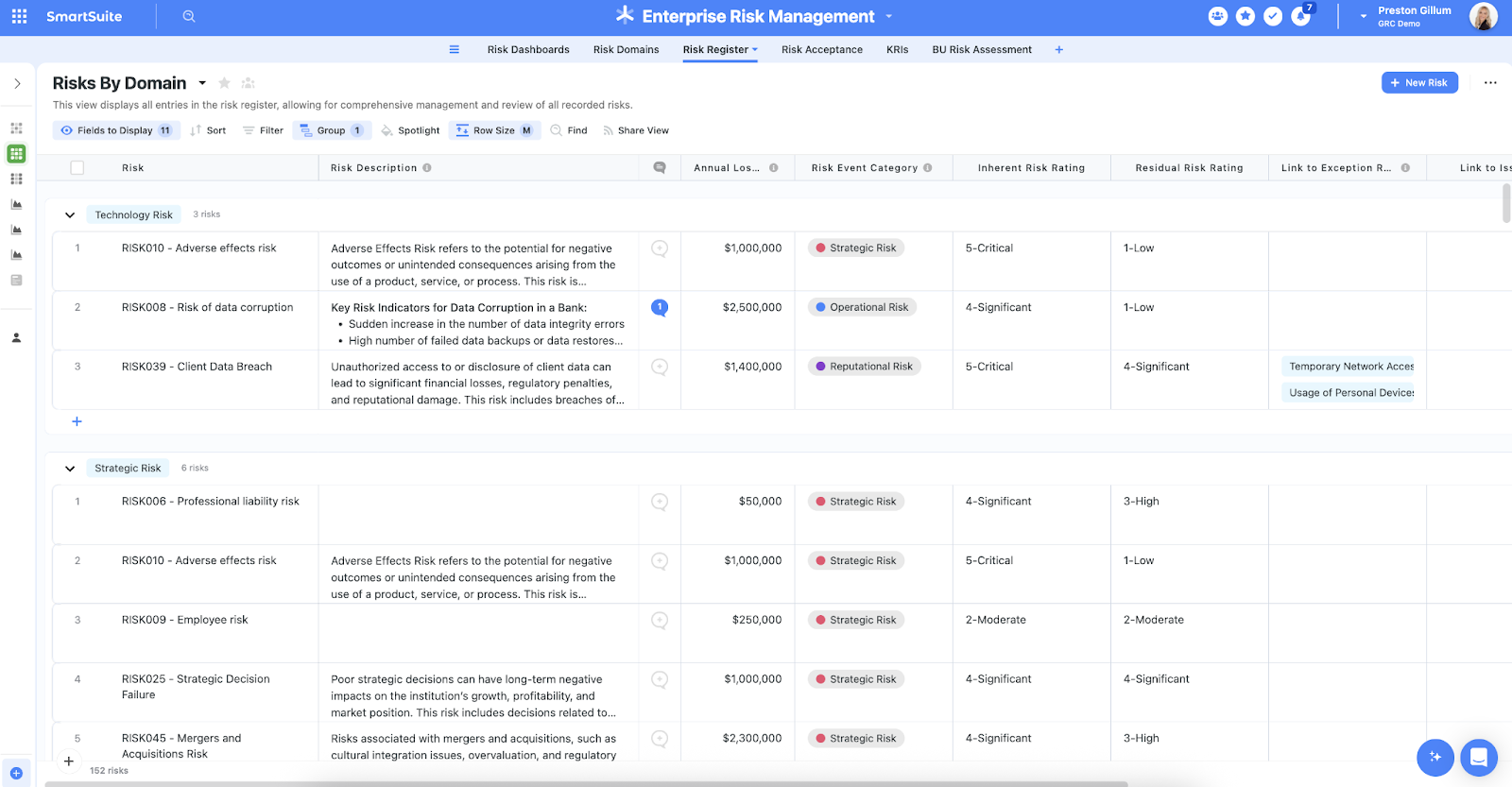
Your team can ensure that the appropriate controls are in place and measure their effectiveness by evaluating risk indicators and displaying results in SmartSuite’s rollup reports and dashboards.
💡 Pro Tip: Teams that use our platform use automation to move tasks through defined workflow stages that comply with their policies and procedures.

We understand how crucial threat management is and the need to respond quickly to incidents.
SmartSuite lets you centralize incident response and threat mitigation by linking incidents to assets and organizational data to offer context during your investigations.
Your compliance team can also set up automation with our no-code automation builder to escalate critical events to make sure that your team is aware of active risks to your organization.

Ready-To-Use Compliance Templates
We have a few compliance templates for your team can get started with right away, instead of building everything from scratch.
Our general risk management template includes a:
- Risk register, where your team can break down the risks, the risk owner, the annual loss expectancy, risk event category, risk type, volatility, and status.
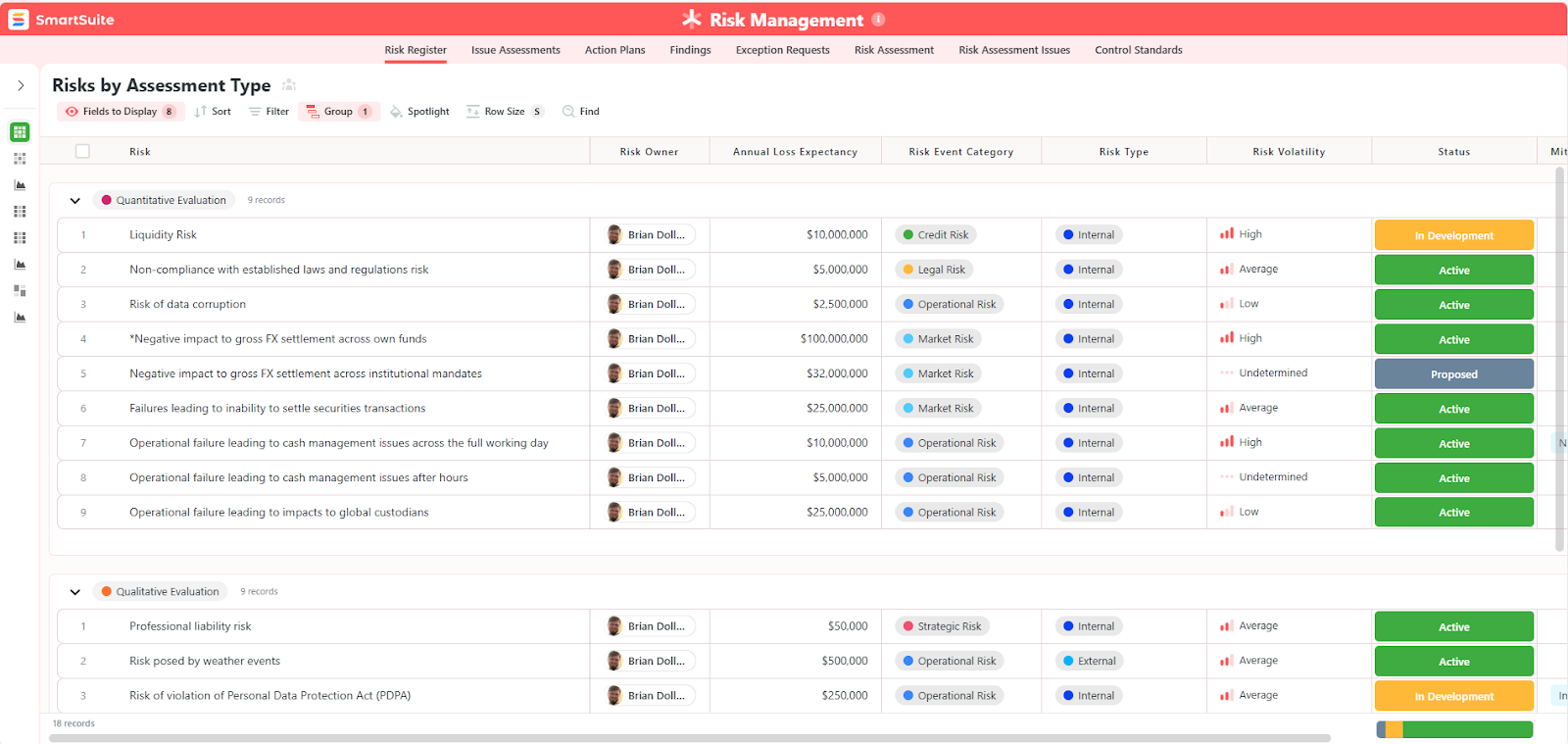
- Issue assessments, where you’ll be able to see a comprehensive breakdown of each risk.
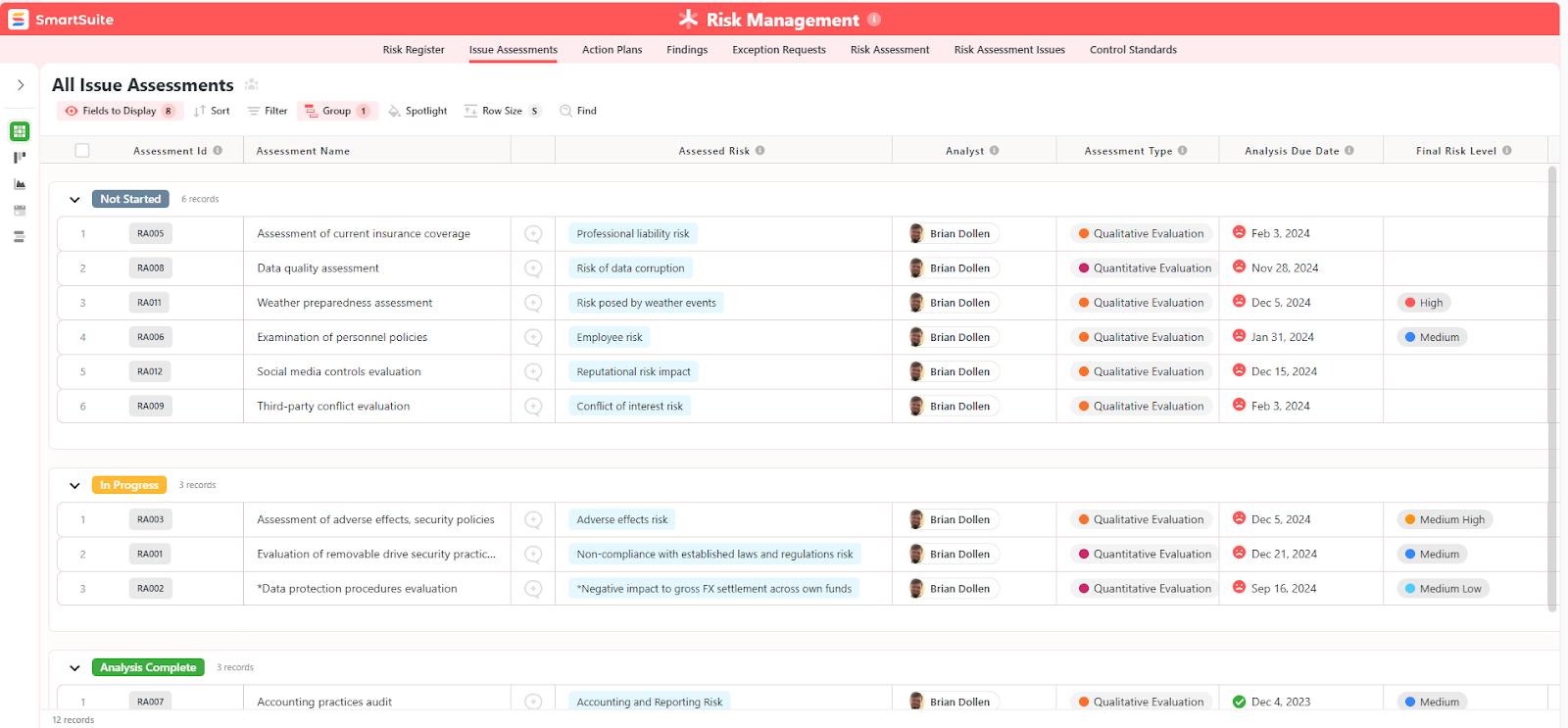
- Action plans, where you can describe the actions (best practices) to mitigate the risks.
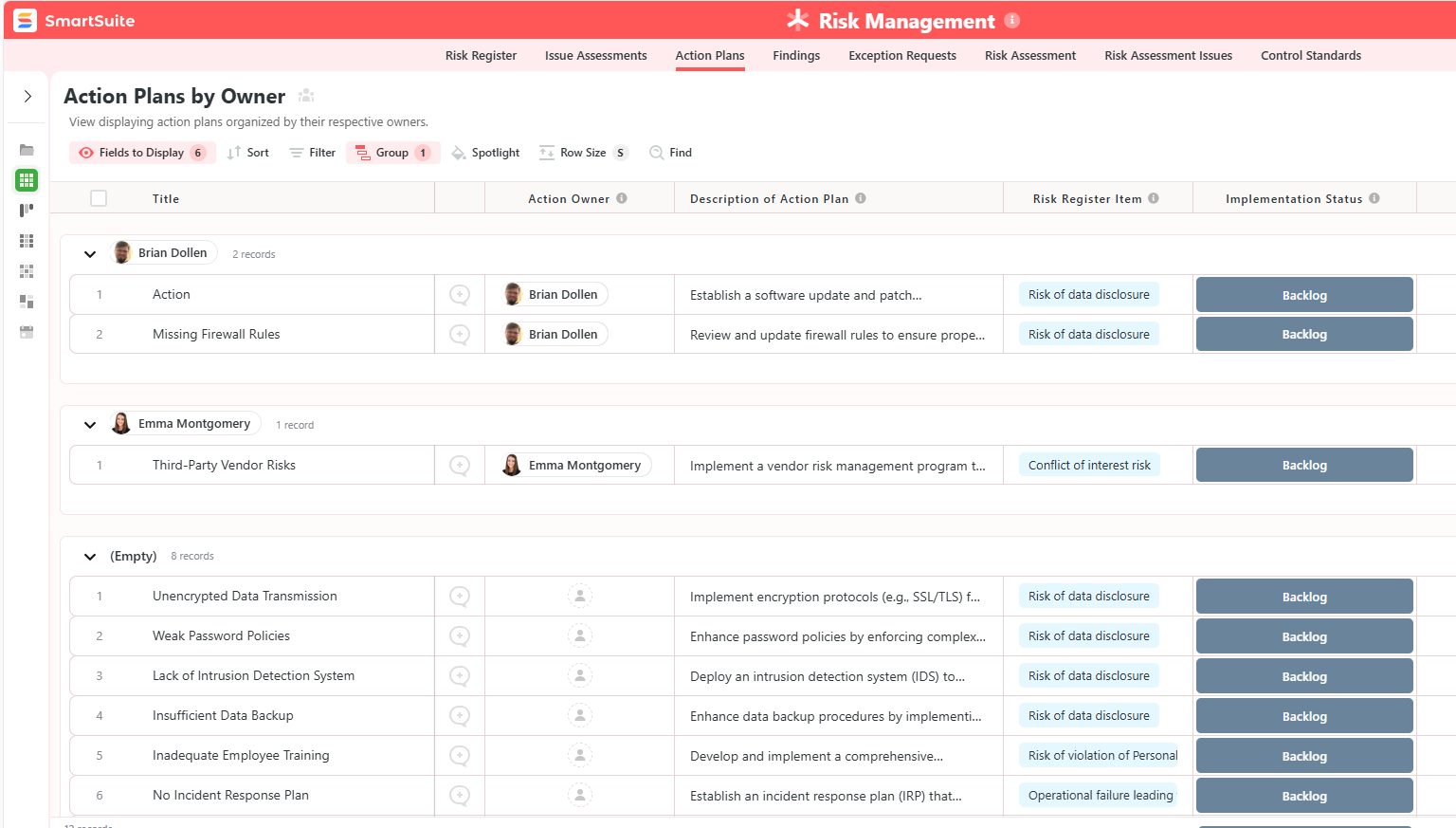
- A separate tab for control standards, your findings, exception requests, risk assessment by type, and risk assessment issues.

You can customize our risk management template here.
Alternatively, check out and customize our 14 other risk management templates for various use cases, such as contract management, policy management, and incident management.
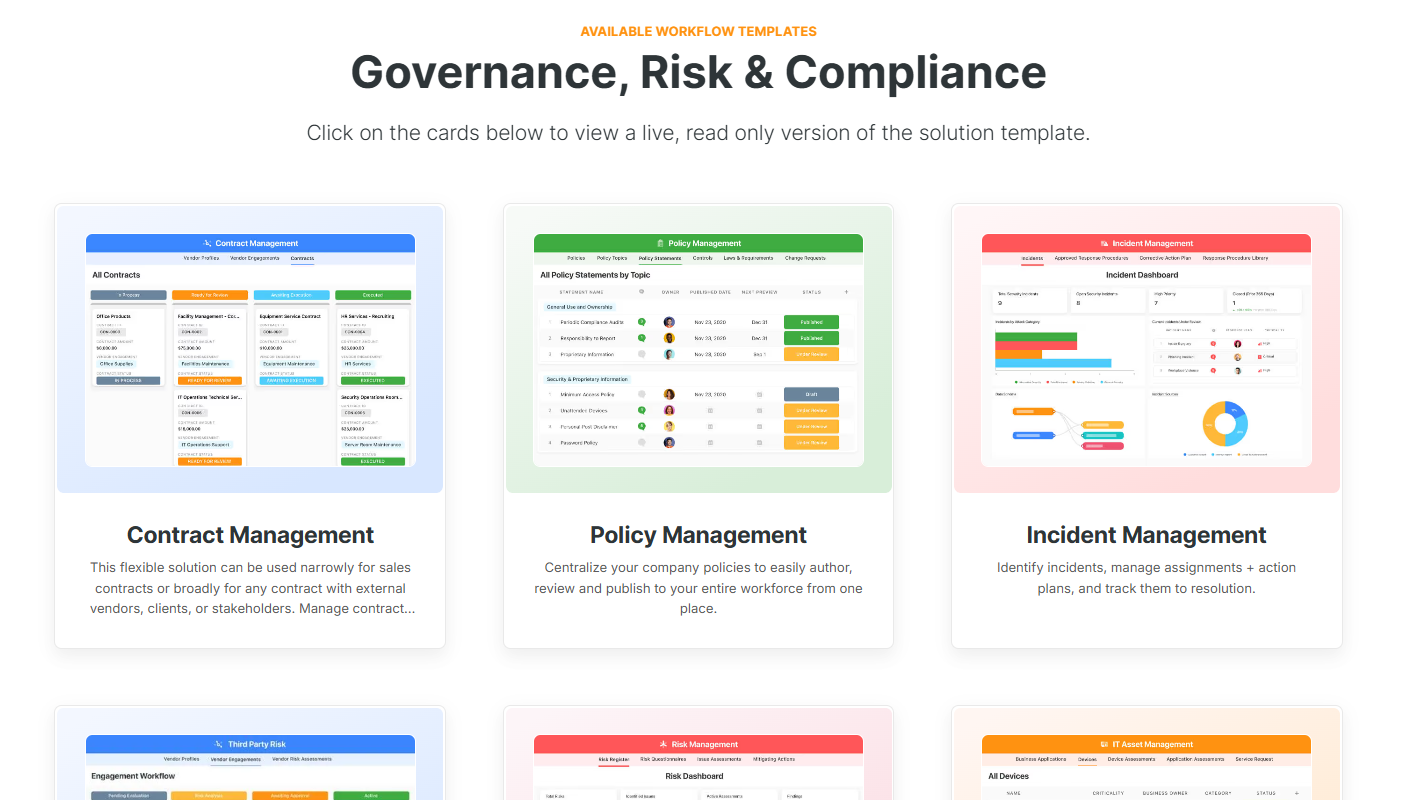
Pricing
SmartSuite offers a free-forever plan with access to 250+ automation actions, team collaboration, multi-dashboard views, and more.
There are four paid plans with a 14-day free trial (no CC required):
- Team: Starts at $12/user per month, including Gantt charts, timeline views, 5000 automation runs, and native time tracking.
- Professional: Starts at $30/user per month and adds two-factor authentication, Gmail & Outlook integrations, and unlimited editors.
- Enterprise: Starts at $45/user/month and includes access to audit logs, data loss prevention, and 50,000 monthly API calls.
- Signature: A custom plan tailored to your needs and team size with no predefined limits.
Pros & Cons
✅ A free-forever plan that includes access to advanced features of the tool for up to 5 solutions.
✅ 15 pre-built GRC templates for various use cases.
✅ Dynamic dashboards and reports that are easy to build and navigate, unlike some alternatives that require you to hire consultants to do it.
✅ All-in-one document and file management.
✅ Automate risk scoring, compliance tracking, audits, and vendor reviews.
✅ A modern solution with an intuitive user interface.
❌ Fewer native integrations when compared to other platforms in this list.
#2: Diligent
Best for: Organizations that need executive-level governance and audit-ready documentation tied directly to board workflows.
Similar to: Onspring, ArcherIRM.

Diligent centralizes board governance, audit and compliance workflows in a security-focused platform.
The platform combines policy, control and board-management capabilities so compliance teams and directors can coordinate reviews, attestations and reporting in a single place.
Features

- Integrated board and audit reporting with immutable evidence trails that link policies, approvals and attestation records.
- Continuous monitoring & automated analytics: Configure ongoing data tests and automate business process monitoring (e.g. internal control testing) to detect anomalies and maintain compliance in real-time.
- Robotic automation via Robots/ACL: It’s possible to use scripted tasks in Python or ACL to automate data aggregation, testing, and remediation notifications.
Standout Feature: Diligent AI
Diligent’s purpose-built AI assistant helps you boost productivity, anticipate risk, and stay compliant by generating summaries, mapping out regulatory requirements, and automatically benchmarking ESG and risk in real-time against peers.
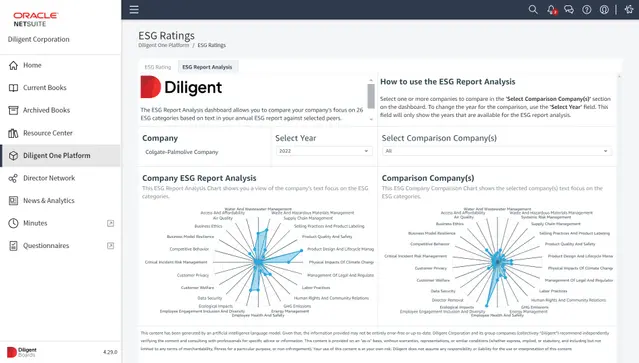
Pricing
There’s no official information on Diligent’s pricing plans; however, we were able to find some reported numbers.
According to 3rd-party data from Vendr, the median buyer of Diligent spends $23,800/year for its solution, with the tool going up to $45,792/year.
Pros & Cons
✅ One centralized GRC system replaces multiple tools and simplifies oversight across risk and audit workflows.
✅ Integration-rich, allowing users to create seamless workflows between tools.
✅ An AI assistant that can help you boost productivity.
❌ A steep learning curve and long initial setup and onboarding times, which is why some users have been looking for Diligent alternatives.
❌ The platform’s pricing can get expensive.
#3: IBM OpenPages
Best for: Large enterprises with complex, cross-domain risk data that must be normalized and analyzed centrally.
Similar to: SAI360.
IBM OpenPages scales for large enterprises with deep risk modeling, metadata-driven taxonomies and strong integration into enterprise data landscapes.
The platform’s strengths are in configurable risk frameworks, analytics and the ability to centralize disparate risk data for consistent assessments.
Features
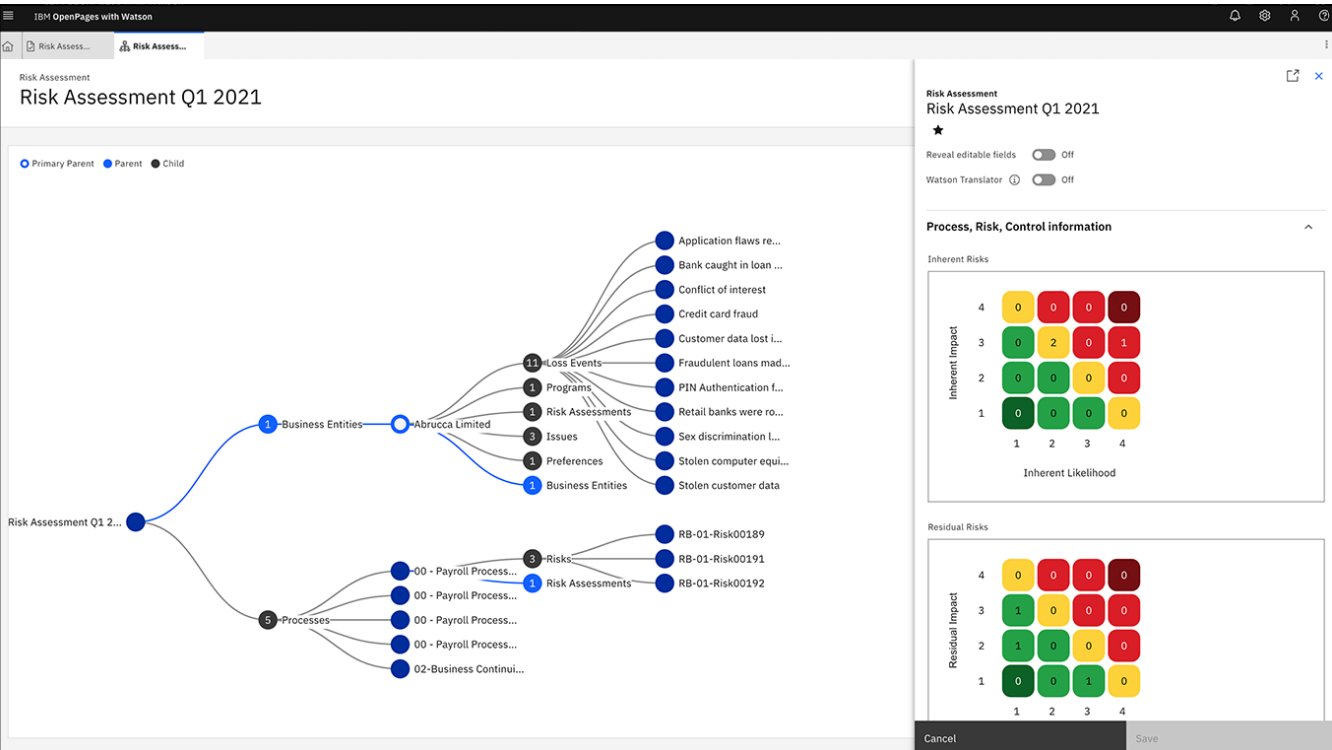
- Advanced enterprise risk modeling and scenario analysis that unify risk data from multiple business units for consolidated reporting.
- Uses IBM Watson for natural language processing and machine learning to provide predictive analytics and automate classifications to enhance decision-making and efficiency.
- Features a drag-and-drop workflow editor that allows users to automate GRC processes to improve time-to-value and reduce manual effort.
Standout Feature: IBM Cognos Analytics (Predictive Insights)

What stood out to me about IBM OpenPages is that it lets you get valuable insights into the state of risk across the organization with its IBM Cognos Analytics for self-service data exploration.
Pricing
There are several ways to purchase the IBM OpenPages solution:
- As a SaaS solution: Essentials Edition starts at $3,300, and the Standard one starts at $6,050.
- As an On-cloud solution: the Single Solution starts at $6,250, and the Enterprise one starts at $9,000.
- As part of IBM Cloud Pak for Data: the Single Solution starts at $162,000, and the Solution Bundle starts at $207,000.
- As On-Premises: You need to contact their team for a quote.

Regardless of which package you choose in the end, each will include a core set of IBM OpenPages features, such as its AI features, workflow automation, integrated reports, etc.
Pros & Cons
✅ Scalable architecture that was designed to scale to tens of thousands of users.
✅ Enhances efficiency and accuracy through bespoke AI models and automated processes.
✅ Get valuable insights into the state of risk across the organization with its IBM Cognos Analytics.
❌ The platform has high implementation costs that make it prohibitive for SMEs.
❌ There are reported limited customization options by G2 reviews.
#4: MetricStream
Best for: Highly regulated organizations that require a mature, configurable GRC framework and broad regulatory coverage.
Similar to: LogicGate, SAP GRC.
MetricStream excels in large enterprise environments by connecting policy management with broader GRC programs.
It’s designed for scalability, compliance automation, and enterprise-wide risk frameworks.
Features
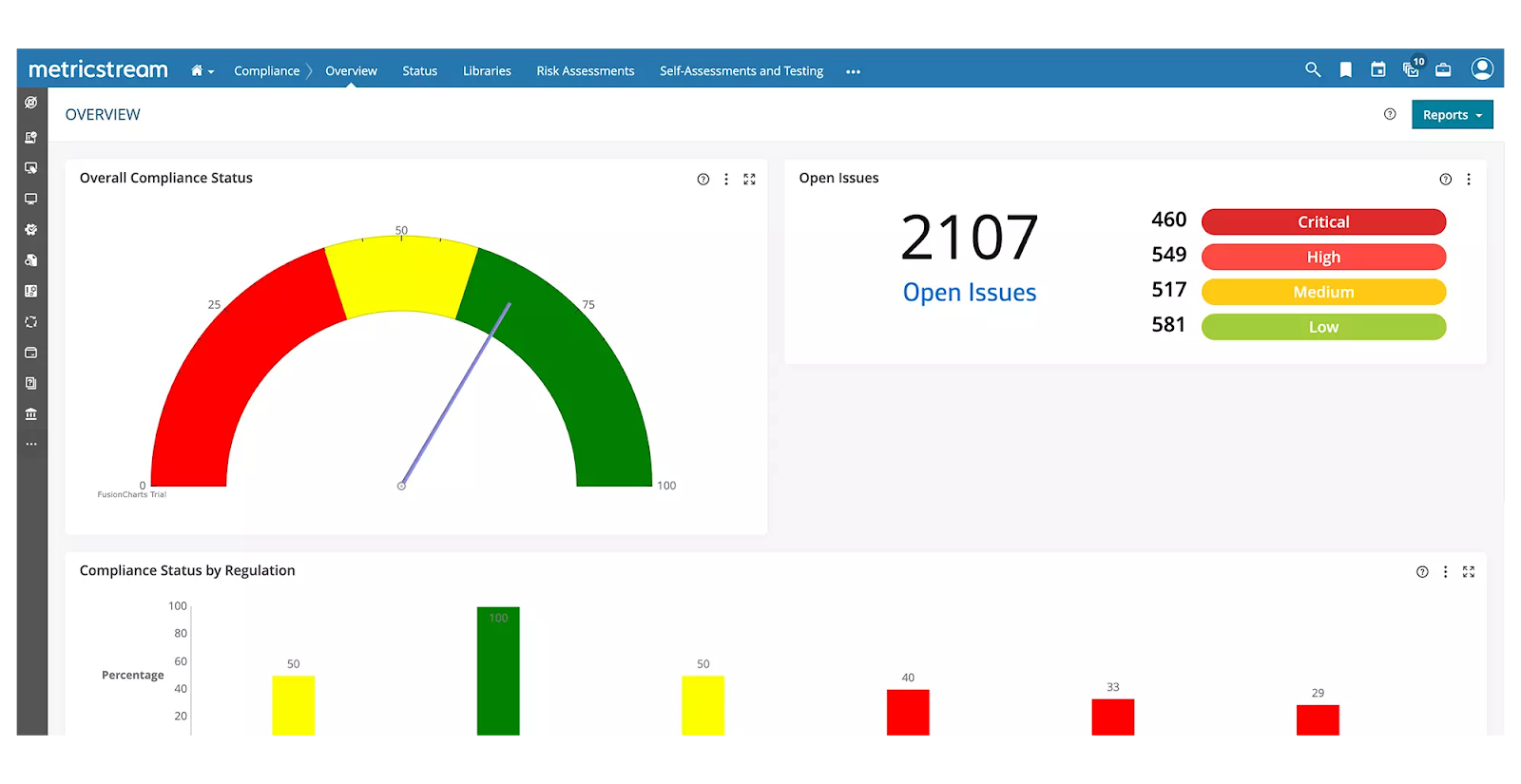
- Centralized control library and regulatory mapping that lets you link controls to specific laws, standards and audit requirements.
- Automated compliance management with regulatory change tracking, policy alignment, and impact assessments to minimize compliance violations.
- Real-time cyber risk intelligence and unified IT risk management to proactively address threats and ensure regulatory adherence.
- Centralized third- and fourth-party risk management, including performance tracking and business continuity risk assessment.
Standout Feature: AI-powered insights (AiSPIRE)
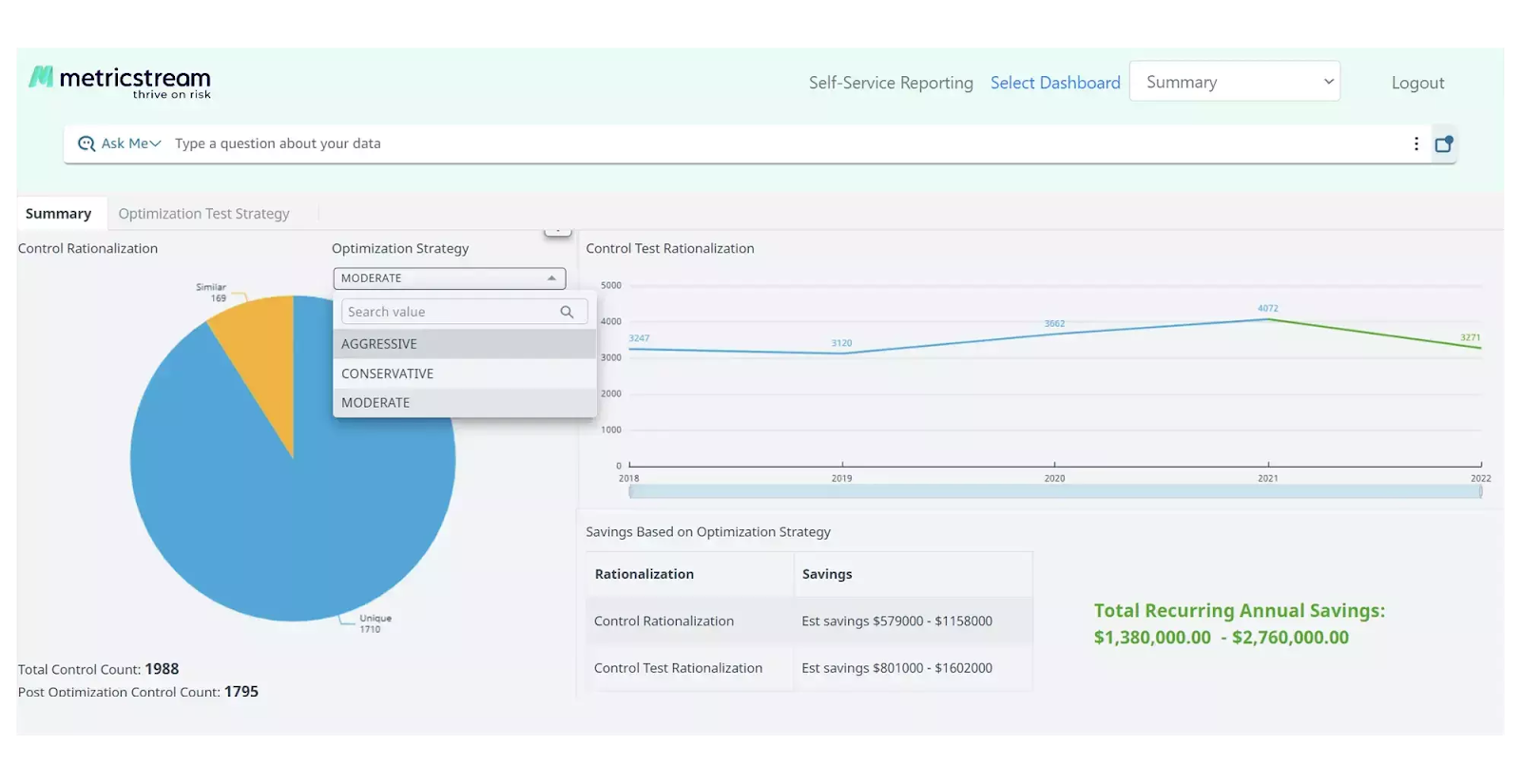
MetricStream also offers an AI-powered insights tool, AiSPIRE, that can be used for predictive risk identification, duplicate control detection, and cognitive recommendations.
Pricing
MetricStream does not disclose its pricing structure, so you’d have to contact them to get a product demo and a quote.
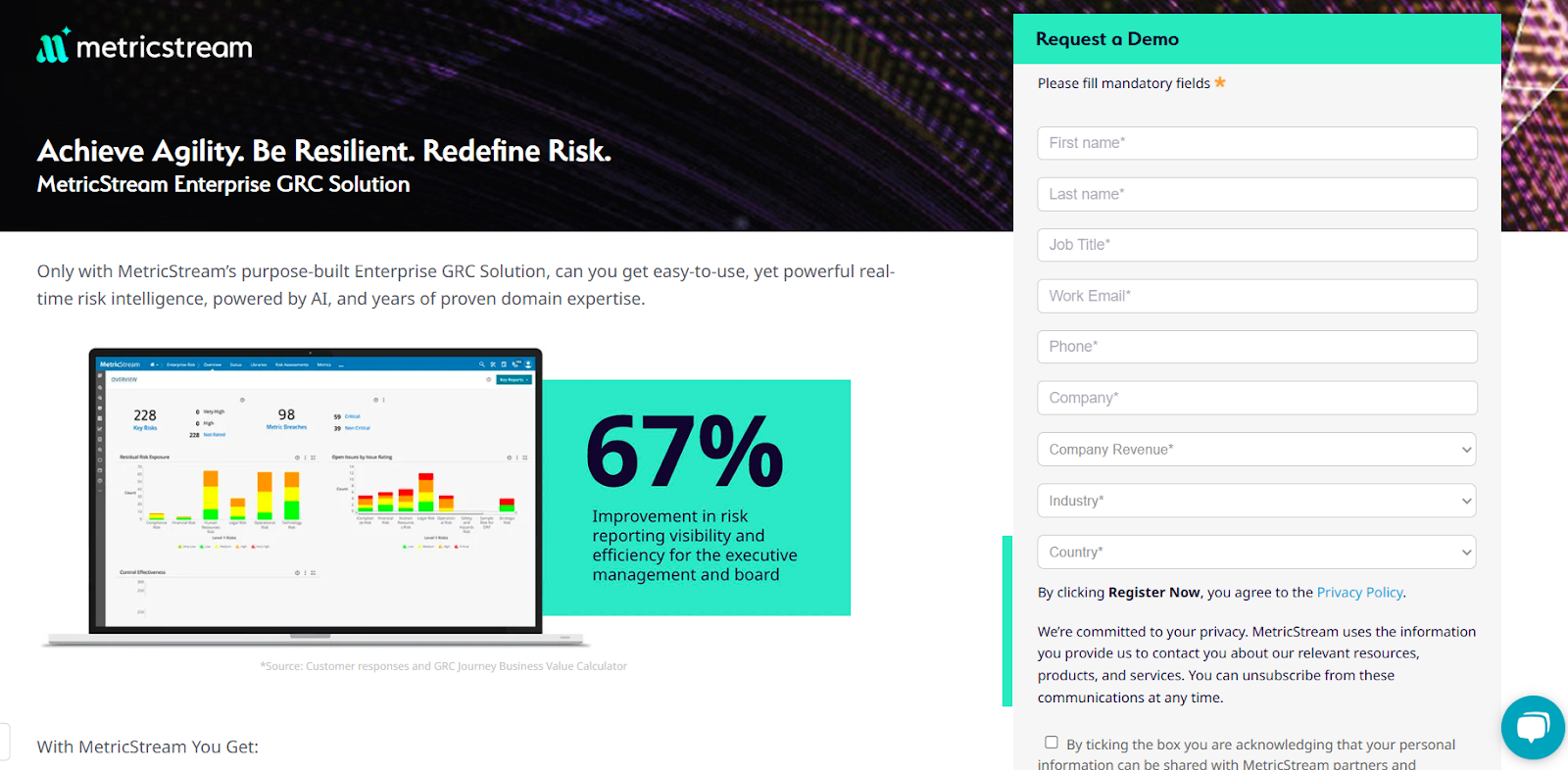
Pros & Cons
✅ Real-time cyber risk intelligence capabilities.
✅ Advanced analytics alongside real-time reporting.
✅ An AI-powered insights tool, AiSPIRE, that can be used for predictive risk identification.
❌ The platform’s pricing structure is not SME-friendly, according to G2 reviews.
❌ The tool has an outdated interface that can be hard to navigate, which is why some people have been looking for MetricStream alternatives.
#5: AuditBoard
Best for: Finance and internal audit teams focused on SOX, internal control testing, and audit efficiency.
Similar to: ArcherIRM, ServiceNow.
AuditBoard is purpose-built for audit and SOX teams, delivering streamlined audit planning, evidence collection and automated testing that dramatically reduces manual audit work.
The platform’s UI and workflows are optimized for auditors and finance teams, making SOX and internal audit programs faster and more transparent.
Features
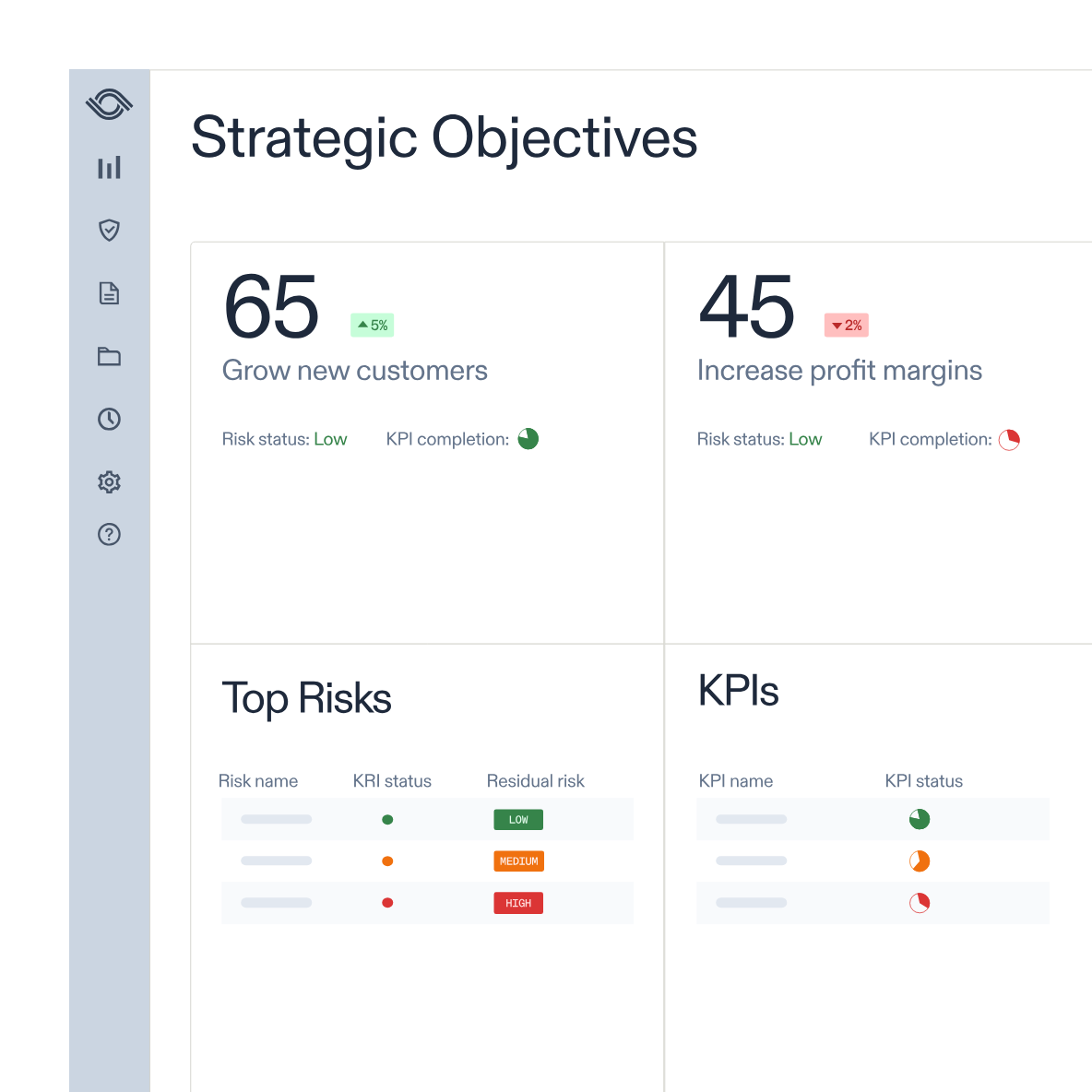
- Purpose-built SOX and audit management with automated testing, evidence collection and auditor-friendly workpapers.
- Flexible reporting and dashboards: Customizable reports and out-of-the-box dashboards that help uncover insights, track trends, and support fast, data-driven decisions.
- Integrated workflows and APIs that help you streamline data collection and task management through integrations.
Standout Feature: Preloaded Library of 30+ Frameworks
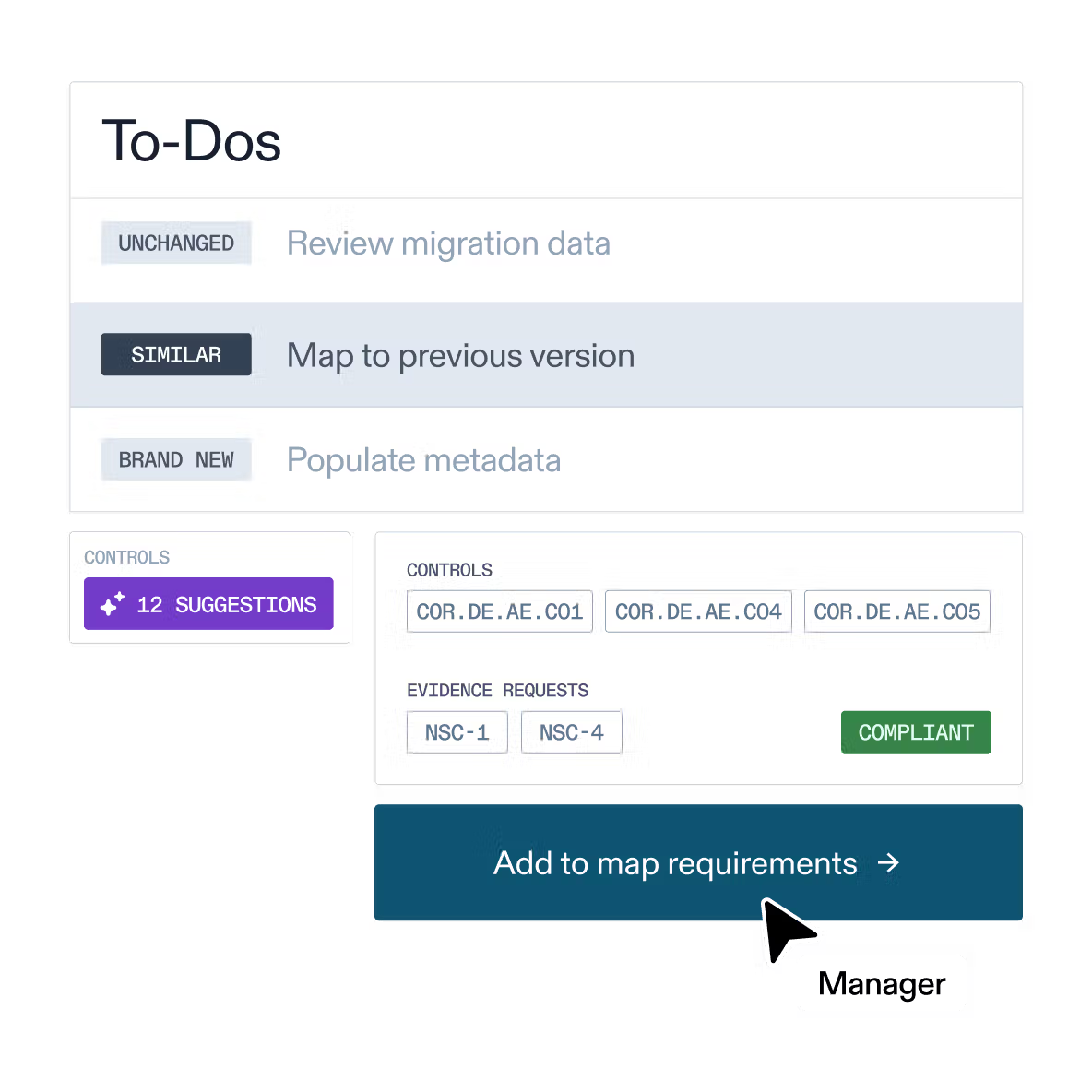
What stood out to me about AuditBoard’s solution is that it offers access to its preloaded library of 30+ frameworks (including SOC 2, ISO 27001, and GDPR) to help you stay audit-ready as your organization scales.
Pricing
AuditBoard has not disclosed its pricing, so you’d have to contact them to book a demo and get a quote.
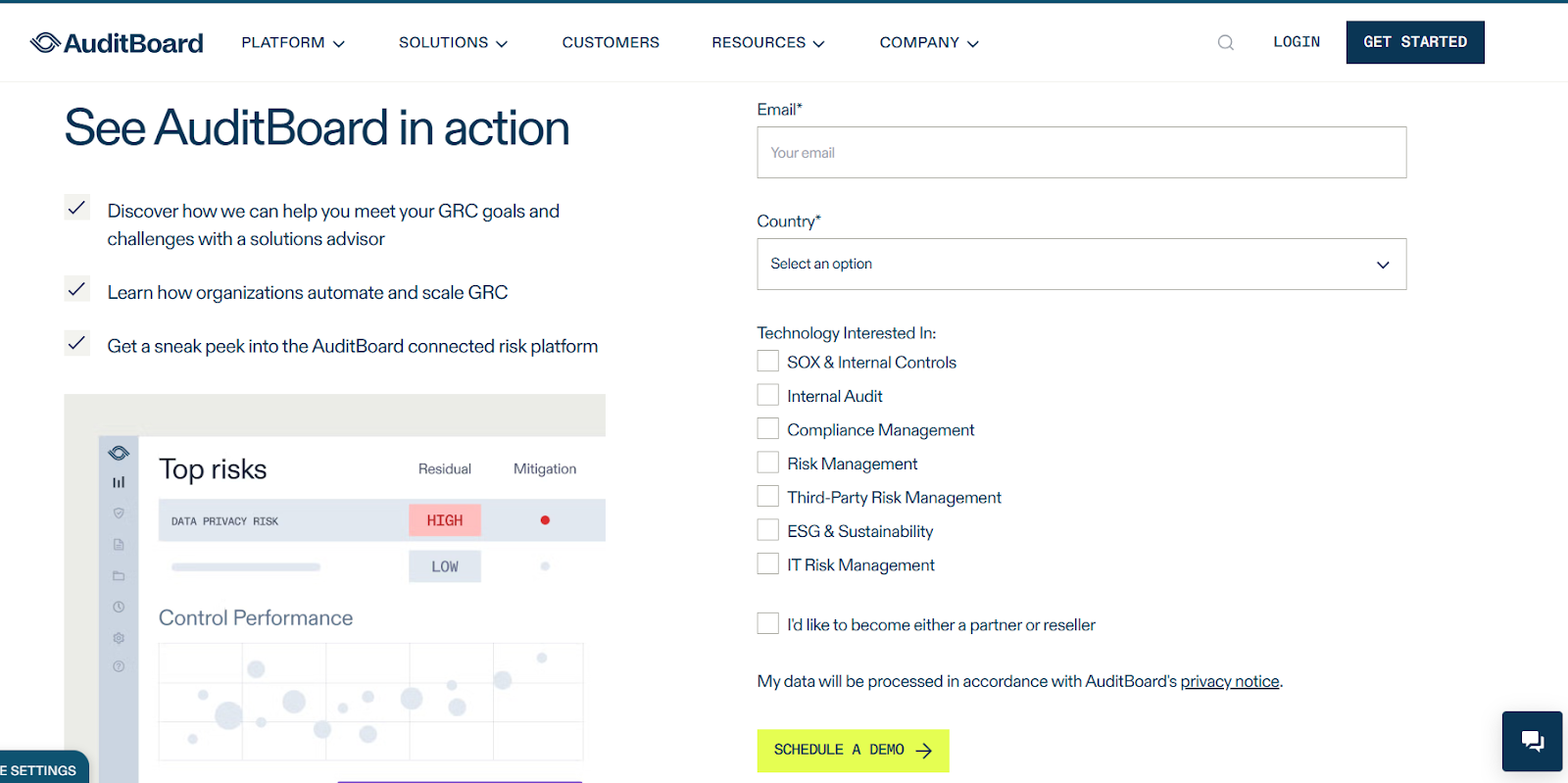
Pros & Cons
✅ Access to a single, comprehensive view of organizational risk.
✅ Modern interface with good AI capabilities.
✅ Access to a preloaded library of 30+ frameworks to help you stay audit-ready.
❌ The median contract value of the tool is around $42,775/year, according to insiders, which is why some users have been looking for AuditBoard alternatives.
❌ Some customers of the platform find it difficult to use, with some of them requiring special training.
#6: SAI360
Best for: Organizations that must combine EHS, compliance training and case management into a single program.
Similar to: ArcherIRM, MetricStream.
SAI360 combines compliance, risk and EHS capabilities with strong content and training features, linking learning and policy attestation to compliance outcomes.
The platform is useful where behavior, training and incident/case management must be tightly connected to reduce operational and safety risk.
Features
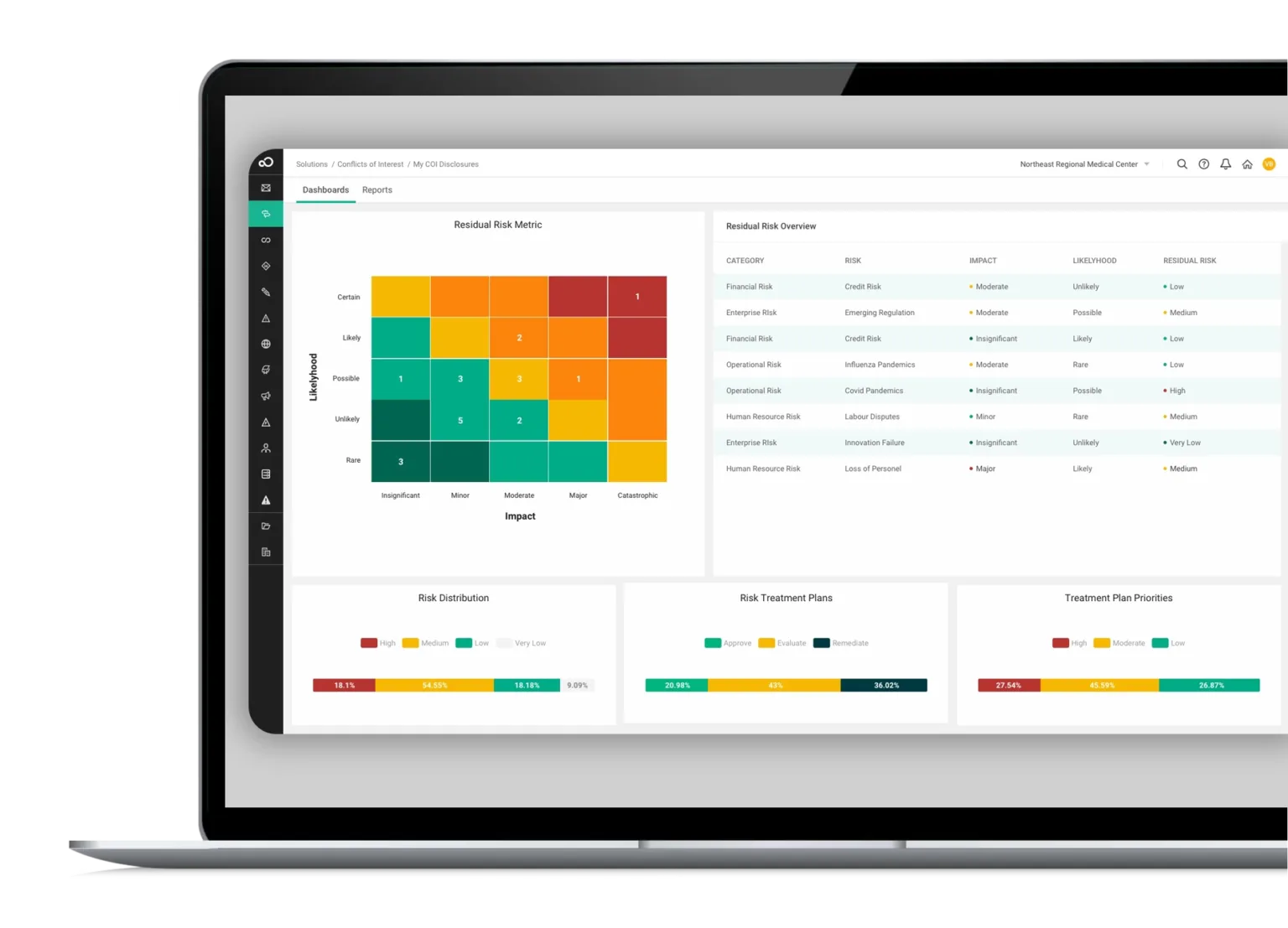
- Built-in compliance training and policy attestation workflows tied to incident and case management for measurable behavior change.
- Leverages AI to enhance reporting, risk assessment, and operational efficiency.
- Pre-mapped frameworks and controls aligned with international regulations for faster deployment and easier compliance.
Standout Feature: Integrated GRC from Every Angle
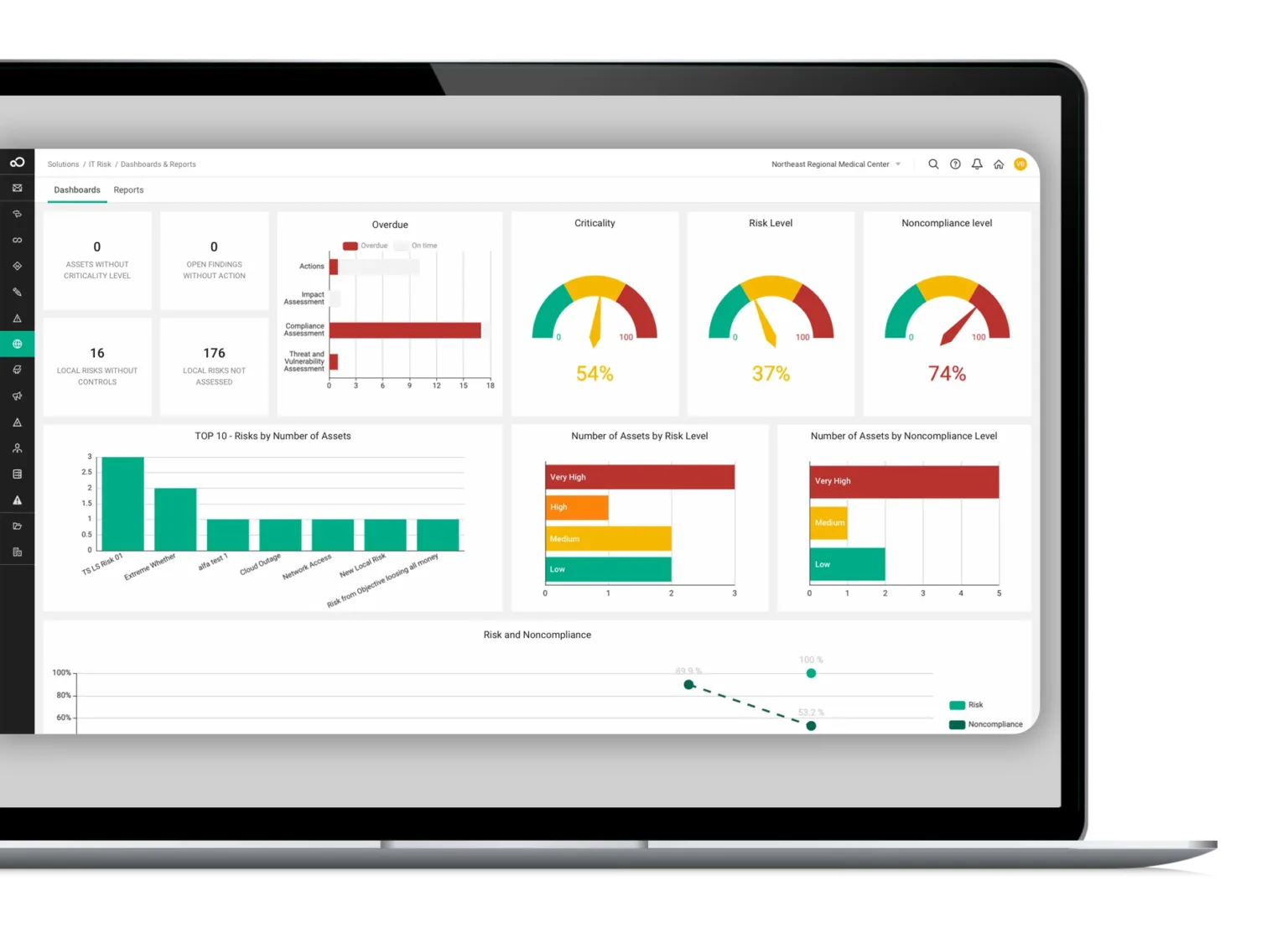
What stood out to me about SAI360 is that it offers a holistic, enterprise-wide approach that helps you unify risk, compliance, and ethics management into one customizable system.
Pricing
SAI360 does not disclose its pricing, so you’d have to contact them to get a product demo and a quote.
Pros & Cons
✅ AI-powered reporting, risk assessment, and operational efficiency.
✅ A holistic approach that helps you unify risk, compliance, and ethics management.
✅ 20+ preconfigured GRC modules.
❌ The tool is described as outdated and difficult to manage by G2 reviews, which is why some people have been looking for SAI360 alternatives.
❌ Admins are not able to easily modify fields or workflows.
#7: Onspring
Best for: Mid-market organizations and teams that want heavy configurability without long IT projects.
Similar to: ArcherIRM.

Onspring is a flexible, low-code GRC platform that lets teams rapidly configure processes, reports and dashboards without heavy IT involvement, great for mid-market and distributed teams.
The software’s configurability accelerates deployment of audit, risk and compliance processes tailored to organizational context.
Features
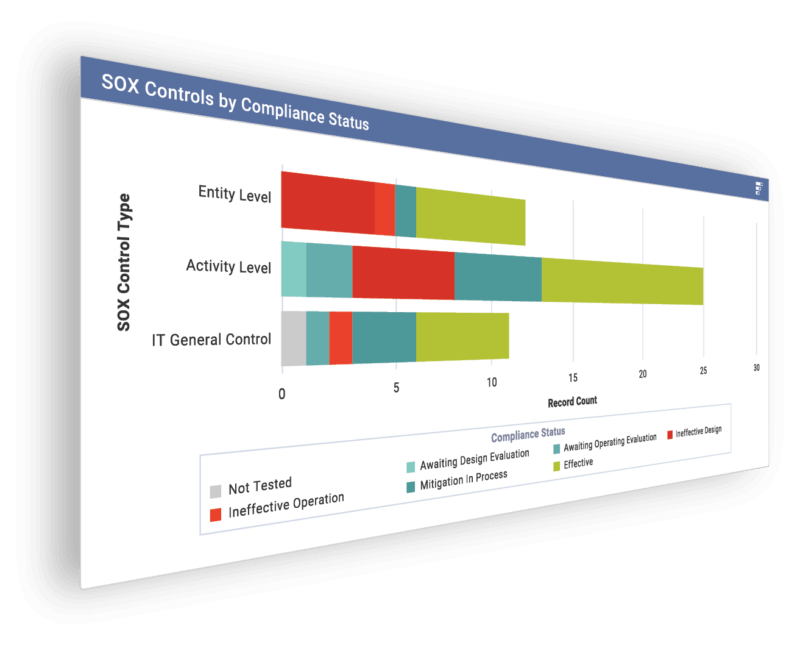
- Configurable workflow automation and real-time dashboards that produce auditable trails and control-effectiveness metrics.
- Create a comprehensive risk register and automate risk assessments.
- You can assess, tier, and track vendors and integrate criticality ratings from cyber and financial monitoring services.
Standout Feature: Surveys for Easy Assessments
Onspring lets you use its point & click survey builder to build and send surveys to internal, external & third-party recipients.
It then automatically collects and scores results, assigns risk scores and can be customized to trigger follow-up actions.
Pricing
Onspring has 3 different pricing models that you can choose from based on which one better fits your needs:
- Pricing per user seat, where all users get access to all products on the Onspring’s platform.
- Pricing by product, where your team (with unlimited users) selects only a portion of the features to access.
- A hybrid model, where some users have unlimited access to the platform, while other users have limited access to other features.

After choosing your pricing model, Onspring offers four paid tiers – Bronze, Silver, Gold, and Platinum – each adding more capacity and features:
- The Bronze plan includes core no-code workflow tools, basic reports, and modest storage limits.
- Upgrading to Silver and Gold adds increased database/attachment storage, extra API call capacity, additional admin training seats, and development/test environments.
- The Platinum tier provides maximum storage, the highest API limits, priority support, and all non-production environments (dev, test, sandbox).

Pros & Cons
✅ Good flexibility and customization options, according to G2 reviews.
✅ The platform is easy to learn, and the no-code build makes it easier to set up the solution.
✅ Best-in-class reporting with live dashboards.
❌ Expensive per-seat pricing, according to reviews on G2.
❌ The tool has an outdated interface that can be hard to use for some users, which is why some people have been looking for Onspring alternatives.
#8: LogicGate
Best for: Teams that need a highly flexible, visual rules engine to model complex decision logic and automate remediation.
Similar to: SAP GRC, ArcherIRM.
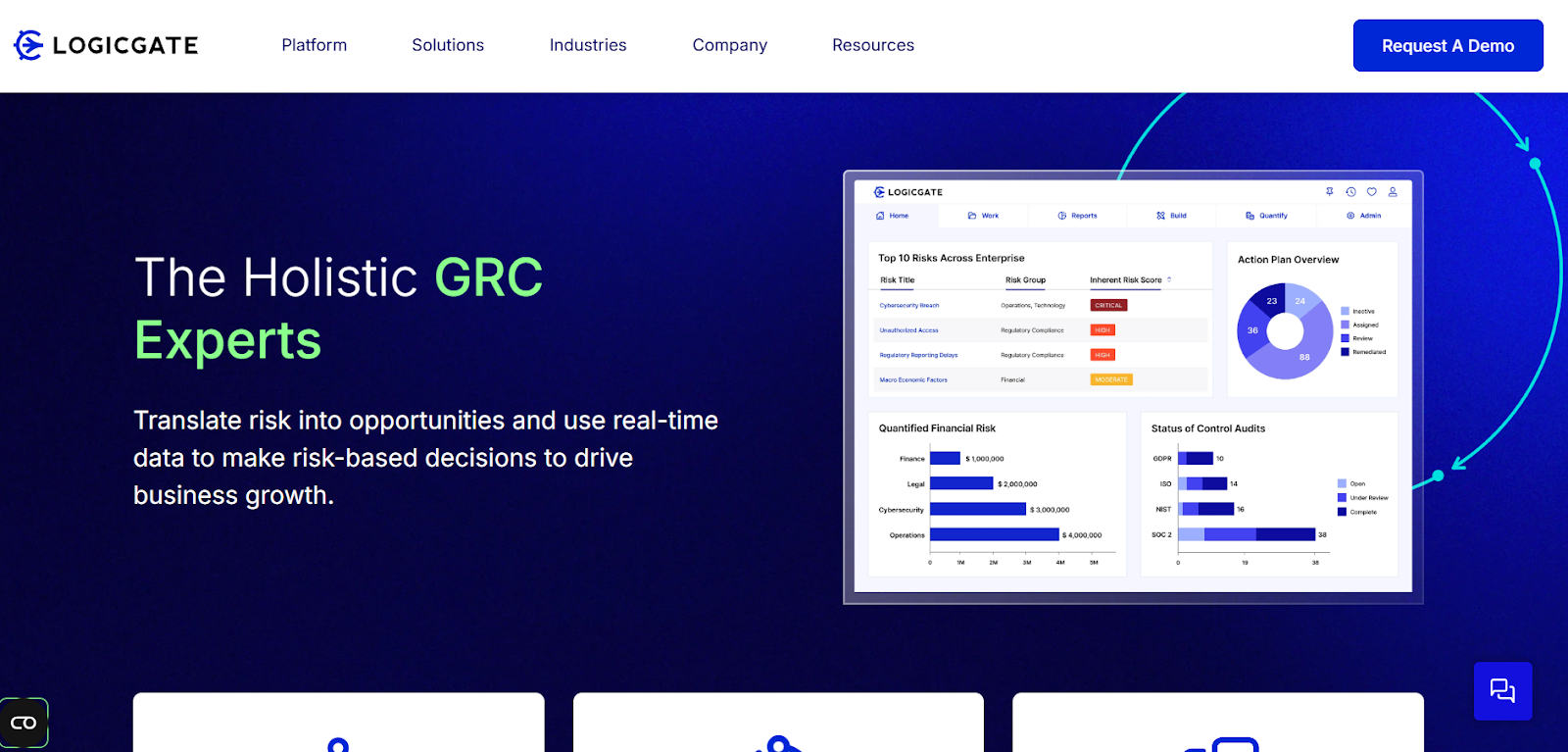
LogicGate offers a visual, no-code risk orchestration engine that helps compliance teams automate decision logic and remediate issues with conditional workflows and risk playbooks.
The platform is especially useful where process flexibility and rapid change to workflows are required.
Features
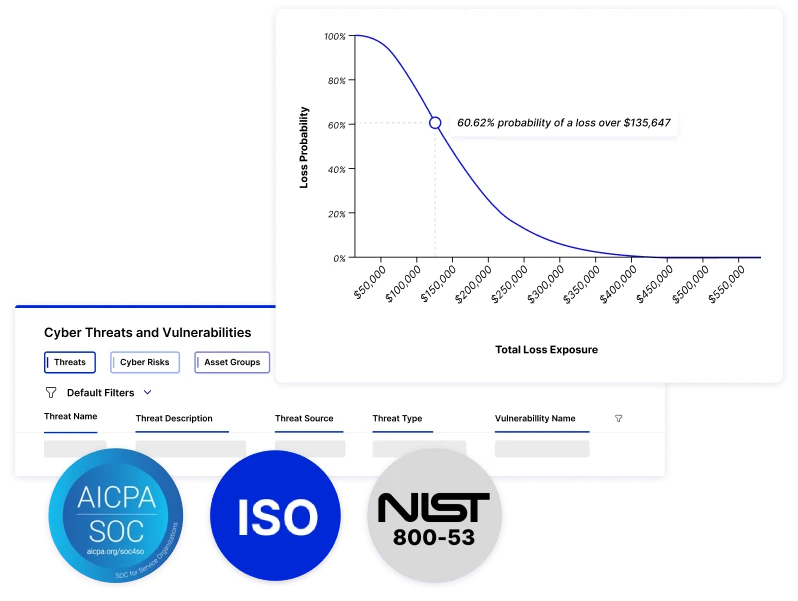
- Flexible risk automation engine with conditional workflows and automated escalation for incident and control lifecycles.
- Centralized risk repository for visibility across governance, compliance, and third-party risks.
- Automated compliance reporting with built-in templates that you can start with, and audit trails.
Standout Feature: AI-powered insights (Spark AI)
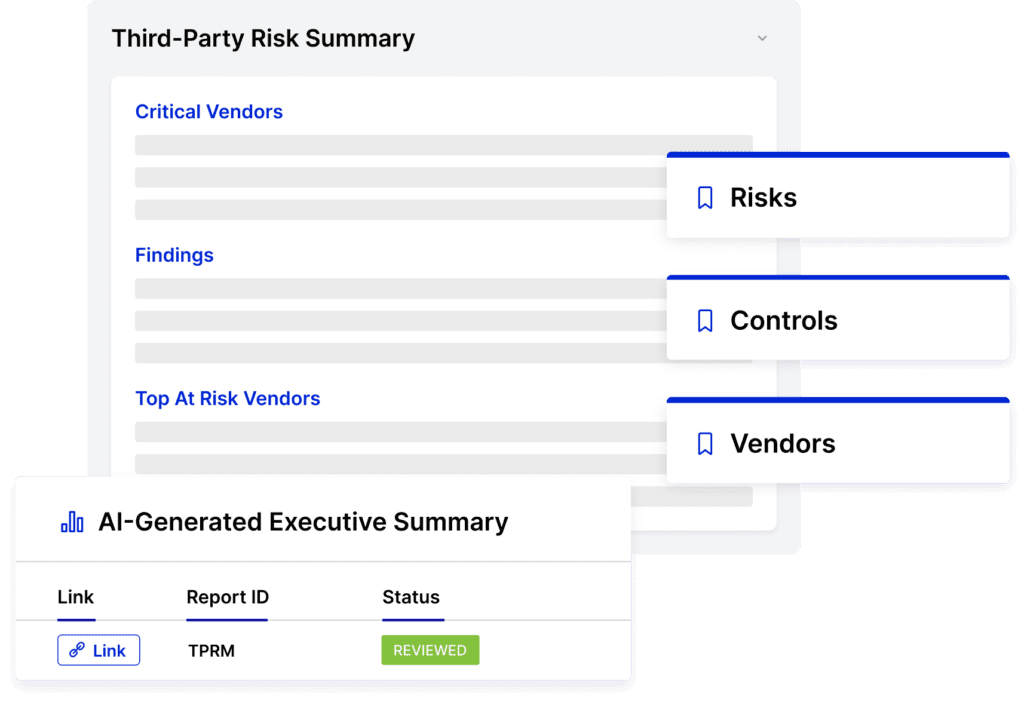
What stood out to me about LogicGate is its AI-powered insights that help you predict risk and support your decision-making.
➡️ Spark AI also lets teams generate executive summaries, which I found to be quite useful for busy executives looking for a quick update.
Pricing
LogicGate does not publicly disclose its pricing, so you’d have to book a personalized demo with their team to get a quote.

Pros & Cons
✅ AI-powered insights that help you predict risk and support your decision-making.
✅ LogicGate Risk Cloud automates control follow-up tasks to help you increase efficiency.
✅ Users of the tool like how responsive the customer service team is.
❌ Users of the tool find the calculation functionality complicated, particularly with labels and percentages.
❌ The reporting features have limitations according to G2 reviews, which is why some users have been looking for LogicGate alternatives.
#9: Pathlock
Best for: Organizations where application-level access controls and SOD within ERP systems are primary compliance concerns.
Similar to: SAP GRC, LogicGate.
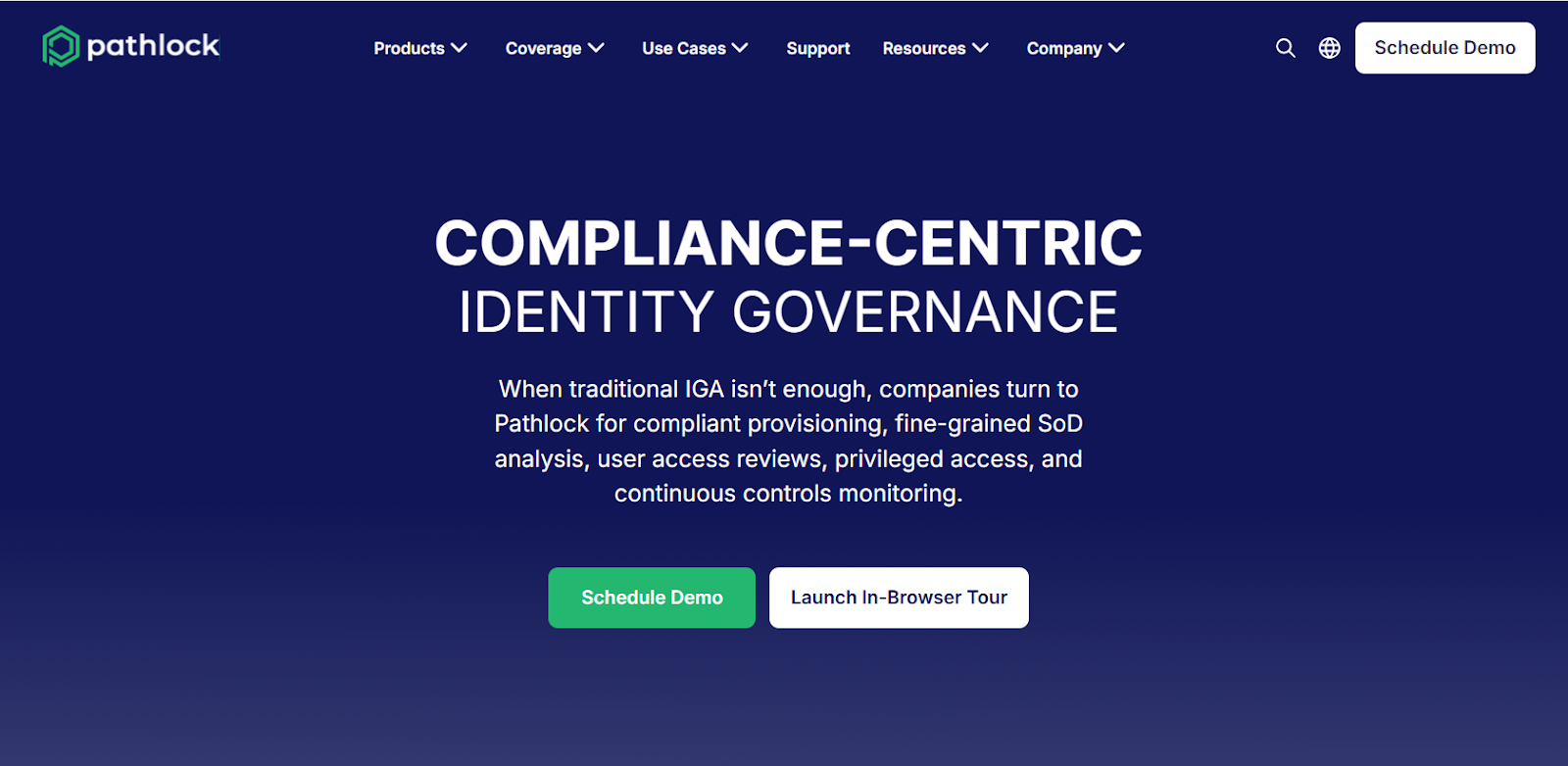
Pathlock specializes in application-level continuous controls monitoring and access governance, making it ideal where ERP and business-application controls (segregation of duties, access changes) are central to compliance.
It continuously monitors transactions and user access to detect control violations in real time.
Features
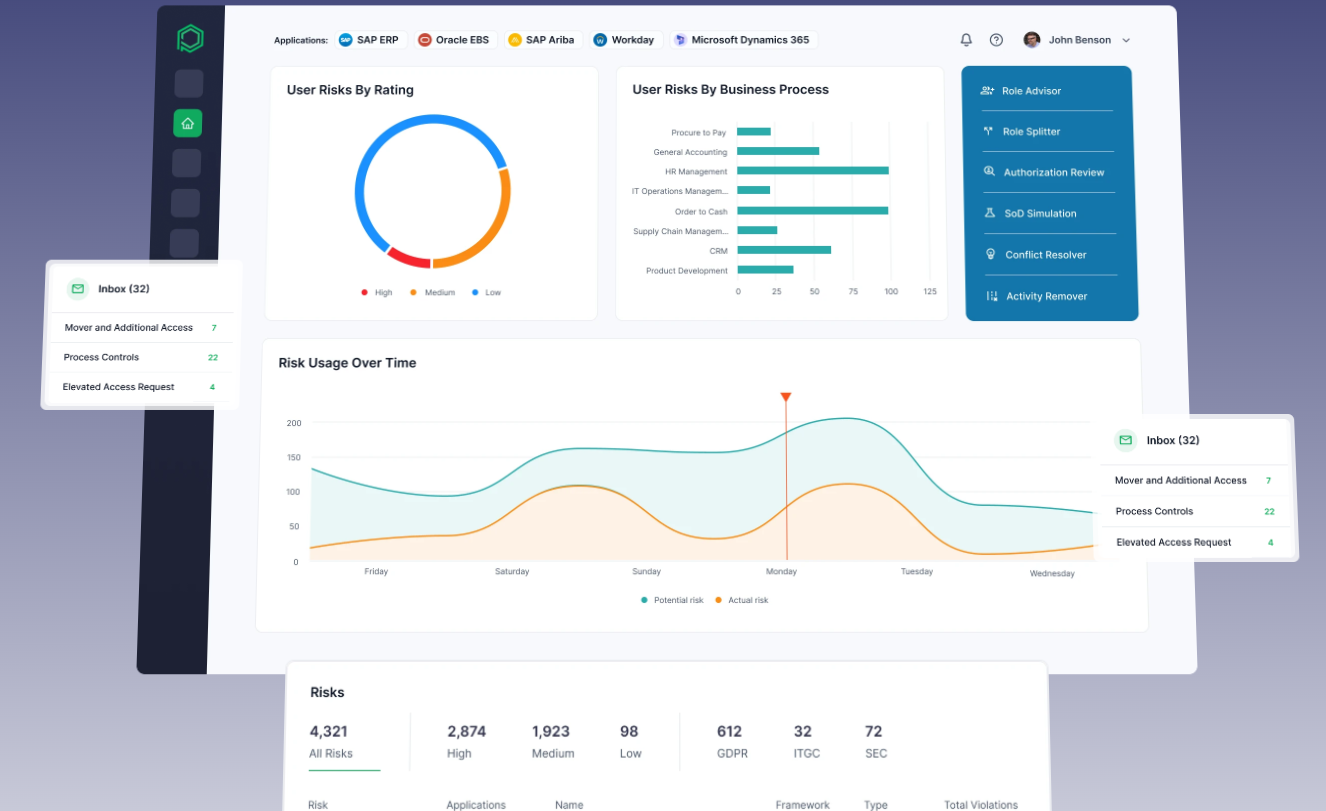
- Continuous access controls and segregation-of-duties monitoring within ERP and cloud applications to prevent and detect policy violations.
- Automated SoD conflict detection using your real-time financial data and transaction monitoring to minimize fraud risks, making it a good option for financial institutions.
- Compliant provisioning workflows that aim to enforce access policies during user onboarding and role changes.
Standout Feature: Risk Quantification
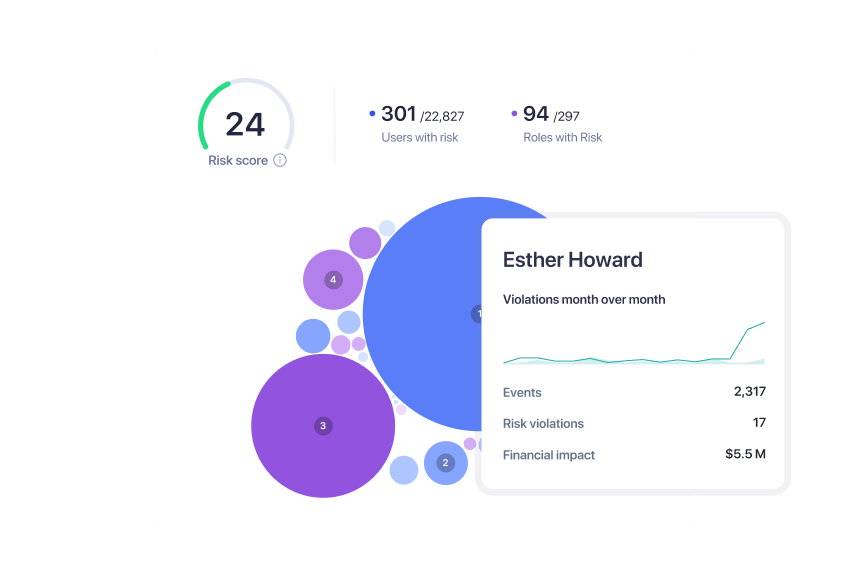
What stood out to me about Pathlock is that it offers risk quantification that integrations SoD analysis with live transaction data so your organization can prioritize high-impact risks.
Pricing
Pathlock does not disclose its pricing on its website, so you’d have to book a personalized demo with their team to learn more about the tool.

Pros & Cons
✅ Strong security features, including data masking and multi-factor authentication.
✅ Automated audit and compliance processes that simplify regulatory requirements and improve financial transparency.
✅ The tool has a user-friendly interface and easy navigation, according to G2 reviews.
❌ Documentation and guidance are sometimes lacking, according to G2 reviews.
❌ Implementation and configuration can be complex and time-consuming, especially for larger organizations with custom requirements.
#10: SAP GRC
Best for: Large enterprises running SAP who need embedded, transaction-level control and access governance inside their ERP environment.
Similar to: Pathlock, ServiceNow.

SAP GRC is tightly integrated with SAP enterprise systems and excels at embedding compliance, access control and process controls directly into core transactional landscapes.
Its value is strongest where automated enforcement of access rules, process controls and remediation against SAP data and processes is required.
Features

- Integrated access control, risk evaluation and automated remediation tightly coupled with SAP ERP processes and master data.
- Compliance automation that helps you streamline documentation, testing, and remediation of critical process risks and controls.
- Real-time control monitoring: Centralized visibility into risks, controls, and business impacts across SAP’s S/4HANA environments.
Standout Feature: Best-in-class Fraud Detection & Predictive Analysis

What stood out to me about SAP’s GRC platform is its fraud detection that screens transactional data in real-time using AI and customizable rules to uncover fraud, policy violations, and suspicious patterns.
Pricing
SAP’s GRC solution does not disclose its pricing tiers, so you’d have to contact their team for a demo and a personalized quote.

Pros & Cons
✅ Identifying, assessing, and mitigating risks.
✅ Integrates well with other SAP GRC modules and core systems like S/4HANA.
✅ Customizable rules to uncover fraud, policy violations, and suspicious patterns.
❌ The user interface can feel dated and complex for new users, according to G2 reviews.
❌ Can be costly compared to similar solutions in the market, which is why some users have been looking for SAP GRC alternatives.
Next Steps For Compliance Teams: Get Started With SmartSuite & Our Templates For Free
If you’re a compliance leader looking to build compliance workstreams and effectively prioritize and mitigate risks, you can give SmartSuite a chance with our free plan and ready-to-use GRC templates.
SmartSuite’s platform offers just the right customization, native collaboration capabilities and a library of 200+ project management templates to help compliance teams create and maintain a project management workflow.
Here’s what’s in it for your team when you try SmartSuite:
- Access to a generous free plan with features including multi-board views (Kanban, Chart, Map, Timeline, Card, and Calendar), 100 automations/month, and 40+ field types, including formula and linked record fields.
- No-code automation builder to set up to 500,000 trigger/action workflows.
- Built-in productivity tools, including time tracking, status tracking, and checklists.
- Team collaboration and planning tools such as whiteboards and SmartSuite docs.
- Resource management across projects and teams.
- 40+ field types, including the option to add your custom fields.
Sign up for a free plan to test the water or get a 14-day free trial to explore all its amazing features.
Or, if you’d like to talk to our team of experts, schedule a demo.
Read More
Welcome! You are invited to join a webinar: Getting Started with SmartSuite AI: Use Cases & Live Demos. After registering, you will receive a confirmation email about joining the webinar.
.circular {
position: relative;
top: 150px;
left: 50%;
height: auto;
width: 42px;
fill: currentColor;
margin-top: -21px;
margin-left: -21px;
animation: loading-rotate 1.6s linear infinite;
}
@keyframes loading-rotate {
100% {
transform: rotate(360deg);
}
}
10 Best Third-Party Risk Management Software In 2025
Are you looking for third-party risk management software to centralize vendor data, automate due diligence and risk scoring, ensure regulatory compliance, and/or continuously monitor suppliers?
A good third-party risk management software can continuously monitor vendors, automate due diligence and risk scoring, prioritize high-risk relationships for remediation, and produce audit-ready evidence.
In this buyer guide, I’ll cover the 10 best third-party risk management tools that can help you define risk templates, scoring criteria, control weightings, and playbooks per vendor type or criticality.
TL;DR
- SmartSuite offers the best third-party risk management software with its all-in-one risk management capabilities, no-code automation builder, and pre-built vendor risk templates.
- Enterprise-grade tools like Diligent, OneTrust, and IBM OpenPages are ideal for large organizations that need deep regulatory mapping, audit readiness, and AI-powered governance.
- On the other hand, there are tools like StandardFusion, SAI360, and AuditBoard that can help mid-sized companies streamline vendor assessments, unify compliance, and stay audit-ready without heavyweight complexity.
Before we begin, I wanted to go over some of the factors to consider when you’re evaluating third-party risk management solutions:
What are the factors to consider when evaluating third-party risk management tools?
The main factors to consider in third-party risk management software include coverage of the full vendor risk lifecycle, integrations, workflow flexibility, and how audit-ready you can be with it.
Let’s dive deeper into each one of them: ⬇️
#1: Coverage of the full vendor risk lifecycle
The platform should support the entire vendor lifecycle, from onboarding and initial due diligence through ongoing monitoring, issue remediation, and offboarding.
Look for built-in assessment templates, automated evidence collection, and the ability to track corrective actions and remediation deadlines.
💡 If your program requires continuous monitoring (e.g., threat intelligence, financial health, or regulatory watchlists), confirm that those feeds and alerting capabilities are native or easily integrated.
#2: Integration, data sources, and automation
Risk programs rely on data flowing in from many systems, so evaluate the product’s integrations (APIs, SSO, GRC, procurement, ERP, SIEM, and ticketing/ITSM).
Ask whether it can automatically ingest questionnaires, evidence, security scans, and third-party alerts; manual uploads quickly become unscalable.
Also, check workflow automation: automated risk scoring, reassessment triggers, escalation paths, and remediation task creation save time and reduce human error.
#3: Risk modelling, customization, and workflow flexibility
The tool should let you define risk templates, scoring criteria, control weightings, and playbooks per vendor type or criticality.
Customizable workflows and role-based approvals are essential so legal, security, procurement, and business owners see only what they need and can act without bottlenecks.
💡 Scalability matters too if you’re an enterprise: ensure the product can handle thousands of vendors, varied assessment cadences, and different SLAs as your program grows.
#4: Reporting, auditability, and evidence management
Regulators and auditors will want clear evidence trails, immutable audit logs, and easy exports of assessments, remediation actions, and approvals.
Dashboards and reporting should enable you to slice risk by business unit, vendor criticality, contractual obligations, and open remediation items, providing leadership with concise, actionable views.
Your team should check whether the product supports templated executive reports, scheduled exports, and ad-hoc queries without heavy professional services.
➡️ Pro Tip: Good evidence management (timestamped docs, versioning, and secure storage) turns a GRC tool into a defensible record during incidents or audits.
What are the best third-party risk management platforms on the market?
The best third-party risk management platforms on the market include SmartSuite with its all-in-one risk management capabilities, intuitive interface and affordable pricing structure, as well as Diligent and OneTrust.
Here’s a comprehensive breakdown:
#1: SmartSuite: Best for banks and credit unions looking to centralize vendor risk, automate compliance, and launch third-party risk management workflows in days with no-code automation and pre-built templates.
#2: Diligent: Best for compliance teams needing board-level governance, enterprise policy oversight, and AI-powered regulatory insights.
#3: OneTrust: Best for enterprises seeking to unify privacy, security, and GRC while automating vendor assessments and regulatory compliance across 50+ frameworks.
#4: LogicGate: Best for organizations that need customizable workflows and AI-driven insights to automate vendor onboarding, risk scoring, and remediation playbooks.
#5: IBM OpenPages: Best for enterprises requiring AI-powered risk analytics, deep regulatory mapping, and scalable vendor lifecycle management.
#6: StandardFusion: Best for mid-market organizations looking for a straightforward, user-friendly platform with control libraries, evidence collection, and vendor assessments.
#7: SAI360: Best for companies that want an enterprise-wide, customizable system unifying risk, compliance, and ethics management with extensive pre-mapped frameworks.
#8: MetricStream: Best for large enterprises managing global vendor risk with AI-powered insights, deep audit integration, and supplier lifecycle management.
#9: ServiceNow: Best for enterprises wanting integrated vendor risk management embedded directly into ITSM and security operations.
#10: AuditBoard: Best for audit and risk teams needing strong evidence workflows, pre-built frameworks, and clear visibility into vendor control testing and remediation.
#1: SmartSuite
SmartSuite offers the best third-party risk management software on the market for banks and credit unions with our modern, no-code project management platform.
Our GRC software gives you a single, flexible workspace to catalogue vendors, run periodic assessments, automate contract and control workflows, score and monitor vendor risk, and link incidents to vendor assets without heavy IT involvement.
💡 We have recently partnered with the Cyber Risk Institute to deliver a CRI profile for U.S. Banks’ compliance needs.
Let’s go over the functionality that makes SmartSuite the best choice for compliance teams looking for a third-party risk management solution: 👇
All-In-One Risk Management Software
Our no-code, easy-to-use platform empowers compliance managers and CISOs to automate all risk management processes with ease.
Here are the use cases that you’ll get with SmartSuite:
- Create reports and dynamic dashboards: Monitor executive views into your organization’s overall risk profile with powerful charting and metrics widgets.
- Collaborate and respond to risks in real-time: Engage key stakeholders in a real-time discussion of potential threats or vulnerabilities.
Our software will also let you get instant updates when critical information is available.
- Automate policy creation, real-time approval, and control assessments: Streamline risk management by building an integrated program on a single platform.
- Keep risk and compliance data secure: Define your teams and manage access to information across all GRC practice areas.
- Integrate with your existing systems: Our GRC software lets you integrate with existing systems (ticketing, identity, procurement, CMDBs) and data to consolidate and centralize your data.
Your team will be able to:
- Pull vendor contract data from procurement systems or push assessment tasks into the ticketing system.
- Sync vendor asset inventories from CMDBs so risk assessments reflect the actual scope of access.
- Retrieve security telemetry or incident data into vendor records to automate risk reclassification.
- Monitor, measure and score: Create risk calculations and metrics to evaluate every aspect of risk.
- Policy management: It’s possible to establish a strong foundation from the get-go with streamlined and flexible policy management.
You’ll be able to assign ownership, manage revisions, and ensure your policies consistently align with key business initiatives and regulatory requirements.
- PSTOS Compliance Tracker: Designed for regulatory compliance and built on SmartSuite.
This solution focuses on data security as the core of compliance frameworks with services such as compliance readiness, virtual CISO, and IT security implementation.
Learn more about it from this webinar that we did on the topic:
[embedded content]
Prioritize & Mitigate Risks
With SmartSuite, you can create a centralized risk register to effectively identify potential risks to your organization.
You will be able to properly assess threats and establish risk mitigation strategies inside SmartSuite.
Your team can ensure that the appropriate controls are in place and measure their effectiveness by evaluating risk indicators and displaying results in SmartSuite’s rollup reports and dashboards.
💡 Pro Tip: Teams that use our platform use automation to move tasks through defined workflow stages that comply with their policies and procedures.
We understand how crucial threat management is and the need to respond quickly to incidents.
SmartSuite lets you centralize incident response and threat mitigation by linking incidents to assets and organizational data to offer context during your investigations.
Your compliance team can also set up automation with our no-code automation builder to escalate critical events to make sure that your team is aware of active risks to your organization.
No-code automation to enforce process and reduce human error
SmartSuite’s no-code automation builder provides you with a visual interface that makes it easy to respond to events and take action.
For TPRM, you can use automation to:
- Auto-assign assessment tasks when a vendor is onboarded.
- Escalate high-severity findings to the vendor owner and CISO when a score threshold is exceeded.
- Auto-create remediation tasks from failed control checks and move them through predefined workflow stages.
- Send reminders for expiring certificates, upcoming renewals, or overdue remediation.
💡 This removes a lot of operational friction: policies are enforced by workflow rather than memory or spreadsheets, which improves compliance and speeds up remediation.
Pre-Built Third-Party Risk Management Templates
SmartSuite’s third-party templates let you consolidate every vendor record into one place with fields for:
- Legal name, DBA, vendor type, location, line of business
- Contract info (start/renewal/termination dates), owners, SLAs
- Criticality/tier, data access levels, and assets the vendor touches
- Assessment history, findings, remediation plans, attachments (contracts, attestation docs)
➡️ Having all vendor facts, contracts, and assessment artefacts co-located removes the spreadsheet chaos and makes it possible to link vendor records directly into risk processes, dashboards, and automations.
Our general risk management template includes:
- Third-Party Risk, where you can view vendor profiles, vendor engagements, and build a vendor risk assessment sheet.
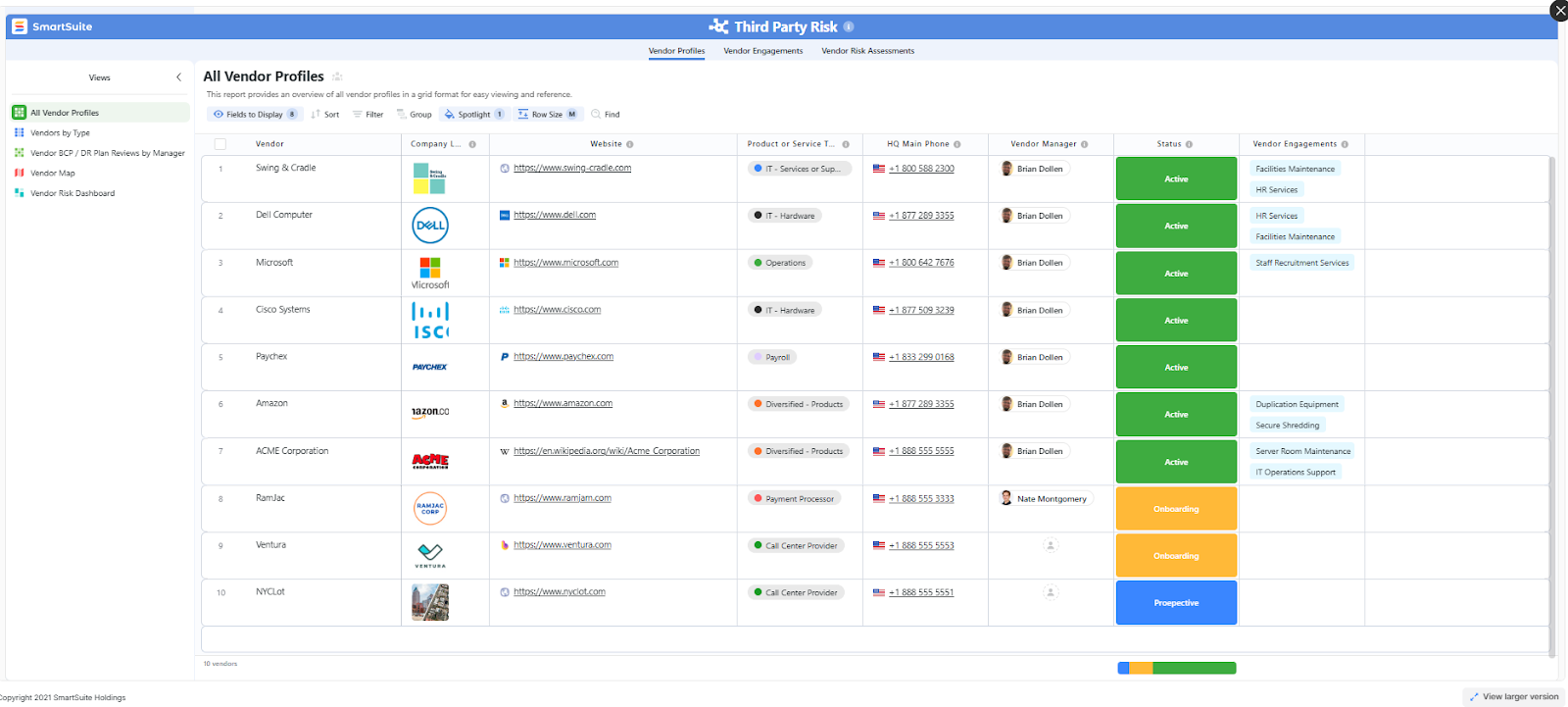
- Risk register, where you can break down the risks, the risk owner, the annual loss expectancy, risk event category, risk type, volatility, and status.
- Issue assessments, where you’ll be able to see a comprehensive breakdown of each risk.
- Action plans, where you can describe the actions (best practices) to mitigate the risks.
- A separate tab for control standards, your findings, exception requests, risk assessment by type, and risk assessment issues.
You can customize our risk management template here.
Alternatively, check out and customize our 14 other risk management templates for various use cases, such as contract management, policy management, and incident management.
Pricing
SmartSuite offers a free plan with access to 250+ automation actions, team collaboration, multi-dashboard views, and more.
There are four paid plans with a 14-day free trial (no CC required):
- Team: Starts at $12/user per month, including Gantt charts, timeline views, 5000 automation runs, and native time tracking.
- Professional: Starts at $30/user per month and adds two-factor authentication, Gmail & Outlook integrations, and unlimited editors.
- Enterprise: Starts at $45/user/month and includes access to audit logs, data loss prevention, and 50,000 monthly API calls.
- Signature: A customized plan tailored to your organization’s needs and team size with no predefined limits.
Pros & Cons
✅ A generous free plan that includes access to advanced features of the tool for up to 5 solutions.
✅ 15 out-of-the-box GRC templates for various use cases.
✅ Dynamic dashboards and reports that are easy to build and navigate, unlike some alternatives that require you to hire consultants to do it.
✅ All-in-one document and file management.
✅ You’ll be able to automate risk scoring, compliance tracking, audits, and vendor reviews.
✅ A modern solution with an intuitive user interface.
❌ Fewer native integrations when compared to other platforms in this list.
#2: Diligent
Best for: Compliance teams looking for board-level governance and enterprise policy oversight.
Similar to: Onspring, ArcherIRM.
Diligent excels at board-level governance and enterprise policy oversight, giving executives a consolidated view of vendor and third-party exposures.
It’s strong where compliance needs to be tied directly to governance and decision-making.
Features
- Centralized vendor due diligence workflows that track onboarding, approvals, and remediation across business units.
- You can configure ongoing data tests and automate business process monitoring (e.g. internal control testing) to detect anomalies and maintain compliance in real-time.
- It’s possible to use scripted tasks in Python or ACL to automate data aggregation, testing, and remediation notifications.
Standout Feature: Diligent AI
What stood out to me about Diligent is its AI assistant that helps you anticipate risk and stay compliant by generating summaries, mapping out regulatory requirements, and automatically benchmarking ESG and risk in real-time.
Pricing
There’s no official data on Diligent’s pricing plans; however, our team was able to find some reported numbers.
According to 3rd-party data from Vendr, the median buyer of Diligent spends $23,800/year for its solution, with the tool going up to $45,792/year.
Pros & Cons
✅ One centralized GRC system that aims to replace multiple tools and simplifies oversight across risk and audit workflows.
✅ Integration-rich, allowing you to create seamless workflows between tools.
✅ An AI-powered assistant that can help you boost productivity.
❌ A steep learning curve and long initial setup and onboarding times.
❌ The tool’s pricing can get expensive, which is why some users have been looking for Diligent alternatives.
#3: OneTrust
Best for: Enterprises looking to combine privacy, security, and GRC capabilities.
Similar to: ServiceNow.
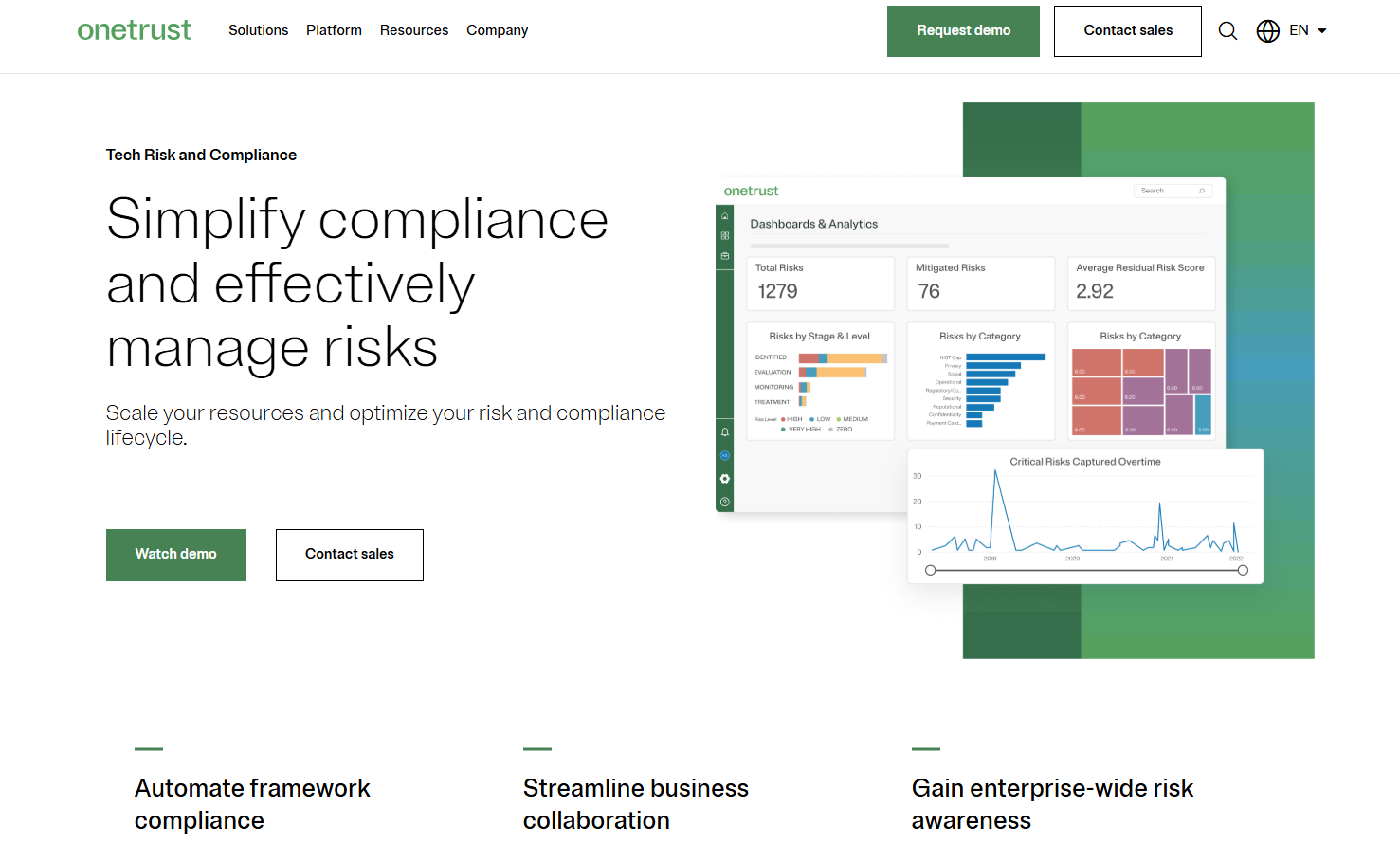
OneTrust combines privacy, security, and GRC capabilities so vendor assessments, data-processing mapping, and regulatory requirements are handled in the same platform.
Its modular design makes it easy to expand TPRM controls as new regulations or risks emerge.
Features
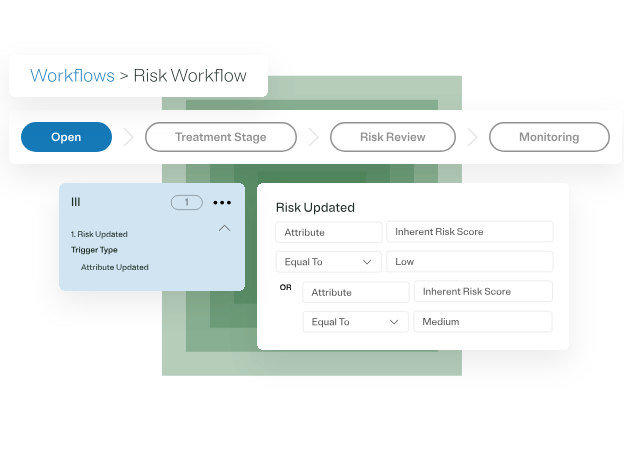
- Automated vendor risk assessments and attestations mapped to privacy and regulatory frameworks.
- Connect compliance teams and departments via automated workflows and 200+ pre-built integrations.
- Map systems, data, and risks in one unified view: You can prioritize action with dynamic scoring and strategic impact insights.
- You can automatically generate the required controls and evidence tasks.
Standout Feature: Proprietary Shared Evidence Framework

OneTrust stood out to me with its functionality to collect evidence once and comply across 50+ frameworks with OneTrust’s shared evidence framework to help you eliminate duplicate data requests.
Pricing
OneTrust has different pricing plans for its 5 product lines, all of which have custom pricing:
- Consent & Preferences: Capture and activate consent, preferences, and first-party data across your user touchpoints.
- Privacy Automation: Simplify compliance, improve operational efficiency, and help your business better use personal data.
- Third-Party Management: Third-party risk management and the ability to fully manage your third-party lifecycle.
- Tech Risk & Compliance: Scale governance, risk, and compliance, and mature your risk program.
- AI Governance: Gain visibility and control over your AI technology and empower risk-based decisions.
➡️ You can review our OneTrust pricing guide, where I go over how much the tool really costs.
Pros & Cons
✅ Collect evidence and comply across 50+ frameworks with OneTrust’s shared evidence framework.
✅ Comprehensive range of integrations when compared to other competitors in this list.
✅ Monitor and manage your program with dynamic dashboards.
❌ The cost can be an issue for smaller companies, as it’s expensive, which is why some people have been looking for OneTrust alternatives.
❌ The UI has been described as outdated and not user-friendly by G2 reviews.
#4: LogicGate
Best for: Setting up dynamic questionnaires that automate onboarding, risk scoring, and issue escalation.
Similar to: ServiceNow GRC.
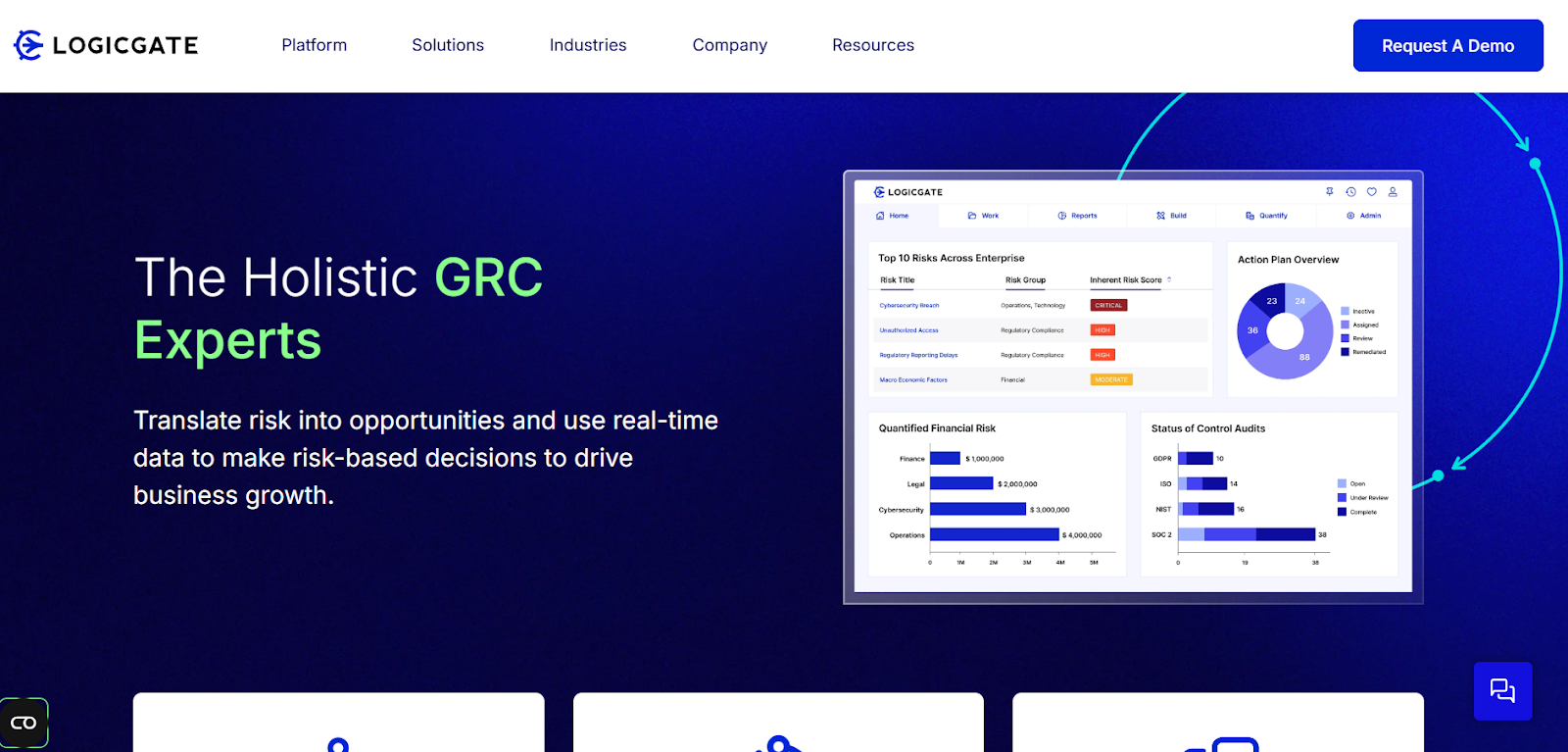
LogicGate’s low-code risk-orchestration engine lets teams model complex third-party processes and automate remediation playbooks without heavy IT support.
That flexibility makes it ideal for organizations that need bespoke workflows for vendor risk.
Features

- Customizable workflows and dynamic questionnaires that automate onboarding, risk scoring, and issue escalation.
- Centralized risk repository for visibility across governance, compliance, and third-party risks.
- Pre-built templates that your team can start with to automate compliance reporting, as well as audit trails.
Standout Feature: Spark AI
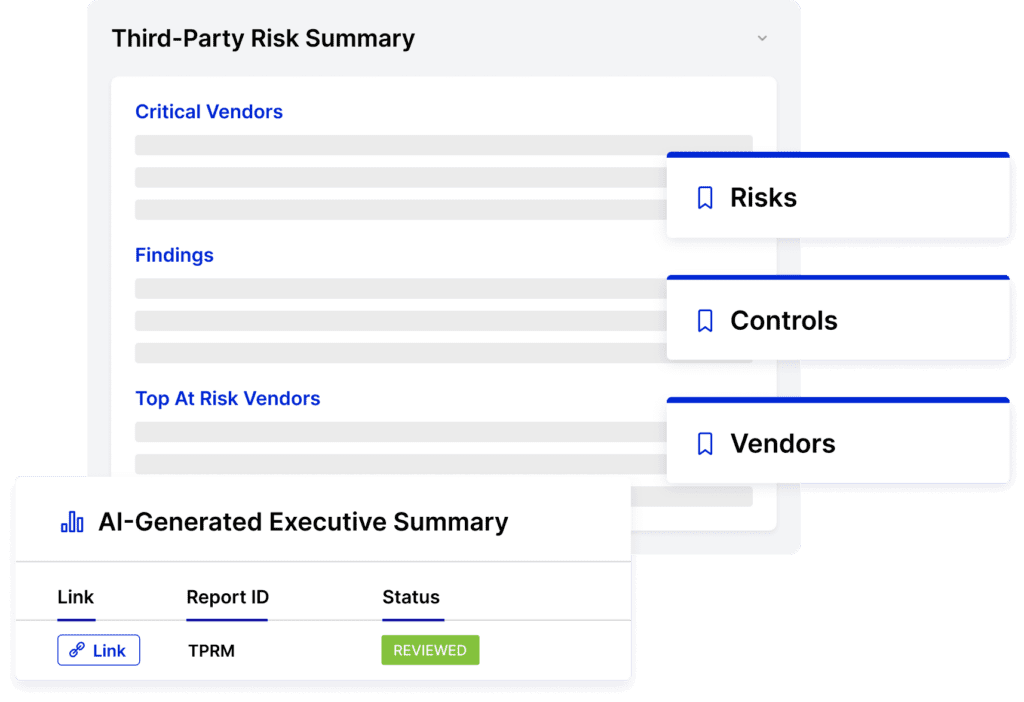
LogicGate offers AI-powered insights that help you predict risk and support your decision-making.
➡️ Spark AI also helps you generate executive summaries, which are ideal for busy CEOs looking for a quick update.
Pricing
LogicGate does not publicly disclose its pricing, so you’d have to book a personalized demo with their team to get a quote.
➡️ You can take a look at our LogicGate pricing review, where we found some reported numbers and also discuss whether it has good value for money.

Pros & Cons
✅ AI-driven insights that help you predict risk and support your decision-making.
✅ LogicGate Risk Cloud automates control follow-up tasks.
✅ Customers of the platform appreciate how responsive the customer service team has been.
❌ Some of LogicGate’s customers find the calculation functionality complicated, particularly with labels and percentages.
❌ The reporting features have limitations, which is why some users have been looking for LogicGate alternatives.
#5: IBM OpenPages
Best for: Connecting to enterprise data sources and reporting, so third-party exposures can be surfaced across business units
Similar to: SAI360.
IBM OpenPages delivers enterprise-grade GRC with strong risk taxonomy, regulatory mapping, and analytics, enabling organizations to manage vendor and third-party risk at scale.
It connects to enterprise data sources and reporting so third-party exposures can be surfaced across business units and regulatory regimes.
Features
- Centralized third-party risk register with configurable scoring, workflow automation, and regulatory mapping to manage vendor lifecycle, assessments, and remediation.
- Utilizes IBM Watson for natural language processing and machine learning (ML) to provide predictive analytics and automate classifications.
- Features a drag-and-drop workflow editor that helps you automate GRC processes to improve time-to-value and reduce manual effort.
Standout Feature: IBM Cognos Analytics (Predictive Insights)

IBM OpenPages stood out to me with its valuable insights into the state of risk across the organization, with its IBM Cognos Analytics for self-service data exploration.
Pricing
IBM OpenPage’s pricing can be a little confusing, but there are 4 ways to purchase the solution:
- As a SaaS solution: Essentials Edition starts at $3,300, and the Standard one starts at $6,050.
- As an On-cloud solution: the Single Solution starts at $6,250, and the Enterprise one starts at $9,000.
- As part of IBM Cloud Pak for Data: the Single Solution starts at $162,000, and the Solution Bundle starts at $207,000.
- As On-Premises: You need to contact their team for a quote.
Regardless of which package you opt for in the end, each one will include a core set of IBM OpenPages features, such as its AI features, workflow automation, integrated reports, etc.
Pros & Cons
✅ Scalable architecture that was designed to scale to tens of thousands of users.
✅ Enhances efficiency and accuracy through bespoke AI models and automated processes.
✅ Get valuable insights into the state of risk across the organization with IBM Cognos Analytics.
❌ The platform’s high implementation costs can make it prohibitive for SMEs.
❌ There are reported to be limited customization options, which is why some users have been looking for IBM OpenPages alternatives.
#6: StandardFusion
Best for: Organizations looking for straightforward control libraries, evidence collection, and vendor assessments.
Similar to: IBM OpenPages.
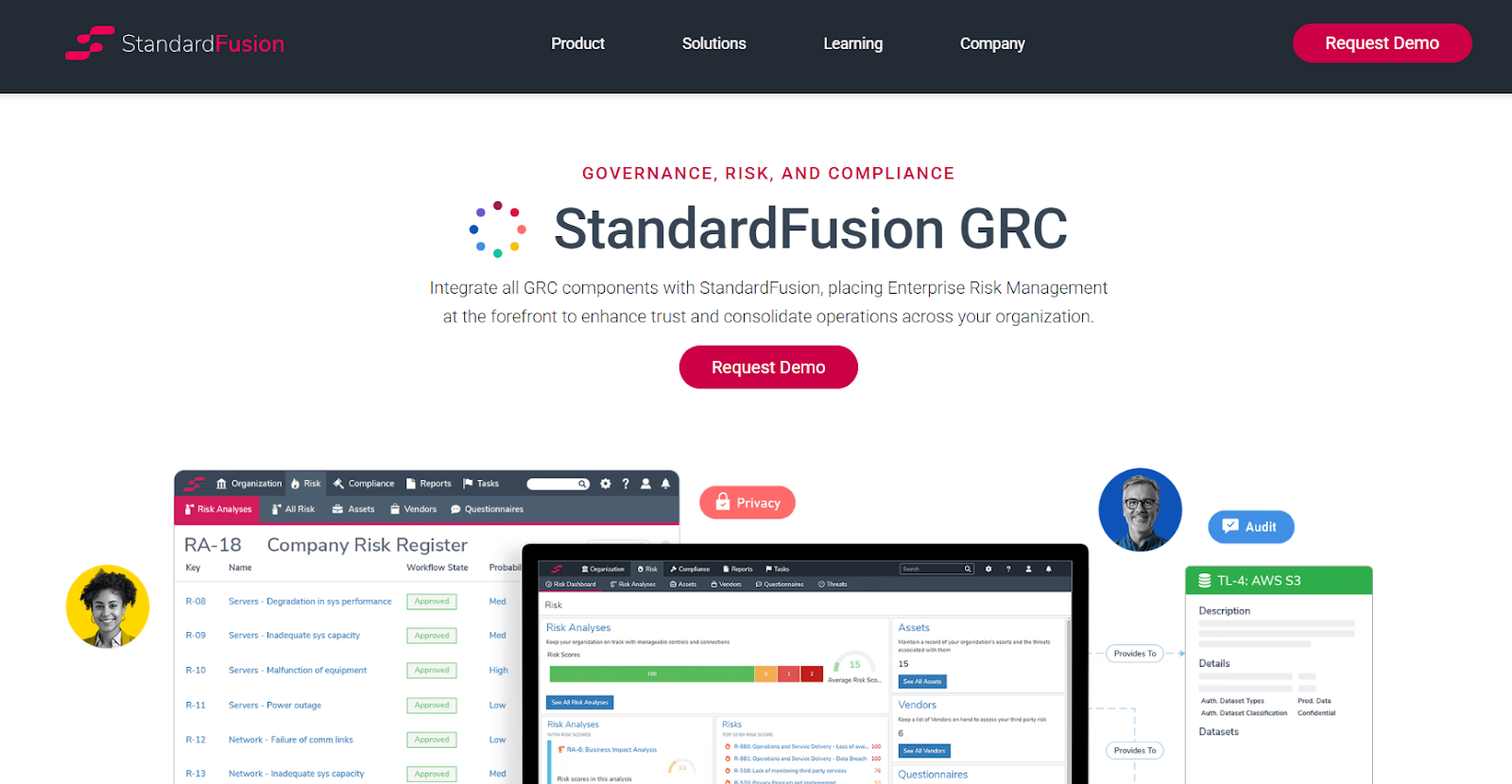
StandardFusion is a cloud-native, user-friendly GRC platform that’s built for quick deployment and practical vendor-risk workflows, making it attractive to mid-market and scaling teams.
The platform focuses on straightforward control libraries, evidence collection, and vendor assessments without heavyweight enterprise complexity.
Features
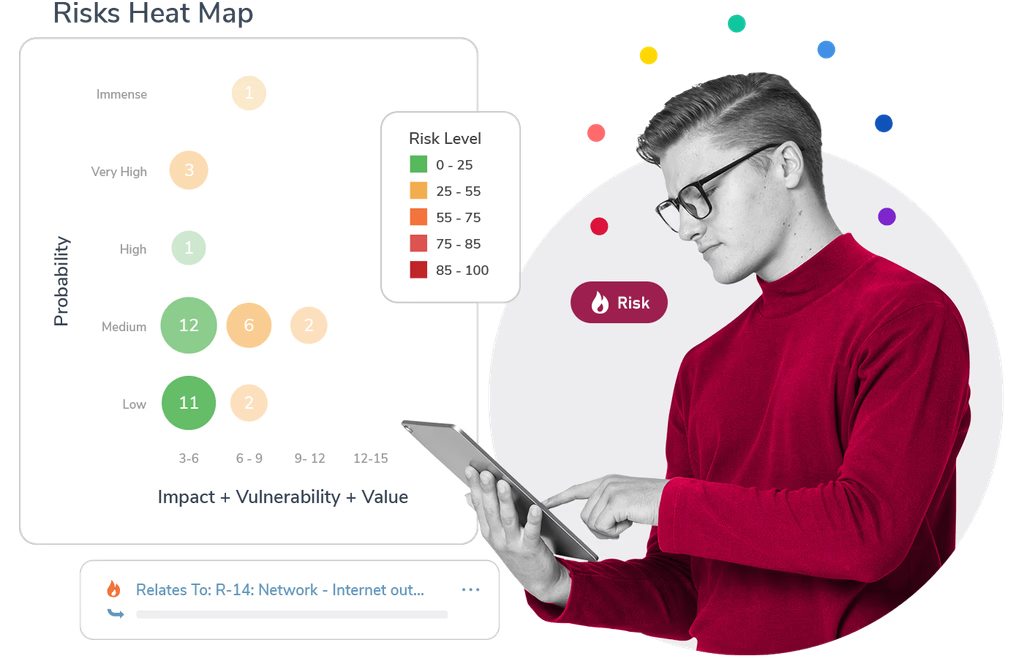
- Intuitive vendor risk assessments and control management with centralized evidence storage and attestation workflows to simplify third-party audits and ongoing monitoring.
- Enterprise Risk Management integration that lets you guide all GRC activities for strategic decision-making and risk mitigation.
- Centralized data and analytics for monitoring internal controls.
Standout Feature: Automated Workflows
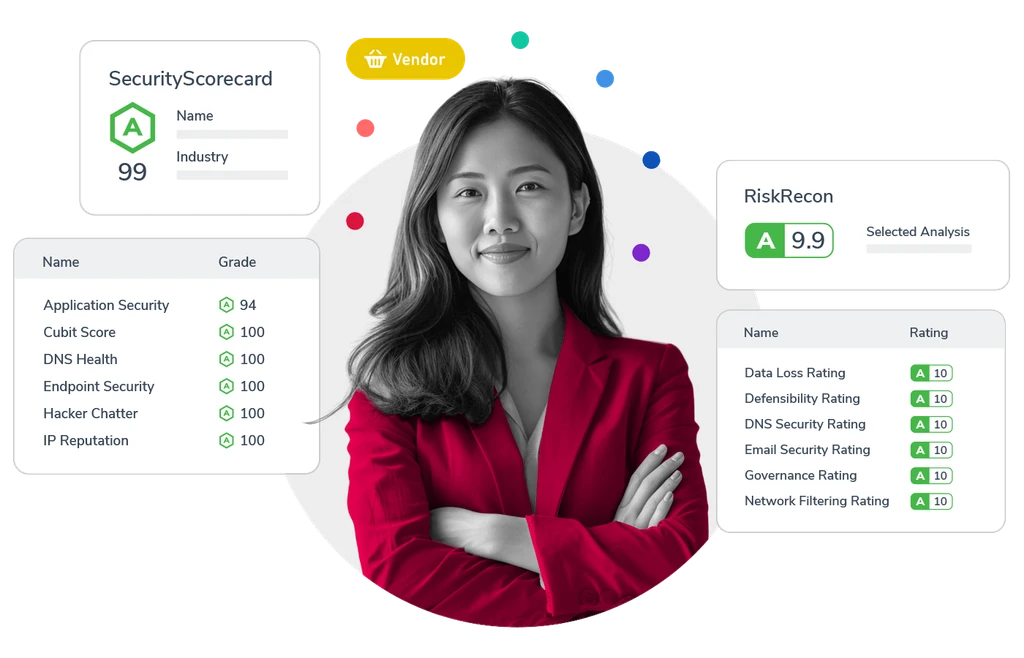
What stood out to me about StandardFusion is its automated workflows that aim to streamline your GRC processes and reduce system complexity.
Pricing
StandardFusion does not currently disclose its pricing structure, so you’ll have to reach out to them to get a product demo and a quote.

Pros & Cons
✅ User-friendly user interface that is easy to navigate.
✅ Comprehensive control, monitoring, and risk management features.
✅ Consolidates multiple compliance frameworks (e.g., ISO 27001, SOC 2, GDPR, HIPAA, NIST) in one platform.
❌ Recurring task management and tracking can be difficult, according to G2 reviews.
❌ The platform’s annual price increases are a concern for smaller enterprises.
#7: SAI360
Best for: Companies looking to unify risk, compliance, and ethics management into one customizable platform.
Similar to: MetricStream.
SAI360 delivers broad GRC coverage with extensive compliance content and supplier risk modules tailored to regulated industries, supporting complex, jurisdictional requirements.
The platform is useful where compliance libraries and prescriptive assessments are needed for vendors.
Features

- 20+ GRC modules for enterprise risk, IT risk, third-party risk, internal audit, business continuity, policy, and incident management.
- Large compliance and supplier-risk content library coupled with automated assessments and remediation workflows.
- Built-in e-learning so your team can be well-prepared to meet regulatory demands.
- Pre-mapped frameworks and controls aligned with global regulations for faster deployment and easier compliance.
Standout Feature: Integrated GRC from Every Angle

SAI360 offers a holistic, enterprise-wide approach that can help you unify risk, compliance, and ethics management into one customizable system.
Pricing
SAI360 does not currently disclose its pricing, so you’d have to contact them to get a product demo and a quote.
However, we researched SAI360’s pricing and found some reported numbers, so do check out our guide on it.
Pros & Cons
✅ Best-in-class reporting, risk assessment, and operational efficiency for enterprises.
✅ A holistic approach that helps your team unify risk, compliance, and ethics management.
✅ 20+ ready-to-use GRC modules that you can get started with without having to set up the platform for months.
❌ The platform is described as outdated and difficult to manage by user reviews.
❌ Admins cannot easily modify fields or workflows, which has made some customers upset with the tool.
#8: MetricStream
Best for: Enterprises looking for an all-in-one platform to manage risk on a global scale.
Similar to: LogicGate, SAP GRC.
MetricStream scales for large enterprises, combining supplier lifecycle management with audit and control frameworks so vendor risks are managed across global operations.
The platform is built for organizations that need deep regulatory mapping and audit integration.
Features
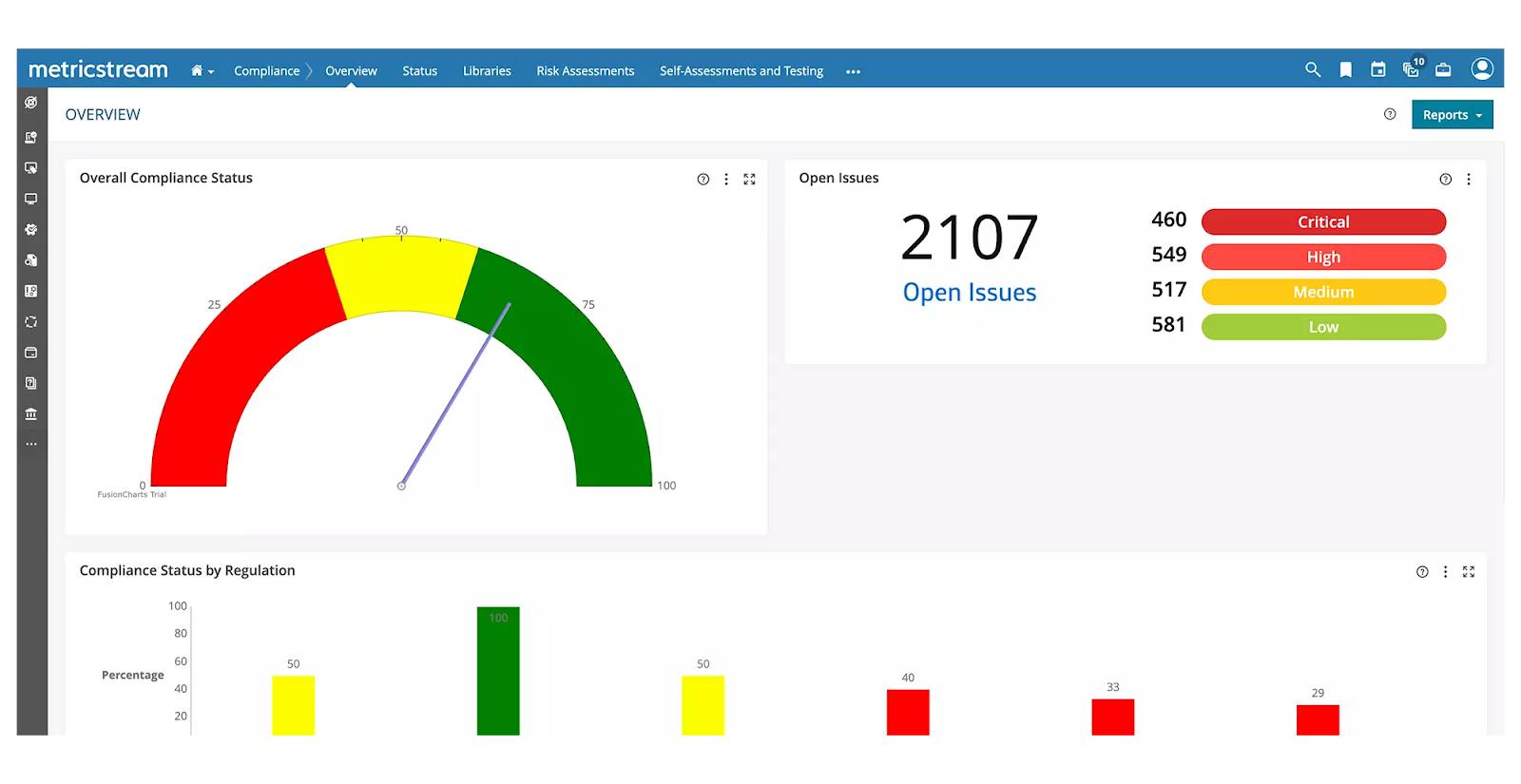
- Standardized enterprise-wide risk management frameworks that come with advanced analytics and real-time reporting.
- Enterprise supplier-lifecycle management that ties vendor risk to audits, controls, and regulatory requirements.
- Cyber risk intelligence and unified IT risk management to proactively address threats and ensure regulatory compliance.
- Centralized third-party risk management, including performance tracking and business continuity risk assessment.
Standout Feature: AI-powered insights (AiSPIRE)
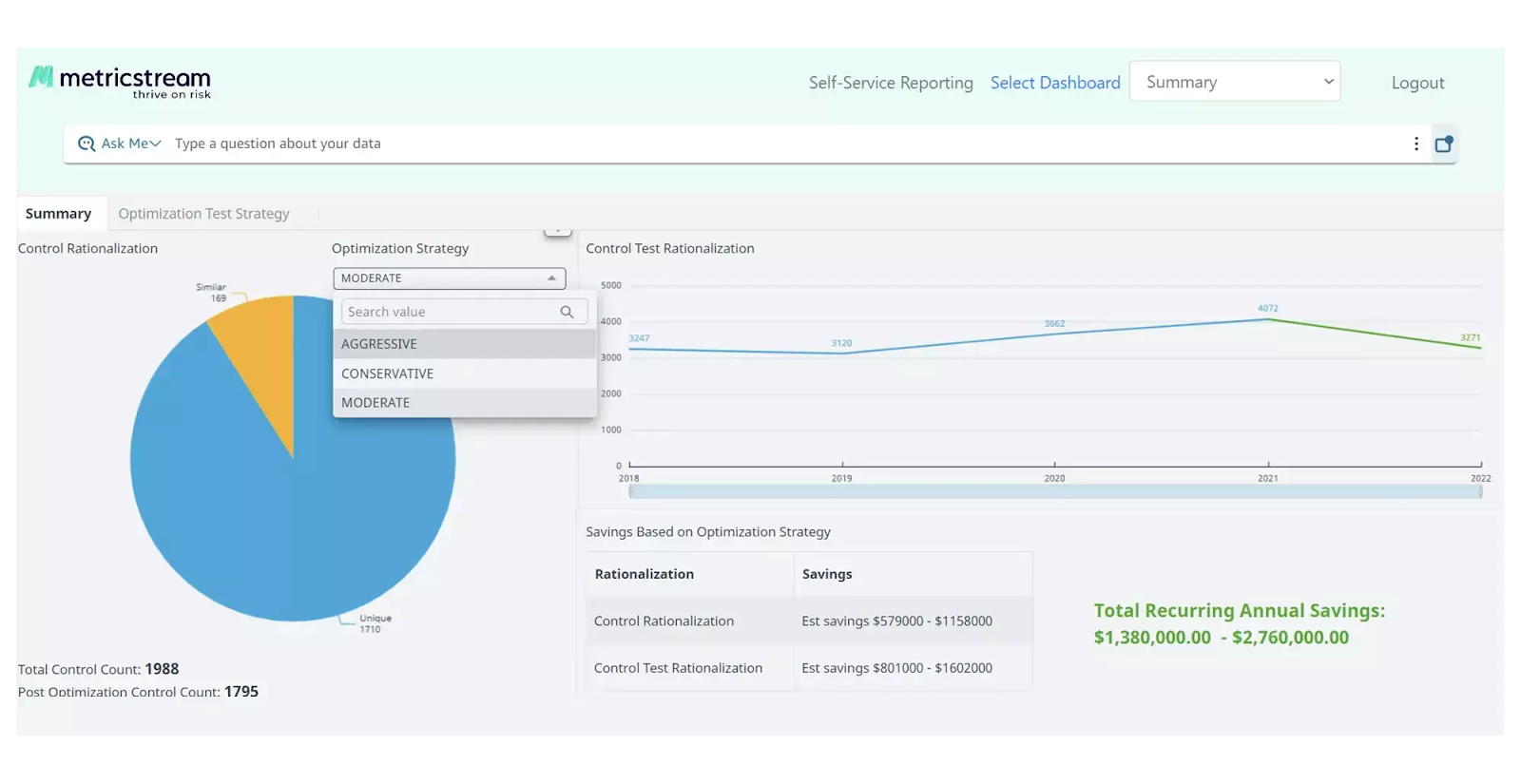
MetricStream stood out to me with its AI-powered insights solution, AiSPIRE, which can be used for predictive risk identification, duplicate control detection, and cognitive recommendations.
Pricing
MetricStream does not disclose its pricing structure, so you’d have to contact them to get a product demo and a quote.
However, our team did some digging and created an in-depth MetricStream pricing guide, where I found some reported numbers:
- Small enterprise deployment costs between $75,000 – $150,000 per year.
- Medium enterprise deployment costs between $250,000 – $500,000 per year.
- Large enterprise deployment can cost between $750,000 – $1,000,000 per year.

Pros & Cons
✅ Real-time cyber risk intelligence capabilities.
✅ Advanced analytics alongside real-time reporting.
✅ An AI-powered insights tool, AiSPIRE, that you can use for predictive risk identification.
❌ The platform’s pricing structure is not SME-friendly, according to user reviews.
❌ The interface can be hard to navigate, which is why some users look for MetricStream alternatives.
#9: ServiceNow
Best for: Enterprises looking for integrated risk management and compliance automation.
Similar to: SAI360.
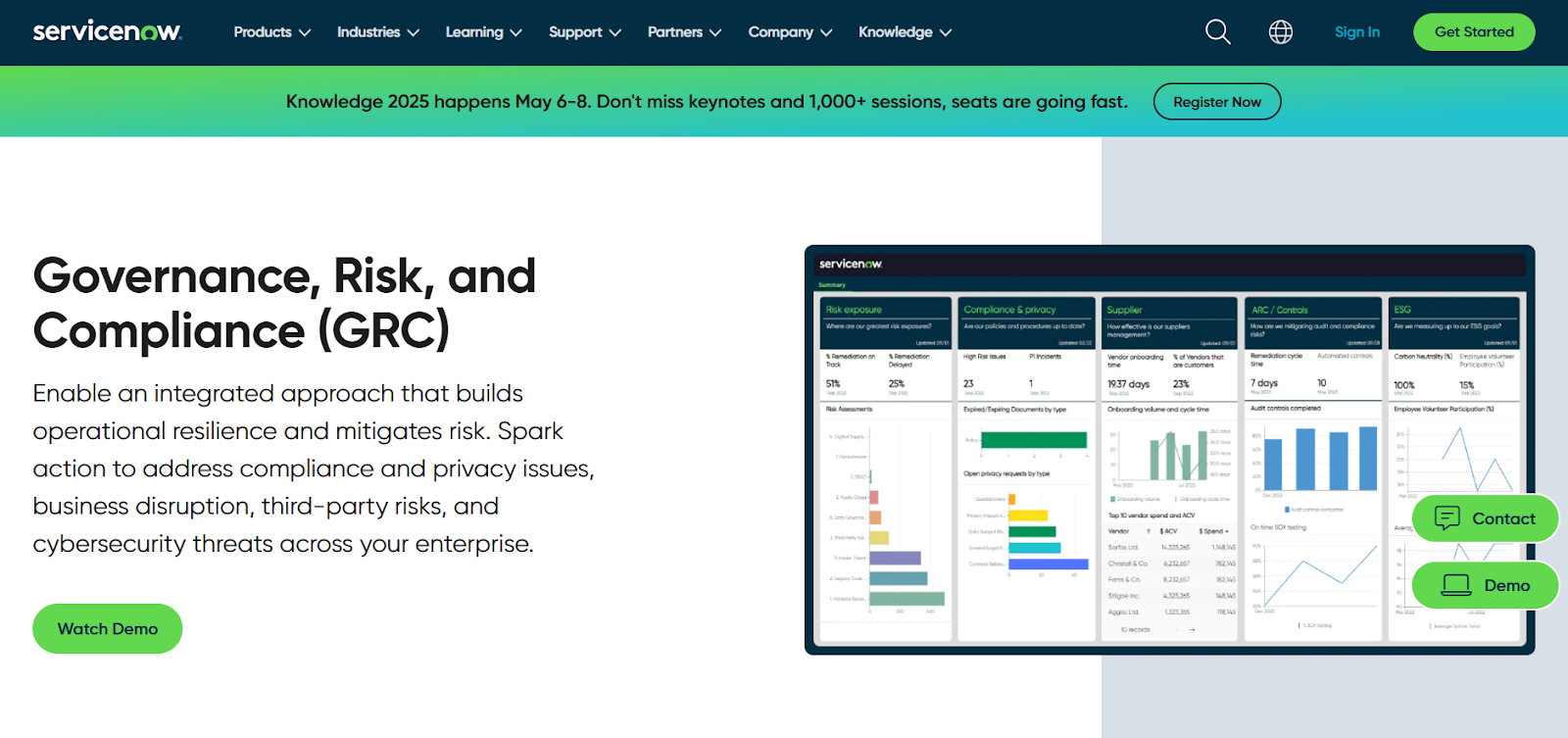
ServiceNow embeds vendor risk into ITSM and security operations on the Now Platform, enabling real-time workflows, ticketing, and remediation tied to vendor incidents.
That makes it powerful for organizations that want vendor risk visible where IT and security teams already work.
Features
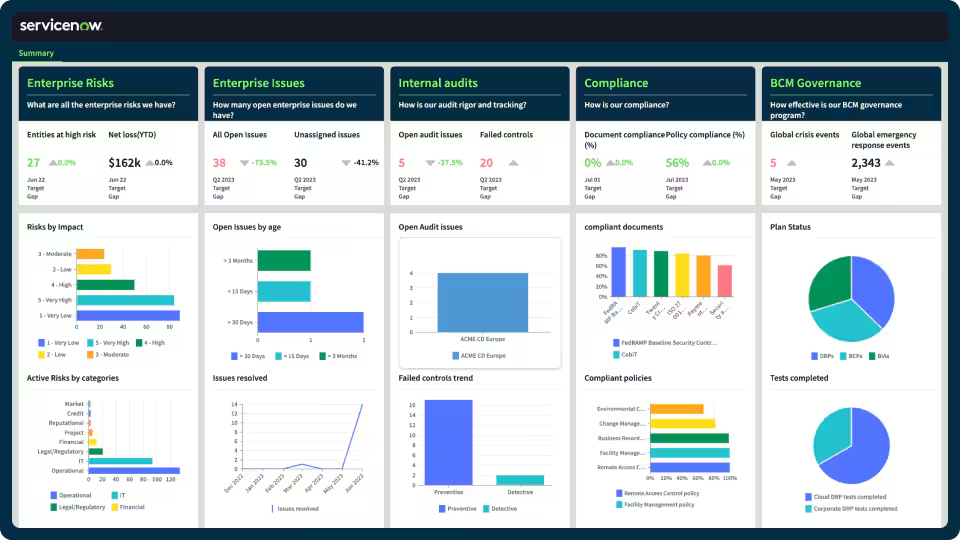
- Eliminate silos by centralizing enterprise risk and compliance data into one source.
- Workflow-driven vendor risk management integrated with ITSM, security incidents, and the CMDB for contextual impact analysis.
- The GRC solution operates on ServiceNow’s Now Platform, which enables seamless data sharing and real-time collaboration across all GRC products.
- 3rd party risk management that helps you identify and mitigate risks from external vendors and partners.
➡️ You can learn more about ServiceNow in our comprehensive ServiceNow review.
Standout Feature: AI-Powered Actionable Insights
ServiceNow stood out to me with its AI-powered actionable insights that help you accelerate decision-making with predictive analytics and process optimization.
Pricing
ServiceNow’s pricing is not disclosed, so you’d have to book a demo with their team.
We found ServiceNow customer and public reviews, which show that the average cost of ServiceNow contracts can range between $50,000 and $500,000 annually.
Apparently, the pricing structure depends on the number of licenses, features, and other configuration requirements.

Pros & Cons
✅ Comprehensive risk, audit, and compliance management features.
✅ Real-time risk monitoring and prioritization.
✅ A comprehensive range of native integrations with other tools.
❌ Steep learning curve and complexity, unlike some ServiceNow alternatives.
❌ Training, skills development, and ongoing support can be costly.
#10: AuditBoard
Best for: Companies looking to streamline control testing and remediation tracking.
Similar to: LogicGate.
AuditBoard is audit-centric, giving audit and risk teams end-to-end visibility into third-party controls, findings, and remediation with strong evidence and testing workflows.
It’s ideal where auditability and clear control testing of vendors are priorities.
Features

- A comprehensive view of organizational risk that connects your audit, risk, and compliance teams.
- Audit-focused vendor risk assessments and evidence management that streamline control testing and remediation tracking.
- Customizable reports and pre-built dashboards that can help your compliance team uncover insights, track trends, and support data-driven decisions.
- Integrated workflows and APIs that help you streamline data collection and task management through integrations.
Standout Feature: Pre-Built 30+ Frameworks

AuditBoard offers access to its preloaded library of 30+ frameworks (including SOC 2, ISO 27001, and GDPR) to help you stay audit-ready as your organization scales.
Pricing
AuditBoard has not yet disclosed its pricing, so you’d have to contact them to book a demo and get a quote.
Pros & Cons
✅ Access to a single view of organizational risk.
✅ Modern interface with good AI capabilities.
✅ Access to a preloaded library of 30+ frameworks to help you stay ready for audits.
❌ The average contract value of the tool is around $42,775/year, according to insiders, which is why some people have been looking for AuditBoard alternatives.
❌ Some users of the platform find it difficult to use.
Get Started With SmartSuite & Our Ready-To-Use Third-Party Risk Management Templates For Free
That was it from our list of the 10 best third-party risk management platforms on the market in 2025 for compliance teams looking for a solution.
If your team needs to centralize vendor risk, shorten time-to-remediation, and keep stakeholders informed, try SmartSuite with its free plan and pre-built vendor-risk templates.
SmartSuite offers straightforward configuration, centralized evidence collection, and workflow-driven assessments to help teams build repeatable vendor onboarding and monitoring playbooks, assign ownership, and track remediation from initial assessment through ongoing monitoring.
Here’s what’s in it for your team when you try SmartSuite:
- Access to a generous free plan with features including multi-board views (Kanban, Chart, Map, Timeline, Card, and Calendar), 100 automations/month, and 40+ field types, including formula and linked record fields.
- No-code automation builder to set up to 500,000 trigger/action workflows.
- Built-in productivity tools, including time tracking, status tracking, and checklists.
- Team collaboration and planning tools such as whiteboards and SmartSuite docs.
- Resource management across projects and teams.
- 40+ field types, including the option to add your custom fields.
Sign up for a free plan to test the water or get a 14-day free trial to explore all its amazing features.
Or, if you’d like to talk to our team of experts, schedule a demo.
Read More
Welcome! You are invited to join a webinar: One Platform. Total Control: Simplifying IT Service, Operations & Business Management with SmartSuite . After registering, you will receive a confirmation email about joining the webinar.
.circular {
position: relative;
top: 150px;
left: 50%;
height: auto;
width: 42px;
fill: currentColor;
margin-top: -21px;
margin-left: -21px;
animation: loading-rotate 1.6s linear infinite;
}
@keyframes loading-rotate {
100% {
transform: rotate(360deg);
}
}
Welcome! You are invited to join a webinar: Beyond the FFIEC CAT: How SmartSuite and the CRI Profile Power Integrated GRC for Financial Institutions. After registering, you will receive a confirmation email about joining the webinar.
.circular {
position: relative;
top: 150px;
left: 50%;
height: auto;
width: 42px;
fill: currentColor;
margin-top: -21px;
margin-left: -21px;
animation: loading-rotate 1.6s linear infinite;
}
@keyframes loading-rotate {
100% {
transform: rotate(360deg);
}
}
What’s New
Governance Risk & Compliance
Experience the friendliest, most flexible enterprise governance, risk and compliance solution. From novice to experienced practitioners, get elegant features and unprecedented cross-team collaboration over a network of interconnected GRC practice areas.
SolarWinds Pricing: Is It Worth It In 2025? [Reviewed]
I’ll cover everything that is publicly known about SolarWinds’s pricing structure, including what features you can expect.
In this guide, I’ll cover everything that is publicly known about SolarWinds’s pricing structure, including what features you can expect.
➡️ At the end of this article, I’ll also introduce you to a SolarWinds alternative that offers advanced reporting capabilities, a no-code automation builder, and was built with both small and enterprise-grade IT teams in mind.
SolarWinds Pricing Overview
SolarWinds’ core subscription offerings break down into four “starts‑at” entry points, each sold on a term subscription (billed annually) and scoped to a simple unit of measure:
- Monitoring & Observability: Starts at $6 per node / month, giving you access to full‑stack visibility across on‑prem, hybrid, and cloud‑native environments, powered by AI-driven alerting and insights.
- Database Observability: Starts at $117 per database / month, giving you access to deep performance monitoring, real‑time alerts, and root‑cause diagnostics for leading database platforms.
- Service Management: Starts at $39 per technician / month, giving you access to centralized ITSM with AI‑powered ticketing, knowledge base, SLA tracking, and asset management.
- Incident Response (Security Event Manager): Starts at $9 per user / month, giving you access to on‑prem SIEM with automated threat detection, playbook‑driven response, and compliance reporting.

Does SolarWinds Have a Free Plan or a Free Trial?
As of July 2025, SolarWinds does not offer a permanently free tier for its core monitoring, database, ITSM, or SIEM subscriptions.
Instead, every major module comes with a fully functional free trial:
- 30‑day trials for SaaS and self‑hosted subscriptions (Observability, Service Desk, SEM, NPM, SAM, etc.).
- 14‑day trials for smaller on‑premise tools (Engineer’s Toolset, Dameware, Kiwi Syslog Server NG, etc.).
➡️ A catalog of forever‑free standalone utilities (e.g., Real‑Time Bandwidth Monitor, Kiwi CatTools) is also available, though these are point tools rather than full platform modules.
SolarWinds’ Monitoring & Observability Plan
SolarWinds Observability’s pricing starts at $6 per node/month (annual term) and delivers end‑to‑end infrastructure and application monitoring across on‑premise, hybrid, and cloud‑native stacks.
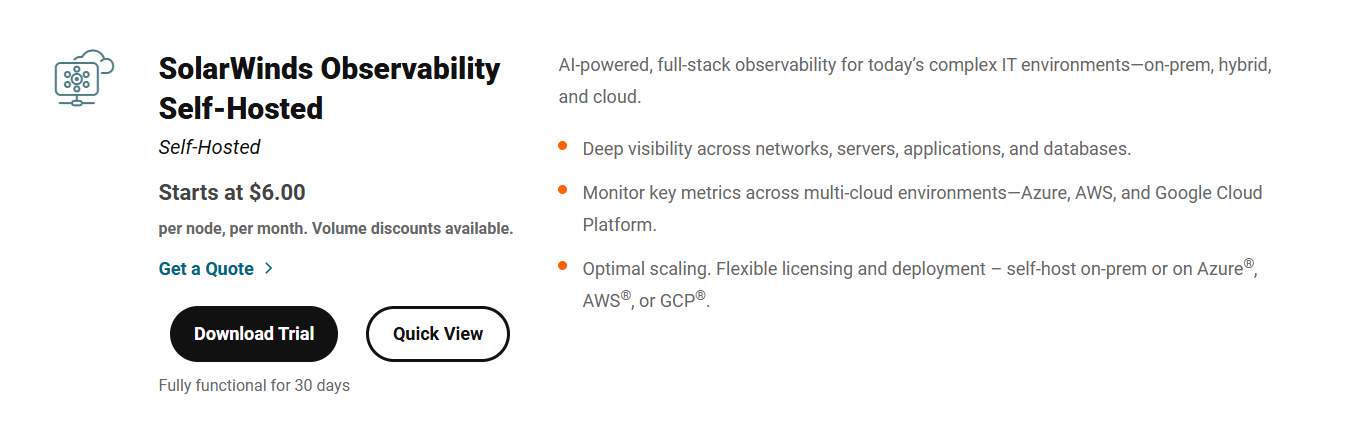
Key features include:
- Automatic discovery & mapping of devices, services, containers, and cloud resources.
- AI‑powered anomaly detection and predictive alerting.
- Custom dashboards, NetPath™ for dependency‑aware troubleshooting, and integrated log ingestion (billed separately).
➡️ The plan comes with a fully-functional 30-day free trial with no credit card required.
SolarWinds’ Database Plan
SolarWinds Database Observability starts at $117 per database/month (annual term) and provides deep insights into database health and performance.

Key capabilities include:
- Real‑time alerts for query bottlenecks, deadlocks, and resource saturation.
- Root‑cause diagnostics with drill‑down from host to SQL statement level.
- Support for MySQL, PostgreSQL, SQL Server, Oracle, MongoDB, Redis, Aurora, and more.
➡️ The database plan comes with a fully functional 14-day free trial, including all root‑cause and tuning advisors.
SolarWinds’ Service Management Plan
SolarWinds Service Desk starts at $39 per technician/month with unlimited ticket submitters or €435 for unlimited end users, and offers a modern, AI‑powered ITSM platform.
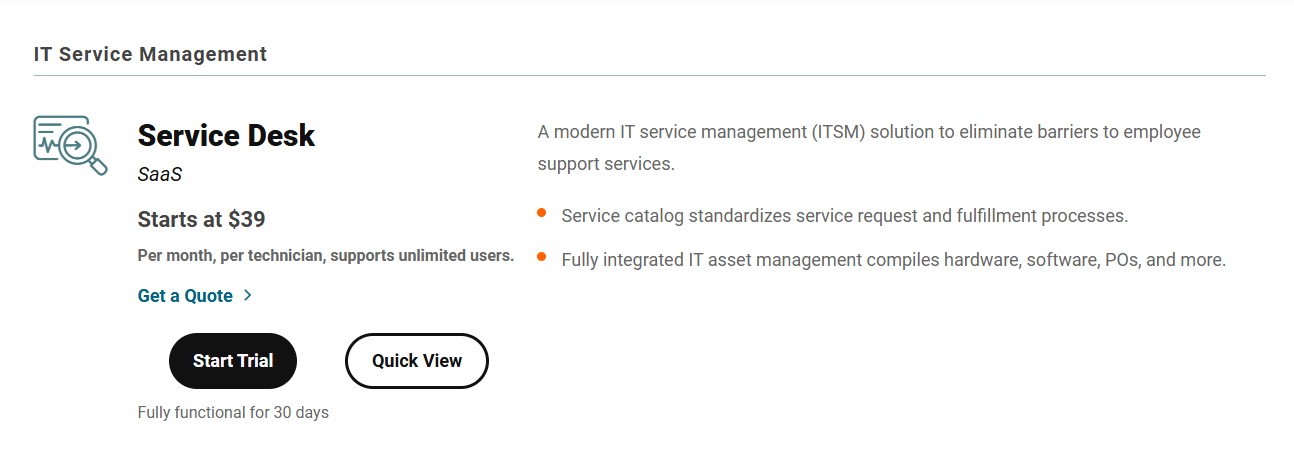
The plan’s features include:
- Incident, problem, change, and service catalog management.
- AI‑driven ticket categorization, auto‑assignment, and suggested resolutions.
- A fully integrated IT asset management that compiles hardware, software, POs, and more.
- Integrated CMDB and asset tracking with purchase‑order management.
- Standard integrations with Active Directory, Salesforce, Slack, and more.
➡️ The plan, similar to the others, comes with a 30-day free trial with no CC required.
SolarWinds’ Incident Response Plan
SolarWinds’ Security Event Manager (SEM) starts at $9 per user/month (SaaS) or a $1 ,789 one‑time perpetual license for up to 30 nodes (plus optional annual maintenance) and empowers rapid detection and automated response.
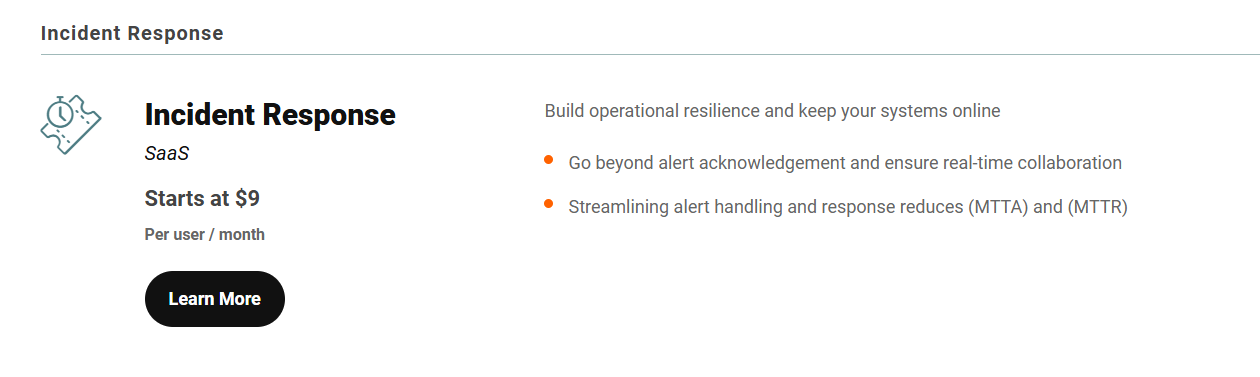
Its key features include:
- Real‑time log collection, normalization, and correlation.
- Out‑of‑the‑box threat intelligence feeds and compliance reporting templates (PCI, HIPAA, SOX, etc.).
- Playbook automation for threat containment and incident workflows.
- USB/device control and file‑integrity monitoring.
➡️ The plan, similar to the others, comes with a 30-day free trial on-premise or SaaS with no CC required.
SolarWinds’ Cons: What can you expect?
Some IT managers have left SolarWinds unhappy due to the tool’s limited customisation options, poor flexibility, inadequate customer service, and limited automation features.
#1: Limited customization options and deep flexibility
There are numerous complaints about SolarWinds’ limited customization options and deep flexibility.
For example, a user mentions that even though it’s possible to customize the workflows and forms, their team has not been happy with the fact that the platform lacks the deep flexibility of other, more complete platforms on the market.

‘’While you can customize workflows and forms, some teams feel it lacks the deep flexibility of more enterprise-focused tools (like ServiceNow). For example, complex conditional logic or very granular permissions can be harder to achieve.’’ – G2 Review.
#2: Poor customer support
There are a few complaints about SolarWinds’ customer service, even from Enterprise-grade users (who usually get the best treatment), who mention that they are left with open tickets for over a month.

‘’The worst part is the support. We have a ticket currently that has been open for over a month with little progress. The support has been less than helpful to the point where we are considering other options, as the part that is broken is one of our major systems.’’ – G2 Review.
#3: Limited automation capabilities
Last but not least, some IT leads are dissatisfied with the fact that the platform has limited automation capabilities.
For example, you can’t always access certain fields you’d like to use in automation rules.
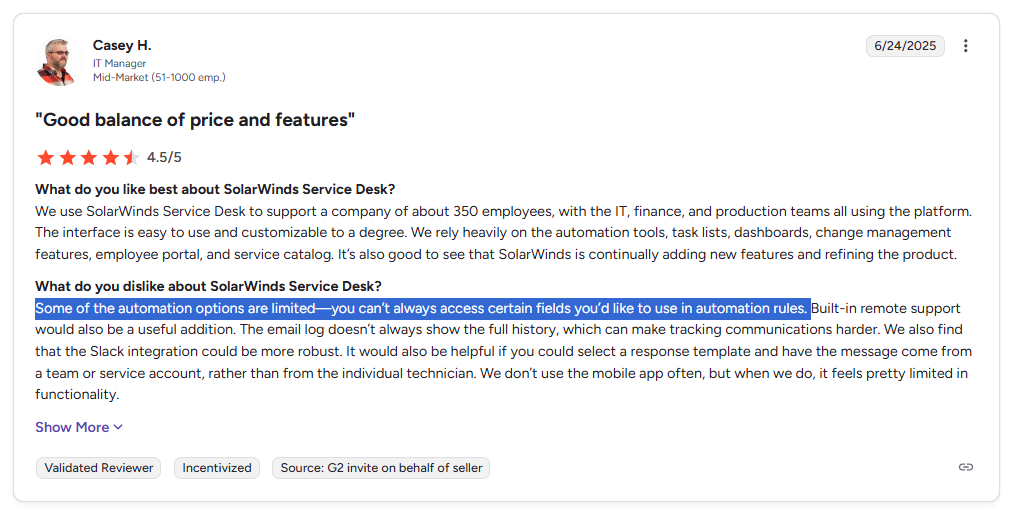
‘’Some of the automation options are limited—you can’t always access certain fields you’d like to use in automation rules.’’ – G2 Review.
Are SolarWinds’ Paid Plans Worth It?
SolarWinds paid plans can be highly cost-effective for organizations that:
- Need an integrated, full-stack monitoring and ITSM/SIEM solution.
- Lack the resources to build and maintain a DIY observability stack.
- Value predictable unit-based pricing.
The platform is less compelling if you:
- Only need a narrow monitoring scope.
- Have deep in-house monitoring expertise.
- Must avoid any license fees at all costs.
A short trial against your specific environment and processes will be the test for whether the platform delivers enough efficiency gains to pay for itself.
Looking for a SolarWinds alternative for ITSM?
SmartSuite offers the best alternative to SolarWinds in 2025 for ITSM with our modern solution that helps you automate critical IT processes, organize projects, and remove traditional obstacles in the tech landscape.
Here’s a quick walkthrough of the platform and our solution for IT teams:
[embedded content]
Let’s go over the features that make SmartSuite the best option for both small and large IT teams looking for a SolarWinds alternative: 👇
All-In-One IT Service Management
SmartSuite helps IT teams manage their processes, projects, and assets all in one single solution. Our no-code solution lets you automate all technical processes with ease.
Here are the capabilities and use cases that your team will get with SmartSuite:
- Manage critical IT processes: Manage IT data and workflows in one place, from deploying help desk and issue management solutions to ensuring core business operations stay uninterrupted.
- Track tickets & issues: Deploy help desk and issue management solutions to make sure that your business operations are not interrupted.
- Manage your IT assets and licenses: Track all of your IT assets, to which employees they are deployed to and what software versions are deployed.
- Manage internal IT projects: Plan deployments, schedule your teams, and monitor progress to make sure that you deliver on time and on budget.
- Integrate with your existing systems: Integrate with existing systems and data to consolidate and centralize your data.
- Automate for accuracy and efficiency: Remove inefficiencies and the chance for human error by automating repeatable workflows.
- Monitor and report on your work with customizable IT dashboards: Slice and dice data, track help tickets, work requests, and more in dynamic interactive dashboards.
Automate Your Team’s IT Workflows
Our platform lets you standardize your IT request workflow with a centralized work request process.
SmartSuite helps you prioritize tasks, assign IT staff and ensure that you achieve SLAs.
You’ll also be able to monitor your team with flexible reports and dashboards that keep you updated in real time.
Apart from that, SmartSuite’s no-code automation builder provides IT teams with a visual interface that makes it easy to respond to events and take action.
That means you can customize your ITSM workflows without technical resources.
💡 Working from mobile? Stay connected to critical IT information, tickets and device information with our native iOS and Android apps.
Your team can use our mobile apps to share files, images, updates and other feedback to resolve problems and close tickets.
Pre-Built ITSM Templates
Our team has prepared a few ITSM templates for IT teams looking to get started right away, instead of building everything from scratch, such as an IT Help Desk.
Our ITSM template includes a:
- IT Service Request Management, where you can streamline work requests, automate repetitive tasks, and manage IT assets.
- IT Help Desk, which we built for internal IT departments looking to capture and resolve internal technology issues.
- IT Asset Tracker, where you can keep track of IT assets issued to employees or implemented in networks, facilities and workspaces.
You can customize our ITSM management templates here for various use cases, such as IT Security Policies, IT Security Audits, and IT Work Requests.
How is SmartSuite different from SolarWinds?
Unlike SolarWinds, SmartSuite offers a platform with:
- A modern solution with an intuitive interface that does not confuse your IT team or require extensive training.
- A generous free plan to help you get started, as well as an Enterprise-grade fully custom plan.
- Automated workflows that can help you build multi-step automations to trigger actions at the right time.
- Best-in-class customer support and account management, which will help you with setting up the automations inside the platform.
💡 Case Study: Learn how MediaLab transformed operations, minimized risk, and saved $40,000+ per year by cutting software costs.
How Is SmartSuite’s Pricing Different From SolarWinds’?
Unlike SolarWinds, SmartSuite offers a free plan with access to 250+ automation actions, team collaboration, multi-dashboard views, and more.
There are four paid plans with a 14-day free trial (no CC required):
- Team: Starts at $12/user per month, including Gantt charts, timeline views, 5000 automation runs, and native time tracking.
- Professional: Starts at $30/user per month and adds two-factor authentication, Gmail & Outlook integrations, and unlimited editors.
- Enterprise: Starts at $45/user/month and includes access to audit logs, data loss prevention, and 50,000 monthly API calls.
- Signature: A customized plan tailored to your organization’s needs and team size with no predefined limits.
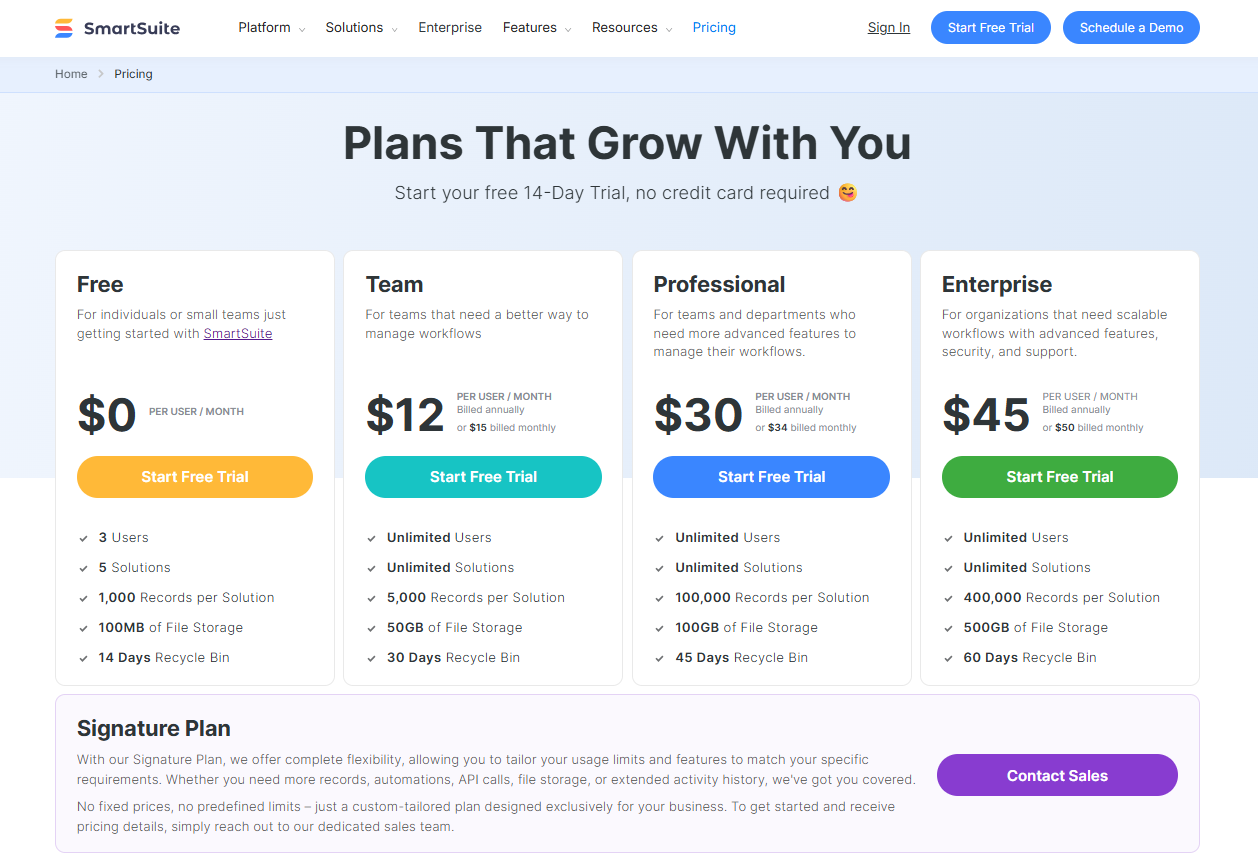
Get Started With SmartSuite & Our ITSM Templates For Free
If you’re an IT lead looking to build IT service management workstreams, you can give SmartSuite a chance with our free plan and ready-to-use ITSM templates.
SmartSuite’s platform offers just the right customization, native collaboration capabilities and a library of 200+ project management templates to help teams create and maintain a project management workflow.
Here’s what’s in it for your team when you try SmartSuite:
- Access to a free plan with features including multi-board views (Kanban, Chart, Map, Timeline, Card, and Calendar), 100 automations/month, and 40+ field types, including formula and linked record fields.
- No-code automation builder to set up to 500,000 trigger/action workflows.
- Built-in productivity tools, including time tracking, status tracking, and checklists.
- Team collaboration and planning tools such as whiteboards and SmartSuite docs.
- Resource management across projects and teams.
- 40+ field types, including the option to add your custom fields.
Sign up for a free plan to test the water or get a 14-day free trial to explore all its amazing features.
Or, if you’d like to talk to our team of experts, schedule a demo.
Read More
SAI360 Pricing: Is It Worth It In 2025?
Even though SAI360 does not publicly disclose its pricing on its website, I was still able to find some reported pricing numbers for its costs to help you determine if the tool is the right GRC software for your needs.
In this guide, I’ll cover everything that is known about SAI360’s pricing structure, including how they calculate their pricing and reported numbers.
I even dug out a trial license agreement to show you that there’s a trial of the platform, despite other reviewers claiming otherwise.
➡️ I’ll also introduce you to a SAI360 alternative that has a more affordable pricing structure, is quick to set up, and comes with premium customer support without paying 6 figures a year.
How Does SAI360 Calculate Its Pricing?
SAI360 calculates its pricing based on your organization’s size, complexity, and selected modules.
The platform divides its GRC platform into modules (Risk, Compliance, Audit, Continuity, Training, etc.), each of which may be licensed separately.
For example, the Whistleblower Hotline module is offered in three tiers – Essentials, Professional, and Enterprise – but no prices are shown for these editions.

➡️ All pricing is annual and contract-based, so you should expect an enterprise-style licensing model (likely per user and per module) with multi-year contracts, not a simple per-seat subscription you can self-serve.
All evidence suggests SAI360 scales prices by the number of users/seats, modules licensed, and whether the client uses cloud SaaS or on-premises deployment.
Does SAI360 Offer a Free Plan Or A Free Trial?
SAI360 does not offer a public free tier as of July 2025. There’s no self-service trial account or free plan available on the website.
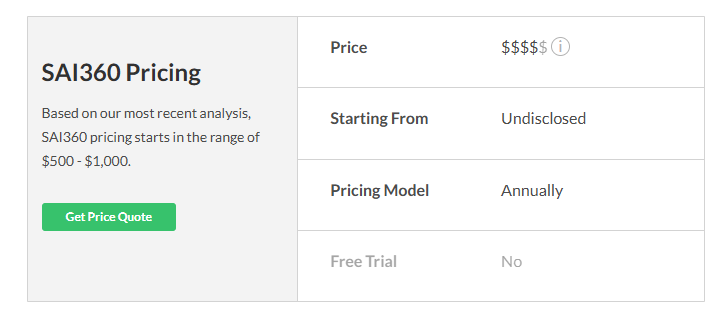
However, an official Trial License Agreement exists for evaluation as a ‘’free trial’’, granting up to 90 days of use, but this is arranged privately with SAI Global rather than a one-click signup.
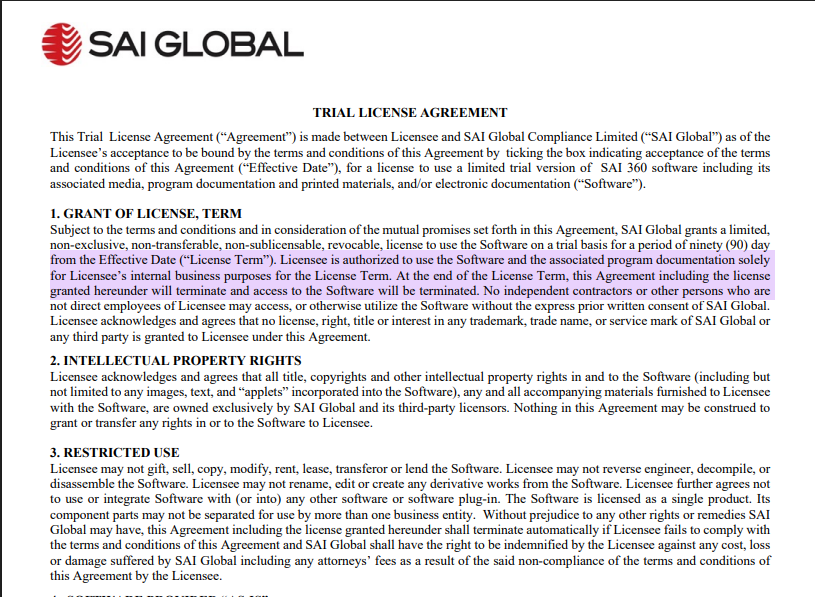
In other words, there is no easily accessible free plan or open trial – you must contact SAI360/S&P Global for a demo and quote.
How Much Does SAI360 Really Cost?
There are a few concrete price figures available, as published reports and reviews give us some clues on how much SAI360’s GRC solution really costs:
- SelectHub analysis (2025) reports SAI360 “pricing starts in the range of $500–$1,000”. It is unclear if this is per user, per month, or per module; in any case.

- A 2019 technology review noted that SAI360’s Business Continuity module “Starting price is $24,000 per year for 500 users” (about $48 per user per year). This implies small-enterprise licensing costs on the order of tens of thousands annually.

➡️ If I were to contact them right now, I’d expect annual licensing in the low tens of thousands for modest deployments, scaling up into high tens or hundreds of thousands for mid-size to large companies.
Does SAI360 Provide Good Value for Money?
G2 reviews (106 reviews, avg. 4.1/5) praise SAI360’s comprehensive feature set and configurability but frequently cite complexity and cost issues.
One enterprise reviewer noted the UI is “very user-friendly” and the platform allows “almost unlimited configuration” and regular feature updates.

‘’UI is very user-friendly and pleasing to the eye. Configuration possibilities are very open-ended and allow for heavy customization. Client partnership allows access to the development team and gives us input on the platform’s future. Multiple use cases available make it a true risk management platform. New features and capabilities are constantly being released.’’ – G2 Review.
Another small-company user praised the visualization tools (“customizable widgets”).
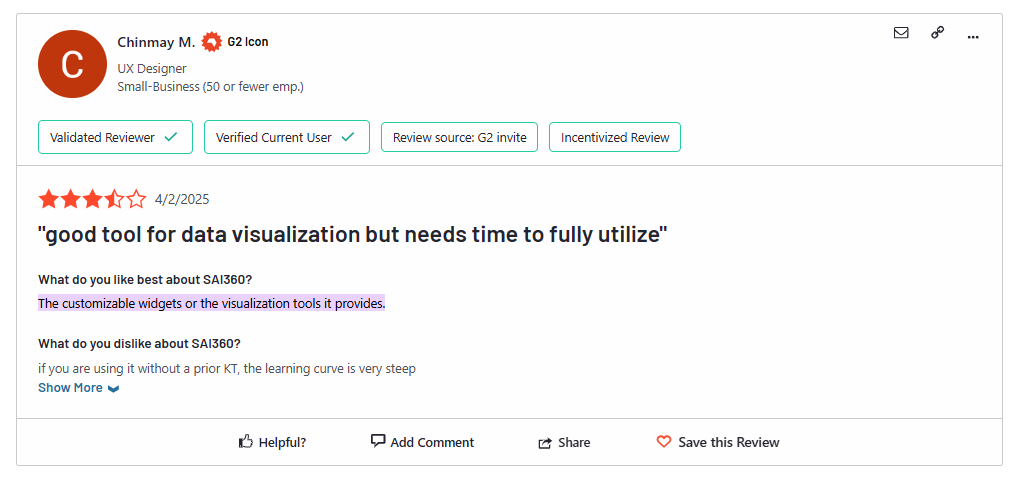
‘’The customizable widgets or the visualization tools it provides.’’ – G2 Review.
However, common complaints are a steep learning curve and heavy reliance on professional services.
For instance, one user said, “Backend configuration is a bit of a learning curve”, and that “advanced customization sometimes requires paying for professional services.”
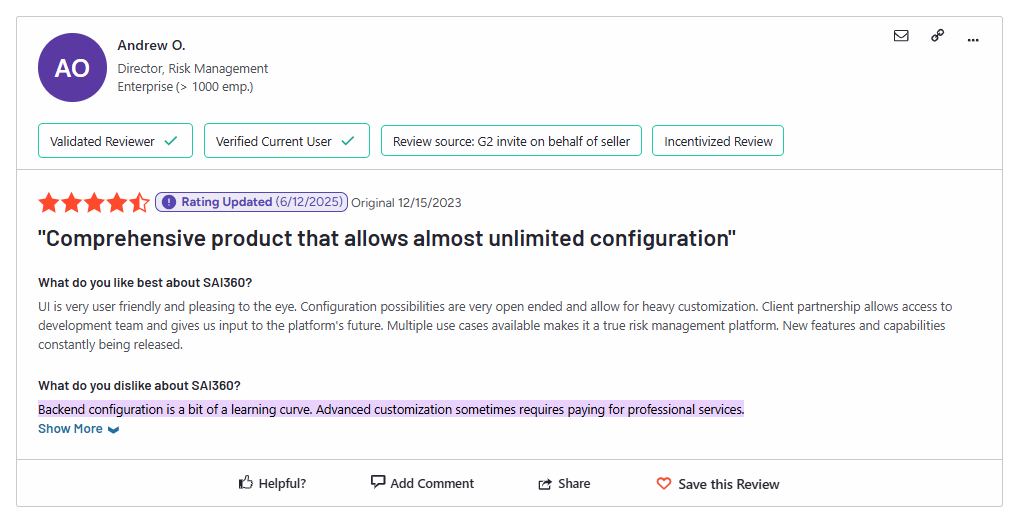
‘’Backend configuration is a bit of a learning curve. Advanced customization sometimes requires paying for professional services.’’ – G2 Review.
Several reviews mention an outdated interface and difficulty administering the system: e.g. admins “are not able to easily modify fields or workflows,” making some users frustrated.

‘’It seems a little bit outdated, mostly at the end of its UI and UX. Workflow configurations can be impacted, especially when dealing with external data feeds and transporting mechanisms within the integration process.’’ – G2 Review.
Regarding price/value, G2 rates SAI360’s “Perceived Cost” at the almost maximum level ($$$$ – 4/5), and it takes 30 months to see a return on investment.

One PeerSpot review asked, “What is your experience with SAI360 pricing?” and the answer was “I rate the product’s price an eight” out of 10.

‘’On a scale of one to ten, where one is cheap and ten is expensive, I rate the product’s price an eight.’’ – PeerSpot Review.
The consensus is clear: SAI360 is feature-rich but costly and with an outdated user interface.
Looking For an SAI360 Alternative?
SmartSuite offers the best SAI360 alternative for governance, risk, and compliance in 2025 with our modern, no-code work management solution that simplifies complex regulatory requirements.
Built with Banks and Credit Unions in mind, our GRC solution helps you streamline policy creation, approval, and control assessments.
SmartSuite helps compliance teams move faster, manage smarter, and adapt easily, without having to hire expensive consultants or spend hours learning how the platform works.
Let’s go over the features that make SmartSuite the best choice for banks and credit unions looking for a detailed SAI360 alternative: 👇
A No-Code, Modern Risk Management Platform
We believe compliance should be simple, automated, and accessible to all financial institutions, regardless of their size.
Our no-code, easy-to-use software empowers compliance managers and CISOs to automate all GRC processes with ease.
Teams can use SmartSuite for:
- Risk Management: Identify, assess, score, and monitor enterprise risks.
- Compliance Management: Track regulatory requirements, controls, and evidence.
- Audit Management: Manage audits, findings, and remediation workflows.
- Policy Management: Publish, distribute, and track acknowledgement of policies.
- Third-Party Risk: Evaluate and monitor vendors’ risk and compliance posture.
- Incident Management: Log, triage, and resolve compliance and risk events.
SmartSuite helps enterprises achieve and maintain compliance without the expense and complexity of adapting legacy GRC solutions like SAI360 to accommodate new compliance requirements.
Here are the features and use cases that you’ll get with SmartSuite:
- Create reports and dynamic dashboards: Your team can monitor executive views into your company’s overall risk profile with powerful charting and metrics widgets.
- Collaborate and respond to risks in real-time: Instantly engage key stakeholders in real-time discussion of potential threats or vulnerabilities.
Our solution will also let you get immediate updates when critical information is available.
- Streamline policy creation, real-time approval, and control assessments: You can optimize risk management by building an integrated program on a single platform.
- Keep risk and compliance data secure: You’ll be able to define your teams and manage access to information across all GRC practice areas.
- Integrate with your existing systems: Our GRC software lets you integrate with existing systems and data to consolidate and centralize your data.
- Automate for accuracy and efficiency: You can remove inefficiency and the chance for human error by automating repeatable workflows.
SmartSuite’s no-code automation builder provides organizations with a visual interface that makes it easy to respond to events and take action. That means you can customize your GRC workflows without technical resources.
- Monitor, measure and score: You’ll be able to create your own risk calculations and metrics to evaluate every aspect of organizational risk.
It’s possible to generate risk scores and evaluate key indicators with SmartSuite’s powerful calculation capabilities.
- Policy management: Your organization will be able to establish a strong foundation with streamlined and flexible policy management. Simplify the entire process, from authoring to review and release.
You can assign ownership, manage revisions, and ensure your policies consistently align with key business initiatives and regulatory requirements.
- PSTOS Compliance Tracker: Our custom product is designed for regulatory compliance and built on SmartSuite.
This solution focuses on data security as the core of compliance frameworks with services such as compliance readiness, virtual CISO, and IT security implementation.
Learn more about it from our CEO, Jon Darbyshire, who held a webinar on the topic:
[embedded content]
Prioritize & Mitigate Risks With a Centralized Risk Register
SmartSuite lets you create a centralized Risk Register to help you identify potential risks to your organization.
Your team will be able to efficiently assess threats and establish risk mitigation strategies inside SmartSuite.
What’s more, you can ensure that the appropriate controls are in place and measure their effectiveness by evaluating risk indicators and displaying results in SmartSuite’s rollup reports and dashboards.
💡 Pro Tip: You can also use automation to move tasks through defined workflow stages that comply with your policies and procedures.
I know from experience how important threat management is and the need to respond quickly to incidents.
SmartSuite lets you centralize incident response and threat mitigation by linking incidents to assets and organizational data to offer context during your investigations.
Your team can also set up automation with our no-code automation builder to escalate critical events to make sure that your team is aware of active risks to your organization.
Ready-to-use GRC Templates
Our team has prepared GRC templates for different use cases for teams looking to get started right away, instead of spending hours learning how the tool works.
SmartSuite’s general risk management template includes a:
- Risk register, where you can break down the risks, the risk owner, the annual loss expectancy, risk event category, risk type, volatility, and status.
- Issue assessments, where you’ll be able to see a comprehensive breakdown of each risk.
- Action plans, where you can describe the actions (best practices) to mitigate the risks.
- A separate tab for control standards, your findings, exception requests, risk assessment by type, and risk assessment issues.
You can customize our risk management template here.
Alternatively, check out and customize our 14 other risk management templates for various use cases, such as contract management, policy management, and incident management.
How is SmartSuite’s solution different from SAI360?
Unlike SAI360, our platform:
- Offers a modern solution with an intuitive interface that does not confuse your team.
- Has an affordable and transparent pricing model, as well as a generous free plan to help you get started.
- Offers customizable dashboards and reporting capabilities.
- Has automated workflows that can help you build multi-step automation to trigger actions at the right time.
- Includes best-in-class customer support and account management that will help you with setting up the automation inside the platform.
➡️ SmartSuite is better for agile teams or mid-sized organizations that want to embed GRC into day-to-day operations without the overhead of a legacy system.
➡️ SAI360 is better for large enterprises with mature compliance programs and complex regulatory demands across multiple jurisdictions.
💡 Case Study: Find out how MediaLab transformed operations, minimized risk, and saved $40,000+ per year by cutting software costs.
How is SmartSuite’s Pricing Different From SAI360’s?
Unlike SAI360, SmartSuite offers a free plan with access to 250+ automation actions, team collaboration, multi-dashboard views, and more.
There are four paid plans with a 14-day free trial (no CC required):
- Team: Starts at $12/user per month, including Gantt charts, timeline views, 5000 automation runs, and native time tracking.
- Professional: Starts at $30/user per month and adds two-factor authentication, Gmail & Outlook integrations, and unlimited editors.
- Enterprise: Starts at $45/user/month and includes access to audit logs, data loss prevention, and 50,000 monthly API calls.
- Signature: A customized plan tailored to your organization’s needs and team size with no predefined limits.
Next Steps For Compliance Teams: Get Started With SmartSuite & Our Templates For Free
If you’re looking to build GRC workstreams and prioritize and mitigate risks, you can give SmartSuite a chance with our free plan and ready-to-use GRC templates.
SmartSuite’s platform offers just the right customization, native collaboration capabilities and a library of 200+ project management templates to help compliance teams create and maintain a project management workflow.
Here’s what’s in it for your team when you try SmartSuite:
- Access to a generous free plan with features including multi-board views (Kanban, Chart, Map, Timeline, Card, and Calendar), 100 automation/month, and 40+ field types, including formula and linked record fields.
- No-code automation builder to set up to 500,000 trigger/action workflows.
- Built-in productivity tools, including time tracking, status tracking, and checklists.
- Team collaboration and planning tools such as whiteboards and SmartSuite docs.
- Resource management across projects and teams.
- 40+ field types, including the option to add your custom fields.
Sign up for a free plan to test the water or get a 14-day free trial to explore all its amazing features.
Or, if you’d like to talk to our experts, schedule a demo.
Read More
In this guide, I’ll cover everything that is publicly known about Startly’s pricing structure, including what features you can expect.
Are you trying to figure out if Startly’s pricing is worth it for your brand before you sign up for a free trial or set up a demo with their sales team?
In this guide, I’ll cover everything that is publicly known about Startly’s pricing structure, including what features you can expect.
➡️ At the end of this article, I’ll also introduce you to a Startly alternative that offers advanced reporting capabilities, a no-code automations builder, and was built with both small and large IT teams in mind.
Startly pricing overview: one plan for all
Startly’s goal is to provide a complete ITSM solution for managing the entire IT service delivery lifecycle, from initial request to final resolution and billing. It does so in its only paid plan – their $15/month/seat plan that lets your team access it all.
The platform has only 1 paid plan that lets you access all of the platform’s capabilities.
The way Startly’s pricing works is that you don’t have to pay for implementation, but rather only for users per month, with no annual contract requirement.
You can also have as many paid users as you’d like, unlike some of the other tools on the market, like ServiceNow.
What features does Startly’s paid plan include?
Inside Startly’s $15/month/seat paid plan, you will get access to its all-in-one project management solution that can be used for different use cases, such as:
Service Management
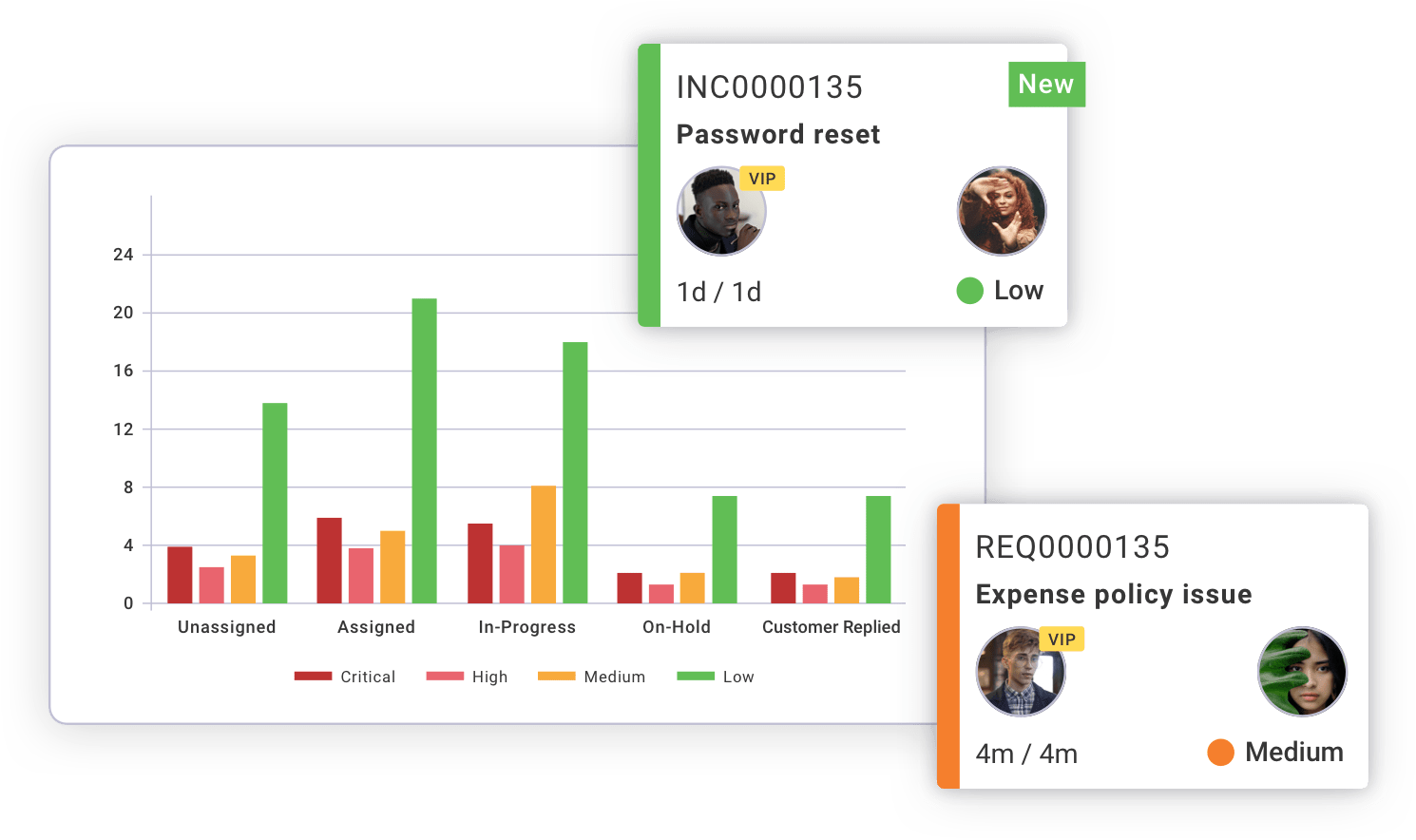
Here are the features that IT teams can expect from Startly’s service management use case:
- Ticketing and creation of a knowledge base.
- Asset and change management.
- Service request catalogues with customer satisfaction surveys.
- Service-level agreements (SLAs).
Project Management
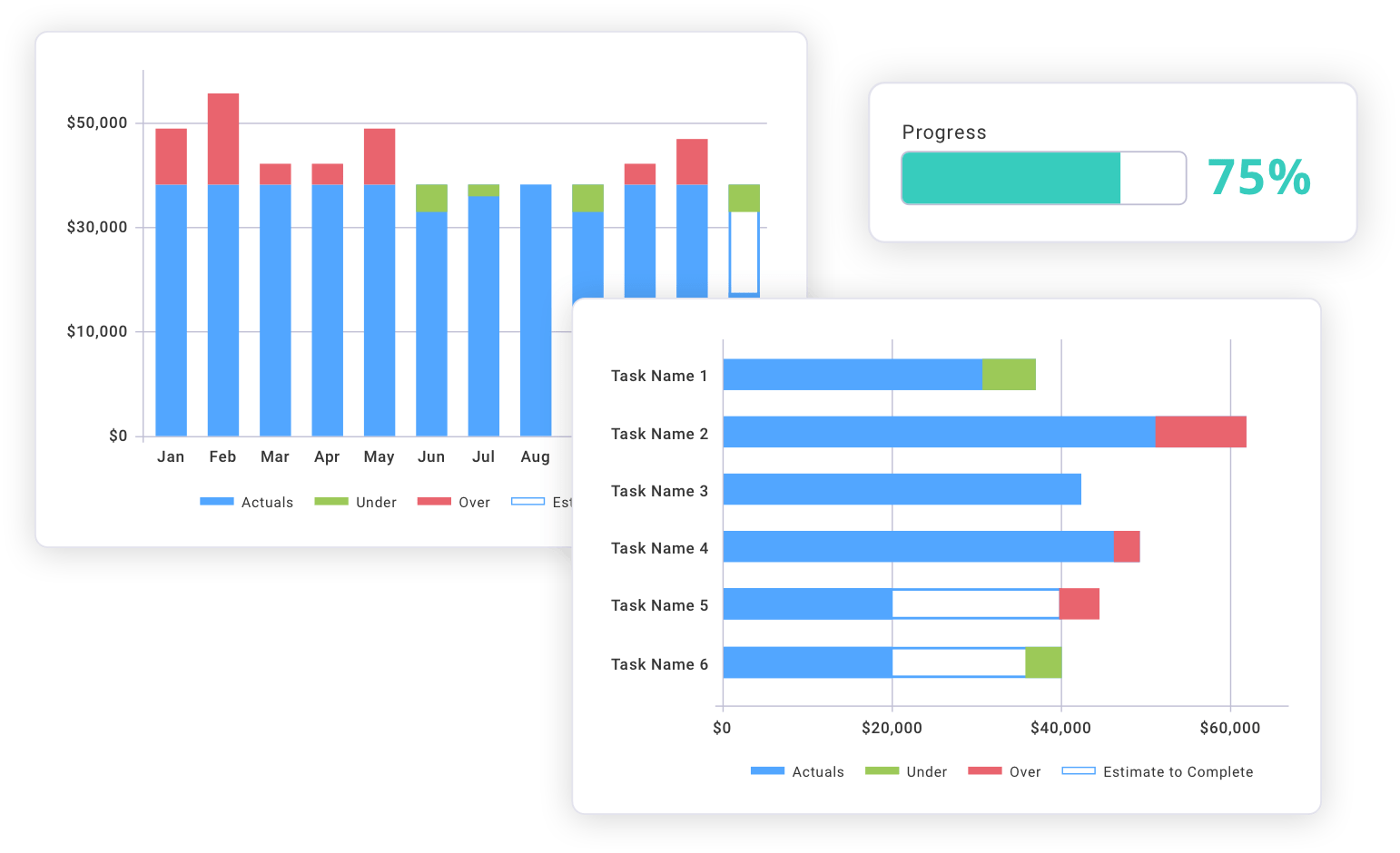
Here are the features that project managers can expect from Startly’s project management use case:
- Project planning, risk and financial management that help you get a real-time 360° view of your project
- Time and expense management.
- Budget and profitability management.
Resource Management

Here are the features that teams can expect from Startly’s resource management use case:
- Resource utilization (e.g., keep track of your team’s post, current & future utilization) and project planning.
- Time and expense tracking.
- Access to a mobile companion app.
Insights & Analytics

Here are the features that data teams can expect from Startly’s insights and analytics use case:
- Customizable project dashboards.
- Reporting and analytics capabilities (e.g., you can identify ticketing trends for your IT service management).
- Executive insights.
Does Startly have a free plan?
Startly does not offer a free plan in its offering as of June 2025 – not anymore. However, the IT service management solution lets you try out its platform with no hidden fees for the first 60 days.
➡️ In the free trial, you’ll also be able to invite as many users as you’d like and use the tool’s full functionality.
Startly’s cons: What can you expect?
Startly’s $15/month/seat all-inclusive sounds like a deal you can’t easily pass, but what can you realistically expect?
Here’s what I was able to find from the little user reviews of the platform in G2 and Capterra:
#1: Power users sometimes experience bugs and errors
One of the most common issues of Startly is the tool’s pop-up errors, which have caused some customers to log out.
This happens often to a verified power user from Capterra, who mentions that they’re getting logged out when they’re actively working on the platform.

‘’I receive pop-up errors often and have to log out, then back in. I’m unsure if this is a time-out feature, but it happens as I’m actively working in the system frequently.’’ – Capterra Review.
#2: Limited reporting capabilities
One of the other recurring themes was that the platform has limited reporting and dashboard capabilities.
➡️ Good reporting and dashboards are essential for getting real-time visibility into service performance so your team can improve its incident resolution.
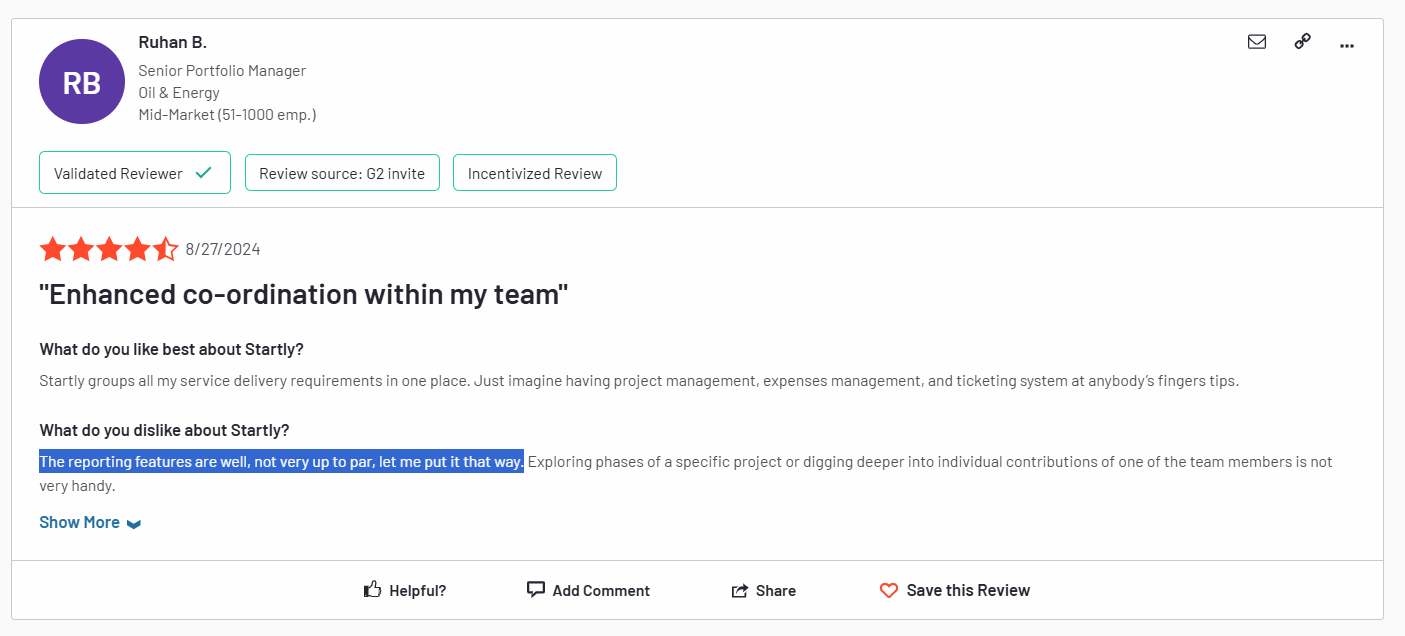
‘’The reporting features are well, not very up to par, let me put it that way. Exploring phases of a specific project or digging deeper into individual contributions of one of the team members is not very handy.’’ – G2 Review.
Is Startly’s paid plan worth it?
If your team is running on a tight budget, Startly packs a great solution:
- No set-up fee with no annual contract requirement like ServiceNow’s pricing.
- 60-day free trial to get to know the platform before you commit to a paid plan.
- All-in-one functionality with revenue recognition and invoicing capabilities coming soon to the platform.
And honestly? Most users of the platform love its modern, all-in-one solution that costs a fraction of the cost of some of the other alternatives on the market.
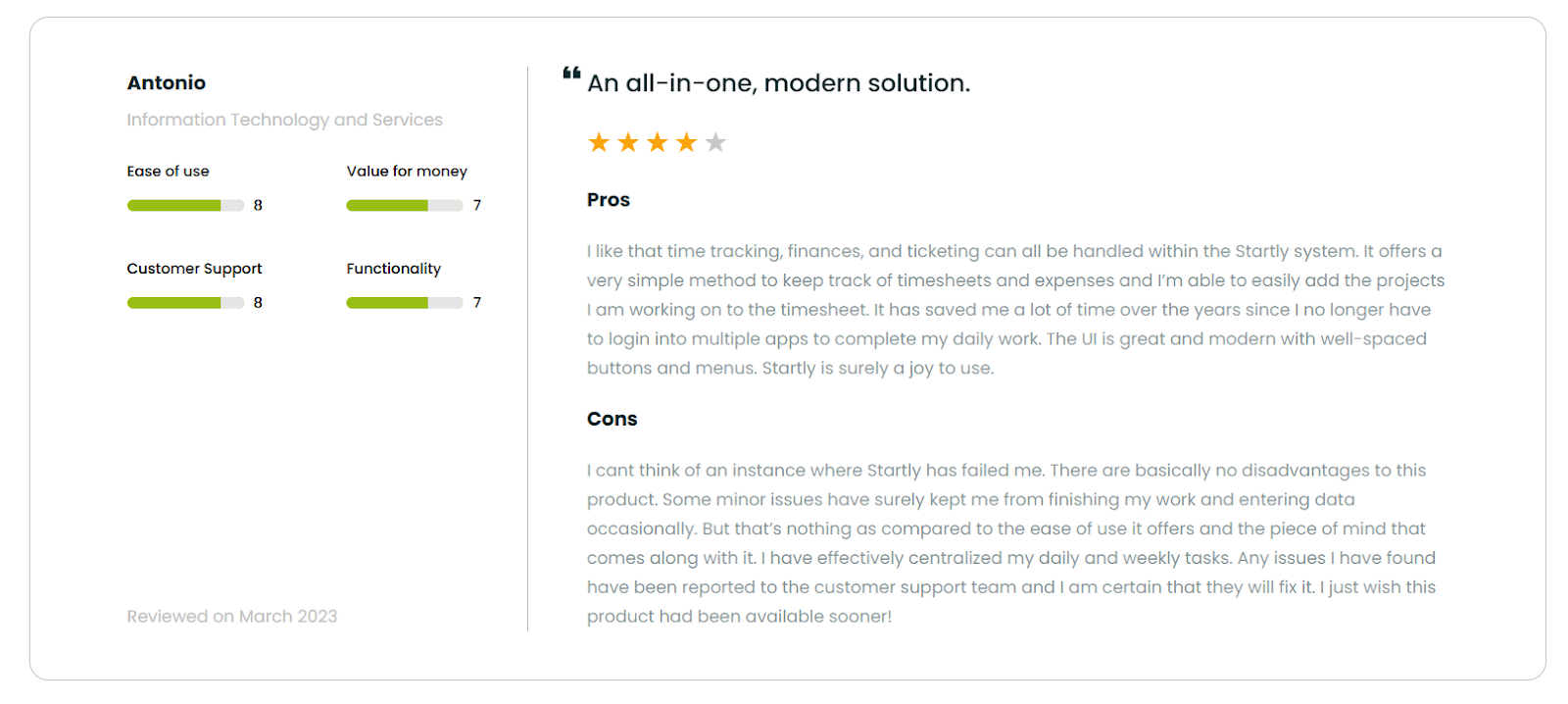
‘’I like that time tracking, finances, and ticketing can all be handled within the Startly system. It offers a very simple method to keep track of timesheets and expenses, and I’m able to easily add the projects I am working on to the timesheet. It has saved me a lot of time over the years since I no longer have to log into multiple apps to complete my daily work.’’ – SoftwareFinder Review.
However, the product was not designed for enterprises and their needs. The solution lacks:
❌ Advanced customization options for your workflows.
❌ A good variety of native integrations with third-party apps (limiting the automations and data exchange).
❌ Multilingual interface, which means that your international team will have to use it in English.
❌ A mobile app that has the same functionality and speed as their desktop (the features are making the app a bit slow to use).
Looking for a Startly alternative for ITSM?
SmartSuite offers the best alternative to Startly in 2025 for ITSM with our modern solution that helps you automate critical IT processes, organize projects, and remove traditional obstacles in the tech landscape.
Here’s a quick walkthrough of the platform and our solution for IT teams:
[embedded content]
Let’s go over the capabilities that make SmartSuite the best choice for small and large IT teams looking for a Startly alternative: 👇
All-In-One IT Service Management
SmartSuite helps IT teams manage their processes, projects, and assets all in one single solution. Our no-code platform lets you automate all technical processes with ease.
Here are the capabilities and use cases that your team will get with SmartSuite:
- Manage critical IT processes: Manage IT data and workflows in one place, from deploying help desk and issue management solutions to ensuring core business operations stay uninterrupted.
- Track tickets & issues: Deploy help desk and issue management solutions to make sure that your business operations are not interrupted.
- Manage your IT assets and licenses: Track all of your IT assets, to which employees they are deployed to and what software versions are deployed.
- Manage internal IT projects: Plan deployments, schedule your teams, and monitor progress to make sure that you deliver on time and on budget.
- Integrate with your existing systems: Integrate with existing systems and data to consolidate and centralize your data.
- Automate for accuracy and efficiency: Remove inefficiencies and the chance for human error by automating repeatable workflows.
- Monitor and report on your work with customizable IT dashboards: Slice and dice data, track help tickets, work requests, and more in dynamic interactive dashboards.
Automate Your Team’s IT Workflows
Our platform lets you standardize your IT request workflow with a centralized work request process.
SmartSuite helps you prioritize tasks, assign IT staff and ensure that you achieve SLAs.
You’ll also be able to monitor your team with flexible reports and dashboards that keep you updated in real time.
Apart from that, SmartSuite’s no-code automation builder provides IT teams with a visual interface that makes it easy to respond to events and take action.
That means you can customize your ITSM workflows without technical resources.
💡 Working from mobile? Stay connected to critical IT information, tickets and device information with our native iOS and Android apps.
Your team can use our mobile apps to share files, images, updates and other feedback to resolve problems and close tickets.
Out-of-the-Box ITSM Templates
Our team has prepared a few ITSM templates for IT teams looking to get started right away, instead of building everything from scratch, such as an IT Help Desk.
Our ITSM template includes a:
- IT Service Request Management, where you can streamline work requests, automate repetitive tasks, and manage IT assets.
- IT Help Desk, which we built for internal IT departments looking to capture and resolve internal technology issues.
- IT Asset Tracker, where you can keep track of IT assets issued to employees or implemented in networks, facilities and workspaces.
You can customize our ITSM management templates here for various use cases, such as IT Security Policies, IT Security Audits, and IT Work Requests.
How is SmartSuite different from Startly?
Unlike Startly, SmartSuite offers a platform with:
- A modern solution with an intuitive interface that does not confuse your IT team or require extensive training.
- A generous free plan to help you get started, as well as an Enterprise-grade fully custom plan.
- Automated workflows that can help you build multi-step automations to trigger actions at the right time.
- Customer support and account management, which will help you with setting up the automations inside the platform.
💡 Case Study: Learn how MediaLab transformed operations, minimized risk, and saved $40,000+ per year by cutting software costs.
How Is SmartSuite’s Pricing Different From Startly’s?
Unlike Startly, SmartSuite offers a free plan with access to 250+ automation actions, team collaboration, multi-dashboard views, and more.
There are four paid plans with a 14-day free trial (no CC required):
- Team: Starts at $12/user per month, including Gantt charts, timeline views, 5000 automation runs, and native time tracking.
- Professional: Starts at $30/user per month and adds two-factor authentication, Gmail & Outlook integrations, and unlimited editors.
- Enterprise: Starts at $45/user/month and includes access to audit logs, data loss prevention, and 50,000 monthly API calls.
- Signature: A customized plan tailored to your organization’s needs and team size with no predefined limits.
Next Steps For IT Teams: Get Started With SmartSuite & Our ITSM Templates For Free
If you’re an IT lead looking to build IT service management workstreams, you can give SmartSuite a chance with our free plan and ready-to-use ITSM templates.
SmartSuite’s platform offers just the right customization, native collaboration capabilities and a library of 200+ project management templates to help teams create and maintain a project management workflow.
Here’s what’s in it for your team when you try SmartSuite:
- Access to a free plan with features including multi-board views (Kanban, Chart, Map, Timeline, Card, and Calendar), 100 automations/month, and 40+ field types, including formula and linked record fields.
- No-code automation builder to set up to 500,000 trigger/action workflows.
- Built-in productivity tools, including time tracking, status tracking, and checklists.
- Team collaboration and planning tools such as whiteboards and SmartSuite docs.
- Resource management across projects and teams.
- 40+ field types, including the option to add your custom fields.
Sign up for a free plan to test the water or get a 14-day free trial to explore all its amazing features.
Or, if you’d like to talk to our team of experts, schedule a demo.
Read More
Jira Service Management Pricing: Is It Worth It In 2025?
Jira’s Service Management offering for IT teams features various pricing tiers and options, so I want to help you ensure that its pricing aligns with your IT team’s needs and budget.
In this article, I’ll break down Jira’s Service Management pricing plans and explore if the platform offers good value for money.
At the end of this pricing guide, we’ll go over a Jira alternative for ITSM that best covers the tool’s weaknesses.
Jira Service Management Pricing Overview
Jira Service Management solution helps IT teams receive, track, manage, and resolve end-user requests.
The platform packages all its features in four tiers, including a freemium plan and three paid plans.
Here’s how different plans stack up against each other. 👇🏼
- Free plan: Includes templates for ITSM and customer service, as well as access to alerts, on-call schedules, and an incident template.
- Standard plan: Starting from $23.80 per agent/month when billed monthly for 10 users, which adds a custom-branded help centre, and unlimited email notifications.
- Premium plan: Starting from $53.30 per agent/month when billed monthly for 10 users, which adds Rovo Agents, Search and Chat, for AI-powered service.
- Enterprise plan: Custom pricing, which adds cross-product insights with Atlassian Analytics and Data Lake.
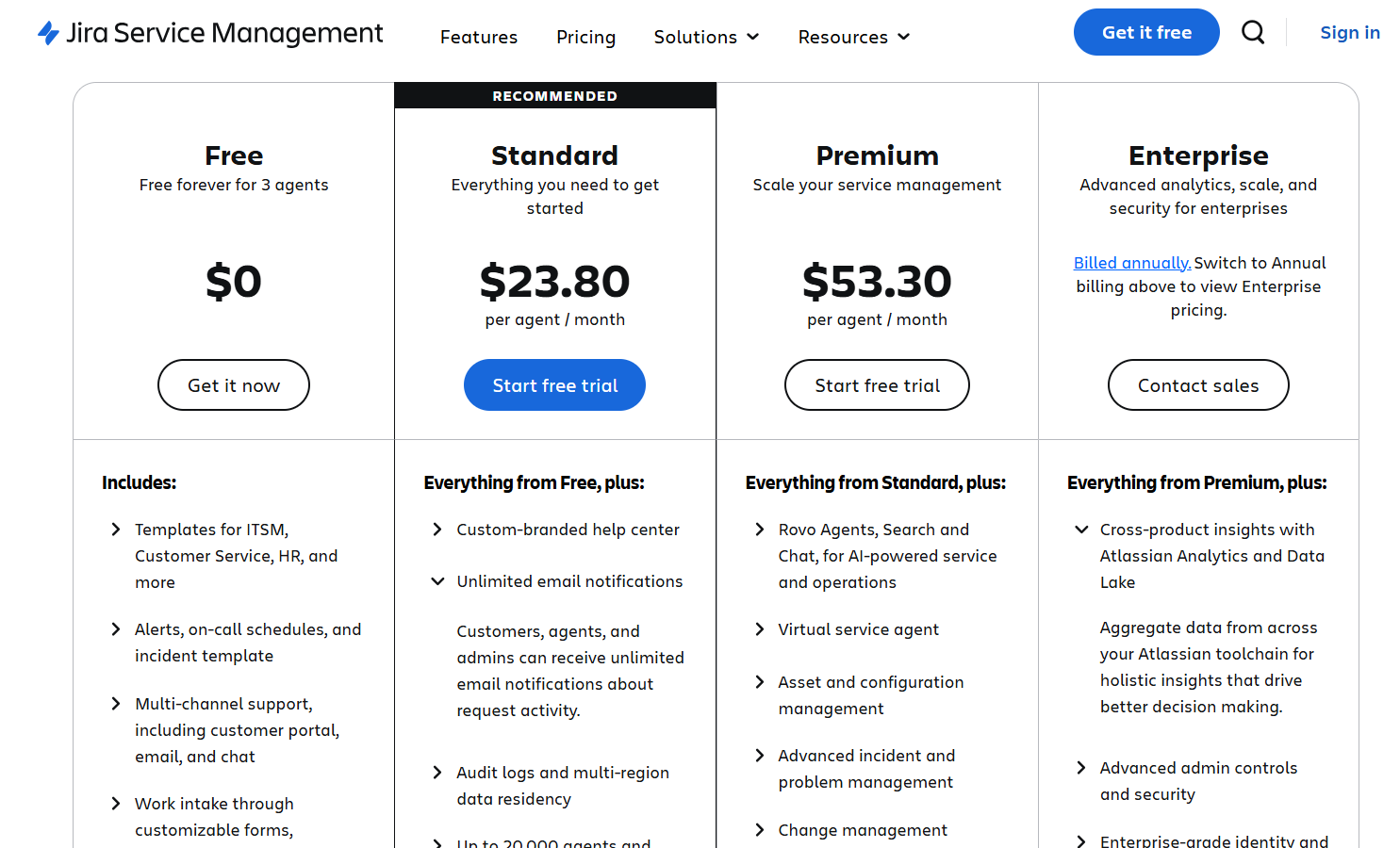
💡Similar to how all Atlassian products work, Jira’s Service Management offers bulk discounts depending on how many seats you require.
What are ‘’agents’’ in Jira’s Service Management?
In Jira Service Management, an agent is defined as a user who can work on tickets and communicate directly with your end users.
Agents are capable of:
- Viewing the portal, queues, reports, and SLA metrics within a service project.
- Viewing, adding, editing, and deleting customer-facing and internal comments on issues.
- Adding customers to a service project.
- Viewing, creating, and managing content in the knowledge base.
- Managing customers, employees and/or organizations.
For the sake of simplicity, I’ll keep Jira SM’s pricing for 10 agents, which would be realistic for an SME.
⚠️ Disclaimer: Jira Service Management has different pricing than its regular Jira pricing, which is why I decided to create this article for IT teams.
Let’s go over each one of Jira’s SM pricing tiers: 👇
Jira’s Free Plan
Jira’s freemium plan is free forever for up to 3 agents and has been designed for individuals and small teams looking to start with ITSM.
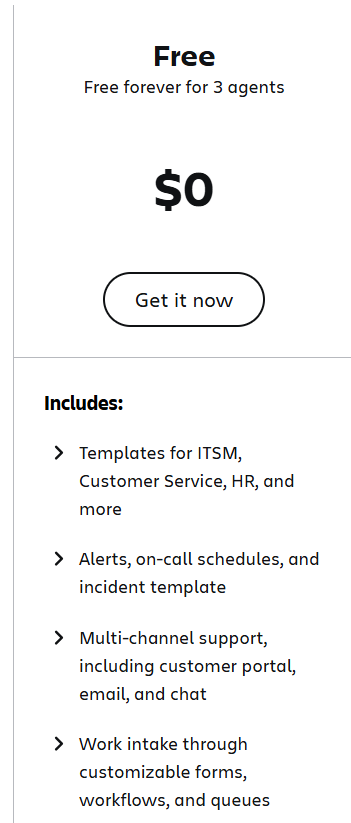
The free plan includes:
- Templates for ITSM, customer service, HR, and incident management.
- Alerts and on-call schedules.
- Multi-channel support, including customer portal, email, and chat.
- Work intake through forms that you can customize, workflows, and queues.
- An embedded knowledge base.
- Up to 2 GB file storage and up to 500 rule runs per month (automations).
Drawback – The Free Plan Has A Limited Functionality
While the free plan is a great starting point for small teams and individuals, Jira SM’s free plan lacks advanced features.
A few user reviews from G2 confirm this, as some of them had to upgrade to a paid tier to get the functionality they need out of the platform for their small IT team.
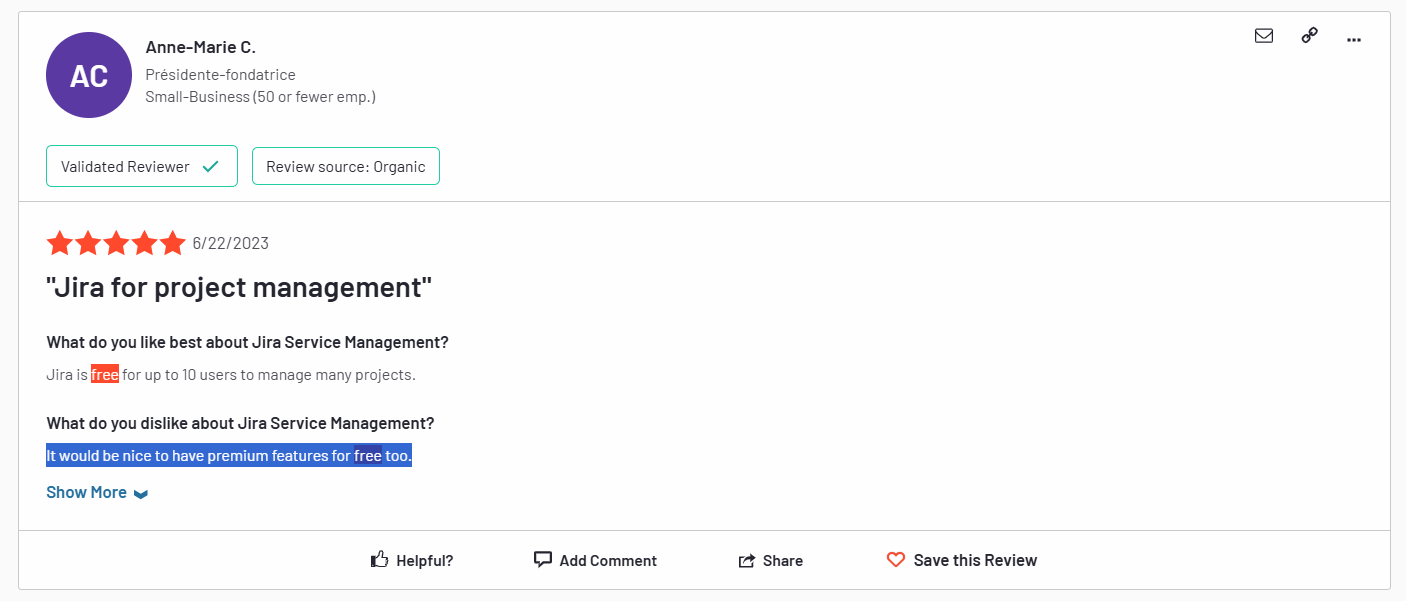
‘’It would be nice to have premium features for free too.’’ – G2 Review.
Jira’s Standard Plan
The Standard plan starts from $23.80 per agent/month when billed monthly for 10 agents and offers the basic features to get your IT team started with ITSM with a custom-branded help centre.
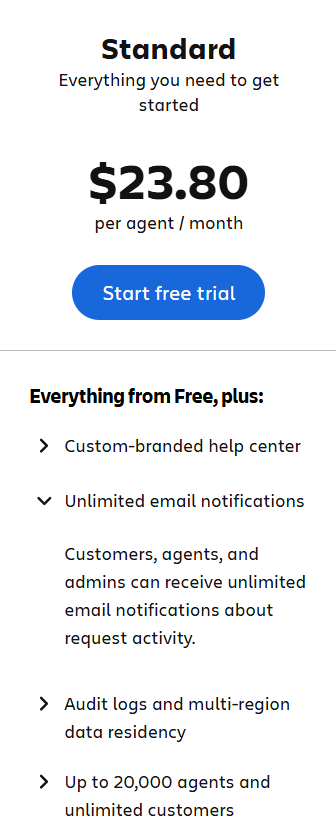
With the Standard plan, your ITSM team will get:
- Up to 20,000 agents for unlimited customers.
- Unlimited email notifications.
- 5,000 rule runs per month (automations).
- Unlimited service portals, Custom branding with your company URL.
- Access to 250 GB of storage.
- Access to the platform’s 9/5 regional support.
Drawback – Some Users Are Not Happy With The UI & Learning Curve
Some verified G2 users of the tool have expressed their concerns about the platform’s learning curve and interface.
One account executive from a smaller business mentions that the tool is not as intuitive for users who are not tech-savvy.
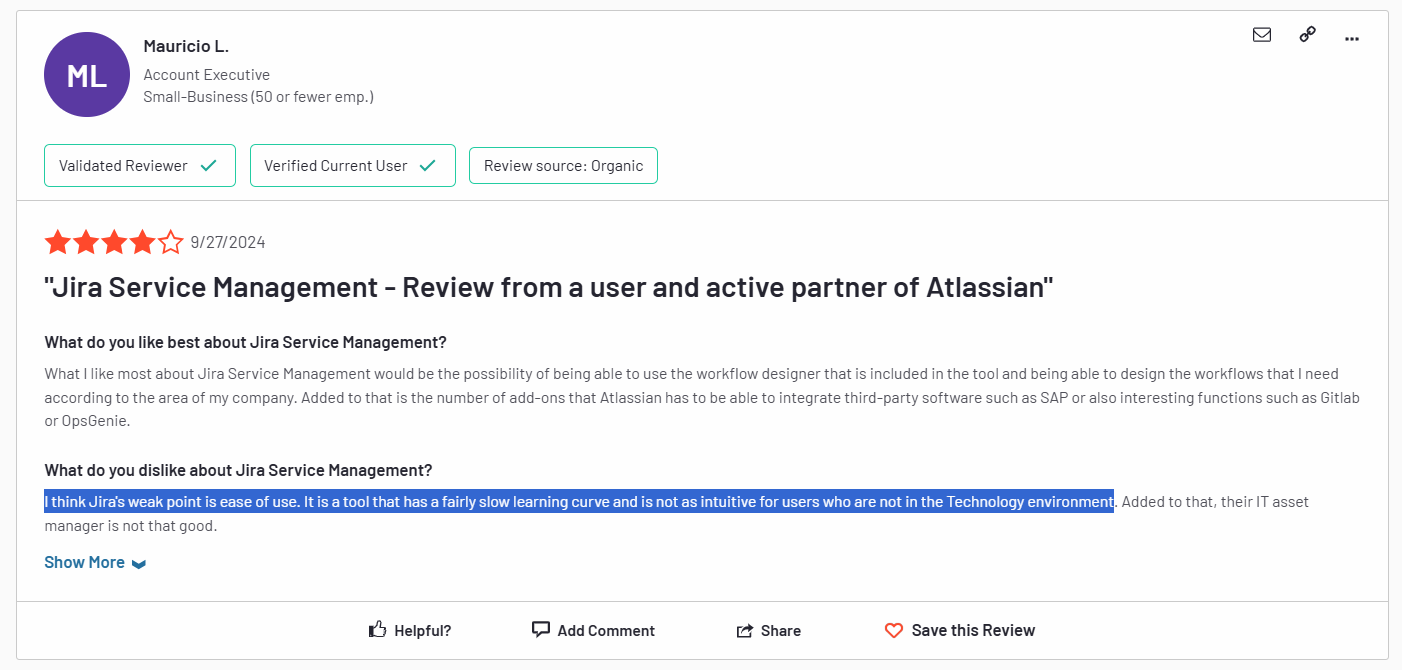
‘’I think Jira’s weak point is ease of use. It is a tool that has a fairly slow learning curve and is not as intuitive for users who are not in the Technology environment.’’ – G2 Review.
Jira’s Premium Plan
The Premium plan starts from $53.30 per user/month when billed monthly for 10 agents and adds more AI functionality and advanced features.
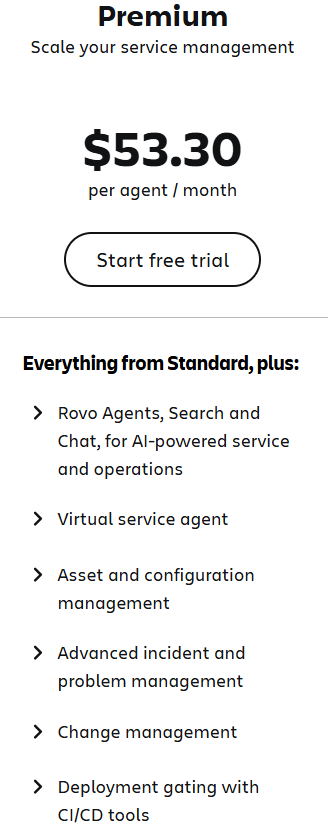
The Premium plan offers everything from the Standard plan, plus:
- Rovo Agents, Search and Chat, for AI-powered service and operations
- Access to an AI-powered virtual service agent (1,000 assisted conversations per month).
- Asset, incident, problem, change and configuration management.
- Deployment gating with CI/CD tools.
- Advanced alert integrations and incident investigation, and real-time incident monitoring
- 24/7 support for critical issues and 99.9% uptime SLA.
- 1,000 rule runs per user per month (automations).
➡️ Customers on Jira Service Management Premium’s plan can store 50,000 Assets objects per month and execute 1,000 Virtual Agent-assisted conversations per month at no additional cost.
Drawback – Complex Set Up
Once you get on Jira SM’s Premium plan, you’ll get access to the tool’s sea of features, but they can all be hard to set up.
According to a verified G2 user, they struggled with the tool’s complex setup process to customize the platform to their ITSM needs.
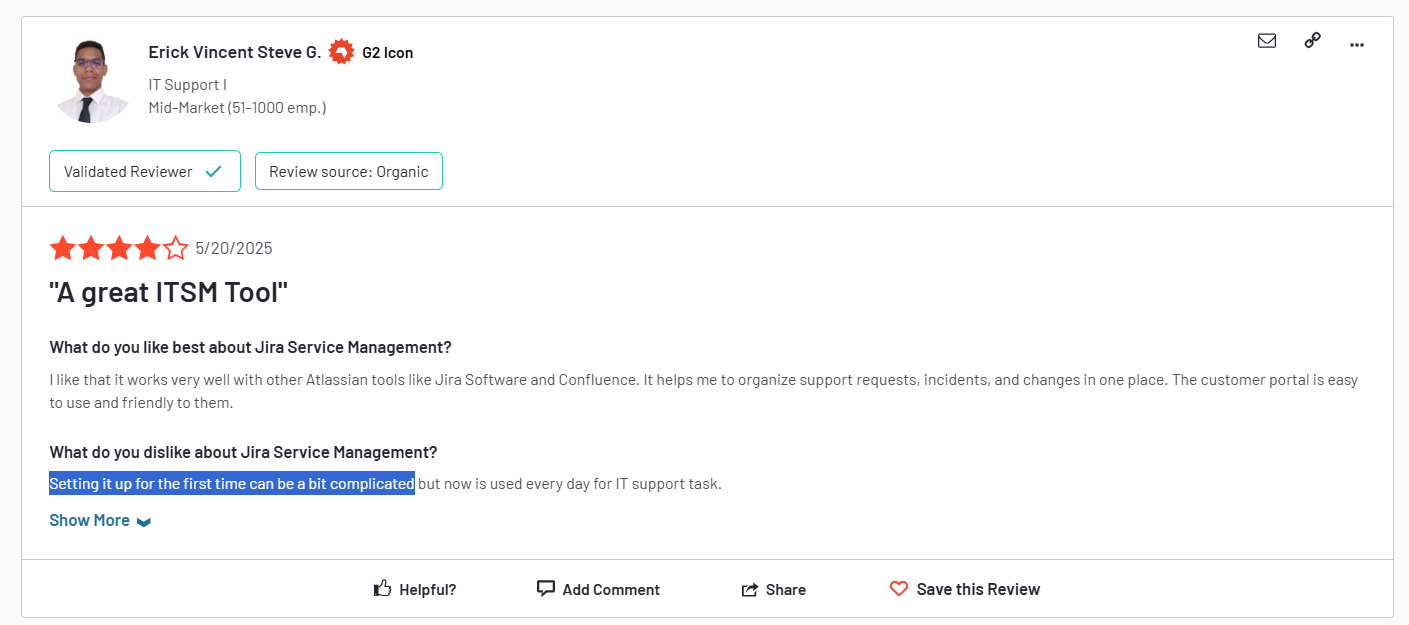
‘’Setting it up for the first time can be a bit complicated.’’ – G2 Review.
Jira’s Enterprise Plan
The Enterprise plan has custom pricing and is ideal for enterprises looking for more automation rule runs and enterprise-grade security.
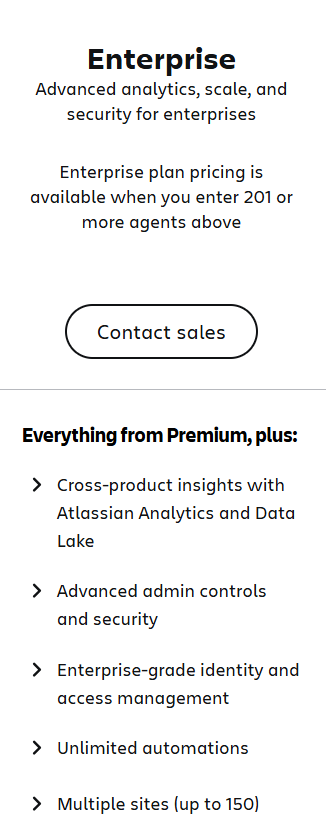
The Enterprise plan starts from 201 agents and offers every feature from the Premium plan, plus:
- Cross-product insights with Atlassian Analytics and Data Lake.
- Advanced admin controls and security.
- Enterprise-grade identity and access management.
- Unlimited automation rule runs.
- The ability to manage multiple sites (up to 150).
- 24/7 support for all kinds of issues that you run into.
Drawback – The Platform Can Get Quite Expensive
According to a verified G2 review, the platform can get very expensive when compared to other ITSM alternatives on the market.
Even though Jira provides IT teams with bulk discounts, it can be pricey to get access to the full functionality of the solution.
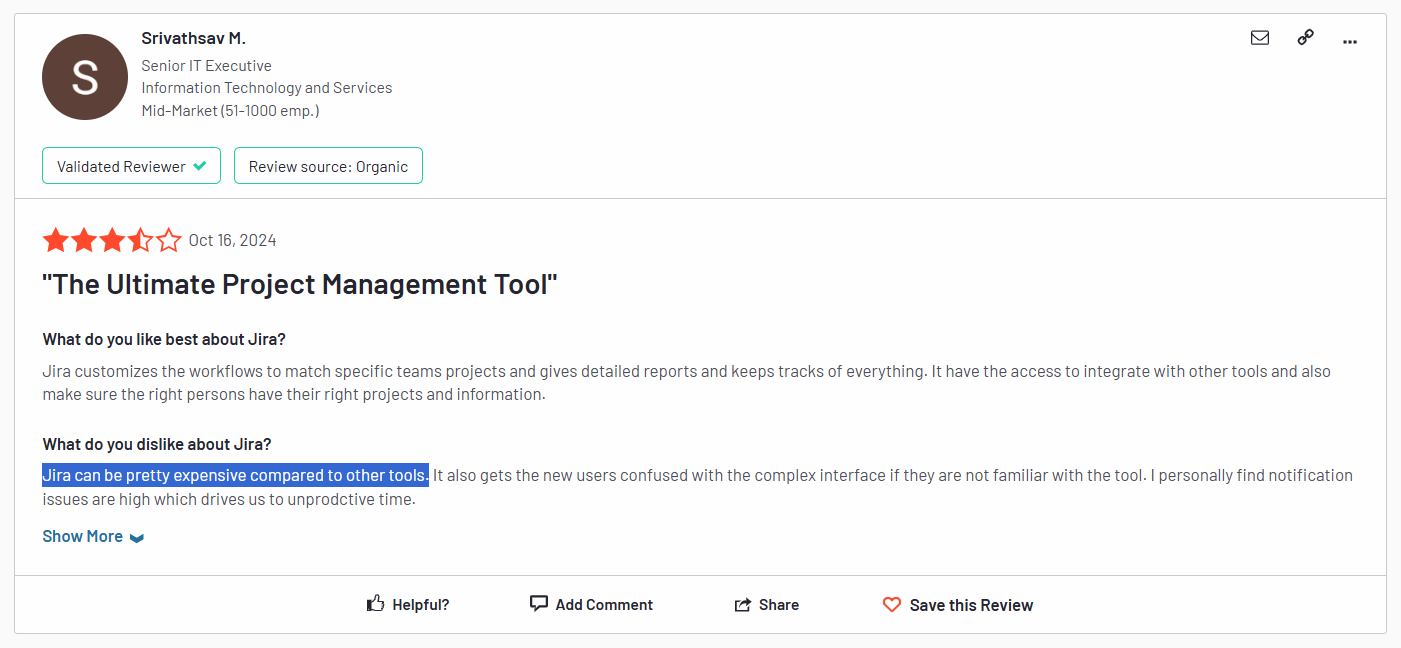
‘’Jira can be pretty expensive compared to other tools. It also gets the new users confused with the complex interface if they are not familiar with the tool.’’ – G2 Review.
Any surprises at contract renewal?
A verified user review from Vendr mentions that they were facing a renewal uplift the next year of using Atlassian’s products (Jira Service Management is a part of Atlassian), and they had to agree to a multi-year contract with them to secure a good price lock.
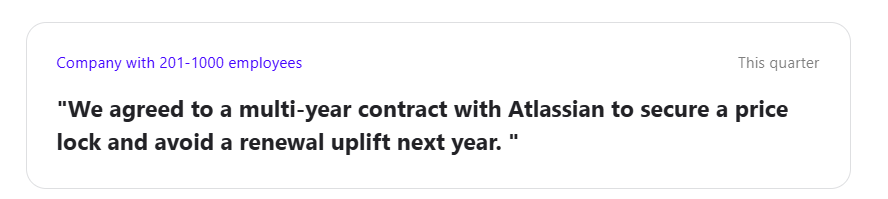
➡️ Be warned that a multi-year contract with Atlassian can mean you have to pay the full payment upfront, as one verified user review in Vendr mentions about their 24-month contract.

Looking For A Jira Alternative For ITSM?
SmartSuite offers the best Jira Service Management alternative for IT service management with our modern, no-code project management software.
Our ITSM solution has been designed to help you streamline critical IT processes, organise projects, and remove traditional obstacles in the tech landscape.
Here’s a quick walkthrough of the platform and our solution for IT teams:
[embedded content]
Let’s go over the features that make SmartSuite the best choice for teams looking for an Jira Service Management alternative: 👇
All-In-One IT Service Management
SmartSuite helps you manage your IT processes, projects, and asset management all in one single solution.
Our no-code, easy-to-use platform empowers IT teams to automate all technical processes with ease.
Here are the features and use cases that you’ll get with SmartSuite:
- Manage critical IT processes: Manage IT data and workflows in one place, from deploying help desk and issue management solutions to ensuring core business operations stay uninterrupted.
- Track tickets & issues: You can deploy help desk and issue management solutions to ensure your business operations are not interrupted.
- Manage your IT assets and licenses: Track all of your IT assets, to whom they are deployed to and what software versions are deployed.
- Manage internal IT projects: Plan deployments, schedule your teams, and monitor progress to ensure you deliver on time and under budget.
- Integrate with your existing systems: Our platform lets you integrate with existing systems and data to consolidate and centralize your data.
- Automate for accuracy and efficiency: You’ll be able to remove inefficiencies and the chance for human error by automating repeatable workflows.
- Monitor and report on your work with customizable IT dashboards that help your team slice and dice data, track help tickets, work requests, and more in dynamic interactive dashboards.
Streamline Your Team’s IT Workflows
SmartSuite lets you standardize your IT request workflow with a centralized work request process.
Your team can prioritize tasks, assign IT staff and ensure that you achieve SLAs.
You’ll also be able to monitor your team with flexible reports and dashboards that keep you updated in real time.
Apart from that, SmartSuite’s no-code automation builder provides IT teams with a visual interface that makes it easy to respond to events and take action.
That means you can customize your ITSM workflows without technical resources.
💡 Working from mobile? You can stay connected to critical IT information, tickets and device information with our native iOS and Android apps.
Your team can use our mobile apps to share files, images, updates and other feedback to resolve problems and close tickets.
Pre-Built ITSM Templates
Our development team has prepared a bunch of ITSM templates for IT teams looking to get started right away, instead of building everything from scratch, such as an IT Help Desk.
Our ITSM template includes a:
- IT Service Request Management, where you can streamline work requests, automate repetitive tasks, and manage IT assets.
- IT Help Desk, which we built for internal IT departments looking to capture and resolve internal technology issues.
- IT Asset Tracker, where your team can keep track of IT assets issued to employees or implemented in networks, facilities and workspaces.
Feel free to customize our ITSM management templates for various use cases, such as IT Security Policies, IT Security Audits, and IT Work Requests.
How is SmartSuite different from Jira Service Management?
Unlike Jira Service Management, SmartSuite offers a platform with:
- A modern solution with an intuitive & easy-to-use interface that does not confuse your IT team or require extensive training.
- An affordable and transparent pricing model with a generous free plan to help you get started.
- Easy to build automated workflows that can help you build multi-step automations to trigger actions at the right time.
💡 Case Study: Learn how MediaLab transformed operations, minimized risk, and saved $40,000+ per year by cutting software costs.
How Is SmartSuite’s Pricing Different From Jira Service Management’s?
The main difference between SmartSuite’s and Jira’s pricing is that SmartSuite has a transparent pricing structure, where you can calculate how much the platform will cost, even at the Enterprise level.
SmartSuite also differentiates itself from Jira with its generous free plan with access to 250+ automation actions, team collaboration, multi-dashboard views, and more.
There are four paid plans with a 14-day free trial (no CC required):
- Team: Starts at $12/user per month, including Gantt charts, timeline views, 5000 automation runs, and native time tracking.
- Professional: Starts at $30/user per month and adds two-factor authentication, Gmail & Outlook integrations, and unlimited editors.
- Enterprise: Starts at $45/user/month and includes access to audit logs, data loss prevention, and 50,000 monthly API calls.
- Signature: A customized plan tailored to your organization’s needs and team size with no predefined limits.
Next Steps For IT Teams: Get Started With SmartSuite & Our ITSM Templates For Free
If you’re an IT leader looking to build IT service management workstreams, you can give SmartSuite a chance with our free plan and ready-to-use ITSM templates.
SmartSuite’s platform offers just the right customization, native collaboration capabilities and a library of 200+ project management templates to help teams create and maintain a project management workflow.
Here’s what’s in it for your team when you try SmartSuite:
- Access to a free plan with features including multi-board views (Kanban, Chart, Map, Timeline, Card, and Calendar), 100 automations/month, and 40+ field types, including formula and linked record fields.
- No-code automation builder to set up to 500,000 trigger/action workflows.
- Built-in productivity tools, including time tracking, status tracking, and checklists.
- Team collaboration and planning tools such as whiteboards and SmartSuite docs.
- Resource management across projects and teams.
- 40+ field types, including the option to add your custom fields.
Sign up for a free plan to test the water or get a 14-day free trial to explore all its amazing features.
Or, if you’d like to talk to our team of experts, schedule a demo.
Read More
Welcome! You are invited to join a webinar: What’s New in SmartSuite. After registering, you will receive a confirmation email about joining the webinar.
.circular {
position: relative;
top: 150px;
left: 50%;
height: auto;
width: 42px;
margin-top: -21px;
margin-left: -21px;
animation: loading-rotate 2s linear infinite;
}
.path {
animation: loading-dash 1.5s ease-in-out infinite;
stroke-dasharray: 90, 150;
stroke-dashoffset: 0;
stroke-width: 2;
stroke: #0E71EB;
stroke-linecap: round;
}
@keyframes loading-rotate {
100% {
transform: rotate(360deg);
}
}
@keyframes loading-dash {
0% {
stroke-dasharray: 1, 200;
stroke-dashoffset: 0;
}
50% {
stroke-dasharray: 90, 150;
stroke-dashoffset: -40px;
}
100% {
stroke-dasharray: 90, 150;
stroke-dashoffset: -120px;
}
}
10 Best Freshservice Alternatives for ITSM in 2025
Namely, while Freshservice remains a popular choice, many teams are hitting roadblocks, ranging from steep pricing and feature limitations to inflexible workflows and underwhelming reporting.
The truth is, ITSM isn’t one-size-fits-all. What works for an enterprise might be overkill (or over-budget) for a fast-moving mid-market team.
That’s why I researched and tested dozens of ITSM platforms to find the best Freshservice alternatives – tools that deliver on automation, incident tracking, and service delivery without the hidden trade-offs.
Whether you’re scaling support, streamlining change management, or improving response times, this list will help you find a solution that actually fits your team and budget.
Ready to upgrade your ITSM stack with confidence? Let’s begin!
Why do you need Freshservice alternatives?
Freshservice is an enterprise-level ITSM platform, meaning its features – and pricing – are designed with large-scale companies in mind.
As such, it has a few functionalities large IT teams can find handy, such as:
- Robust automations and workflows that help you streamline various processes.
- An advanced CMDB that gives you a complete, real-time picture of your IT environment, allowing you to trace incidents back to the root cause faster and tackle them head-on.
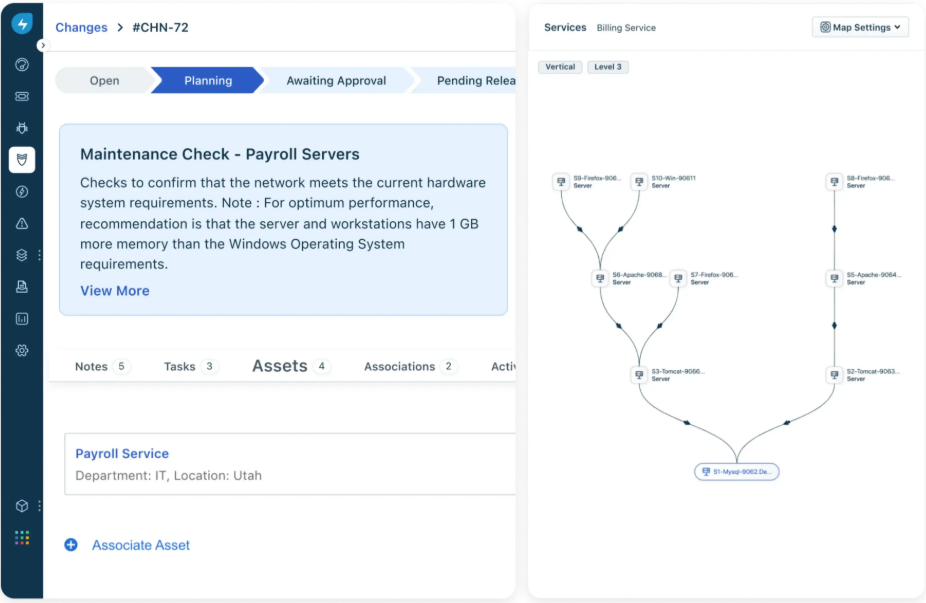
However, there are quite a few limitations some users experience with Freservice that often urge them to look for an alternative solution.
Let’s get a closer look at some of the major concerns users have with Freshservice.
1. It can be cost-prohibitive for smaller businesses
Although Freshservice has a multi-tiered pricing system, it’s fair to say that it’s still on the pricier end of the range.
Firstly, its pricing is user-based, meaning that your costs will grow as your team does, which is not ideal for scaling businesses.
And secondly, its best, AI-powered features are available only on its most expensive, Custom plan.

“There are a few aspects that could be improved. The associated subscription cost is a bit on the higher side, especially since some advanced features are locked behind higher-tier plans. Additionally, more customization options are required for business needs.” – G2 Review
2. Its reporting and analytics features leave a lot to be desired
Having robust analytics and reporting as part of your ITSM platform is critical for a number of reasons.
Being able to track key metrics in real-time, dissect reports and adjust them to your specific needs helps detect issues in time, monitor performance, allocate tasks and resources more efficiently, etc.
Freshservice’s reporting features are pretty clunky and limited in terms of customization and the metrics they let you track.
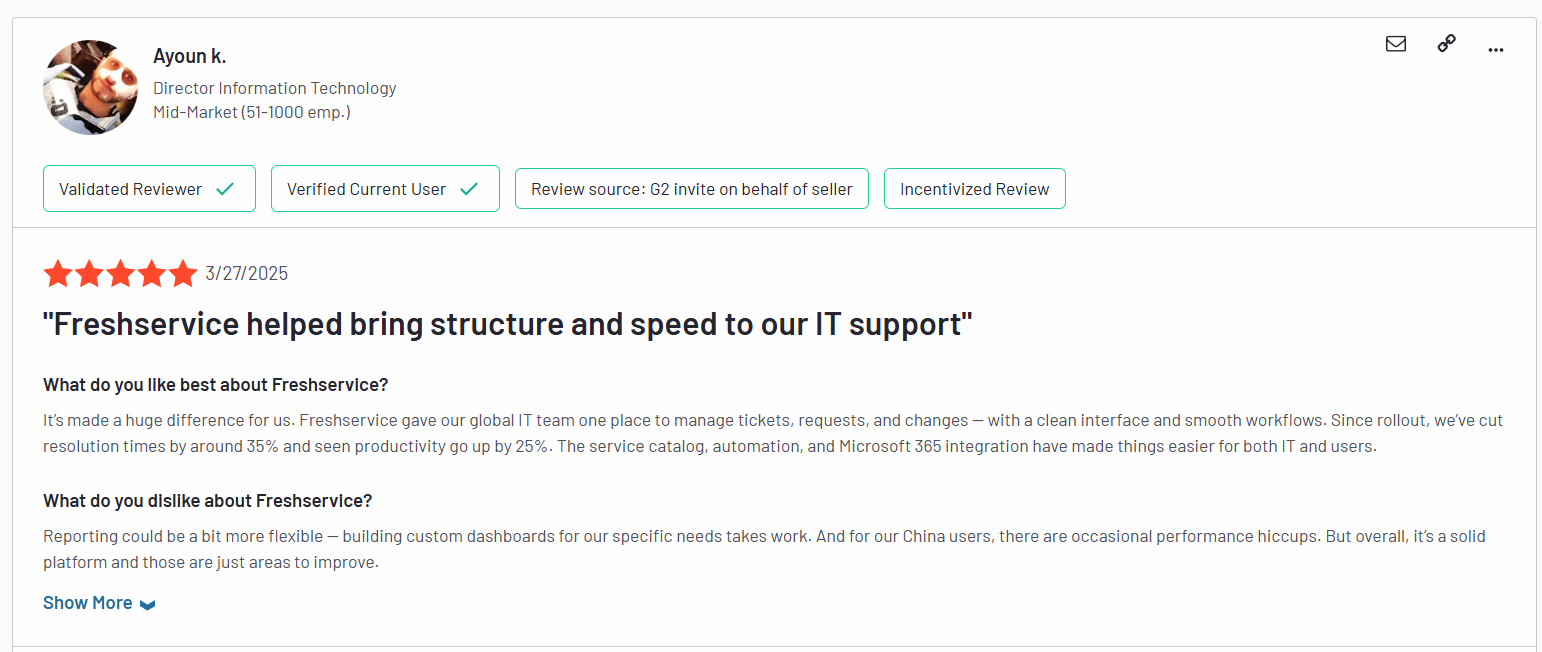
“Reporting could be a bit more flexible – building custom dashboards for our specific needs takes work.” – G2 Review
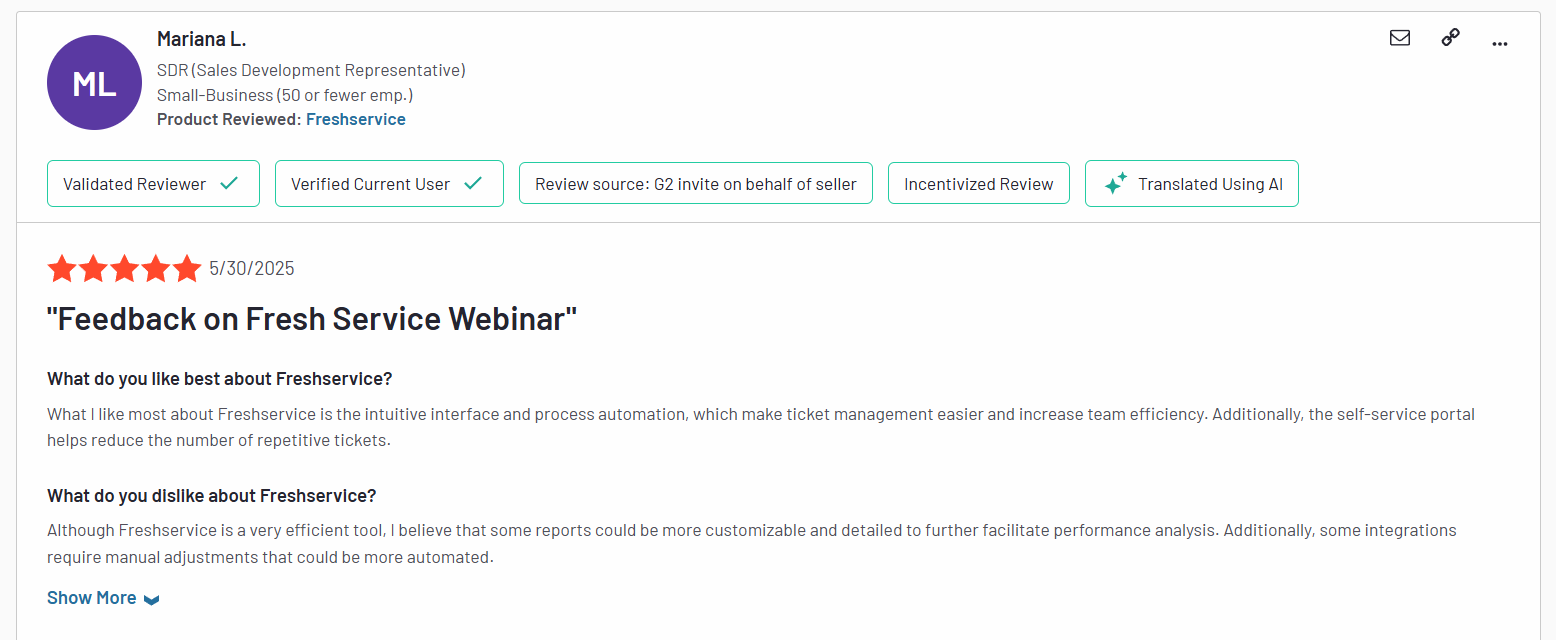
“Although Freshservice is a very efficient tool, I believe that some reports could be more customizable and detailed to further facilitate performance analysis. Additionally, some integrations require manual adjustments that could be more automated.” – G2 Review
3. Limited customization options
Finally, many users complain about Freshservice being pretty rigid and lacking more sophisticated customization options.

Sometimes, reporting features feel a bit limited. Customizing reports could be easier. Also, the pricing can get high as you add more features or users. – G2 Review
This can easily turn into a big problem for teams with bespoke needs that require more flexibility and freedom to tailor their solution to their own goals and workflows.

The limited customization of the Support Portal (would love to be able to incorporate the company colours / themes on the Support Portal). – G2 Review
What are the best Freshservice alternatives for ITSM in 2025?
After testing a bunch of different tools and interviewing long-term users, here’s the curated list I came up with:
- SmartSuite – A no-code, all‑in‑one work and ITSM platform that empowers teams to customize workflows, automate service delivery, and scale support operations without friction.
- Jira Service Management – An agile-first ITSM tool that integrates deeply with development pipelines and offers a rich catalog of pre-built workflows for modern DevOps teams.
- Atera – A unified RMM+PSA solution with built-in ticketing, patching, remote access, and AI-driven automation designed for MSPs and IT support teams seeking full operational visibility.
- ServiceNow – Enterprise-grade ITSM powerhouse offering advanced CMDB, change, incident, and release management capabilities ideal for large-scale, complex IT environments.
- Zendesk – A multichannel ticketing platform that bridges internal IT support and external customer service through AI-powered routing and self-service portals.
- SolarWinds Service Desk – An AWS-hosted ITSM suite with strong incident, asset, change, and configuration management backed by AI automation and intuitive dashboards.
- ManageEngine ServiceDesk Plus – A cost-effective ITSM tool that combines incident, change, and asset management with robust automation at scales suitable for SMBs and enterprises.
- HappyFox – A lightweight, multichannel help desk focused on simplifying request management and analytics for teams that want fast deployment and straightforward workflows.
- SysAid – A highly customizable ITSM platform offering deep automation, asset discovery, and flexible deployment options.
- Budibase – A low-code platform enabling teams to build their own secure, self-hosted ITSM apps with custom workflows and AI integrations on top of a modern data stack.
1. SmartSuite
Best for: Teams of all sizes looking for a customizable, no-code ITSM platform that’s easy to use, fast to deploy, and flexible enough to grow with you.
Full disclosure: While SmartSuite is our platform, we’ll share an unbiased view of the tool’s abilities and why it stands out from other Freservice alternatives.
SmartSuite redefines what an ITSM platform can be by combining the power of enterprise-grade service management with the accessibility of a no-code interface.
Whether you’re managing incidents, automating change approvals, or tracking assets across departments, SmartSuite gives you complete control without requiring IT to hardcode every process.
Its intuitive drag-and-drop workflow builder, built-in templates, and real-time reporting make it easy to tailor workflows to your exact needs, from help desk ticketing to cross-functional service delivery.
And because it’s built to be flexible, SmartSuite scales seamlessly as your IT operations evolve without the bloated costs or complexity of legacy tools like Freshservice.
Here are some of the key features that make SmartSuite a strong Freshservice alternative:
1. Provides a unified, no-code platform for comprehensive ITSM
At the heart of SmartSuite’s appeal as a Freshservice alternative is its unified, no-code platform designed to simplify and centralize every aspect of ITSM.
Instead of juggling disconnected tools or relying on technical teams to hardwire every workflow, SmartSuite puts power directly in the hands of IT teams and business users alike.
From request intake to resolution, every process lives in one flexible system that adapts to how your team actually works.
As a result, you get a smarter, more streamlined approach to ITSM that’s fast to implement, easy to scale, and built to evolve with your organization.
Here are some of the things SmartSuite lets you do from a single point of control:
- Track tickets & issues in real-time – Deploy help desk and issue tracking solutions to capture, resolve, and analyze IT incidents and spot trends before they impact operations.

- Manage IT assets & licenses – Monitor hardware, software versions, user assignments, and license renewals in one place to stay compliant and budget-ready.
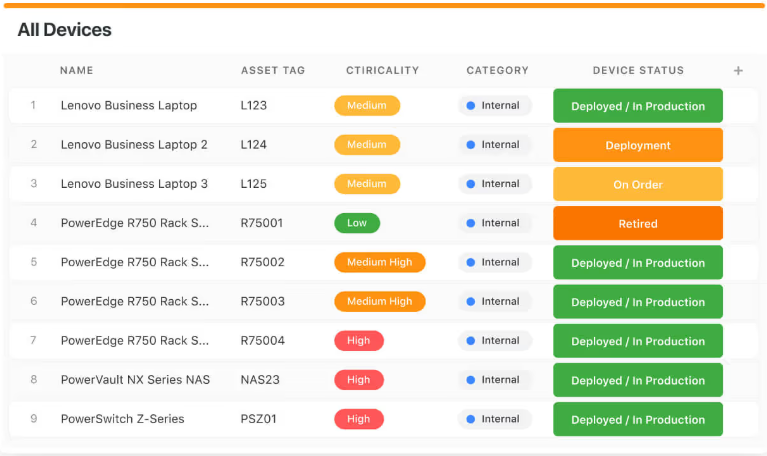
- Manage internal IT projects seamlessly – Plan, assign, and track internal IT initiatives to roll out technology solutions faster, and always stay on time and under budget.
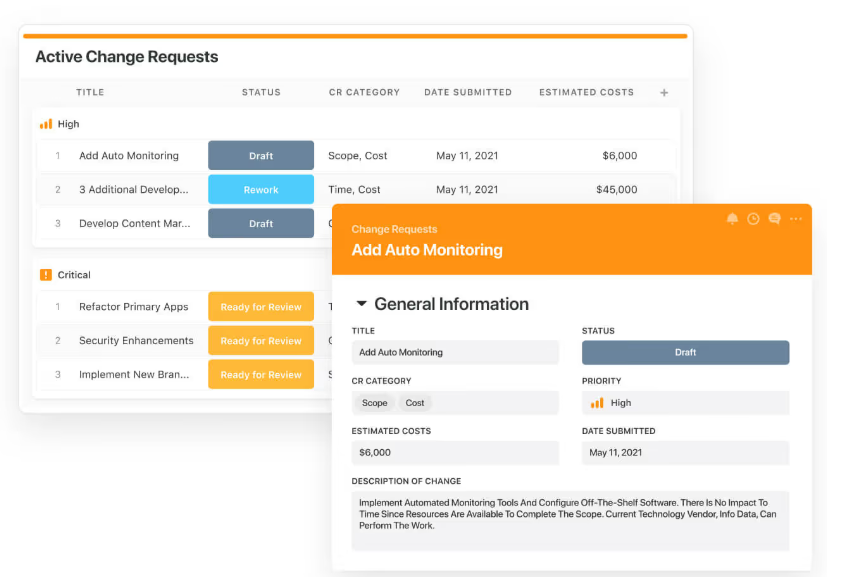
- Elevate IT governance – Publish IT policies, manage audits, and ensure compliance with centralized documentation that supports your security and data protection goals.
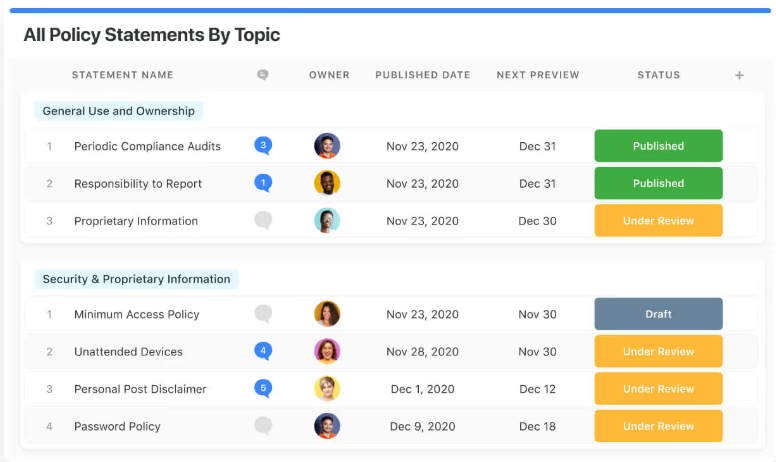
- Streamline IT workflows – Centralize service requests, prioritize incoming tickets, and track resolution SLAs through dashboards that keep your team aligned in real time.

- Automatically prioritize tasks – Use dynamic triggers to intelligently push or pull work based on urgency, helping your team respond faster and more proactively.
- Automate repetitive work – Set up no-code automations that power your IT operations in the background, so your team can focus on what matters most.
2. Lets you collaborate in real-time wherever work happens
Modern IT support moves fast, and SmartSuite is built to keep your team moving with it.
Instead of waiting for emails, chasing updates in chat threads, or losing time in status meetings, SmartSuite brings collaboration directly into your IT workflows.
Whether it’s triaging a ticket, escalating an urgent issue, or resolving a system outage, teams can communicate in context, in real time.
For example, SmartSuite enables you to start conversations exactly where the issue is unfolding – within the record itself.

Loop in subject matter experts, tag teammates, and share insights to troubleshoot faster and keep everyone aligned.
Moreover, with fully native iOS and Android apps, SmartSuite keeps you synced on the go.
This means that you can easily access tickets, share updates, upload files, and keep the resolution process moving from anywhere, which is perfect for remote or hybrid teams.
Finally, the platform’s flexible team management lets you assign and escalate tickets based on expertise and workload
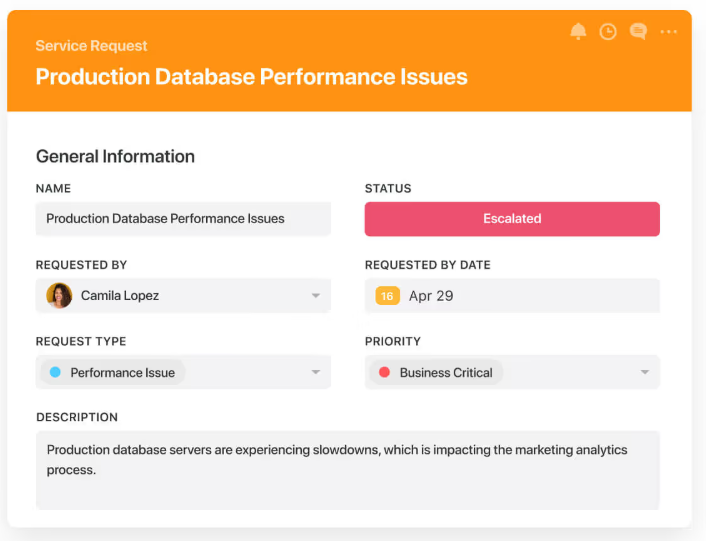
As a result, you can ensure that critical problems are seen by the right people instantly, so nothing slips through the cracks.
3. Advanced analytics and dynamic reporting
You can’t fix what you can’t see, and that’s why SmartSuite’s reporting and analytics capabilities are built directly into every layer of your ITSM workflow.
Whether you’re tracking ticket volumes, spotting recurring incidents, or monitoring team performance, SmartSuite gives you instant visibility into what’s happening, what’s at risk, and where to focus next.
With its reporting capabilities, you can:
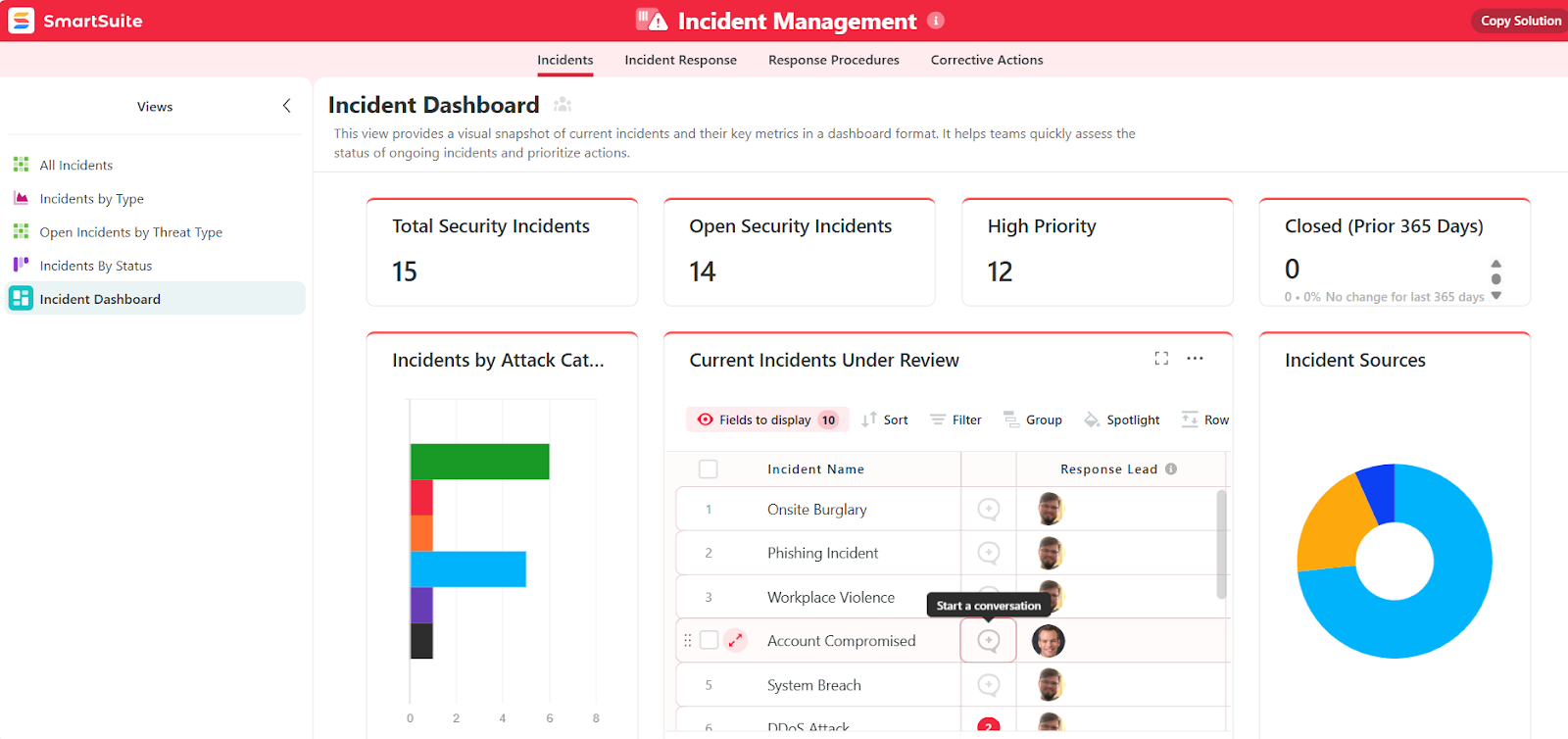
- Track tickets, trends, and team performance – Use real-time dashboards to visualize key metrics like response times, resolution rates, and SLA compliance, all in one place.
- Drill into the data – From high-level summaries to deep-dive insights, you can slice and filter ticket data to uncover root causes, spot bottlenecks, and take proactive action.
- Highlight critical issues before they escalate – Roll up key metrics into leadership-ready dashboards that surface red flags and track progress toward resolution in real time.
- Stay in control, wherever you are – SmartSuite’s flexible reports and visual dashboards keep you informed on any device, whether you’re in the office, in a meeting, or out in the field.
4. Jumpstart success with customizable ITSM templates
SmartSuite takes the guesswork out of setting up ITSM by offering a library of customizable templates designed to match the real-world needs of modern IT teams.
These pre-built solutions give you a head start for anything from tracking asserts to enforcing security policies, while still offering the flexibility to tailor every field, workflow, and dashboard to your team’s unique needs.
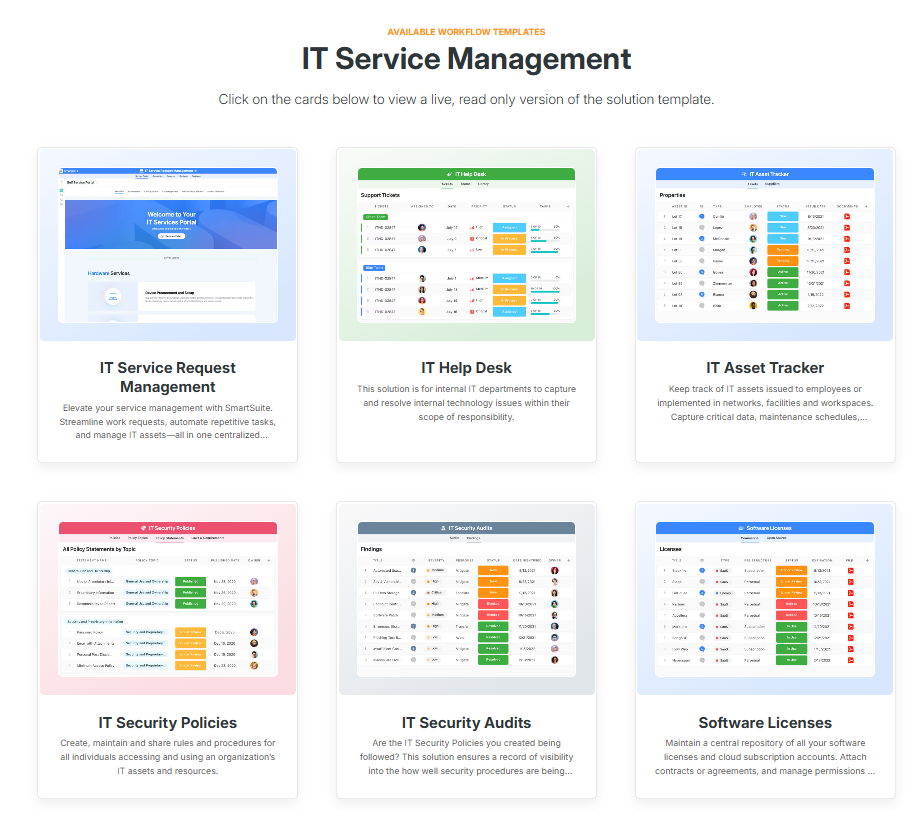
For example, with these templates, you can instantly deploy:
- IT help desk – Lets you centralize ticket intake and support delivery with visibility into maintenance schedules and hardware lifecycle data.
- IT security policies – Easily create, update, and distribute internal policies to ensure safe and compliant tech usage across the organization.
- IT asset management – You can automate asset procurement, assignment, and decommissioning across software, hardware, and cloud infrastructure.
- IT work request – Receive and process work orders from internal teams, contractors, or external vendors in one secure location.

Want to try one of our templates out for size?
Test the incident management template that lets you capture, assign, and resolve issues faster, all in one streamlined workspace.
The best part is that these templates aren’t just plug-and-play – they’re built to evolve with your team.
This means you can customize every element to match your internal processes and scale your IT operations without building from scratch every single time.
Pricing
Unlike Freshservice, SmartSuite has a free forever plan that provides access to its templates, dynamic dashboards, team collaboration features, 100 monthly automations, etc.
Moreover, each of SmartSuite’s paid plans includes unlimited users, making it ideal for growing teams.
There are four tiers to choose from:
- Team: $12/user/mo, includes everything in Free, plus unlimited users, Gantt charts, 5,000 automation runs, etc.
- Professional: $30/user/mo, includes everything in Team, plus two-factor authentication, Gmail & Outlook integrations, AI features, more automation runs, etc.
- Enterprise: $45/user/mo, includes everything in Professional and adds audit logs, data loss prevention, 50,000 monthly API calls, etc.
- Signature: A customized plan tailored to your organization’s needs and team size with no predefined limits.
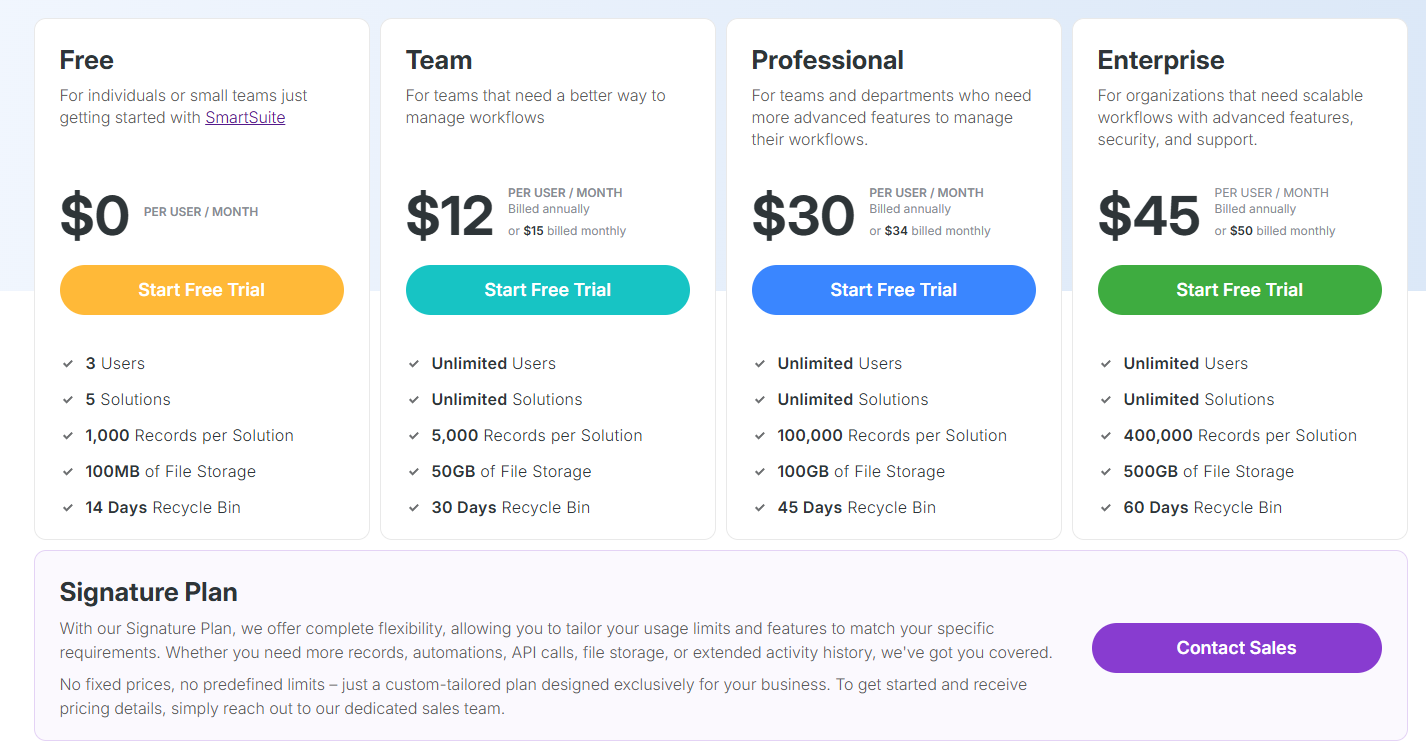
The first three paid plans have a 14-day free trial – no credit card needed.
How does SmartSuite compare to Freshservice?
Although Freshservice is packed with enterprise-grade features, for many teams, it comes with trade-offs, such as high pricing, limited customization, and underwhelming reporting.
SmartSuite flips that model on its head.
It gives you a unified, no-code ITSM platform that’s easy to customize, quick to deploy, and built to scale without requiring a dedicated IT department to manage it.
Unlike Freshservice, SmartSuite lets you create flexible workflows, collaborate in real time, and gain instant visibility into performance metrics, all from a single interface.
And with built-in templates and unlimited users on every paid plan, it’s a future-ready solution that works just as well for growing teams as it does for mature ones, all without breaking the budget.
Pros & Cons
✅ No-code platform makes it easy to customize workflows without technical expertise.
✅ Unified workspace for tickets, assets, audits, and projects in one place.
✅ Built-in ITSM templates to accelerate setup and standardize best practices.
✅ Real-time collaboration features, including mobile access and in-record conversations.
✅ Transparent pricing with unlimited users on all paid plans.
✅ Flexible reporting and dynamic dashboards for better visibility and decision-making.
❌ Fewer native ITSM integrations compared to enterprise platforms.
2. Jira Service Management
Best for: Agile IT and DevOps teams that want deep integration with development pipelines and powerful, customizable workflows.

Built on the robust Jira platform, Jira Service Management delivers an ITIL–aligned ITSM suite with top-tier incident, problem, and change management, while offering unmatched flexibility, automation, and seamless integration with development tools.
It’s ideal for teams that value agility, visibility, and a unified approach to support and engineering workflows.
Key features
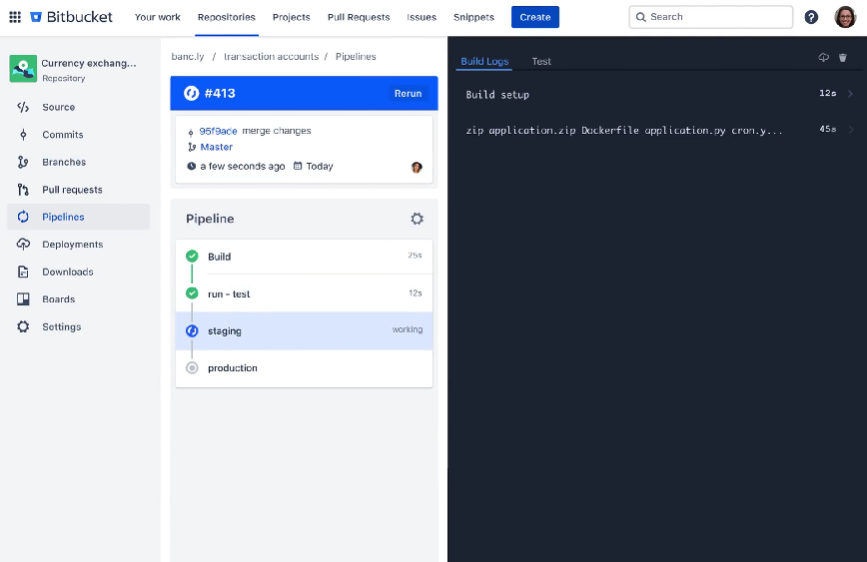
- Customizable workflows – These let you tailor every ticket, lifecycle, and escalation path to mirror internal processes.
- Real-time reporting & analytics – You get dashboards, burndown charts, velocity reports, and JQL-powered filters for data-driven IT decisions.
- Self-service portal & knowledge base – These come with ML-powered search and virtual agents that ensure users find answers fast without agent intervention.
Pricing
Jira Service Management has a free forever plan that lets you onboard up to three agents.
On it, you get ITSM templates, alerts and incident templates, multichannel support, knowledge base, etc.
If you need more features or users, you can subscribe to one of three paid plans:
- Standard: Starting at $23.80 per agent per month, includes everything in Free, plus custom-branded help centre, unlimited email notifications, up to 20,000 users and unlimited customers, etc.
- Premium: Starting at $53.30 per agent per month, includes everything in Standard, plus Rovo Agents, Search and Chat, for AI-powered service and operations, virtual service agent, advanced incident management, real-time incident monitoring, etc.
- Enterprise: Custom pricing, annual billing only, includes everything in Premium, plus cross-product insights, advanced admin controls and security, unlimited automations, etc.

Similar to most Atlassian products, you get a volume discount on the price, meaning that the price per user goes down the more users you onboard.
Pros & Cons
✅ Strong reporting tools and community support.
✅ Excellent multi-tool integration via Atlassian Marketplace.
❌ Asset management module locked behind Premium plan.
3. Atera
Best for: MSPs and small-to-mid IT teams needing unified RMM + PSA with AI-powered automation.

Atera is an all-in-one IT management platform that combines remote monitoring, professional service automation, patch management, and AI-driven insights.
Additionally, it recently introduced a range of AI agents that enable autonomous ITSM, making it perfect for teams who want to make the most of AI capabilities.
Key features
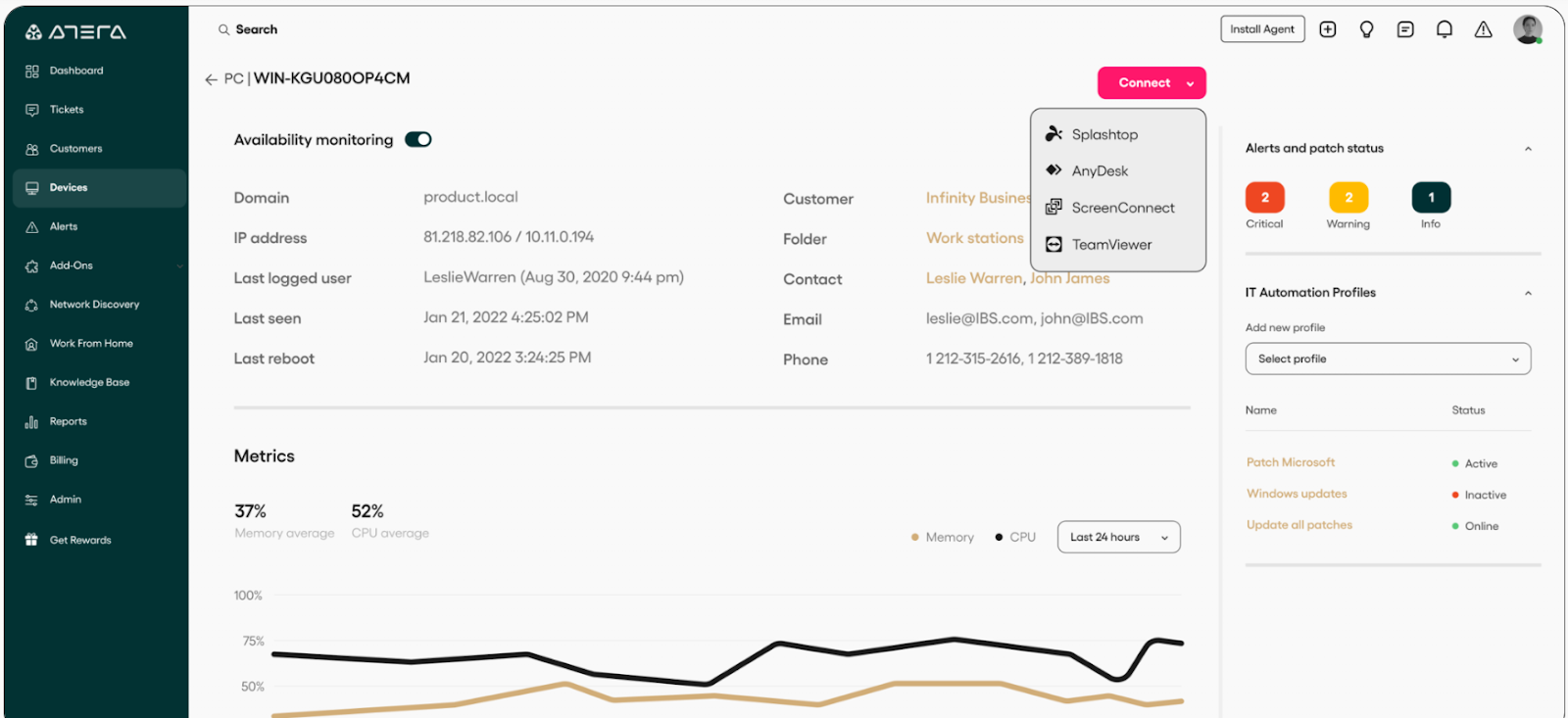
- Remote monitoring & management (RMM) – Tracks servers, workstations, and network devices in real time with customizable alerts to address issues before they escalate.
- AI Copilot – Real-time productivity assistant for IT technicians that delivers instant ticket summaries, remote troubleshooting insights, script and command-line generation, and knowledge base recommendations.
- IT Autopilot – Independently handles tickets, troubleshoots issues, and delivers 24/7 support through human-like interactions across Slack, Teams, email, and the user portal.
Pricing
Atera has separate packages for IT departments and MSPs.
When it comes to IT departments, there are four pricing plans to choose from:
- Professional: $169/technician/mo, includes remote monitoring, management, and alerts, patch and software management, service portal, etc.
- Expert: $229/technician/mo, includes everything in Professional, plus custom asset, ticket auto-tagging, remote access using AnyDesk, etc.
- Master: $269/technician/mo, includes everything in Expert, plus custom analytics reports, longer audit log, more custom assets, data recovery, etc.
- Enterprise: Custom price, includes everything in Master, plus SSO, Azure AD continuous sync, script-based custom fields, etc.

If you’re an MSP, there are also four plans you can check out:
- Pro: $139/technician/mo, includes the same features as the IT Professional plan.
- Growth: $189/technician/mo, includes the same features as the Expert plan.
- Power: $249/technician/mo, includes the same features as the Master plan.
- Superpower: Custom price, includes the same features as the Enterprise plan.

Each of these plans for both IT departments and MSPs comes with a 30-day free trial.
In addition to these plans, there are also optional add-ons which you can purchase on any of these eight plans:
- AI Copilot: $95/technician/mo, includes all of AI Copilot’s capabilities.
- Network Discovery: $29/technician/mo, scans your network, detects unauthorized devices, and onboards new assets.
- AI Agents: Custom price, depending on the type and scale of agent you want.

Pros & Cons
✅ Intuitive interface.
✅ Strong RMM, PSA, patch management, and remote access in a single platform.
❌ Reporting capabilities are functional but could be deeper.
4. ServiceNow
Best for: Large enterprises and complex organizations that need a full ITSM ecosystem with strong ITIL alignment, robust AI capabilities, and deep integrations across IT and business functions.
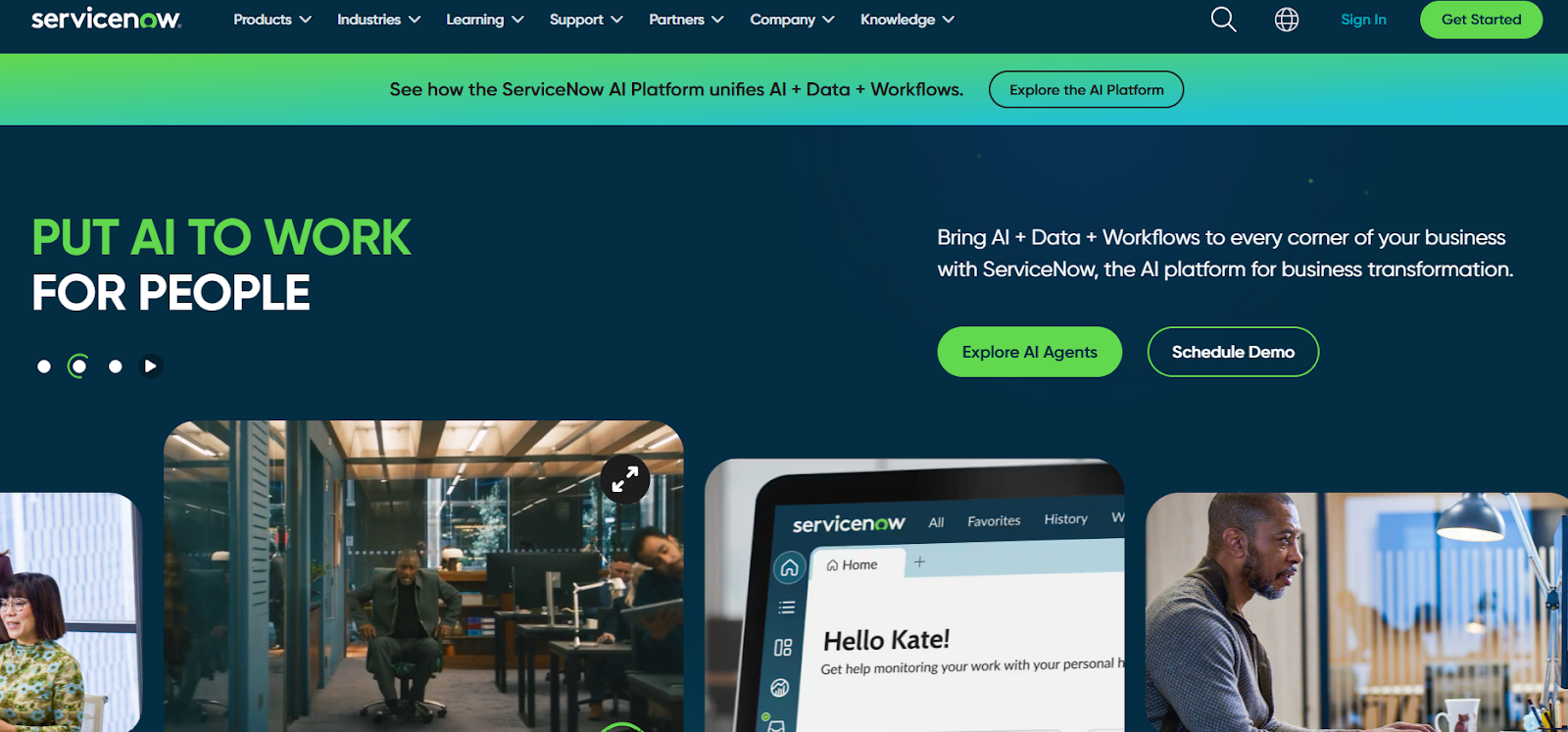
ServiceNow offers an end-to-end, cloud-based ITSM platform built on the Now Platform, providing seamless incident, problem, change, and asset management across the service lifecycle.
With powerful AI, automation, and a unified CMDB, it enables complex workflows and enterprise-scale operations with consistency and control.
Key features
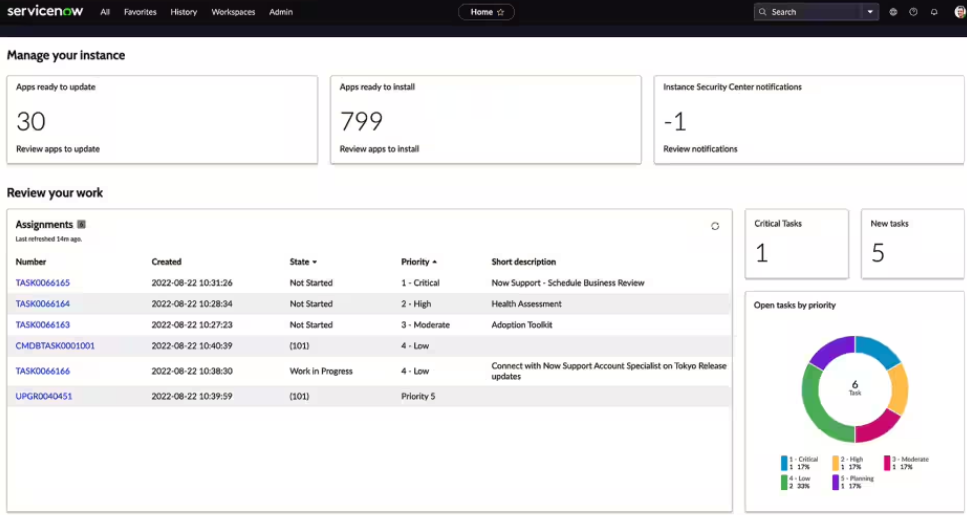
- Comprehensive ITIL-aligned suite – Has tools that cover incident, problem, change, request, and asset management for full service lifecycle management from a single platform.
- Powerful CMDB & asset management – Lets you centrally track configurations, dependencies, lifecycle data, and compliance across all IT and field assets.
- Generative AI and virtual agents – These tackle things like predictive analytics, automated resolutions, and conversational support.
Pricing
ServiceNow doesn’t disclose prices for any of its products, including its ITSM product suite.
You’ll have to contact sales for details or check our in-depth guide on its pricing.
Pros & Cons
✅ Robust CMDB and 360-degree asset lifecycle visibility support a compliant and proactive approach to incident management.
✅ Advanced AI-powered automation capabilities.
❌ Steep learning curve and interface complexity can be overwhelming for smaller teams.
5. Zendesk
Best for: Mid-sized teams and internal IT/help desk groups that prioritize intuitive setup, multichannel support, and fast deployment with minimal technical overhead.

Zendesk offers a clean, user-friendly platform that consolidates tickets from email, chat, phone, and social media into a centralized support environment.
As such, it can deliver fast-to-deploy IT service management capabilities – like incident tracking, SLA enforcement, and self-service portals – while leveraging AI-powered automated workflows and dynamic knowledge bases to deflect tickets and drive efficiency.
Key features
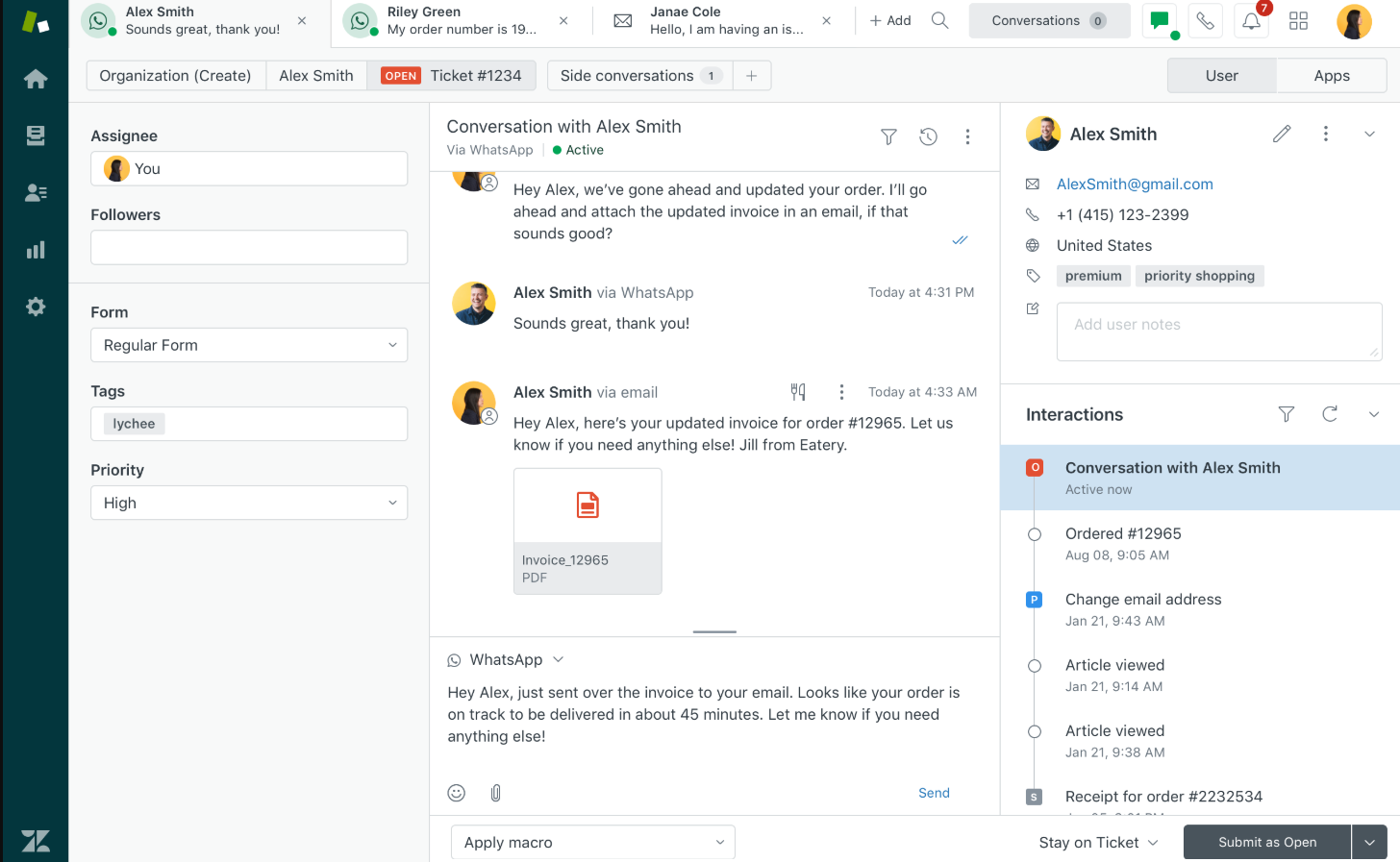
- Omnichannel ticketing & SLA automation – Lets you centralize support requests across email, chat, voice, and social into one stream, with rules to triage based on urgency.
- AI-driven self-service & bots – Helps you reduce ticket volume by offering automated answers and smart article suggestions powered by prior conversations.
- Knowledge base & community forums – Allow your end users to access self-help articles and peer insights, and cut down reliance on IT agents.
Pricing
Zendesk has four essential pricing plans:
- Support Team: $25/agent/month, includes basic automations and insights, simplifying email support with ticketing, etc.
- Suite Team: $69/agent/month, includes everything in Support Team, plus omnichannel support, AI agent-driven automations, etc.
- Suite Professional: $149/agent/month, includes everything in Suite Team, plus team collaboration on closing tickets, smart routing, etc.
- Suite Enterprise: Custom price, includes everything in Suite Professional, plus sandbox for testing updates, custom permissions, change tracking, spikes handling, etc.
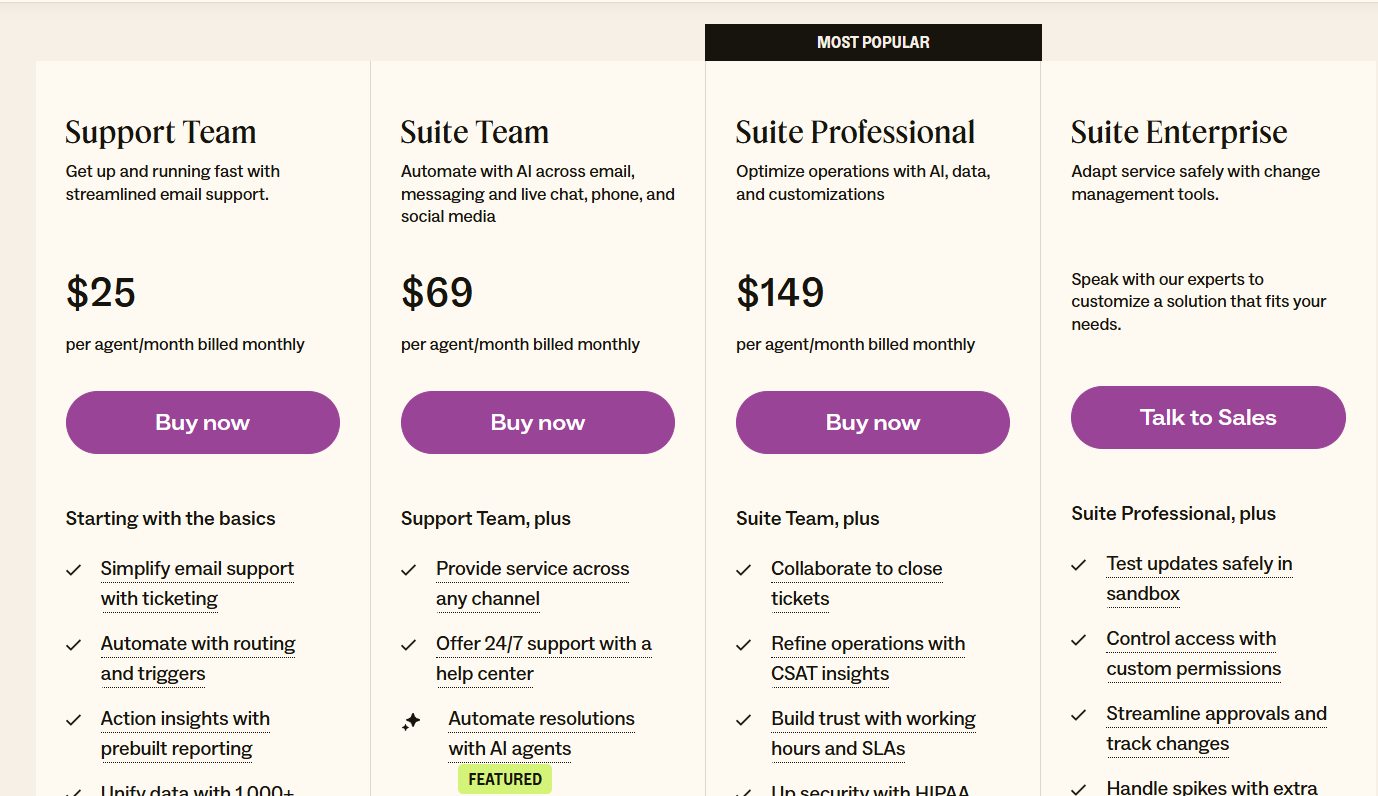
In addition to these, there’s a wide range of add-ons you can purchase on top, such as:
- AI Copilot: $50 per agent/month, billed annually, available on Professional and above.
- Zendesk Workforce Management: $25 per agent/month, billed annually, for organizations managing teams in Zendesk.
- Zendesk Quality Assurance: $35 per agent/month, billed annually, lets you automatically analyze 100% of conversations across human and AI agents, BPOs, channels, and languages.
- Zendesk Workforce Engagement Bundle: $50 per agent/month, billed annually, lets you enjoy the power of Zendesk Workforce Management and Zendesk Quality Assurance at a discounted bundle rate and lead your team to deliver superior CX.
- Advanced Data Privacy and Protection: $50 per agent/month, billed annually, supports your compliance and security policy obligations with an extra layer of protection and privacy.
- Contact Centre: $50 per agent/month, billed annually, lets you power the world’s most complex contact centres with Zendesk’s ease of use and flexibility, available on all Suite plans.
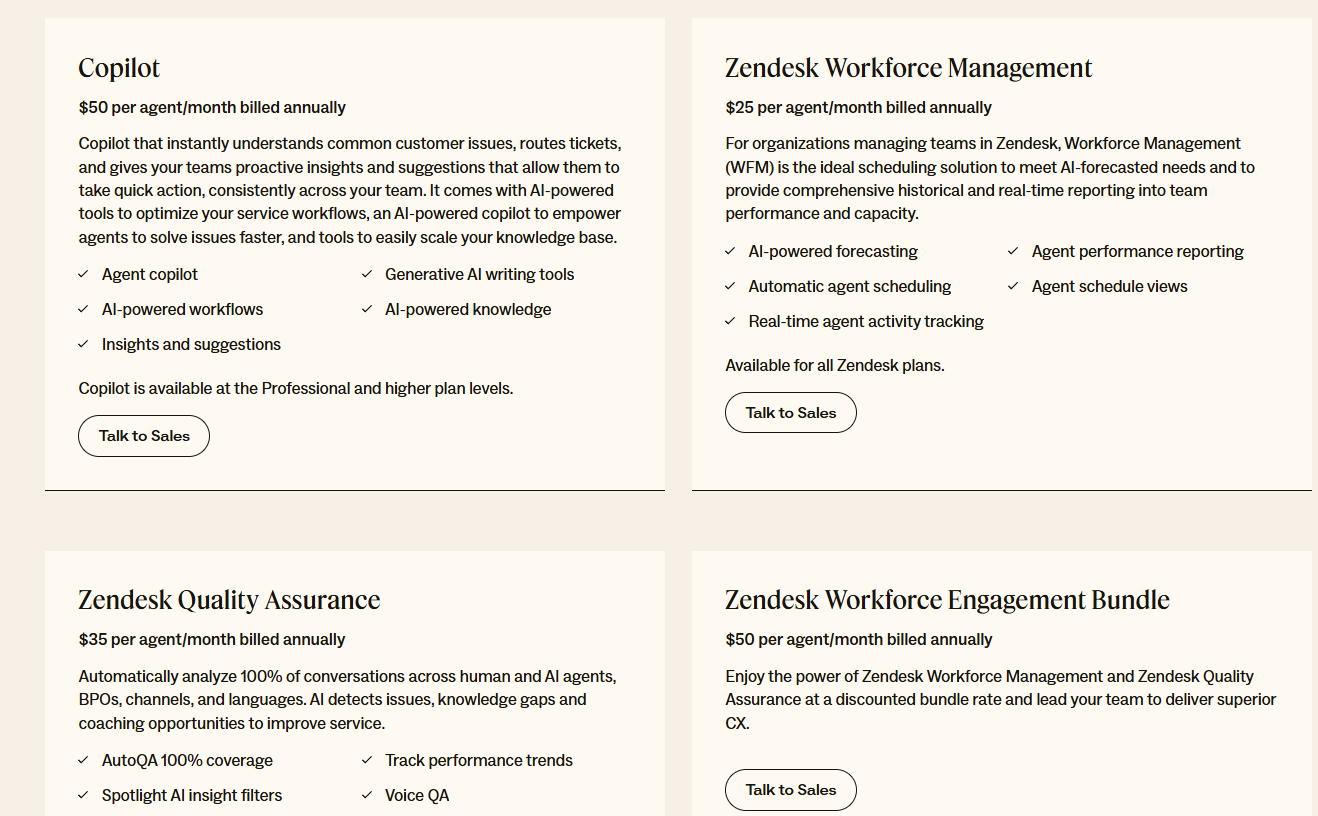
Pros & Cons
✅ Easy, fast deployment with a low learning curve.
✅ Powerful omnichannel support for internal IT teams spanning email, chat, phone, and social.
❌ Lacks advanced ITSM features like native CMDB or comprehensive asset/change management because it’s not an ITSM dedicated platform.
6. SolarWinds Service Desk
Best for: Mid‑sized to large IT teams that need a full-featured, ITIL-compliant platform with strong asset and configuration management at a predictable, per-technician cost.
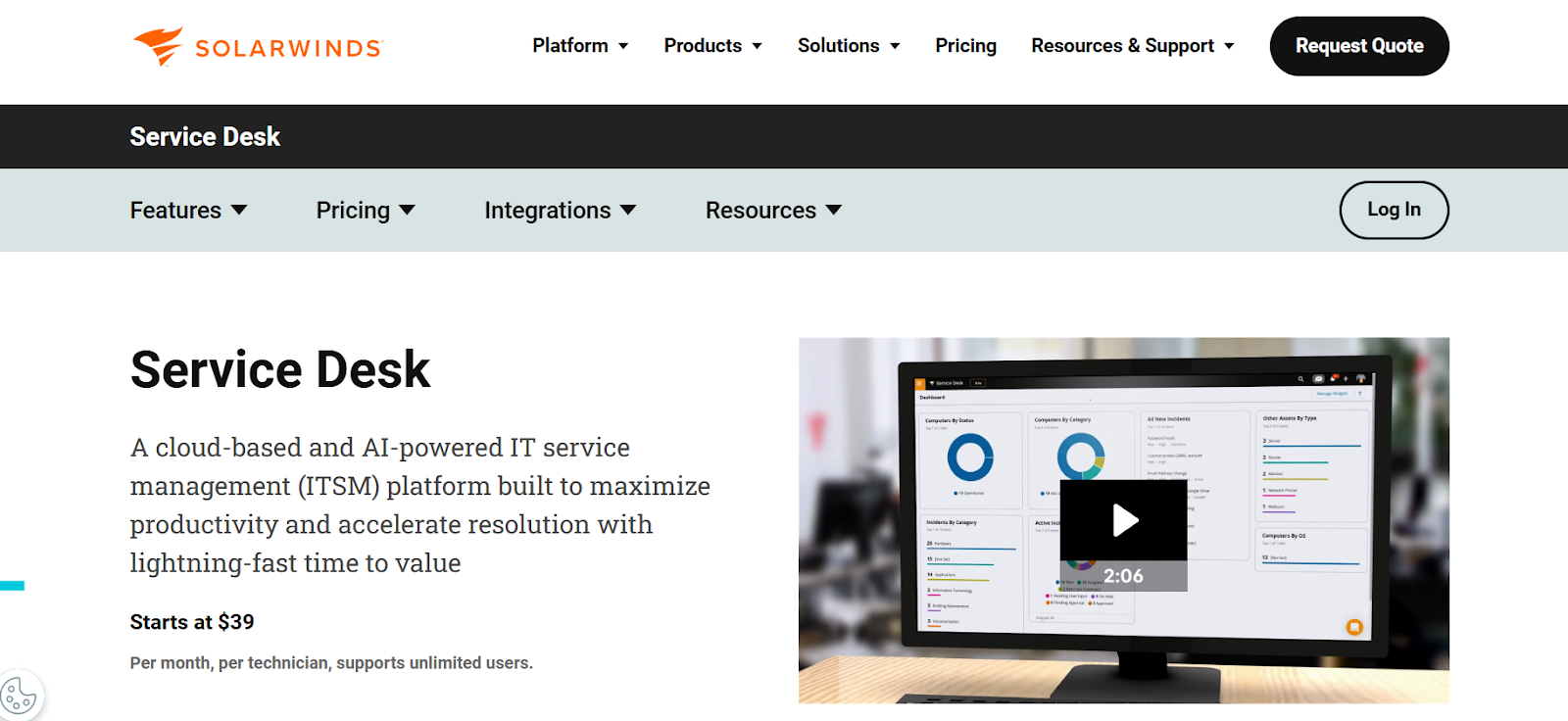
SolarWinds Service Desk is a cloud-based ITSM suite praised for combining powerful incident, change, and asset management with AI-driven automation and an intuitive interface.
The platform includes a visual CMDB, intelligent runbooks, virtual agents, and customizable reporting, making it a strong choice for teams seeking operational efficiency without excessive complexity
Key features
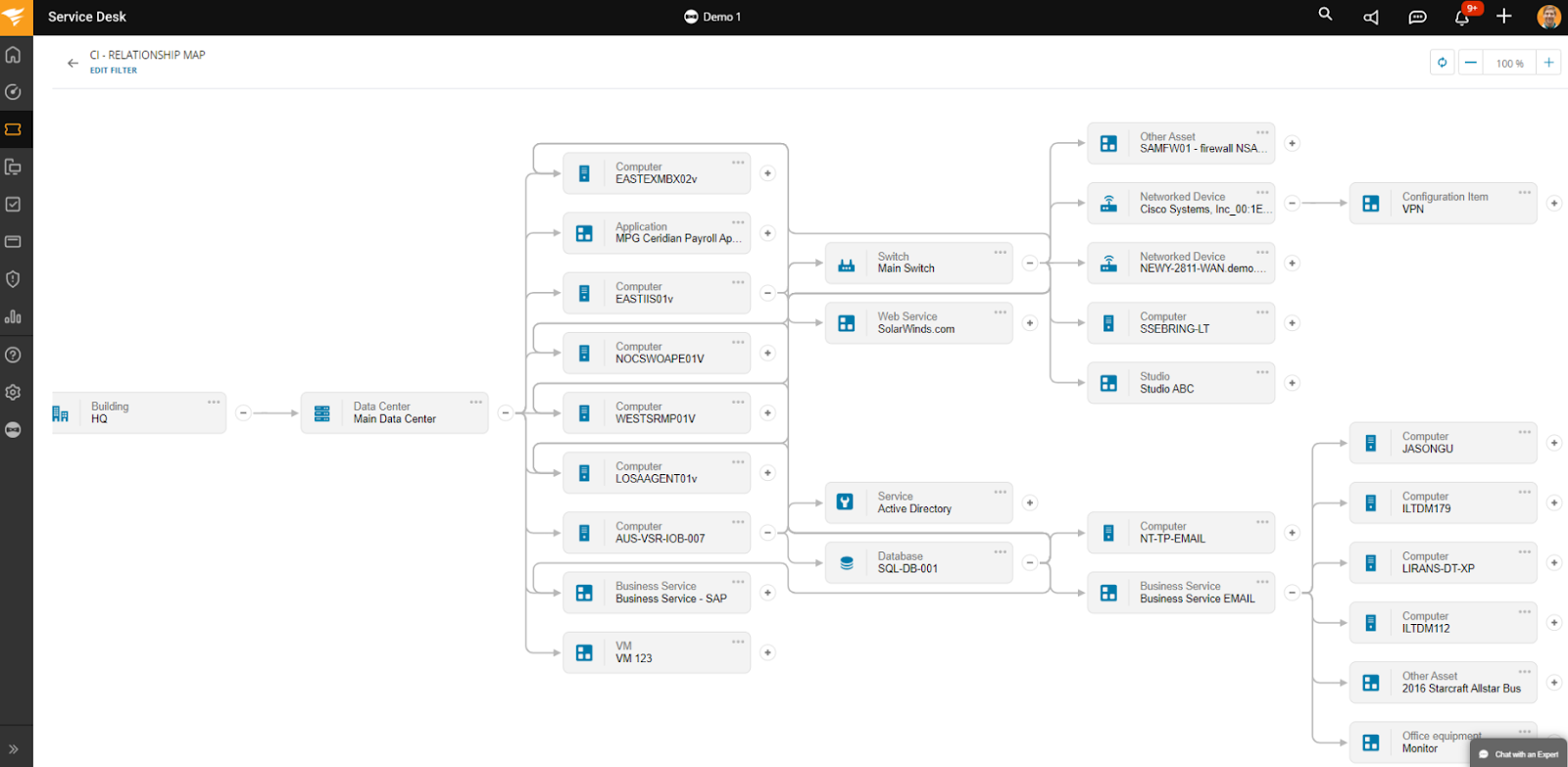
- AI-powered incident management – The platform provides sentiment detection, auto-routing, and virtual agents to speed resolution and reduce response time.
- Visual CMDB with dependency mapping – Offers real-time visibility into asset relationships and incident impacts to support proactive change and risk analysis.
- Customizable reporting & powerful dashboards – This lets you track all the essential metrics, while providing downloadable 360° reports and Power BI integration for advanced analytics.
Pricing
SolarWinds has several different product packages, each of which has distinct pricing.
When it comes to IT Service Management, there’s one plan, Service Desk, with pricing starting at $39/technician/month.
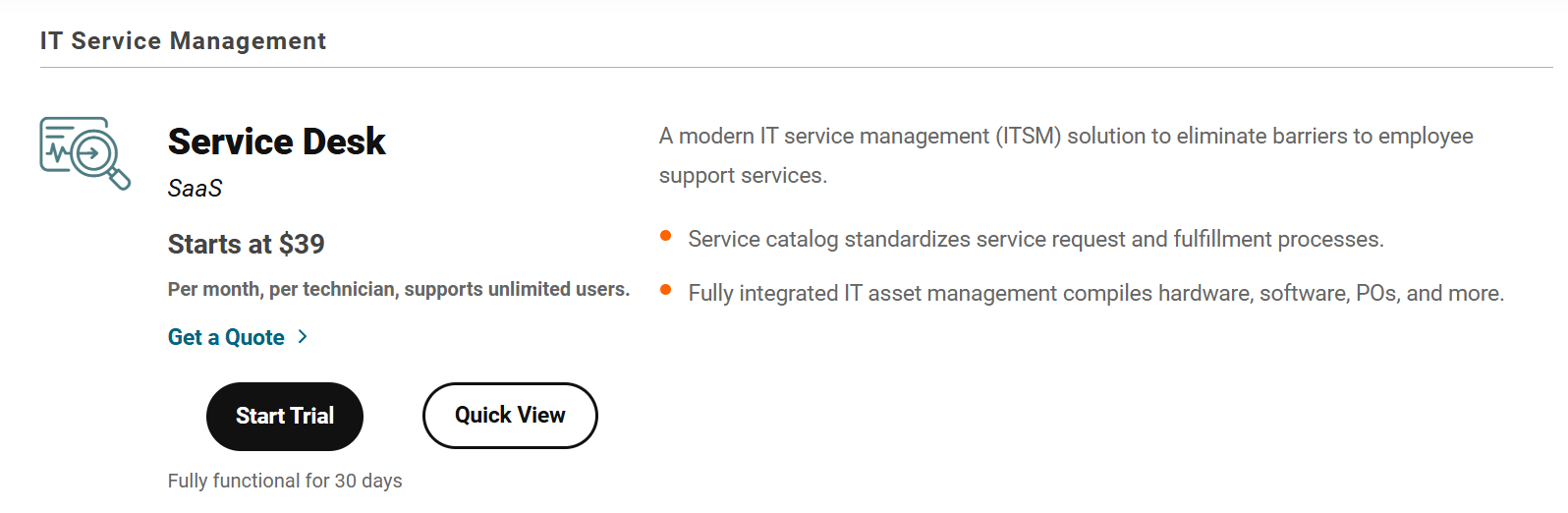
It’s best to request a custom quote to find out the exact price for your organization. If you’d like to test it first, there’s a 30-day free trial.
However, if you need incident response features too, you should know that these are included in a separate Incident Response plan, with pricing starting at $9/user/month.
Pros & Cons
✅ Easy to use with lots of out-of-the-box features.
✅ Highly configurable and customizable, can be adjusted to various workflow types.
❌ Lacks a free or entry-level plan, plus its per-user pricing scales badly.
7. ManageEngine ServiceDesk Plus
Best for: SMBs to mid-size enterprises seeking a full ITIL-aligned ITSM + asset management suite at transparent, technician-based pricing.
ManageEngine ServiceDesk Plus delivers a broad IT service desk capable of handling incidents, assets, change, problems, and project management, all within a single platform built on ITIL-certified best practices.
It combines flexible workflow automation, multi-channel ticketing, and powerful asset discovery to enable end-to-end ITSM.
Key features
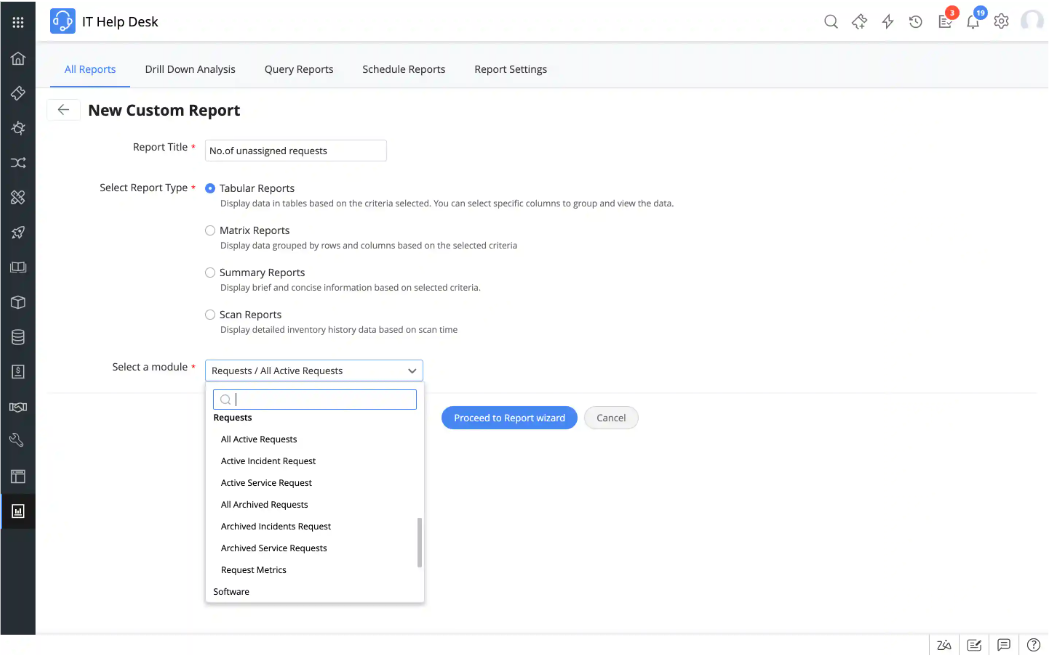
- Asset & CMDB management – Automatically discovers hardware/software assets and lets you visually map and track configurations, lifecycles, contracts, and licensing.
- Customizable workflows & business rules – Allows configuration of ticket actions, escalations, notifications, and approval steps with no coding required.
- Reporting & dashboards – Offers 150+ pre-built reports and lets you easily build custom reports to drill down into essential metrics.
Pricing
When it comes to ManageEngine ServiceDesk Plus’ cost, there’s little I can tell you, as the platform doesn’t publish pricing details.
Judging by its quote request form, though, it’s fair to assume that the pricing will depend at least partially on the number of technicians you need to onboard and your preferred deployment method.
You can contact its team for a custom quote.
Pros & Cons
✅ Virtual agent and AI features (triage, assistance) available out-of-the-box.
✅ Flexible deployment options.
❌ Complex initial implementation.
8. HappyFox
Best for: Small to mid-sized teams and internal help desks that want a clean, highly customizable ticketing system with strong automation without enterprise complexity.

HappyFox offers a sleek, intuitive help desk that consolidates requests from email, chat, phone, and social media into a unified support queue.
With powerful smart automation rules, a built-in knowledge base, and multi-channel support, it simplifies ticket handling while empowering teams to streamline workflows efficiently.
Key features

- Smart automation rules – You can easily automate ticket assignment, prioritization, escalation, and reminders based on various criteria.
- Optimized asset management – Built-in tool for centralized asset management that provides instant visibility into affected users, impacted services, and asset histories when troubleshooting.
- Wide range of AI features – These include autonomous AI agents for handling repetitive tasks, auto responses, ticket summarization, writing assistance, insights and recommendations, etc.
Pricing
HappyFox has three pricing tiers:
- Team: $69/agent/mo, includes incident and service request management, service and product catalogs, 500 assets, etc.
- Pro: $119/agent/mo, includes everything in Team, plus problem, change, and release management, custom roles and permissions, 2,000 assets, etc.
- Enterprise PRO: Custom price, includes everything in Pro, plus 25 service portals, 5,000 assets, email archival, etc.

However, neither of these plans includes any of HappyFox’s AI features, which are only available as add-ons, with pricing starting at $14/agent/month for the most basic package.
You can get a free trial if you request a demo in order to determine whether HappyFox could be the right fit for your organization.
Pros & Cons
✅ Powerful automation rules reduce repetitive tasks and manual follow-up.
✅ Clean, user-friendly interface that’s quick to implement and easy to use.
❌ Reporting setup and customization are complex and limited.
9. SysAid
Best for: Mid-sized to large IT teams that require ITIL-aligned support with deep automation, customizable workflows, and flexible deployment.
SysAid offers a comprehensive ITSM suite featuring incident, problem, change, and request management, backed by powerful asset discovery, automation, and self-service capabilities.
Its unique strength lies in its high configurability, offering unlimited templates and custom fields to match exact business needs
Key features
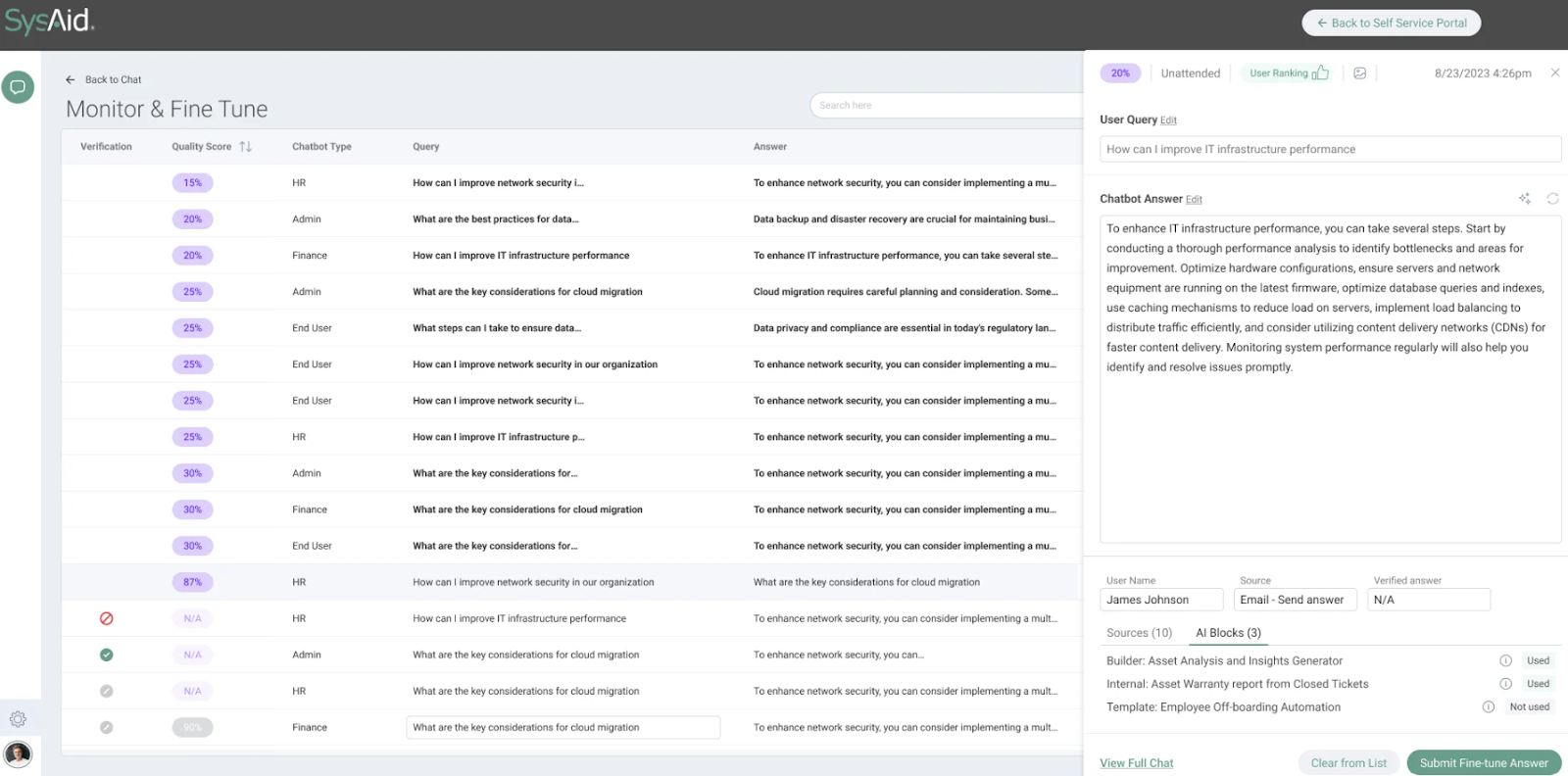
- SysAid Copilot – Lets you incorporate generative AI into every aspect of ITSM for faster and more accurate service.
- Automation & workflows – Visual workflow builder lets you streamline approvals, notifications, and repetitive tasks with easy-to-configure rules and triggers.
- Service level management – You can customize SLAs and performance metrics to align with your unique service delivery goals, ensuring issues are resolved within agreed timeframes and customer expectations are consistently met.
Pricing
SysAid doesn’t publish prices.
You can contact its team for more information.
Pros & Cons
✅ Highly customizable, meaning it can easily fit into varied and complex organizational needs.
✅ Advanced AI features powered by ML algorithms that adapt and learn with time.
❌ The UI can feel clunky at times.
10. Budibase
Best for: IT teams or business units that need ultra-flexible, low-code internal tools – like custom ITSM apps, asset trackers, or ticketing systems – that they can build and self-host without heavy engineering dependency.
Budibase isn’t an ITSM platform as such.
Instead, it’s an open-source low-code platform designed for creating tailored internal tools in minutes, with no-code building blocks and full data integration capabilities.
This means that, unlike pre-baked ITSM suites, Budibase lets you design exactly what your team needs – whether that’s a check-in/out portal, incident tracker, or asset dashboard – and deploy it either in the cloud or on-premises.
Key features

- Drag-and-drop app builder with pre-built components – Lets you rapidly design all kinds of CRUD apps, forms, portals, and admin panels.
- Self-hosted or cloud deployment – This ensures total control, with ISO 27001 security and GDPR compliance available for both use cases.
- Built-in app security & scalability – Including SSO, RBAC, backup snapshots, and enterprise SLAs for maximum safety and stability.
Pricing
Budibase has a free plan for teams that would like to try it out. It includes unlimited apps, data sources, and automations, but has a limited number of users and omits more advanced features.
If you need more, you can subscribe to one of two paid plans:
- Premium: $60 per app creator/month + $6 per app user/month, includes Budibase AI, custom branding, PDF generation, etc.
- Enterprise: Creator only pricing + free & unlimited app users, includes everything in Premium, plus active directory/SCIM, custom AI (LLM) connection, audit logs, PWA support, etc.
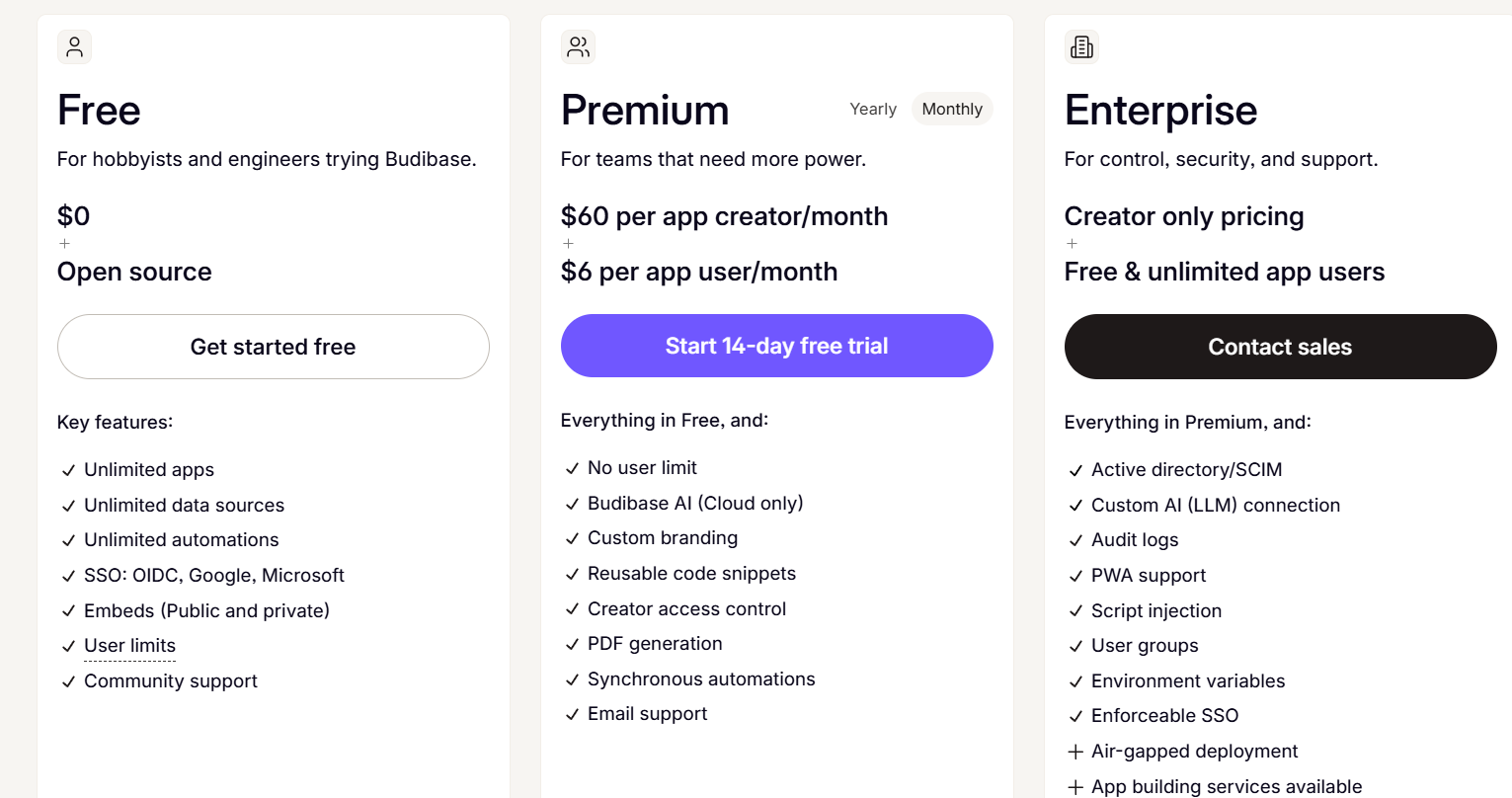
With each of these plans, you can choose to either self-host or host with Budibase.
Pros & Cons
✅ Allows fast app creation using visual tools and data-driven autogeneration features.
✅ Supports wide data integrations and custom logic, providing you with the flexibility to build anything from a ticket system to a license tracker
❌ Lacks built-in ITSM modules out of the box, meaning you’ll need to build each workflow yourself.
Next steps: Choose the right ITSM platform for your team
The ITSM landscape in 2025 offers more flexibility than ever.
Whether you’re looking for a fully packaged solution, deep customization, or a lightweight help desk, there’s no shortage of Freshservice alternatives that can fit your team’s size, complexity, and budget.
That said, if you’re looking for an ITSM platform that combines ease of use, full customization, powerful automation, real-time collaboration, and transparent pricing – all without the enterprise bloat – SmartSuite stands out as one of the most flexible and scalable solutions on the market.
Start your free trial today and see how SmartSuite can simplify your ITSM workflows.
Or, if you want to see it in action first: Schedule a demo with our team and get a personalized tour.
Read more
10 Best Jira Service Management Alternatives in 2025
When it comes to IT service management, Jira Service Management is often a go-to – but it’s far from the only option.
In 2025, teams are looking for Jira Service Management alternatives that offer greater flexibility, simpler pricing, stronger automation, or a better fit for their unique workflows.
Whether you’re a growing business, an enterprise IT team, or a cross-functional organization tired of complex configurations, the right platform can make all the difference.
In this guide, you’ll find the handpicked list of the 10 best Jira Service Management alternatives for 2025.
I reviewed each solution thoroughly based on features, pricing, strengths, and ideal use cases, so you can confidently find the tool that actually matches your needs, without compromising on functionality or budget.
Let’s dive in!
Why look for Jira Service Management alternatives in the first place?
Jira Service Management is Atlassian’s ITSM solution designed to help teams manage incidents, service requests, changes, and assets in one centralized platform.
It’s tightly integrated with the Atlassian ecosystem, making it especially appealing for companies already invested in those tools.
Moreover, its powerful automation capabilities and built-in knowledge base powered by ML-driven search are often praised for streamlining repetitive tasks and improving self-service options for end users.
But while Jira Service Management offers plenty of power, it’s not always the perfect fit for every team.
Many users eventually run into challenges around complexity, steep learning curves, or the costs associated with scaling.
Here are some of the most common reasons why businesses start exploring alternatives and what they’re hoping to fix.
1. Steep learning curve
One of the most common complaints users have regarding Jira Service Management is its steep learning curve, making it too complex for leaner teams in particular.
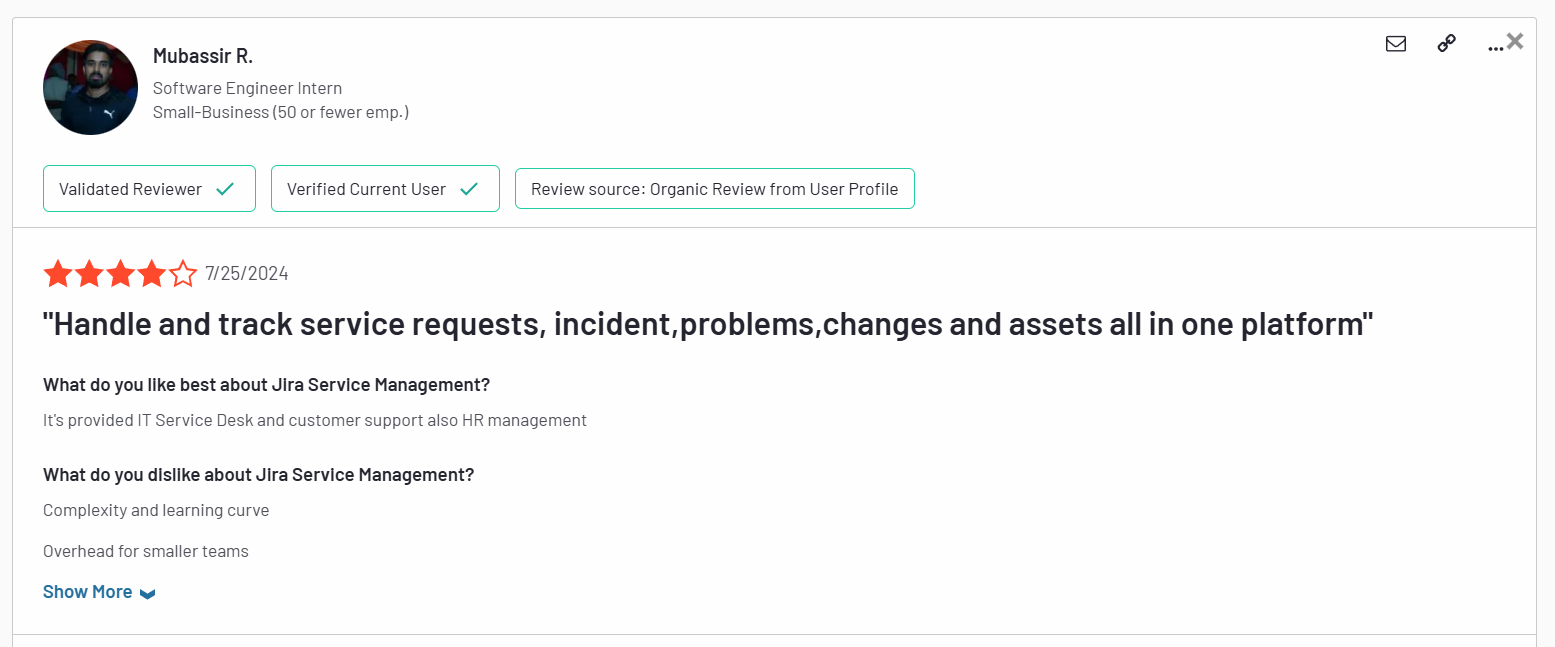
Complexity and learning curve. Overhead for smaller teams. – G2 Review
Most customers feel that its interface is very difficult to figure out, requiring lots of technical skill and time.

I think Jira’s weak point is ease of use. It is a tool that has a fairly slow learning curve and is not as intuitive for users who are not in the Technology environment. Added to that, their IT asset manager is not that good. – G2 Review
The overall impression of many users is that the platform seems unfinished and cluttered at the same time.
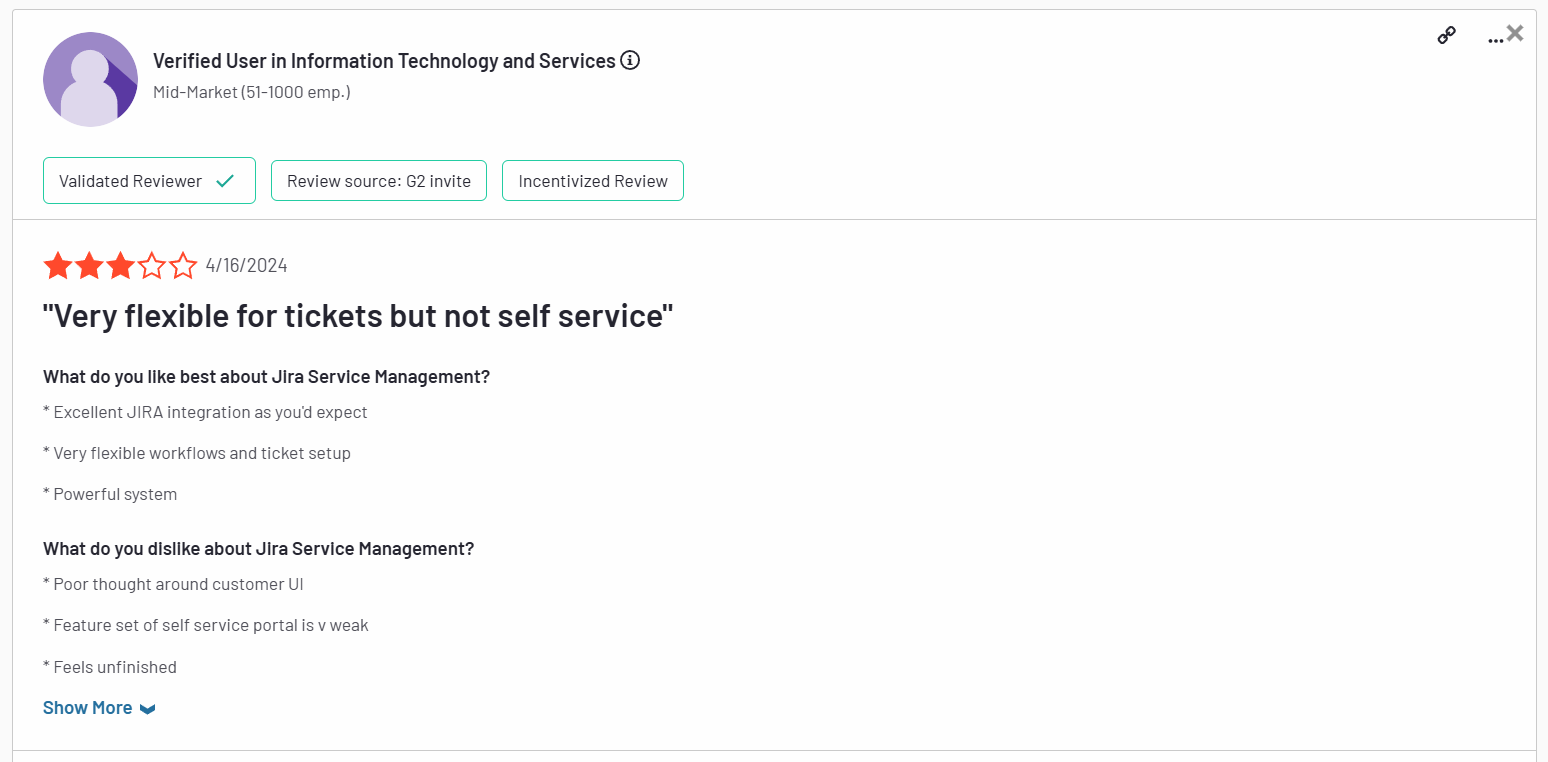
”Poor thought around customer UI. Feature set of self service portal is weak. Feels unfinished.” – G2 Review
2. Some key features are hidden behind a paywall
Although Jira Service Management has a free forever plan and a relatively affordable first paid tier, there’s a catch.
Some of its most useful features in the ITSM environment, such as asset management, real-time incident monitoring, virtual agents, etc., are available only on its Premium plan and above.
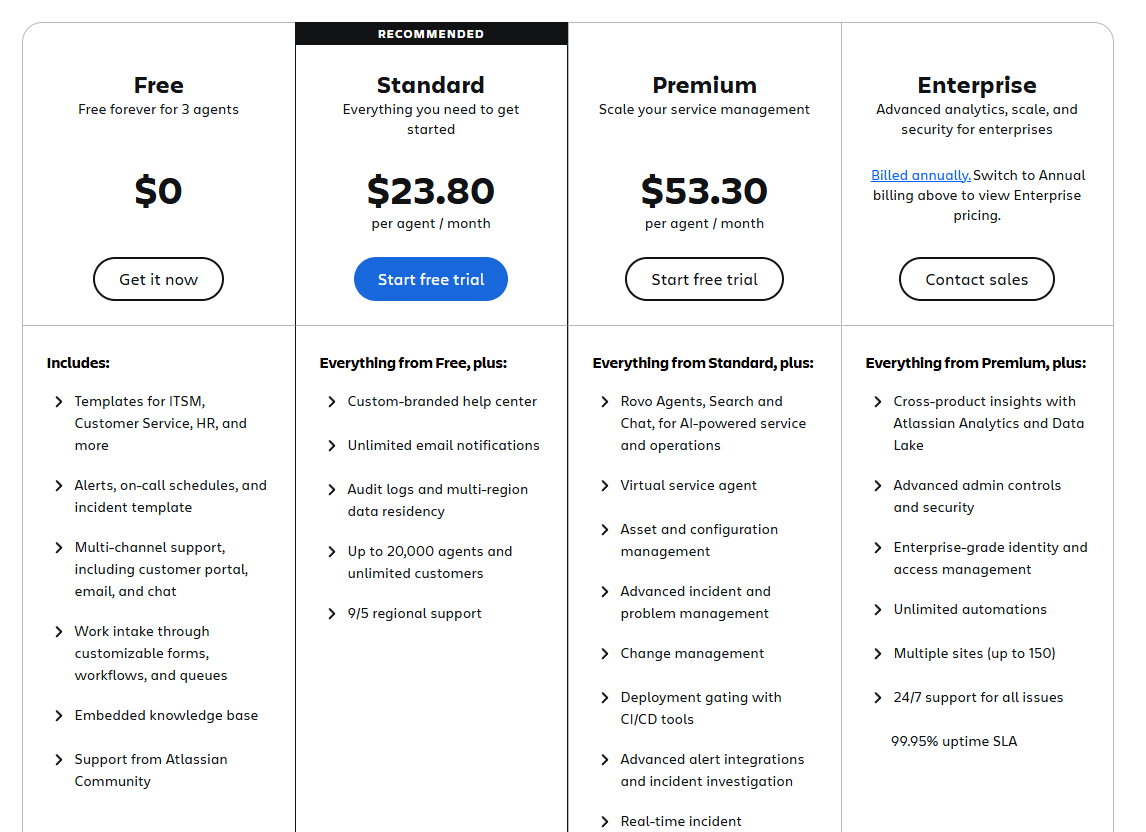
This makes the platform a far from ideal choice for teams with tighter budgets.
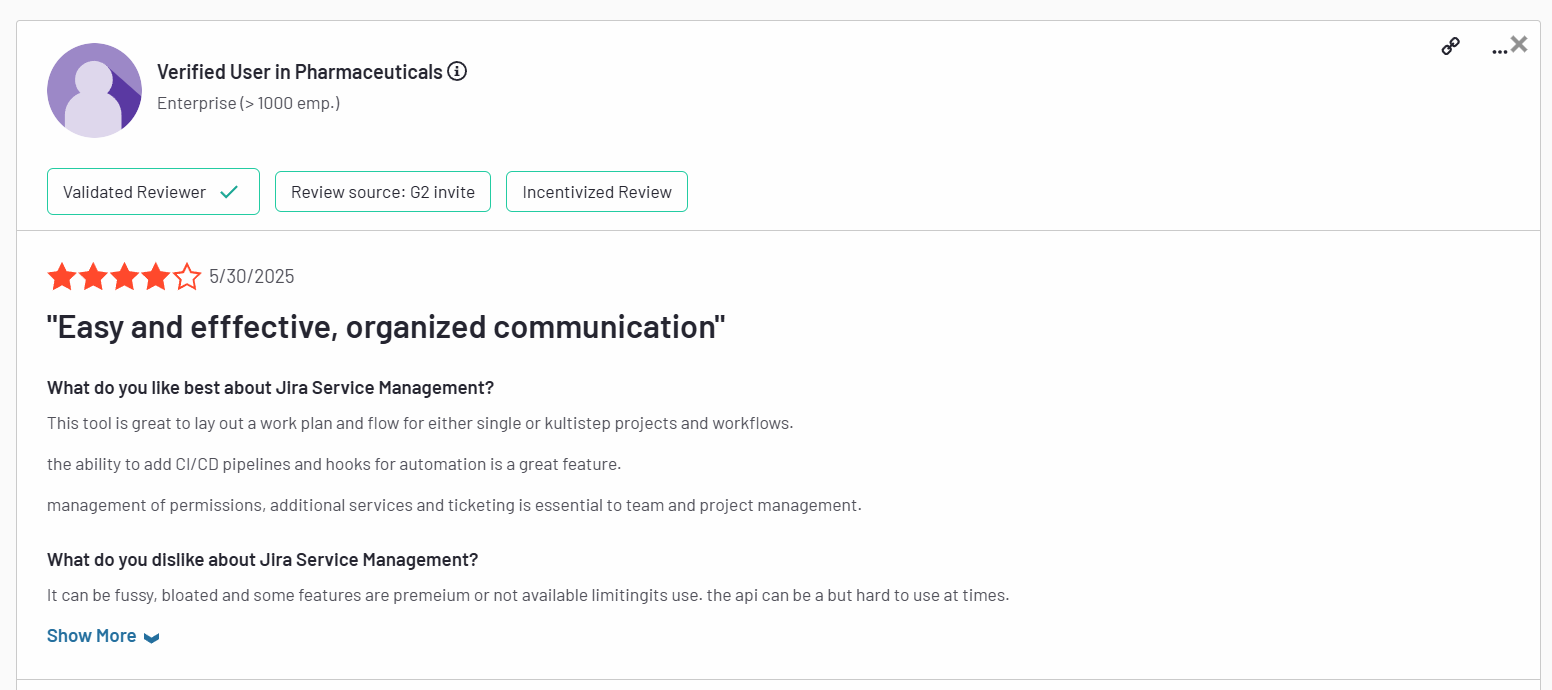
It can be fussy, bloated and some features are premium or not available limiting its use. The api can be a bit hard to use at times. – G2 Review
3. Complex set up and limited use cases
Finally, setting up and using Jira Service Management to its full capacity is riddled with challenges for most users.
In order to make the most of it, you need to set up and configure almost everything yourself, as the platform offers little in terms of ready-made solutions.
Moreover, since it’s part of the Atlassian suite, Jira Service Management shines the brightest when used with other Atlassian products.
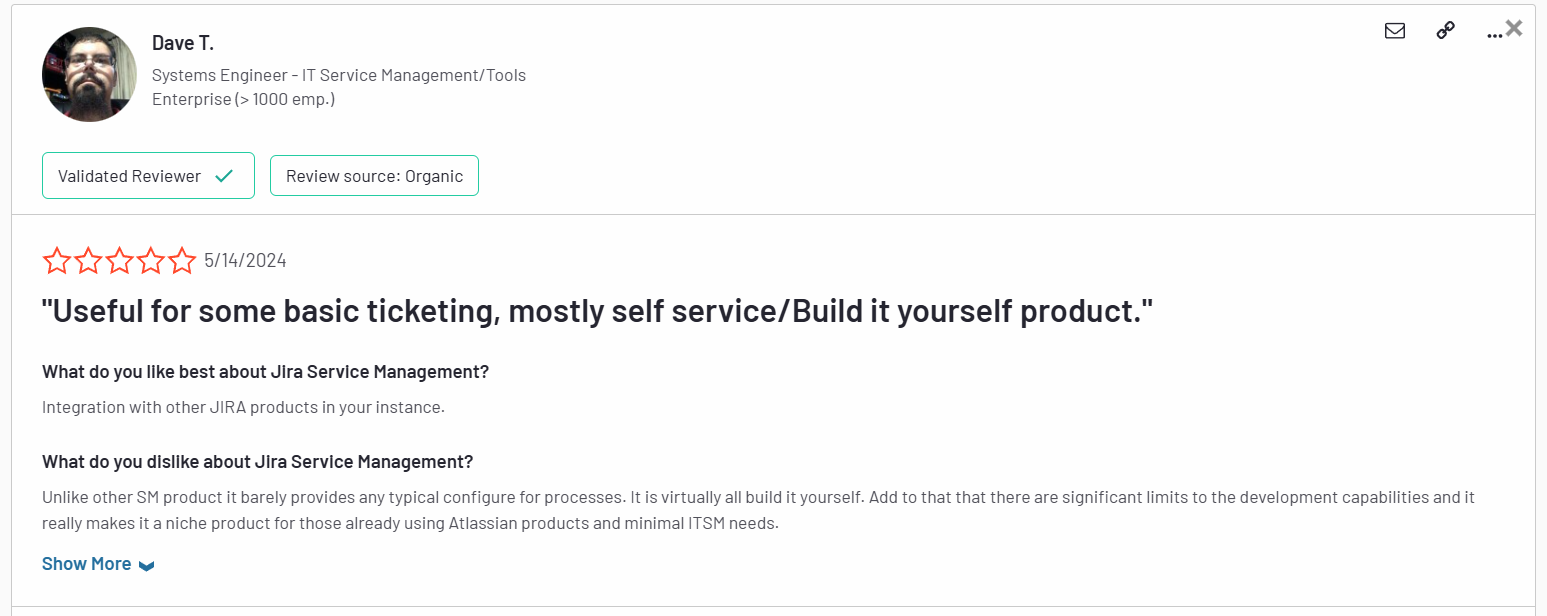
Unlike other SM products it barely provides any typical configure for processes. It is virtually all build it yourself. Add to that that there are significant limits to the development capabilities and it really makes it a niche product for those already using Atlassian products and minimal ITSM needs. – G2 Review
As a standalone solution, it leaves much to be desired.
What are the best Jira Service Management alternatives in 2025?
- SmartSuite – A no-code, all‑in‑one work management platform that seamlessly blends ITSM, project tracking, and team collaboration, perfect for teams who want flexibility without tool sprawl or breaking the budget.
- SysAid – A full ITSM suite with AI-powered ticketing, built-in ITIL workflows, robust asset management, and flexible cloud or on-premise deployment options.
- Freshservice – A cloud‑based ITSM tool praised for its strong automation and ITIL‑compliant knowledge base.
- Zendesk – Focused on omnichannel ticketing and customer support, offering an intuitive agent workspace with 1,500+ integrations.
- ServiceNow – The heavyweight enterprise ITSM solution with deep customization, broad third‑party integrations, and maturity for large-scale deployments.
- ManageEngine ServiceDesk Plus – Combines IT help desk, asset management, and change management in one platform, which is why it’s perfect for IT departments focused on assets and compliance.
- SolarWinds Service Desk – AI‑powered and user‑friendly, with strong incident and asset management features.
- Ravenna – A Slack‑native, AI‑powered help desk that learns from interactions and enhances JSM workflows.
- Ivanti – An AI-powered ITSM platform offering self-healing automation, full ITIL support, and advanced CMDB and asset management for proactive, enterprise-grade service delivery.
- TOPdesk – A user-friendly ITSM platform offering ITIL-aligned incident, change, asset, and self-service management with fast deployment and strong customer support.
1. SmartSuite
Best for: Teams of all sizes looking for an intuitive, all-in-one ITSM platform with powerful no-code customization and fast time-to-value.
SmartSuite brings together ITSM, project tracking, asset management, and team collaboration in a single, highly flexible platform.
With pre-built ITSM templates, real-time dashboards, and powerful workflow automation, teams can quickly streamline work requests, incident management, asset tracking, and IT governance, all without complex setup or technical overhead.
Its user-friendly interface and transparent pricing make it a strong fit for both SMBs and larger organizations tired of rigid, bloated ITSM tools, such as Jira Service Management.
Let’s get a closer look into some of the features that make SmartSuite an ideal Jira Service Management alternative.
1. Unified, no-code ITSM platform that’s easy to set up
One of SmartSuite’s biggest strengths is how accessible it makes IT service management – even for teams with no technical background or dedicated IT administrators.
Unlike many traditional ITSM solutions that require weeks of configuration, custom coding, or external consultants to get up and running, SmartSuite’s no-code platform allows teams to build, customize, and launch workflows visually, without writing a single line of code.
Moreover, instead of forcing you to rely on multiple disconnected tools or developer-heavy configurations, SmartSuite allows you to build, manage, and optimize your service workflows entirely through an intuitive interface.
Every ITSM process from request intake to incident resolution lives in a single, flexible system that adapts to your team’s real-world needs.
That means faster implementation, easier scalability, and a platform that can evolve as your organization grows.
From one central workspace, SmartSuite enables teams to:
- Streamline IT workflows – Prioritize service requests, manage SLAs, and keep teams aligned with live dashboards that track every moving piece.
- Automatically prioritize tasks – Use built-in logic to dynamically escalate or reroute work based on urgency or resource availability.

- Track tickets & issues in real-time – Monitor help desk activity, resolve incidents quickly, and spot trends early to prevent disruptions.
- Manage IT assets & licenses – Stay on top of hardware, software, license renewals, and assignments, keeping both compliance and budgets in check.
- Run internal IT projects seamlessly – Plan, schedule, and deliver IT initiatives with full visibility into timelines, ownership, and progress.
- Elevate IT governance – Draft, publish, and maintain IT policies and audit documentation to strengthen security and ensure compliance.
- Monitor IT performance with real-time dashboards – Get instant visibility into tickets, incidents, SLAs, team workloads, and issue trends with fully customizable dashboards that help you spot problems early and keep operations running smoothly.

By bringing everything under one roof, SmartSuite helps teams eliminate process gaps, reduce manual effort, and deliver better, faster service without the headaches that often come with traditional ITSM platforms.
2. Seamless collaboration built directly into ITSM workflows
Effective IT service management isn’t just about tracking tickets. It’s about how teams communicate while resolving them.
SmartSuite embeds collaboration directly into the ITSM process, so teams can coordinate in real time, right where the work happens.
Instead of relying on endless email chains or switching between multiple apps, team members can:
- Start conversations inside tickets and records – Discuss incidents, requests, and tasks directly in the context of the work, eliminating back-and-forth confusion.
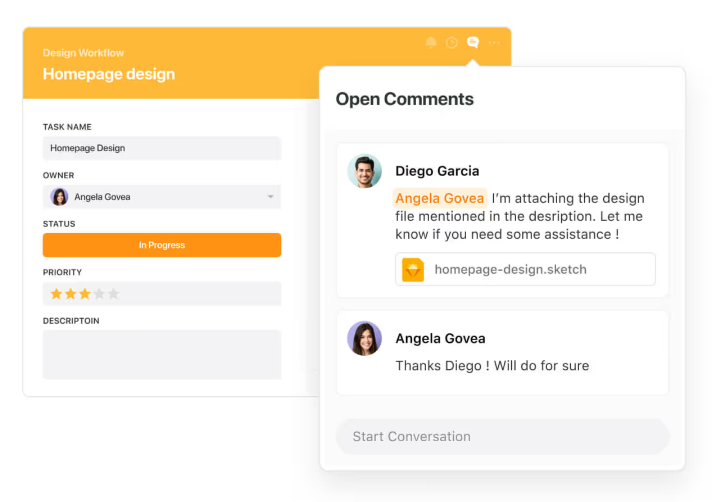
- Use @mentions and notifications – Instantly loop in the right people, escalate urgent issues, or assign follow-up actions without breaking workflow.

- Track activity history across incidents, changes, and assets – Gain full transparency into who did what and when, so there’s no more guessing or chasing status updates.
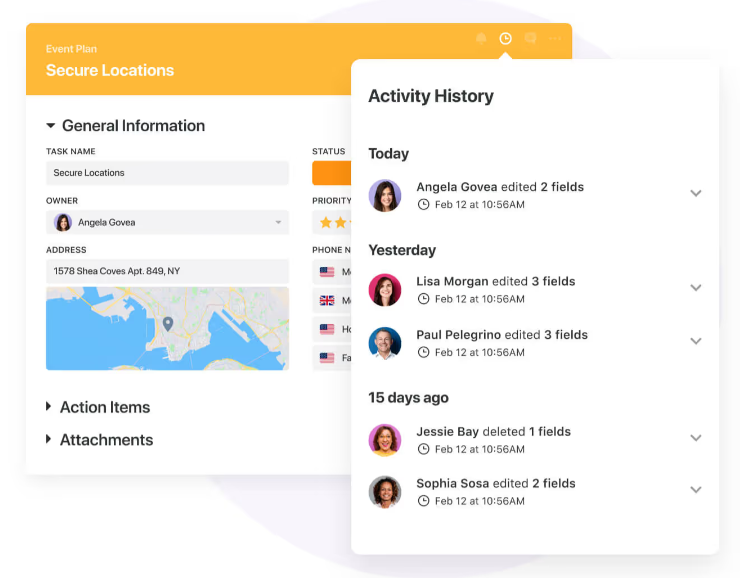
- Work on the go with SmartSuite’s mobile apps – Keep IT teams connected to critical tickets, asset info, and conversations from anywhere.
3. No-code automation to keep IT operations running smoothly
Managing IT service delivery often means juggling repetitive tasks, from routing tickets to notifying teams about status changes or upcoming renewals.
SmartSuite’s built-in no-code automation engine helps IT teams eliminate the busywork and keep operations flowing smoothly behind the scenes.
With simple, intuitive rule-building, teams can create custom automations in minutes, without writing a single line of code or involving developers.
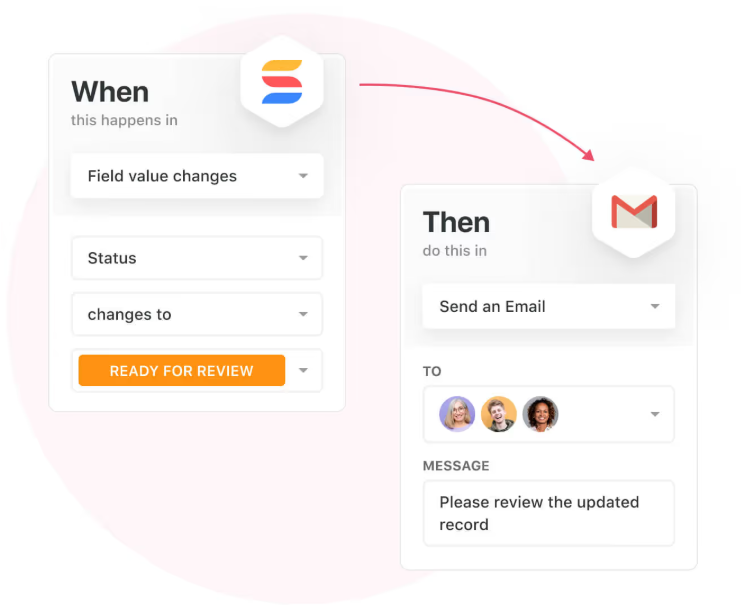
Triggers, conditions, and actions can be configured to handle everything from basic notifications to more advanced multi-step workflows.
For ITSM teams, SmartSuite automations can:
- Auto-assign tickets based on issue type, priority, or impacted department.
- Send instant alerts when SLA deadlines approach or incidents escalate.
- Trigger license renewal reminders before contracts expire.
- Notify security teams when policy violations are logged.
- Update asset records automatically as hardware or software moves between users.
- Escalate unresolved incidents to management after predefined timeframes.
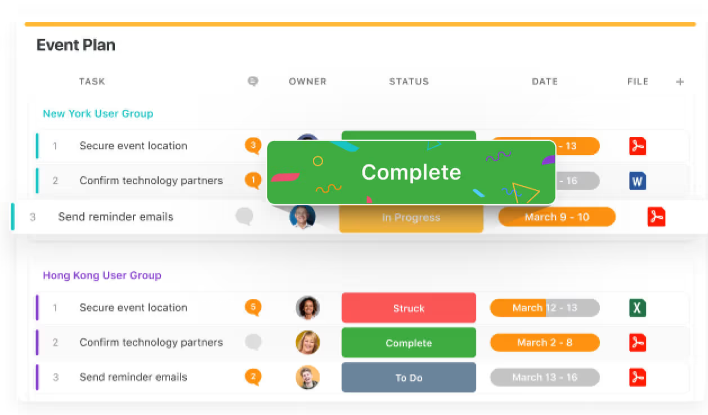
By removing manual steps from IT service processes, SmartSuite allows teams to focus on resolution, not administration, helping them deliver faster, more reliable service with fewer resources.
4. Pre-built ITSM templates to jumpstart your setup
One of the biggest barriers with many ITSM platforms is the time and effort it takes to get fully up and running.
SmartSuite eliminates that pain with a full library of pre-built IT service management templates that cover every core process, allowing teams to launch quickly, customize easily, and start delivering value from day one.
Whether you’re building an internal help desk, managing assets, or overseeing IT governance, SmartSuite gives you a strong foundation with ready-to-go templates like:
- IT Service Request Management – Capture and resolve internal tech issues across the organization with streamlined intake and resolution workflows.
- IT Asset Tracker – Monitor hardware, software, license renewals, and asset ownership across your entire environment.

- IT Security Audits – Track audit findings, monitor adherence, and ensure your security processes are being followed.
- IT Asset Management – Automate the full lifecycle management of hardware, software, and cloud resources.
- Incident Management – Identify, triage, assign, and resolve incidents with full transparency into each step of the process.
These templates allow IT teams to skip the lengthy configuration phase and focus directly on delivering fast, reliable support, while still having full flexibility to tailor every workflow to their specific business needs.
Try one of our interactive templates for size and find out how easy they are to use and customize.
Pricing
SmartSuite has a free forever plan that provides access to its templates, dynamic dashboards, team collaboration features, 100 monthly automations, etc.
Moreover, each of SmartSuite’s paid plans includes unlimited users, making it ideal for growing teams.
There are four tiers to choose from:
- Team: $12/user/mo, includes everything in Free, plus unlimited users, Gantt charts, 5,000 automation runs, etc.
- Professional: $30/user/mo, includes everything in Team, plus two-factor authentication, Gmail & Outlook integrations, AI features, more automation runs, etc.
- Enterprise: $45/user/mo, includes everything in Professional and adds audit logs, data loss prevention, 50,000 monthly API calls, etc.
- Signature: A customized plan tailored to your organization’s needs and team size with no predefined limits.
The first three paid plans have a 14-day free trial – no credit card needed.
How does SmartSuite compare to Jira Service Management?
While Jira Service Management delivers plenty of power, it often comes with steep learning curves, complex setups, and key ITSM features locked behind higher-priced tiers.
Many teams end up needing dedicated admins, extensive configuration, and additional Atlassian products to unlock its full potential.
SmartSuite takes a very different approach.
It offers an intuitive, unified no-code platform where teams can manage ITSM processes, asset tracking, incident resolution, and IT governance all from one place, with minimal setup or technical expertise required.
With built-in automations, real-time dashboards, and pre-built ITSM templates, teams can get up and running fast, scale with ease, and focus on delivering better service, not managing their tools.
And unlike Jira Service Management, SmartSuite includes many advanced ITSM features, like asset management, SLA monitoring, and audit tracking, without forcing you into higher enterprise plans.
Simple pricing, powerful flexibility, and fast time-to-value make it a strong alternative for teams who don’t want the overhead Jira often requires.
Pros & Cons
✅ Intuitive no-code platform that’s easy to set up and customize.
✅ Unified ITSM, project management, and collaboration in one system.
✅ Pre-built ITSM templates to launch quickly without complex configuration.
✅ Real-time dashboards and SLA tracking for full operational visibility.
✅ Flexible, transparent pricing with advanced features available on lower tiers.
❌ Limited native integrations compared to some large, enterprise-only ITSM platforms.
2. SysAid
Best for: IT teams seeking a flexible, feature-rich ITSM platform with AI-powered help, robust asset management, and flexible deployment options.
SysAid offers a comprehensive ITSM solution available in cloud or on‑premises that combines advanced ticketing, asset management, automation, and AI.
It’s tailored for teams that need more than basic support tools but want configurable workflows without the complexity of enterprise-grade platforms.
Key features
- AI-powered service desk with “Copilot” and AI chatbots – Allows conversational ticketing, intelligent routing, and self-serve support.
- Advanced IT asset management & CMDB – Enables automated asset discovery, real-time tracking, and seamless integration into ticket workflows
- Workflow automation & customization – Provides no-code automation builder, configurable forms, dashboards, and third-party integrations that allow you to tailor the platform to your specific needs.
Pricing
SysAid doesn’t publish prices.
You can contact its team for more information.
Pros & Cons
✅ Flexible deployment (cloud or on-premise) suits varied infrastructure needs.
✅ Quick ITIL-compliant setup via built-in templates and AI help.
❌ Opaque pricing.
3. Freshservice
Best for: Growing IT teams that want an intuitive, ITIL-aligned ITSM platform with strong automation, asset management, and self-service capabilities.

Freshservice is a modern, cloud-based ITSM platform built to help IT teams streamline service delivery without the complexity of traditional enterprise tools.
It combines intuitive ticketing, AI-powered automation, strong asset management, and ITIL-aligned processes, making it a great fit for mid-sized organizations looking for power and simplicity.
Key features
- Incident, problem, change & asset management – Integrated modules help IT teams quickly log incidents, track underlying issues, plan changes, and manage hardware/software lifecycles.
- Workflow automator + Freddy AI – Automate ticket assignment, approvals, and recurring notifications, with AI help via chatbots and “Freddy Copilot” for smarter workflows.
- Self-service portal & knowledge base – Empower users to resolve common issues independently with a searchable portal and KB content.
Pricing
Freshservice has four pricing plans to choose from:
- Starter: $29/agent/month, includes multichannel support, incident, knowledge, and task management, etc.
- Growth: $59/agent/month, includes everything in Starter, plus SLA management, service catalog, etc.
- Pro: $119/agent/month, includes everything in Growth, plus problem, change, and release management, etc.
- Enterprise: Custom price, includes everything in Pro, plus sandbox, Freddy AI agent, AI insights, etc.
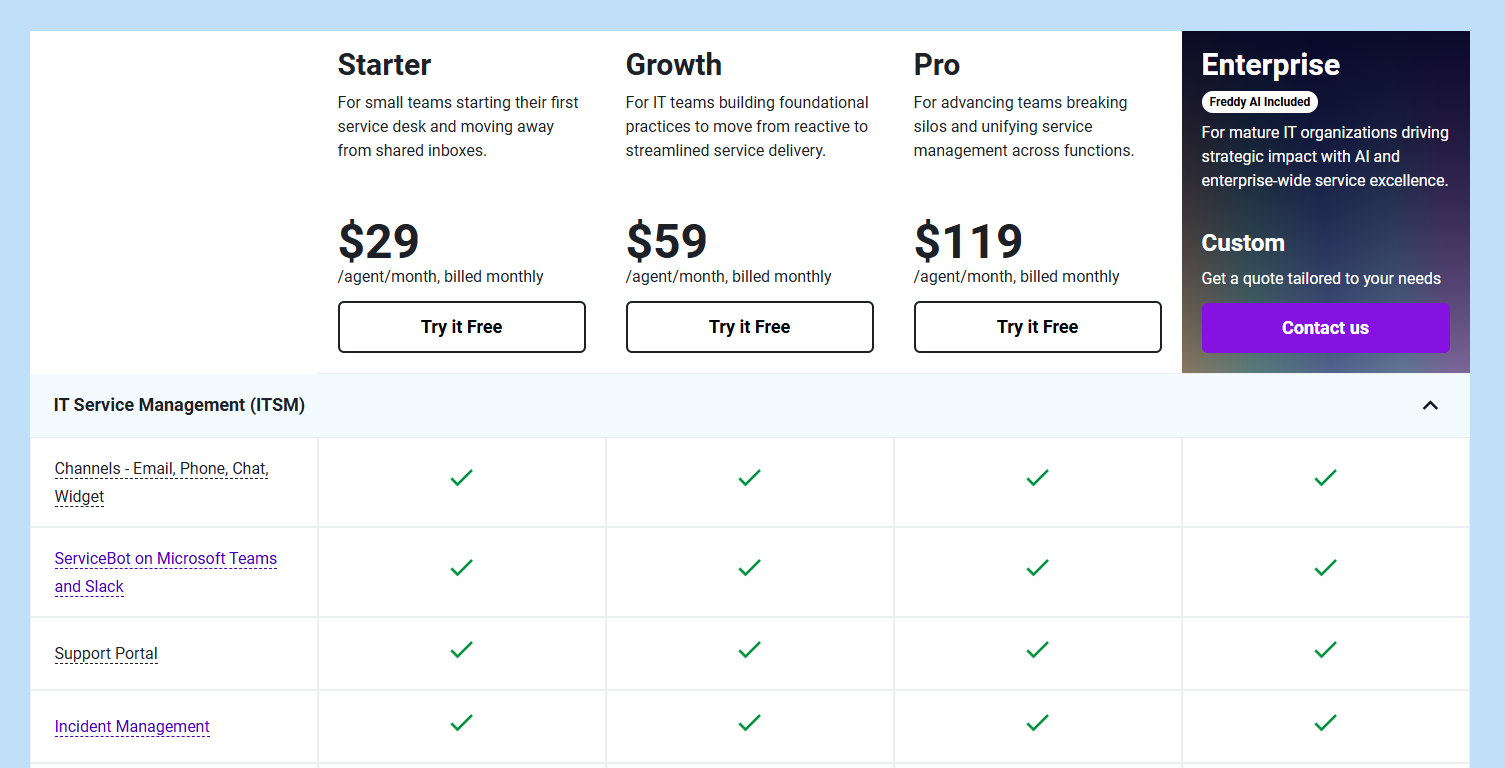
Each of these has a 14-day free trial.
You should note that Freshservice’s Freddy AI Copilot is available as an add-on only ($35/agent/month).
Pros & Cons
✅ Easy to adopt with a clean, intuitive UI that’s fast to set up.
✅ Strong automation and AI tools reduce manual work.
❌ Basic and limited automation features.
4. Zendesk
Best for: Customer support and IT teams that need omnichannel ticketing with powerful AI and automation, and want a seamless agent experience.
Zendesk is a unified support platform that brings together email, chat, voice, and social media into a single agent workspace.
It offers robust ticketing, powerful AI bots, and comprehensive automation, making it ideal for teams managing high volumes of requests across multiple channels.
Key features

- Omnichannel support hub – Consolidate requests from email, live chat, voice, social, and messaging into one interface for streamlined handling.
- AI-powered bots & automation – Use Zendesk AI agents to resolve common issues automatically, route tickets efficiently, and reduce manual workload
- Rich ticketing tools – Apply macros, triggers, custom fields, and skill-based routing to speed up resolution times and enforce SLA compliance.
Pricing
Zendesk has four essential pricing plans:
- Support Team: $25/agent/month, includes basic automations and insights, simplifying email support with ticketing, etc.
- Suite Team: $69/agent/month, includes everything in Support Team, plus omnichannel support, AI agents-driven automations, etc.
- Suite Professional: $149/agent/month, includes everything in Suite Team, plus team collaboration on closing tickets, smart routing, etc.
- Suite Enterprise: Custom price, includes everything in Suite Professional, plus sandbox for testing updates, custom permissions, change tracking, spikes handling, etc.
In addition to these, there’s a wide range of add-ons you can purchase on top, such as:
- AI Copilot: $50 per agent/month, billed annually, available on Professional and above.
- Zendesk Workforce Management: $25 per agent/month, billed annually, for organizations managing teams in Zendesk.
- Zendesk Quality Assurance: $35 per agent/month, billed annually, lets you automatically analyze 100% of conversations across human and AI agents, BPOs, channels, and languages.
- Zendesk Workforce Engagement Bundle: $50 per agent/month, billed annually, lets you enjoy the power of Zendesk Workforce Management and Zendesk Quality Assurance at a discounted bundle rate and lead your team to deliver superior CX.
- Advanced Data Privacy and Protection: $50 per agent/month, billed annually, supports your compliance and security policy obligations with an extra layer of protection and privacy.
- Contact Center: $50 per agent/month, billed annually, lets you power the world’s most complex contact centers with Zendesk’s ease of use and flexibility, available on all Suite plans.
Pros & Cons
✅ Extensive customization and app integrations enable adaptable workflows for diverse teams.
✅ Clean, modern UI that is easy to train new users on.
❌ More suited to customer-facing support than deep ITSM needs like asset or incident management.
5. ServiceNow
Best for: Large enterprises or IT organizations needing a high-end, full-scale ITSM solution with deep ITIL support, extensive automation, and a robust CMDB.
ServiceNow is a comprehensive, enterprise-grade ITSM platform that consolidates incident, problem, change, asset, and request management into a single unified system.
Its powerful AI and ML features, integrated CMDB, and advanced automation tools make it ideal for organizations with complex service workflows and compliance requirements.
Key features
- Full ITIL lifecycle support – Covering incident, problem, change, and service request management backed by ITIL best practices and built-in workflows.
- Robust CMDB & asset tracking – Automatically discovers assets, maps dependencies, and integrates asset data into incident/change processes.
- Intelligent automation & AI – Predicts incidents, automates routine tasks, and has virtual agents that serve as conversational ticket triage.
Pricing
ServiceNow doesn’t disclose prices for any of its products, including its ITSM product suite.
You’ll have to contact sales for details or check out our in-depth ServiceNow pricing guide.
Pros & Cons
✅ Robust and numerous integrations.
✅ Advanced AI features help streamline and optimize various processes.
❌ Steep learning curve and long implementation timeline.
6. ManageEngine ServiceDesk Plus
Best for: Mid-sized to large IT teams that need a full ITIL-aligned ITSM platform with strong ticketing, asset tracking, CMDB, and flexible deployment.
ServiceDesk Plus is a comprehensive ITSM solution that merges help-desk ticketing, asset management, change control, and CMDB into one system.
It supports both cloud and on-premise setups and includes AI-enhanced workflow automation and reporting.
Key features
- Integrated ITIL modules – Cover incident, problem, change, and release management with built-in best-practice templates.
- CMDB & asset management – Automated discovery, real-time asset tracking, and tight linkage between assets and tickets.
- Workflow automation & approvals – No-code workflow builder with auto-routing, SLA enforcement, and multi-level approvals.
Pricing
ManageEngine ServiceDesk Plus doesn’t share its pricing publicly, so it’s hard to give exact numbers upfront.
Based on its quote request form, pricing likely varies depending on factors like how many technicians you need and whether you choose cloud or on-premise deployment.
You’ll need to reach out to their sales team to get a custom quote tailored to your setup.
Pros & Cons
✅ User-friendly ticketing, dashboards, and CMDB deliver strong visibility and control.
✅ Extensive reporting options.
❌ Limited customization.
7. SolarWinds Service Desk
Best for: Medium to large IT teams looking for a full-featured, AI-enhanced ITSM platform with strong IT asset management and fast deployment.
SolarWinds Service Desk is a cloud-native ITSM solution built on ITIL best practices that combines ticketing, asset tracking, CMDB, and AI-powered virtual agents.
Designed for ease of use, it brings automation and centralized oversight to IT operations without the complexity of enterprise platforms
Key features
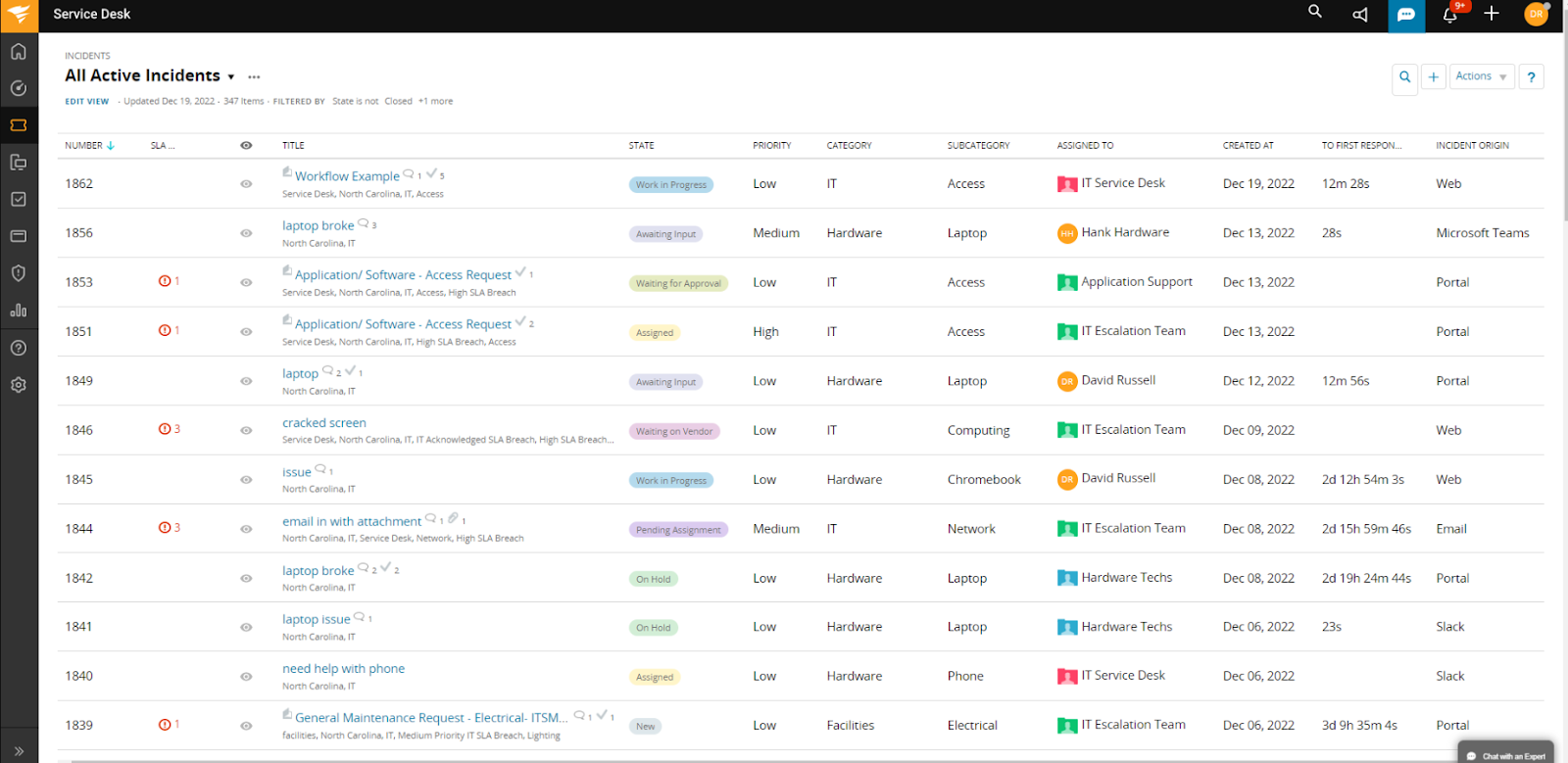
- Integrated IT asset management & CMDB – Lifecycle tracking, network discovery, license compliance, and asset-ticket associations in one comprehensive system.
- AI-driven self-service & virtual agent – Embedded chatbots and knowledge-base suggestions help resolve routine issues without human assistance.
- Change workflows & runbook automation – Provides structured change approvals, auto‑triggered actions, and playbook-driven orchestration to streamline IT updates.
Pricing
SolarWinds offers multiple product packages with different pricing models.
For ITSM specifically, there’s the Service Desk plan that starts at $39 per technician per month.
It’s recommended to request a custom quote to get exact pricing based on your team’s needs, though a 30-day free trial is available if you want to test it first.
If you’re also looking for incident response capabilities, those are sold separately under the Incident Response plan, starting at $9 per user per month.
Pros & Cons
✅ Robust asset management features.
✅ Simple setup and intuitive interface enable teams to be operational in days, not months.
❌ Limited integrations.
8. Ravenna
Best for: Slack-first IT teams looking for an AI-native internal help desk embedded directly in their chat tools.
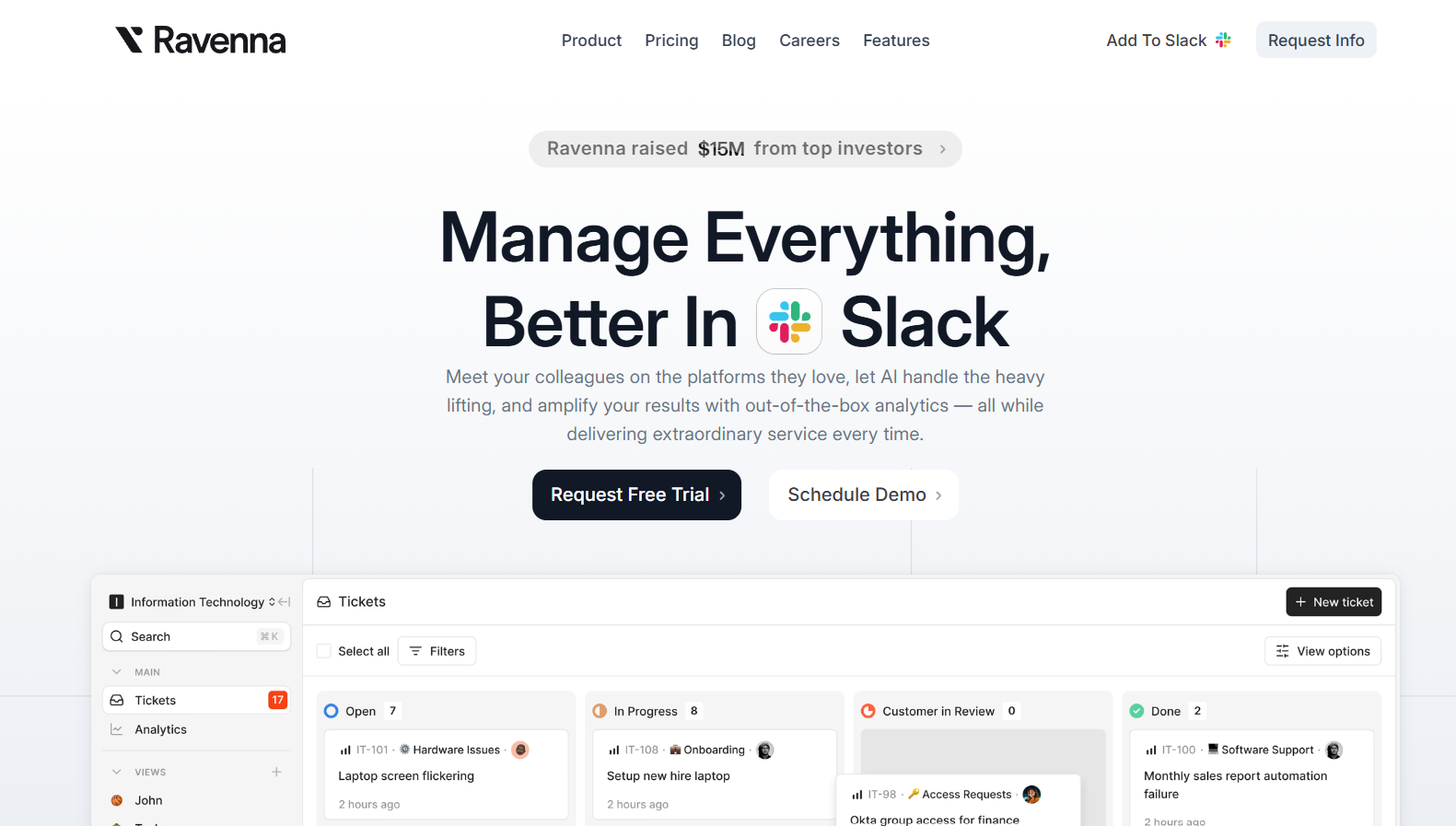
Ravenna is a modern, AI-powered internal help desk designed specifically for teams that work in Slack (with Microsoft Teams support coming soon).
It automates ticket deflection, prioritization, knowledge creation, and collaboration, all without ever leaving your messaging platform.
Key features

- Deep Slack integration – Create, manage, and resolve tickets directly in Slack, with no portals or context switching required.
- AI-driven ticket automation – Automatically classify, prioritize, and assign tickets based on conversation context and built-in rules.
- Automated knowledge base generation – AI can automatically generate new knowledge base articles from past conversations and resolved tickets.
Pricing
Ravenna has three plans:
- Starter: $50 per admin, includes AI automation, unlimited Slack channels, tickets and requesters, emoji automations, etc.
- Growth: $90.00 per admin, includes AI automation, custom email domain, SLAs, etc.
- Enterprise: Custom pricing, includes AI automation, Slack enterprise, branded Slackbot, etc.
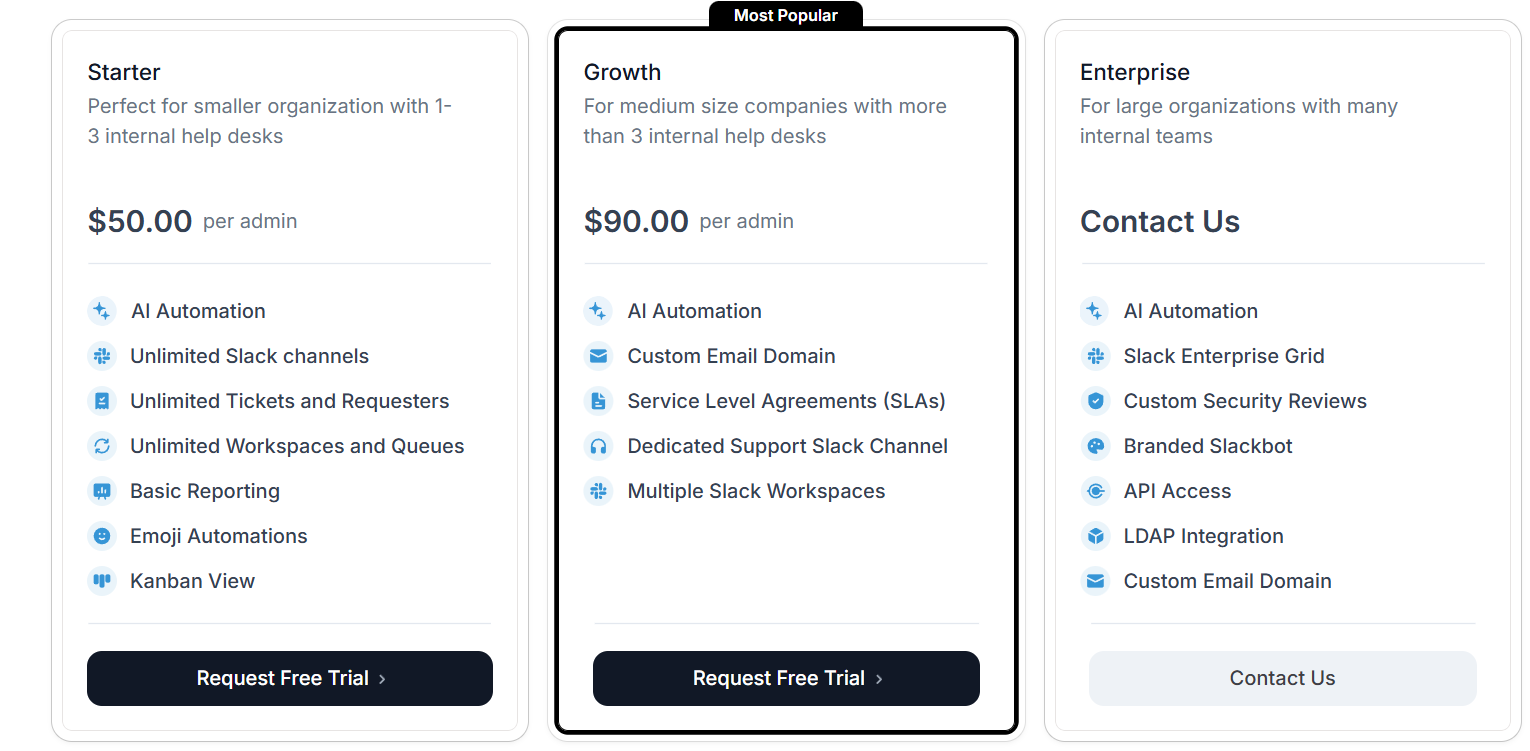
If you want to add an additional intelligence layer to your workflows, you can purchase the Ravenna Intelligence add-on at $5 per employee, which includes conversational AI, knowledge ingestion and enrichment, metadata filtering, etc.
Ravenna’s paid plans come with a 14-day free trial so you can test their capabilities before committing.
Pros & Cons
✅ Revolutionary Slack-native experience—no external portal or tool switching .
✅ AI improves over time based on team usage and past resolutions, allowing for continuous refinement.
❌ Best suited for internal support use cases, as it lacks deep ITIL/asset management capabilities.
9. Ivanti
Best for: Enterprise and mid-market IT teams looking for a comprehensive, AI-augmented ITSM suite that proactively manages services, assets, and incidents.

Ivanti combines full ITIL-aligned service desk capabilities with AI-powered automation and self-healing workflows.
It offers a unified CMDB, proactive incident resolution, and highly customizable workflows that adapt to complex IT environments
Key features
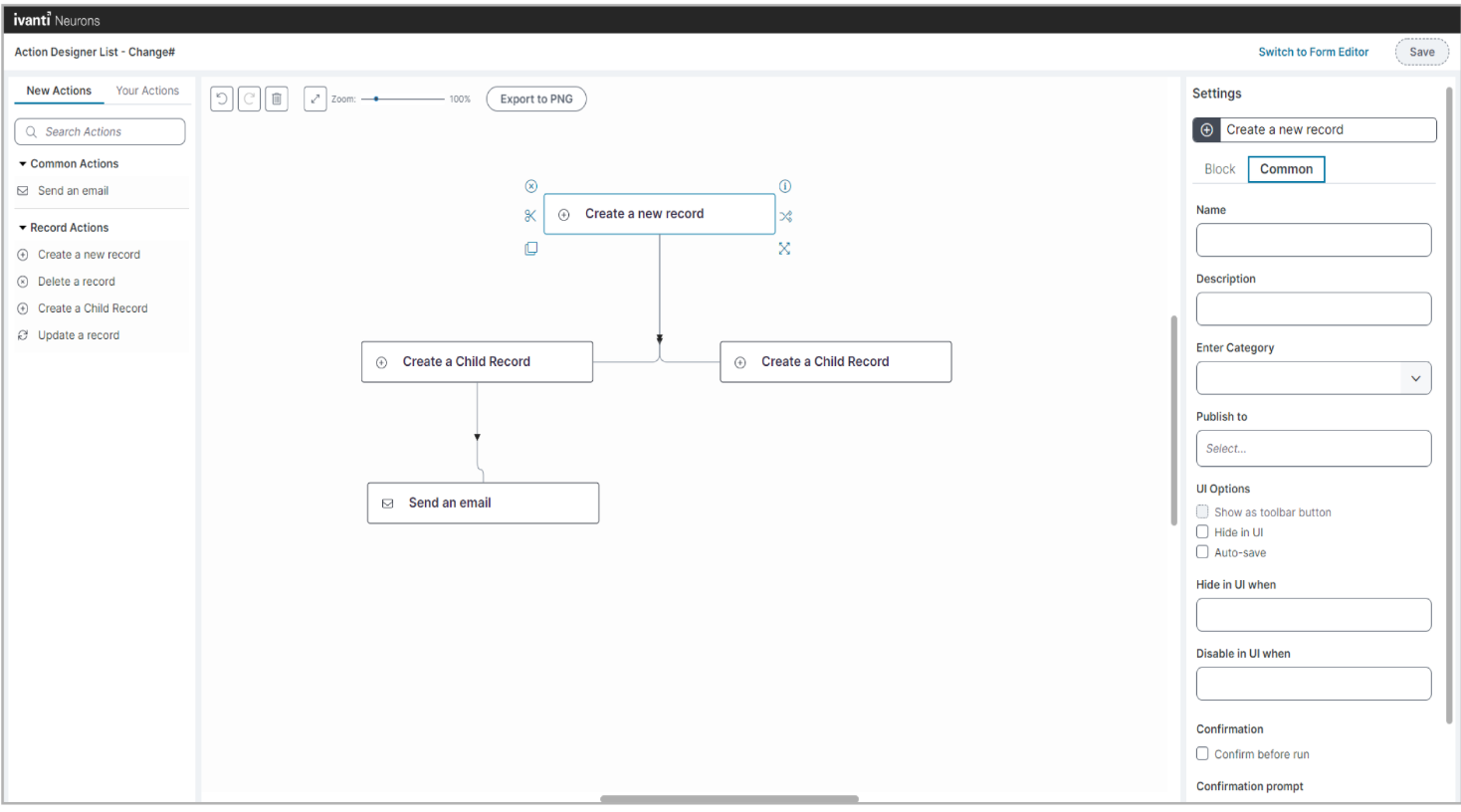
- AI-driven automation & self-healing – Detects recurring issues (e.g., disk-space alerts) and takes corrective action automatically before escalation.
- No-code workflow builder – Enables IT teams to build forms, processes, and approvals without custom code.
- Proactive incident handling – Uses AI and automation to detect and fix issues early, boosting uptime and reducing manual ticket resolution effort.
Pricing
Ivanti has for pricing plans:
- Professional: Includes service delivery, incident and change management, reporting dashboards, etc.
- Enterprise: Includes everything in Professional, plus HR service management, project and portfolio management, GRC, etc.
- Premium: Includes everything in Professional, plus AI guided ITSM, proactive service management, and digital experience focus (DEX).
- Enterprise Premium: Includes everything in Professional, Enterprise, and Premium packed into one.

However, Ivanti doesn’t publish fees for its packages, so you’ll have to contact its team for a quote.
Pros & Cons
✅ Highly flexible, no-code workflow creation that adjusts to your IT requirements.
✅ Comprehensive CMDB/asset management directly tied to service workflows.
❌ Some areas (e.g., reporting UI) may feel dated compared to modern SaaS tools.
10. TOPdesk
Best for: Mid-sized to large organizations needing a smart, out-of-the-box ITSM solution with strong incident, asset, change, and self-service management capabilities.

TOPdesk is a user-friendly IT service management platform that streamlines incident, problem, change, and asset processes.
Its intuitive self-service portal, modular design, and built-in ITIL support make it ideal for teams seeking fast deployment with full-featured ITSM workflows
Key features
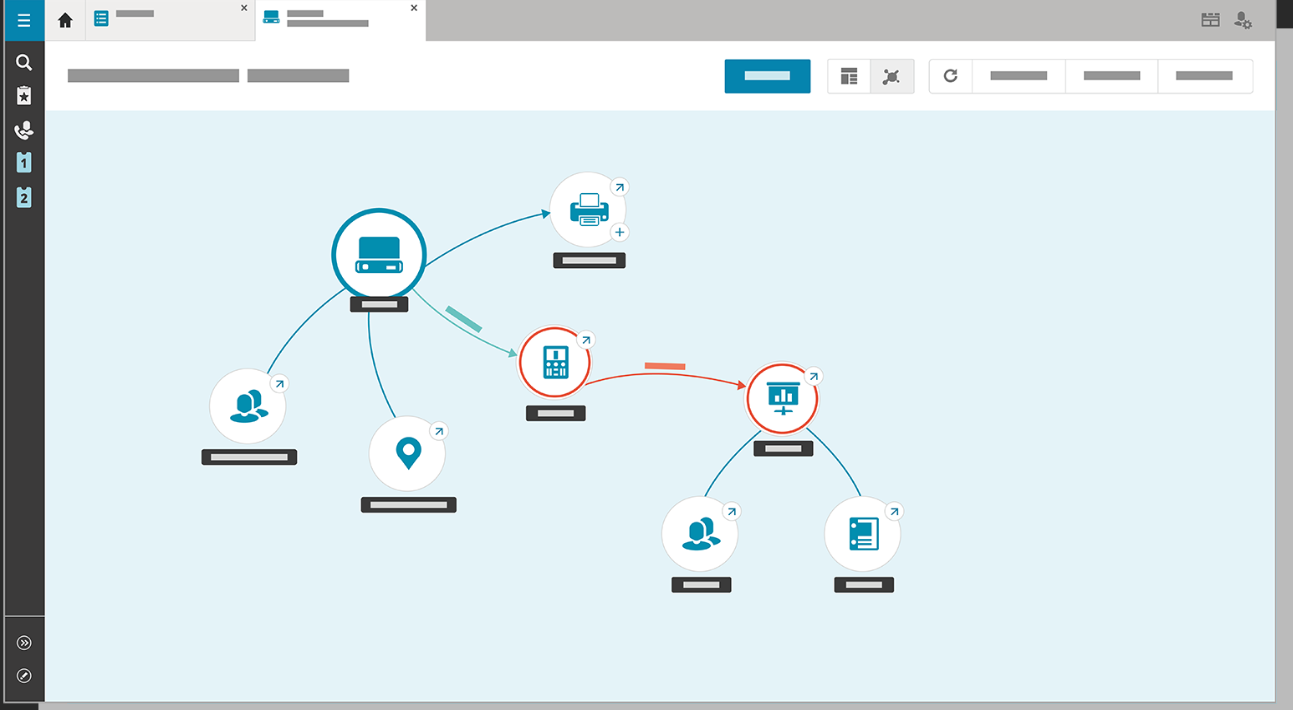
- Incident, problem & change management – Provides structured workflows guided by ITIL best practices, with efficient escalation and resolution tracking.
- Self-service portal & knowledge base – End-users can submit tickets and access solutions, reducing help desk load and speeding issue resolution.
- Advanced dashboards & reporting – Provides real-time visual insights into ticket status, SLAs, asset usage, and IT performance
Pricing
TOPdesk has three pricing plans:
- Essential: $76 per agent per month, includes incident and asset management, self service portal, knowledge base, etc.
- Engaged: $109 per agent per month, includes everything in Essential, plus change management, SLA and contract management, etc.
- Excellent: $155, includes everything in Engaged, plus project management, webshop, live chat, etc.
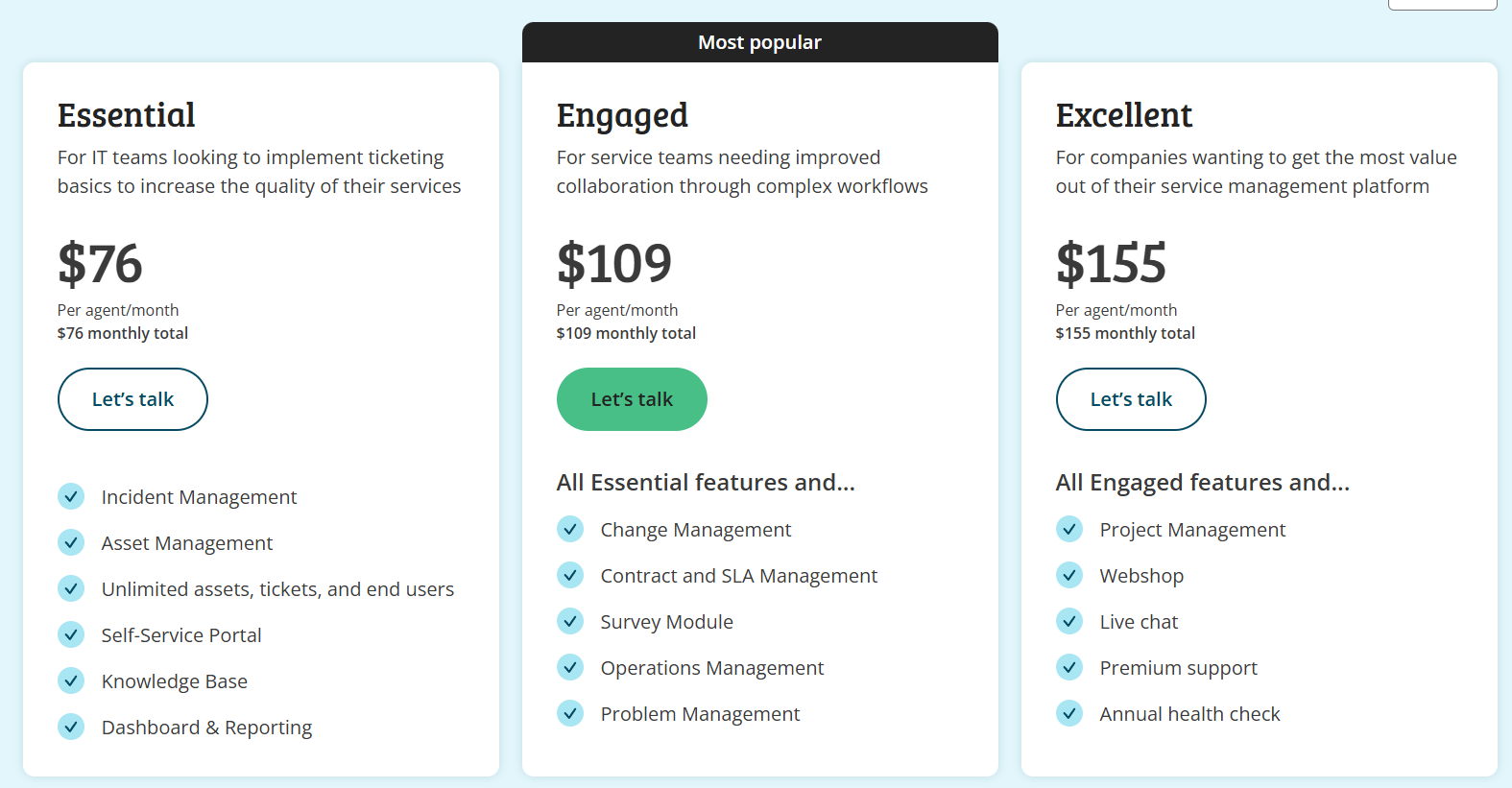
There’s a volume-based discount, too, meaning the price can go down if you onboard a higher number of users.
Pros & Cons
✅ Very user-friendly interface.
✅ Excellent customer support and continuous improvement through customer feedback.
❌ Limited customization of the self service portal and some other features.
Final thoughts: Choosing the right Jira Service Management alternative
Although Jira Service Management is a popular ITSM option, it’s not always the perfect fit for every team, especially if you’re looking for simpler setup, better pricing transparency, or more flexibility out of the box.
As you’ve seen, there’s no shortage of excellent alternatives in 2025, whether you need AI-powered automation, Slack-native ticketing, or enterprise-grade ITIL compliance.
However, if you’re looking for a solution that balances power with ease-of-use, SmartSuite is the perfect choice, as it delivers a unified, no-code ITSM platform that:
- Simplifies setup,
- Streamlines service operations, and
- Grows with your business, without the complexity or overhead of traditional tools.
Want to see how SmartSuite can help your IT team work smarter from day one?
Start your free trial and take it for a test ride today.
Or schedule a demo if you want our team to give you a personalized tour.
Read more
BMC Helix Pricing: Is It Worth It In 2025? [Reviewed]
Even though BMC Helix does not publicly disclose its pricing on its website, I was still able to find some pricing information from verified user reviews and insiders.
In this guide, I’ll cover everything that is known about BMC Helix’s pricing structure, including how they calculate their pricing and reported numbers.
➡️ I’ll also introduce you to a BMC Helix alternative that has a more affordable pricing structure, is quick to set up, and comes with premium customer support without having to pay 6 figures a year.
How Does BMC Helix Calculate Its Pricing?
BMC Helix uses a modular, user-based pricing model that varies by product suite (e.g., ITSM, AIOps, Knowledge Management), license type (named vs concurrent), and deployment model (on-prem vs SaaS).
The final cost will depend on:
- Which modules do you require? BMC Helix offers IT Service Management, Operations Management, AIOps, Virtual Agent, and Knowledge Management as separate or bundled services.
- The type and number of users: Licenses can be assigned as named (per individual) or concurrent (shared among users), with analyst licenses priced higher than self-service or requestor roles.
- Deployment preference: Prices are different between SaaS (Helix delivered via BMC cloud or AWS) and on-premise or hybrid deployments.
- Contract terms and volume: Discounts may apply for long-term contracts or enterprise-scale purchases. SaaS offerings also allow purchasing in credits (e.g., $10,000 worth of credits for a year, as you’ll see later).
- Use of AI add-ons like HelixGPT: AI features are bundled into some editions but require separate backend token usage charges (e.g., Azure OpenAI or GCP Vertex costs).
- Implementation, customization, and training: These services often range in cost.
Does BMC Helix Have A Free Plan Or A Free Trial?
BMC Helix ITSM offers a free trial environment with no expiration date.
Your IT team can sign up to explore features, workflows, and dashboards.
Other BMC Helix modules (e.g. Discovery, Control-M, Continuous Optimization) also provide free trials or guided demos, typically time-limited (e.g. 30 days) or focused on specific capabilities like cloud migration tools.
Apart from this, BMC Helix does not offer a free‑forever tier for small teams or long-term use.
All modules require paid licensing after the trial period. There’s no perpetual free usage tier.
How Much Does BMC Helix Really Cost?
According to insiders from Vendr, BMC Helix pricing costs approximately $30,000 per year, based on data from three recent deals.
For teams looking at per-user pricing, the going rate for a named user (e.g., help desk analysts, asset owners, or admins) is $114.75/month, according to BMC Helix’s Salesforce AppExchange listing.
➡️ Self-service users (those simply submitting IT tickets or requests) are included at no extra cost in that offering.
Another source, the UK Government’s Digital Marketplace, provides detailed SaaS pricing, including:
- £218.15/month per concurrent Service Desk user.
- £72.70/month per named Service Desk user.
- £395.70/month per concurrent user for the full Helix Suite.
- £131.90/month per named user for the full Helix Suite.
If you purchase BMC Helix via the AWS Marketplace, the platform also offers a $10,000/year SaaS credit bundle for 12 months.
These credits are pre-paid and applied against licenses or usage, with any overage billed separately.
💡 According to a BMC forum post, BMC Helix Knowledge Management requires “a minimum of 30 user subscriptions at $149/month, including one named user” at initial purchase.
⚠️ Disclaimer: BMC Helix pricing is highly variable and customized based on your contract length, the modules you choose, the number and type of users, and whether you opt for SaaS or on-prem deployment. The prices above are representative, not definitive, and may shift depending on negotiations and enterprise scale.
Does BMC Helix Provide Good Value for Money?
Customers of BMC Helix are overall happy with its solution, including how they can automate and manage internal ITSM operations.

‘’Very modernized tool to automate and manage your operations. It helps in tracking tickets, tasks, changes, and data. Great support team. Integration friendly and gives options to customise as per your needs.’’ – G2 Review.
Despite this, there are many users on PeerSpot who expressed that BMC Helix ITSM is priced higher than other alternatives.

‘’The pricing of BMC Helix ITSM and its implementation costs are quite high, including subscription and maintenance costs per year.’’ – PeerSpot Review.
Looking For an BMC Helix Alternative?
All things considered, BMC Helix was designed for enterprises in mind. Users of the platform are happy with its functionality, but agree that the cost would be prohibitive for a small or medium-scale company.
ITSM leaders have been looking for BMC Helix alternatives not only due to the expensive pricing of the solution, but also because:
- The platform’s UI is not user-friendly and is rather outdated.
- The tool is difficult to configure and customize as the language is non-JSON, which makes it harder for developers to write.
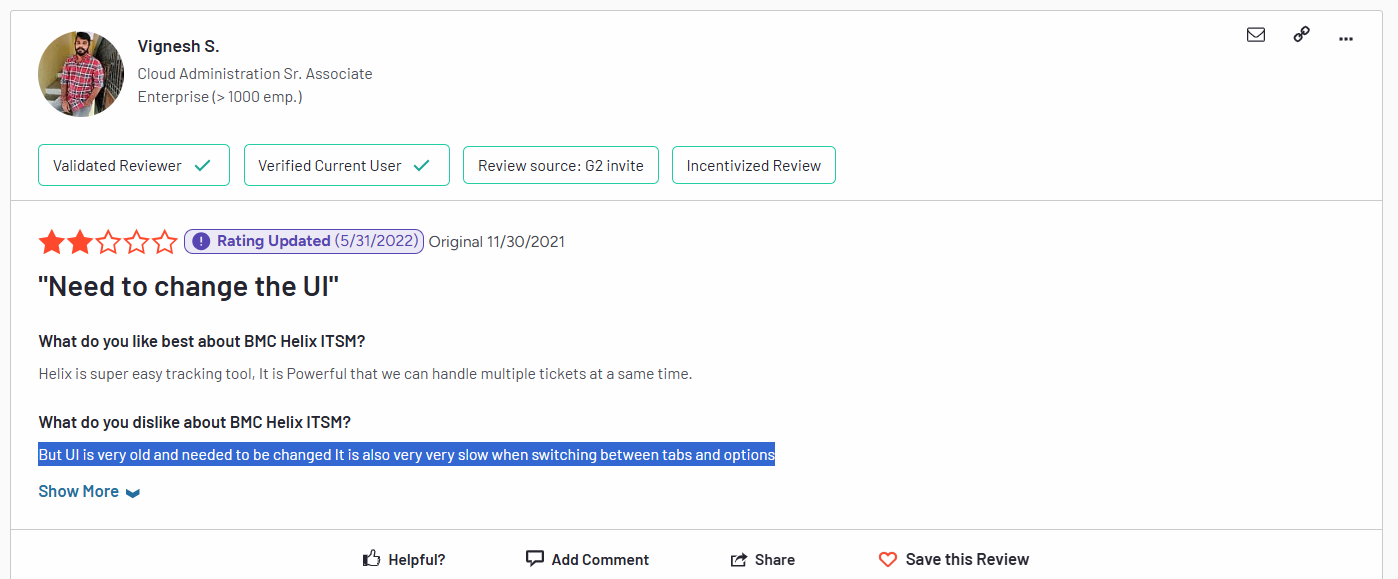
‘’But UI is very old and needs to be changed. It is also very, very slow when switching between tabs and options.’’ – G2 Review.
SmartSuite (that’s us) offers the best BMC Helix alternative for ITSM with our modern, no-code project management software.
Our IT service management solution has been built to help you streamline critical IT processes, organise projects, and remove traditional obstacles in the tech landscape.
Here’s a quick walkthrough of the platform and our solution for IT teams:
[embedded content]
Let’s go over the features that make SmartSuite the best choice for teams looking for an BMC Helix alternative: 👇
All-In-One IT Service Management
SmartSuite lets you manage your IT processes, projects, and asset management all in one single solution.
Our no-code, easy-to-use solution enables IT teams to automate all technical processes with ease.
Here are the features and use cases that you’ll get with SmartSuite:
- Manage critical IT processes: Manage IT data and workflows in one place, from deploying help desk and issue management solutions to ensuring core business operations stay uninterrupted.
- Track tickets & issues: You can deploy help desk and issue management solutions to ensure your business operations are not interrupted.
- Manage your IT assets and licenses: Track all of your IT assets, to whom they are deployed to and what software versions are deployed.
- Manage internal IT projects: Plan deployments, schedule your teams, and monitor progress to ensure you deliver on time and under budget.
- Integrate with your existing systems: Our software lets you integrate with existing systems and data to consolidate and centralize your data.
- Automate for accuracy and efficiency: You’ll be able to remove inefficiencies and the chance for human error by automating repeatable workflows.
- Monitor and report on your work with customizable IT dashboards that help your team slice and dice data, track help tickets, work requests, and more in dynamic interactive dashboards.
Standardize Your Team’s IT Workflows
SmartSuite lets you streamline your IT request workflow with a centralized work request process.
You will be able to prioritize tasks, assign IT staff and ensure that you achieve service level agreements.
You can monitor your team with flexible reports and dashboards that keep you updated in real time.
Apart from that, SmartSuite’s no-code automation builder provides IT teams with a visual interface that makes it easy to respond to events and take action.
That means your team can customize your ITSM workflows without technical resources.
💡 Working from mobile? You can stay connected to critical IT information, tickets and device information with our native iOS and Android apps.
Your team can use our mobile apps to share files, images, updates and other feedback to resolve problems and close tickets.
Ready-To-Use ITSM Templates
Our team has prepared a bunch of ITSM templates for IT teams looking to get started right away, instead of building everything from scratch, such as an IT Help Desk.
Our ITSM template includes a:
- IT Service Request Management, where you can streamline work requests, automate repetitive tasks, and manage IT assets.
- IT Help Desk, which we built for internal IT departments looking to capture and resolve internal technology issues.
- IT Asset Tracker, where you can keep track of IT assets issued to employees or implemented in networks, facilities and workspaces.
You can customize our ITSM management templates here for various use cases, such as IT Security Policies, IT Security Audits, and IT Work Requests.
How is SmartSuite different from BMC Helix?
Unlike BMC Helix, SmartSuite offers a platform with:
- A modern solution with an intuitive interface that does not confuse your IT team or require extensive training.
- An affordable and transparent pricing model with a generous free plan to help you get started.
- Automated workflows that can help you build multi-step automations to trigger actions at the right time.
- Customer support and account management, which will help you with setting up the automations inside the platform.
💡 Case Study: Learn how MediaLab transformed operations, minimized risk, and saved $40,000+ per year by cutting software costs.
Pricing
Unlike BMC Helix, SmartSuite offers a free plan with access to 250+ automation actions, team collaboration, multi-dashboard views, and more.
There are four paid plans with a 14-day free trial (no CC required):
- Team: Starts at $12/user per month, including Gantt charts, timeline views, 5000 automation runs, and native time tracking.
- Professional: Starts at $30/user per month and adds two-factor authentication, Gmail & Outlook integrations, and unlimited editors.
- Enterprise: Starts at $45/user/month and includes access to audit logs, data loss prevention, and 50,000 monthly API calls.
- Signature: A customized plan tailored to your organization’s needs and team size with no predefined limits.
Next Steps For IT Teams: Get Started With SmartSuite & Our Templates For Free
If you’re an IT manager looking to build IT service management workstreams, you can give SmartSuite a chance with our free plan and ready-to-use ITSM templates.
SmartSuite’s platform offers just the right customization, native collaboration capabilities and a library of 200+ project management templates to help teams create and maintain a project management workflow.
Here’s what’s in it for your team when you try SmartSuite:
- Access to a free plan with features including multi-board views (Kanban, Chart, Map, Timeline, Card, and Calendar), 100 automations/month, and 40+ field types, including formula and linked record fields.
- No-code automation builder to set up to 500,000 trigger/action workflows.
- Built-in productivity tools, including time tracking, status tracking, and checklists.
- Team collaboration and planning tools such as whiteboards and SmartSuite docs.
- Resource management across projects and teams.
- 40+ field types, including the option to add your custom fields.
Sign up for a free plan to test the water or get a 14-day free trial to explore all its amazing features.
Or, if you’d like to talk to our team of experts, schedule a demo.
Read More