• Skip to primary navigation
  • Skip to main content
software stack logo

Software Stack

Get your Software Stack together

  • Knowledgebase
    • All Categories
    • Accounting Software
    • Automation & Workflow Software
    • Customer Relationship Management
    • E-Commerce Shopfronts & Payments
    • Marketing Automation
    • Online Courses & Membership
    • Project Management
    • Surveys & Forms
    • Web Hosting
  • Home
  • About Us
  • Contact Us
  • Show Search
Hide Search

Workflow & Automation

8 bug-tracking tools for developers in 2024

Software Stack Editor · April 9, 2024 ·

image

It’s preparation — not perfection — that makes for a bug-free product.

Bugs happen. Even the smartest web development teams can’t avoid them entirely. That’s because bugs can occur for various reasons — operating system changes, browser incompatibilities, and small errors, to name a few. 

The best way to prepare for these different issues is to implement a comprehensive bug-tracking system for capturing, tracking, and resolving them as you detect them.

Thankfully, bug reporting software is a well-established industry with many options on the market. Products called bug-tracking tools or defect trackers help your team develop a robust system to keep your operation running smoothly when pesky bugs skitter into your workflow.

Why do you need a bug-tracking system?

Any development team can encounter the many forms of website bugs, such as dead links, missing pages, and broken navigation. As you discover such glitches, it’s essential to have a system for intake, execution, and tracking. Without a methodical troubleshooting approach, your team will lose vital time and effort addressing repetitive issues. A proper bug-tracking system addresses the complex, time-sensitive nature of identifying problems and diagnosing causes before implementing an action plan. 

Here are the primary benefits you’ll gain from a robust bug-tracking plan.

Reduced disruption

Bugs are not easy to anticipate, and managing them disrupts your team’s workflow by adding extra labor and taking time away from normal operations. Even with a tracking system in place, malfunctions will still cause disturbance, but their overall impact lessens when you have a plan to combine and prioritize issues as they arise. 

Improved product results

To promote overall site performance, your development team must view bugs on the whole, rather than as isolated incidents. A bug-tracking system provides product managers and developers with a high-level view, identifying connections between issues, such as shared CSS classes or similarly-broken interactions. Spotting these connections may reveal solutions that address multiple problems at once.

Increased customer satisfaction

Customers tend to forgive even the most egregious malfunction when they feel the developers are working to fix it. A properly updated bug-tracking system gives community managers the information they need to share progress updates with your user base via announcements and newsletters. This transparency creates a culture of camaraderie and trust, discouraging users from fleeing en masse when your product faces a glitch.

4 elements of bug and issue tracking

Bugs can easily slip through the cracks without critical tracking components working together as a well-oiled machine. As you develop your bug-tracking project plan, map out these steps so your tool is ready to usher bugs through each resolution stage.

1. Detect

The most crucial part of a sound bug-tracking system is finding and capturing the bug. Reports come from many sources, such as support calls and user reviews. You might also detect problems when you measure your site’s performance regularly. Your team must be capable of detecting issues as soon as they appear so they can act on them swiftly.

After detecting a bug, determine its urgency. Typically, the more the bug negatively impacts the user experience, the more immediately you should treat it. This information determines which priority to assign the problem, informing how and when to solve it in your development cycle.

2. Track

Some bugs can resolve during a single development cycle, while others require more effort to identify and get rid of. Either way, your bug-tracking system must maintain a steady cadence of checking progress toward resolution. This information is vital for your community managers, who need to report progress to their audience regularly. 

3. Resolve

Your tracking approach should use a system of assignees, standard operating procedures (SOPs), and messages so developers and managers can resolve issues according to an optimized plan. This formal process makes it clear who’s doing the work and when. 

Here’s an example of how a team may approach a website bug:

  • A user leaves a review pointing out slow load times.
  • Your community manager notices this review and files a ticket in your bug-tracking software. They fill out a template that prompts them to provide relevant information about the issue.
  • Your product manager assigns the ticket to a developer and adds a message to suggest a timeline for fixing it.
  • The developer implements performance optimizations that improve loading times and assigns the bug back to the product manager for validation.
  • The product manager validates that the fix worked and then closes the bug.

4. Monitor

Even after you’ve resolved a bug, it’s best practice to keep monitoring the problem. The resolution might only work temporarily, which you’ll never know if you immediately stop assessing your fix. If you need help, there are monitoring tools like Pingdom and Site24x7 that can surface issues or keep an eye on problem areas. 

How to choose the right bug-tracking tool

To select the right system for your team, consider the essential elements that make an optimal bug-tracking solution. Some features may be more or less critical to your team, so weigh them carefully when selecting a tool.

Functionality

Some tracking tools are comprehensive task-monitoring apps with a wide variety of features. Others are specialized, offering a select suite of functions to serve a particular need. Consider which capabilities your team needs before selecting a bug-tracking tool.

Here are some standard features you might want from a tracking resource: 

  • Kanban board
  • Assignees
  • Customizable workflows
  • Issue templates
  • Access control

Interface

With all those features vying for importance, it’s easy for a bug-tracking tool’s interface to get messy. The best solutions use a combination of color coding, intuitive design, and careful simplification, resulting in a straightforward product. It’s best practice to try demos for many different products before selecting one to use long-term.

Integrations

Many bug-tracking tools have APIs enabling other software to share information. This feature allows for convenient functions like generating reports from email or advancing the troubleshooting workflow from within a collaborative tool like Slack or Microsoft Teams. These features might seem small, but the time they save adds up quickly.

8 excellent bug-tracking tools in 2024

Now that you know what goes into a smart bug-tracking tool, it’s time to explore the leading solutions in 2024. The following products earn high marks for their interfaces, functionality, and integration support.

1. ClickUp

ClickUp is relatively new to the scene, but they’ve quickly garnered widespread respect for developing a comprehensive yet easy-to-use task-tracking app. Enjoy the features you need to track glitches, like a Kanban board, assignees, and customizable workflows — all with an intuitive interface. It also supports integrations with Slack, Teams, and Google Drive.

2. Trello

Trello is a powerful task management tool that tracks issues visually via intuitive cards and boards. The board layouts are infinitely customizable, and the access control, time tracking, and assignee features are as robust as they come. 

Trello’s free version offers plenty of basic features, but you’ll need to upgrade to its premium plan ($10/month/user) if you need complete admin control and access to key features like calendars and dashboards.

3. Bugzilla

Bugzilla has been around since 1998, offering its service for free and updating regularly. It doesn’t provide as many features as its competitors, like Kanban boards or assignees, but it does offer an intelligent time-tracking tool and duplicate bug detection. For the price tag, Bugzilla delivers a valuable experience that can serve your team’s basic needs.

4. Zoho

Zoho has a massive library of products, many of which integrate well with one another. Zoho’s Bug Tracker is a comprehensive, feature-complete tool that supports assignees, custom workflows, and Kanban boards. It’s relatively easy to use with its intuitive design. But if you need to track many issues, you’ll want the premium subscription ($7/month/user) for up to 120GB of storage.

5. Asana

Asana is a streamlined task management tool that offers assignees, custom fields, and a Kanban board. Its custom workflow builder is impressively powerful and easy to use. It even tracks the time your teams take to move through each stage and delivers a report regularly.

6. Redmine

Redmine is a free, open-source bug-tracking tool with a pared-down but useful feature set. It includes access control, a shareable calendar, and custom workflows. But it relies on its few supported integrations to offer other features. For example, integrating with Orangutan enables time-tracking features, and implementing a webhook in Zabbix allows for automatic ticket generation.

7. Jira

Jira is an industry leader in project management and defect-tracking software. It offers all the features of its competitors, like custom workflows, templates, and access control. That said, Jira has a steep learning curve. Its search function requires a proprietary query language (JQL), access control is complex, and UI is less intuitive. It’s an incredible tool, but you’ll need to invest significant time into learning and introducing it.

8. Bird Eats Bug

Bird Eats Bug offers a revolutionary way to catch and report bugs. While it’s less effective than its competitors in tracking bugs, it stands out with its ability to harness them. This tool offers an intuitive browser extension that enables QA testers to capture bugs and report detailed logs with minimal button clicks. These reports can then transfer to tracking tools like Jira and Trello to automate task creation. With Bird Eats Bug, you can record your session and play it back to detect bugs without opening the developer console.

Move beyond the glitch with Webflow

Bug tracking relies on accurate, timely information. With Webflow, you can see a comprehensive log of site changes, helping you diagnose and resolve website issues as soon as they arise. If you encounter a particularly challenging bug, check out Webflow University for troubleshooting tips from our team of qualified experts.

From pain points to progress: accelerating your Well-Architected Framework Reviews

Software Stack Editor · April 8, 2024 ·

Creating an architecture that not only supports your business, but enhances it, is not a one-and-done task. It requires continuous reflection, learning, and improvement. For organizations that build on AWS, Well-Architected Framework Reviews play a critical role in their success. Designed to enable teams to assess and improve their architecture, the process can enhance performance, ensure stability and security, and maximize cost-efficiency. This is why many organizations engage Well-Architected Partner Program members. 

But when teams are in the trenches of, or have just completed, a big migration or launch, the thought of participating in a Well-Architected Review can feel overwhelming. It’s not that they don’t want to look at their architecture through a critical lens. (The fact that they’ve engaged a Well-Architected Partner Program Member indicates the opposite.) But it’s the process they find challenging. 

Below we’ll dive into some of the hurdles reported by solution architects and their partners, and offer solutions to help you minimize friction, maximize performance, and complete reviews more efficiently — all while getting the most out of AWS.

Hurdles to participating in a Well-Architected Framework Review

There’s no single source of truth

One of the major frustrations we hear from review participants is the difficulty in keeping track of documentation, tasks, and progress. With critical information and data in various places, cross-functional teams waste a lot of time and effort simply trying to find what they need.

Siloed tools

Creating diagrams in silos can really inhibit collaboration. As teams go back and forth on multiple reviews with little visibility into changes (and the “why” of changes), creating a simple diagram can take valuable time away from bigger projects.  

Manual effort

A thorough review involves a lot of manual effort, including compiling well-architected risks, assigning tasks for the working team, and calculating the associated costs. This takes up time and subjects the tasks to unnecessary human error. 

No standardization or governance

When there isn’t any standardization or governance in the way that reviews are carried out, it’s even harder for teams to prepare for reviews, and for partners to scale their processes for carrying them out. 

3 solutions for accelerating Well-Architected Framework Reviews

Through our work with AWS to co-create solutions for Well-Architected Partner Program members, we’ve identified three areas where leaders can take the pain out of the process, with maximum impact. 

Create more visibility

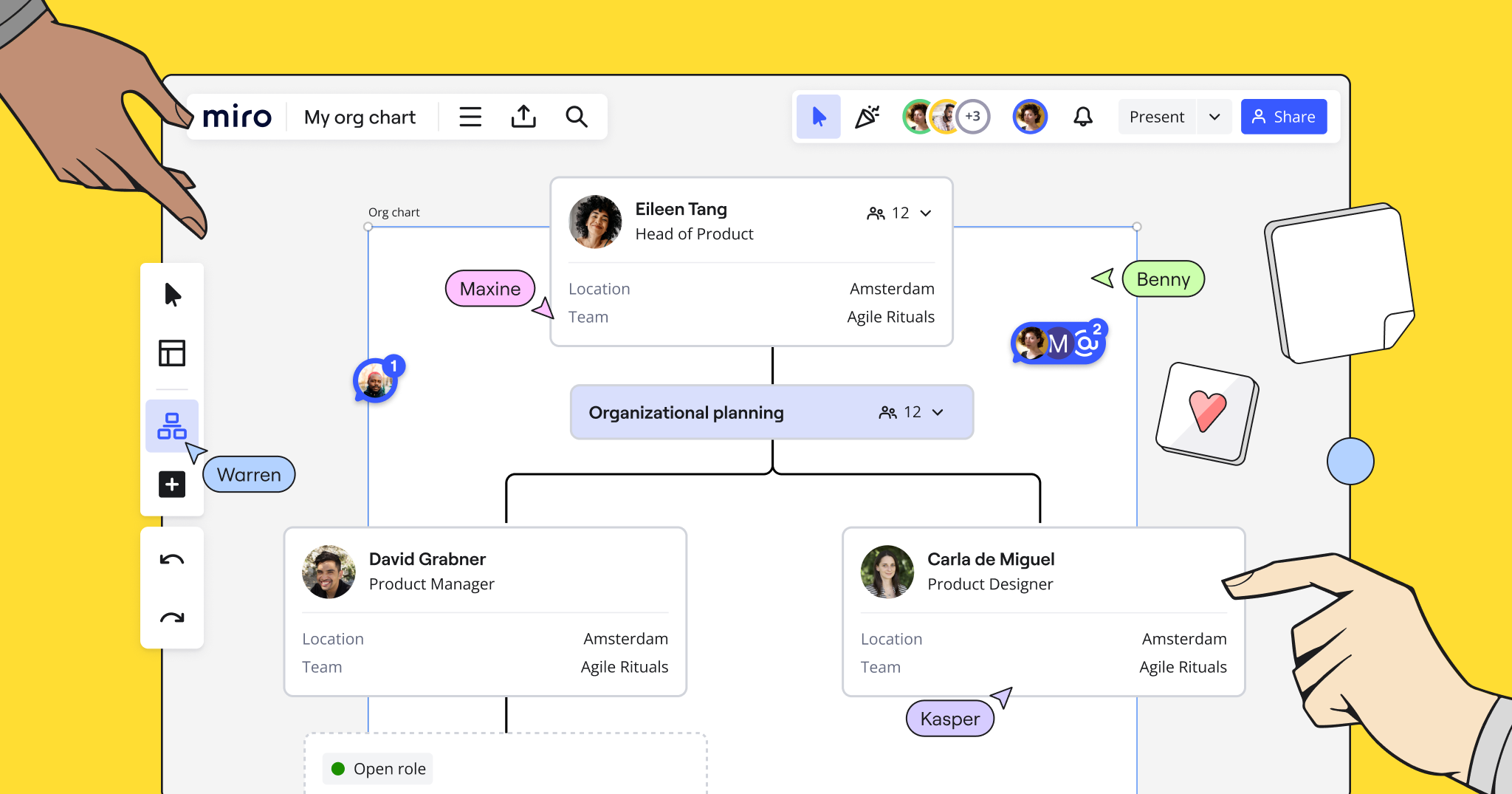
Without a clear view of supporting documentation and artifacts, teams lose context and waste time searching for information across different systems and sources. Partners that work with Miro in their Well-Architected Reviews use their boards as a single living source of truth. With Miro’s bi-directional integrations with Jira, Asana, and other project management tools, teams can bring together documents, diagrams, and other data with tasks and project tracking.  

Automate manual tasks

Automating manual tasks saves time for partners and their clients, freeing up teams to focus on more valuable work. It also makes it easier to take action. For example, Miro’s Well-Architected Tool automatically categorizes risks by color and displays these on your board, along with mitigation suggestions. This helps teams identify and prioritize the medium and higher risk items to act upon.

Cost calculations provide another opportunity to leverage automation. These calculations form an essential part of the Well-Architected Framework Review process, as they help to identify opportunities for cost reduction and efficiency. Unfortunately, carrying them out manually is time-consuming. But with Miro’s AWS cost calculator, teams can quickly get an automated estimate of hourly, monthly, and yearly costs — saving time and enabling faster decision making.

Find tools that encourage collaboration

Working in silos doesn’t work. In order to create together, teams need to be able to collaborate quickly and easily in real time. Diagram creation has historically been particularly problematic for collaboration, with teams working in specialist tools that don’t allow them to work in sync. To get to the right solutions more quickly, teams need a tool that not only has special diagramming capabilities, but also allows them to work together all in one space. 

That’s where Miro’s AWS shape packs come in, which give your team the tools to quickly collaborate on creating AWS architecture diagrams all in one workspace. Miro is also integrated with draw.io, so that you can easily import existing architecture to leverage this new way of working.

From using tools that encourage collaboration to automating manual tasks, these solutions will enable partners to deliver AWS Well-Architected Framework Reviews faster and more efficiently — a win for both them and their clients.

Ecommerce Efficiency: Flowmondo’s Automations Propel Retail Brands

Software Stack Editor · April 8, 2024 ·

The costs of ineffective collaboration — and how to avoid them

Software Stack Editor · April 8, 2024 ·

image

We often hear that managers should encourage independence, creativity, psychological safety—and collaboration with other teams. Collaboration can make your work better, but it’s still a delicate practice that takes work to get it right. 

In fact, most of us can think of a time (or several) when collaboration has gone poorly. A lot can go wrong when your work depends on other people: coworkers might show up to meetings unprepared, teams’ goals may be misaligned, or you end up  spending hours re-doing work because someone didn’t clearly communicate their vision. 

The consequences of failing to properly invest in processes that enable strong, effective collaboration can be debilitating on both your teams and your businesses. Below, let’s explore the hidden costs of mismanaged collaboration — and what teams can avoid them and set themselves up for success. 

The power of true collaboration

English scholar John Donne once wrote, “No man is an island, entire of itself” — a reflection of how humans are often reliant on one another and stronger as a unit. This sentiment, one where the whole is greater than the sum of its parts, is the core of why collaboration is so powerful. 

When teams within organizations are able to successfully come together to build and create, it can unlock innovative work that wouldn’t otherwise be possible. Marketing teams in particular must collaborate with other teams to put their ideas into action. For example, marketers often work with developers to build custom elements for a website and with designers to polish visuals for a feature announcement. 

Imagine asking an engineer to build a marketing website on their own, with no input from marketing — or asking a marketing team to plan a product launch without any input from the product team. It’s hard to imagine either of these projects going well without input and support from other players who can bring in expert knowledge, skills, and perspectives.

But this cross-team innovation is only possible when it’s managed well. 

Poor collaboration hurts everyone

Teams that don’t invest in effective collaboration may take on a variety of costs. Below, let’s explore what these costs are and their implications. 

Inefficient meetings waste time

If you’re not managing communication between your teams well, you risk wasting valuable time. For example, if cross-team meetings are spent bringing everyone else up to speed or steering people back on-topic, this signals a lack of clarity, agenda-setting, and direction from the meeting owner. 

Not only does this come with intangible costs — losing goodwill, a lack of trust, and an inability to maintain forward momentum — but also with monetary costs. If 6 people attended a meeting that failed to accomplish the core goal due to lack of preparation and strategy, and each earns an annual salary of $100,000, that hour-long meeting cost the company approximately $300 (1 hour x 6 people x $100,000 / 2,000 hours of work per year).

Inefficient asynchronous collaboration can also waste time 

Even outside of meetings, a lack of strategic alignment can massively waste time. For example, if you don’t communicate your vision clearly to the engineer who’s helping you build a reporting dashboard, you may both have to go through more iterations to get to the final product. Or, if you and another marketer are taking turns editing a slide deck asynchronously without communicating what the final output should look like, you risk compromising timelines because of an incessant flurry of back-and-forth revisions.

Team morale can suffer 

Mismanaged collaboration can negatively impact the teams involved when it comes to culture and morale. It’s hard to feel good about your job when you’re working inefficiently, attending meetings that could have been emails, and talking past one another. Left unchecked, that low morale can cause people to avoid working closely and openly with one another, disengage from their work, or even leave the company.

Company-wide goals become at risk 

Ineffective collaboration is particularly dangerous for large-scale goals that involve several teams. For example, a big product update may stumble because the marketing and product development teams aren’t able to come together to define primary objectives and outputs, the company’s revenue and its customers’ trust are at risk, costing the company both revenue and customers’ trust.

The opportunity to innovate is compromised

If cross-team collaboration always goes poorly, teams will start avoiding working together altogether and stick to their silos. As a result, they’re less likely to unlock the opportunity to ideate and come up with innovative solutions to business problems.

How to chart a path toward successful teamwork

While bringing people together can be complicated and challenging to get right, the teams that are determined to make collaboration seamless and effective are the ones that will be best positioned in the long-term. Consider the following strategies to set your team up for collaborative success. 

Focus meetings on discussions, not updates

When meetings are purposeful and focused, they’re more engaging. You can spend your time discussing hard decisions rather than getting people up to speed, and people leave feeling productive and participatory to outcomes. Setting a clear agenda, assigning a strict time-keeper, and sending out materials ahead of time are all ways to keep collaboration smooth and projects moving. 

Enable your teams to work in tandem 

Let’s return to an earlier example: two marketers who are taking turns editing a slide deck. They should probably use a collaborative, web-based slide tool to tackle this work in parallel, rather than sentencing themselves to painful handoffs. This is true when it comes to websites as well: for example, the team at Oyster got their websites to market six times faster after they started using Webflow’s page branching features to make web updates in parallel. 

Use tools that eliminate the need for unnecessary collaboration

While collaboration can be powerful, bringing too many cooks into the kitchen for every task or project can hinder success.  For example, Dropbox Sign’s marketing, engineering, and design teams use Webflow to improve their internal workflows for their website, bringing marketing, design, and development teams closer together to streamline development processes. Marketers and designers are able to gain more autonomy and technical teams are able to reclaim time to focus on high-impact projects. The outcome is a win-win that reserves time to collaborate on what’s most important to tackle their collective goals.

Similarly, features like edit mode make it possible for content editors to safely edit site content without risk of breaking the site or designs — and speeding up time-to-launch in the process. 

Effective collaboration is table stakes for today’s teams 

“Collaboration” can often seem like a buzzword, and some of the cynicism about it is well-earned. But when you get it right, collaboration is worth the hype. 

If you cultivate an environment where teams can come together and flourish, you can unlock solutions and outcomes that wouldn’t otherwise be possible to achieve when working in silos. To unlock the untapped potential of your marketing, design, and development teams, invest in a culture of clear communication and purposeful meetings, and bring on tools that create tight-knit processes that help your teams remain productive and put them on a path toward success.

How AI-powered data analytics tools are enhancing data management

Software Stack Editor · April 8, 2024 ·

image

AI is pushing data analysis into new territories.

AI excels at digesting and extracting critical insights from massive datasets. Pre-AI, data professionals performed this work, spending immense amounts of time collecting, refining, and interpreting information. But with AI’s advancing capabilities, you can automate data analysis processes that would require dozens or hundreds of hours to complete manually. 

That’s what makes AI and data analytics such a potent combination. AI helps analysts bypass tedious data collection and interpretation, skipping directly to managing, validating, and using data to craft accurate reports for businesses.

An overview of AI in data analytics

Applying AI to data analysis is a powerful way to quickly and accurately sift through massive datasets. This approach leans into what AI does best: detecting patterns and using them to predict outcomes.

AI-powered analytics tools combine machine learning (ML) and data analytics for faster processing than humans can perform. They excel at drawing straightforward connections and interesting conclusions humans might miss, such as trends with unintuitive correlations or extremely long-term cycles. And they can even help write SEO content that drives more traffic to your website.

When you pair an AI learning algorithm with your data analysis efforts, you can expect the following benefits.

Speed and efficiency

Analysts can feed an AI analysis system their data and turn to other tasks while it processes. This efficiency offers new freedom to data professionals — it assumes tedious tasks and lets employees focus on more meaningful work: interpreting data to discover insights.

Validation

Data validation is critical to finalizing an analysis, and AI supports this crucial step. After discovering a combination of data points to include in a report, analysts can use AI to instantly call up those points for review. This automation dramatically reduces the time it takes to write SQL queries and search through reports.

Ease of use

Most AI analysis tools offer natural language processing (NLP), which lets analysts use natural language to interact with their data. For example, you might write, “Search this dataset for the five most purchased products,” or “How have in-person and online sales changed over the last two years?”

This simplicity offers your team more freedom in how you interact with your database. It also lowers the barrier to entry for new analysts by fast-tracking much of the learning curve.

3 types of AI used in data analytics

You can distinguish different AI types by their relative complexity. The more sophisticated an AI tool is, the more capable it is of finding subtle correlations. 

Here are three types of AI commonly used in data analysis.

1. Machine learning

ML algorithms are trained, meaning developers feed them vast amounts of data and instruct them to extract conclusions. From this process, the algorithms “learn” what to look for in new datasets. 

When you feed information to a trained ML algorithm, you don’t need to provide it with any instruction. The algorithm uses what it’s learned to search your data and create conclusions. Along the way, it continues to refine that knowledge base for improved data analysis capabilities.


2. Neural networks

More advanced than ML’s system of overlapping processes, neural networks aim to simulate the human brain. They do so using interconnected processes representing nodes that pass information back and forth for analysis. This process enables them to discover connections an ML algorithm’s more straightforward process might miss.

3. Deep learning

The most advanced of these AI types, deep learning involves training a neural network with a massive dataset, teaching it to recognize things and interpret patterns. This technology is what self-driving cars use to identify other vehicles on the road and evaluate changing conditions. It’s equally effective at discovering patterns in data that a human might overlook.

How AI can improve your data analytics process

AI makes handling and interpreting data easier than ever because it seamlessly fits into many analytics processes. Here are a few suggestions for where to integrate AI into business data strategies.

Data cleaning

The first step in analyzing a database is checking it for errors. Analysts spend significant time scanning through hundreds of lines in a spreadsheet or writing detailed SQL queries to surface such mistakes. Thankfully, AI can perform this task much faster. You simply feed the AI your database and use NLP to form a query, such as “Check this database for missing information and errors.”

Data analysis

AI eases the burden of analysis for data professionals without replacing the need for a human eye. You can use AI to search the data, but it’s up to you to determine what’s important. For example, if you feed your data to a deep learning algorithm, it’ll churn out dozens of trends, predictions, and correlations you might never have found. But it’s up to you to sift through these results and surface the most relevant, informative bits for your business.

Data visualization

Another common task is creating visuals for the information you analyze. You might use tools like Zoho and Tableau to do this, which increasingly feature AI-generated visualizations to quicken the process. For example, Tableau Pulse uses AI to generate customizable data visualizations based on predefined KPIs.

Predictive analysis

AI excels at discovering intricate trends in data and mapping them out over a timeline — which requires simple math to plot hundreds or thousands of points over time. AI can process these trends significantly faster than a human can, and it can identify correlations to generate intricate forecasts. 

One example of AI predictive analysis is Life2Vec, a powerful tool that uses basic information about your age, weight, and exercise habits to predict your potential lifespan.

Industry use cases of AI data analytics

AI has quickly permeated every industry thanks to its uniquely versatile capabilities. Here are some examples of how AI supports industry processes, from basic data collection to complex analysis.

Healthcare

The healthcare industry generates enormous datasets every day, from X-ray and MRI images to BMI and blood test measurements. AI algorithms consume this data to find connections between data points sooner than a medical professional might. These advancements help with early detection of cancer, diabetes, and Alzheimer’s, improving healthcare outcomes and potentially saving lives.

Finance

With its convoluted regulations and mind-boggling complexity, the financial industry benefits from any advancement in AI technology that simplifies data analysis. AI is an incredible tool financiers can use to advance their portfolios through speculating on stock prices and analyzing economic conditions. For example, the financial platform OneStream uses ML to find signals in the economic landscape that indicate a financial strategy’s potential success or failure. 

Marketing and customer insights

Interpreting critical user data helps businesses optimize products, services, and marketing campaigns for certain goals, such as increasing conversions or driving engagement. AI tools that integrate with website platforms make this information significantly easier to access.

For example, Webflow supports a HubSpot integration that tracks website traffic. You can then use HubSpot’s AI-powered data analysis tools to extract actionable insights that’ll help you improve your site.

Upgrade your data analytics with Webflow

Webflow supports integrations and solutions that leverage AI to assist with analyzing data, writing content, and more. The platform has all the tools you need to create visually stunning, data-rich websites without writing a single line of code. 

Explore Webflow’s marketing automation and analytics integrations today and get the most from your AI tools.

The top 8 secure messaging apps for businesses

Software Stack Editor · April 8, 2024 ·

image

Mitigate cyberthreats all while enjoying better-than-ever team communication with a secure messaging app.

The rapid flow of sensitive information is at an all-time high — especially in healthcare, finance, and law.

Most private chat apps require phone numbers and emails during registration, and users often overlook the terms and conditions. Using these conventional platforms puts your business’s privacy and security at risk by leaving room for potential breaches and legal ramifications.

But secure messaging applications provide robust encryption capabilities and other security features that safeguard your communication. Read on to discover eight of the best security-focused communication apps for businesses.

What are secure messaging applications?

A secure or encrypted messaging application is a communication tool that protects the confidentiality of messages and multimedia exchanged between users. These apps use verification techniques, like two-factor authentication (2FA), to ensure the rightful user accesses messages after providing proof of two or more identification forms.

Most importantly, they deploy end-to-end encryption, which ensures only the intended recipient receives the message. iMessage and Google Messages are popular apps that use end-to-end encryption, with secure browsers using HTTPS over HTTP for added safety.

How secure messaging apps work

Secure messaging apps combine advanced technology and stringent privacy protocols to ensure security. This includes:

  • Encryption. When a user sends a message, voice note, image, video, or document, the secure messaging app encrypts the content using cryptographic algorithms that transform it into an unreadable format called ciphertext. Even if a hacker intercepts a message in transit, encryption ensures it remains indecipherable to anyone without the corresponding decryption key.
  • Open-source code. Many secure messaging apps use open-source code, so their underlying source code is freely and publicly available. Open-source code encourages transparency and trust among users and allows independent developers and security experts to inspect apps and conduct audits to identify potential loopholes, flaws, or backdoors for intrusion.
  • Privacy policies. Secure messaging apps typically have clear and transparent privacy policies that outline data collection, storage, and processing methods. These policies outline steps taken to safeguard sensitive information.
  • Rich media support. Despite the name, secure private messaging apps support many multimedia types, including images and videos, voice messages, and files. Encryption and privacy protocols apply to each media type and ensure users can safely exchange content.

The importance of secure messaging apps

Secure messaging apps combine end-to-end encryption with open-source code, privacy measures, and multimedia support for these essential reasons:

  • Data protection and compliance. Industries like finance, legal, and healthcare must follow strict privacy regulations from governing bodies, like the European Union’s General Data Protection Regulation (GDPR) and HIPAA in the U.S. Secure messaging apps comply with these regulations by ensuring sensitive data, like banking information and medical records, remain protected from unwanted access.
  • Cybersecurity risk mitigation. With looming online threats like phishing attacks, data breaches, and malware, it’s essential for secure messaging apps to prioritize cybersecurity. Adding an extra layer of protection through encryption and two-factor or multifactor authentication reduces security-related incidents and potential financial losses.
  • Secure collaboration. Secure business messaging apps allow team members, whether in-office or remote, to communicate safely. Employees with internet-enabled devices can share files, chat in groups, and make voice and video calls for meetings and training sessions.
  • Brand reputation. Data breaches and security incidents can damage a company’s reputation and undermine customer trust. By securing messaging apps, you demonstrate your commitment to protecting user data, enhancing your credibility as a trustworthy and reliable organization.

8 secure and encrypted messaging apps for your business

Choose a secure messaging app that best aligns with your organization’s needs while ensuring confidentiality. Here are eight encrypted messaging applications with diverse feature sets to suit different businesses.

1. WhatsApp

WhatsApp boasts end-to-end encryption for messages, calls, and multimedia. It also has 2FA with passkeys for further protection.

The Meta-owned messaging app is ideal for individuals and businesses who want a widely known and user-friendly encrypted platform with messaging, calling, and file-sharing capabilities. But it’s worth noting that, as a Meta-owned application, WhatsApp’s encryption doesn’t extend to metadata — which may raise privacy concerns for some users.

Price: Free

Compatibility: iOS, Android, Mac, Windows, and web browsers

2. Telegram

Telegram offers secure messaging with optional end-to-end encryption through Secret Chats — a feature where specific chats have a lock icon that only the recipient can access. Secret Chats also self-destruct and don’t support message forwarding.

With a group chat capacity of up to 200,000 members, Telegram suits large organizations seeking a feature-rich platform with file-sharing, channel, and voice call functionalities.

Price: Free

Compatibility: iOS, Android, Mac, Windows, Linux, and web browsers

3. Signal

Signal is well-known for its strong emphasis on privacy and security. The app offers end-to-end encryption for messages, calls, and video chats. Its open-source Signal Protocol also supports messaging for groups of up to 1,000 members, with secure file sharing and disappearing messages for added protection.

Typically favored by privacy advocates, journalists, and professionals requiring secure communication channels, Signal is ideal for companies dealing with sensitive or large datasets.

Price: Free

Compatibility: iOS, Android, Mac, Windows, and Linux

4. Threema

Threema offers standard features like text messaging, voice calling, and polls. But what separates Threema’s privacy-preserving protocol from the rest is that it doesn’t ask for a phone number or email during registration, providing increased user anonymity.

The company also favors local information storage over server-based data management. If you have capable local storage and work in healthcare, finance, and legal services, Threema is a great fit.

Price: Varies for individuals and businesses

Compatibility: iOS, Android, Mac, Windows, Linux, and web browsers

5. Wire

Wire fully complies with GDPR and only requires an email address to sign up. It also works on Signal’s robust security protocol. Since its inception, Wire has maintained an open-source philosophy, claiming that the company has no intention of selling user data to third parties.

With its always-on encryption, Wire keeps group conversations and file sharing reliably under lock. It also offers collaborative features like guest rooms and screen sharing, making it suitable for anyone in remote teams, creative fields, or large organizations looking for secure communication channels.

Price: Free

Compatibility: iOS, Android, Mac, Windows, and Linux

6. Rocket.Chat

Rocket.Chat’s open-source functionality has the backing of thousands of GitHub members to ensure its security stays up to date. Its on-premises hosting lets you keep all data in-house to reduce online threats while providing full ownership over messaging infrastructure.

This is the best secure messaging app for government, financial, and legal sectors. It’s especially valuable to technically experienced users looking for a customizable messaging solution with third-party app integration.

Price: Free for small teams of up to 25 members, with custom quotes for enterprises

Compatibility: iOS, Android, Mac, Windows, and Linux

7. Troop Messenger

Like Rocket.Chat, Troop Messenger is an end-to-end encryption app that supports on-premises server hosting for complete control over in-house data. With productivity features like file and screen sharing, this platform is often touted as a more security-oriented Slack (which doesn’t have end-to-end encryption).

Troop Messenger targets businesses and enterprises seeking a secure, collaborative messaging platform with total autonomy. It focuses on productivity and communication, and it’s suitable for teams of all sizes.

Price: Varies depending on the nature of the business and industry

Compatibility: iOS, Android, Mac, Windows, and Linux

8. NetSfere

NetSfere is a secure, enterprise-level communication platform designed to meet the regulatory compliance requirements of the healthcare, government, and finance industries. It focuses on four pillars: security, control, compliance, and collaboration.

With end-to-end, 256-bit encryption (a significantly robust cipher with a 256-bit key, superior to 128-bit and 192-bit keys), NetSfere is best for large organizations operating in highly regulated sectors.

Price: Free for the Professional plan and $7 per user for the Enterprise plan, with custom quotes for the Enterprise Plus plan

Compatibility: iOS, Android, Mac, Windows, and web browsers

Enhance your site security with Webflow

Secure messaging apps protect sensitive information, minimize enterprise cybersecurity risks, and foster trust among employees and customers. By integrating secure applications with a high-quality web platform, you can ensure safety for all your website users.

Whether you’re scaling a startup or running a thriving business, learn how Webflow builds security into your website. Create powerful platforms using Webflow Enterprise, secure them with our all-in-one security checklist, and explore our resources to learn how to scale your online presence.

What product teams need to build the future

Software Stack Editor · April 5, 2024 ·

image

The business world is full of contradictions. On one hand, everyone’s hungry for the next big thing. On the other, the thought of taking risks makes leaders sweat. Even though nearly all of them agree that companies have to innovate — 98%, to be exact — it’s not that simple. 

There’s no doubt about it: innovation and uncertainty go hand in hand. Teams take risks when pursuing new ideas. Leaders take risks when they give the green light. And companies take the risk that they’re bringing the right thing to market at the right time. But that’s also the beauty of it — and what makes the process so rewarding (and even fun). The key is to empower an organizational culture where everyone can weigh in to solve the problems at hand, minimize those risks where possible, and generate maximum impact. 

So how do we do that? At Miro, we want to help teams crack the code by showing them ways to work smarter, not harder. It’s about teamwork, making stuff that customers want, and cutting through the nonsense to get it done efficiently. We teamed up with AWS to put together a guide that lays out the moves for getting ahead, cutting through the noise, and setting new records in making cool things happen.

In this article, we’ll take insights from our latest Innovation in Product Development report and

break down product teams’ challenges, introduce solutions, share what successful teams do, and discuss the role of AI in innovation.

Collaboration (or lack thereof) is one of innovation’s greatest hurdles 

You can’t have innovation without collaboration. Collaboration may sound easy, but many (or even most) organizations struggle to get it right, both with their employees and their technology.

You need mutual understanding

Co-creating a new product requires a close partnership between specific functions. In organizations with collaborative cultures, teams work together by tapping into their unique skills and knowledge to create maximum overall impact. It isn’t just a creator and reviewer relationship, but one based on the understanding that each function is crucial to the project’s success. 

Transparency

For successful collaborations, all teams need to understand the ‘why’ and the ‘what’ of the project from the start — and this is an ongoing process, not a one and done. From kickoffs to updates and milestones throughout, transparency ensures that teams can stay focused, aligned, and on top of their game. This is key for both leaders and team members; the more inclusive the teams are, the better equipped they are to stay aligned on solving business problems. This also helps them stay open and flexible to any bumps in the road, rather than being overly prescriptive. 

Tools that help you work together, better

Now let’s turn to the tech side of collaboration. Growing organizations often need help bringing product design and engineering teams together, especially when using legacy tools not built for virtual collaboration — and this is even more challenging for distributed teams. 

Many business leaders we surveyed reported feeling that their companies are behind the times: 31% say technology is a barrier to innovation, and 40% say legacy tech stifles creativity and limits productivity. That’s why businesses need access to advanced diagramming tools and visual workspaces, which provide a shared space for laying out the big picture, and contextualizing data and processes. Showcasing complex systems in easy-to-understand formats, these tools can enhance understanding and promote agile decision-making across teams.

And what kind of Chief Product & Technology Officer would I be if I didn’t tell you that Miro has the best collaborative development tools on the market? Check us out if you aren’t already using us for work. If your company uses AWS, jump right in with our three month business plan trial.

To stay relevant, make AI work for you

AI has emerged as a powerful ally in product development, reshaping traditional methodologies and catapulting processes into new realms of efficiency and innovation. Today, 35% of product teams already harness AI to streamline their workflows, enhancing both the speed and quality of their outputs. 

Last year, Deepam Mishra, an AI expert and senior advisor to startups for AWS shared five key areas where AI and automation are making significant inroads: 

  • Fine-tuning product-market fit predictions through advanced data analytics
  • Accelerating the iteration cycle
  • Transforming customer feedback analysis
  • Expediting employee training
  • Fostering a culture of creativity by significantly reducing time spent on repetitive tasks

So, how can product developers and designers leverage AI for a competitive edge? Generative AI, in particular, is the most high-profile asset because of its ability to conduct thorough product analyses, offer ongoing usability enhancements, and refine the concept phase of product development. This is why tools like Miro Assist are so groundbreaking for helping teams and organizations become more efficient, productive, and innovative.

Put your people first 

To understand the future of innovation, we need to shift from a tools-first perspective to one that places teams at the center. While using the latest tools will certainly help support your innovation journey, it’s critical to remember that tools are only one piece of the puzzle. 

Timelines

Despite having the tools needed, our report found that 95% of product teams fail to ship new features on agreed-upon timelines due to organizational issues. If you’re facing this challenge, you don’t need to upgrade your systems, you need to rethink how your team is using them. 

The solution here is to adopt Agile project management best practices. When consistently implemented, they can improve operational processes and decision-making speed, and increase customer satisfaction and employee engagement. 

Data privacy

Product teams often need help maintaining data security and privacy while sharing workspaces across teams and stakeholders. That’s why trustworthy tools are essential throughout the development process. Enterprises need a solution that provides secure connections between multiple SaaS apps without coding, ensuring that customer data and proprietary information stay secure.

But tools are only part of the equation. In order to unlock innovation, teams must be able to work together freely without worrying about what information should be kept private. To facilitate this, organizations should empower teams to share openly and transparently — and give the peace of mind that there’s little risk in doing so.

Searchability

How long does it take you and others on your team to find data and project resources? Too long, according to our latest survey. 

Less than a third of leaders say they know exactly how and where to find the data to support their work. And get this: A quarter of product professionals told us it takes up to three hours to find what they’re looking for. That’s not okay. It’s time for shared, searchable knowledge hubs that integrate with data sources. This approach facilitates accurate decision-making based on up-to-date information necessary for building products.

What the future holds for product development

The future of product development will be shaped by an evolving work landscape, moving decisively toward distributed teams with hybrid and remote environments as the new norm. This transition necessitates an increased focus on cultivating a remote-friendly culture and enhancing collaboration by strategically deploying tools to keep everyone in sync. 

To meet the needs of increasingly dispersed teams, it’s more important than ever to use adaptable, flexible project management frameworks that can keep everyone aligned on goals, processes, and big-picture thinking. Collaboration is critical to success and AI will support us on this journey — and, while today’s cutting-edge tools support innovation in new ways, always remember that great work comes down to the people doing it.

Check out the full report for more insights on efficiency, privacy, customer feedback, and other top-of-mind topics for product leaders and teams.

New Templates in Miroverse

Software Stack Editor · April 5, 2024 ·

For some, March is known for its madness — for the Miroverse community, March has been a month full of innovation and creativity. Featuring everything from productivity powerhouses to mood-boosting marvels, this roundup is your ticket to exploring the best templates of the month. 

Let’s show these creators some love for their brilliant contributions to Miroverse in March! 💛

Do you have a Miro board that would make a good template? Submit it now! 

Curious about submitting your first template? Join us for our next How to Become a Creator training on April 30. You’ll learn about the submission process and what makes a good template, and get a Q&A with the submission review team. You can also visit the Creator Toolbox for information and resources to get published on Miroverse.

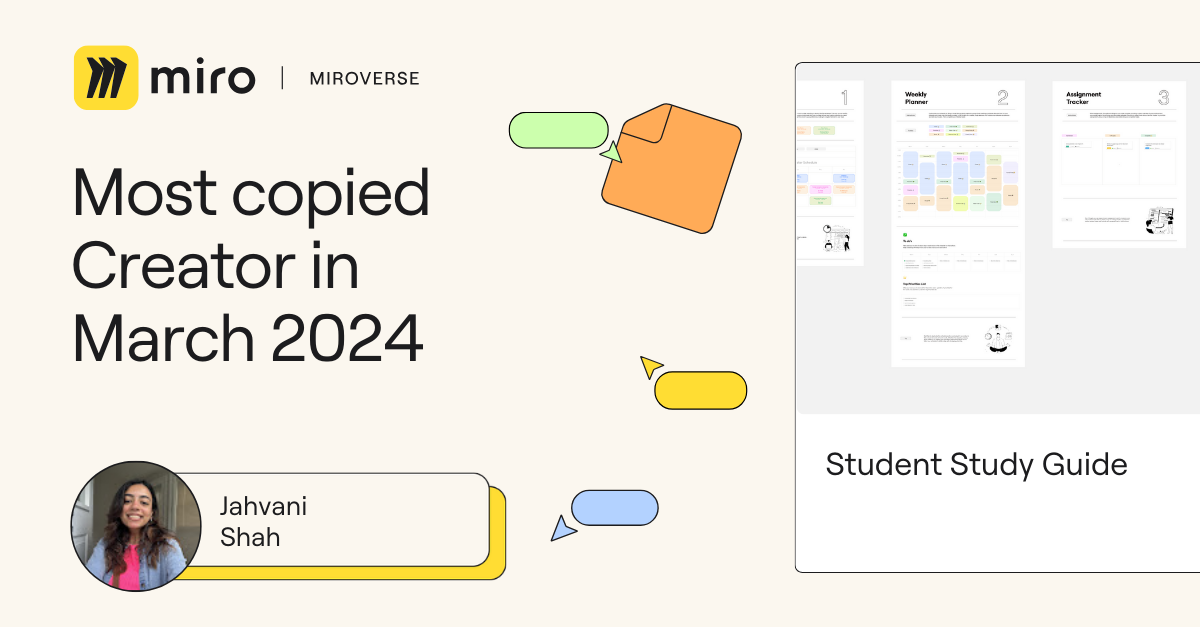
Jahvani Shah | Most Copied Miroverse Creator 🚀

Shoutout to Jahvani Shah — Product Manager extraordinaire! Jahvani launched her product management career while she was earning her Master’s in Engineering Management from Cornell. She has also built a large following creating content around all things product.

When she was in college, people always asked her how she balanced classes, assignments, work, and content creation simultaneously. 📚To our great benefit, Jahvani has shared her best study practices in a Miroverse template, and it’s already been copied over 200 times in March alone! 

Ready to conquer your workload like Jahvani? Check out her Student Study Guide Template here. Dive in, plan your schedule, and stick to it like a pro. Big thanks, Jahvani, for sharing your wisdom!

Anil Jaising | Most Liked Miroverse Creator 🚀

Let’s give a virtual high-five to Anil Jaising, the Agile Training and Coaching wizard at Concepts & Beyond Inc.! Anil, your Scrum Simulation: Write a Fictional Novel template has spread joy in the community, generating 55 likes in March. Bravo! 

Looking to teach Scrum in your organization in a fun and easy way? Anil’s template allows you to unleash your writing creativity while learning Scrum in just hours. Thanks, Anil, for making Scrum easier to understand and enjoy! 

Andreas Lindenberg | Most Viewed Miroverse Creator 🚀

A big shoutout to Andreas Lindenberg for making waves with his Beach Life – Icebreaker Moodchecker, which has garnered nearly 600 views this month. Andreas’s mood-checking tool makes it easy to get more out of your collaborative work by taking the temperature of the group to approach a meeting with empathy. We appreciate Andreas’s dedication to bringing more warmth and positivity to our work lives.

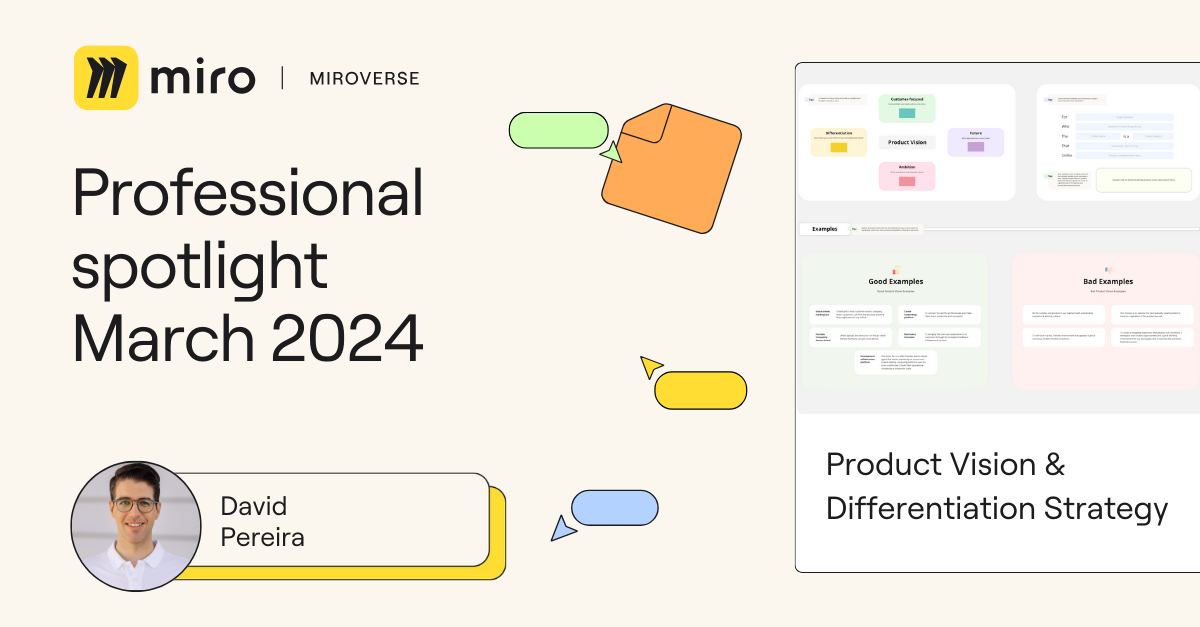
David Pereira | Professional Spotlight 🚀

Let’s give a shoutout to David Pereira. A product leadership expert with over 15 years of experience, David shares valuable insights on Agile product management worldwide.

Thanks to David’s Product Vision & Differentiation Strategy template, crafting a compelling product narrative just got easier. Dive in, align your vision, and watch your product reach new heights. Thanks, David, for sharing your expertise with us!

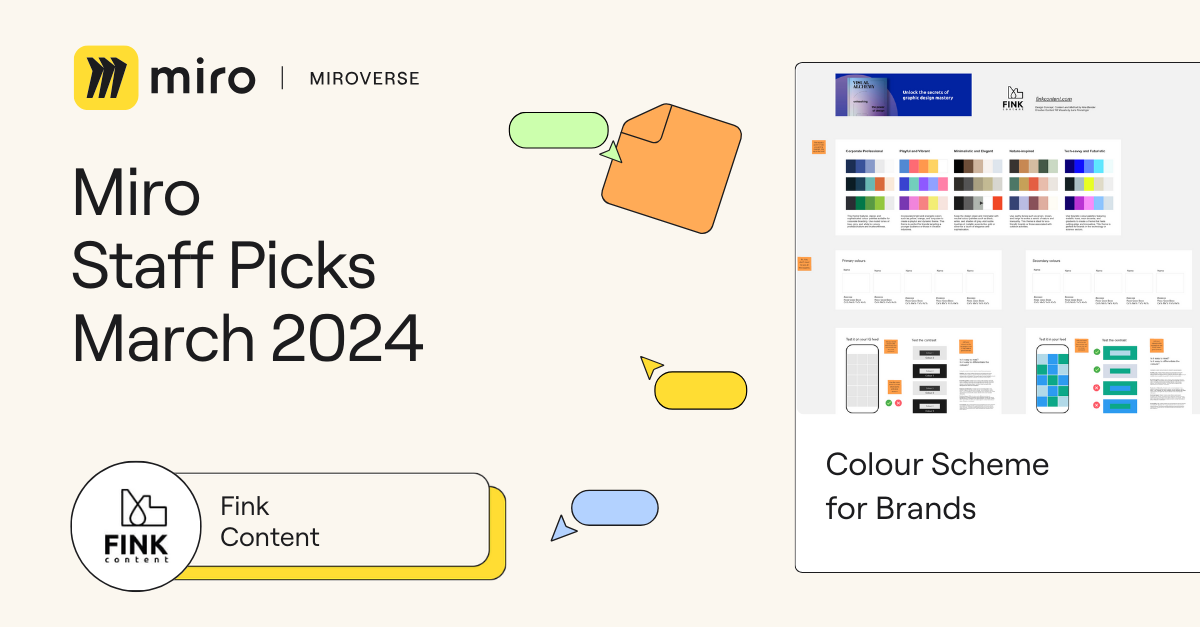
Fink Content | Staff Picks 🚀

A round of applause for Fink Content, a team of brand, content, and design specialists. They’ve generously transformed their ebook, Visual Alchemy, into a dynamic template called Colour Scheme for Brands. With this template, you can easily plan and document your brand or product’s visual identity. Thanks, Fink Content, for making such a complex task easy to manage.

Jamie Birt, a Miroverse submission reviewer, said, “I review dozens of templates every day, and I haven’t seen anything like this before!” You can now find Color Scheme for Brands in our new Miroverse collection, Staff Picks, along with many other community templates hand-picked by Mironeers.

Explore thousands of templates created by and for the Miro community in Miroverse. Discover a new template you loved? Share what you’ve found in the thread below. 👇If you can’t find the template you’re looking for, submit it in Template Requests.

Feeling inspired? Join our community of creators and share your ideas with the world.

Unlocking Innovation: Embracing the No-Code Movement for B2B Success in 2024

Software Stack Editor · April 5, 2024 ·

In an era where agility and efficiency are not just desired but required for success, businesses across the globe are seeking innovative ways to streamline operations and foster creativity. Enter the no-code movement—a paradigm shift fundamentally altering how companies approach software development, workflow automation, and digital transformation. For B2B organizations in 2024, embracing no-code platforms is not just a trend but a strategic imperative to stay competitive and innovative.

What is No-Code?

No-code refers to tools and platforms that enable individuals to create software applications, automate workflows, and build digital solutions without writing code. Using a visual development environment, no-code platforms allow users to drag and drop components, use pre-built templates, and configure logic through graphical user interfaces. This democratizes the software creation process, making it accessible to non-technical users, such as business analysts, project managers, and entrepreneurs, thereby bridging the gap between ideas and implementation.

Examples of How to Use No-Code

  1. Application Development: Without extensive coding knowledge, businesses can rapidly develop and deploy customer relationship management (CRM) systems, internal tools, or customer-facing apps.
  2. Workflow Automation: Automate repetitive tasks and processes, such as email notifications, data entry, and task assignments, to improve efficiency and reduce the risk of human error.
  3. Data Integration and Analysis: No-code platforms can integrate disparate data sources, providing a unified view of business analytics that aids decision-making without complex database queries.
  4. Website and E-commerce Platform Building: Companies can design, launch, and manage websites and e-commerce platforms with advanced features, including payment processing and inventory management, without deep web development expertise.

Top Ways Teams are Becoming More Efficient by Leveraging No-Code

Rapid Prototyping and Deployment

No-code platforms significantly reduce the time from concept to deployment. B2B companies can quickly prototype applications, gather user feedback, and iterate on their products without being bogged down by traditional development cycles. This agility enables businesses to more effectively respond to market demands and technological changes.

Cost Reduction

By minimizing dependency on specialized software developers for every project, companies can significantly reduce development costs. No-code platforms empower existing staff to contribute to digital projects, optimizing resource allocation and reducing the need for expensive technical hires.

Enhanced Collaboration

No-code platforms foster a collaborative environment where business and technical teams can collaborate seamlessly. By breaking down the barriers of technical jargon and complex coding tasks, teams can focus on the functional and user experience aspects of projects, leading to better outcomes.

Scalability and Flexibility

As businesses grow, their needs evolve. No-code solutions offer the scalability and flexibility to adapt to changing requirements without extensive redevelopment. Whether it’s updating a workflow, adding new features to an application, or integrating with new services, no-code platforms make these transitions smoother and less disruptive.

Democratization of Innovation

Perhaps the most transformative aspect of no-code is its ability to democratize innovation within organizations. By enabling individuals with domain knowledge but no programming skills to contribute to digital initiatives, no-code platforms unleash a wave of creativity and innovation, leading to novel solutions and improvements in processes that might not have been possible before.

Conclusion

The no-code movement is not just a passing trend but a significant evolution in how businesses approach technology and digital transformation. For B2B companies in 2024, leveraging no-code platforms is a strategic decision that can lead to increased efficiency, cost savings, and a competitive edge in a rapidly changing digital landscape. By embracing no-code, organizations can empower their teams, streamline operations, and unlock new opportunities for innovation and growth.

How to Onboard Users in SmartSuite with Teams

Software Stack Editor · April 5, 2024 ·

Are you juggling the task of adding new members to your thriving team and wondering how you can make the onboarding process smooth and selective using SmartSuite? Worry not because SmartSuite’s user permissions and teams feature are a game-changer when it comes to controlled, yet straightforward user onboarding. And that’s exactly what we’ll be diving into today.

[embedded content]

‍SmartSuite: A Favorite No-Code Tool

For those new to the world of SmartSuite, it’s a versatile no-code platform that’s equally adept at building robust backend databases as it is at crafting intuitive front-end interfaces and automation schemes. And for anyone with a hunger for mastering no-code automation

Starting with Admin Permissions

Okay, let’s roll up our sleeves and get to the crux of user onboarding in SmartSuite. Naturally, this guide is for those with admin-level permissions. If that’s you, or if you’re about to hop on the SmartSuite bandwagon, let’s proceed.

Managing Teams in SmartSuite

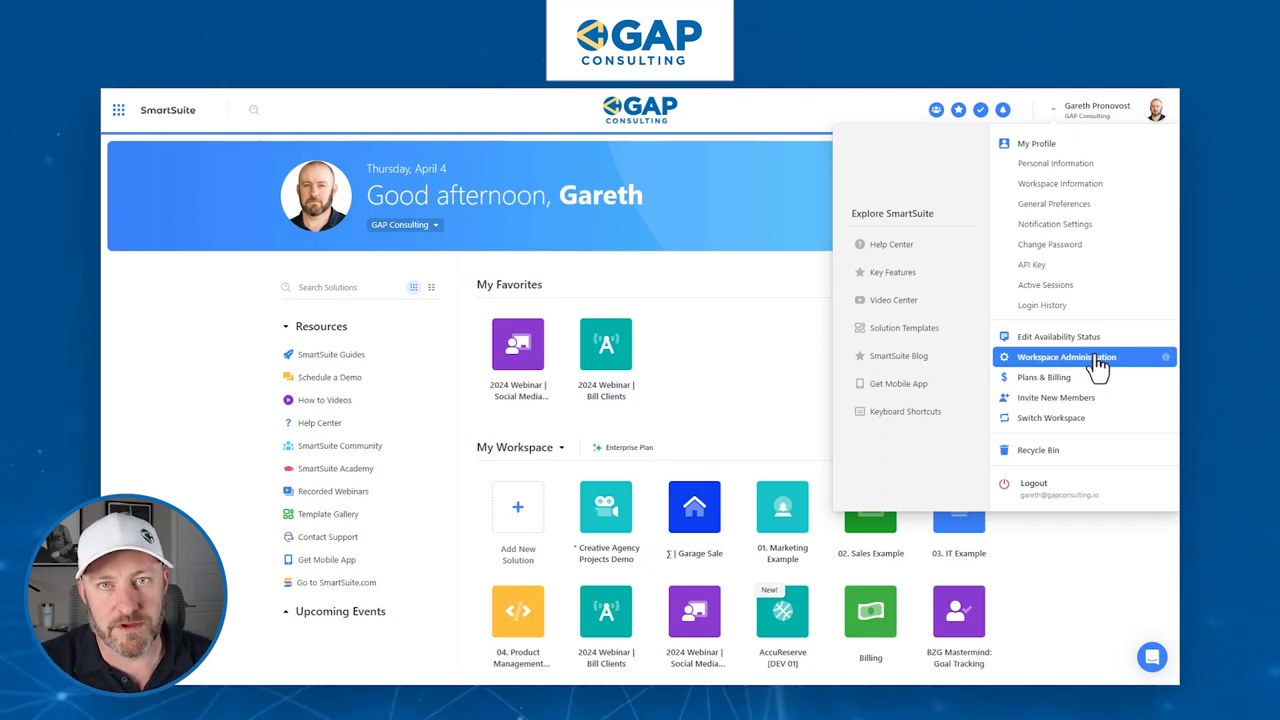
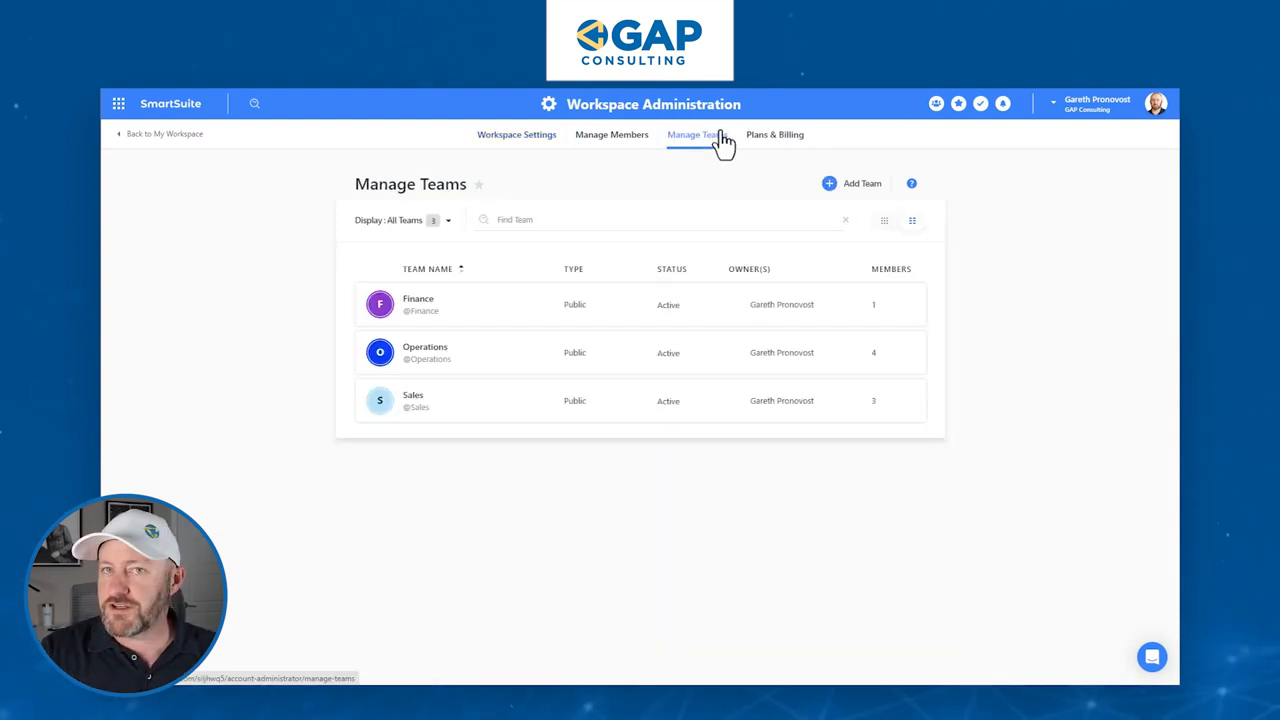
As an admin, your journey begins at the ‘Workspace Administration’. Here you’ve got the power to manage teams. It’s critical that you’ve already structured your teams within SmartSuite, whether it’s Finance, Operations, Sales, or anything in between. With a simple click, you can add new team members or adjust team ownership—these settings help keep the administrative backend neat and tidy.

Onboarding New Team Members

Now for the juicy part: as you welcome new members aboard, it’s a breeze to assign them to the correct team. Simply identify the team they belong to and slide their names over; for our example, we’ll add them to the Automations team. Always remember to hit update to save these changes.

Granular Permissions for Collaborative Growth

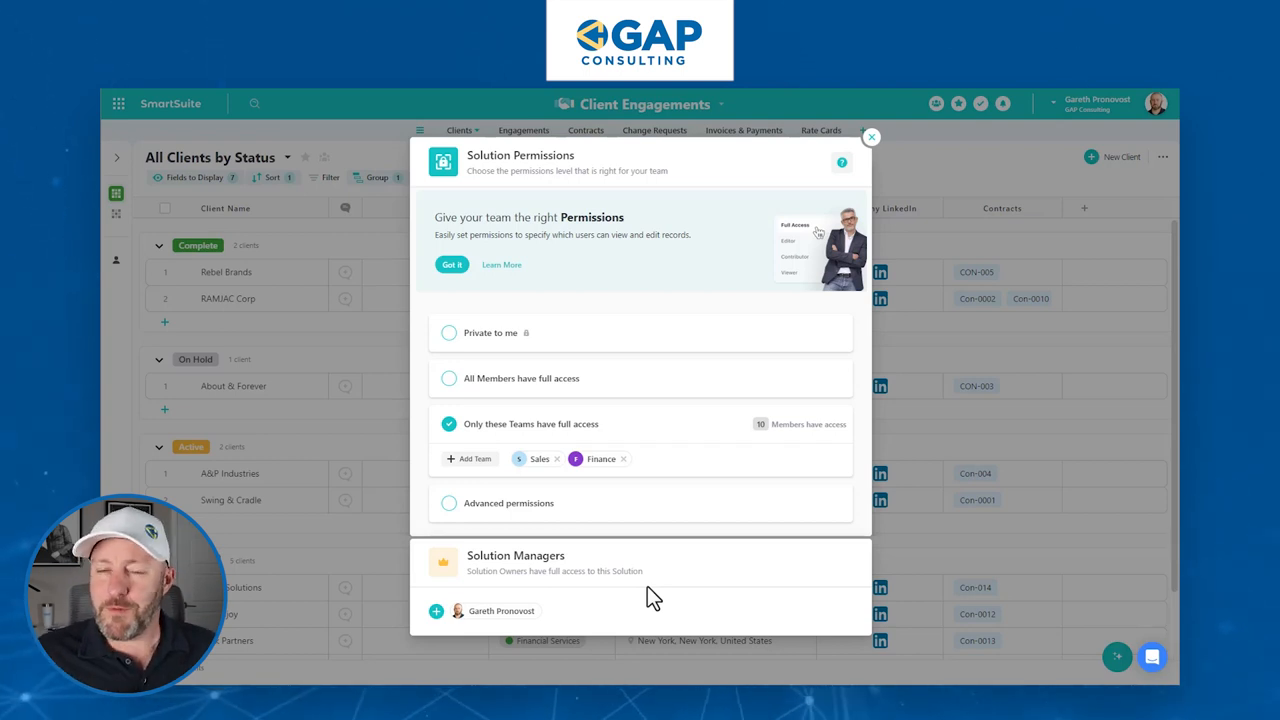
Let’s get granular with permissions. After all, SmartSuite shines with its collaborative tools—so let’s make full use of them. Taking our example forward, let’s say you’ve got a shiny new ‘Client Engagements’ solution. By default, it’s locked down to your eyes only. But here comes the magic: you can decide which teams get the VIP all-access pass and which are on the more restrictive guest list.

Advanced Permissions: Sales vs. Finance

The Sales team might need editing rights to tinker with data, while Finance may just need to peek at the numbers without leaving fingerprints. With advanced permissions, you can fine-tune access down to viewer, commenter, or editor privileges. Tailoring permissions to fit the exact needs of each team keeps the gears of your organization running smoothly.

Add Teams: Sales (Editor Access), Finance (Commenter Access)

Remember, these settings are solution-specific. Your teams can have different permissions across various solutions within SmartSuite, which is the savvy way to protect and streamline your operations.

Adding New Members Made Simple

After you’ve sorted out team assignments and fine-tuned permissions across your solutions, onboarding new members is a cakewalk. Hop back to ‘Manage Members’ where you can gracefully invite fresh faces to join. Assign them to a team, and like clockwork, their access permissions are automatically configured.

‍Existing Members? No Problem!

What about the crew that’s been sailing with you for a while? Reorganizing is just as easy. Adjust their team affiliations as necessary to reflect their evolving roles or responsibilities within your digital domain.

Optimistic Permissions and Beyond

Let’s address a crucial concept—optimistic permissions. Simply put, in a scenario where conflicting permissions are at play, SmartSuite favors the more permissive setting. So, double-check those permission levels!

Moreover, don’t forget that permissions in SmartSuite can get granular, and we’ve just scratched the surface today. You can dictate access at the table or even field level for ultimate control.

To experience the future of work management firsthand, start your free SmartSuite trial today!

21 best UI & UX design tools to try in 2024

Software Stack Editor · April 5, 2024 ·

Both UI, which focuses on design, and UX, which covers user experience, are essential to digital product success.

UI and UX are two facets of web design that work hand-in-hand. While UI focuses on the user interface design, UX covers the overall user experience as they interact with your product or service. In this blog, we’ll explain exactly what UX and UI are, as well as some of the best design tools to try, whether you’re looking to create wireframes or conduct user testing.

What is UI and UX?

User interface (UI) and user experience (UX) are closely related, but they’re distinct concepts in the field of web design and development.

UI is the visual and interactive elements that allow a user to interact with a digital product or system — think graphical elements like buttons, menus, icons, typography, colors, and layout. In essence, UI refers to the tangible component that users see and interact with directly.

UX, on the other hand, is a broader concept that encompasses the entire journey and interaction a user has with a product or service, including UI. UX design focuses on creating products that are easy to use, efficient, and delightful for users. It involves understanding user behavior, needs, and motivations, and designing solutions that meet those needs in an intuitive and satisfying way.

Types of UI and UX tools to use

Before we jump into the exact tools to try, it’s important to first identify what kinds of UI and UX design tools are useful in the design process.

Some common types of UX and UI tools to look out for are:

  • Prototyping tools — These tools allow designers to create interactive mockups and prototypes of their designs, enabling them to test and iterate on their ideas before implementation. Some prototyping tools include Figma, Adobe XD, InVision, and Marvel.
  • Wireframing tools — Wireframing tools help designers create low-fidelity mockups and blueprints of the user interface, focusing on the layout, structure, and information architecture. Popular options are Balsamiq, Lucidchart, and Miro.
  • UI design tools — These tools create high-fidelity prototypes, visual elements, and user interfaces. They often include libraries of pre-designed UI components and allow designers to create pixel-perfect mockups. Designers often use tools like Sketch, Adobe XD, and Figma for UI design. 
  • Collaboration and handoff tools — These tools facilitate seamless collaboration between designers and developers, enabling efficient handoff of design assets and specifications. Examples include InVision and Marvel.
  • User flow and journey mapping tools — These tools help designers visualize and map out the user’s journey through a product or service, identifying touchpoints, pain points, and opportunities for improvement. Popular options include Sketch and Adobe XD.

21 types of UX & UI design software tools

Let’s dive into each UX/UI tool and discover how you can craft beautiful projects.

1. Sketch

Best for easy handoff

Sketch homepage
Source: Sketch

If you have any UI design experience, you’ve heard of Sketch. There are quite a few reasons why it’s a revered design tool.

Being able to make universal changes — whether it’s through their library of symbols, layer styles, or text styles, or its smooth resizing and alignment features — saves designers time to deliver consistent prototypes and final products. It takes out what’s tedious and lets designers jump in and create. And with a multitude of third-party plugins and integrations, there’s no shortage of tools out there you can use with Sketch.

Related read: From Sketch to Webflow: how to turn mockups into live websites

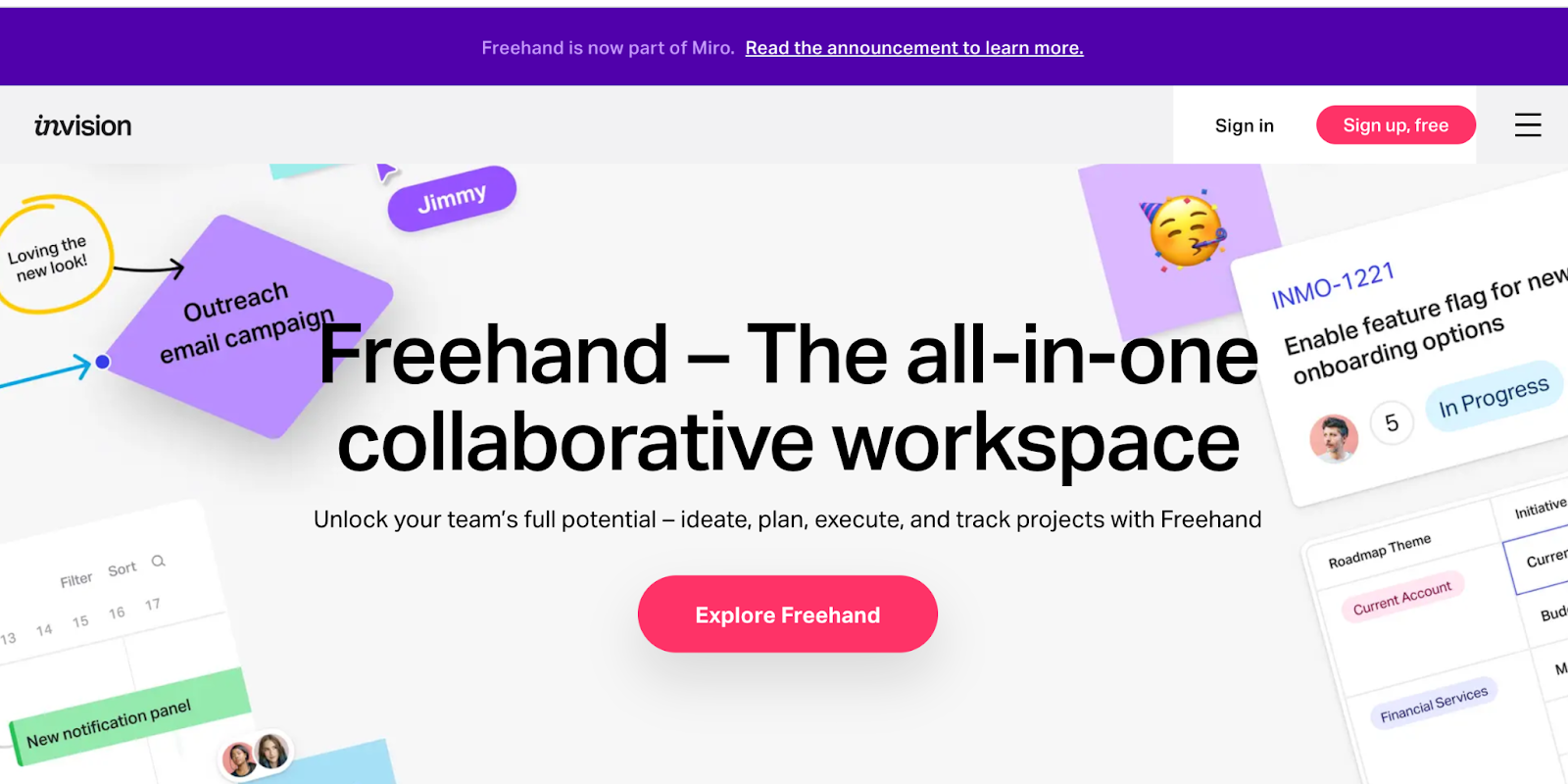
2. InVision Studio

Best for creating interactive prototypes

InVision homepage
Source: InVision 

With a full suite of applications, InVision gives designers all of the UI design tools they need to create fully realized and functional prototypes with dynamic elements and animations.

Along with these easy-to-use UI design tools, they also make communication easy — with collaboration features that let developers share their work as they design it, receive feedback, and make documented changes at each step. Another useful aspect of InVision is the digital whiteboard that allows team members a place to start brainstorming, interact, and get important sign-offs before moving forward.

3. Axure

Best for realistic user experience

Axure homepage
Source: Axure

‍Axure functions in prototyping and keeping track of the workflow. This UI design software features a smooth interface to document as you go. High fidelity drives this app, resulting in prototypes full of details.

Axure offers many of the other features of popular prototyping and UI design tools. It allows for testing of functionality and puts everything together for an easy developer handoff. These features, combined with an emphasis on communication, ensures that everyone on a project stays up-to-date with progress and changes as they happen in real-time, making Axure a solid choice for streamlined UI design.

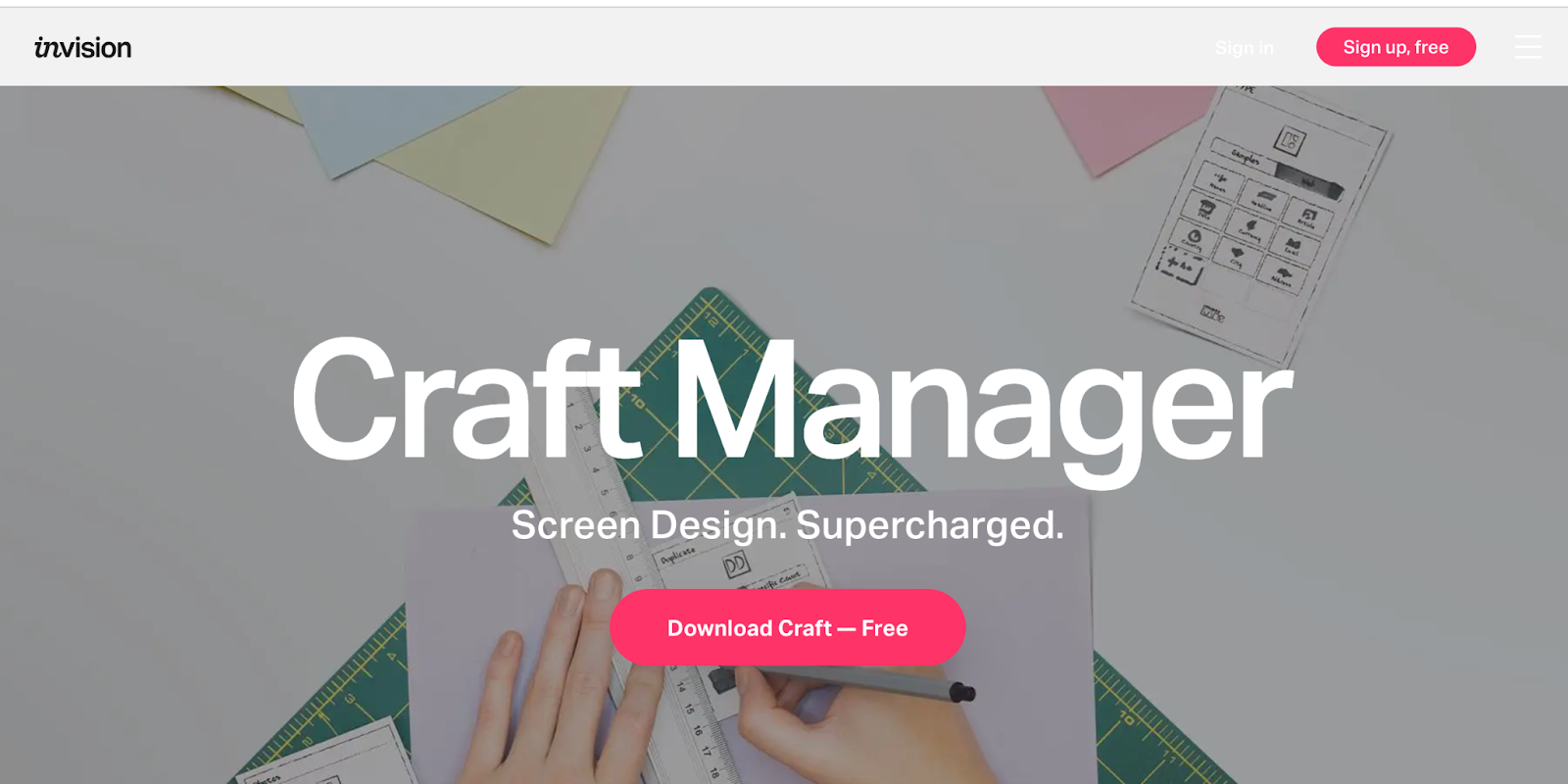
4. Craft

Best for placeholder content

Craft homepage
Source: Craft

‍Craft, a plugin from InVision, works right alongside what you might be doing in Photoshop or Sketch, with a sync function that updates what you’re working on. Along with this time-saving feature, Craft offers everything you need for prototyping and collaboration. Changes in styling, edits, and other tweaks are updated across the board so that everyone is referring to and working from the same version of a project.

Craft sets itself apart from other UI design tools with its placeholder content. You get access to both Getty and iStock photos, letting you fill your layout with better visuals. And if there’s data in your layout, you can use your own or bring it in from other sources. Not many UI design tools let you fill your mockups with more meaningful content. This special feature of Craft gives your mockups a more accurate representation of what a final design might look like.

Related read: The best Photoshop alternatives (free + paid)

5. Proto.io

Best for user testing

Proto.io homepage
Source: Proto.io

In their own words, Proto.io says using their UI design software results in “Prototypes that feel real.” And Proto.io delivers on this, giving you what you need to create, organize, integrate, and test accurate mockups. It also smooths out the collaboration process, fostering communication between team members through comments and video feedback, as well as integrating with some of the more well-known testing products, like Lookback, Userlytics, and Validately.

6. Adobe XD

Best for Adobe Creative Cloud users

Adobe XD homepage
Source: Adobe XD

It’s hard to knock Adobe off of their status as royalty in design software — their kingdom of design products reigns in the creative cloud. Adobe XD offers vector-based user interface tools for creating prototypes and mockups with an interface that’s familiar to anyone who has used other Adobe products. These tools, along with real-time collaboration, makes it a go-to for many UI designers.

Adobe XD has many sophisticated tools for design teams, but it is also stocked with what designers need to whip up interactions and other dynamic elements they can integrate into prototypes or mockups. It’s one of the rare design platforms that can combine different disciplines together, without anything lacking.

Related read: From Adobe XD to Webflow: how to turn your prototypes into live websites

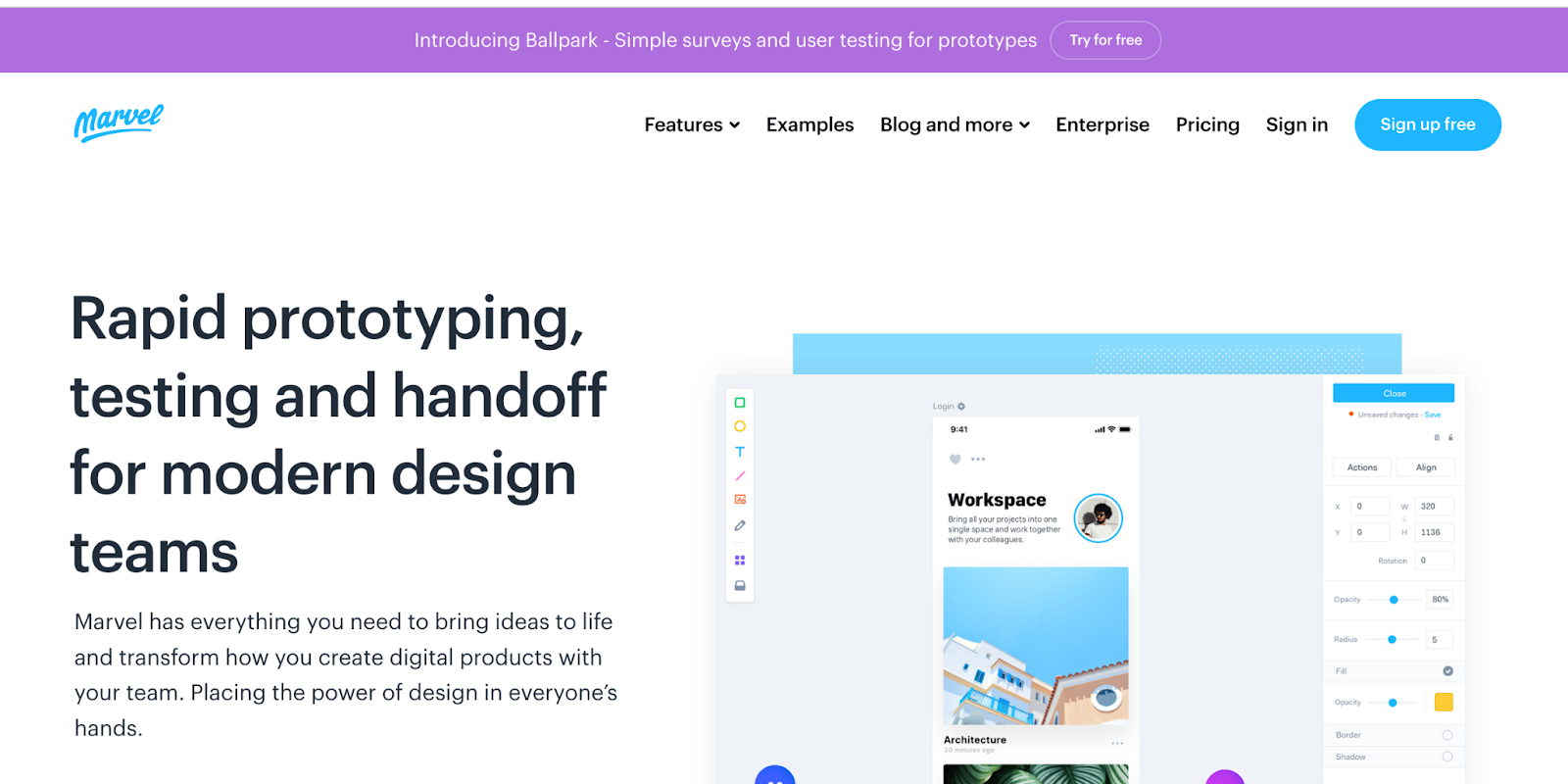
7. Marvel

Best for small teams

Marvel homepage
Source: Marvel

Whether you’ve been a UI designer for a while or if you’re just stepping into the role, Marvel’s design platform makes things easy. With the ability to create both low fidelity and hi-fi wireframes, interactive prototypes, and do user testing, it gives a UI designer everything they need — in one intuitive interface. Marvel also has a feature called Handoff that gives developers all the HTML code and CSS styles they need to start building and tweaking product design.

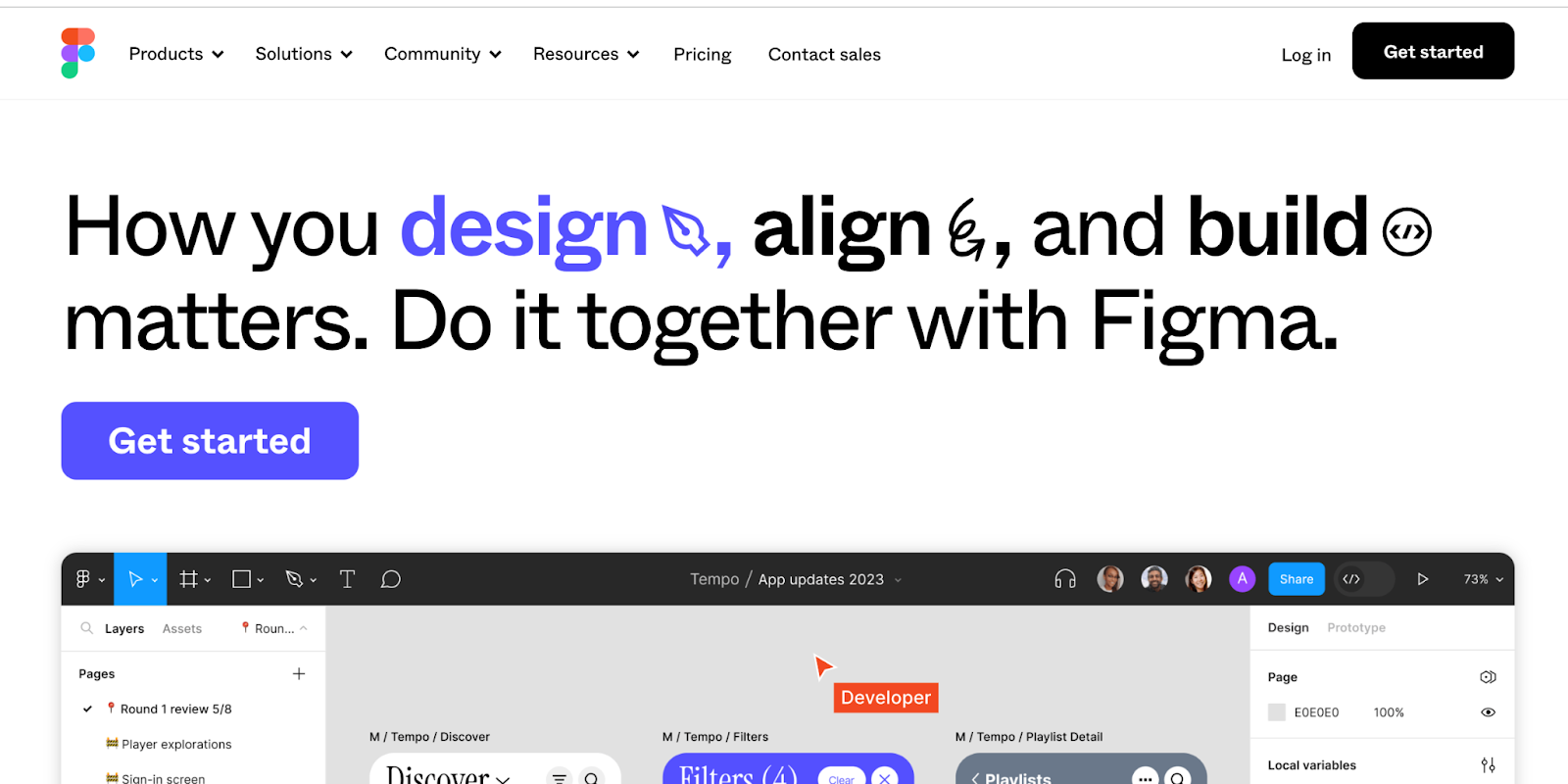
8. Figma

Best for team collaboration

Figma homepage
Source: Figma

‍Figma lets designers build dynamic prototypes and mockups, test them for usability, and sync up all of the progress. Figma allows for a collaborative environment where multiple people can work on a project at the same time, much like Google Docs — letting you see who has it open for real-time collaboration. You’ll see who’s working and what they’re doing. It’s also browser-based, making it accessible to everyone in an instant. And as an added bonus, it’s free for individual use so you can check it out and get familiar with how it works.

Related read: From Figma to Webflow: turning your static designs into interactive websites

9. Origami Studio

Best for advanced prototyping

Origami homepage
Source: Origami Studio

With a Facebook pedigree (it was built by and for Facebook designers), Origami Studio packs in more complexity than something like InVison or Sketch — which are a bit easier for beginners in design. For those who need a more advanced prototyping tool as a part of their design system, Origami Studio has a lot to offer.

This platform has the tools you need to build complete prototypes that are powered by a sophisticated patch editor, giving designers the opportunity to integrate advanced functionality. Prototypes end up looking and working like a real app or webpage.

Origami Studio also integrates well with Sketch. If you’re working in parallel with Sketch, it lets you brings in layers and copy and paste them directly without any hang-ups.

10. Webflow

Best for all-in-one web design

Webflow homepage

Webflow gives you the power to design without knowing HTML or CSS. With drag-and-drop functionality and an intuitive interface, Webflow gives you the creative freedom to build whatever you imagine. Using Webflow for building a prototype gives you an actual website, and generates accurate HTML and CSS code or JavaScript when implementing micro-interactions. Instead of taking a prototype and building a design from it, you already have what you need to give to a developer. You can also use a template if you don’t want to start from scratch.

Even Ryan Miyoshi, the lead designer at Webflow, decided to ditch prototyping tools and start designing and building straight in Webflow.

Webflow also offers a library of essential web design and development courses for both beginners and experts alike.

The modern web design process

Discover the processes and tools behind high-performing websites in this free ebook.

Download now

↗

The modern web design process

Discover the processes and tools behind high-performing websites in this free ebook.

Download now

↗

Download now

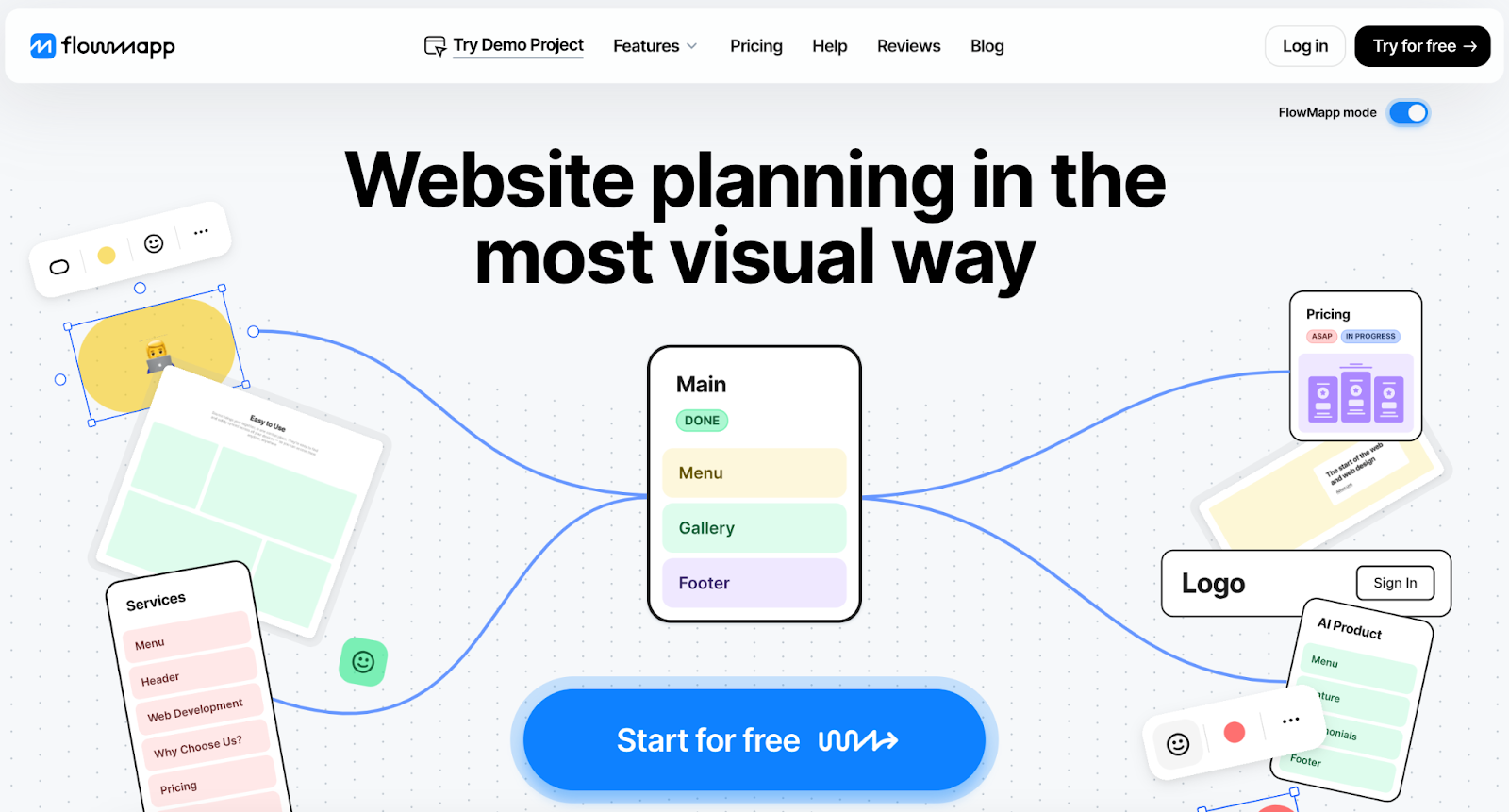
11. FlowMapp

Best for creating user flows

FlowMapp homepage
Source: FlowMapp

When developing a user experience strategy, designers need to pay attention to structure, flow, and corresponding sitemaps, which are all at the foundation of UX design.

While so many tools out there try to combine UI and UX together into one platform, FlowMapp dedicates itself to UX design. Building user flows and constructing visual sitemaps are indispensable for UX, and these are the pillars of FlowMapp’s UX design app.

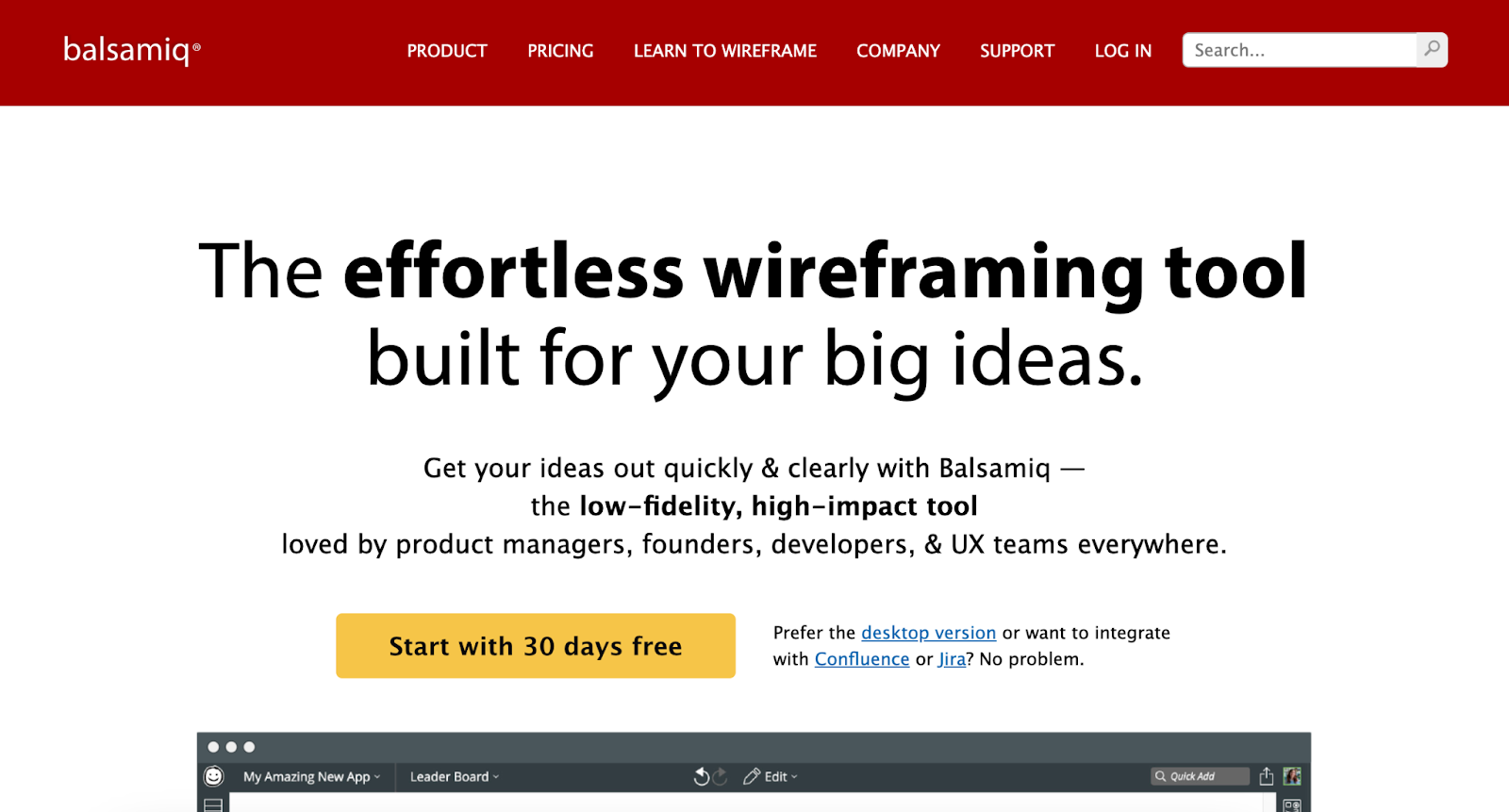
12. Balsamiq

Best for low-fidelity wireframes

Balsamiq homepage
Source: Balsamiq

With a user-friendly interface, Balsamiq makes it easy to create low fidelity wireframes. Even people with zero experience in wireframing could jump in and put one together that looks good. Balsamiq encompasses both UI and UX, but really stands out with its low fidelity wireframes. Balsamiq’s nod to the physicality of whiteboarding makes the tool accessible to anyone, no matter their skill level.

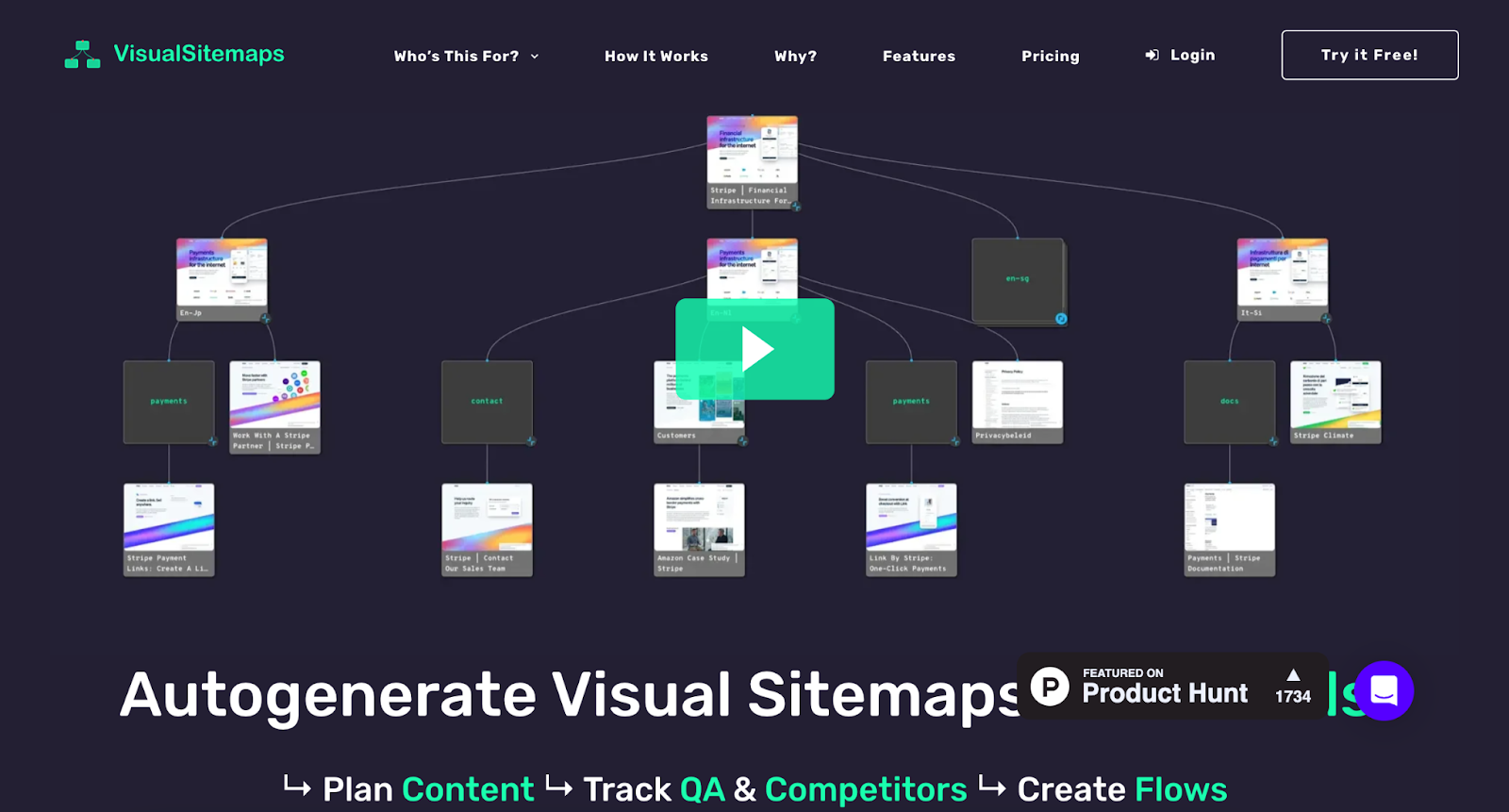
13. VisualSitemaps

Best for visual sitemaps

VisualSitemaps homepage
Source: VisualSitemaps

‍VisualSitemaps specializes in generating, you guessed it, visual sitemaps. It’s nice to have a tool designed specifically for this purpose. This tool has complete automation, the capacity to go through password-protected websites that haven’t gone live yet, and the ability to import into Sketch. VisualSitemaps takes the process of creating visual sitemaps and supercharges it for UX designers, developers, and anyone else who needs to be involved with the process of creating them.

14. Treejack

Best for information architecture

Treejack homepage
Source: Treejack

The visual components of a design are important, but without great content, it’s just an empty vessel. Having quality content isn’t enough — it needs to be arranged in a flow and structure that maximizes its accessibility. This is where information architecture comes in.

Treejack specializes in information architecture. It lets you test the tree structure of a website with real users. It then generates the results that show a user’s path and navigation through the content, giving you valuable insights you can use to edit and tweak the content organization.

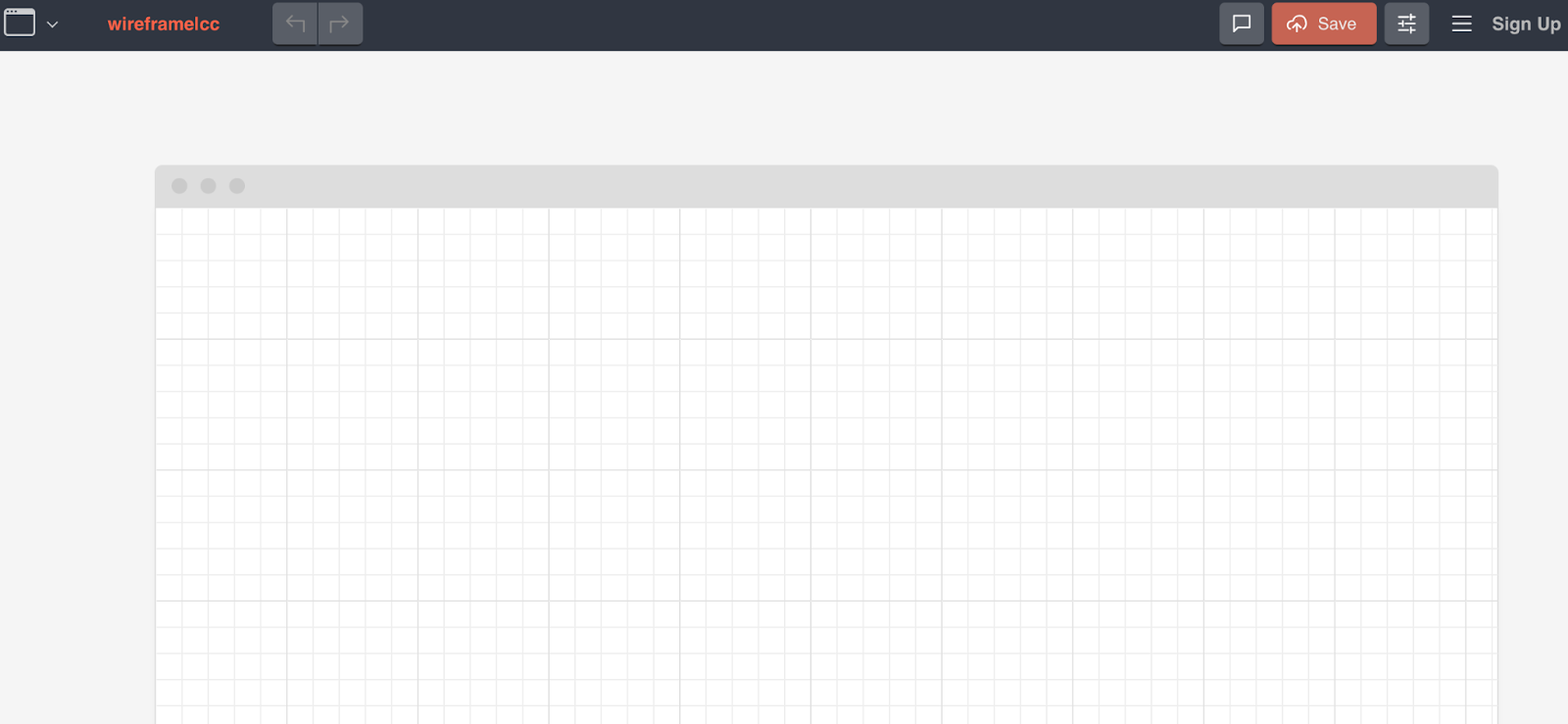
15. Wireframe.cc

Best for minimalist wireframing

Wireframe homepage
Source: Wireframe.cc

Wireframes don’t have to be complicated; keeping them simple lets them communicate in a straightforward way how to structure a design.

‍Wireframe.cc focuses on minimalism. Intentionally limiting the color palette and using simple rectangular elements — along with an uncomplicated interface — lets UX designers construct a low-fidelity wireframe in a snap. There’s even an in-browser demo you can use to see how it works.

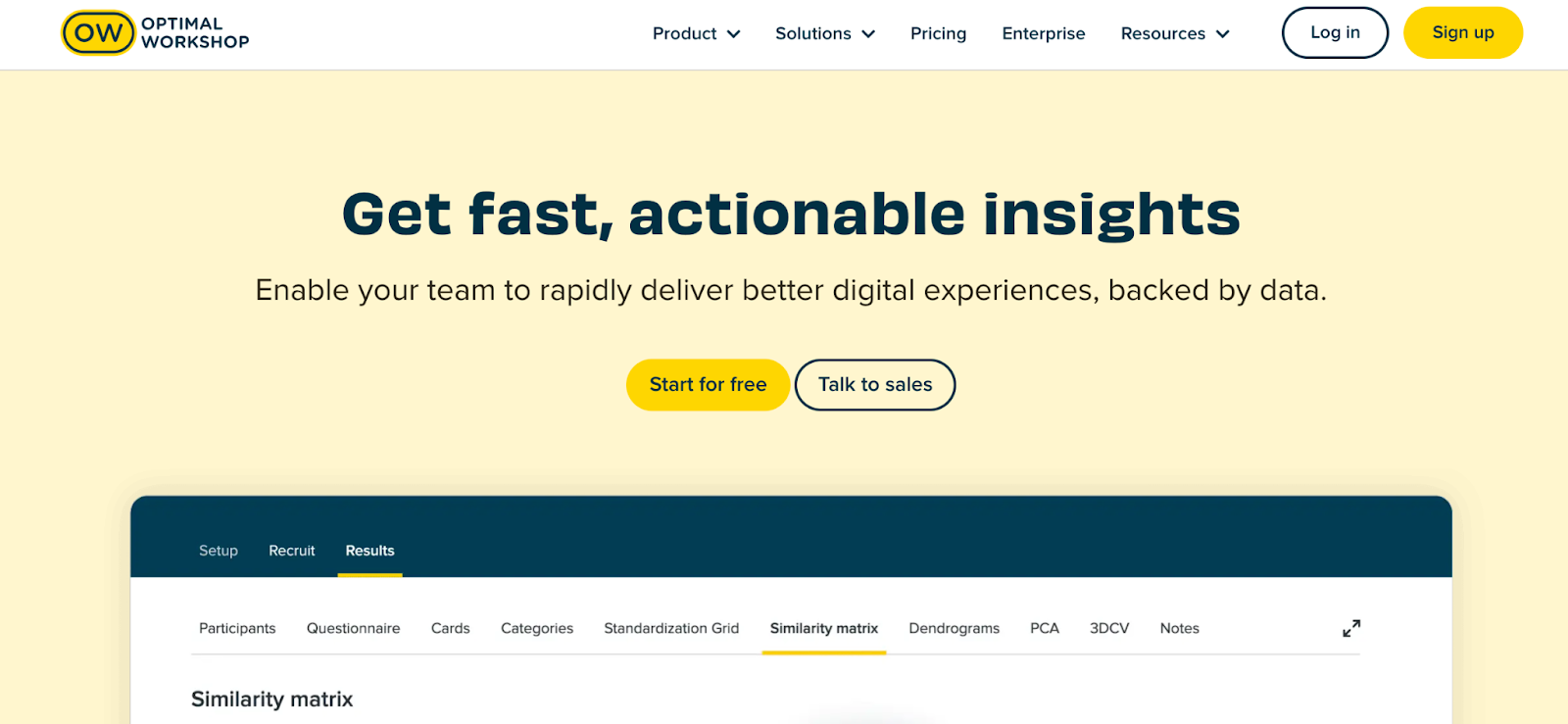
16. Optimal Workshop

Best for automated user insights

Optimal Workshop homepage
Source: Optimal Workshop

As far as a UX design platform goes, Optimal Workshop has all you need to analyze usability, figure out information architecture, and test and evaluate a design.

Optimal Workshop distinguishes itself in giving insights and providing in-depth data about users and how they interact with a design. This carefully curated UX platform offers tree testing with Treejack, first-click testing with Chalkmark, online surveys, and Reframer for doing qualitative research. Having these bundled together makes for a package of tools that any UX designer would find useful.

17. UXCam

Best for session replays

UXCam homepage
Source: UXCam

‍UXCam is a user experience analytics and feedback tool that helps companies understand how users interact with their digital products.

One of the best aspects of working with UXCam is its “Session Replay” feature. UXCam records user sessions, capturing every tap, swipe, and gesture made by users within the app or website. This information gives developers and designers important insights into user research and behavior, navigation patterns, and potential pain points.

Plus, UXCam also has touch heatmaps that visually represent where users interact the most (or least) with the user interface. And as far as identifying errors goes, UXCam is a great tool, too: their crash reporting feature automatically detects and reports crashes, freezes, and other errors that users encounter, along with relevant diagnostic information.

18. UXPin

Best for accessible prototyping

UXPin homepage
Source: UXPin

‍UXPin is a collaborative design and prototyping tool you can use to create and iterate on user interfaces and experiences for websites, mobile apps, and other digital products.

The platform’s wide range of built-in UI elements, components, and libraries allows designers to create mockups and wireframes quickly. Plus, UXPin supports interactive prototyping and real-time collaboration with multiple team members for seamless workflow processes.

One of UXPin’s most unique features is its usability testing tools, like the Contrast Checker and Color Blindness Simulator, which ensure that your digital product is accessible to a wide audience.

19. Justinmind

Best for mobile app prototypes 

Justinmind homepage
Source: JustinMind

JustinMind provides a canvas for creating low-fidelity wireframes and high-fidelity user interface designs. It offers a wide range of built-in UI components, widgets, and libraries that designers can use to quickly create mockups and layouts.

Plus, JustinMind supports real-time collaboration, allowing multiple team members to work on the same project simultaneously. It also provides some great collaboration tools for collecting feedback, comments, and annotations from stakeholders and users, as well as the ability to create your own UI kit within the platform.

For developers who are specifically looking to launch mobile apps, JustinMind is a great fit. The platform offers a suite of gestures that allow users to rotate, tap, swipe, scroll, and pinch their way through your mobile app prototype.

20. Lucidchart

Best for beginners

Lucidchart homepage
Source: Lucidchart

‍Lucidchart is a cloud-based software that allows users to create various types of diagrams, including user flows, wireframes, and journey maps. 

Designers love Lucidchart for several reasons, but especially for its versatility. The platform offers a wide range of shapes, templates, and customizable elements, so users can easily create anything from simple wireframes to complex user flows.

The platform is also fairly intuitive, which makes it easy for designers to create and edit diagrams without a steep learning curve. It’s beginner-friendly, yet powerful enough to meet the needs of professional designers.

21. Miro

Best for remote teams

Miro homepage
Source: Miro

‍Miro is another wireframing tool that lots of developers rely on.

The platform, while pretty robust in its features, also offers helpful resources like tools for conducting virtual workshops, design sprints, and ideation sessions. Designers can use templates and frameworks to structure their sessions, capture ideas, and prioritize features collaboratively.

Plus, Miro is cloud-based and accessible from any device with an internet connection. This accessibility makes it convenient for designers to work remotely and collaborate with team members across different time zones.

Nail your UI and UX design with Webflow

Both UI and UX design are fundamental pieces of the success of any digital product — whether it’s a mobile app or website. With great design, you can avoid clunkiness and user frustration and create a seamless digital experience for everyone.

With Webflow University, you can learn all the fundamentals of UI and UX design, as well as launch your own digital products with ease. From building a Saas website to launching an ecommerce shop, Webflow helps you do it all.

Unleash your creativity on the web

Use Webflow’s visual development platform to build completely custom, production-ready websites — or high-fidelity prototypes — without writing a line of code.

Get started for free

↗

Unleash your creativity on the web

Use Webflow’s visual development platform to build completely custom, production-ready websites — or high-fidelity prototypes — without writing a line of code.

Get started for free

↗

Get started for free

Last Updated

April 5, 2024

How to get innovation done: A Roadmap for leaders

Software Stack Editor · April 4, 2024 ·

image

In today’s rapidly evolving business landscape, the imperative for innovation has never been more clear. Leaders across industries understand that the key to relevance and sustainability lies in continuous adaptation and evolution. In fact, Miro’s global innovation survey reveals that nearly all enterprise leaders believe a company will become extinct if it fails to innovate — so the clock is ticking.

Yet despite understanding these high stakes, a majority of leaders believe that innovation is more of a luxury than a necessity, particularly during uncertain times. This presents a glaring contradiction: While organizations recognize the existential threat of stagnation, many struggle to prioritize innovation amid the pressures of day-to-day operations.

As the renowned author and self-described “wizard philosopher” Jason Fox explains, in today’s pursuit of efficiency we have inadvertently stifled progress. That’s because this narrow focus on productivity actually makes it harder to innovate meaningfully — and the problem only gets worse over time. This sentiment echoes Peter Drucker’s warning about the perils of feeding yesterday at the expense of starving tomorrow. 

If, as a leader, you feel like you’re stuck in this path, there’s still time to course correct. Below we’ll cover how you can balance risk with reward and embrace an ethos of experimentation at your organization. By taking a more holistic view of innovation, which includes not just products and services, but pricing models and ways of working, you’ll be able to unlock new growth opportunities with confidence.

Let’s get started.

Step 1: Map the risk vs. return of your current business model 

To kick off this process, begin by mapping your existing business model(s) by their disruption risk and return profile using the Disruption Risk Assessment tool. Then, leverage Strategyzer.com’s Portfolio Map template from Miroverse, using your score to determine where your business model sits in the Exploit portfolio quadrant on your Portfolio Map. 

With these results, your executive team will have a shared understanding of the current state of your existing business models, including areas of potential (or necessary) improvement.  Equipped with this new knowledge, you can explore how to improve them using Business Model Patterns.  

Step 2: Explore future profit engines 

Next up, let’s turn our attention to inventing future profit engines. We’ll dive into this topic in detail in an upcoming post, but for now you can start by exploring five potential sources of future profit engines:

  1. Implement an idea that’s already worked somewhere else, such as in a different sector or company. For example, James Dyson got the key inspiration for his bagless vacuum cleaner design from observing industrial cyclones at a local sawmill. 
  2. Leverage emerging technologies to provide a new solution. Netflix saw high speed internet adoption and the potential of on-demand internet streaming and became one of the pioneers of this technology.
  3. Adapt to environmental changes like macroeconomic shifts or new policies or regulations. Tesla was an early mover in the electric vehicle market, recognizing the potential impact of tightening environmental regulations and policies aimed at reducing emissions from transportation. 
  4. Apply innovation theory to tap into a new market. Online education platforms like Coursera, edX, and Udacity disrupted traditional higher education institutions by offering affordable and accessible online courses. 
  5. Explore collaboration and partnerships for innovation. Lego leveraged open innovation by creating the Lego Ideas platform, which allows fans to submit and vote on new product ideas. The best ideas are then produced and sold as limited editions by Lego. 

Step 3: Examine your innovation risk 

Once you have a portfolio of new initiatives, add them onto the Explore quadrant on your Portfolio Map. Their position will vary based on the expected return versus anticipated risk. Remember: innovation risk is low when you have clear evidence to support the desirability, viability, and feasibility of the project. If you have little beyond slides or spreadsheet models, assume it’s a higher-risk endeavor. 

After mapping these initiatives, it’s time to dive in. The team can help increase the expected return by improving business models and, at the same time, use experimentation and iteration to reduce the potential innovation risk. Tools like The Right It Canvas from Mirovese can facilitate this stage. 

Step 4: Invest strategically, but cast a wide net

As you move forward in this process, remember that the aim is to invest a small amount in a large number of initiatives. Make investment decisions based on traction — and retire projects that aren’t performing. 

Identifying what needs to be true to achieve your business outcome helps you re-risk ideas, shelve others, and free up resources to dedicate toward the best bets. The faster you can run experiments, the more experiments and ideas you can test. 

To support a culture of innovation, tap into the proven dynamics and mechanics of startups and venture funders through a venture builder model. This will help ensure that the best ideas take priority — which also brings big benefits for teams, because who doesn’t love to work on a winning project with demonstrated impact?  

Innovate strategically to move at the speed of change

Innovation is no longer a choice but a necessity for survival in today’s dynamic business landscape. By adopting a strategic approach to innovation, grounded in experimentation and risk management, organizations can navigate uncertainty with confidence and chart a course toward sustainable growth and relevance. 

It’s time to embrace the challenge, unlock your creative potential, and build a future that positions you as a market leader.

This is the first in a series of articles from Miro’s innovation evangelist on how to get innovation done. Stay tuned for more!

How to optimize web accessibility for business success

Software Stack Editor · April 4, 2024 ·

image

The internet is a shared space, but it’s not inclusive by default — making web accessibility vital.

Web accessibility refers to your site’s accommodation and availability to users — regardless of their abilities or challenges. The goal of accessible design and development practices is to eliminate barriers that prevent people from navigating, interacting with, and accessing your site’s content.

By ensuring your in-house design and development teams prioritize web accessibility and integrate accessibility into their design process, you can build a better website for your business while contributing to a more inclusive digital environment.

The benefits of web accessibility

For the end user, an accessible site means a more seamless and equitable online experience. This positive user experience (UX) empowers your target audience to access information, products, and services without extensive aid.

But accessibility isn’t only for your users. On the business side, web accessibility fulfills compliance requirements and extends your digital presence’s reach and engagement. A website that’s inclusive by design is available to more users, which enforces a positive brand reputation and fosters lasting relationships with customers.

Accessible website designs offer a bounty of benefits — here are some of the most advantageous ones.

Reach new audiences

Web accessibility makes your content available to people with varying abilities, so you can reach a wider audience. Newly accessible content might reach a fresh market segment you’d unintentionally neglected because you hadn’t catered to their abilities.

For instance, by optimizing your site for screen readers, you create a positive UX for people with visual impairments. This accessibility encourages these customers to engage with your site and increases the conversion potential as you meet your audience’s diverse needs.

By creating an inclusive UX, you broaden your demographic appeal, and this will likely cause a bump in your conversion rates. Inclusivity in web design is both a social responsibility and a strategic move to capture untapped markets and enhance your business performance.

Produce cleaner code

Accessible webpages possess more intentional designs and use a simpler code structure. This means they have cleaner code that loads faster with fewer errors. By improving your code hygiene, you enhance your site’s ranking in search engine results pages (SERPs).

For example, when designing an accessible website, you must use semantic HTML and proper document structure. This makes your site accessible and also simplifies your code structure. And by using descriptive and meaningful HTML tags, you help other developers on your team navigate and update the codebase. As a result, accessibility makes your code cleaner, better for the end user, and easier to maintain due to its straightforward language structure.

Improve UX

Web accessibility initiatives tend to bring your site design closer to industry-standard web design best practices. This, in turn, creates a better experience for your site users.

Consider color contrast. Proper color contrast most immediately benefits users with visual impairments, but it also makes content on your site easier to read for users who aren’t visually impaired. Similarly, accessible design impacts navigation and information comprehension. By providing clear and concise headings, you help all users navigate your site — whether they’re browsing your page directly or interacting through a screen reader.

Prioritizing accessibility this way lets you create a better browsing experience for all users and encourages positive interactions, resulting in higher conversions and reduced bounce rates.

Boost SEO rankings

Search engine optimization (SEO) and accessibility go hand in hand because search engine algorithms tend to reward highly accessible websites. So, accessibility’s principles often closely overlap with SEO’s.

These principles include:

For instance, providing descriptive alt text not only makes images accessible to screen readers but also helps search engines understand content. By helping search engine crawlers scroll your site architecture, you boost your search result visibility.

Accessibility also contributes to stronger UX. Enhanced engagement signals to search engines that your website has relevant, quality content, making them more likely to include your site in SERPs. Improved SEO rankings increase your online visibility and subsequently drive more organic traffic to your site.

Ensure compliance with legal and ethical obligations

Accessibility matters for reasons beyond boosting your site performance. Many countries and regions have established laws and regulations that mandate accessibility requirements for websites.

As an example, the Americans with Disabilities Act (ADA) in the United States, the Accessibility for Ontarians with Disabilities Act (AODA) in Canada, and the European Accessibility Act (EAA) in the European Union are pivotal legislations that enforce the importance of making digital spaces accessible to all. ADA compliance helps your business avoid penalties and also reflects your commitment to promoting ethical business practices.

Build a positive brand reputation

Adopting accessible design practices helps build trust with your consumer base because it demonstrates your commitment to providing an accessible and welcoming digital space. This trust enhances your brand reputation and fosters positive relationships with your users — a factor that contributes to long-term success.

Consider showcasing accessibility initiatives in marketing materials and on your website to demonstrate how you’ve integrated web accessibility into your brand identity. As satisfied users share your positive brand reputation through word-of-mouth, you’ll see an influx of new visitors and an increase in your site’s organic reach. As such, building a positive brand reputation through accessibility initiatives is a strategic investment that pays dividends in customer trust, loyalty, and brand success.

How to improve web accessibility with the 7 Principles of Universal Design

The 7 Principles of Universal Design, developed by Ronald Mace at North Carolina State University in 1997, can be used to ensure that digital spaces are inclusive and user-friendly. When building or redesigning a website, consider integrating these principles into your process to create an inclusive online experience for all users.

Other standards you might consider include W3C’s Web Content Accessibility Guidelines (WCAG).

1. Equitable use

Strive for designs that provide the same means of use for all users. This means your design should avoid stigmatization or separate accommodations. For example, when you design online forms, ensure that the same version is accessible for assistive technologies like screen readers as well as regular web browsers. This way, all your users can access the same form.

2. Flexible use

Offer varied ways for users to interact with your website to accommodate diverse preferences and abilities. This principle encourages web designers to consider a range of user needs. So you might provide both keyboard shortcuts and mouse-based navigation options to build in more interaction flexibility.

3. Simple and intuitive use

Design an interface that’s easy to understand, regardless of the user’s knowledge, language skills, or current concentration level. This principle aligns with the goal of creating user-friendly interfaces. You might consider using clear and concise language in navigation menus to accommodate users with varying language skills and cognitive abilities.

4. Perceptible information

Ensure you present information and interface components in a straightforward manner so users can perceive it regardless of abilities. You can incorporate alternative text for images that let users with visual challenges understand the graphics’ content. This way, visitors can still perceive your site, even if they can’t view visual elements.

5. Tolerance for error

Build your website to recognize inevitable user errors. This means you should provide clear error messages and suggestions to correct user actions and support visitors through their navigation. These directions minimize hazards and reduce user frustration. For instance, if users need to create a password, provide hints as to what the password requires, like a capital letter and a special symbol. Instructive information helps users self-correct and continue on their user journey.

6. Low physical effort

Aim for designs that reduce user fatigue. As an example, you could implement a clear and concise checkout process with the minimal number of steps and clicks required. This makes the user journey more efficient and less demanding — and keeps visitors from dropping out.

7. Size and space for approach and use

This final principle focuses on your site’s physical accessibility. Design a website with responsive layouts to ensure users with varying device sizes and motor abilities can interact comfortably. This promotes an inclusive approach to size and space considerations.

Outstanding website accessibility and experiences with Webflow

Accessibility is crucial not only for your end users but also for your business — and Webflow’s here to help you achieve it. Our visual web development platform empowers teams to adhere to accessible design standards so concerns like color contrast, text size, and alt text are at the forefront of design.

Learn more about how Webflow helped Greenhouse create their accessible website. Or see our resources on how content can improve your accessibility, tips for visual design, and design accessibility guidelines. 

15 New Features in SmartSuite to Power Your Next Project

Software Stack Editor · April 3, 2024 ·

Smarter Automations for Efficiency

One of the standout additions is the “find records” action’s capability to pinpoint a single record accurately. Frequently, you’re faced with the need to assign tasks or leads quickly—let’s say a new contact is added, for instance, and you’re on the hunt for the right sales representative. The upgraded feature allows you to toggle between fetching multiple records or a single record, providing the precise output you need for subsequent automation steps.

[embedded content]

‍

Imagine a scenario where a new lead emerges. Your objective? Match them with the appropriate sales rep. You can now effortlessly sift through records based on specific criteria. Later, when updating contact information, you have the flexibility to seamlessly modify fields, such as “assign to,” based on the detected sales rep’s data—a significant stride forward in dynamic update capabilities.

Clearing and Appending: A Tailored Touch

Further enhancing the adaptability within SmartSuite are new options to clear or append data in fields, especially beneficial for managing linked records. Instead of the sole default action to replace values, now you have free rein to clear a value to reset a field or competently append additional linked records to an existing list. This simplification is a welcome change from previous workarounds that involved complex concatenations.

‍

The Art of Incrementing: Lead Distribution Redefined

Lead distribution methods like round-robin now have increased precision thanks to direct math operations within update actions. Previously constrained to overwriting existing values, you can now implement mathematical amendments such as incrementing counters. This advancement is illustrated when assigning leads and desiring to boost a sales rep’s lead count; an automation can seamlessly add to their current total, carrying out arithmetic directly rather than depending on external calculations.

Merging Records Made Easy

Another notable automation feature is the ability to merge records. This function is incredibly useful in preventing duplicate entries that can clutter your database. It also represents an upfront approach to data cleanliness that can save significant time and energy.

‍

User Experience Enhancements for Tables and Views

To alleviate visual clutter, SmartSuite now offers the choice to hide tables from view, particularly handy for junction tables that serve merely as connectors and aren’t regularly accessed. A streamlined interface awaits as you effortlessly manage table visibility.

Adding context to views has also been improved. You’re now empowered to elaborate on a view with a description that can serve either as visible text or a hover-over tooltip, enriching user guidance and understanding.

Record Details and Visual Appeal

Customization in record display now extends to descriptions for sections and, more visually, includes cover images. Implementing company logos or other significant imagery alongside records not only enhances the interface but significantly personalizes the experience.

Furthermore, for those extra, sometimes hidden fields that serve crucial behind-the-scenes roles, SmartSuite now allows you to completely conceal them, fostering an uncluttered and focused interface for users.

Formula Functions: A Leap Forward

The formula functions within SmartSuite have received significant enhancements, offering you unprecedented control and data manipulation capabilities:

  • Related Records Sorting: SmartSuite simplifies the process of identifying the most recent or highest value entries within connected tables.
  • Top-N Records: By combining sorting with the powerful ‘top’ function, you ensure only the most relevant records surface, whether basing it on recency or other criteria.
  • Get List Function: This opens a new realm of data querying possibilities, drawing parallels with sophisticated database queries and inching closer to aggregation across unrelated records to generate comprehensive KPI insights.
  • Time Tracking Precision: With access to granular components of the time tracking log, the use cases for SmartSuite broaden significantly, enabling detailed reporting and strategic planning based on logged time.

Field Functionality: A Nod to Nuance

With the latest updates, SmartSuite ensures that linked relationships and nested fields are more manageable and editable than ever. Address fields can now be edited piecemeal, and this granularity extends to lookup fields that reference precise subfields—infinitely handy when information needs to be as precise as geolocation.

Another leap is editing dependency predecessors and successors directly, akin to linked records, thereby streamlining task sequencing and project planning.

SmartDocs and Cross-Collaboration

For those harnessing SmartDocs for team meetings and notes, the export-to-PDF feature stands out. It not only allows for immaculate documentation but also simplifies sharing and disseminating information.

It’s clear that with SmartSuite’s relentless additions to its features, streamlining your projects has never been more within reach.

To experience the future of work management  firsthand, start your free SmartSuite trial today!

Create Your Own Customer Portal with SmartSuite + Softr

Software Stack Editor · April 3, 2024 ·

Picture this scenario: There you are, navigating through your work management software, when you’re struck by how wonderfully streamlined SmartSuite is. The thought dances in your mind—what if your clients could access all this information in one convenient location? No more emails at odd hours, no more endless phone calls. Just imagine the bliss!

Now, SmartSuite does feature public views, and sure, technically, you could invite your clients to collaborate on the platform. But—you ponder—you desire something with a dash of elegance, something that reflects your brand’s aesthetic without the hassle of copying and pasting SmartSuite data just for aesthetics.

Guess what? It turns out this isn’t some far-fetched fantasy. Welcome to a reality where your SmartSuite can undergo a transformation using a nifty tool named Softr—creating a gorgeous customer portal that seamlessly aligns with your brand’s vibe.

Alright, let’s roll up our sleeves and dive into the world of client portal customization.

[embedded content]

The Magic Behind SmartSuite + Softr

First things first, it’s paramount to emphasize that a blend of SmartSuite’s robust functionality and Softr’s sleek interface is like gift wrapping for data—a present of organized information made irresistibly appealing. Consider Softr as the wrapping paper adding that special touch to the core gift: your data within SmartSuite.

Diving into SmartSuite’s property management solution as an example, we’re met with an array of interconnected databases resembling supercharged spreadsheets: properties, units, tenants, requests, key documents—all intricate cogs in the vast machinery of property management.

Customizing Your SmartSuite Data

Each aspect of SmartSuite showcases fields—think of them as detailed layers. Some fields are in plain sight, like visible columns, while others emerge when you delve into individual records, revealing a trove of additional details. And the beauty? All of it can be customized in SmartSuite before it’s elegantly presented in Softr.

Creating a Connection: Linking SmartSuite with Softr

Embrace the notion that integrating SmartSuite with Softr means preserving the integrity of your data while dressing it up for your audience. Fine-tune information accessibility, introduce elements of interactivity, and, voilà, you’ve granted your clients the key to a realm of organized, engaging content crafted just for them.

Step-by-Step: Building Your Client Portal with Softr

Transitioning from concept to reality is squarely in the realm of Softr’s intuitive tools. Begin by adding your SmartSuite as a data source to Softr, then proceed to construct an application where the magic unfolds. Here’s where dynamic and static elements become your widgets and blocks, shaping what clients will witness.

In Softr’s builder, static blocks remain consistent, while dynamic blocks tap into SmartSuite, presenting data in a myriad of customizable ways. Want to display work requests in Kanban view? No problem. Picture clients filtering through requests, searching by specifics—all of this in a polished interface that exudes your brand essence.

Dynamic Personalization: Custom Views for Each Client

Softr offers boundless scope for customization, allowing you to tailor the experience down to individual client levels. Conditional filters enable such personalization, ensuring, for instance, tenants only view information related to their leased properties.

Imagine this: Your tenants, with just a login link, find themselves in a digital sanctuary where each section unfurls pertinent information, relevant requests, billing details, community interactions, and more, all while being wrapped in your brand’s look and feel.

Beyond Aesthetics: Functionality Meets Beauty

But don’t just stop at the aesthetics. Dive deeper by integrating a billing system, crafting an FAQ section, and so forth—transforming this digital space into a centralized hub where all client interactions, no matter their nature, find a harmonious place.

The Benefits You Reap and the Gift You Give

This synthesis of SmartSuite and Softr is more than just a vanity project. It’s about equipping your clients with a user-friendly, personalized digital suite while streamlining your workflow—hone efficiency without forgoing the human touch.

Let’s not overlook the ease of updates. You’re no longer juggling data across multiple platforms; your SmartSuite becomes the single source of truth, elegantly echoed in various facets through Softr.

A Call to Action for a Superior Client Experience

This seamless blend of SmartSuite’s organization and Softr’s interface prowess means breaking down barriers to a polished, professional, and entirely personalized customer experience. So roll up those sleeves a bit higher and take that step toward creating your exclusive customer portal—one that aligns with your operational excellence and exudes your brand’s identity.

Look at it all come together—a portal that’s not just a convenience but an extension of your brand promise. With this comprehensive guide lining the path, you now wield the knowledge to impress clients with a portal that’s uniquely yours, powered by SmartSuite and Softr.

Ready to make the leap? Let’s not just dream of better client interaction. Let’s create it.

So what are you waiting for? Dive into SmartSuite, partner with Softr, and revolutionize the client portal experience. Start your free SmartSuite trial today!

15 creative org chart examples to map out your people and processes

Software Stack Editor · April 3, 2024 ·

image

A company is like a living organism. Employees come and go, teams reorganize, and workflows change. 

To visualize your organizational structure as it evolves, it’s useful to have a living document like an organizational chart. Beyond tracking your employee structure at a glance, an org chart helps to train new hires, document processes, and allocate resources.

If you think org charts are all the same, think again. Below you’ll find 15 examples of creative ways to depict teams and workflows across your organization. Use these ideas and inspiration from the Miro Community to create your own. 

Organizing teams

Most company org charts use a branching structure to show how teams and individual roles branch off from executive leadership to management to individual contributor roles. While a hierarchical structure is easy to understand, it isn’t the only way to visualize teams. Consider these four alternative org chart styles to bring your team structure to life. 

1. Company organizational chart

This company org chart by Miro user Reid Thomas uses a tree structure (bottom to top) to illustrate Unito’s organizational structure. Notice how Thomas uses colors to indicate types of roles, connectors for reporting relationships, and boxes for each of the company divisions.

2. Organizational accountability chart

To accompany a traditional org chart, consider creating an accountability chart, which emphasizes each role’s responsibilities and outputs, rather than formal hierarchies. 

3. Cross-functional team swimlane chart

If you have nonlinear processes in your organization, try a swimlane flowchart, which shows how actions transverse roles. In the diagram, each “lane” represents a different team or individual, with the flowchart crossing lanes to illustrate the flow of productivity. 

4. Cross-functional flowchart 

Like the swimlane chart, this cross-functional flowchart organizes teams or stakeholders into lanes and shows how a process flows across them. The template includes instructions for documenting your loops, decision points, and process steps. 

Organizing processes

Like mapping reporting structures, it’s useful to map out your processes so you can streamline them and train new employees. Consider these diagrams to illustrate how processes work in your company.

1. Headcount process approval chart

Complicated hiring process? Create a chart of all of the parties involved to approve headcount and which actions they take at different stages of the process. 

2. Project management flowchart

Every team has workflows for project management, but not every team has them documented. Centralize what’s tacit on paper with Sarah Moffatt’s clean and adaptable project management diagram to visualize any workflow. 

3. Organizational process mapping

Stacey Fortuna’s organizational process map takes a more nuanced view by identifying process owners and labeling actions as decision tasks, manual tasks, or automated tasks.

4. Approval process chart

Unless you’re the CEO, you inevitably report up a chain of approvals. Visualize each party’s delivery and approval responsibilities with this template.

5. SIPOC process map

SIPOC stands for Supplier, Input, Process, Output, and Customer. This engaging diagramming tool lets you analyze your process from different perspectives and identify areas of improvement. 

6. The writing process

Sometimes you need a process document that’s less linear and more lateral. Take this example of a writing process, which lets you document your core project information side-by-side, so you can reference the most important details at a glance. 

7. Documenting the design process

While some responsibilities in a team are obvious, others may be harder to identify or define. Work with your design team to document their full process, so you can understand holistically how they function and what support they need to improve.

Organizing data and information

Understanding how data flows in and out of organizations and systems is a common challenge. Help your stakeholders grasp information flows with one of the charts below. 

1. Data organizational chart

If data were people, what would your company’s data org chart look like? This chart by Elena Verna visualizes who is responsible for which data, metrics, and business outcomes.  

2. Information architecture

Information architecture describes how information is organized on a website or app, and an information architecture map shows your page structure in diagram form. This template also includes boards for objective statements, user personae, and user stories to advise how your information is laid out.

3. Use case flowchart

User journeys aren’t all the same. This use case flowchart by Manar Alboqami diagrams multiple user flows for customers who may use a product in different ways. 

4. Information silo chart

Having trouble working as a true cross-functional team? This silo chart helps you surface invisible barriers that may be preventing your company from doing its best work. 

How to create a unique organizational chart

Org charts should be living documents, shaped by collaboration to mirror real-world structures and functions. When designed well, they offer clarity on relationships, responsibilities, and processes, helping everyone understand their place within the organization.

Since org charts can take many different forms, don’t limit yourself to static tools. Use an org chart creator that’s as dynamic as you are. Design your unique chart with shapes and connectors, collaborate with team members, and borrow ideas from our community of builders and innovators. 

Database scaling: 5 best practices to grow your website

Software Stack Editor · April 3, 2024 ·

image

Managing data and traffic influxes with scalable database systems is critical to growing a functional website.

Businesses constantly generate massive volumes of data, like internal workflows on enterprise applications and interactions on customer-facing websites. With data requests piling up, your back-end systems require scalable databases to handle surges in traffic.

Depending on your needs and resources, you can scale up or out by adding hardware to existing architecture. From there, you can create a system that manages current loads and accommodates future growth.

Read on to learn about different database scaling approaches and how to choose the best route for your organization.

What’s database scaling for enterprise websites?

Database scaling is the process of boosting a database system’s capacity to handle increasing information and a growing number of users without compromising performance, responsiveness, and reliability. As businesses and online platforms expand, building scalable databases is an effective solution to maintain smooth user experiences.

There are two approaches to database scaling:

  • Vertical scaling (or scaling up) increases a server’s capacity to handle greater loads by adding more storage, RAM, and CPUs. While vertical scaling offers a quick solution for improved performance, it can become costly, making it more suitable for smaller or less demanding databases.
  • Horizontal scaling (or scaling out) adds more servers to the existing system’s infrastructure, and each server operates independently to share the overall workload. Distributing the data and workload across multiple servers gives you greater flexibility for handling more requests and traffic, making it cost-effective for organizations with large databases and high-speed processing requirements.

Vertical scaling offers a quick and straightforward solution for improving individual server performance. In contrast, horizontal database scaling provides flexibility and is optimal for handling significant data and traffic growth. Choosing one depends on the nature of your enterprise application, expected growth, and specific performance requirements.

Why your enterprise should have a scalable database

Scalability enables your organization to respond to evolving requirements and effectively handle information and user influxes. Here are three reasons having a scalable database is essential:

1. Supports multiple data sources. Large organizations integrate data from various channels, including customer records, third-party vendors, and cloud services. A scalable database lets you consolidate these sources and provides a unified and centralized information hub.

2. Improves collaboration. A centralized repository allows multiple teams and managers to securely access and use data for their projects, leading to improved decision-making and streamlined workflows. And enhanced communication among teams helps break down data silos and promotes a more cohesive organizational structure.

3. Enables hybrid environments. Database scaling supports both on-site and remote team members by combining on-premises data with cloud-based solutions. With scalable infrastructure, you can quickly switch between sources and maximize resources, which benefits businesses with dynamic workflows and changing computing demands.

Database scalability challenges

While vertical and horizontal scaling approaches provide short- and long-term benefits, here are several challenges to overcome when scaling:

  • Consistency in horizontal scaling. ​​Ensuring consistent and up-to-date data across multiple servers in a horizontally scaled system can be challenging. With several nodes handling large information volumes, you may face synchronization issues and data inconsistencies, leading to errors, incorrect query results, and processing delays.
  • Uneven data partition. Poorly designed partitioning strategies can lead to unevenly distributed workloads that overburden some servers and underutilize others.
  • Poor query performance. As databases scale horizontally, coordinating queries across multiple servers or shards may introduce latency for complex queries involving aggregations and lengthy strings. Slower queries lead to poor user experiences, especially for high-traffic applications where visitors expect quick responses.
  • Cost and resource allocation. Scaling a database involves adding more hardware resources — such as CPUs, servers, and storage — which increases infrastructure costs. When allocating resources, you must recognize your requirements and balance vertical and horizontal scaling. Misallocation may lead to insufficient capacity and overspending, affecting your scaling approach’s cost-effectiveness.

How does a scalable database work?

Before designing a scalable database, it’s essential to understand how it works. Apart from vertical and horizontal scaling, there are functional components to ensure proper organization, data integrity, and efficient storage — but the most fundamental element is tables.

A table is a basic scaling structure for organizing and storing data in rows and columns. Every row represents a distinct record, and every column represents a specific attribute or field associated with that record.

For example, each row in a customer database represents an individual with attributes like their name, address, and contact information. The associated columns could include customer ID, name, address, and email.

But these values aren’t limited to words — each column has a specific data type that defines the information it stores. The most common types include:

  • Text
  • Numbers
  • Strings
  • Dates
  • Floating-point numbers (with a whole number and decimal points)

As the volume of data grows, designing tables to support efficient retrieval and updates is essential to scaling effectively.

How to scale a database: 5 tips and best practices

With the right database scalability techniques, you can create and grow a system to handle increasing demands without sacrificing performance. Here are five strategies to scale a database.

1. Index your data

Like a book’s index or contents page, data indexes help the database quickly locate specific rows in a table to find information faster. They speed up retrieval and search operations, keeping datasets organized for companywide access.

Suppose you have a database of third-party suppliers. You can create an index on the “Domestic suppliers” column to allow the database to find all local vendors in your region without scanning the entire table.

Avoid fragmented databases, which occur when you scatter data across the storage system. These increase pressure on the system’s hardware and degrade performance. You can defragment tables and indexes by reorganizing indexes regularly and tailoring queries to work in tandem with them.

2. Optimize query performance

A query is a request for information or an operation on a database, such as retrieving data, updating records, or adding and deleting items. You can enter queries as commands in structured query language (SQL), a web development syntax for communicating with a database.

Query performance refers to how quickly an SQL database system executes a request, which is optimized to fetch only the necessary data while minimizing response time and resource usage.

Writing well-structured queries is crucial for database performance — you can avoid unnecessary computations and steps to ensure your commands only collect the required information. For example, optimizing queries to retrieve transaction details from a specific date in a financial database is better than pulling all the records from the same month.

When you encounter performance issues, analyze queries, review system logs, and troubleshoot performance to identify database bottlenecks. If a specific query causes high CPU usage, for instance, consider adjusting the query or adding more indexes to solve the issue.

3. Use data partitions

Partitioning involves splitting large tables into smaller, more manageable sections based on logical criteria like date ranges and locations. Proper partitioning improves query performance and database management by helping the system find what it needs faster.

For example, your sales department can use this approach to organize the sales table by date, like the revenue during the first quarter or the annual customer retention rate. This way, each partition contains sales-related data for a specific period, allowing straightforward analysis and maintenance. And other departments like marketing, design, and web development can collaborate with the sales unit by using this data to improve their projects.

4. Use buffer cache

A buffer cache temporarily stores frequently accessed data in memory so browsers don’t have to retrieve it repeatedly from a server or built-in storage system. Caches facilitate hybrid environments by helping information move freely between physical and digital components, such as in-house files and cloud-stored databases.

When sending a large file, for instance, the system doesn’t transfer all the data in one go. Instead, it divides the file to fit into smaller, individual buffers. The database system reads the original file, processes it until each buffer fills, and sends it to the new location. At the same time, it receives additional data for the next empty buffer.

Buffer caching ensures the system handles large data volumes without experiencing delays. This is crucial for applications with high read-and-write workloads, such as content-heavy websites with responsive design and dynamic animations.

Increasing system memory can significantly improve performance by relying less on disk I/O (input/output) operations, where the system’s internal disk bears the burden of handling multiple data requests. With more memory, you can cache a larger portion of the database in memory, reducing the time taken to fetch information from the disk.

5. Distribute data through sharding

Sharding is a distribution technique that helps balance a heavy data load by spreading it across multiple servers or nodes called shards. Each shard handles a manageable portion of information. It’s a horizontal partitioning approach that prevents individual servers from becoming bottlenecks, ensuring optimal performance while accommodating growing data requests.

For example, a social media platform might categorize and distribute users according to their geographic regions. One server stores data from North American users, while European users are on another, to ensure each server manages a reasonable amount of data.

Scaling made simple with Webflow

Database scaling supports multiple sources and merges on-premises infrastructure with cloud-based solutions, keeping your website smooth and responsive without delays. But you need a robust content management system (CMS) to complement your database, ensuring information flows freely across a visually appealing and functional website. With Webflow, you can browse database templates created by users that you can duplicate and start using.

Webflow Enterprise allows you to create sites and improve content creation, product performance, and storage solutions at scale. Regardless of your company’s size, you can build and host secure digital ecosystems that grow with your business.

Finding your fit: how to get started with hybrid agile

Software Stack Editor · April 2, 2024 ·

image

Agile methodologies — techniques and practices that prioritize collaboration and flexibility — have long been a reliable fixture on most product teams who want to deliver value while still having the flexibility to adapt to changes.

But as technological advancements, regulatory shifts, distributed teamwork, and rising customer expectations make projects increasingly complex, even Agile methodologies can feel too rigid and one-size-fits-all. 

That’s why hybrid Agile, an approach that blends elements from different methodologies, is picking up steam. It allows teams to combine the best aspects of different frameworks and reap the benefits of Agile without feeling too boxed into a single methodology. 

3 common project methodologies (and what they do well)

While there isn’t one methodology that’s inherently “better” than another, some are better suited to certain tasks and goals. 

Scrum

Emphasizes iterative progress through short development cycles called sprints.

Benefits: 

  • Flexibility: Because Scrum is so iterative, it allows teams to respond quickly to changes.
  • Continuous improvement: Retrospectives are a key piece of Scrum, where teams analyze what went well during the sprint and what could go better next time. This reflection fosters an attitude of continuous growth on the team.
  • Collaboration: While Scrum has defined roles that contribute to team success (like Scrum Master and Product Owner), the entire approach is highly collaborative and allows for a lot of shared decision-making. 

Kanban

Use a Kanban board to visualize work items and how they progress through different stages of your workflow.

Benefits:

  • Flexibility: Like Scrum, Kanban is very flexible and allows teams to adapt to changes. It’s also flexible in terms of work allocation, as work items are pulled into the flow when there’s adequate capacity for them.
  • Transparency: Everyone on the team can easily visualize the work, manage the flow, and limit work in progress.
  • Value: Items are prioritized based on customer needs, which means the team can deliver value to customers continuously even with limited work capacity. 

Waterfall

Adopts a more traditional and sequential approach to project management, where tasks are completed in a linear order with minimal iteration and feedback between phases.

Benefits: 

  • Predictability: Waterfall uses a rigid framework with clearly defined phases and deliverables, which makes it easier to plan projects that have a fixed scope and well-understood requirements. 
  • Upfront Requirements:  There is a lot of time and effort put into designing the requirements upfront, to reduce risk and attempt to minimize changes through the delivery phase. 
  • Resource allocation: A sequential nature makes it easier to assign teams and other resources to specific phases of the project, which helps you use resources more efficiently. 

Blending the best attributes: Why go hybrid Agile? 

All of the above methodologies have their selling points and their shortcomings. For example, Scrum is flexible, but it’s hard to predict the project’s scope, timeline, and cost. Waterfall boosts clarity, but it can also be rigid and slow down progress. Kanban illustrates a process, but it’s also easy to get so focused on the flow of work that you lose sight of bigger strategic goals.

This is exactly why a hybrid Agile methodology can be so powerful: It gives teams a way to reap the benefits of each system and customize their approach, rather than treating each project like the next item on a conveyor belt. 

Building a hybrid Agile framework: 5 tips to master your mix

Hybrid Agile involves more than picking random parts of each methodology and smashing them together. Here are five tips to be more intentional and strategic as you combine practices. 

1. Assess existing processes

Start by evaluating your current processes with your team, with a specific focus on identifying any pain points. Those problem areas are potential opportunities to integrate different Agile methodologies. 

2. Integrate principles

When you know your pain points, you’re better equipped to identify other Agile methodologies that can address them. 

For example, perhaps your team uses Scrum and, while they like the sprint planning and retrospectives, they might lack visibility into the work. Adding a Kanban board can improve transparency.

Or maybe you need to better communicate deadlines and expectations to clients. Incorporating Waterfall’s milestone planning can give your team and your clients more clear parameters. Or perhaps individual teams or functions are siloed. Using Big Room Planning can foster a deeper level of collaboration. 

3. Adapt team structure

If your approach to projects is flexible, your team structure needs to follow suit. You will likely need to tailor roles and responsibilities to fit a hybrid model or potentially eliminate prescribed roles altogether.  

Take Spotify, for example. The “Spotify model” builds autonomous teams around a single mission, and those teams dissolve when the mission is achieved. 

Of course, you don’t have to do exactly that. Remember, the goal is to find what works best for your projects and organization. However, Spotify’s system is a helpful reminder that you have room to think outside the confines of a typical org chart. 

4. Find the right technology

Changing your approach often goes hand-in-hand with changing your technology. It’s tough to pioneer a new way of working if you’re stuck using the same dusty platforms. From digital Kanban boards to Information Radiators that offer complete flexibility for teams to visualize and track their work, make sure you have the right tools to facilitate hybrid Agile. 

5. Commit to continuous improvement

Continuous improvement is a core principle of any Agile methodology and that doesn’t just apply to the work you’re doing — it applies to the way you’re doing it. 

Pay close attention to project outcomes and solicit team feedback so you can refine your hybrid methodology as you learn more about what works (and what doesn’t).  Keep what works, iterate on or discard what doesn’t — be pragmatic and not pedantic with your self-organization choices.  

Create a winning combination with hybrid Agile

Any methodology should support your team, not stifle them. And while Agile has always been focused on flexibility, it’s easy to get too attached to a specific methodology even when it’s not serving your team’s needs. Customizing your approach can help you meet the unique demands of a project, while still benefiting from the structure and clarity of a defined framework. 

Worried about getting your team on board with hybrid Agile (especially if you’ve been white-knuckling a specific methodology up to this point)? Start small with training and pilot projects that can demonstrate quick wins. 

Once they see what’s possible, they’ll have an easier time focusing on what works — rather than the workflow. 

How insurance giant Fonds Finanz saves 10,000 hours a year with automation

Software Stack Editor · April 2, 2024 ·

Introducing org charts (beta) to help you plan and strategize your business

Software Stack Editor · April 2, 2024 ·

image

To stay competitive, enterprise organizations need to set clear goals, define strategies, and allocate the right resources to drive the actions needed to achieve objectives. This all requires organizational planning.

If you’re a business leader, this also means optimizing your organization’s structure. Doing so will help you identify redundancies across teams, and skill sets. By visualizing and mapping your organization, you can scale your human resources to align with the current state of the business, while looking ahead to future needs.

Organizational charts help you accomplish this. These are diagrams that show the structure of the organization, along with the relationships and relative ranks of the parts and positions.

We’re thrilled to announce that now you can do this quickly and easily right in Miro.

Introducing Miro’s org chart widget, now in beta.

Create an org chart in Miro

Org charts are composed of boxes or shapes where each employee at a company sits within the organization. The charts depict the hierarchy, offering visibility into reporting lines, leadership roles, and divisions so that people know how teams are separated. 

You may already be familiar with the Miro Org Chart app. But with this new, native capability built in Miro, you can create org charts in no time, no installation required. Simply search for the org chart widget within Miro by clicking the More apps button on the creation toolbar on the left. Immediately an org chart template is added to your Miro board, with a few boxes — or user cards — pre-populated. 

Now, you and your team can collaborate on the org chart in real time to import, design (or re-design), and share org charts. 

The intuitive interface makes it easy to create dynamic org charts that reflect the evolving nature of a real workforce. To add an employee, click the plus sign below or next to an existing card, depending on their position. Or or remove cards as needed. If your business needs change, simply drag and drop the cards to quickly re-align your org with auto-layout applied.

Leverage other organizational planning capabilities

But that’s not all. Miro offers several other organizational planning capabilities beyond just org charts.

Scenario planning

With scenario planning in Miro, you can explore and strategize potential future scenarios and their impacts on business operations. Your teams can collaborate to create visual representations of different scenarios, assess risks and opportunities, and develop contingency plans.

Capabilities include templates to jump-start SWOT analysis and PEST analysis. These frameworks will help you identify key uncertainties and drivers of change. Plus Miro integrates with many familiar strategy and planning tools, such as Quantive Results and Monday.com.

Resource planning

Resource planning is also made easy in Miro. Teams can collaborate to visualize resource availability, assign tasks, and track progress in real-time. Like with strategic planning, you can try out different templates like this one, which offers an all-up view of how your resources fall across projects and initiatives. 

Or take advantage of a variety of integrations that support Agile workflows, with tools like Jira and Azure Devops, where you can optimize resource utilization, ensure alignment with project objectives, and mitigate potential bottlenecks. 

Capability mapping

Organizational planning also requires being able to visualize and analyze the skills, competencies, and capacities within an organization. This means mapping out existing capabilities, identifying gaps, and planning for future development or restructuring. 

For instance, check out this Miroverse template, The Milky Way Enterprise Map, where stakeholders can collaboratively merge perspectives while planning what to work on and in which order. With Miro, organizations can align their capabilities with strategic goals and foster a culture of continuous improvement.

Capacity planning

In addition, Miro can help you determine production capacity to meet the evolving demands of your organization. Use Miro to visualize resource capacity, forecast workload, and allocate resources efficiently.

Integrations with Smartsheet and similar tools can help teams optimize resource utilization, balance workloads, and ensure smooth project execution. Your teams can also estimate work using native Miro cards, or the Jira and Azure DevOps integrations. Either way, you’ll be able to accurately scope work and ensure resources are utilized as optimally as possible.

As you can see, Miro gives business leaders, HR departments, and product teams all the interactive tools and collaboration features needed to optimize organizational structure, people, planning, and projects. 

Go ahead and build a dynamic org chart in Miro today that accurately represents your workforce — and helps you realize your business’ full potential.

  • « Go to Previous Page
  • Page 1
  • Interim pages omitted …
  • Page 40
  • Page 41
  • Page 42
  • Page 43
  • Page 44
  • Interim pages omitted …
  • Page 51
  • Go to Next Page »

Get your Software Stack together. softwarestack.tech

Software Stack

© 2024–2025 - Software Stack is a trading name of SouthwestCIO Limited ac ompany registered in England & Wales 11319049

  • Knowledgebase
  • Home
  • About Us
  • Contact Us